
How to Use DS3231 RTC Module with EEPROM: Examples, Pinouts, and Specs
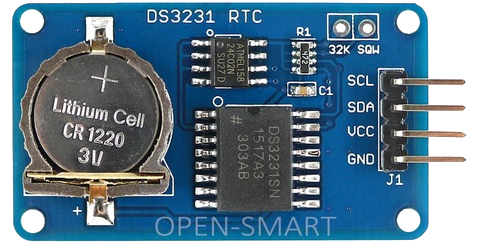
 Design with DS3231 RTC Module with EEPROM in Cirkit Designer
Introduction
The DS3231 is a highly accurate real-time clock (RTC) module designed to maintain time and date information even when the main power supply is disconnected, thanks to its onboard backup battery. It features an integrated EEPROM for non-volatile data storage, making it ideal for applications requiring both timekeeping and persistent data retention. The module communicates via the I2C protocol and includes temperature compensation to ensure consistent accuracy across a wide range of operating conditions.
Explore Projects Built with DS3231 RTC Module with EEPROM
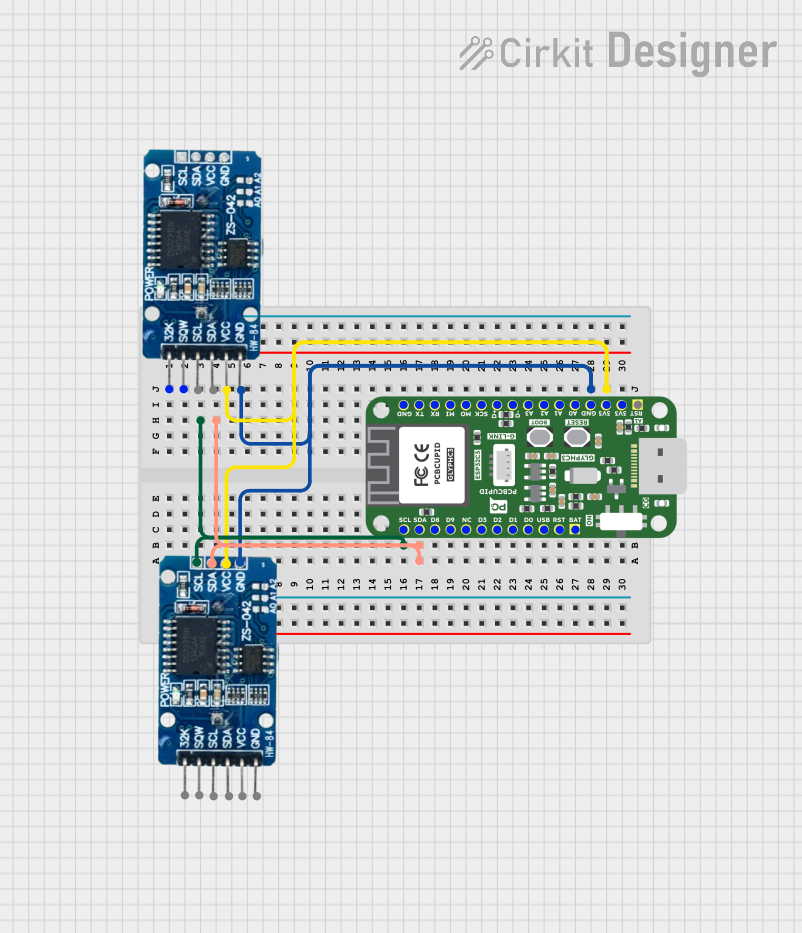 Open Project in Cirkit Designer
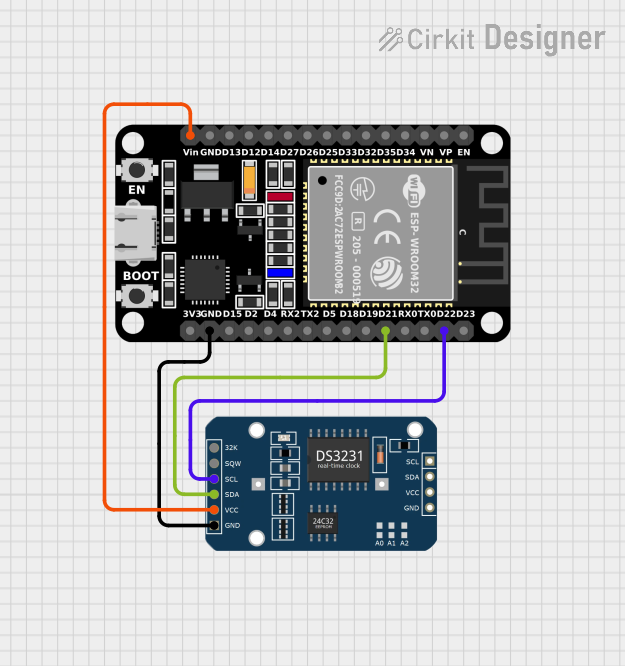 Open Project in Cirkit Designer
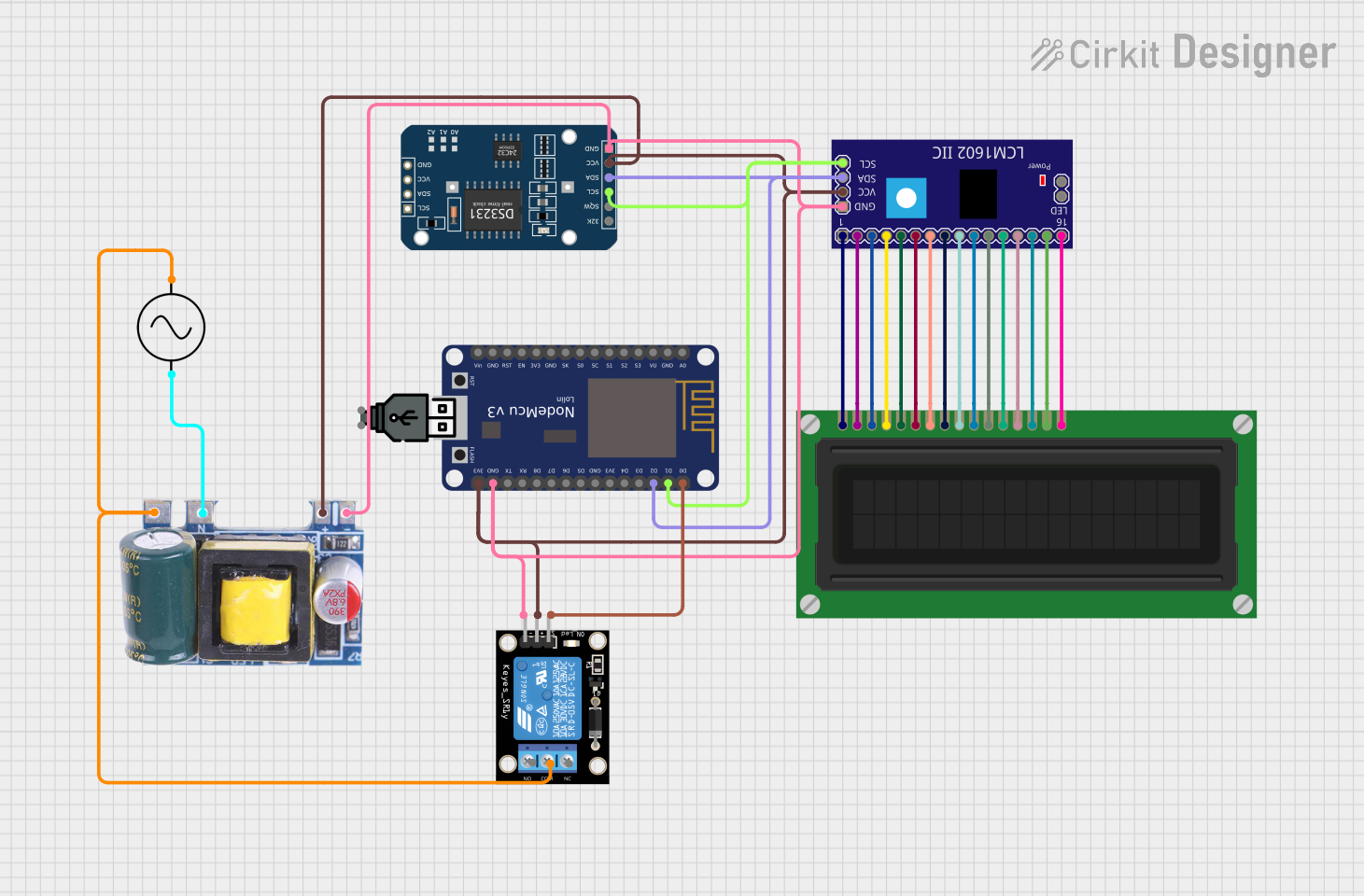 Open Project in Cirkit Designer
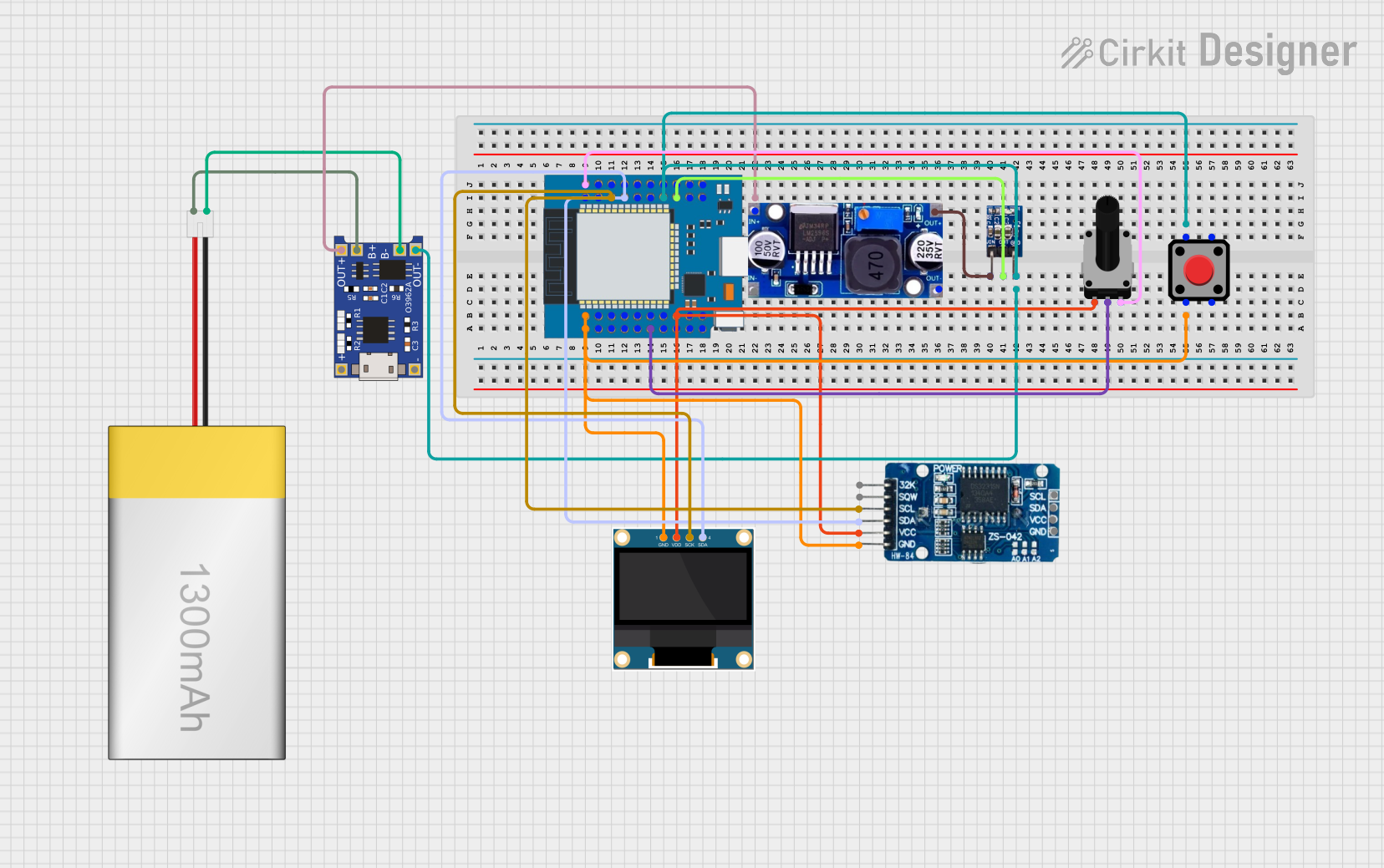 Open Project in Cirkit Designer
Explore Projects Built with DS3231 RTC Module with EEPROM
Open Project in Cirkit DesignerOpen Project in Cirkit DesignerOpen Project in Cirkit DesignerOpen Project in Cirkit DesignerCommon Applications and Use Cases
- Data logging systems
- Alarm clocks and timers
- IoT devices requiring time synchronization
- Event scheduling in embedded systems
- Persistent storage for configuration data or logs
Technical Specifications
Key Technical Details
| Parameter | Specification |
|---|---|
| Supply Voltage | 3.3V to 5.5V |
| Backup Battery Voltage | 2.3V to 3.7V (CR2032 recommended) |
| Timekeeping Accuracy | ±2 ppm from 0°C to +40°C |
| Communication Protocol | I2C (7-bit address: 0x68) |
| EEPROM Capacity | 32 KB (256 Kbit) |
| Operating Temperature Range | -40°C to +85°C |
| Oscillator | Built-in temperature-compensated crystal oscillator (TCXO) |
Pin Configuration and Descriptions
| Pin Name | Pin Number | Description |
|---|---|---|
| GND | 1 | Ground connection |
| VCC | 2 | Power supply (3.3V to 5.5V) |
| SDA | 3 | I2C data line |
| SCL | 4 | I2C clock line |
| SQW | 5 | Square wave output (optional, programmable frequency) |
| 32K | 6 | 32.768 kHz output (optional) |
Usage Instructions
How to Use the DS3231 RTC Module in a Circuit
- Power the Module: Connect the
VCCpin to a 3.3V or 5V power source and theGNDpin to ground. - I2C Communication: Connect the
SDAandSCLpins to the corresponding I2C pins on your microcontroller (e.g., Arduino UNO:A4for SDA andA5for SCL). - Backup Battery: Insert a CR2032 coin cell battery into the battery holder to maintain timekeeping during power loss.
- Optional Outputs: Use the
SQWpin for a programmable square wave signal or the32Kpin for a 32.768 kHz clock signal if required.
Important Considerations and Best Practices
- Ensure pull-up resistors (typically 4.7kΩ) are connected to the
SDAandSCLlines if not already present on the module. - Avoid shorting the backup battery terminals to prevent damage.
- Use a decoupling capacitor (e.g., 0.1 µF) near the
VCCpin to reduce noise. - When using the EEPROM, ensure proper I2C addressing to avoid overwriting critical data.
Example Code for Arduino UNO
Below is an example of how to interface the DS3231 RTC module with an Arduino UNO to read the current time and date:
#include <Wire.h>
#include <RTClib.h> // Install the RTClib library via Arduino Library Manager

RTC_DS3231 rtc; // Create an RTC object

void setup() {
  Serial.begin(9600); // Initialize serial communication
  Wire.begin();       // Initialize I2C communication

  if (!rtc.begin()) {
    Serial.println("Couldn't find RTC module. Check connections.");
    while (1); // Halt execution if RTC is not detected
  }

  if (rtc.lostPower()) {
    Serial.println("RTC lost power, setting the time...");
    // Set the RTC to the current date and time
    rtc.adjust(DateTime(F(__DATE__), F(__TIME__)));
  }
}

void loop() {
  DateTime now = rtc.now(); // Get the current date and time

  // Print the current date and time to the Serial Monitor
  Serial.print(now.year(), DEC);
  Serial.print('/');
  Serial.print(now.month(), DEC);
  Serial.print('/');
  Serial.print(now.day(), DEC);
  Serial.print(" ");
  Serial.print(now.hour(), DEC);
  Serial.print(':');
  Serial.print(now.minute(), DEC);
  Serial.print(':');
  Serial.print(now.second(), DEC);
  Serial.println();

  delay(1000); // Wait for 1 second before updating
}
Notes on the Code
- The
RTCliblibrary simplifies communication with the DS3231 module. - The
rtc.adjust()function sets the RTC to the current system time during the first run or if power is lost. - Modify the code to include additional functionality, such as alarms or EEPROM usage, as needed.
Troubleshooting and FAQs
Common Issues and Solutions
RTC Not Detected
- Cause: Incorrect wiring or missing pull-up resistors on the I2C lines.
- Solution: Double-check the connections and ensure pull-up resistors are in place.
Incorrect Time or Date
- Cause: RTC lost power or was not initialized properly.
- Solution: Use the
rtc.adjust()function to set the correct time and date.
EEPROM Data Corruption
- Cause: Improper I2C addressing or power interruptions during write operations.
- Solution: Verify the I2C address and ensure stable power during EEPROM writes.
Square Wave Output Not Working
- Cause: SQW pin not configured or incorrect frequency setting.
- Solution: Use the appropriate library functions to configure the square wave output.
FAQs
Q: Can the DS3231 module operate without a backup battery?
A: Yes, but it will lose timekeeping functionality when the main power is disconnected.
Q: How accurate is the DS3231 RTC module?
A: The module has an accuracy of ±2 ppm from 0°C to +40°C, equivalent to a drift of about 1 minute per year.
Q: Can I use the EEPROM independently of the RTC?
A: Yes, the EEPROM can be accessed via I2C for general-purpose data storage, independent of the RTC functionality.
Q: What is the maximum I2C clock speed supported by the DS3231?
A: The DS3231 supports I2C clock speeds up to 400 kHz (Fast Mode).