
How to Use Emergency Alarm: Examples, Pinouts, and Specs
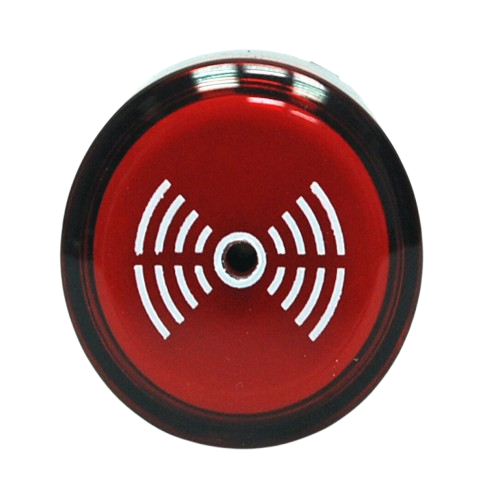
 Design with Emergency Alarm in Cirkit Designer
Introduction
The Emergency Alarm is a device designed to alert individuals to an emergency situation, typically through sound, light, or both. It is a critical component in safety systems, ensuring timely warnings to prompt immediate action or evacuation. Emergency alarms are widely used in residential, commercial, and industrial settings, as well as in vehicles and public spaces.
Explore Projects Built with Emergency Alarm
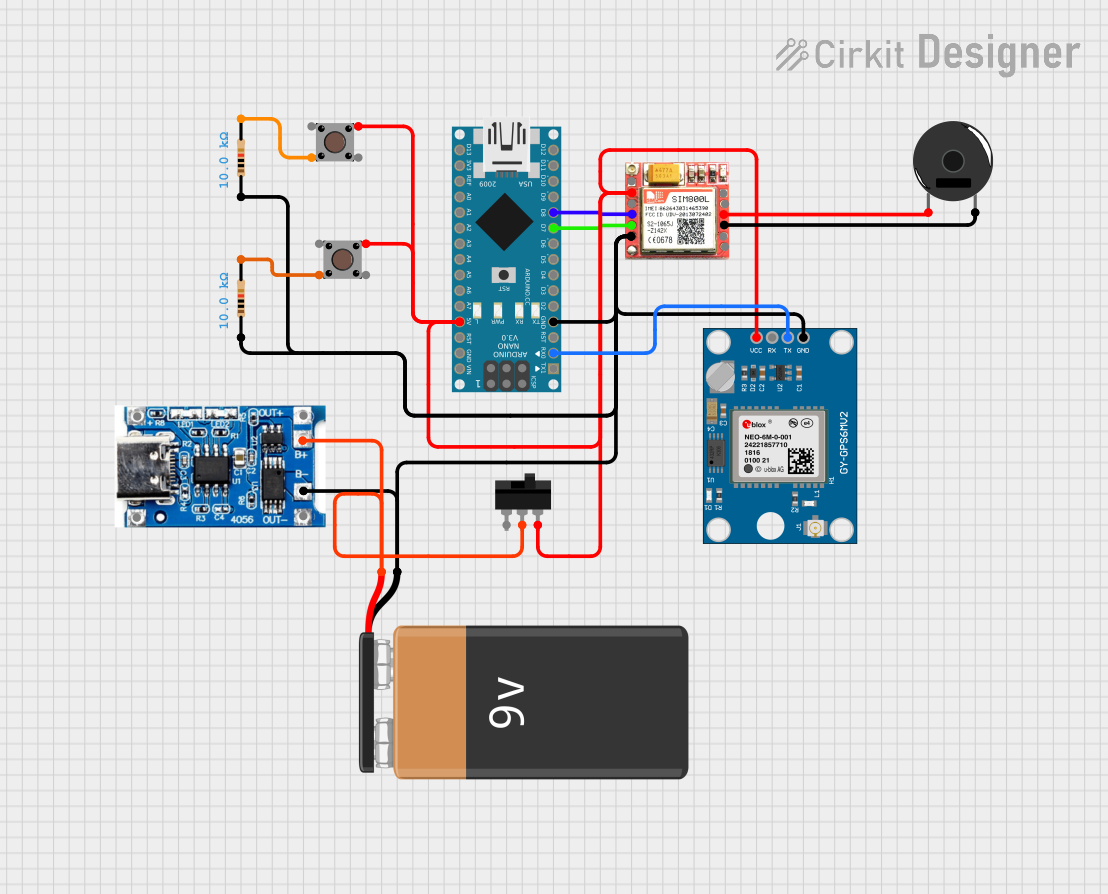 Open Project in Cirkit Designer
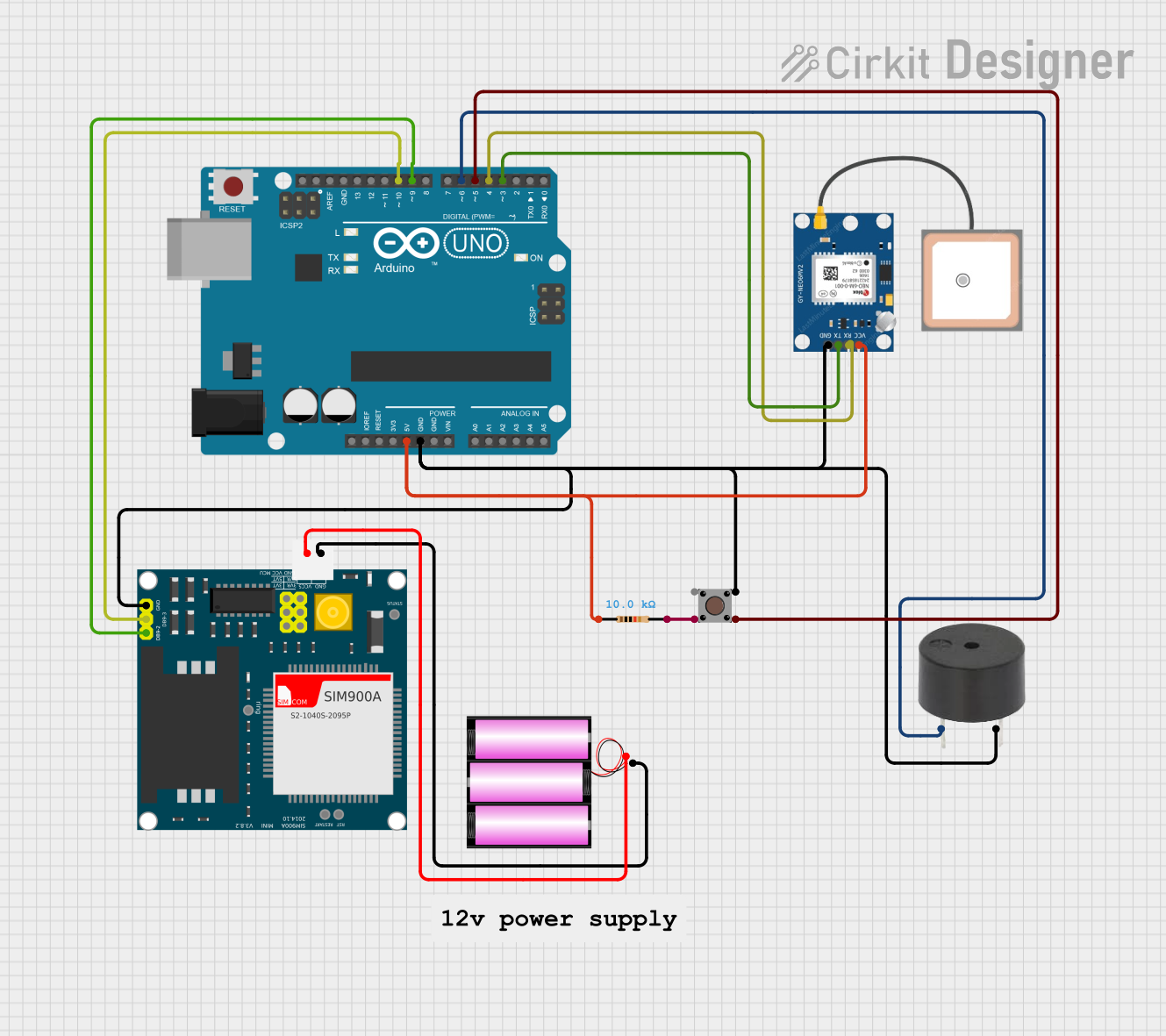 Open Project in Cirkit Designer
 Open Project in Cirkit Designer
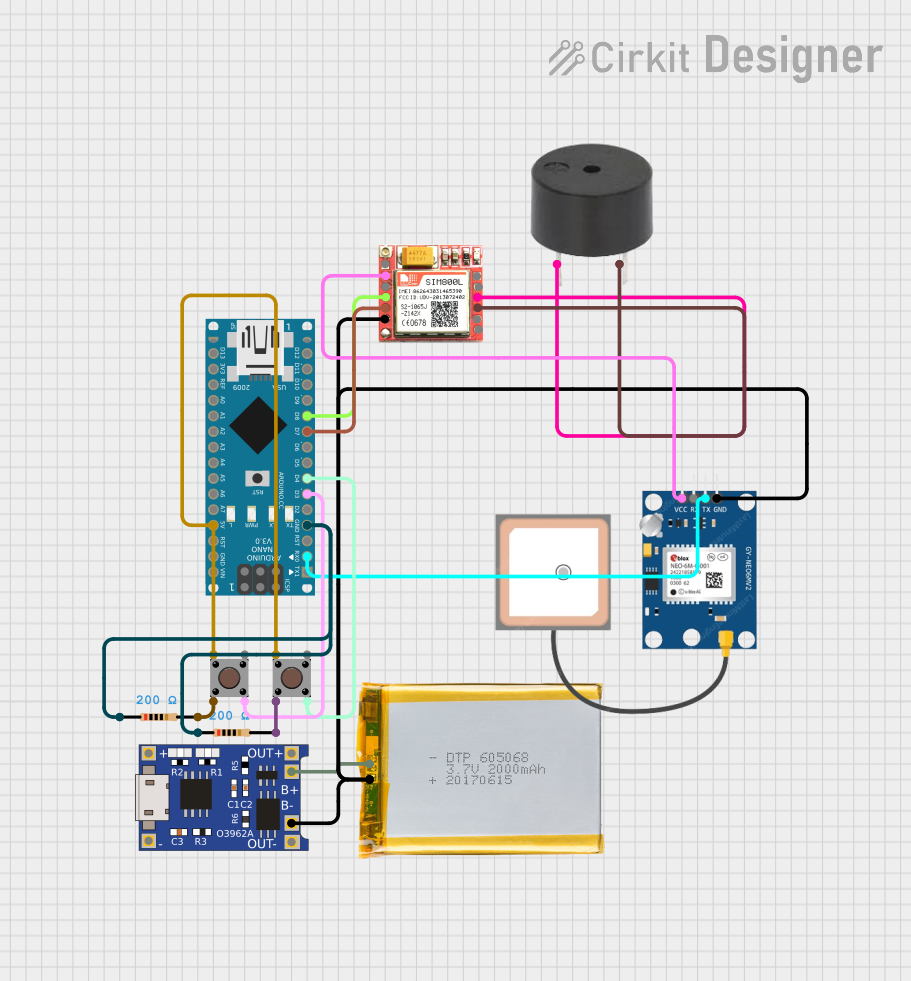 Open Project in Cirkit Designer
Explore Projects Built with Emergency Alarm
Open Project in Cirkit DesignerOpen Project in Cirkit DesignerOpen Project in Cirkit DesignerOpen Project in Cirkit DesignerCommon Applications and Use Cases
- Fire alarm systems in buildings
- Security systems for intrusion detection
- Industrial machinery fault alerts
- Emergency evacuation systems
- Medical alert systems
- Vehicle alarms for collision or theft warnings
Technical Specifications
Key Technical Details
| Parameter | Value/Range |
|---|---|
| Operating Voltage | 5V to 24V DC (varies by model) |
| Current Consumption | 50mA to 200mA (depending on type) |
| Sound Output Level | 85dB to 120dB at 1 meter |
| Light Output (if applicable) | LED or strobe light, 1W to 5W |
| Operating Temperature | -20°C to 60°C |
| Dimensions | Varies by model (e.g., 50mm x 50mm x 30mm) |
| Mounting Type | Wall-mounted or panel-mounted |
Pin Configuration and Descriptions
| Pin Name | Description |
|---|---|
| VCC | Power supply input (5V to 24V DC) |
| GND | Ground connection |
| SIGNAL | Input signal to activate the alarm (HIGH to trigger) |
Usage Instructions
How to Use the Component in a Circuit
- Power Supply: Connect the
VCCpin to a DC power source within the specified voltage range (e.g., 5V or 12V). Connect theGNDpin to the ground of the power source. - Signal Input: Use a microcontroller, switch, or sensor to provide a HIGH signal to the
SIGNALpin to activate the alarm. - Output: When the
SIGNALpin receives a HIGH signal, the alarm will emit sound, light, or both, depending on the model.
Important Considerations and Best Practices
- Voltage Compatibility: Ensure the power supply voltage matches the alarm's operating voltage to avoid damage.
- Current Requirements: Verify that the power source can supply sufficient current for the alarm's operation.
- Signal Input: Use a pull-down resistor on the
SIGNALpin to prevent false triggering due to floating inputs. - Placement: Install the alarm in a location where it can be easily heard and/or seen during an emergency.
- Testing: Periodically test the alarm to ensure it is functioning correctly.
Example: Connecting to an Arduino UNO
Below is an example of how to connect and control an Emergency Alarm using an Arduino UNO:
Circuit Diagram
- Connect the
VCCpin of the alarm to the 5V pin on the Arduino. - Connect the
GNDpin of the alarm to the GND pin on the Arduino. - Connect the
SIGNALpin of the alarm to digital pin 8 on the Arduino.
Arduino Code
// Emergency Alarm Control with Arduino UNO
// This code activates the alarm for 5 seconds when triggered.

const int alarmPin = 8; // Pin connected to the SIGNAL pin of the alarm

void setup() {
  pinMode(alarmPin, OUTPUT); // Set the alarm pin as an output
  digitalWrite(alarmPin, LOW); // Ensure the alarm is off initially
}

void loop() {
  // Example: Trigger the alarm for 5 seconds
  digitalWrite(alarmPin, HIGH); // Activate the alarm
  delay(5000); // Keep the alarm on for 5 seconds
  digitalWrite(alarmPin, LOW); // Deactivate the alarm
  delay(10000); // Wait for 10 seconds before the next activation
}
Troubleshooting and FAQs
Common Issues and Solutions
Alarm Does Not Activate
- Cause: Incorrect wiring or insufficient power supply.
- Solution: Double-check the wiring and ensure the power supply meets the voltage and current requirements.
False Triggering
- Cause: Floating
SIGNALpin or electrical noise. - Solution: Use a pull-down resistor on the
SIGNALpin to stabilize the input.
- Cause: Floating
Low Sound or Light Output
- Cause: Insufficient power supply or damaged components.
- Solution: Verify the power supply voltage and current. Replace the alarm if necessary.
Overheating
- Cause: Prolonged operation or incorrect voltage.
- Solution: Operate the alarm within the specified voltage range and avoid continuous activation for extended periods.
FAQs
Q: Can I use the Emergency Alarm with a 3.3V microcontroller?
A: Yes, but you may need a transistor or relay to step up the signal voltage to match the alarm's operating voltage.
Q: How do I test the alarm without a microcontroller?
A: You can manually connect the SIGNAL pin to the VCC pin using a switch or jumper wire to activate the alarm.
Q: Is the alarm waterproof?
A: Most alarms are not waterproof unless explicitly specified. Check the product's IP rating for outdoor or wet environments.
Q: Can I adjust the sound level of the alarm?
A: Some models may have a built-in potentiometer for sound adjustment. Refer to the specific model's datasheet for details.