
How to Use PZEM-004T: Examples, Pinouts, and Specs
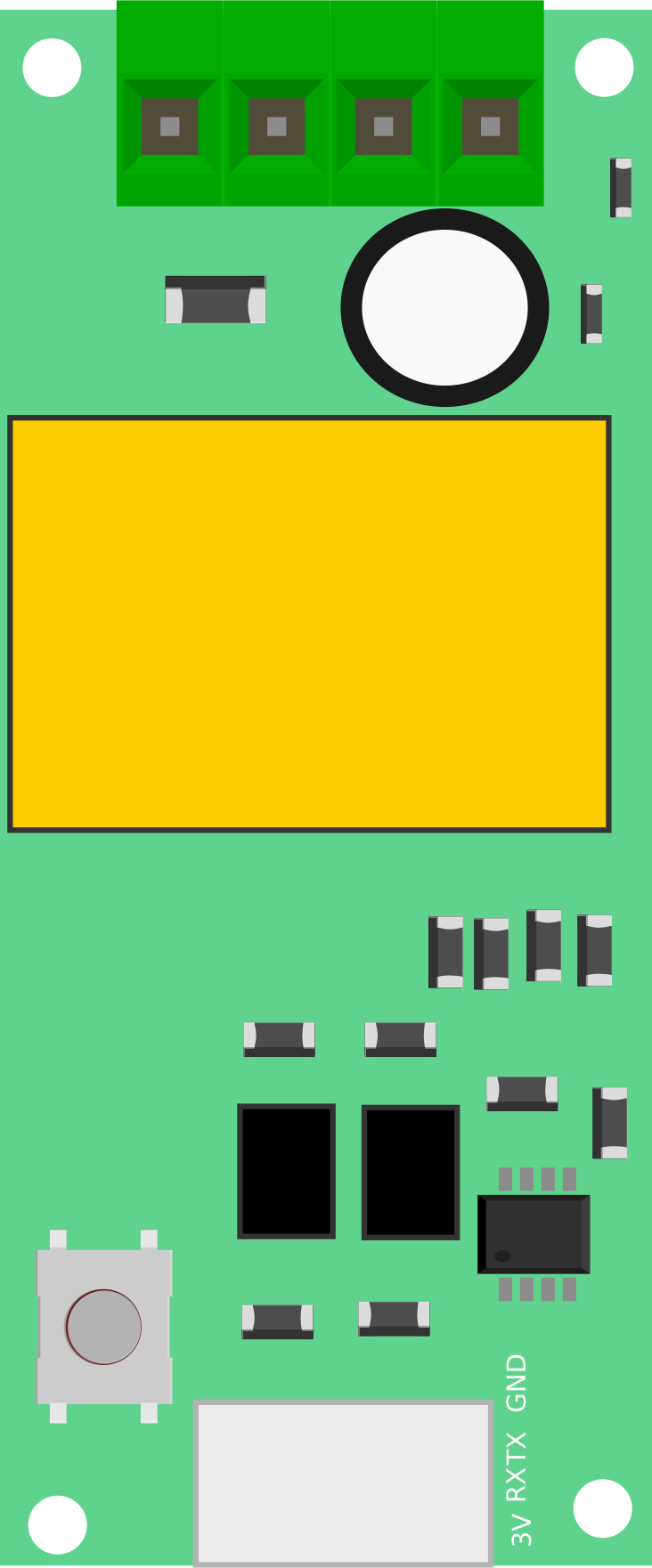
 Design with PZEM-004T in Cirkit Designer
Introduction
The PZEM-004T is a multifunctional energy meter designed for monitoring and measuring key electrical parameters in AC circuits. It can measure voltage, current, power, energy consumption, frequency, and power factor with high accuracy. The module communicates via UART (Universal Asynchronous Receiver-Transmitter), making it easy to interface with microcontrollers and other devices.
This component is widely used in energy monitoring systems, smart home applications, industrial automation, and other projects requiring real-time electrical parameter monitoring.
Explore Projects Built with PZEM-004T
 Open Project in Cirkit Designer
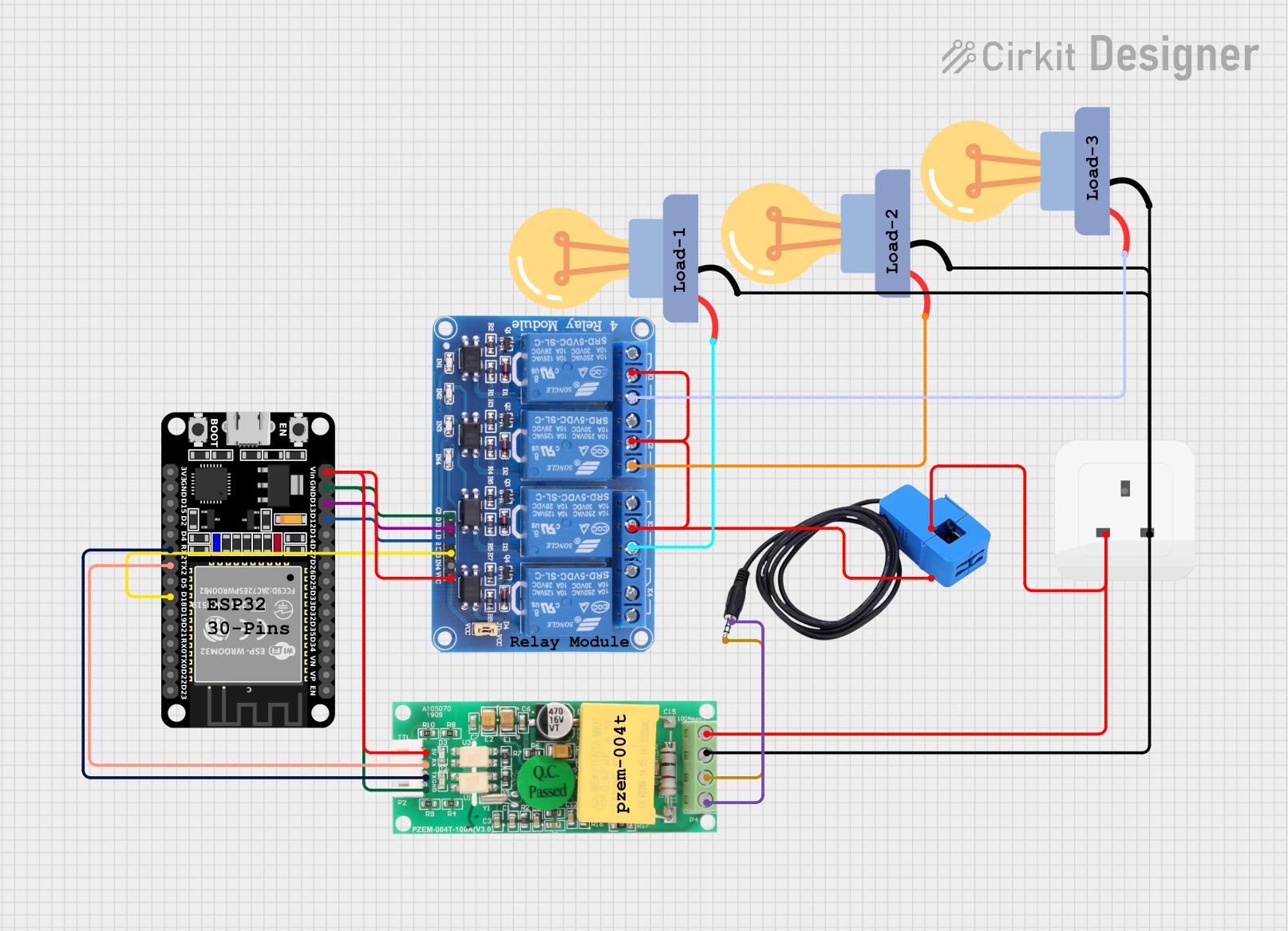 Open Project in Cirkit Designer
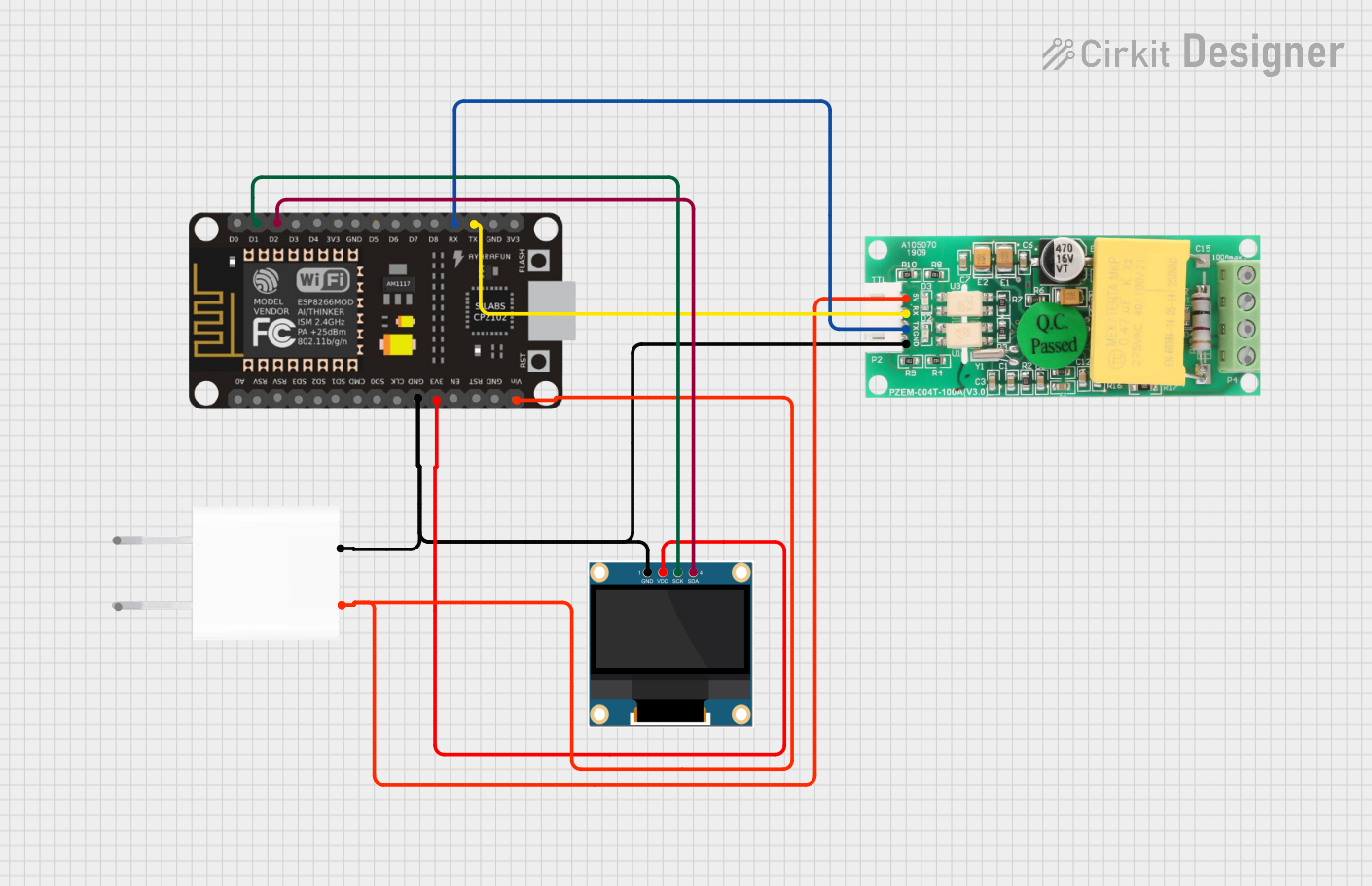 Open Project in Cirkit Designer
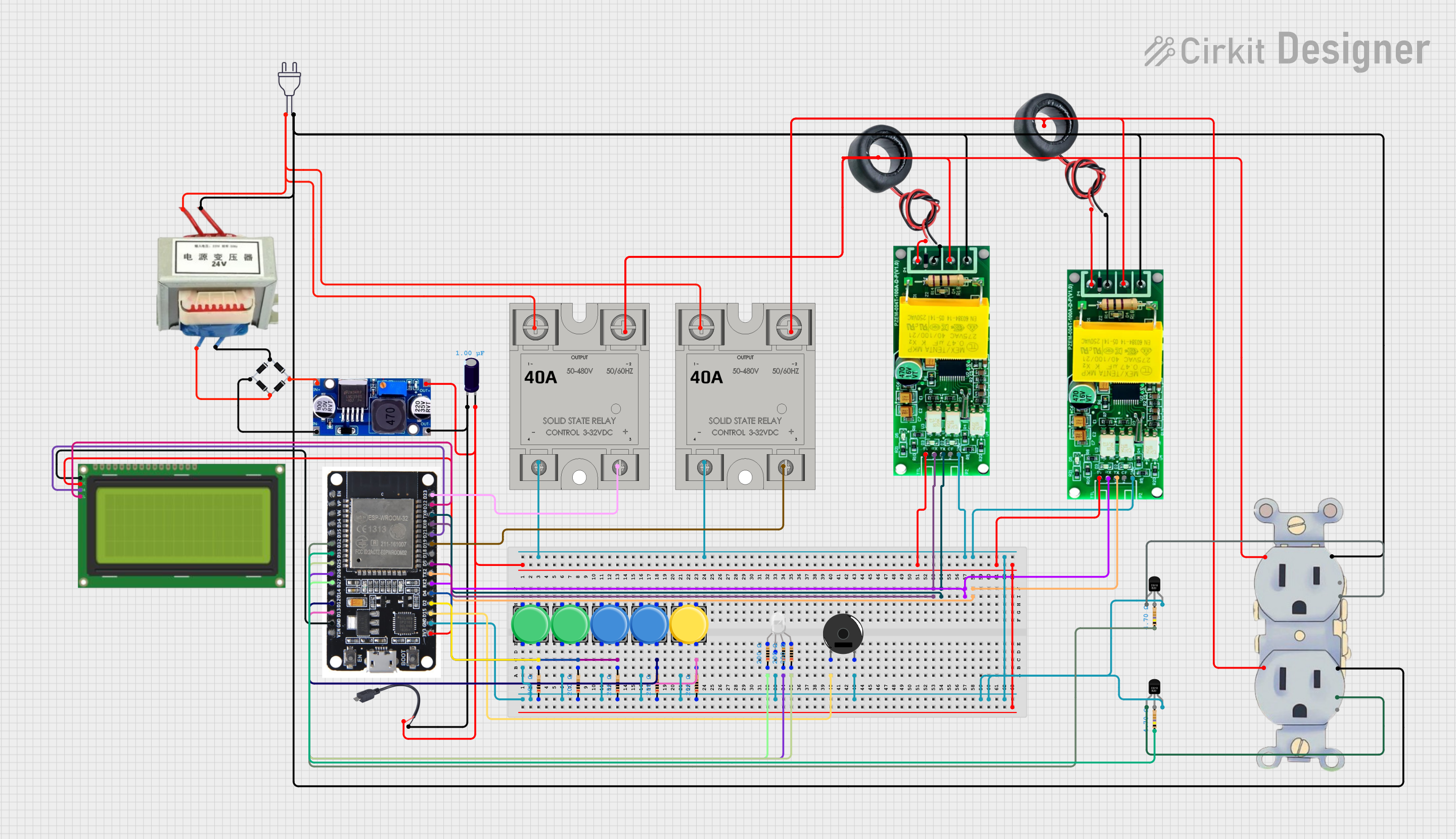 Open Project in Cirkit Designer
Explore Projects Built with PZEM-004T
Open Project in Cirkit DesignerOpen Project in Cirkit DesignerOpen Project in Cirkit DesignerOpen Project in Cirkit DesignerTechnical Specifications
- Voltage Measurement Range: 80V to 260V AC
- Current Measurement Range: 0A to 100A (with external current transformer)
- Power Measurement Range: 0W to 22kW
- Energy Measurement Range: 0kWh to 9999kWh
- Frequency Measurement Range: 45Hz to 65Hz
- Power Factor Range: 0.00 to 1.00
- Communication Interface: UART (9600 baud rate, 8 data bits, 1 stop bit, no parity)
- Power Supply: 5V DC
- Module Dimensions: 48mm x 23mm x 15mm
Pin Configuration and Descriptions
The PZEM-004T module has a 4-pin interface for communication and power, as well as terminals for AC input and the current transformer (CT).
| Pin Name | Description |
|---|---|
| VCC | 5V DC power supply input |
| GND | Ground connection |
| TX | UART Transmit pin (connects to RX of the microcontroller) |
| RX | UART Receive pin (connects to TX of the microcontroller) |
| Terminal Name | Description |
|---|---|
| AC Input | Connects to the live and neutral wires of the AC circuit being measured |
| CT Input | Connects to the external current transformer for current measurement |
Usage Instructions
How to Use the PZEM-004T in a Circuit
- Power the Module: Connect the VCC and GND pins to a 5V DC power source.
- Connect the AC Input: Attach the live and neutral wires of the AC circuit to the AC input terminals of the module.
- Connect the Current Transformer (CT): Place the CT around the live wire of the AC circuit and connect its output to the CT input terminals of the module.
- Establish UART Communication: Connect the TX pin of the PZEM-004T to the RX pin of your microcontroller, and the RX pin of the PZEM-004T to the TX pin of your microcontroller.
- Read Data: Use UART commands to query the module for voltage, current, power, energy, frequency, and power factor readings.
Important Considerations and Best Practices
- Ensure that the AC input connections are secure and insulated to prevent electrical hazards.
- The current transformer should only be placed around the live wire, not both live and neutral wires.
- Avoid exceeding the module's voltage and current measurement ranges to prevent damage.
- Use proper UART communication settings (9600 baud rate, 8N1) to ensure reliable data transmission.
- If using with an Arduino UNO or similar microcontroller, use a software serial library if the hardware UART is already in use.
Example Code for Arduino UNO
Below is an example Arduino sketch to interface with the PZEM-004T and read its measurements:
#include <SoftwareSerial.h>

// Define RX and TX pins for SoftwareSerial
SoftwareSerial pzemSerial(10, 11); // RX = pin 10, TX = pin 11

// UART command to request data from PZEM-004T
byte requestCommand[] = {0xB4, 0xC0, 0xA8, 0x01, 0x01, 0x00, 0x1E};

// Buffer to store response from PZEM-004T
byte response[7];

void setup() {
  Serial.begin(9600); // Initialize Serial Monitor
  pzemSerial.begin(9600); // Initialize SoftwareSerial for PZEM-004T

  Serial.println("PZEM-004T Energy Meter");
}

void loop() {
  // Send request command to PZEM-004T
  pzemSerial.write(requestCommand, sizeof(requestCommand));

  // Wait for response
  delay(100);

  // Read response from PZEM-004T
  if (pzemSerial.available() >= 7) {
    for (int i = 0; i < 7; i++) {
      response[i] = pzemSerial.read();
    }

    // Extract voltage, current, and power from response
    float voltage = (response[0] << 8 | response[1]) / 10.0; // Voltage in volts
    float current = (response[2] << 8 | response[3]) / 1000.0; // Current in amps
    float power = (response[4] << 8 | response[5]) / 10.0; // Power in watts

    // Print measurements to Serial Monitor
    Serial.print("Voltage: ");
    Serial.print(voltage);
    Serial.println(" V");

    Serial.print("Current: ");
    Serial.print(current);
    Serial.println(" A");

    Serial.print("Power: ");
    Serial.print(power);
    Serial.println(" W");

    Serial.println("-----------------------");
  }

  delay(1000); // Wait 1 second before next reading
}
Troubleshooting and FAQs
Common Issues
No Data Received from the Module
- Ensure the UART connections (TX and RX) are correctly wired.
- Verify that the baud rate and UART settings match the module's specifications.
- Check the power supply to ensure the module is receiving 5V DC.
Incorrect or Fluctuating Measurements
- Ensure the current transformer is properly clamped around the live wire.
- Verify that the AC input connections are secure and free from interference.
- Avoid using the module in circuits with high-frequency noise or harmonics.
Module Not Powering On
- Check the VCC and GND connections.
- Ensure the power supply provides a stable 5V DC output.
FAQs
Q: Can the PZEM-004T measure DC circuits?
A: No, the PZEM-004T is designed specifically for AC circuits and cannot measure DC voltage or current.
Q: Can I use multiple PZEM-004T modules with a single microcontroller?
A: Yes, you can use multiple modules by assigning unique addresses to each module and connecting them to different UART ports or using a multiplexer.
Q: What is the maximum distance for UART communication?
A: The maximum reliable distance for UART communication depends on the baud rate and cable quality, but it is typically around 15 meters for 9600 baud.
Q: How do I reset the energy reading to zero?
A: The energy reading can be reset by sending a specific UART command to the module. Refer to the module's datasheet for the reset command.