
How to Use OUTSEAL PLC V2: Examples, Pinouts, and Specs
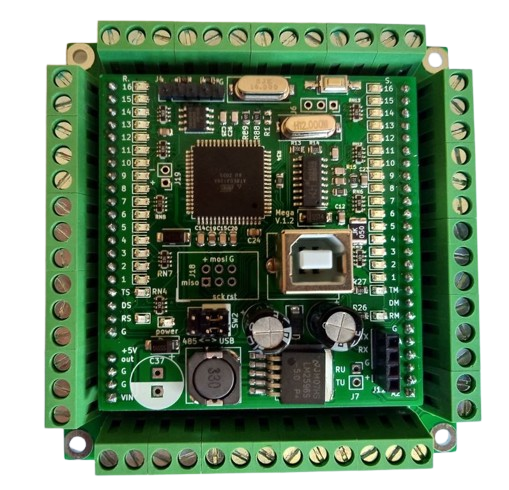
 Design with OUTSEAL PLC V2 in Cirkit Designer
Introduction
The OUTSEAL PLC V2 is a programmable logic controller (PLC) designed for industrial automation applications. It is engineered with robust sealing to protect against environmental factors such as dust, moisture, and temperature extremes, making it ideal for use in harsh industrial conditions. This PLC supports flexible programming and seamless integration with a wide range of sensors and actuators, enabling efficient control of machinery and processes. Its durability and versatility make it a reliable choice for automating complex systems in manufacturing, energy, and other industries.
Explore Projects Built with OUTSEAL PLC V2
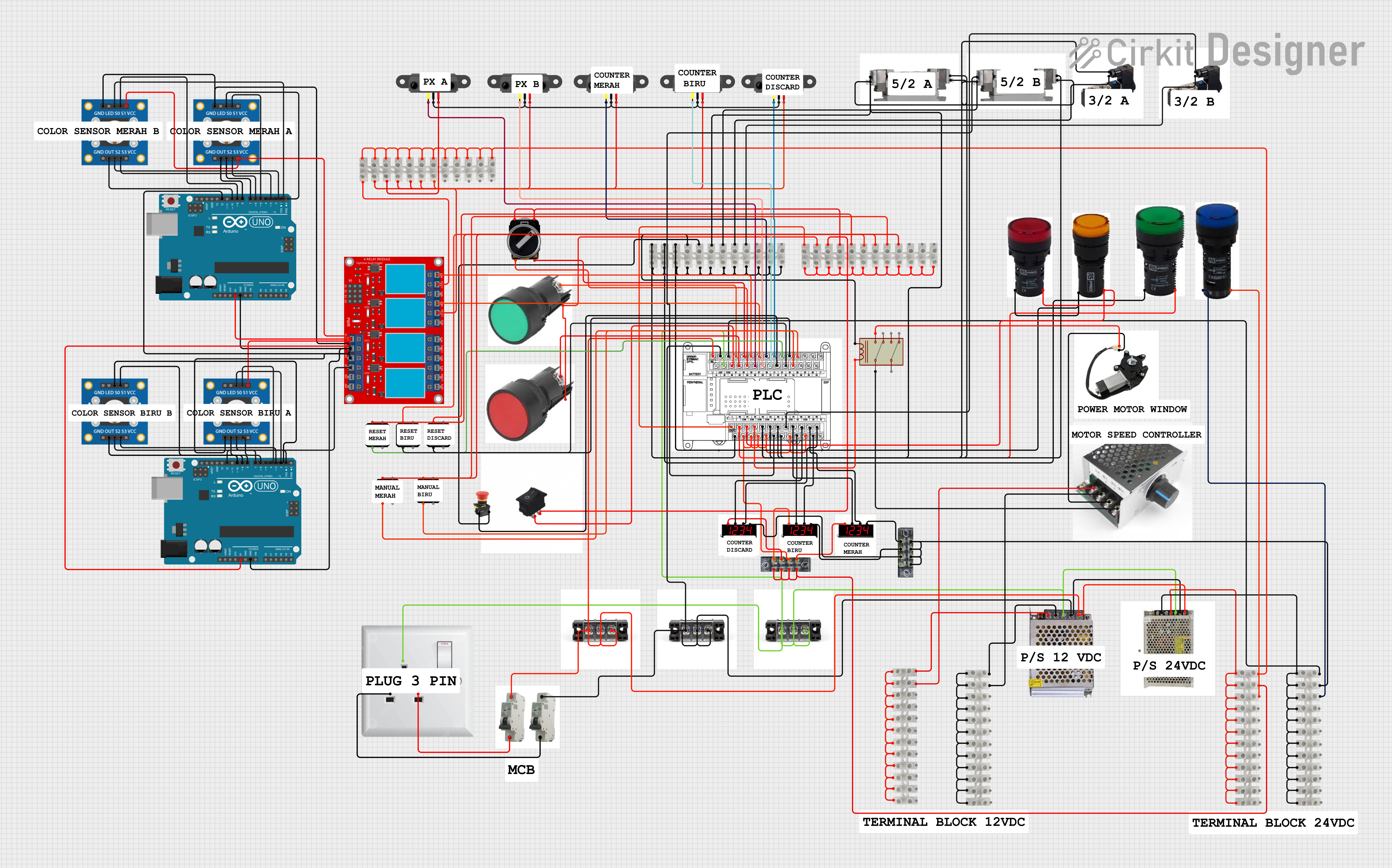 Open Project in Cirkit Designer
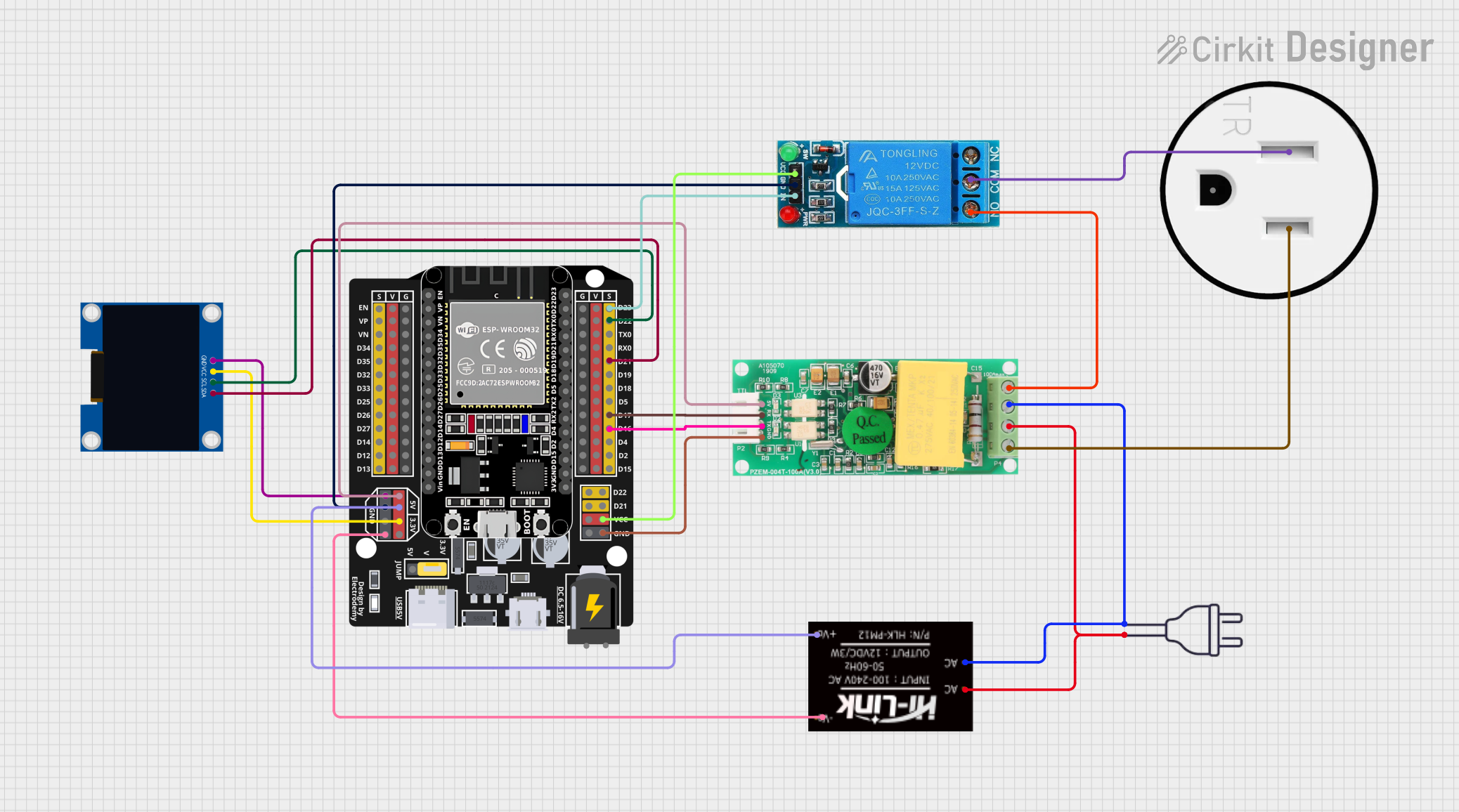 Open Project in Cirkit Designer
 Open Project in Cirkit Designer
 Open Project in Cirkit Designer
Explore Projects Built with OUTSEAL PLC V2
Open Project in Cirkit DesignerOpen Project in Cirkit DesignerOpen Project in Cirkit DesignerOpen Project in Cirkit DesignerCommon Applications and Use Cases
- Industrial machinery control
- Process automation in manufacturing plants
- Monitoring and controlling environmental systems (e.g., HVAC)
- Integration with sensors for data acquisition and analysis
- Automation in energy production and distribution systems
Technical Specifications
Key Technical Details
- Power Supply Voltage: 24V DC
- Input Channels: 8 digital inputs (24V logic)
- Output Channels: 8 digital outputs (relay-based, max 2A per channel)
- Communication Protocols: Modbus RTU, RS-485
- Programming Interface: USB and RS-232
- Operating Temperature Range: -20°C to 60°C
- Ingress Protection Rating: IP67 (dust-tight and waterproof)
- Memory: 128 KB program memory, 64 KB data memory
- Cycle Time: 1 ms per 1,000 instructions
- Dimensions: 150mm x 100mm x 50mm
- Mounting: DIN rail or panel mount
Pin Configuration and Descriptions
Input Channels
| Pin Number | Label | Description |
|---|---|---|
| 1 | IN1 | Digital input channel 1 (24V logic) |
| 2 | IN2 | Digital input channel 2 (24V logic) |
| 3 | IN3 | Digital input channel 3 (24V logic) |
| 4 | IN4 | Digital input channel 4 (24V logic) |
| 5 | IN5 | Digital input channel 5 (24V logic) |
| 6 | IN6 | Digital input channel 6 (24V logic) |
| 7 | IN7 | Digital input channel 7 (24V logic) |
| 8 | IN8 | Digital input channel 8 (24V logic) |
Output Channels
| Pin Number | Label | Description |
|---|---|---|
| 9 | OUT1 | Digital output channel 1 (relay) |
| 10 | OUT2 | Digital output channel 2 (relay) |
| 11 | OUT3 | Digital output channel 3 (relay) |
| 12 | OUT4 | Digital output channel 4 (relay) |
| 13 | OUT5 | Digital output channel 5 (relay) |
| 14 | OUT6 | Digital output channel 6 (relay) |
| 15 | OUT7 | Digital output channel 7 (relay) |
| 16 | OUT8 | Digital output channel 8 (relay) |
Power and Communication
| Pin Number | Label | Description |
|---|---|---|
| 17 | V+ | Positive power supply (24V DC) |
| 18 | GND | Ground |
| 19 | RS485+ | RS-485 communication line (positive) |
| 20 | RS485- | RS-485 communication line (negative) |
| 21 | USB | USB programming interface |
| 22 | RS232_TX | RS-232 transmit line |
| 23 | RS232_RX | RS-232 receive line |
Usage Instructions
How to Use the OUTSEAL PLC V2 in a Circuit
- Power Connection: Connect a 24V DC power supply to the V+ and GND pins.
- Input Connections: Wire the digital input devices (e.g., sensors, switches) to the IN1-IN8 pins. Ensure the input devices operate at 24V logic levels.
- Output Connections: Connect the digital output devices (e.g., relays, actuators) to the OUT1-OUT8 pins. Ensure the load on each output does not exceed 2A.
- Programming: Use the USB or RS-232 interface to upload your control program to the PLC. Compatible programming software is required (refer to the manufacturer's documentation for supported software).
- Communication: For networked applications, connect the RS-485 lines to the appropriate communication bus.
Important Considerations and Best Practices
- Ensure the power supply voltage is stable and within the specified range (24V DC ±10%).
- Use proper shielding and grounding for communication lines to minimize noise interference.
- Avoid exceeding the maximum current rating (2A) for each output channel to prevent damage.
- Mount the PLC in a well-ventilated area to avoid overheating, especially in high-temperature environments.
- Regularly inspect and clean the PLC to maintain its IP67 protection rating.
Example Code for Arduino UNO Integration
The OUTSEAL PLC V2 can be controlled via Modbus RTU using an Arduino UNO. Below is an example code snippet for reading input states and controlling outputs:
#include <ModbusMaster.h>

// Create ModbusMaster object
ModbusMaster node;

void setup() {
  Serial.begin(9600); // Initialize serial communication
  node.begin(1, Serial); // Set Modbus slave ID to 1 and use Serial for communication
}

void loop() {
  uint8_t result;
  uint16_t data;

  // Read digital inputs (address 0x0000)
  result = node.readDiscreteInputs(0x0000, 8);
  if (result == node.ku8MBSuccess) {
    data = node.getResponseBuffer(0x00); // Get input states
    Serial.print("Input States: ");
    Serial.println(data, BIN); // Print input states in binary
  }

  // Write to digital outputs (address 0x0000)
  result = node.writeSingleCoil(0x0000, HIGH); // Set output 1 to HIGH
  if (result == node.ku8MBSuccess) {
    Serial.println("Output 1 set to HIGH");
  }

  delay(1000); // Wait 1 second before next operation
}
Notes:
- Use a Modbus library (e.g., ModbusMaster) for Arduino to communicate with the PLC.
- Ensure proper wiring between the Arduino and the PLC's RS-485 interface using an RS-485 transceiver module.
Troubleshooting and FAQs
Common Issues and Solutions
PLC Not Powering On
- Cause: Incorrect power supply voltage or loose connections.
- Solution: Verify the power supply voltage is 24V DC and check all connections.
Inputs Not Responding
- Cause: Faulty wiring or incompatible input devices.
- Solution: Check the wiring and ensure the input devices operate at 24V logic levels.
Outputs Not Activating
- Cause: Overloaded output channels or incorrect programming.
- Solution: Ensure the load on each output does not exceed 2A and verify the control program.
Communication Failure
- Cause: Incorrect baud rate or wiring issues.
- Solution: Verify the baud rate settings and check the RS-485/RS-232 connections.
FAQs
Q: Can the OUTSEAL PLC V2 be used outdoors?
- A: Yes, its IP67 rating ensures protection against dust and water, making it suitable for outdoor use.
Q: What programming languages are supported?
- A: The PLC supports ladder logic and structured text programming.
Q: Can I expand the number of inputs and outputs?
- A: Yes, additional I/O modules can be connected via the RS-485 interface.
Q: Is the PLC compatible with SCADA systems?
- A: Yes, it supports Modbus RTU, which is widely used in SCADA systems.