
How to Use PZEM004T.V4-2: Examples, Pinouts, and Specs
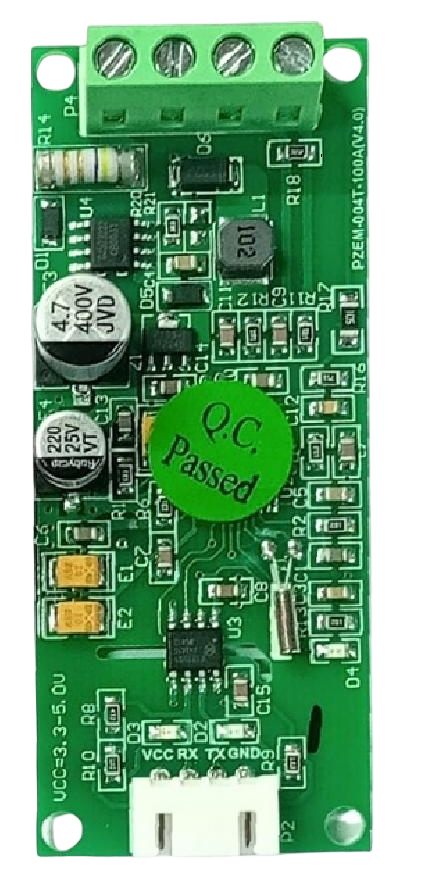
 Design with PZEM004T.V4-2 in Cirkit Designer
Introduction
The PZEM004T.V4-2, manufactured by Peacefair, is a multifunctional energy meter designed for monitoring and managing energy consumption in AC circuits. This compact module measures key electrical parameters, including voltage, current, power, energy, and frequency, and provides real-time data via a digital display or UART communication interface. Its versatility makes it ideal for applications such as home energy monitoring, industrial equipment diagnostics, and renewable energy systems.
Explore Projects Built with PZEM004T.V4-2
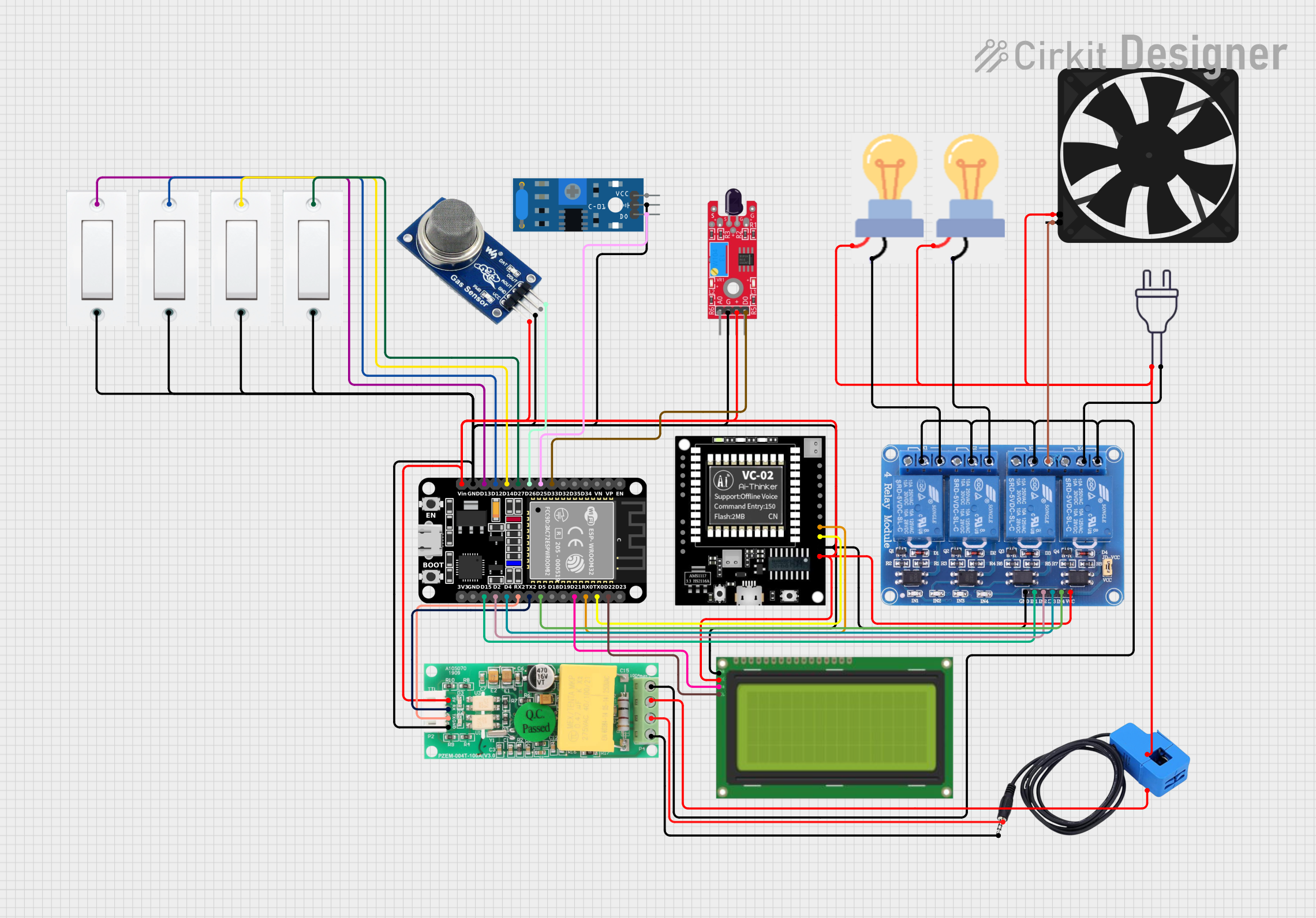 Open Project in Cirkit Designer
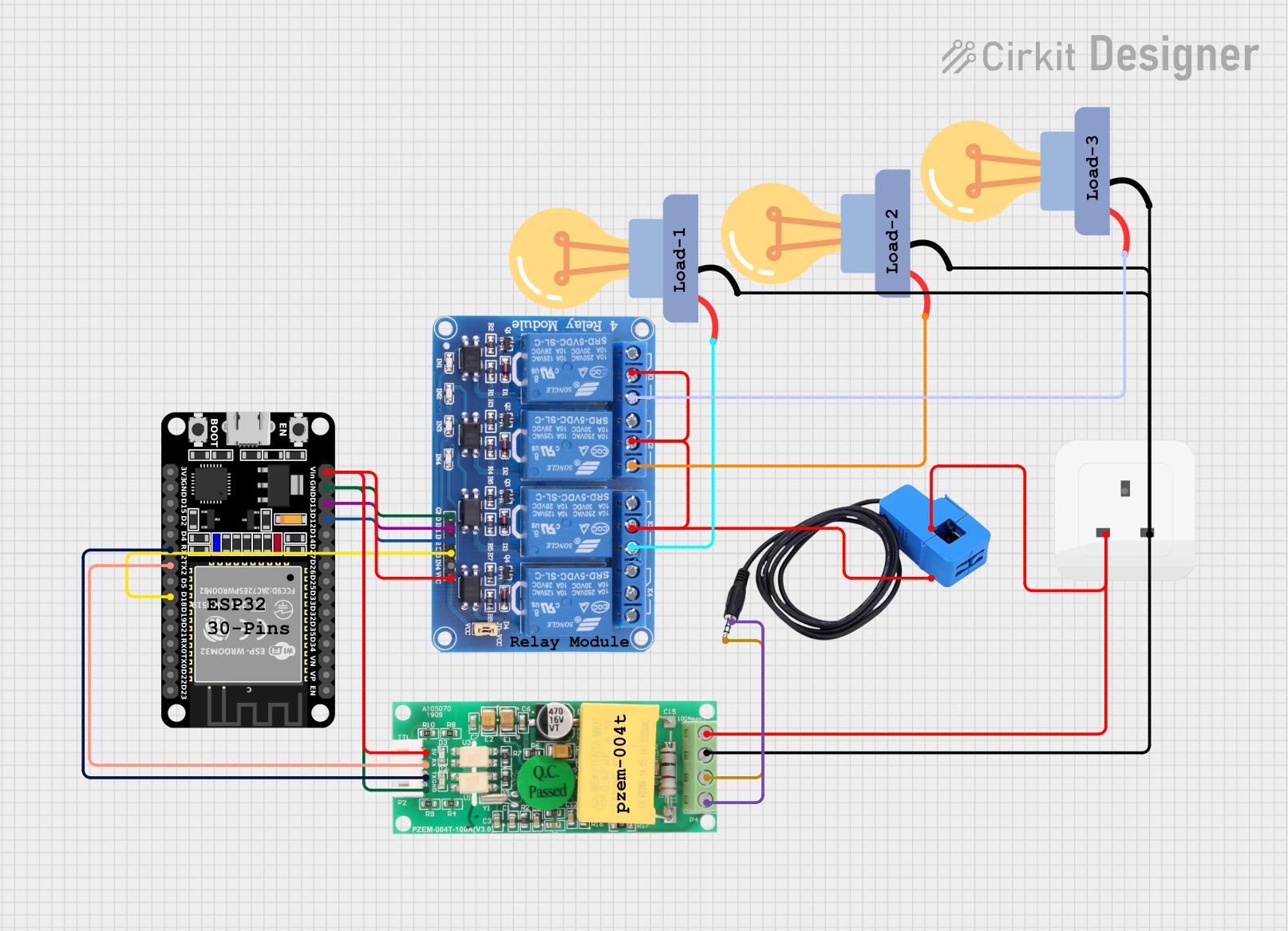 Open Project in Cirkit Designer
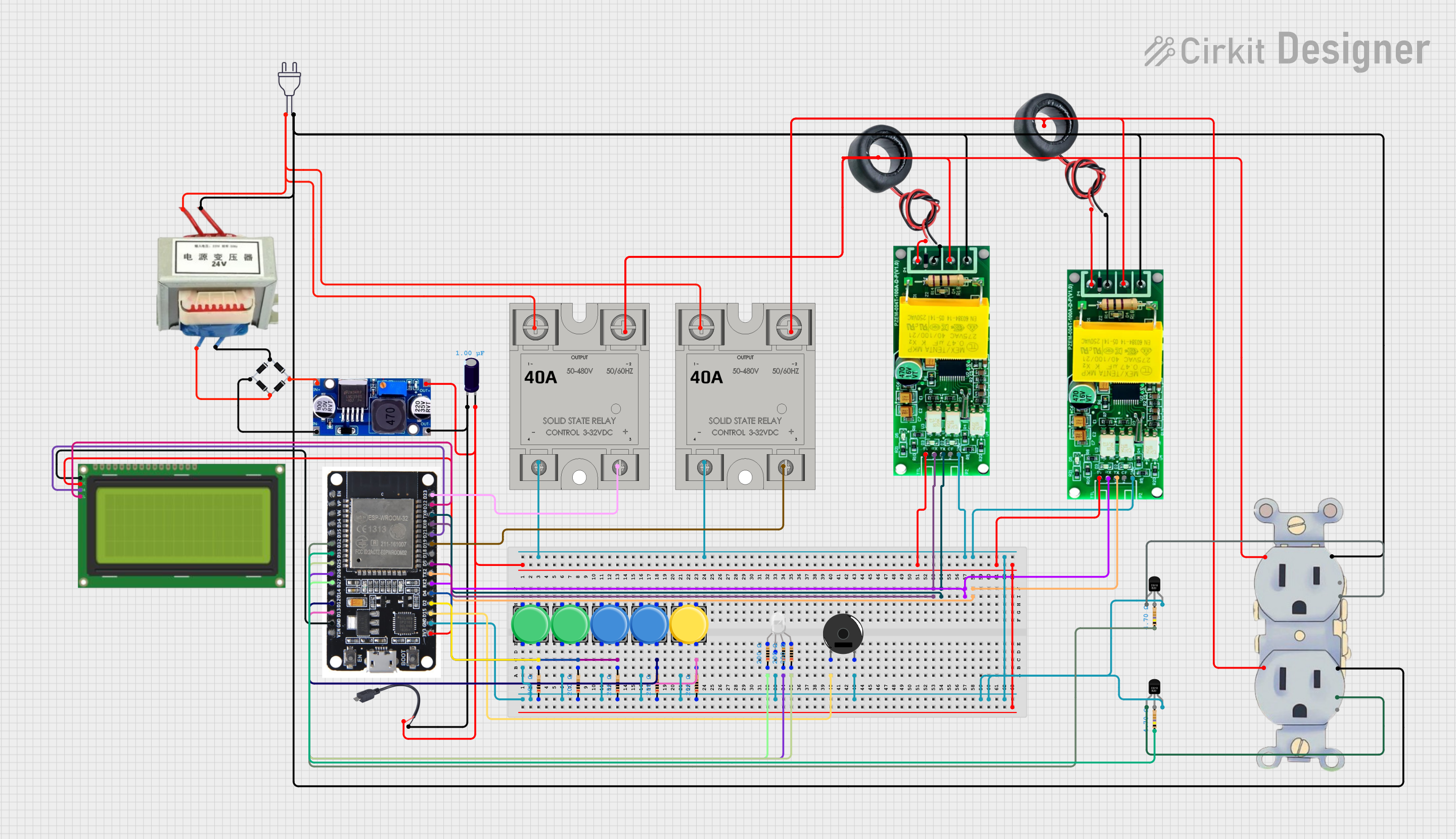 Open Project in Cirkit Designer
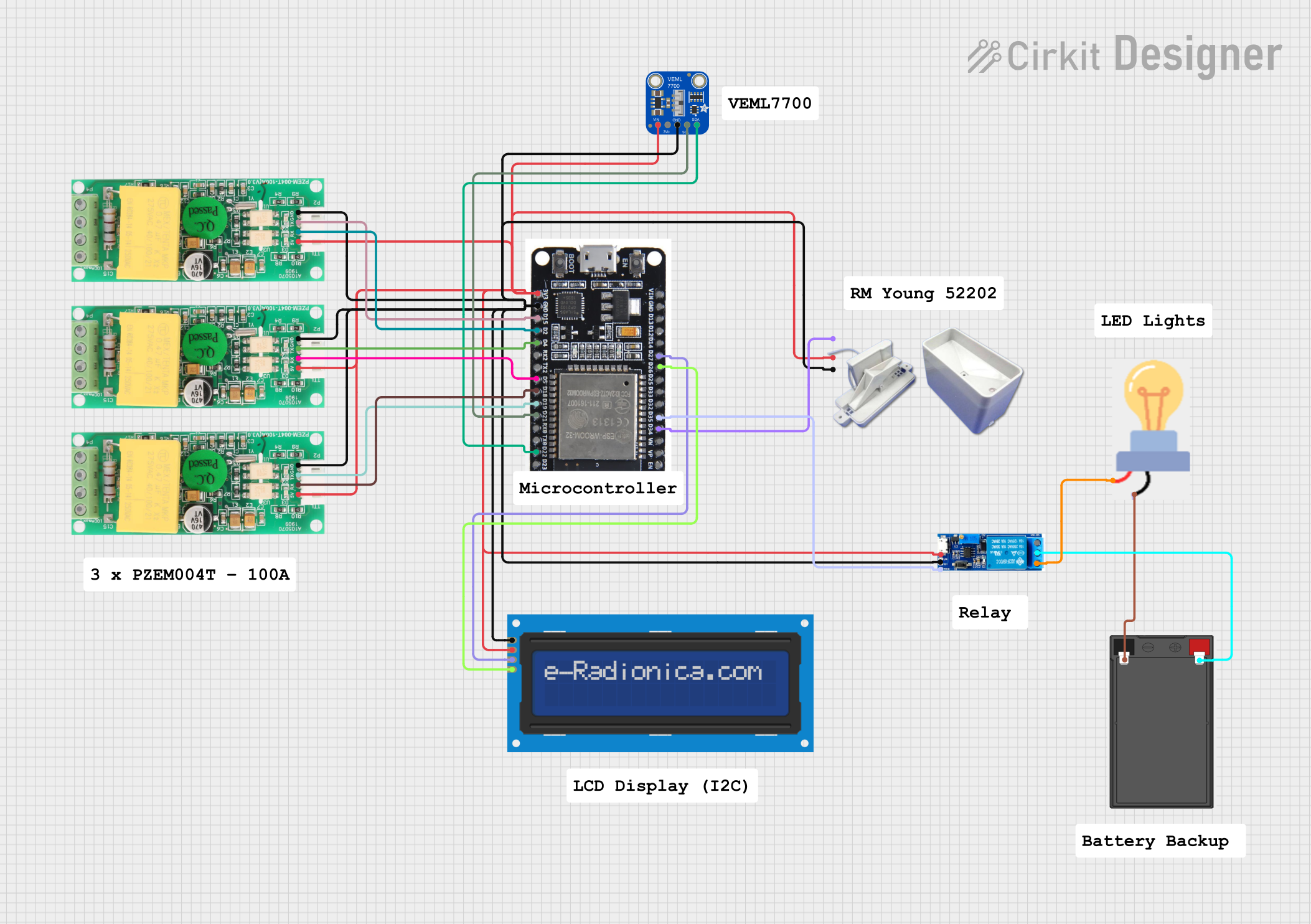 Open Project in Cirkit Designer
Explore Projects Built with PZEM004T.V4-2
Open Project in Cirkit DesignerOpen Project in Cirkit DesignerOpen Project in Cirkit DesignerOpen Project in Cirkit DesignerCommon Applications
- Home energy monitoring systems
- Industrial equipment diagnostics
- Renewable energy systems (e.g., solar inverters)
- Smart energy management solutions
- Educational and research projects
Technical Specifications
Key Specifications
| Parameter | Value |
|---|---|
| Operating Voltage | 80V - 260V AC |
| Measurable Voltage | 80V - 260V AC |
| Measurable Current | 0A - 100A (with external CT) |
| Power Measurement Range | 0W - 22kW |
| Energy Measurement Range | 0kWh - 9999kWh |
| Frequency Range | 45Hz - 65Hz |
| Communication Interface | UART (9600 baud rate) |
| Accuracy | ±0.5% |
| Operating Temperature | -10°C to 60°C |
| Dimensions | 70mm x 40mm x 20mm |
Pin Configuration
The PZEM004T.V4-2 module has a 4-pin interface for UART communication and power connections. Below is the pinout description:
| Pin Number | Pin Name | Description |
|---|---|---|
| 1 | VCC | Power supply input (5V DC) |
| 2 | GND | Ground connection |
| 3 | RX | UART Receive pin (connect to TX of microcontroller) |
| 4 | TX | UART Transmit pin (connect to RX of microcontroller) |
Usage Instructions
Connecting the PZEM004T.V4-2
- Power Supply: Connect the
VCCpin to a 5V DC power source and theGNDpin to ground. - UART Communication: Connect the
RXpin of the module to theTXpin of your microcontroller (e.g., Arduino UNO) and theTXpin of the module to theRXpin of the microcontroller. - Current Transformer (CT): Attach the included current transformer (CT) to the load wire you wish to monitor. Ensure the CT is properly oriented for accurate readings.
- AC Voltage Input: Connect the AC voltage input terminals to the live and neutral wires of the circuit you want to monitor. Exercise caution when handling high-voltage connections.
Important Considerations
- Safety First: Always disconnect power before wiring the module to avoid electric shock.
- CT Placement: Ensure the current transformer is clamped around only one conductor (live or neutral) and not both.
- UART Communication: Use a logic level converter if interfacing with a 3.3V microcontroller to avoid damaging the module.
- Baud Rate: The default UART baud rate is 9600. Ensure your microcontroller is configured to match this.
Example: Using with Arduino UNO
Below is an example Arduino sketch to read data from the PZEM004T.V4-2 module:
#include <SoftwareSerial.h>

// Define RX and TX pins for SoftwareSerial
SoftwareSerial pzemSerial(10, 11); // RX = Pin 10, TX = Pin 11

void setup() {
  Serial.begin(9600); // Initialize Serial Monitor
  pzemSerial.begin(9600); // Initialize communication with PZEM004T

  Serial.println("PZEM004T.V4-2 Energy Meter Example");
}

void loop() {
  // Request data from the PZEM004T module
  byte request[] = {0xB0, 0xC0, 0xA8, 0x01, 0x01, 0x01, 0x00, 0x1A};
  pzemSerial.write(request, sizeof(request));

  delay(100); // Wait for the module to respond

  // Read response from the module
  byte response[32];
  int len = pzemSerial.readBytes(response, sizeof(response));

  if (len > 0) {
    Serial.print("Received Data: ");
    for (int i = 0; i < len; i++) {
      Serial.print(response[i], HEX);
      Serial.print(" ");
    }
    Serial.println();
  } else {
    Serial.println("No response from PZEM004T");
  }

  delay(1000); // Wait 1 second before the next request
}
Note: The above code demonstrates basic communication with the module. For detailed data parsing, refer to the PZEM004T.V4-2 protocol documentation.
Troubleshooting and FAQs
Common Issues
No Data Received via UART
- Cause: Incorrect wiring or mismatched baud rate.
- Solution: Double-check the RX/TX connections and ensure the baud rate is set to 9600.
Inaccurate Measurements
- Cause: Improper CT placement or loose connections.
- Solution: Ensure the CT is clamped around a single conductor and verify all connections are secure.
Module Not Powering On
- Cause: Insufficient power supply.
- Solution: Verify the
VCCpin is receiving a stable 5V DC supply.
High Noise in Readings
- Cause: Electrical noise in the circuit.
- Solution: Use proper shielding and grounding techniques to minimize noise.
FAQs
Q1: Can the PZEM004T.V4-2 measure DC circuits?
No, the module is designed specifically for AC circuits and cannot measure DC voltage or current.
Q2: What is the maximum current the module can measure?
The module can measure up to 100A using the included current transformer.
Q3: Can I use the module with a 3.3V microcontroller?
Yes, but you must use a logic level converter to safely interface the 5V UART pins with a 3.3V microcontroller.
Q4: How do I reset the energy counter?
The energy counter can be reset via a specific UART command. Refer to the protocol documentation for details.
This concludes the documentation for the PZEM004T.V4-2 energy meter. For further assistance, consult the manufacturer's datasheet or contact Peacefair support.