
How to Use AOZ3013PI Buck Regulator (Breadboard Adapter): Examples, Pinouts, and Specs
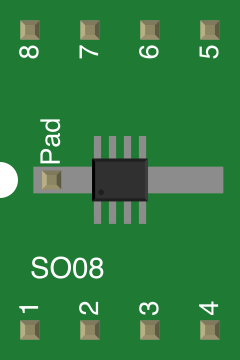
 Design with AOZ3013PI Buck Regulator (Breadboard Adapter) in Cirkit Designer
Introduction
The AOZ3013PI is a high-efficiency, synchronous buck regulator manufactured by Alpha & Omega Semiconductor. It is designed for step-down voltage conversion, making it ideal for applications requiring a stable and efficient power supply. The component is particularly suited for breadboard applications due to its compact design and ease of use. It is commonly used to power microcontrollers, sensors, and other low-voltage devices in embedded systems.
Explore Projects Built with AOZ3013PI Buck Regulator (Breadboard Adapter)
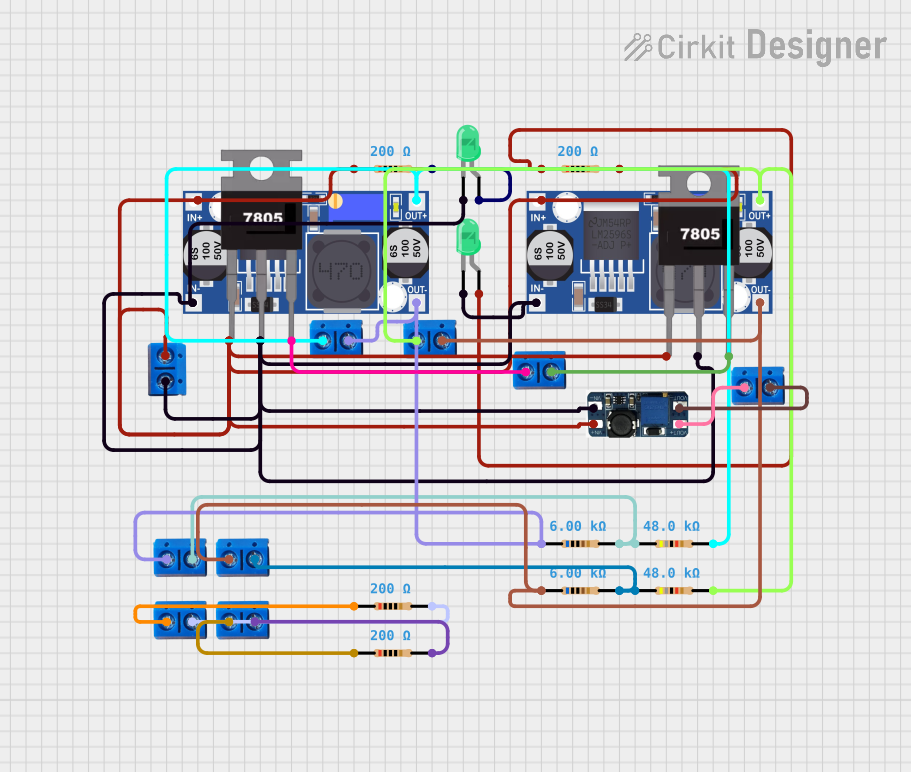 Open Project in Cirkit Designer
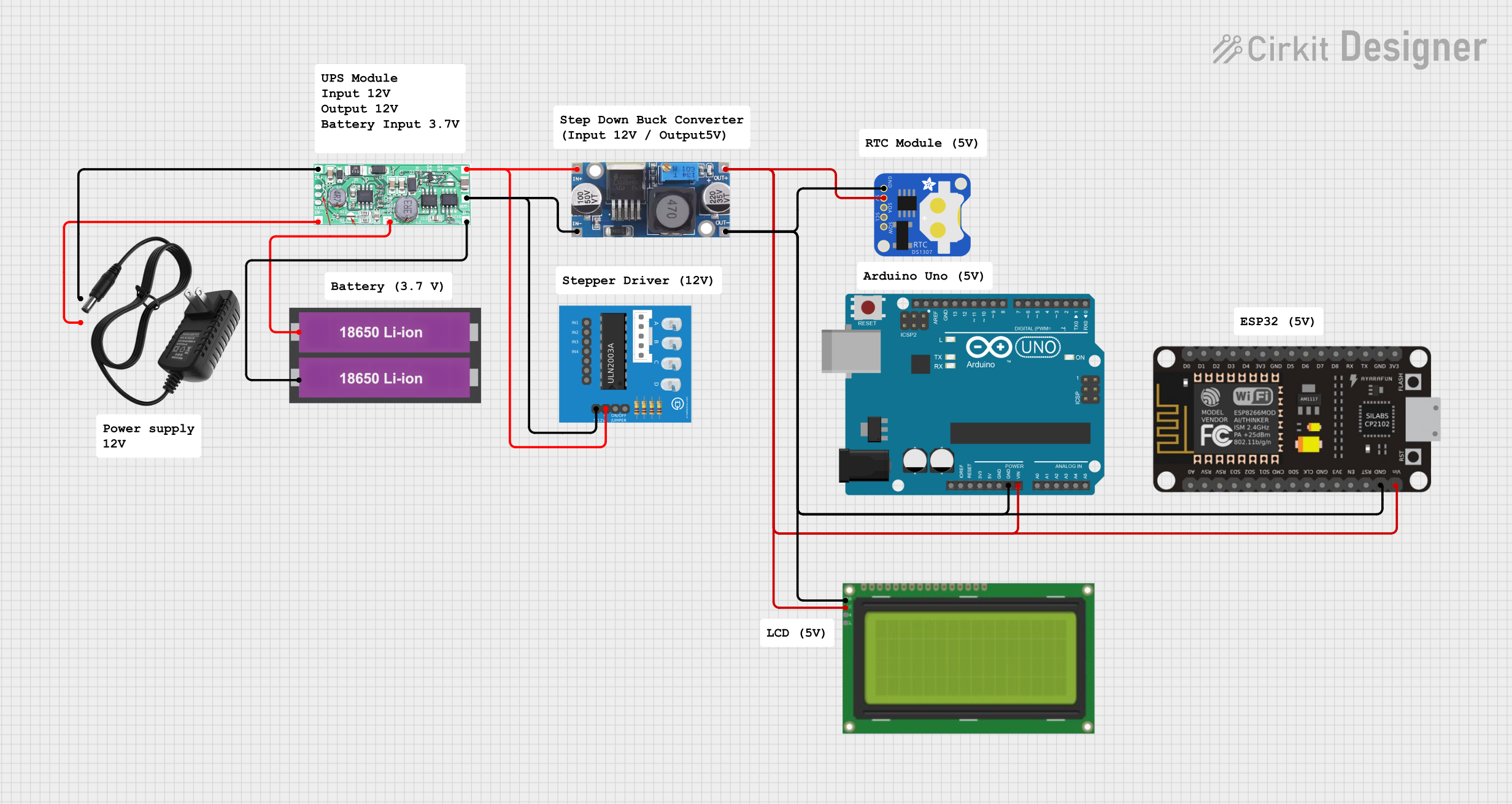 Open Project in Cirkit Designer
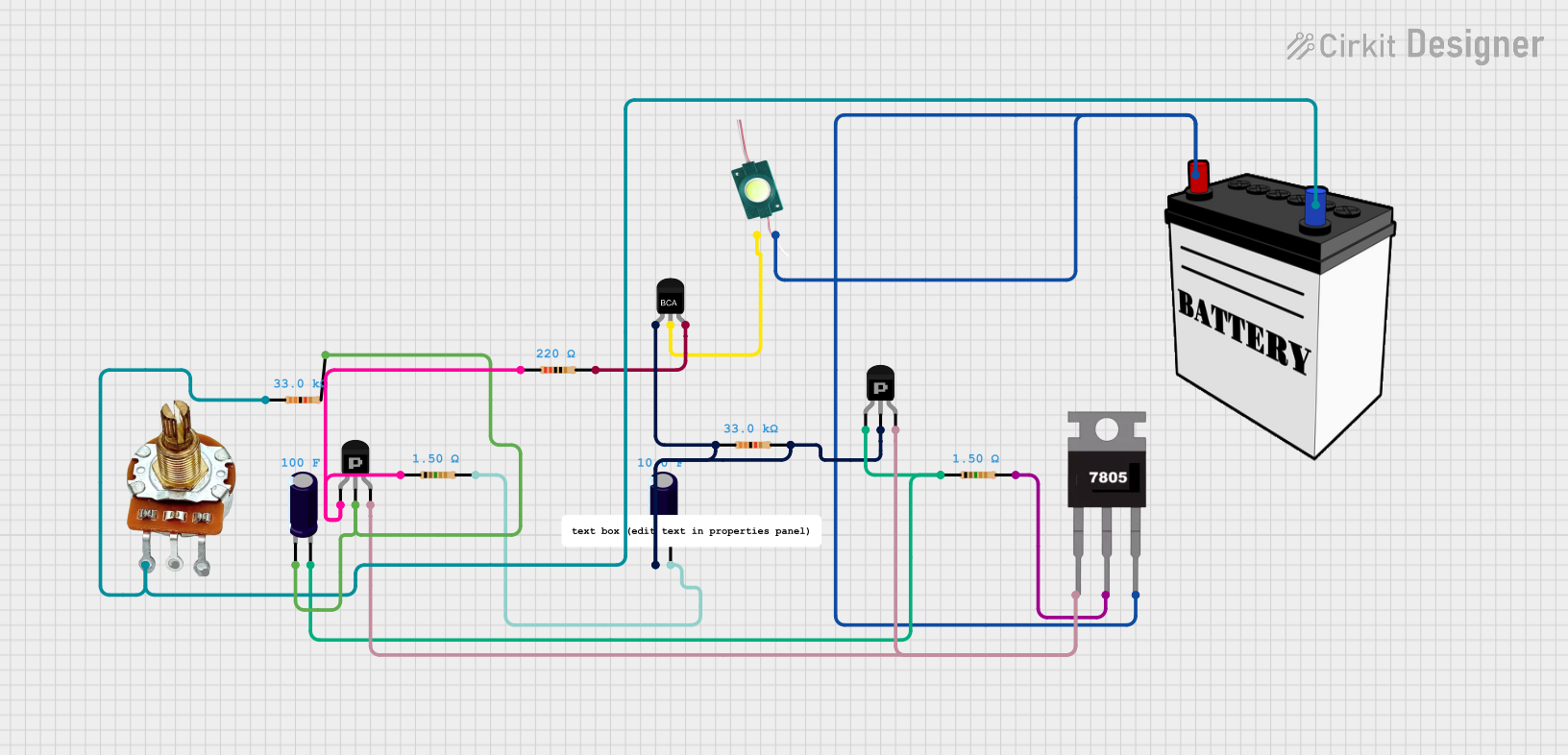 Open Project in Cirkit Designer
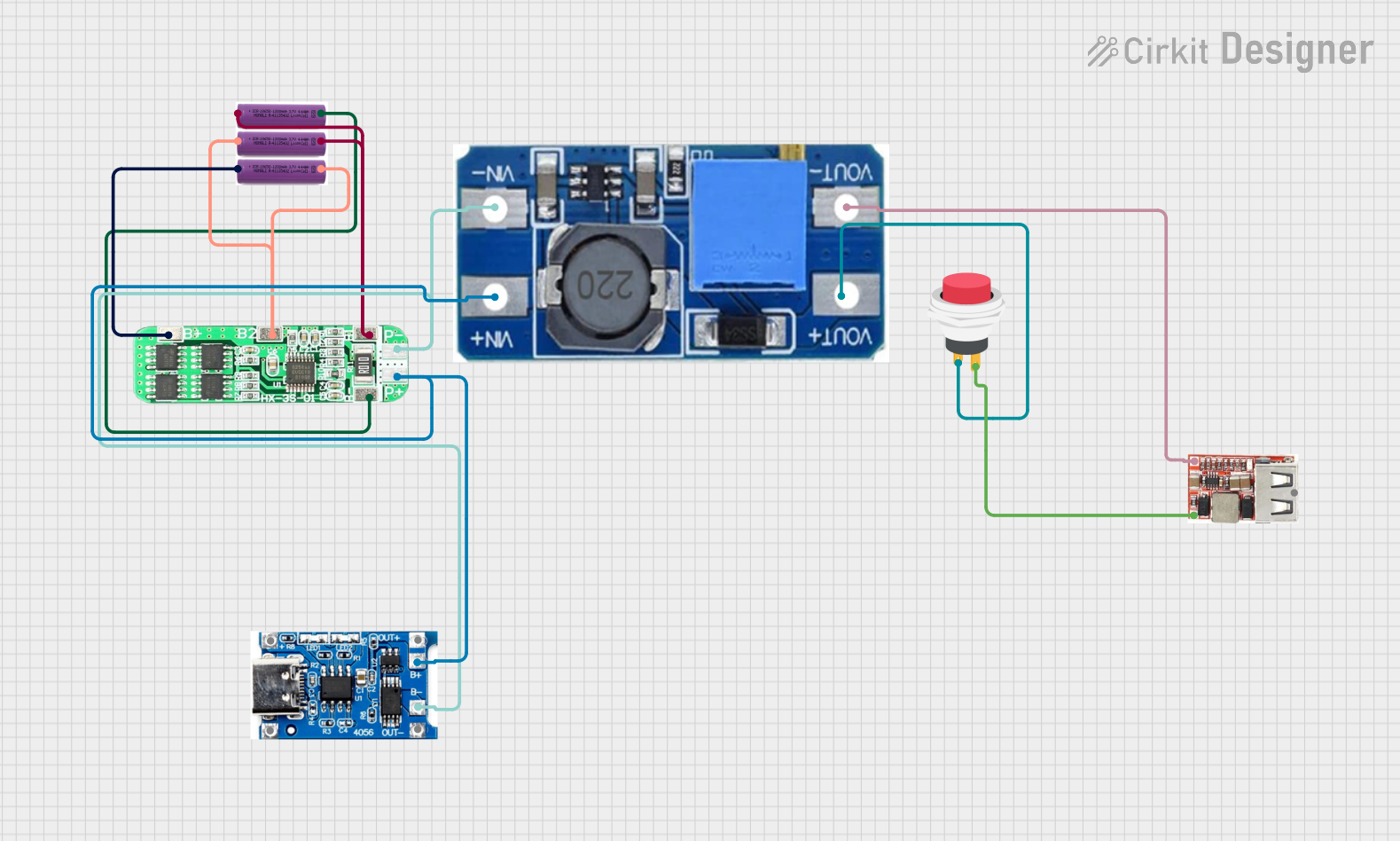 Open Project in Cirkit Designer
Explore Projects Built with AOZ3013PI Buck Regulator (Breadboard Adapter)
Open Project in Cirkit DesignerOpen Project in Cirkit DesignerOpen Project in Cirkit DesignerOpen Project in Cirkit DesignerCommon Applications:
- Powering microcontrollers (e.g., Arduino, ESP32, Raspberry Pi Pico)
- Voltage regulation for sensors and modules
- Battery-powered devices
- General-purpose DC-DC step-down conversion
Technical Specifications
The AOZ3013PI offers robust performance and flexibility for a wide range of applications. Below are its key technical details:
Key Specifications:
| Parameter | Value |
|---|---|
| Input Voltage Range | 4.5V to 18V |
| Output Voltage Range | 0.8V to 7V |
| Output Current | Up to 3A |
| Efficiency | Up to 95% |
| Switching Frequency | 500kHz |
| Operating Temperature Range | -40°C to +85°C |
| Package Type | DFN 3x3 |
Pin Configuration and Descriptions:
The AOZ3013PI is typically mounted on a breadboard adapter for ease of use. Below is the pinout description:
| Pin Name | Pin Number | Description |
|---|---|---|
| VIN | 1 | Input voltage pin. Connect to the DC power source (4.5V to 18V). |
| GND | 2 | Ground pin. Connect to the ground of the circuit. |
| VOUT | 3 | Regulated output voltage pin. Connect to the load. |
| EN | 4 | Enable pin. Pull high to enable the regulator; pull low to disable it. |
| FB | 5 | Feedback pin. Used to set the output voltage via an external resistor divider. |
| SW | 6 | Switching node. Connect to the inductor and diode in the circuit. |
Usage Instructions
The AOZ3013PI is straightforward to use in a circuit. Follow the steps below to integrate it into your design:
Step 1: Circuit Design
- Input Voltage: Ensure the input voltage (VIN) is within the range of 4.5V to 18V.
- Output Voltage Setting: Use a resistor divider network connected to the FB pin to set the desired output voltage. The output voltage can be calculated using the formula: [ V_{OUT} = 0.8 \times \left(1 + \frac{R1}{R2}\right) ] where ( R1 ) and ( R2 ) are the resistors in the divider network.
- Inductor Selection: Choose an inductor with a suitable current rating (greater than 3A) and low DC resistance for optimal efficiency.
- Capacitors: Use low-ESR ceramic capacitors for input and output filtering to minimize voltage ripple.
Step 2: Breadboard Connection
- Connect the VIN pin to the positive terminal of the power source.
- Connect the GND pin to the ground rail of the breadboard.
- Connect the VOUT pin to the load or circuit requiring regulated power.
- Optionally, connect the EN pin to a microcontroller GPIO pin for on/off control.
Step 3: Arduino Example Code
If using the AOZ3013PI to power an Arduino UNO, you can control the enable pin via a digital output pin. Below is an example code snippet:
// Define the pin connected to the EN (Enable) pin of AOZ3013PI
const int enablePin = 7;

void setup() {
  // Set the enable pin as an output
  pinMode(enablePin, OUTPUT);

  // Enable the AOZ3013PI by setting the pin HIGH
  digitalWrite(enablePin, HIGH);

  // Optional: Add a delay to allow the regulator to stabilize
  delay(100);
}

void loop() {
  // The regulator remains enabled in this example
  // Add your main code here
}
Best Practices:
- Always use decoupling capacitors close to the VIN and VOUT pins to reduce noise.
- Avoid exceeding the maximum input voltage (18V) or output current (3A) to prevent damage.
- Ensure proper thermal management, especially in high-current applications.
Troubleshooting and FAQs
Common Issues:
No Output Voltage:
- Cause: The EN pin is not pulled high.
- Solution: Ensure the EN pin is connected to a high logic level (e.g., 3.3V or 5V).
Excessive Heat:
- Cause: Overloading the regulator or insufficient cooling.
- Solution: Reduce the load current or improve heat dissipation with a heatsink or better airflow.
Output Voltage Instability:
- Cause: Incorrect feedback resistor values or insufficient output capacitance.
- Solution: Verify the resistor divider network and use low-ESR capacitors.
High Ripple Voltage:
- Cause: Poor input/output filtering.
- Solution: Add additional ceramic capacitors to the input and output.
FAQs:
Q1: Can the AOZ3013PI be used with a 12V input to power a 5V device?
A1: Yes, the AOZ3013PI can step down a 12V input to a 5V output. Ensure the feedback resistors are configured correctly to achieve 5V.
Q2: What is the maximum load current the AOZ3013PI can handle?
A2: The AOZ3013PI can handle up to 3A of continuous load current.
Q3: Can I use the AOZ3013PI without an external microcontroller?
A3: Yes, you can connect the EN pin directly to VIN or a high logic level to enable the regulator without a microcontroller.
Q4: How do I calculate the feedback resistor values for a specific output voltage?
A4: Use the formula ( V_{OUT} = 0.8 \times (1 + R1/R2) ). Select ( R2 ) as a standard value (e.g., 10kΩ) and calculate ( R1 ) accordingly.
By following this documentation, you can effectively integrate the AOZ3013PI into your projects for efficient and reliable voltage regulation.