
How to Use LCD 16x4: Examples, Pinouts, and Specs
 Design with LCD 16x4 in Cirkit Designer
Introduction
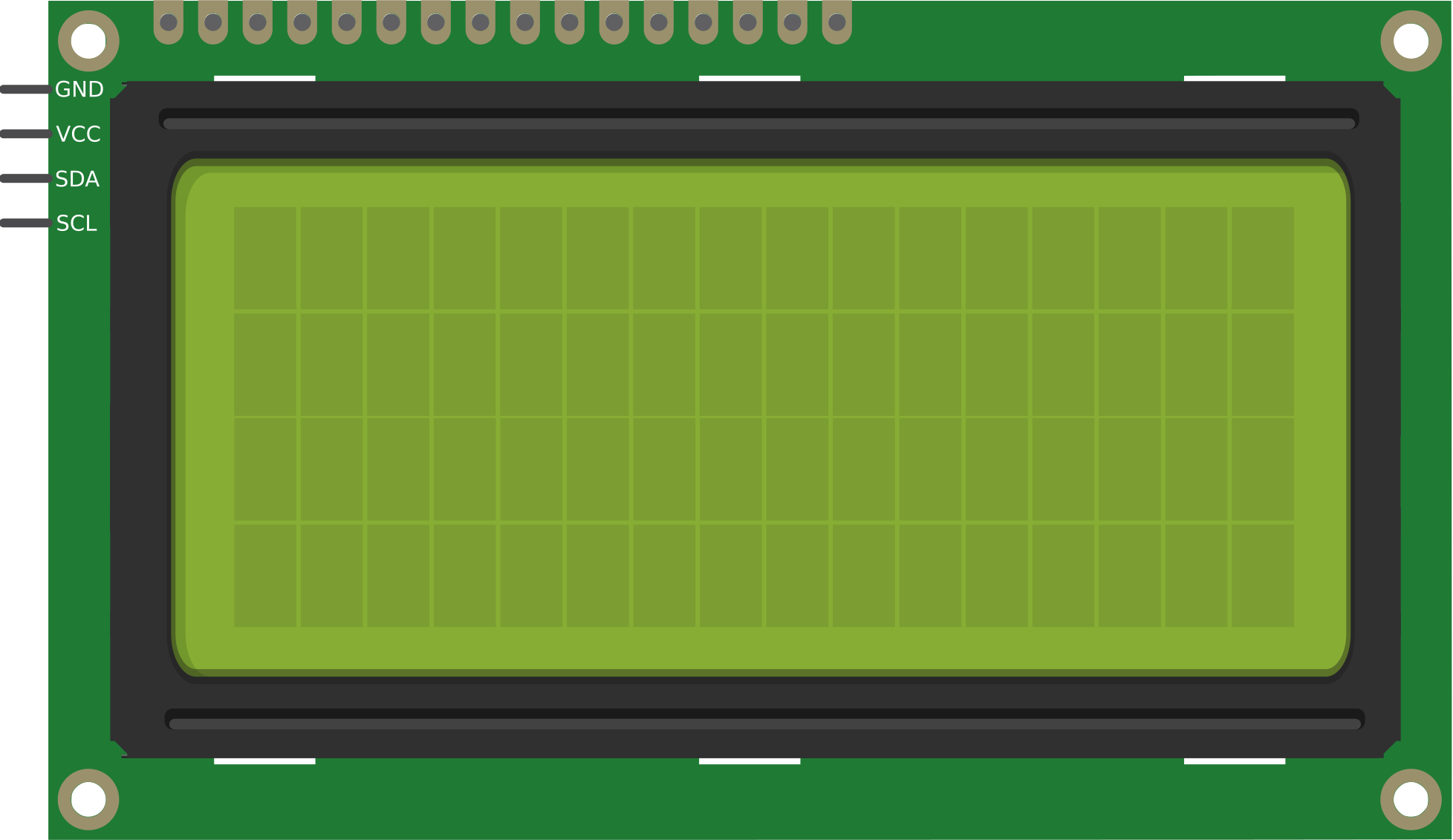
The LCD 16x4 is a Liquid Crystal Display (LCD) module with 16 columns and 4 rows, designed for displaying alphanumeric characters and simple graphics. Manufactured by Arduino (Part ID: UNO), this display is widely used in embedded systems for providing a user interface or visual feedback. Its compact size, low power consumption, and ease of integration make it a popular choice for hobbyists and professionals alike.
Explore Projects Built with LCD 16x4
 Open Project in Cirkit Designer
 Open Project in Cirkit Designer
 Open Project in Cirkit Designer
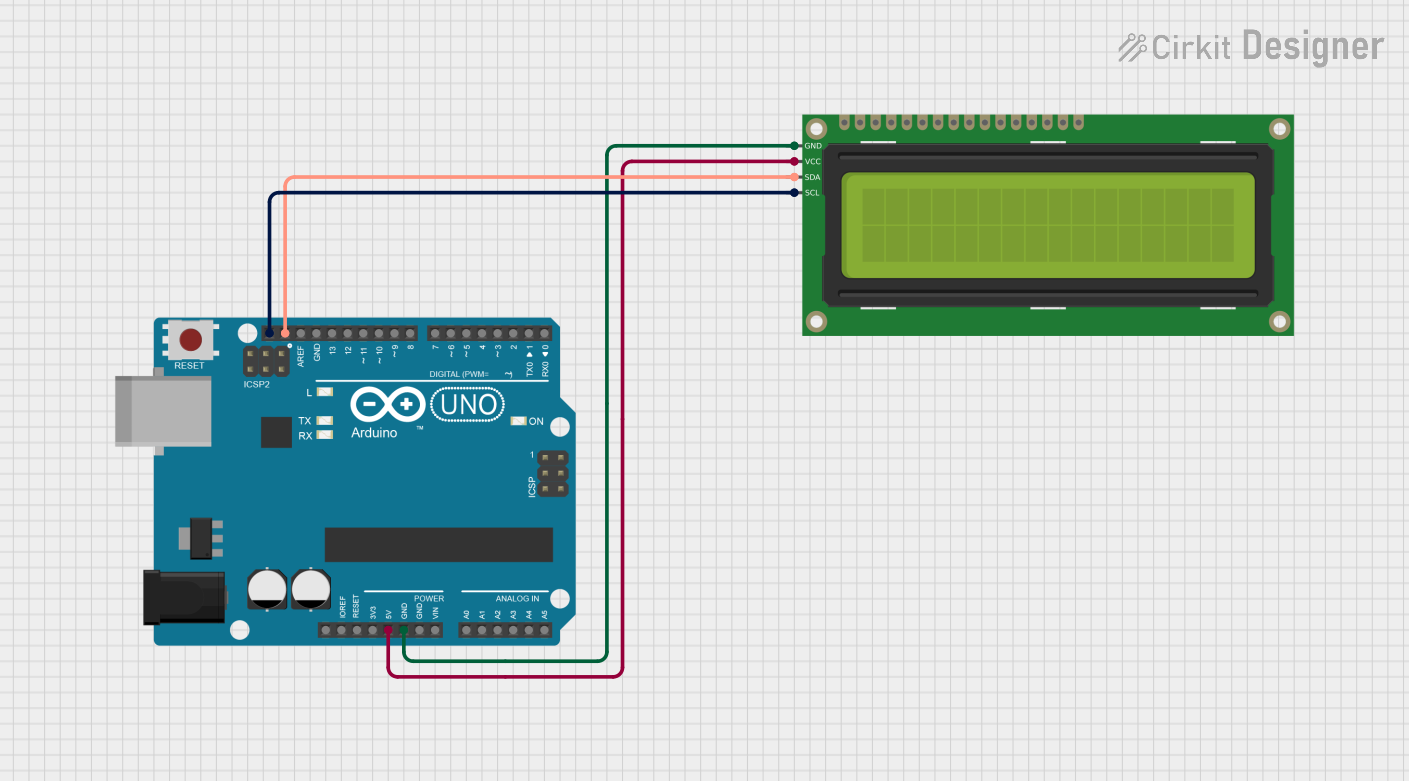 Open Project in Cirkit Designer
Explore Projects Built with LCD 16x4
Open Project in Cirkit DesignerOpen Project in Cirkit DesignerOpen Project in Cirkit DesignerOpen Project in Cirkit DesignerCommon Applications and Use Cases
- Microcontroller-based projects (e.g., Arduino, Raspberry Pi)
- Home automation systems
- Industrial control panels
- Digital clocks and timers
- Educational and prototyping projects
- IoT devices requiring a simple display interface
Technical Specifications
The LCD 16x4 module is based on the HD44780 controller, which is compatible with most microcontrollers. Below are the key technical details:
| Parameter | Specification |
|---|---|
| Display Type | Alphanumeric LCD |
| Number of Columns | 16 |
| Number of Rows | 4 |
| Operating Voltage | 4.7V to 5.3V |
| Operating Current | 1.5mA (without backlight) |
| Backlight Voltage | 4.2V to 4.6V |
| Backlight Current | 120mA (typical) |
| Character Size | 5x8 dot matrix |
| Interface Type | Parallel (4-bit or 8-bit mode) |
| Operating Temperature | -20°C to +70°C |
Pin Configuration and Descriptions
The LCD 16x4 module has 16 pins, as described in the table below:
| Pin Number | Pin Name | Description |
|---|---|---|
| 1 | VSS | Ground (0V) connection |
| 2 | VDD | Power supply (4.7V to 5.3V) |
| 3 | V0 | Contrast adjustment (connect to a potentiometer) |
| 4 | RS | Register Select (0: Command, 1: Data) |
| 5 | RW | Read/Write control (0: Write, 1: Read) |
| 6 | E | Enable signal (triggers data read/write) |
| 7 | D0 | Data line 0 (used in 8-bit mode only) |
| 8 | D1 | Data line 1 (used in 8-bit mode only) |
| 9 | D2 | Data line 2 (used in 8-bit mode only) |
| 10 | D3 | Data line 3 (used in 8-bit mode only) |
| 11 | D4 | Data line 4 (used in both 4-bit and 8-bit modes) |
| 12 | D5 | Data line 5 (used in both 4-bit and 8-bit modes) |
| 13 | D6 | Data line 6 (used in both 4-bit and 8-bit modes) |
| 14 | D7 | Data line 7 (used in both 4-bit and 8-bit modes) |
| 15 | LED+ | Backlight anode (connect to +5V via a resistor) |
| 16 | LED- | Backlight cathode (connect to ground) |
Usage Instructions
How to Use the LCD 16x4 in a Circuit
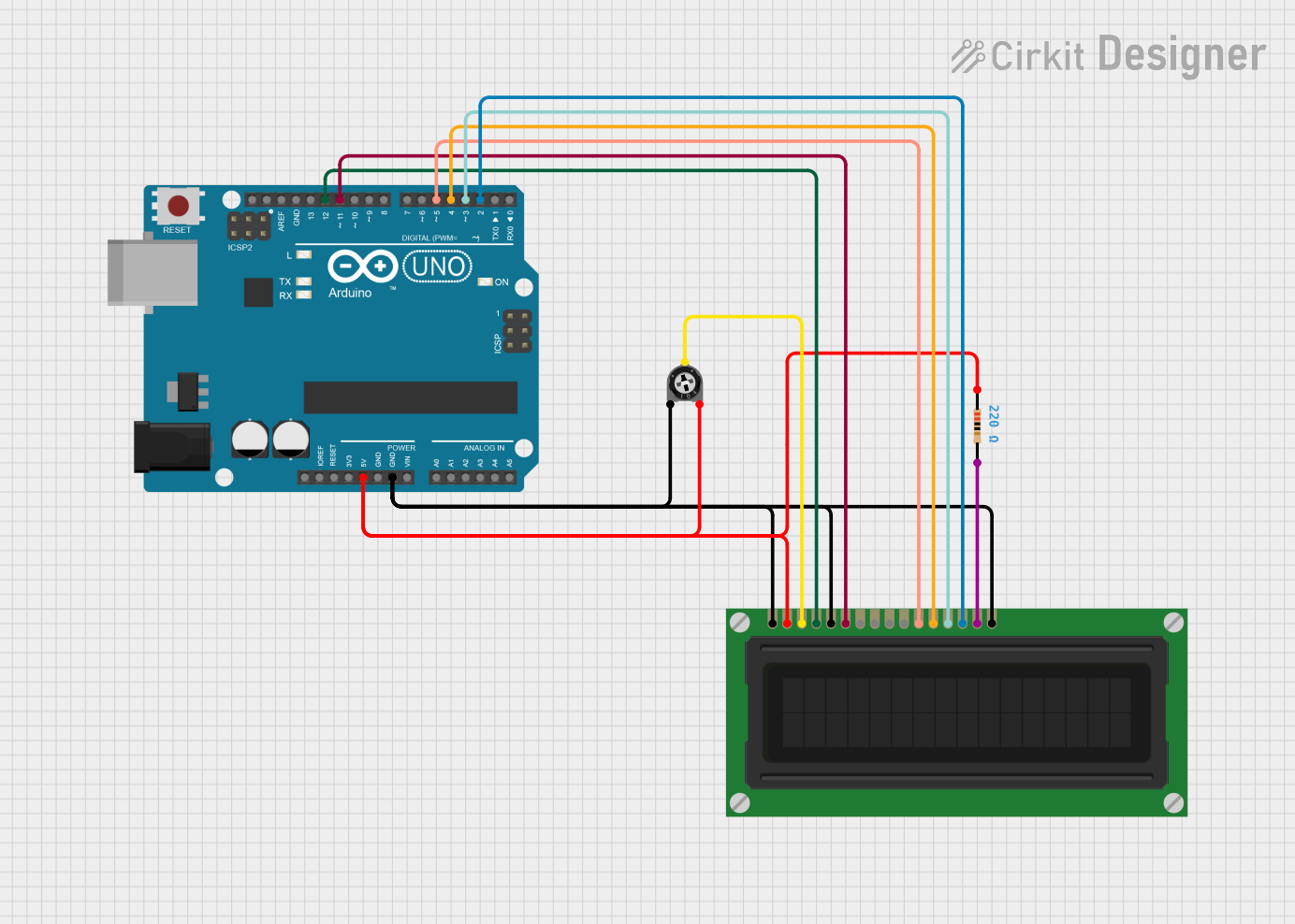
- Power the LCD: Connect the VSS pin to ground and the VDD pin to a 5V power supply.
- Adjust Contrast: Connect the V0 pin to the wiper of a 10kΩ potentiometer. Connect the other two terminals of the potentiometer to VDD and ground.
- Connect Control Pins:
- RS: Connect to a digital pin on the microcontroller.
- RW: Connect to ground (for write-only mode).
- E: Connect to a digital pin on the microcontroller.
- Connect Data Pins:
- For 4-bit mode: Use D4 to D7 and leave D0 to D3 unconnected.
- For 8-bit mode: Use all data pins (D0 to D7).
- Backlight: Connect LED+ to 5V through a 220Ω resistor and LED- to ground.
- Initialize the LCD: Use a library like
LiquidCrystalin Arduino to initialize and control the display.
Important Considerations and Best Practices
- Contrast Adjustment: Ensure the contrast is properly set using the potentiometer; otherwise, characters may not be visible.
- Backlight Resistor: Always use a current-limiting resistor for the backlight to prevent damage.
- 4-bit vs. 8-bit Mode: Use 4-bit mode to save microcontroller pins unless 8-bit mode is specifically required.
- Timing: Ensure proper delays between commands to allow the LCD to process data.
Example Code for Arduino UNO
Below is an example of how to use the LCD 16x4 with an Arduino UNO in 4-bit mode:
#include <LiquidCrystal.h>

// Initialize the library with the pins connected to the LCD
// RS, E, D4, D5, D6, D7
LiquidCrystal lcd(7, 8, 9, 10, 11, 12);

void setup() {
  // Set up the LCD's number of columns and rows
  lcd.begin(16, 4);

  // Print a message to the LCD
  lcd.setCursor(0, 0); // Set cursor to column 0, row 0
  lcd.print("Hello, World!");

  lcd.setCursor(0, 1); // Set cursor to column 0, row 1
  lcd.print("LCD 16x4 Demo");

  lcd.setCursor(0, 2); // Set cursor to column 0, row 2
  lcd.print("Arduino UNO");

  lcd.setCursor(0, 3); // Set cursor to column 0, row 3
  lcd.print("Enjoy Coding!");
}

void loop() {
  // No actions in the loop
}
Troubleshooting and FAQs
Common Issues and Solutions
No Display on the LCD:
- Check the power connections (VSS, VDD).
- Adjust the contrast using the potentiometer connected to V0.
- Verify the backlight connections (LED+ and LED-).
Random Characters or No Response:
- Ensure proper initialization in the code.
- Check the connections for RS, RW, E, and data pins.
- Verify that the correct mode (4-bit or 8-bit) is configured in the code.
Dim or No Backlight:
- Check the backlight resistor value (use 220Ω to 330Ω).
- Ensure LED+ is connected to 5V and LED- to ground.
Characters Not Fully Visible:
- Adjust the contrast using the potentiometer.
- Ensure the LCD is not exposed to extreme temperatures.
FAQs
Q: Can I use the LCD 16x4 with a 3.3V microcontroller?
A: Yes, but you will need a level shifter or voltage divider for the control and data pins. The backlight may also require a lower voltage.
Q: How do I display custom characters?
A: Use the createChar() function in the LiquidCrystal library to define and display custom characters.
Q: Can I use the LCD without a potentiometer?
A: Yes, you can connect a fixed resistor (e.g., 1kΩ to 10kΩ) between V0 and ground, but a potentiometer provides better control over contrast.
Q: Is the LCD 16x4 compatible with I2C?
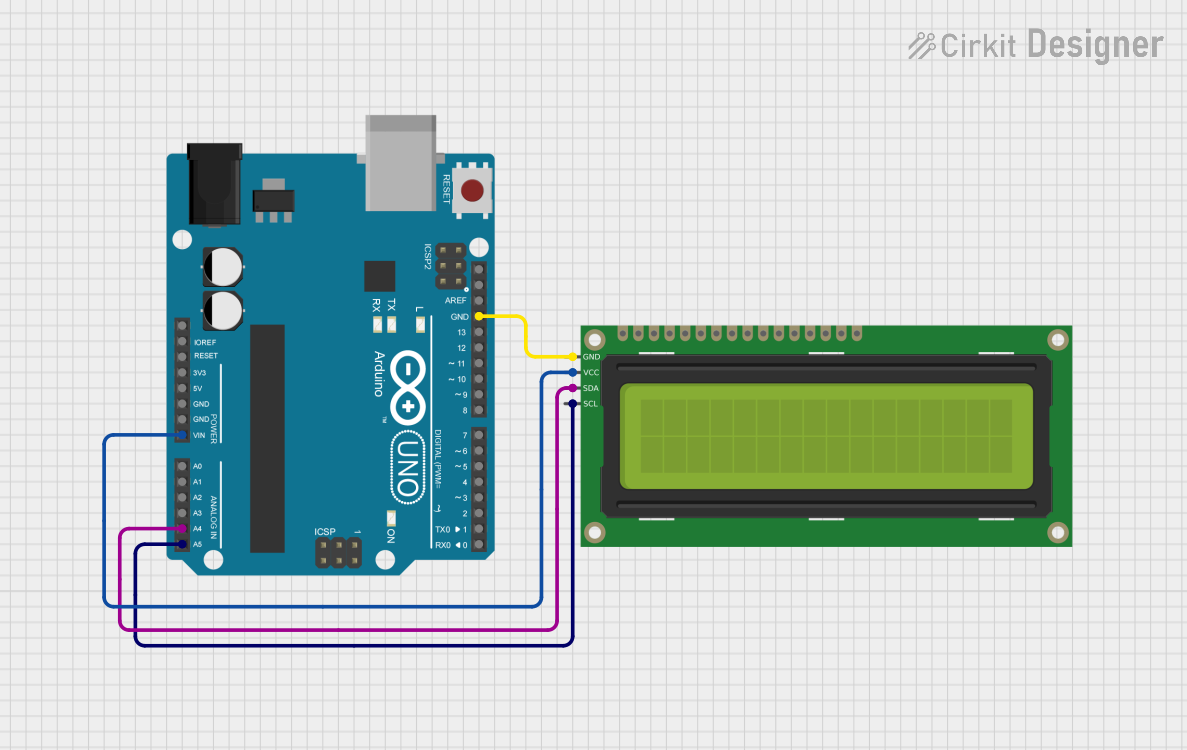
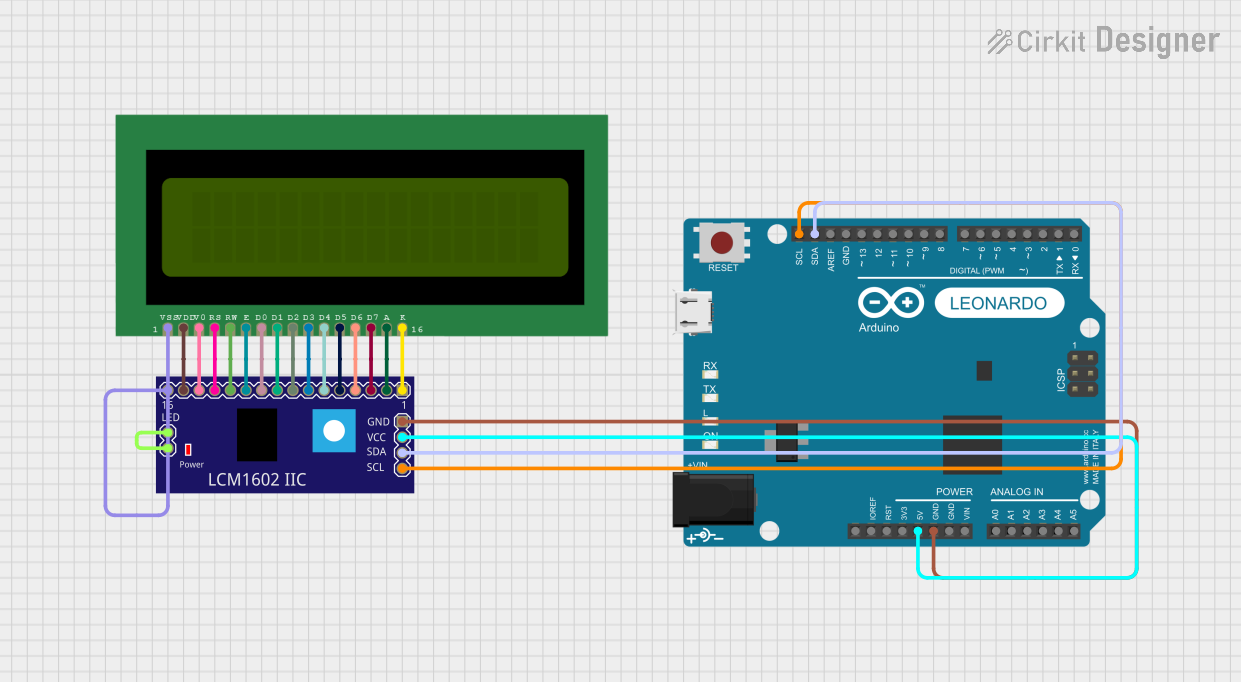
A: Not natively, but you can use an I2C backpack module to reduce the number of required pins.