
How to Use USB Sound Card: Examples, Pinouts, and Specs
 Design with USB Sound Card in Cirkit Designer
Introduction
A USB sound card is an external device that connects to a computer via a USB port to provide audio input and output capabilities. It is commonly used to enhance sound quality, add additional audio ports, or enable features such as surround sound, microphone input, or advanced audio processing. USB sound cards are widely used in applications such as gaming, music production, podcasting, and general audio playback.
Explore Projects Built with USB Sound Card
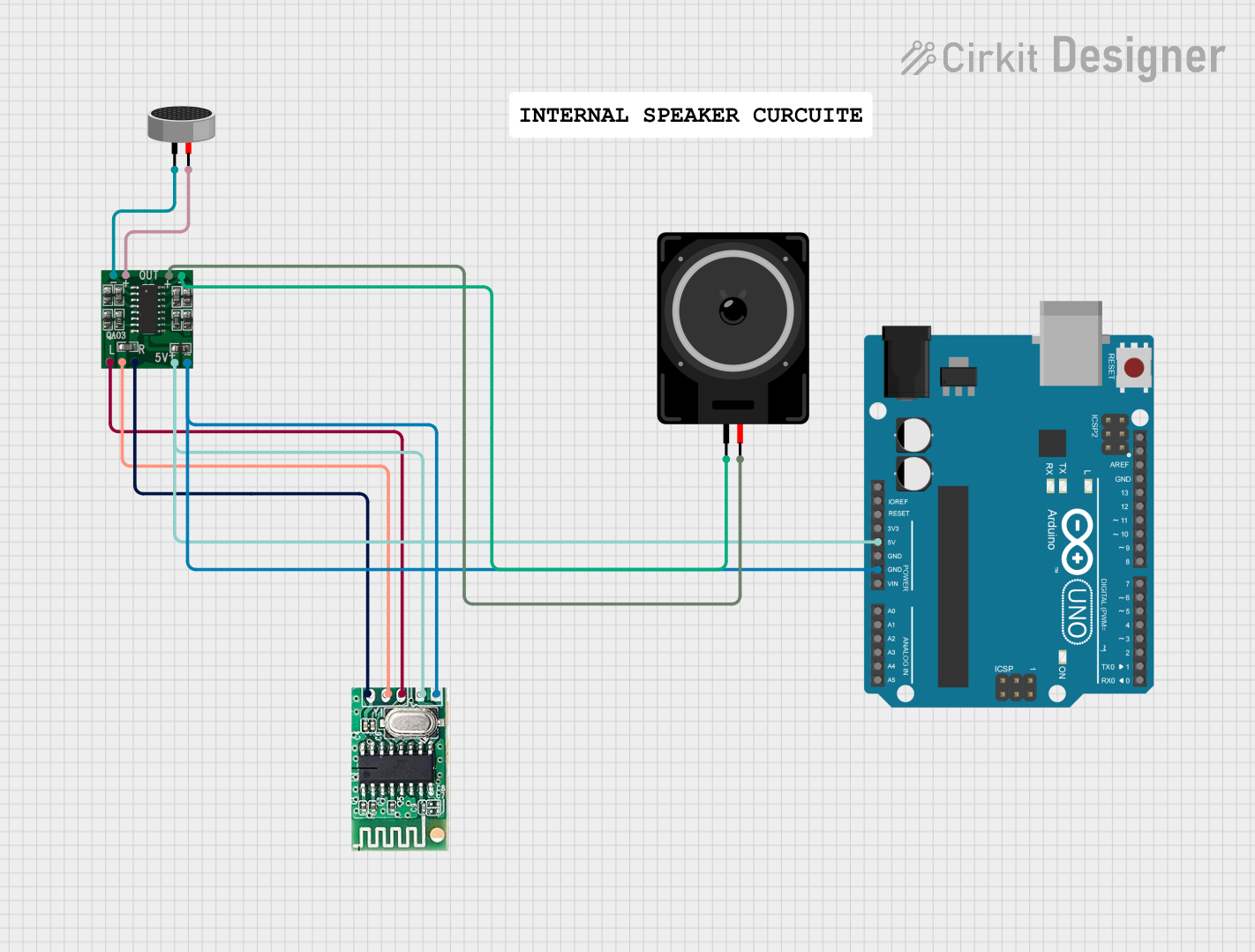 Open Project in Cirkit Designer
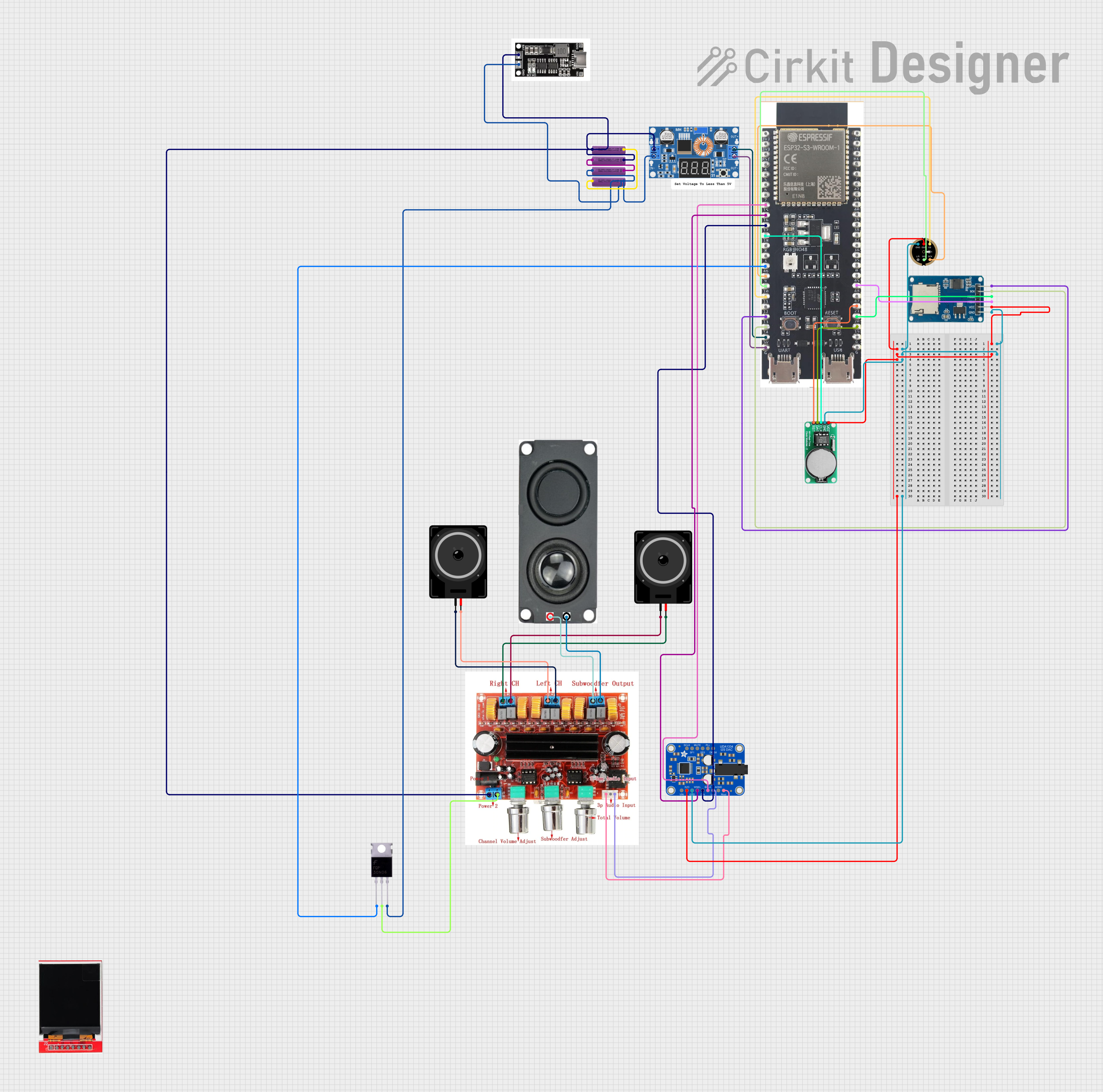 Open Project in Cirkit Designer
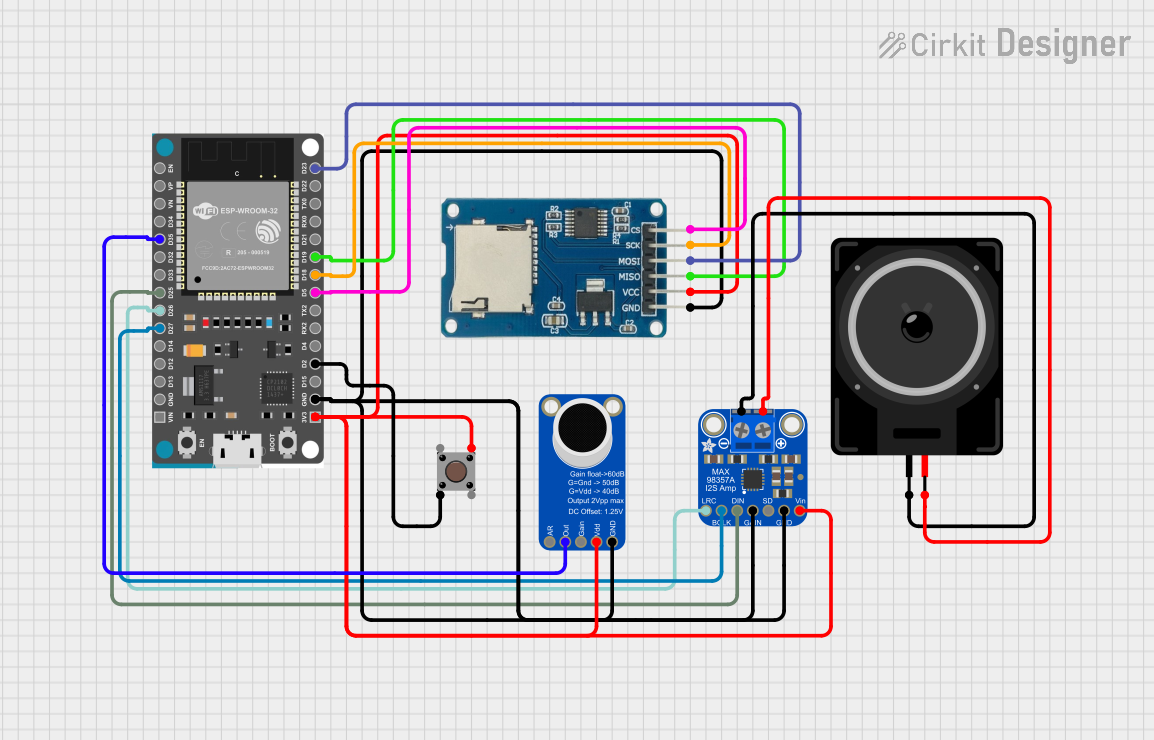 Open Project in Cirkit Designer
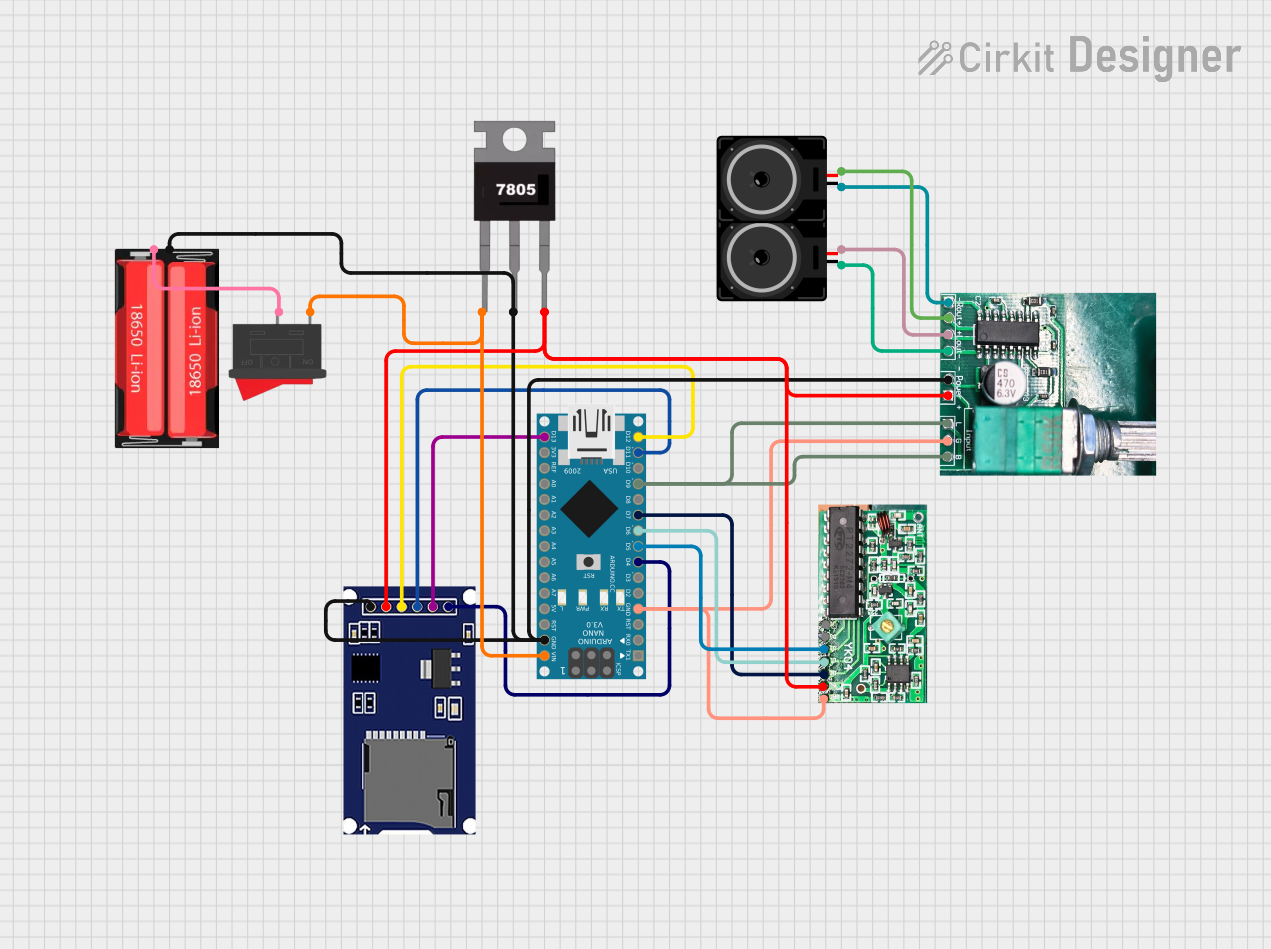 Open Project in Cirkit Designer
Explore Projects Built with USB Sound Card
Open Project in Cirkit DesignerOpen Project in Cirkit DesignerOpen Project in Cirkit DesignerOpen Project in Cirkit DesignerCommon Applications and Use Cases
- Gaming: Provides immersive surround sound and high-quality audio for gaming headsets.
- Music Production: Offers low-latency audio input/output for recording and mixing.
- Podcasting: Enables high-quality microphone input for clear voice recording.
- General Audio Enhancement: Improves sound quality for laptops or desktops with basic onboard audio.
- External Audio Interface: Adds additional audio ports for devices lacking sufficient input/output options.
Technical Specifications
Below are the general technical specifications for a typical USB sound card. Note that specific models may vary in features and performance.
Key Technical Details
- Interface: USB 2.0 or USB 3.0 (backward compatible)
- Audio Channels: Stereo (2.0) or Surround Sound (5.1/7.1)
- Sampling Rate: Up to 96 kHz (varies by model)
- Bit Depth: 16-bit or 24-bit
- Input Ports: 3.5mm microphone jack, line-in (varies by model)
- Output Ports: 3.5mm headphone jack, line-out, optical out (varies by model)
- Power Supply: USB-powered (5V DC)
- Operating System Compatibility: Windows, macOS, Linux, and some Android devices (driver support may vary)
Pin Configuration and Descriptions
USB sound cards typically do not have traditional "pins" like ICs but instead feature ports and connectors. Below is a table describing the common ports and their functions:
| Port/Connector | Description |
|---|---|
| USB Type-A or Type-C | Connects the sound card to the computer for data transfer and power supply. |
| 3.5mm Headphone Jack | Outputs audio to headphones or speakers. |
| 3.5mm Microphone Jack | Accepts audio input from a microphone. |
| Line-In Port (3.5mm) | Accepts audio input from external devices like MP3 players or mixers. |
| Optical Out (TOSLINK) | Outputs digital audio for high-quality sound systems (available on some models). |
| RCA Output (Optional) | Provides stereo audio output for external amplifiers or speakers. |
Usage Instructions
How to Use the USB Sound Card in a System
Connect the USB Sound Card:
- Plug the USB connector of the sound card into an available USB port on your computer.
- If the sound card has a USB Type-C connector, ensure your computer supports USB Type-C or use an adapter.
Install Drivers (if required):
- Many USB sound cards are plug-and-play and do not require additional drivers.
- For advanced models, download and install the appropriate drivers from the manufacturer's website.
Configure Audio Settings:
- On your computer, open the audio settings or sound control panel.
- Select the USB sound card as the default playback and/or recording device.
Connect Audio Devices:
- Plug headphones, speakers, or microphones into the appropriate ports on the sound card.
- For surround sound systems, connect the speakers to the corresponding output ports (e.g., front, rear, subwoofer).
Test the Setup:
- Play audio or record sound to ensure the USB sound card is functioning correctly.
Important Considerations and Best Practices
- Power Supply: Ensure the USB port provides sufficient power for the sound card, especially for models with advanced features.
- Cable Quality: Use high-quality cables to minimize interference and maintain audio quality.
- Latency: For real-time applications like gaming or music production, choose a sound card with low-latency performance.
- Compatibility: Verify that the sound card is compatible with your operating system and software.
- Firmware Updates: Check for firmware updates from the manufacturer to improve performance and compatibility.
Example: Using a USB Sound Card with Arduino UNO
While USB sound cards are primarily designed for computers, they can also be used with microcontrollers like the Arduino UNO for audio-related projects. Below is an example of how to send audio signals from an Arduino to a USB sound card using a USB host shield.
Arduino Code Example
#include <USBHostShield.h> // Include USB Host Shield library

USB Usb; // Create USB object
USBH_MIDI Midi(&Usb); // Create MIDI object for USB sound card

void setup() {
  Serial.begin(9600); // Initialize serial communication
  if (Usb.Init() == -1) {
    Serial.println("USB initialization failed. Check connections.");
    while (1); // Halt execution if USB initialization fails
  }
  Serial.println("USB sound card initialized successfully.");
}

void loop() {
  Usb.Task(); // Handle USB tasks
  // Example: Send a simple MIDI note (if supported by the sound card)
  if (Midi) {
    Midi.SendNoteOn(60, 127, 1); // Send Note On (Middle C, max velocity, channel 1)
    delay(500); // Wait for 500ms
    Midi.SendNoteOff(60, 0, 1); // Send Note Off (Middle C, channel 1)
    delay(500); // Wait for 500ms
  }
}
Note: This example assumes the USB sound card supports MIDI over USB. Check the sound card's documentation for compatibility.
Troubleshooting and FAQs
Common Issues and Solutions
No Sound Output:
- Ensure the USB sound card is selected as the default playback device in the audio settings.
- Check the volume levels on both the computer and the sound card.
- Verify that the headphones or speakers are properly connected.
Microphone Not Working:
- Confirm that the microphone is plugged into the correct port.
- Check the recording settings on your computer and select the USB sound card as the input device.
- Test the microphone on another device to rule out hardware issues.
Distorted or Low-Quality Audio:
- Use high-quality cables and avoid long cable runs to reduce interference.
- Check the sampling rate and bit depth settings in the audio control panel.
- Update the sound card's drivers or firmware.
USB Sound Card Not Recognized:
- Try connecting the sound card to a different USB port.
- Restart your computer and reconnect the sound card.
- Ensure the sound card is compatible with your operating system.
FAQs
Q: Can I use a USB sound card with a smartphone or tablet?
A: Yes, many USB sound cards are compatible with Android devices via USB OTG adapters. Check the sound card's specifications for compatibility.Q: Does a USB sound card improve audio quality?
A: Yes, a USB sound card can significantly improve audio quality compared to onboard audio, especially for devices with basic sound hardware.Q: Can I use a USB sound card for surround sound?
A: Yes, many USB sound cards support 5.1 or 7.1 surround sound. Ensure your sound card and audio system are compatible.Q: Do I need additional power for a USB sound card?
A: Most USB sound cards are powered directly by the USB port. However, high-end models with advanced features may require external power.
This concludes the documentation for the USB sound card.