
How to Use MQ 9: Examples, Pinouts, and Specs
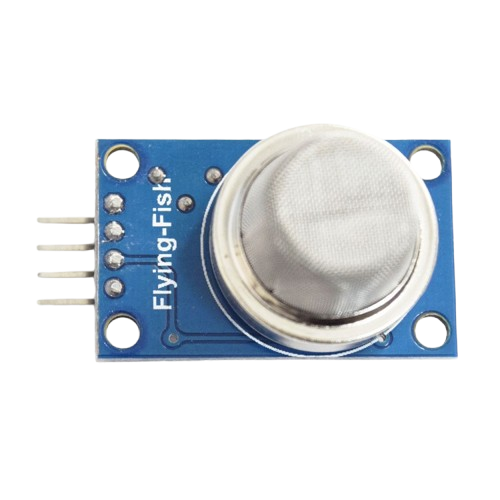
 Design with MQ 9 in Cirkit Designer
Introduction
The MQ-9 Gas Sensor, manufactured by ZWET (Part ID: MQ-9), is a versatile gas sensor designed to detect a variety of gases, including carbon monoxide (CO), methane (CH₄), and liquefied petroleum gas (LPG). It operates on the principle of resistive change in the presence of target gases, providing an analog output proportional to the gas concentration. This sensor is widely used in air quality monitoring, industrial safety systems, and home safety devices.
Explore Projects Built with MQ 9
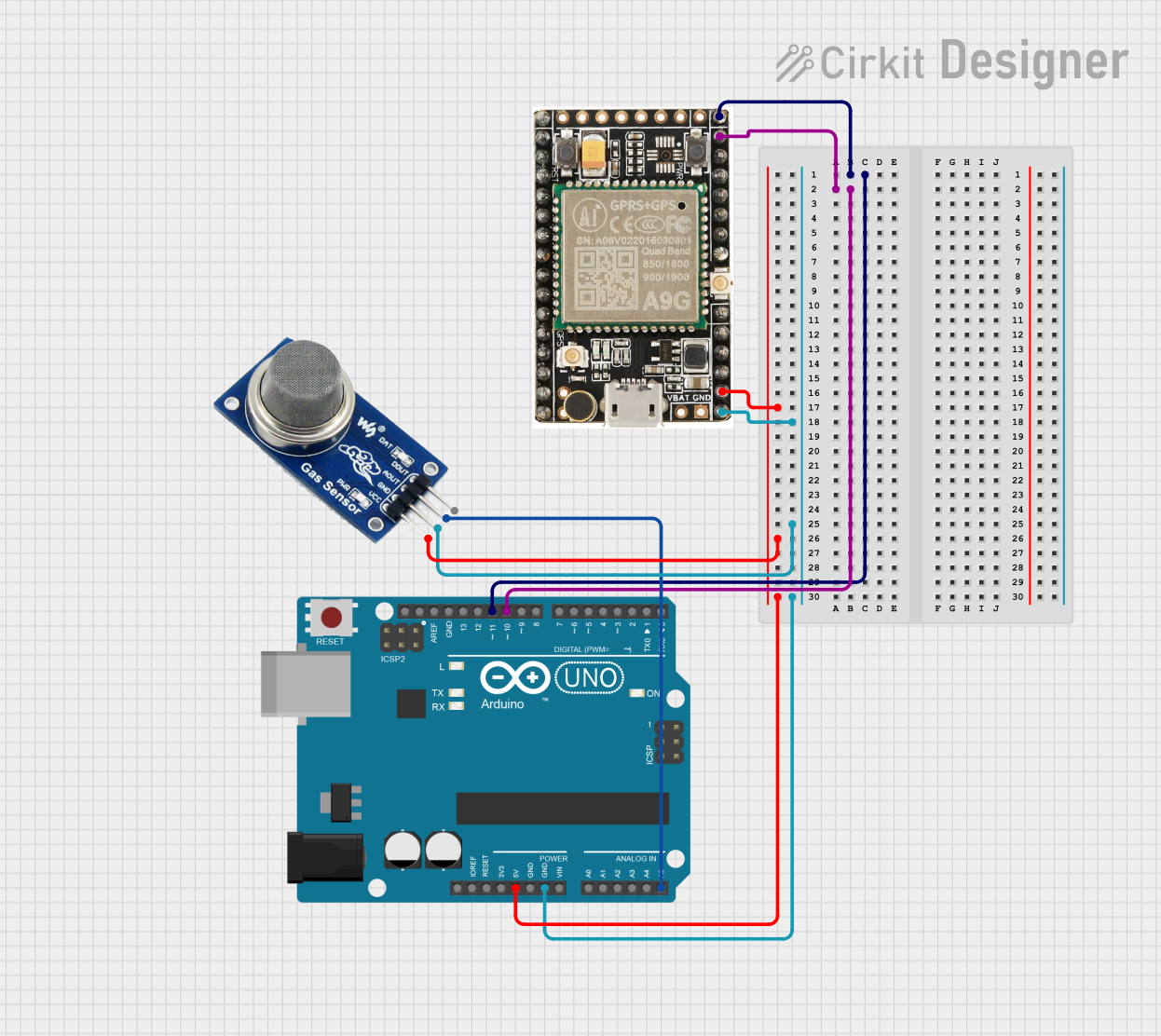 Open Project in Cirkit Designer
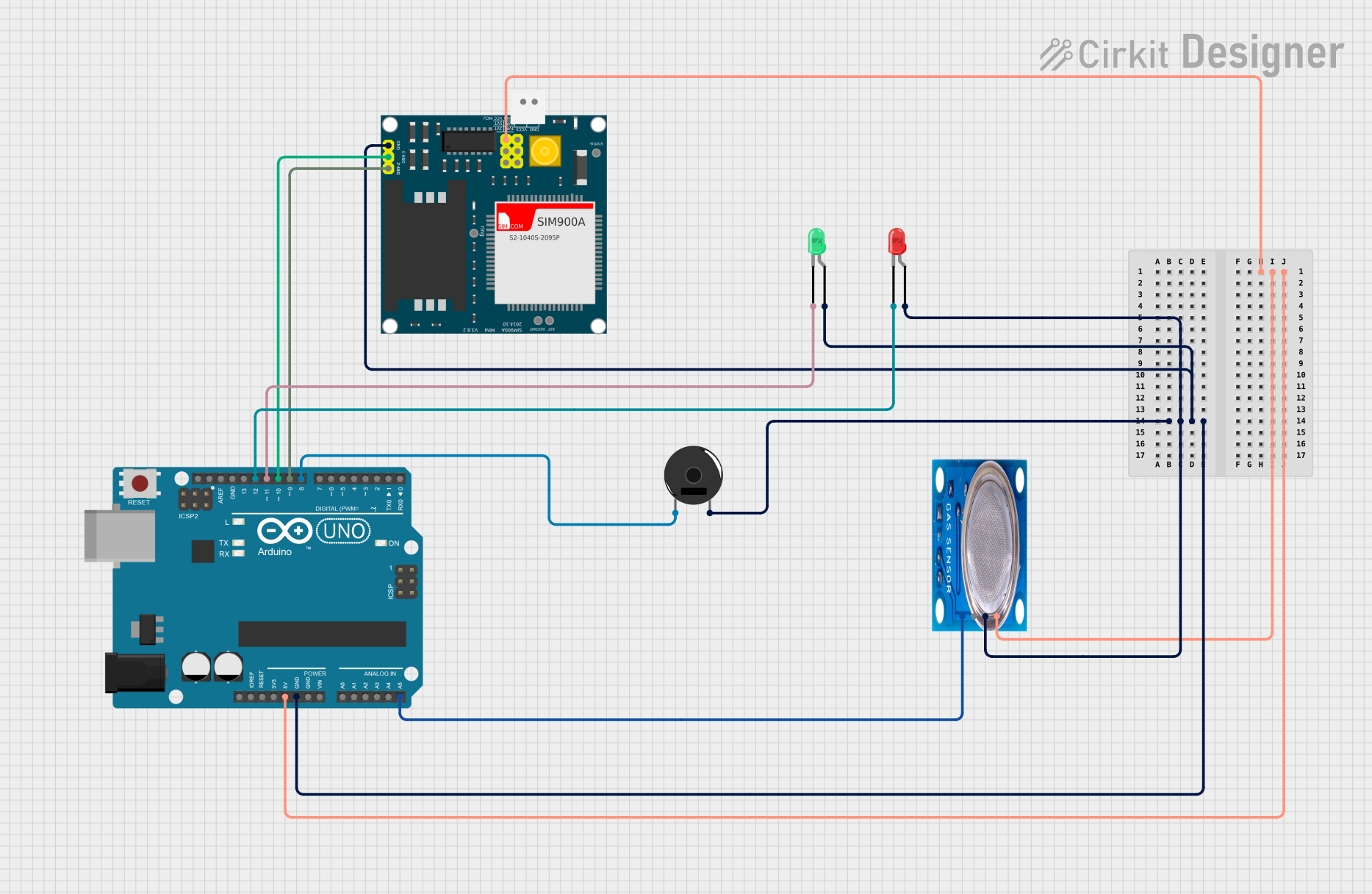 Open Project in Cirkit Designer
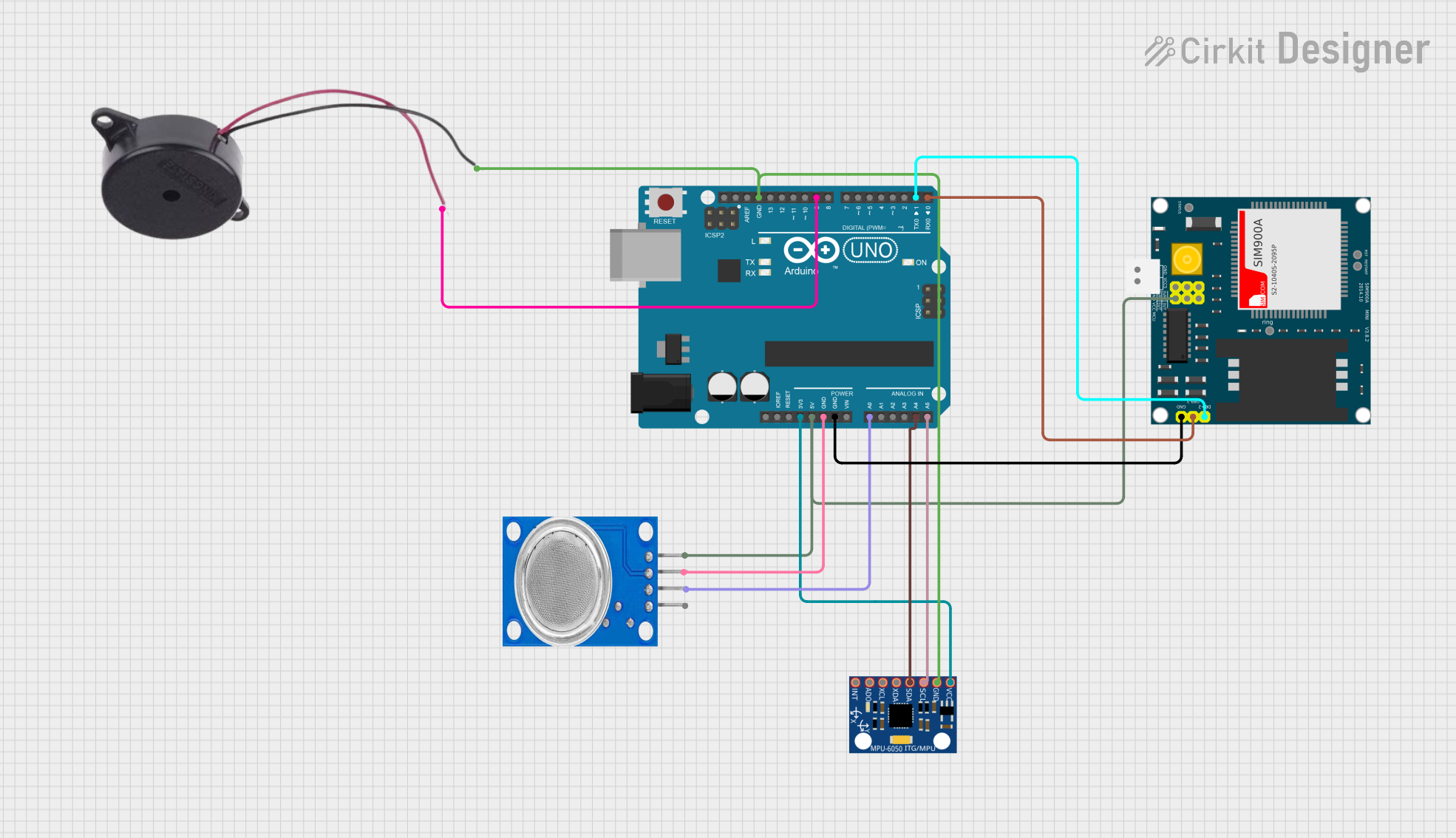 Open Project in Cirkit Designer
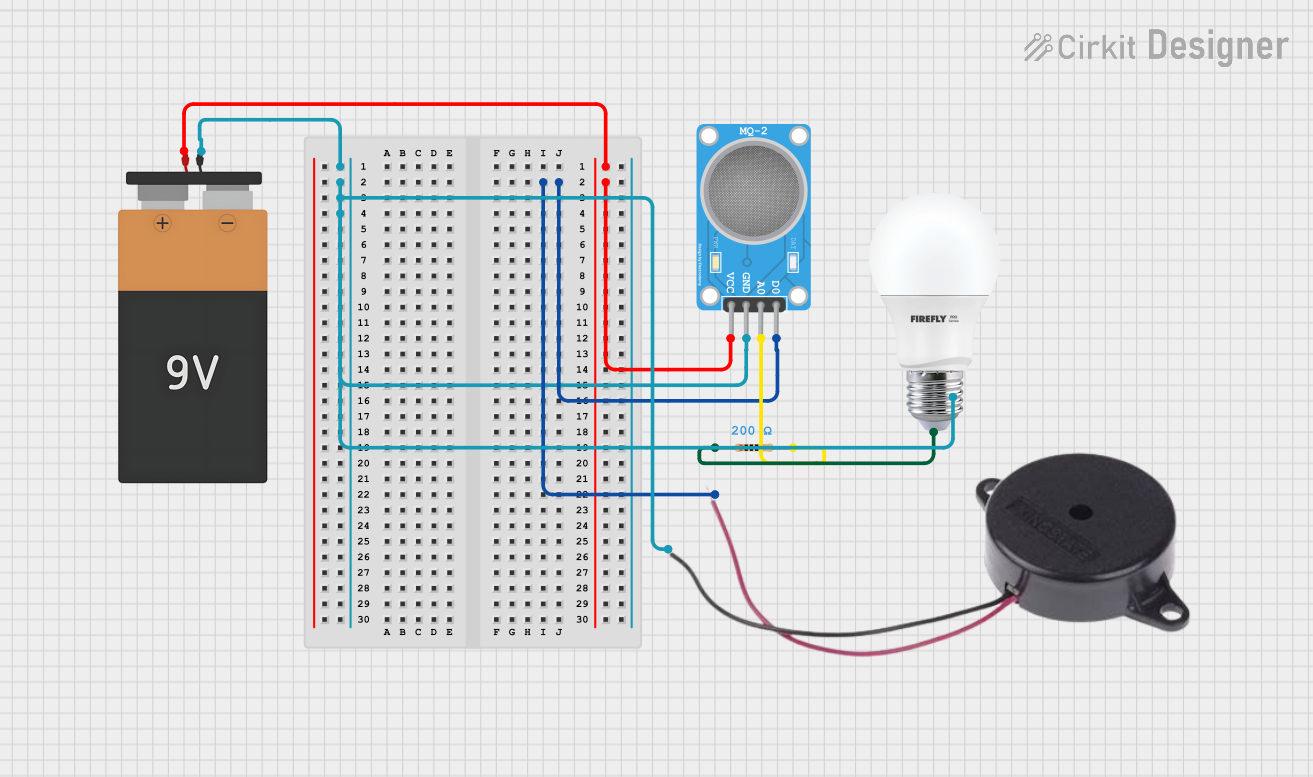 Open Project in Cirkit Designer
Explore Projects Built with MQ 9
Open Project in Cirkit DesignerOpen Project in Cirkit DesignerOpen Project in Cirkit DesignerOpen Project in Cirkit DesignerCommon Applications
- Carbon monoxide detection in homes and workplaces
- Methane and LPG leak detection in industrial environments
- Air quality monitoring systems
- Gas detection in automotive applications
Technical Specifications
Key Technical Details
| Parameter | Value |
|---|---|
| Operating Voltage | 5V DC |
| Load Resistance (RL) | Adjustable (typically 10 kΩ) |
| Heater Voltage (VH) | 5V ± 0.1V |
| Heater Power Consumption | ≤ 350 mW |
| Detection Range | 10 ppm to 1000 ppm (CO) |
| Preheat Time | ≥ 24 hours |
| Operating Temperature | -20°C to 50°C |
| Humidity Range | 33% to 85% RH |
| Output Signal | Analog voltage |
Pin Configuration and Descriptions
The MQ-9 sensor typically comes with a 4-pin or 6-pin configuration. Below is the pinout description:
4-Pin Configuration
| Pin Number | Label | Description |
|---|---|---|
| 1 | VCC | Power supply (5V DC) |
| 2 | GND | Ground |
| 3 | AOUT | Analog output signal |
| 4 | DOUT | Digital output signal (threshold) |
6-Pin Configuration
| Pin Number | Label | Description |
|---|---|---|
| 1 | H1 | Heater pin 1 |
| 2 | AOUT | Analog output signal |
| 3 | GND | Ground |
| 4 | H2 | Heater pin 2 |
| 5 | DOUT | Digital output signal (threshold) |
| 6 | VCC | Power supply (5V DC) |
Usage Instructions
How to Use the MQ-9 in a Circuit
- Power the Sensor: Connect the VCC pin to a 5V DC power supply and the GND pin to ground.
- Preheat the Sensor: Allow the sensor to preheat for at least 24 hours before first use to stabilize its readings.
- Connect the Output:
- Use the AOUT pin for analog gas concentration readings.
- Use the DOUT pin for a digital HIGH/LOW signal based on a preset threshold.
- Adjust the Load Resistor: Set the load resistor (RL) value to optimize sensitivity for the target gas.
- Read the Output:
- For analog readings, connect the AOUT pin to an ADC (Analog-to-Digital Converter) input on a microcontroller.
- For digital readings, connect the DOUT pin to a digital input pin.
Important Considerations
- Preheat Time: Ensure the sensor is preheated for at least 24 hours before use to achieve accurate readings.
- Ventilation: Use the sensor in a well-ventilated area to avoid saturation or false readings.
- Calibration: Calibrate the sensor in a controlled environment with known gas concentrations for precise measurements.
- Power Supply: Use a stable 5V DC power source to avoid fluctuations in sensor performance.
Example: Connecting MQ-9 to Arduino UNO
Below is an example of how to connect and read data from the MQ-9 sensor using an Arduino UNO:
Circuit Connections
| MQ-9 Pin | Arduino UNO Pin |
|---|---|
| VCC | 5V |
| GND | GND |
| AOUT | A0 |
| DOUT | Digital Pin 2 |
Arduino Code
// MQ-9 Gas Sensor Example Code
// Reads analog data from the sensor and prints it to the Serial Monitor

const int analogPin = A0;  // Analog pin connected to AOUT
const int digitalPin = 2;  // Digital pin connected to DOUT

void setup() {
  Serial.begin(9600);       // Initialize serial communication
  pinMode(digitalPin, INPUT); // Set DOUT as input
}

void loop() {
  int analogValue = analogRead(analogPin); // Read analog value from AOUT
  int digitalValue = digitalRead(digitalPin); // Read digital value from DOUT

  // Print the sensor readings to the Serial Monitor
  Serial.print("Analog Value: ");
  Serial.print(analogValue);
  Serial.print(" | Digital Value: ");
  Serial.println(digitalValue);

  delay(1000); // Wait for 1 second before the next reading
}
Best Practices
- Avoid exposing the sensor to high concentrations of corrosive gases, as this may damage the sensing element.
- Place the sensor in a location where it can detect gas leaks effectively, such as near gas appliances or pipelines.
- Regularly clean the sensor to remove dust or debris that may affect its performance.
Troubleshooting and FAQs
Common Issues and Solutions
| Issue | Possible Cause | Solution |
|---|---|---|
| No output signal | Incorrect wiring | Verify all connections and pinouts. |
| Unstable readings | Insufficient preheat time | Preheat the sensor for 24 hours. |
| False positives or negatives | Environmental interference | Ensure proper ventilation and avoid |
| placing near strong air currents. | ||
| Low sensitivity to target gas | Incorrect load resistor value (RL) | Adjust RL to optimize sensitivity. |
FAQs
Can the MQ-9 detect multiple gases simultaneously?
- Yes, but the sensor's output will represent a combined response to all detected gases. For precise measurements, use a dedicated sensor for each gas.
How do I calibrate the MQ-9 sensor?
- Expose the sensor to a known concentration of the target gas and adjust the load resistor (RL) or software calibration parameters to match the expected output.
What is the lifespan of the MQ-9 sensor?
- The sensor typically lasts for 2-3 years under normal operating conditions. Regular maintenance can extend its lifespan.
Can I use the MQ-9 sensor outdoors?
- The sensor is designed for indoor use. Outdoor use may expose it to extreme temperatures, humidity, or contaminants, which can affect its performance.
By following this documentation, users can effectively integrate the MQ-9 gas sensor into their projects for reliable gas detection and monitoring.