
How to Use Servo: Examples, Pinouts, and Specs
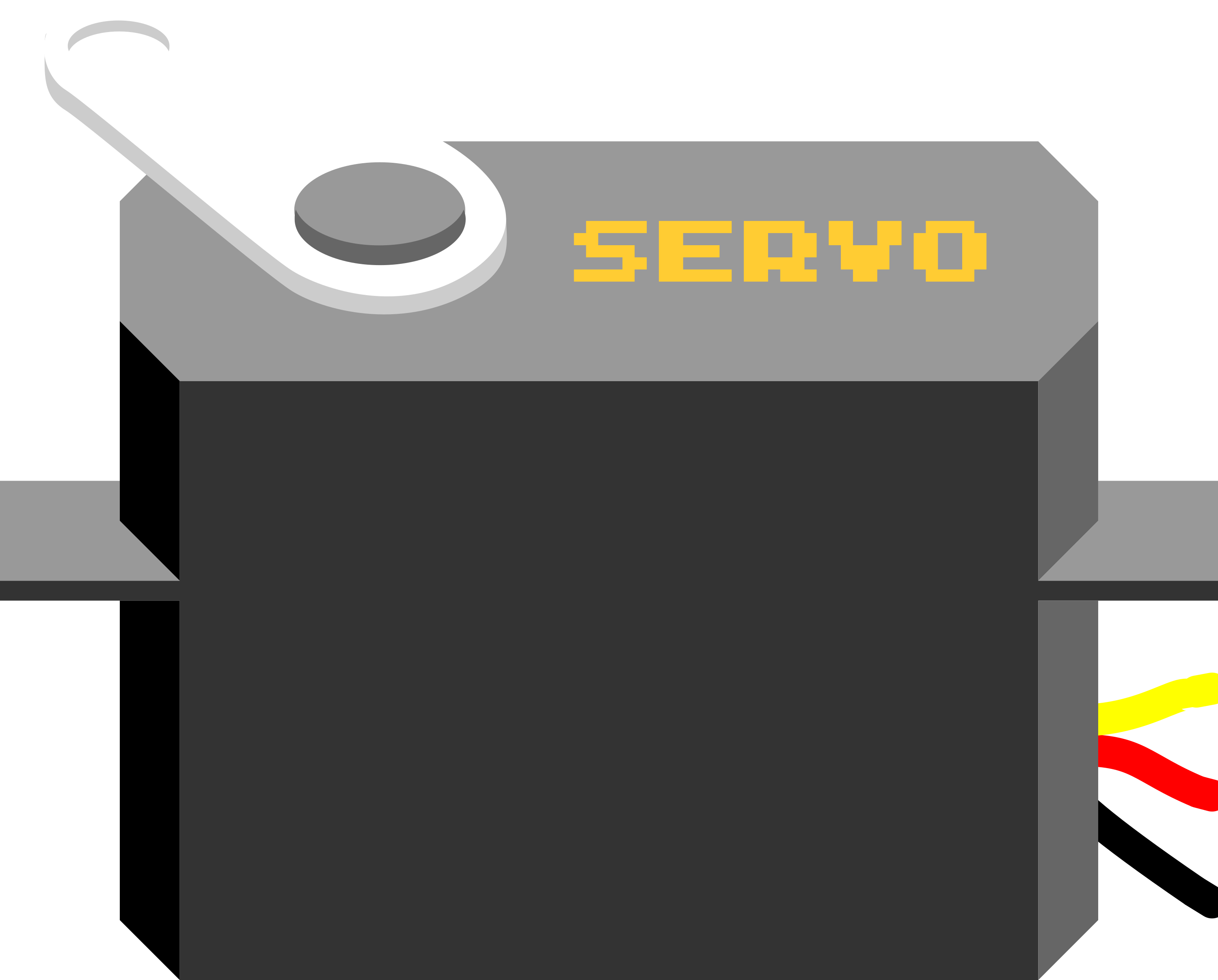
 Design with Servo in Cirkit Designer
Introduction
A servo is a rotary actuator that allows for precise control of angular position, velocity, and acceleration. It consists of a motor coupled to a sensor for position feedback, along with a control circuit. Servos are widely used in robotics, automation, remote-controlled vehicles, and industrial machinery due to their ability to provide accurate and repeatable motion.
Explore Projects Built with Servo
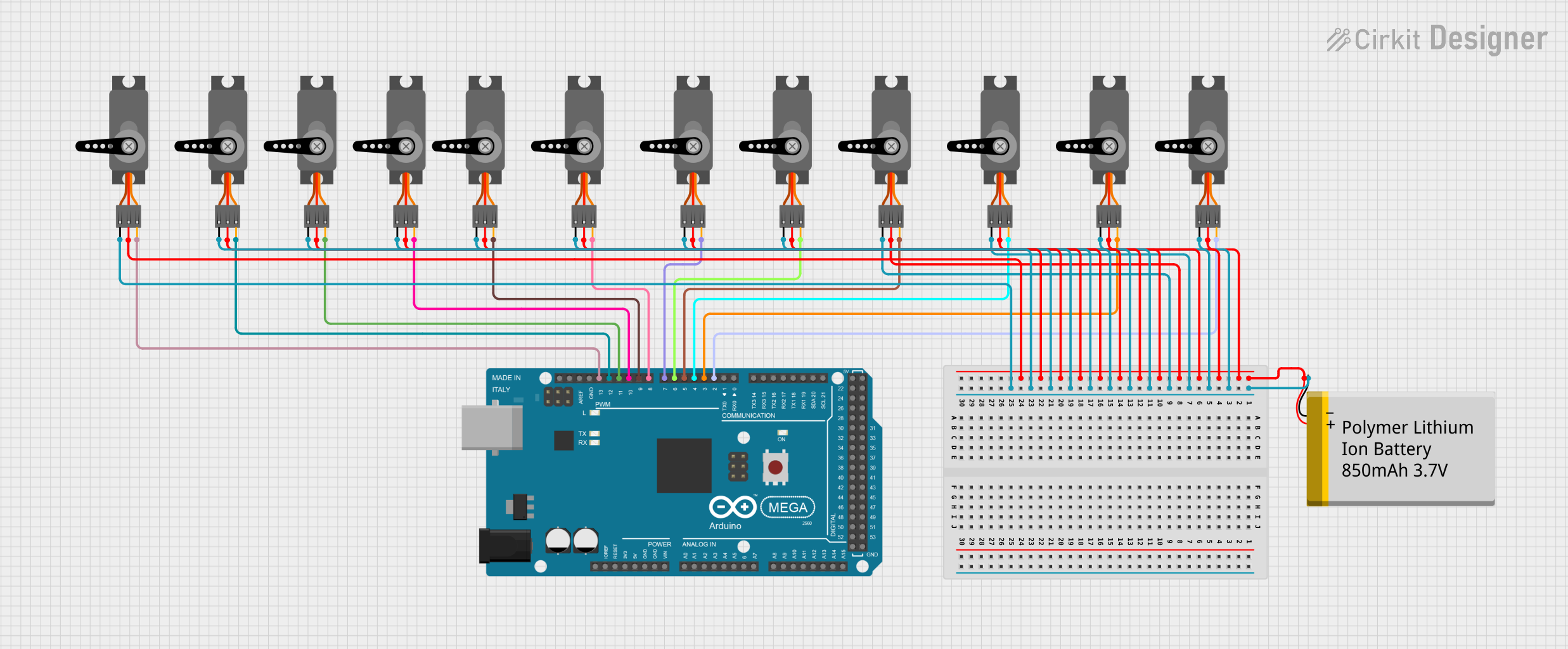 Open Project in Cirkit Designer
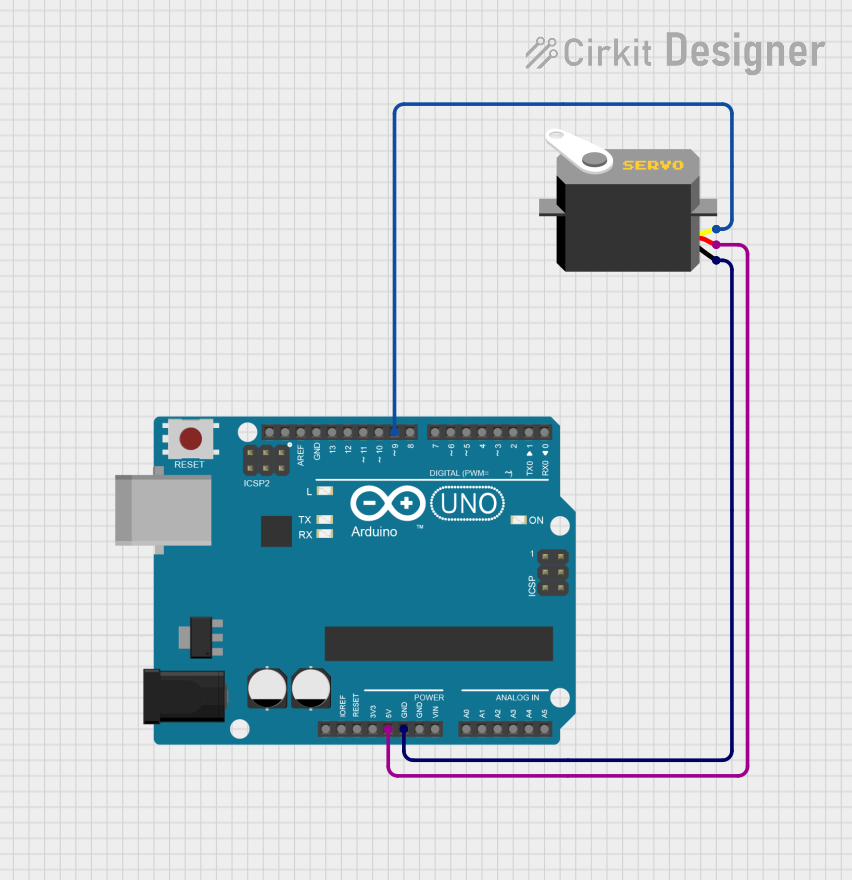 Open Project in Cirkit Designer
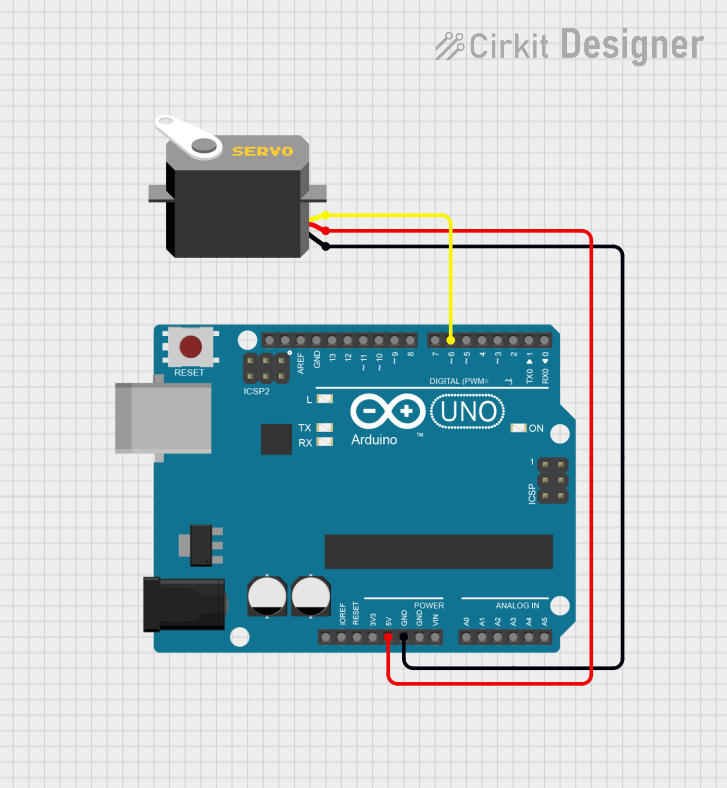 Open Project in Cirkit Designer
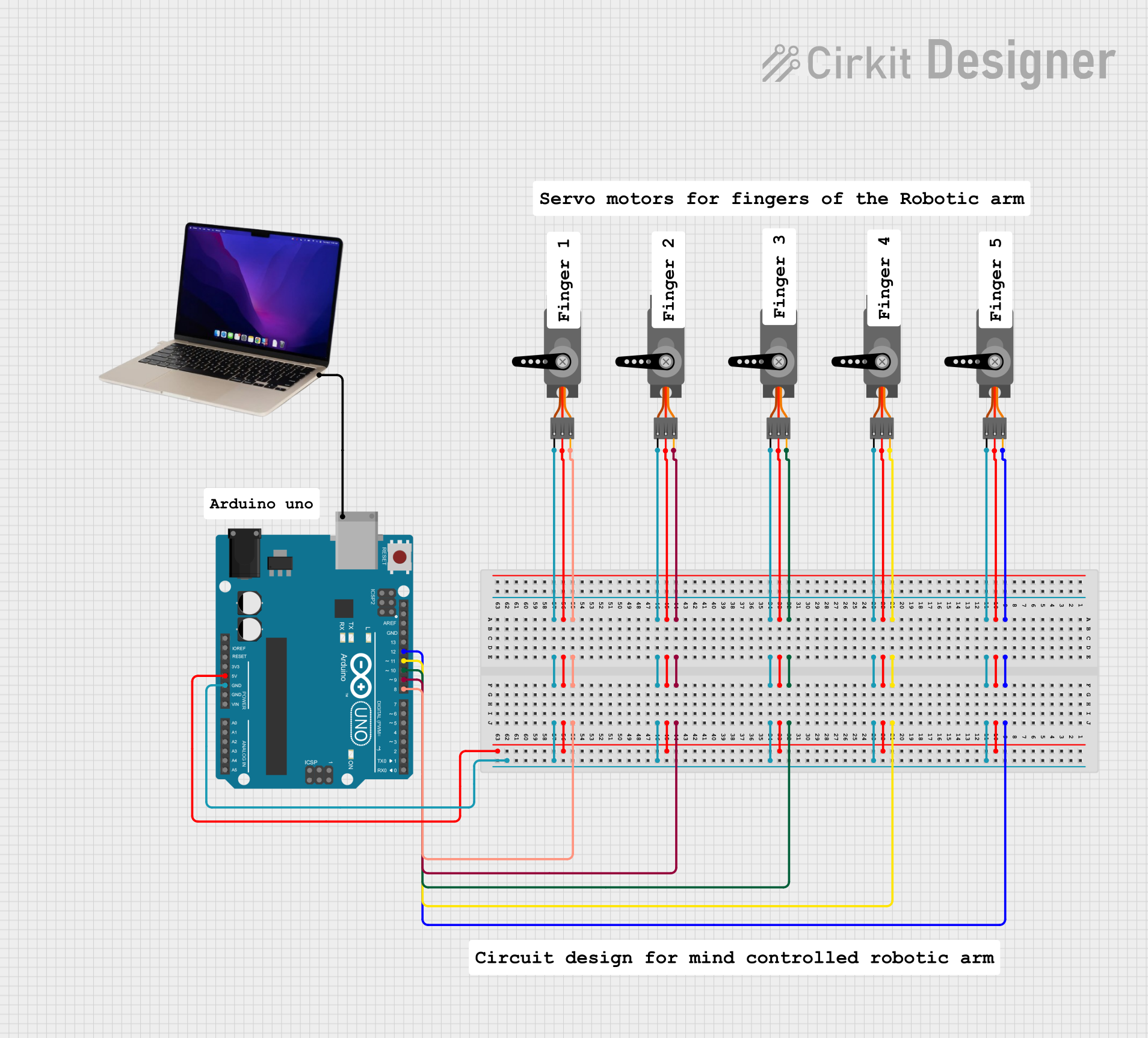 Open Project in Cirkit Designer
Explore Projects Built with Servo
Open Project in Cirkit DesignerOpen Project in Cirkit DesignerOpen Project in Cirkit DesignerOpen Project in Cirkit DesignerCommon Applications:
- Robotics (e.g., robotic arms, humanoid robots)
- RC vehicles (e.g., cars, boats, airplanes)
- Automated systems (e.g., conveyor belts, camera gimbals)
- Precision control in industrial machinery
Technical Specifications
Below are the general specifications for a standard hobby servo. Note that specifications may vary depending on the specific model and manufacturer.
Key Technical Details:
- Operating Voltage: 4.8V to 6V (typical for standard servos)
- Torque: 1.5 kg-cm to 20 kg-cm (varies by model)
- Speed: 0.1 to 0.2 seconds per 60° (at rated voltage)
- Control Signal: Pulse Width Modulation (PWM)
- Angle Range: 0° to 180° (standard), some models support 360° continuous rotation
- Connector Type: 3-pin (Signal, VCC, GND)
Pin Configuration:
The servo typically has a 3-wire connector with the following pinout:
| Pin Name | Wire Color (Common) | Description |
|---|---|---|
| Signal | Orange/White | Receives PWM signal for control |
| VCC | Red | Power supply (4.8V to 6V) |
| GND | Brown/Black | Ground connection |
Usage Instructions
How to Use a Servo in a Circuit:
- Power the Servo: Connect the VCC pin to a 5V power source (or 6V if supported) and the GND pin to the ground of your circuit.
- Control Signal: Connect the Signal pin to a microcontroller (e.g., Arduino) or a PWM signal generator.
- PWM Signal: Send a PWM signal to the Signal pin to control the servo's position. The pulse width determines the angle:
- 1 ms pulse: ~0° position
- 1.5 ms pulse: ~90° position (center)
- 2 ms pulse: ~180° position
Important Considerations:
- Power Supply: Use a separate power supply for the servo if it draws significant current, as this can prevent voltage drops in your circuit.
- PWM Frequency: Most servos operate at a PWM frequency of 50 Hz (20 ms period).
- Avoid Overloading: Do not exceed the torque rating of the servo to prevent damage.
- Calibration: Some servos may require calibration to ensure accurate positioning.
Example: Connecting a Servo to an Arduino UNO
Below is an example of how to control a servo using an Arduino UNO and the Servo library.
#include <Servo.h> // Include the Servo library

Servo myServo; // Create a Servo object

void setup() {
  myServo.attach(9); // Attach the servo to pin 9 on the Arduino
}

void loop() {
  myServo.write(0); // Move the servo to 0 degrees
  delay(1000);      // Wait for 1 second

  myServo.write(90); // Move the servo to 90 degrees
  delay(1000);       // Wait for 1 second

  myServo.write(180); // Move the servo to 180 degrees
  delay(1000);        // Wait for 1 second
}
Notes:
- Ensure the servo is connected to a suitable power source.
- Use a capacitor across the power supply to reduce noise and voltage fluctuations.
Troubleshooting and FAQs
Common Issues:
Servo Not Moving:
- Cause: Incorrect wiring or insufficient power supply.
- Solution: Double-check the connections and ensure the power supply meets the servo's voltage and current requirements.
Jittery Movement:
- Cause: Electrical noise or unstable PWM signal.
- Solution: Use a decoupling capacitor across the power supply and ensure the PWM signal is stable.
Overheating:
- Cause: Overloading the servo or continuous operation at high torque.
- Solution: Reduce the load on the servo or allow it to cool between operations.
Limited Range of Motion:
- Cause: Mechanical obstruction or incorrect PWM signal.
- Solution: Check for physical obstructions and verify the PWM signal timing.
FAQs:
Q: Can I control multiple servos with one Arduino?
A: Yes, you can control multiple servos using different PWM pins. However, ensure the power supply can handle the combined current draw.Q: What happens if I exceed the servo's torque rating?
A: Exceeding the torque rating can damage the servo's internal gears or motor. Always operate within the specified limits.Q: Can I use a servo for continuous rotation?
A: Yes, some servos are designed for continuous rotation. These are controlled by varying the PWM signal to adjust speed and direction.
By following this documentation, you can effectively integrate and troubleshoot a servo in your projects.