
How to Use Oled 128x32: Examples, Pinouts, and Specs
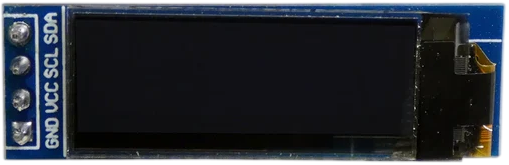
 Design with Oled 128x32 in Cirkit Designer
Introduction
The OLED 128x32 is a small, low-power organic light-emitting diode (OLED) display with a resolution of 128x32 pixels. It is widely used in embedded systems for displaying text, graphics, and simple animations. This display is known for its high contrast, wide viewing angles, and low power consumption, making it ideal for battery-powered devices and compact projects.
Explore Projects Built with Oled 128x32
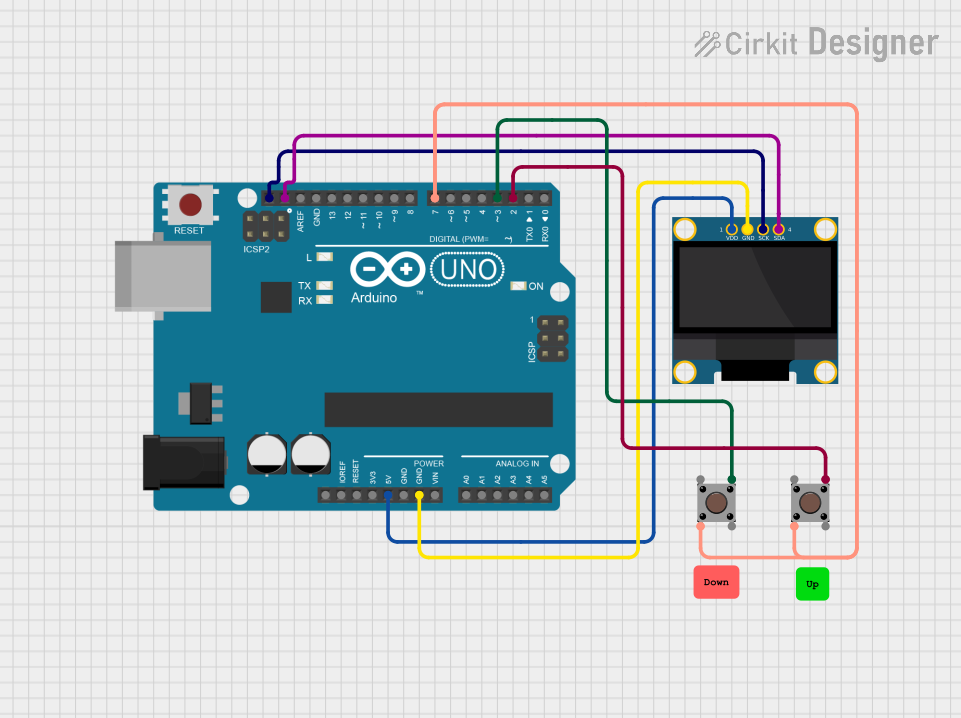 Open Project in Cirkit Designer
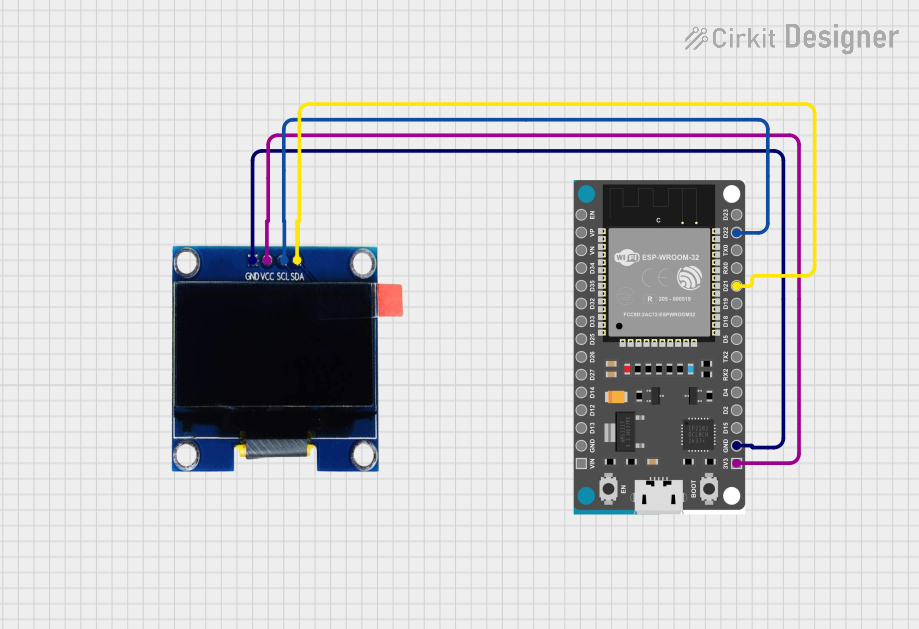 Open Project in Cirkit Designer
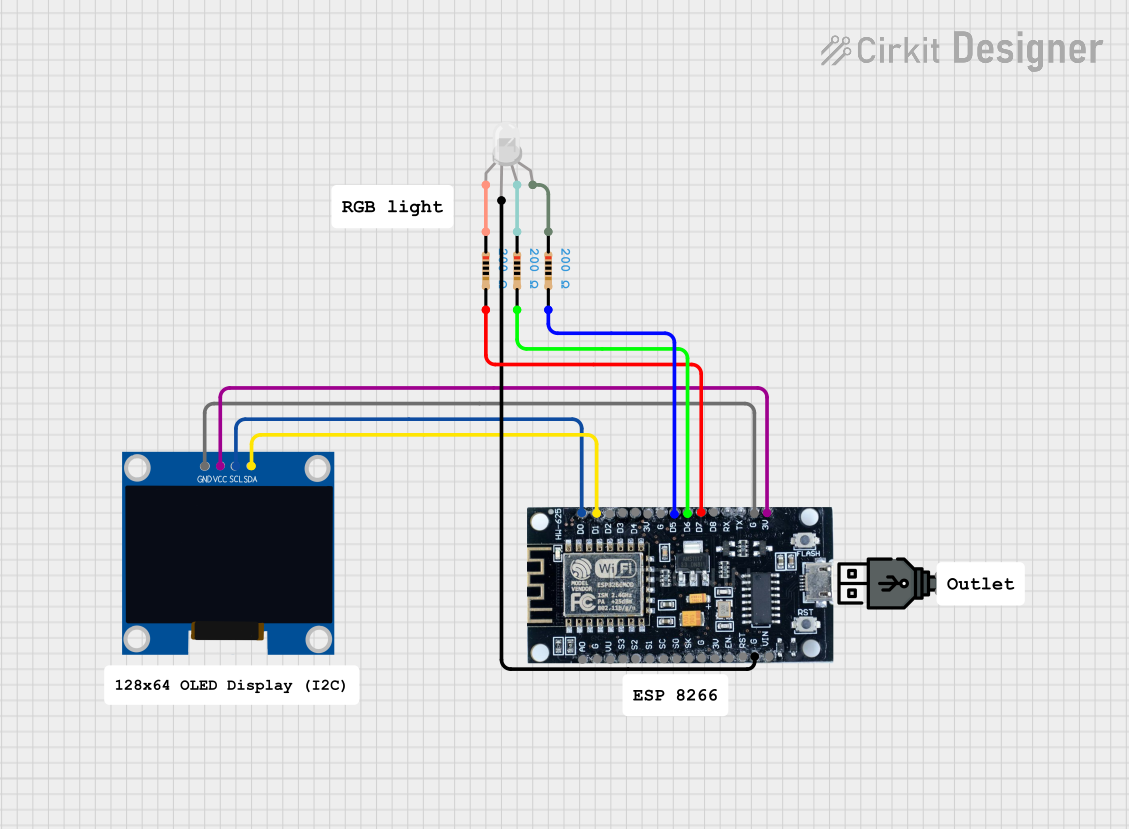 Open Project in Cirkit Designer
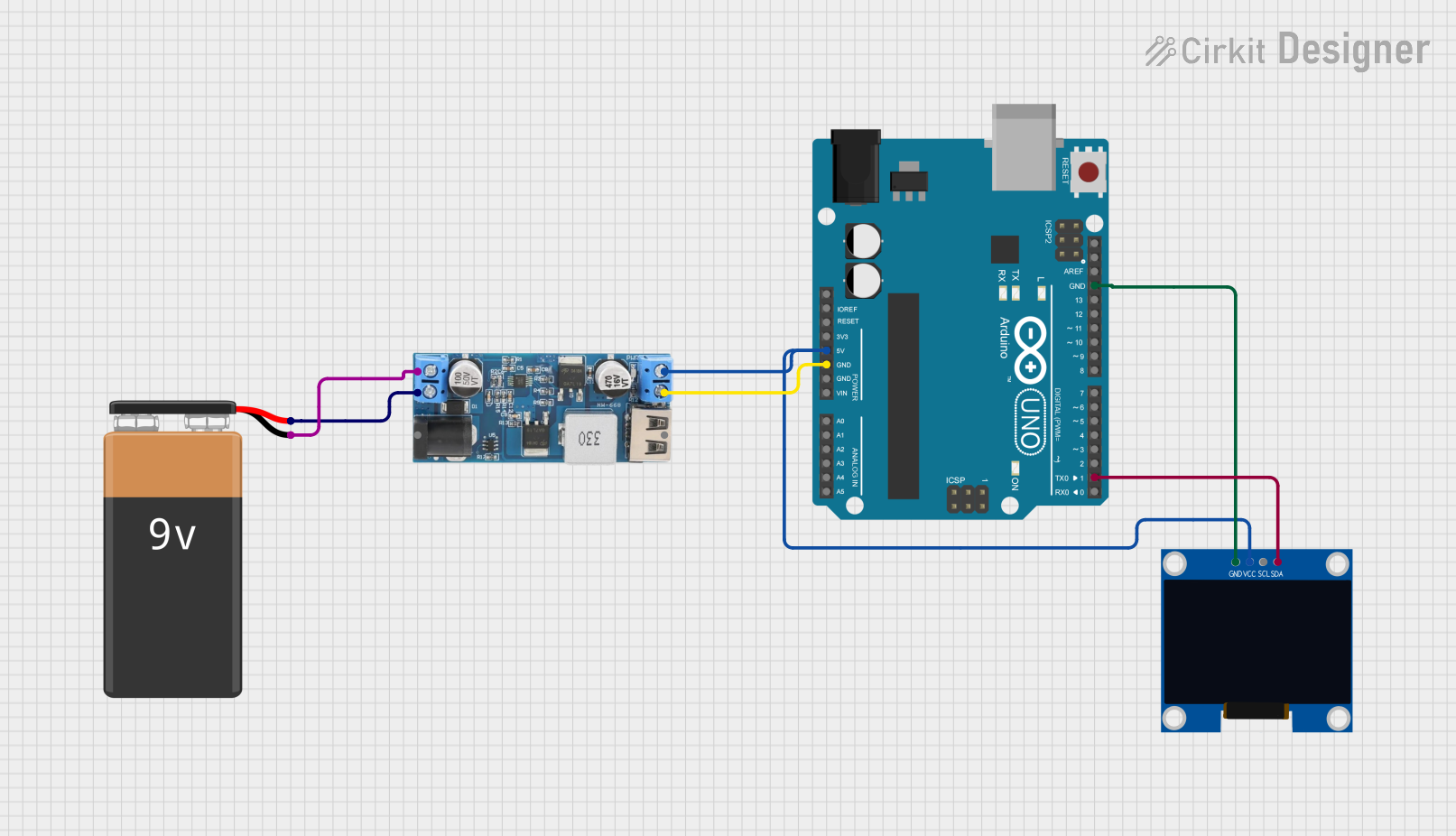 Open Project in Cirkit Designer
Explore Projects Built with Oled 128x32
Open Project in Cirkit DesignerOpen Project in Cirkit DesignerOpen Project in Cirkit DesignerOpen Project in Cirkit DesignerCommon Applications
- Wearable devices
- IoT (Internet of Things) projects
- Portable electronics
- Debugging and status displays for microcontroller-based systems
- Graphical user interfaces for small devices
Technical Specifications
The OLED 128x32 display is typically driven by an SSD1306 controller, which communicates via I2C or SPI protocols. Below are the key technical details:
Key Specifications
| Parameter | Value |
|---|---|
| Display Type | OLED |
| Resolution | 128x32 pixels |
| Communication Protocol | I2C (default) or SPI |
| Operating Voltage | 3.3V to 5V |
| Current Consumption | ~20mA (varies with usage) |
| Pixel Color | Monochrome (usually white) |
| Viewing Angle | >160° |
| Dimensions | ~38mm x 12mm x 4mm |
Pin Configuration (I2C Mode)
| Pin Name | Description |
|---|---|
| VCC | Power supply (3.3V or 5V) |
| GND | Ground |
| SCL | I2C clock line |
| SDA | I2C data line |
Pin Configuration (SPI Mode)
| Pin Name | Description |
|---|---|
| VCC | Power supply (3.3V or 5V) |
| GND | Ground |
| SCK | SPI clock line |
| MOSI | SPI data line |
| CS | Chip select |
| DC | Data/Command control |
| RES | Reset |
Usage Instructions
Connecting the OLED 128x32 to an Arduino UNO (I2C Mode)
Wiring: Connect the OLED display to the Arduino UNO as follows:
- VCC → 5V
- GND → GND
- SCL → A5 (I2C clock line on Arduino UNO)
- SDA → A4 (I2C data line on Arduino UNO)
Install Required Libraries:
- Install the
Adafruit_GFXandAdafruit_SSD1306libraries from the Arduino Library Manager.
- Install the
Example Code: Below is a simple example to display "Hello, World!" on the OLED:
// Include necessary libraries
#include <Adafruit_GFX.h>       // Graphics library for OLED
#include <Adafruit_SSD1306.h>  // SSD1306 driver library

// Define OLED display dimensions
#define SCREEN_WIDTH 128
#define SCREEN_HEIGHT 32

// Create an SSD1306 display object (I2C address 0x3C is common)
Adafruit_SSD1306 display(SCREEN_WIDTH, SCREEN_HEIGHT, &Wire, -1);

void setup() {
  // Initialize the display
  if (!display.begin(SSD1306_I2C_ADDRESS, 0x3C)) {
    Serial.println(F("SSD1306 allocation failed"));
    for (;;); // Halt execution if initialization fails
  }

  // Clear the display buffer
  display.clearDisplay();

  // Set text size and color
  display.setTextSize(1);      // Text size multiplier
  display.setTextColor(SSD1306_WHITE); // White text

  // Display "Hello, World!" on the screen
  display.setCursor(0, 0);     // Set cursor to top-left corner
  display.println(F("Hello, World!"));

  // Update the display with the buffer content
  display.display();
}

void loop() {
  // Nothing to do here
}
Important Considerations
- Power Supply: Ensure the display is powered within its operating voltage range (3.3V to 5V). Exceeding this range may damage the display.
- I2C Address: The default I2C address is usually
0x3C. If the display does not respond, check the address or use an I2C scanner sketch to detect it. - Contrast and Brightness: Prolonged use at maximum brightness may reduce the lifespan of the OLED.
Troubleshooting and FAQs
Common Issues
Display Not Turning On:
- Verify the wiring connections.
- Ensure the correct I2C address is used in the code.
- Check the power supply voltage.
Flickering or Artifacts on the Screen:
- Ensure proper grounding between the display and the microcontroller.
- Use shorter wires to reduce noise in the I2C or SPI lines.
Library Errors During Compilation:
- Ensure the
Adafruit_GFXandAdafruit_SSD1306libraries are installed and up to date. - Verify that the correct display dimensions (128x32) are defined in the code.
- Ensure the
FAQs
Q: Can I use the OLED 128x32 with a 3.3V microcontroller?
A: Yes, the display is compatible with both 3.3V and 5V logic levels.
Q: How do I switch between I2C and SPI modes?
A: Most OLED modules have solder jumpers on the back to select the communication mode. Refer to the module's datasheet for instructions.
Q: Can I display images on the OLED?
A: Yes, you can display monochrome bitmaps using the drawBitmap() function in the Adafruit_GFX library.
Q: What is the maximum refresh rate of the display?
A: The refresh rate depends on the communication protocol and microcontroller speed. Typically, it is sufficient for smooth animations and text updates.
By following this documentation, you should be able to successfully integrate and use the OLED 128x32 display in your projects!