
How to Use SparkFun ESP32 Thing Plus C: Examples, Pinouts, and Specs
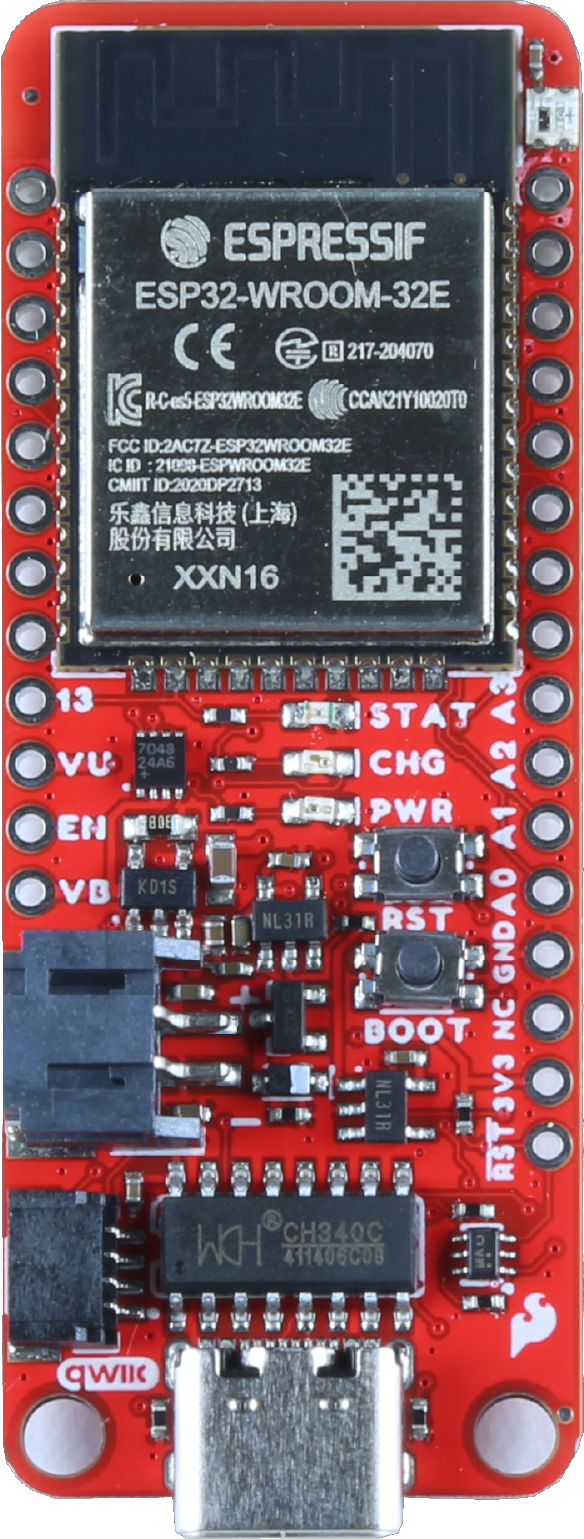
 Design with SparkFun ESP32 Thing Plus C in Cirkit Designer
Introduction
The SparkFun ESP32 Thing Plus C (Manufacturer Part ID: ESP32-S2, WRL-20168) is a versatile microcontroller board designed for IoT and wireless applications. It is built around the powerful ESP32-S2 chip, which integrates Wi-Fi and Bluetooth capabilities, making it an excellent choice for projects requiring wireless communication. The board is compatible with the Feather form factor, allowing seamless integration with a wide range of add-on boards and accessories.
Explore Projects Built with SparkFun ESP32 Thing Plus C
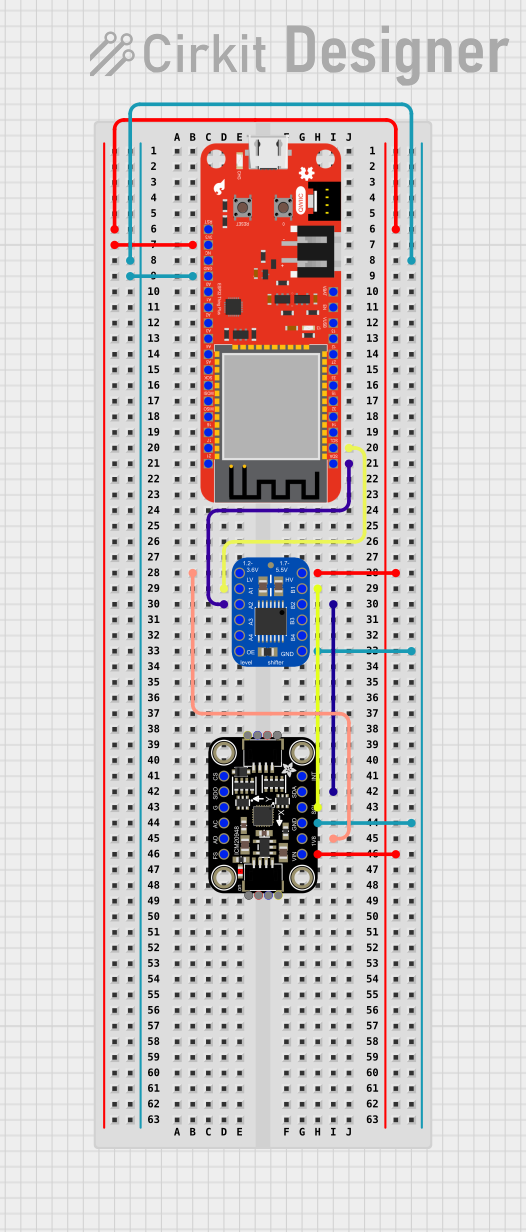 Open Project in Cirkit Designer
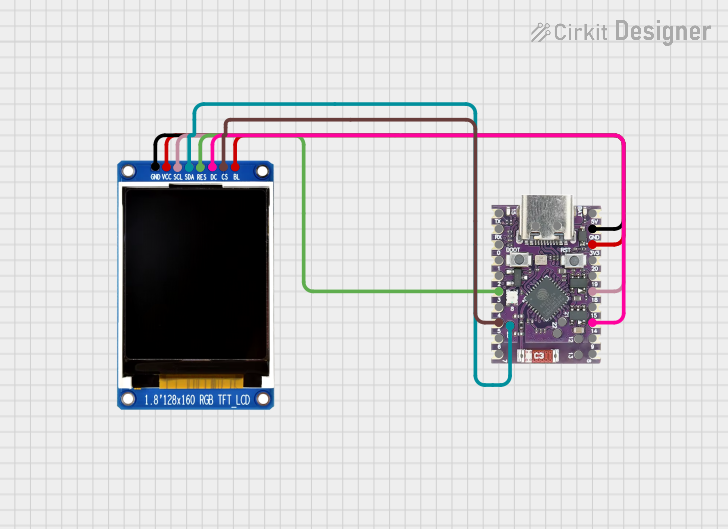 Open Project in Cirkit Designer
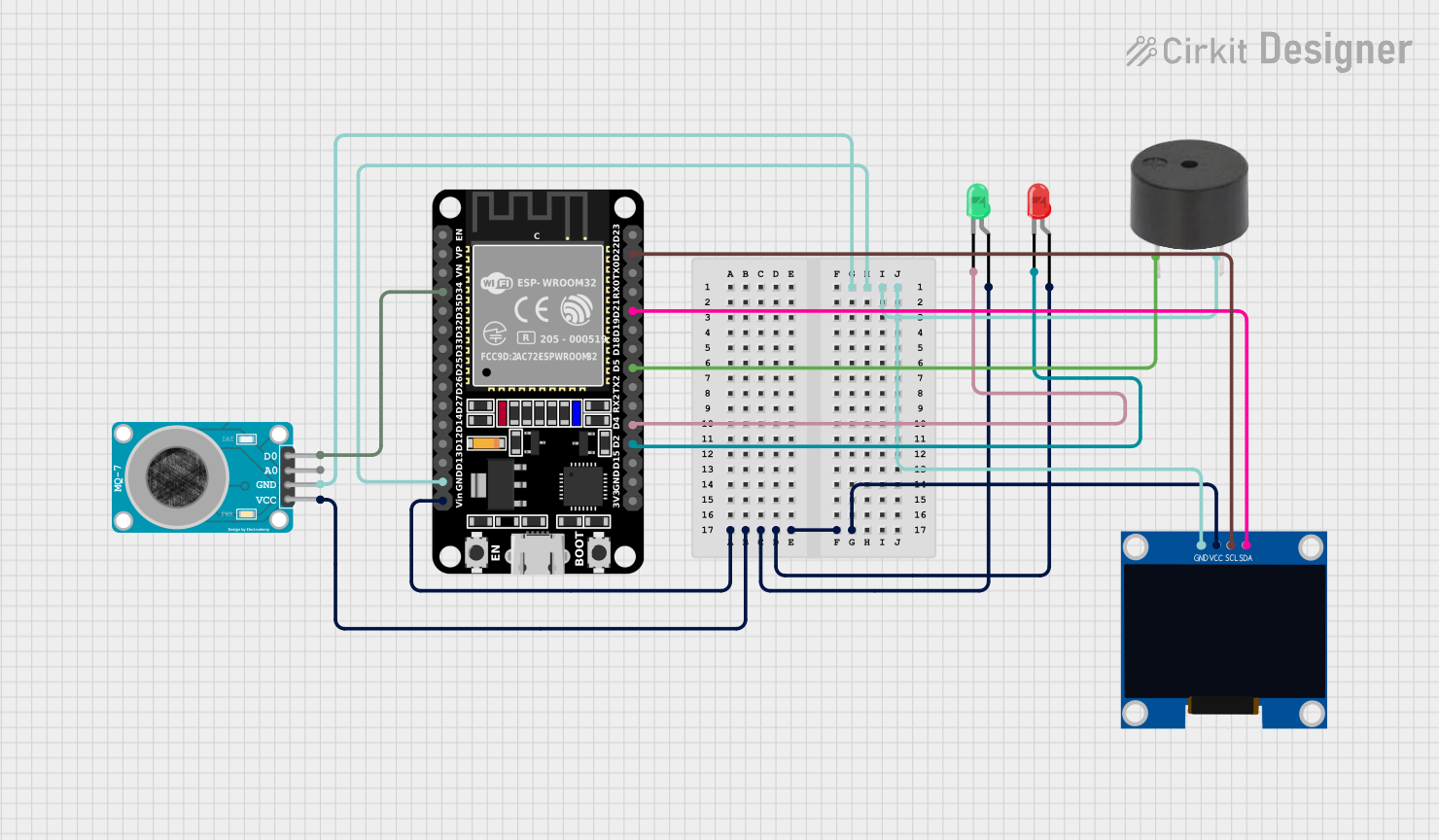 Open Project in Cirkit Designer
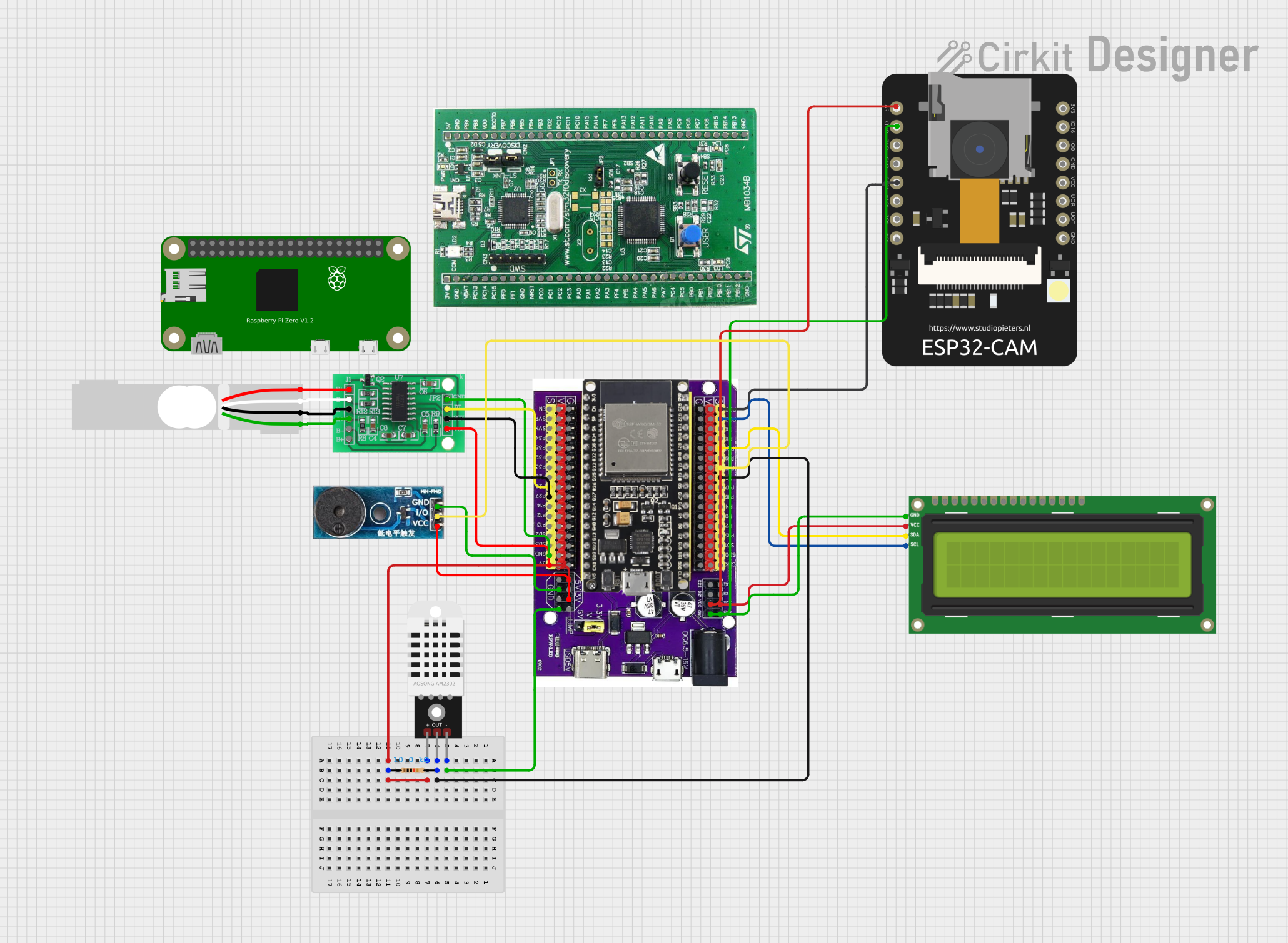 Open Project in Cirkit Designer
Explore Projects Built with SparkFun ESP32 Thing Plus C
Open Project in Cirkit DesignerOpen Project in Cirkit DesignerOpen Project in Cirkit DesignerOpen Project in Cirkit DesignerCommon Applications and Use Cases
- IoT (Internet of Things) devices and smart home automation
- Wireless sensor networks
- Remote data logging and monitoring
- Bluetooth-enabled devices
- Prototyping and development of Wi-Fi-based applications
Technical Specifications
Key Technical Details
| Specification | Value |
|---|---|
| Microcontroller | ESP32-S2 (Xtensa® 32-bit LX7 CPU) |
| Operating Voltage | 3.3V |
| Input Voltage (via USB-C) | 5V |
| Flash Memory | 4MB |
| SRAM | 320KB |
| Wi-Fi | 802.11 b/g/n (2.4 GHz) |
| Bluetooth | BLE (Bluetooth Low Energy) |
| GPIO Pins | 21 |
| ADC Channels | 14-bit ADC (up to 20 channels) |
| Interfaces | I2C, SPI, UART, I2S, PWM |
| USB Interface | USB-C (for programming and power) |
| Dimensions | 2.0" x 0.9" (50.8mm x 22.9mm) |
Pin Configuration and Descriptions
The SparkFun ESP32 Thing Plus C features a Feather-compatible pinout. Below is the pin configuration:
| Pin Name | Description |
|---|---|
| VIN | Input voltage (5V from USB-C or external power supply) |
| 3.3V | Regulated 3.3V output |
| GND | Ground |
| EN | Enable pin (active high, used to reset the board) |
| GPIO0 | General-purpose I/O pin, also used for boot mode selection |
| GPIO1-21 | General-purpose I/O pins with multiple functions (PWM, ADC, I2C, SPI, etc.) |
| SDA | I2C data line |
| SCL | I2C clock line |
| RX | UART receive pin |
| TX | UART transmit pin |
| A0-A5 | Analog input pins (14-bit ADC) |
| RST | Reset pin |
| USB-C | USB interface for programming and power |
Usage Instructions
How to Use the Component in a Circuit
Powering the Board:
- Connect the board to a computer or USB power source using a USB-C cable.
- Alternatively, supply 5V to the VIN pin for external power.
Programming the Board:
- Install the ESP32 board support package in the Arduino IDE or use the ESP-IDF framework.
- Select "SparkFun ESP32 Thing Plus" as the board in the IDE.
- Connect the board to your computer via USB-C and upload your code.
Connecting Peripherals:
- Use the GPIO pins to connect sensors, actuators, or other peripherals.
- For I2C devices, connect to the SDA and SCL pins.
- For SPI devices, use the appropriate SPI pins (MOSI, MISO, SCK, CS).
Important Considerations and Best Practices
- Voltage Levels: Ensure all connected peripherals operate at 3.3V logic levels to avoid damaging the board.
- Boot Mode: To enter bootloader mode, hold the BOOT button while pressing the RESET button.
- Power Supply: If using an external power source, ensure it provides a stable 5V to the VIN pin.
- Wi-Fi and Bluetooth: Avoid placing the board in metal enclosures, as this may interfere with wireless communication.
Example Code for Arduino IDE
Below is an example of how to connect the SparkFun ESP32 Thing Plus C to a Wi-Fi network and blink an LED:
#include <WiFi.h> // Include the Wi-Fi library

// Replace with your network credentials
const char* ssid = "Your_SSID";
const char* password = "Your_PASSWORD";

const int ledPin = 13; // GPIO pin for the onboard LED

void setup() {
  pinMode(ledPin, OUTPUT); // Set the LED pin as an output
  Serial.begin(115200);    // Start the serial communication

  // Connect to Wi-Fi
  Serial.print("Connecting to Wi-Fi");
  WiFi.begin(ssid, password);
  while (WiFi.status() != WL_CONNECTED) {
    delay(500);
    Serial.print(".");
  }
  Serial.println("\nWi-Fi connected!");
  Serial.print("IP Address: ");
  Serial.println(WiFi.localIP());
}

void loop() {
  digitalWrite(ledPin, HIGH); // Turn the LED on
  delay(1000);                // Wait for 1 second
  digitalWrite(ledPin, LOW);  // Turn the LED off
  delay(1000);                // Wait for 1 second
}
Troubleshooting and FAQs
Common Issues and Solutions
Board Not Detected by Computer:
- Ensure the USB-C cable is a data cable (not just a charging cable).
- Check that the correct board and port are selected in the Arduino IDE.
- Try pressing the RESET button or entering bootloader mode.
Wi-Fi Connection Fails:
- Double-check the SSID and password in your code.
- Ensure the Wi-Fi network is 2.4 GHz, as the ESP32 does not support 5 GHz networks.
- Move the board closer to the Wi-Fi router to improve signal strength.
Peripherals Not Working:
- Verify the wiring and connections to the GPIO pins.
- Check that the peripherals are compatible with 3.3V logic levels.
- Use a multimeter to confirm power is being supplied to the peripherals.
FAQs
Q: Can I power the board with a LiPo battery?
A: Yes, the board has a JST connector for a single-cell LiPo battery. It also includes a charging circuit.Q: How do I update the firmware?
A: Use the Arduino IDE or ESP-IDF to upload new firmware via the USB-C connection.Q: Can I use the board with MicroPython?
A: Yes, the ESP32-S2 is compatible with MicroPython. Flash the MicroPython firmware to get started.Q: What is the maximum current output of the 3.3V pin?
A: The 3.3V pin can supply up to 500mA, depending on the input power source.
By following this documentation, you can effectively use the SparkFun ESP32 Thing Plus C in your projects and troubleshoot common issues.