
How to Use SEN55: Examples, Pinouts, and Specs
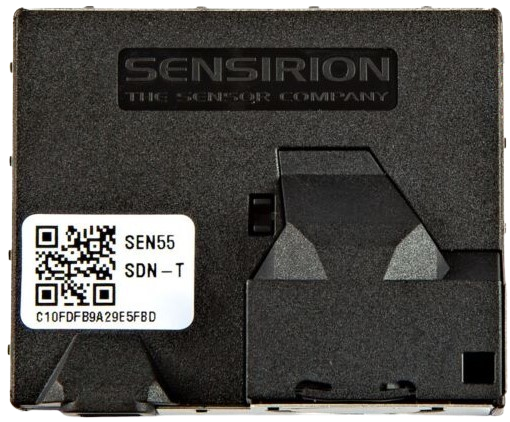
 Design with SEN55 in Cirkit Designer
Introduction
The SEN55, manufactured by Sensirion (Part ID: SEN55-SDN-T), is a versatile environmental sensor designed to measure temperature, humidity, and air quality. This all-in-one sensor module integrates multiple sensing capabilities, making it ideal for applications requiring precise environmental monitoring. Its compact design and robust performance make it a popular choice for IoT devices, HVAC systems, air purifiers, and smart home applications.
Explore Projects Built with SEN55
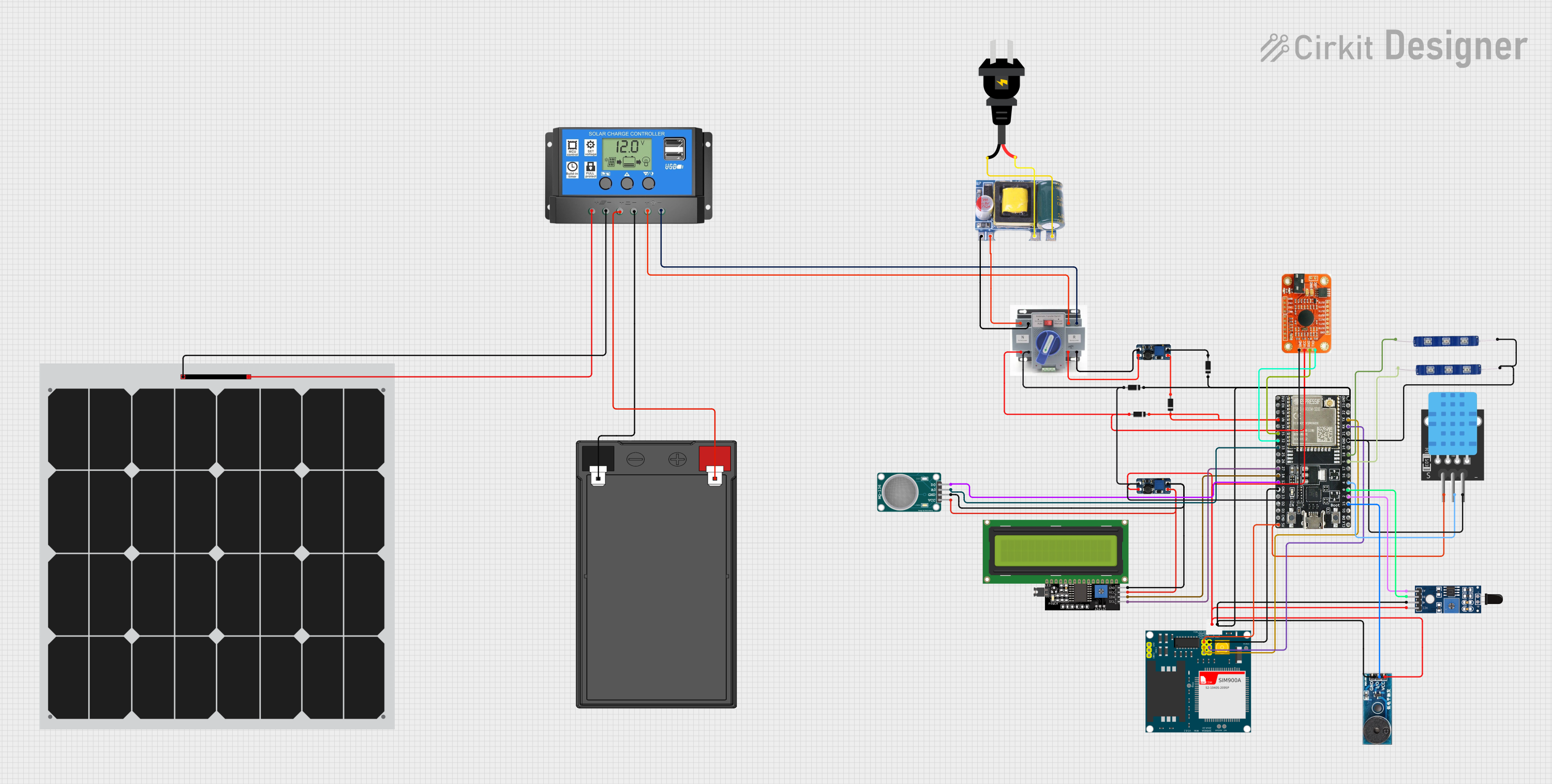 Open Project in Cirkit Designer
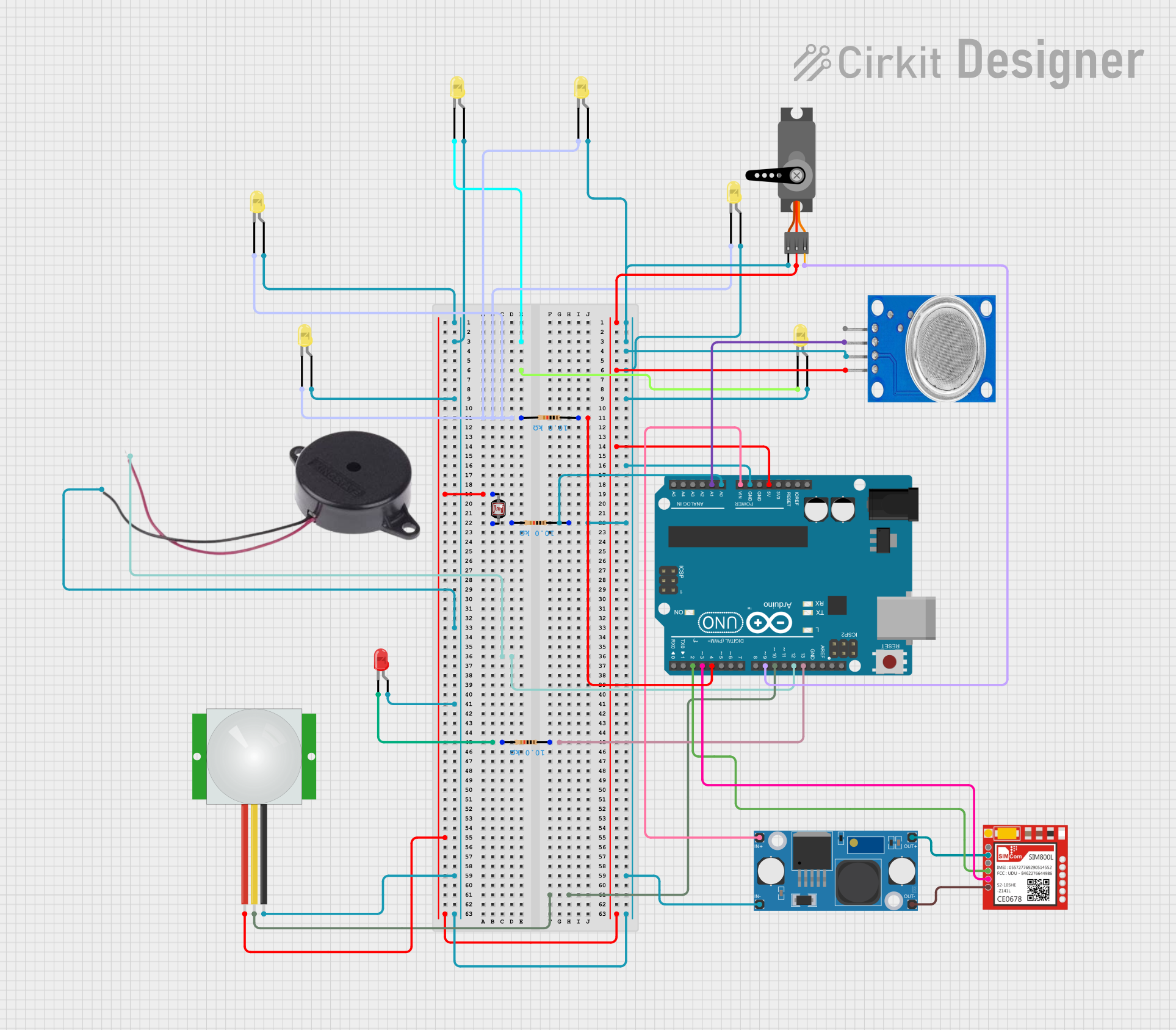 Open Project in Cirkit Designer
 Open Project in Cirkit Designer
 Open Project in Cirkit Designer
Explore Projects Built with SEN55
Open Project in Cirkit DesignerOpen Project in Cirkit DesignerOpen Project in Cirkit DesignerOpen Project in Cirkit DesignerCommon Applications
- Indoor air quality monitoring
- IoT-based environmental sensing
- HVAC system optimization
- Smart home automation
- Industrial and commercial air quality control
Technical Specifications
Key Technical Details
| Parameter | Value |
|---|---|
| Supply Voltage | 5 V DC (typical) |
| Operating Current | 20 mA (typical) |
| Communication Interface | I²C, UART |
| Temperature Range | -10°C to +60°C |
| Humidity Range | 0% to 100% RH |
| Particulate Matter (PM) | PM1.0, PM2.5, PM4.0, PM10 |
| Gas Sensing | VOC (Volatile Organic Compounds) Index |
| Accuracy (Temperature) | ±0.5°C |
| Accuracy (Humidity) | ±4% RH |
| Dimensions | 41 mm × 41 mm × 12 mm |
Pin Configuration and Descriptions
| Pin Number | Pin Name | Description |
|---|---|---|
| 1 | VCC | Power supply input (5 V DC) |
| 2 | GND | Ground |
| 3 | SDA | I²C data line |
| 4 | SCL | I²C clock line |
| 5 | TX | UART transmit line |
| 6 | RX | UART receive line |
Usage Instructions
How to Use the SEN55 in a Circuit
- Power Supply: Connect the VCC pin to a stable 5 V DC power source and the GND pin to the ground.
- Communication Interface: Choose between I²C or UART for communication:
- For I²C, connect the SDA and SCL pins to the corresponding pins on your microcontroller.
- For UART, connect the TX and RX pins to the UART interface of your microcontroller.
- Pull-Up Resistors: If using I²C, ensure pull-up resistors (typically 4.7 kΩ) are connected to the SDA and SCL lines.
- Initialization: Use the appropriate library or communication protocol to initialize the sensor and start data acquisition.
Important Considerations
- Placement: Ensure the sensor is placed in an area with good airflow for accurate readings.
- Power Stability: Use a stable power supply to avoid noise or inaccurate measurements.
- Startup Time: Allow the sensor to stabilize for a few seconds after powering on before taking measurements.
- Avoid Contamination: Protect the sensor from dust, liquids, and other contaminants that may affect its performance.
Example Code for Arduino UNO (I²C)
#include <Wire.h>

// SEN55 I²C address (default)
#define SEN55_ADDRESS 0x69

void setup() {
  Wire.begin(); // Initialize I²C communication
  Serial.begin(9600); // Initialize serial communication for debugging

  // Initialize the SEN55 sensor
  if (!initializeSEN55()) {
    Serial.println("Failed to initialize SEN55 sensor!");
    while (1); // Halt execution if initialization fails
  }
  Serial.println("SEN55 sensor initialized successfully.");
}

void loop() {
  // Read and display sensor data
  float temperature, humidity;
  if (readSEN55Data(&temperature, &humidity)) {
    Serial.print("Temperature: ");
    Serial.print(temperature);
    Serial.println(" °C");

    Serial.print("Humidity: ");
    Serial.print(humidity);
    Serial.println(" %RH");
  } else {
    Serial.println("Failed to read data from SEN55.");
  }

  delay(1000); // Wait 1 second before the next reading
}

bool initializeSEN55() {
  Wire.beginTransmission(SEN55_ADDRESS);
  // Send initialization command (example, replace with actual command)
  Wire.write(0x00);
  return (Wire.endTransmission() == 0);
}

bool readSEN55Data(float *temperature, float *humidity) {
  Wire.beginTransmission(SEN55_ADDRESS);
  // Request data from the sensor (example, replace with actual command)
  Wire.write(0x03);
  if (Wire.endTransmission() != 0) {
    return false; // Transmission failed
  }

  Wire.requestFrom(SEN55_ADDRESS, 4); // Request 4 bytes of data
  if (Wire.available() < 4) {
    return false; // Not enough data received
  }

  // Parse the received data (example, replace with actual parsing logic)
  uint16_t tempRaw = (Wire.read() << 8) | Wire.read();
  uint16_t humRaw = (Wire.read() << 8) | Wire.read();

  *temperature = tempRaw / 100.0; // Convert to °C
  *humidity = humRaw / 100.0; // Convert to %RH

  return true;
}
Troubleshooting and FAQs
Common Issues
No Data from Sensor:
- Ensure the sensor is powered correctly (5 V DC on VCC and GND).
- Verify the communication interface (I²C or UART) is properly connected.
- Check for loose or incorrect wiring.
Inaccurate Readings:
- Ensure the sensor is placed in an area with good airflow.
- Avoid placing the sensor near heat sources or in direct sunlight.
- Verify that the sensor is not contaminated with dust or liquids.
I²C Communication Fails:
- Check the pull-up resistors on the SDA and SCL lines.
- Verify the I²C address (default: 0x69) matches the one in your code.
FAQs
Q: Can the SEN55 measure CO2 levels?
A: No, the SEN55 does not measure CO2 directly. It provides a VOC index, which can be used as an indicator of air quality.
Q: What is the startup time for the SEN55?
A: The sensor requires a few seconds to stabilize after powering on. It is recommended to wait at least 5 seconds before taking measurements.
Q: Can I use the SEN55 with a 3.3 V microcontroller?
A: The SEN55 requires a 5 V power supply. However, its I²C and UART lines are 3.3 V logic compatible, so it can interface with 3.3 V microcontrollers.