Cirkit Designer LogoCirkit DesignerYour all-in-one circuit design IDE Launch Cirkit Designer App

How to Use DC Breaker: Examples, Pinouts, and Specs

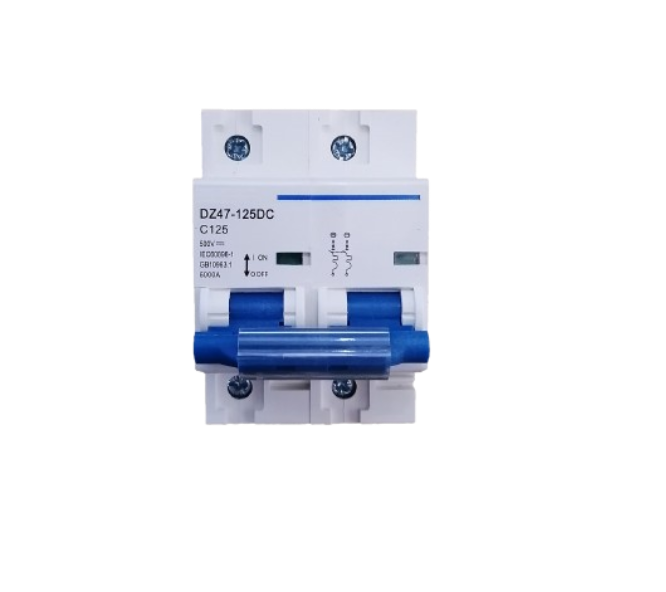
Image of DC BreakerDesign with DC Breaker in Cirkit Designer

Introduction

A DC breaker is a protective device designed to interrupt the flow of direct current (DC) in an electrical circuit. Its primary purpose is to safeguard electrical systems by preventing damage caused by overloads, short circuits, or other electrical faults. Unlike AC breakers, DC breakers are specifically engineered to handle the unique challenges of breaking direct current, such as the absence of zero-crossing points in the waveform.

Explore Projects Built with DC Breaker

Use Cirkit Designer to design, explore, and prototype these projects online. Some projects support real-time simulation. Click "Open Project" to start designing instantly!
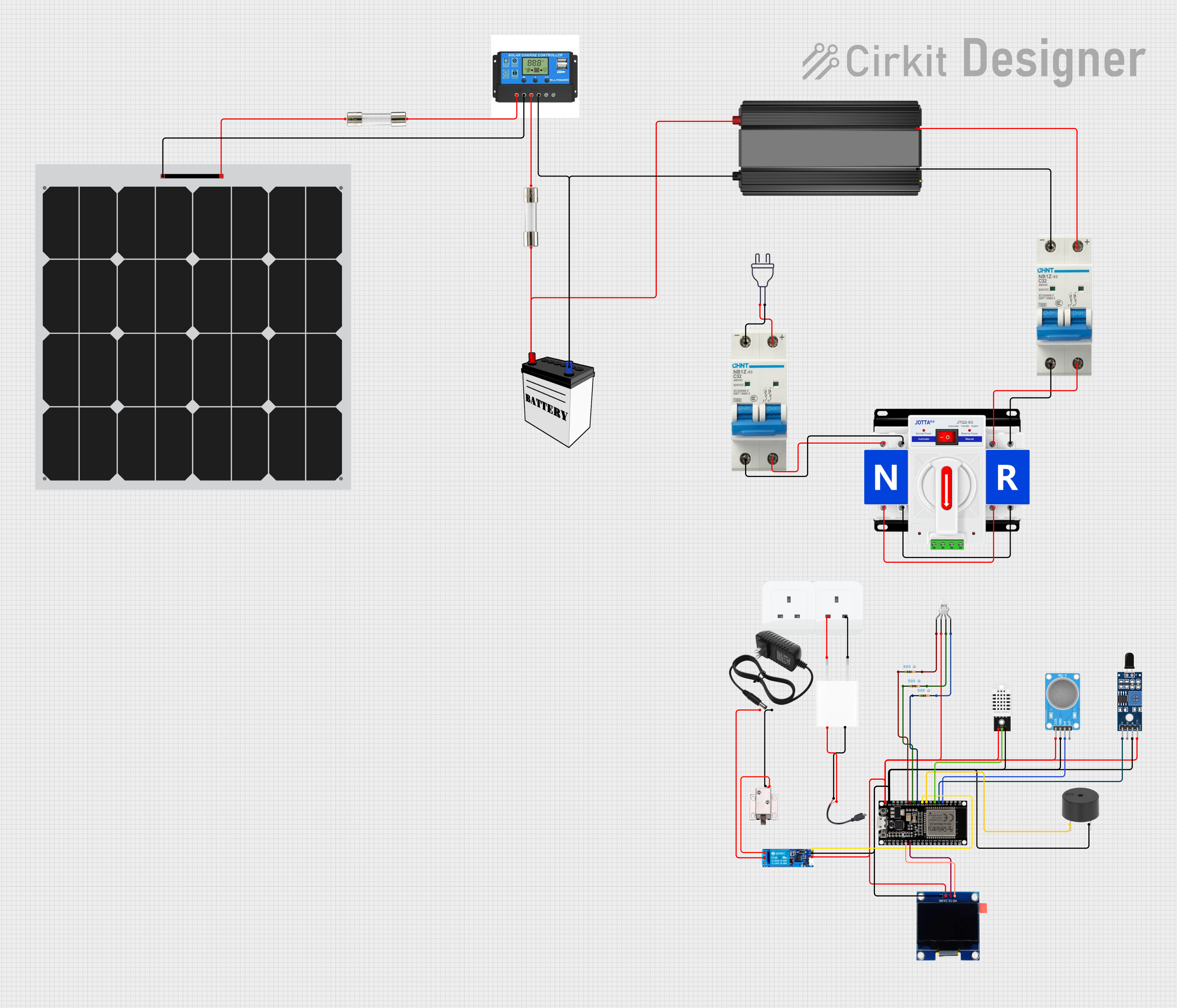
Image of Solar-Powered Environmental Monitoring System with Automatic Transfer Switch and ESP32 Control: A project utilizing DC Breaker in a practical application
Solar-Powered Environmental Monitoring System with Automatic Transfer Switch and ESP32 Control

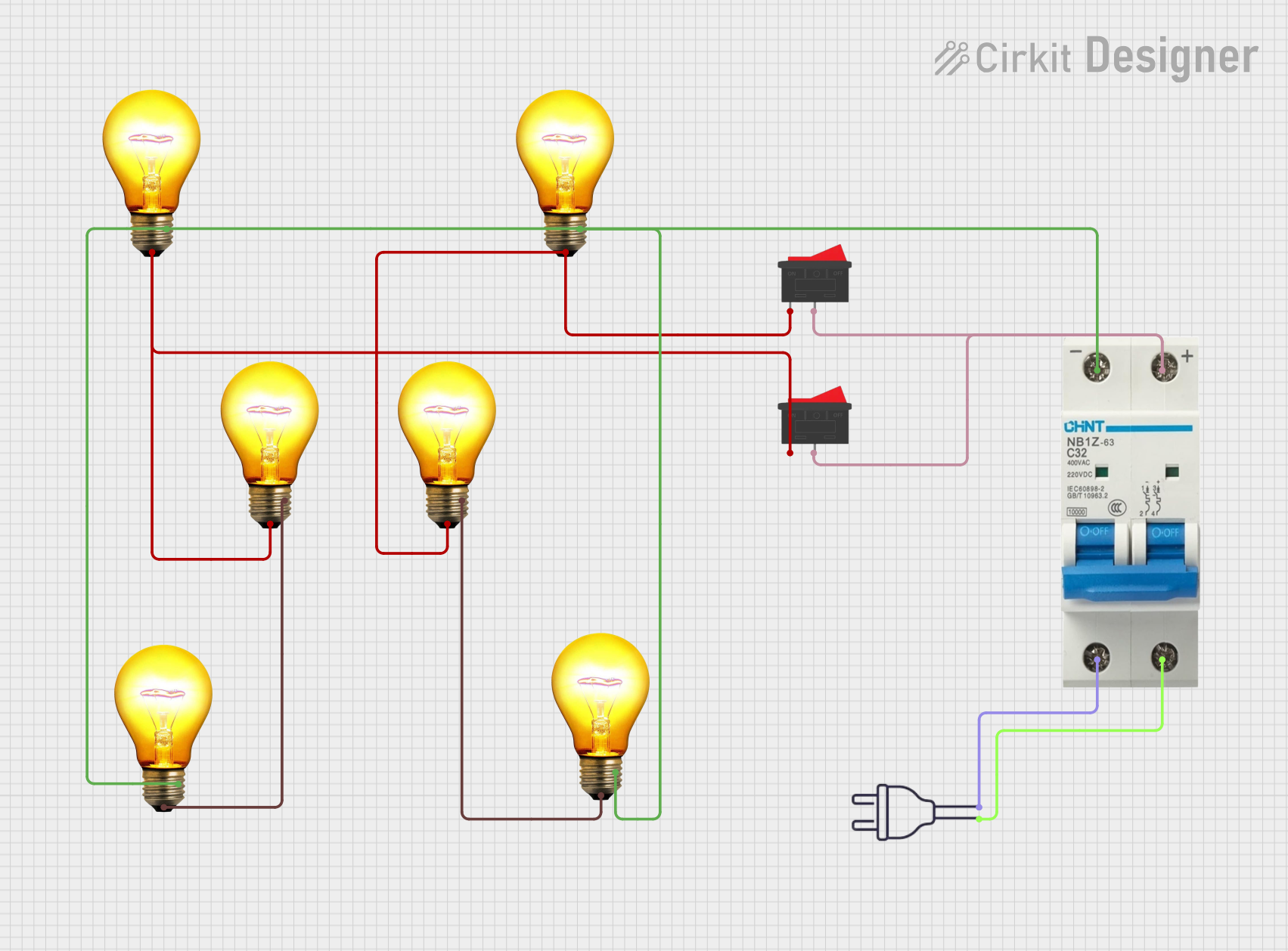
This circuit appears to be a solar power management system with dual power input capability, integrating a solar panel with a charge controller to manage charging a 12V battery and providing power through an inverter for AC loads. It includes safety features such as circuit breakers and fuses, and a dual power automatic transfer switch to alternate between solar and grid power. The system also incorporates an ESP32 microcontroller interfaced with various sensors (MQ-2, SHT113, DHT22), a buzzer for alerts, an OLED display for status output, and a relay module to control a 12V solenoid lock, with power regulation provided by a 5V adapter and resistors for LED current limiting.

Open Project in Cirkit Designer

Common Applications and Use Cases

Technical Specifications

Below are the key technical details for a typical DC breaker. Always refer to the datasheet of the specific model you are using for precise specifications.

General Specifications

Pin Configuration and Descriptions

DC breakers typically have input and output terminals for connecting to the circuit. Below is a table describing the terminals:

Terminal Description
Input (+) Positive terminal for incoming DC power.
Input (-) Negative terminal for incoming DC power.
Output (+) Positive terminal for outgoing DC power.
Output (-) Negative terminal for outgoing DC power.

Some advanced DC breakers may include auxiliary terminals for monitoring or remote control. Refer to the specific model's manual for details.

Usage Instructions

How to Use the Component in a Circuit

  1. Determine the Ratings: Select a DC breaker with a voltage and current rating suitable for your circuit. Ensure the breaking capacity exceeds the maximum fault current of your system.
  2. Connect the Input Terminals: Connect the positive and negative input terminals of the breaker to the DC power source.
  3. Connect the Output Terminals: Connect the positive and negative output terminals to the load or downstream circuit.
  4. Secure the Breaker: Mount the breaker on a DIN rail or panel as per the installation requirements.
  5. Test the Circuit: After installation, test the breaker by simulating an overload or short circuit to ensure proper operation.

Important Considerations and Best Practices

Example: Using a DC Breaker in a Solar System

In a solar power system, a DC breaker can be installed between the solar panels and the charge controller to protect against overcurrent. Below is an example of how to connect the breaker:

Solar Panel (+) ----> DC Breaker Input (+)
Solar Panel (-) ----> DC Breaker Input (-)
DC Breaker Output (+) ----> Charge Controller (+)
DC Breaker Output (-) ----> Charge Controller (-)

Troubleshooting and FAQs

Common Issues Users Might Face

  1. Breaker Does Not Trip During Overload:

    • Cause: Incorrect breaker rating or faulty trip mechanism.
    • Solution: Verify the breaker’s current rating matches the circuit requirements. Replace the breaker if defective.
  2. Breaker Trips Frequently:

    • Cause: Overloaded circuit or short circuit.
    • Solution: Check the circuit for excessive load or wiring faults. Reduce the load or repair the fault.
  3. Breaker Fails to Reset:

    • Cause: Internal damage or persistent fault in the circuit.
    • Solution: Inspect the breaker for damage. Ensure the circuit is fault-free before resetting.
  4. Arcing During Tripping:

    • Cause: High voltage without proper arc suppression.
    • Solution: Use a breaker with an arc-extinguishing chamber for high-voltage applications.

FAQs