
How to Use GPS Matek M10-5883: Examples, Pinouts, and Specs
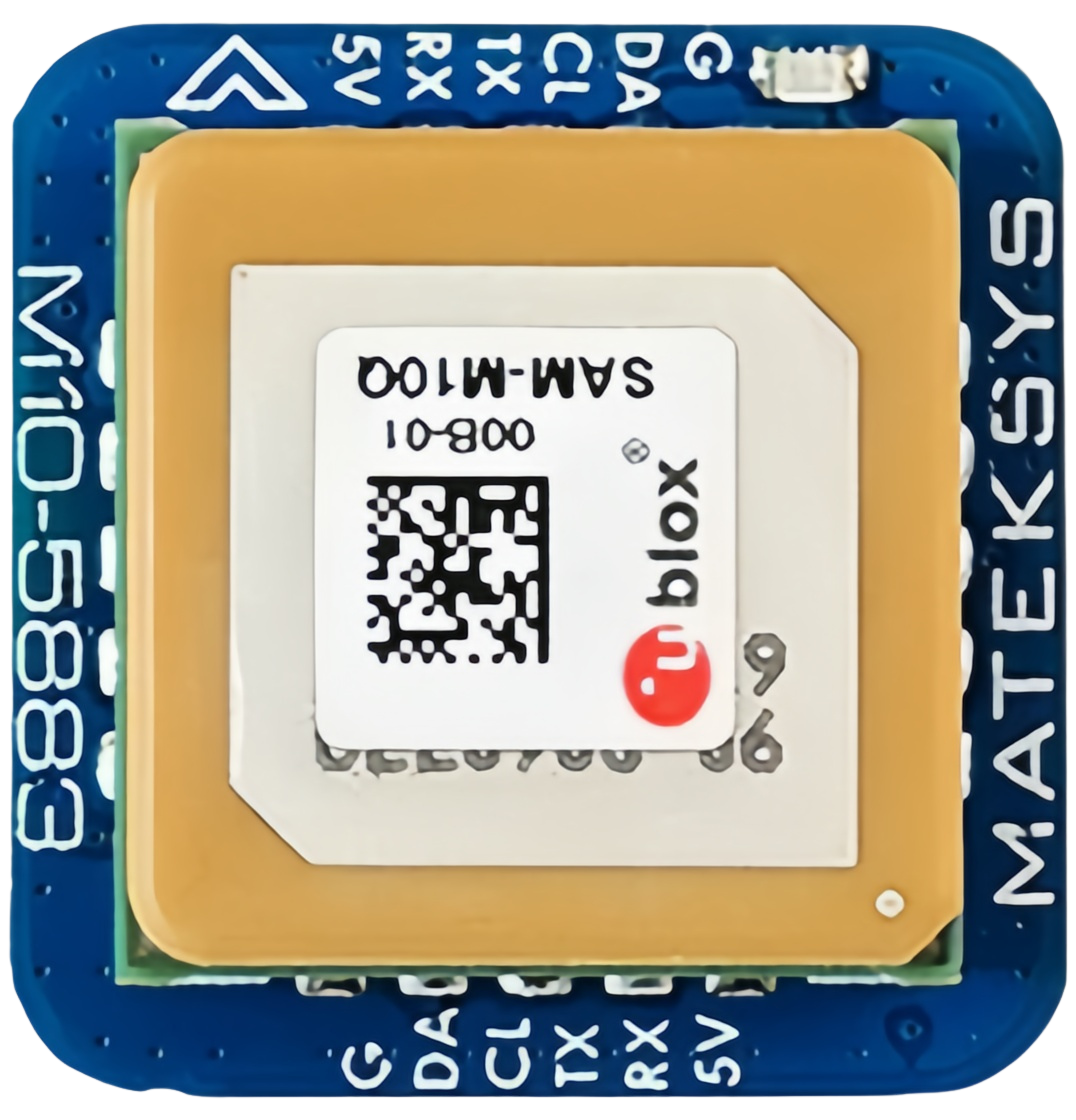
 Design with GPS Matek M10-5883 in Cirkit Designer
Introduction
The GPS Matek M10-5883 is a high-performance GPS module designed for applications requiring precise positioning and navigation. It features a 10Hz update rate, a built-in antenna, and support for multiple GNSS (Global Navigation Satellite Systems), including GPS, GLONASS, Galileo, and BeiDou. This module is particularly well-suited for drones, robotics, and other systems where accurate and reliable location data is critical.
Explore Projects Built with GPS Matek M10-5883
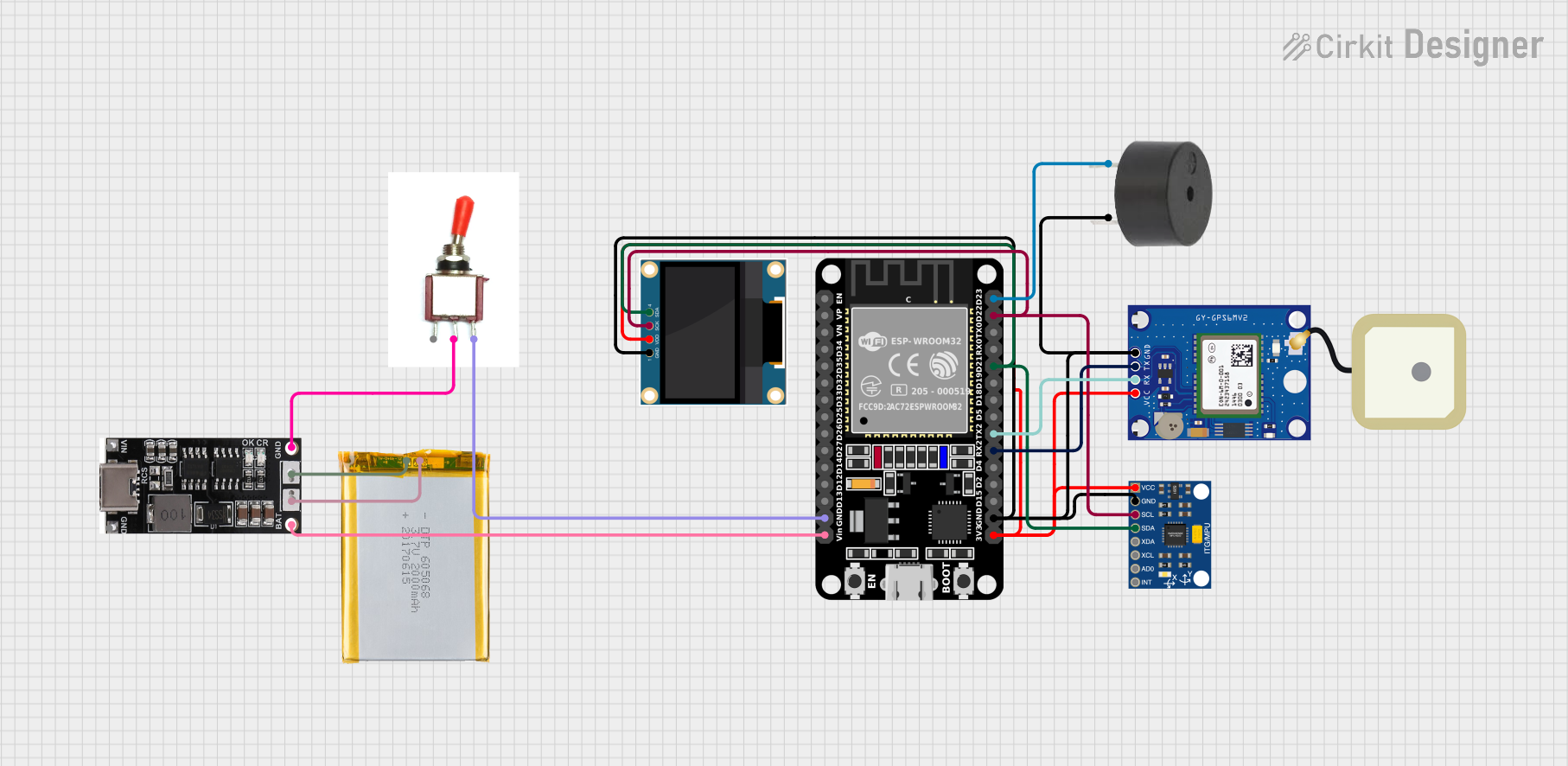 Open Project in Cirkit Designer
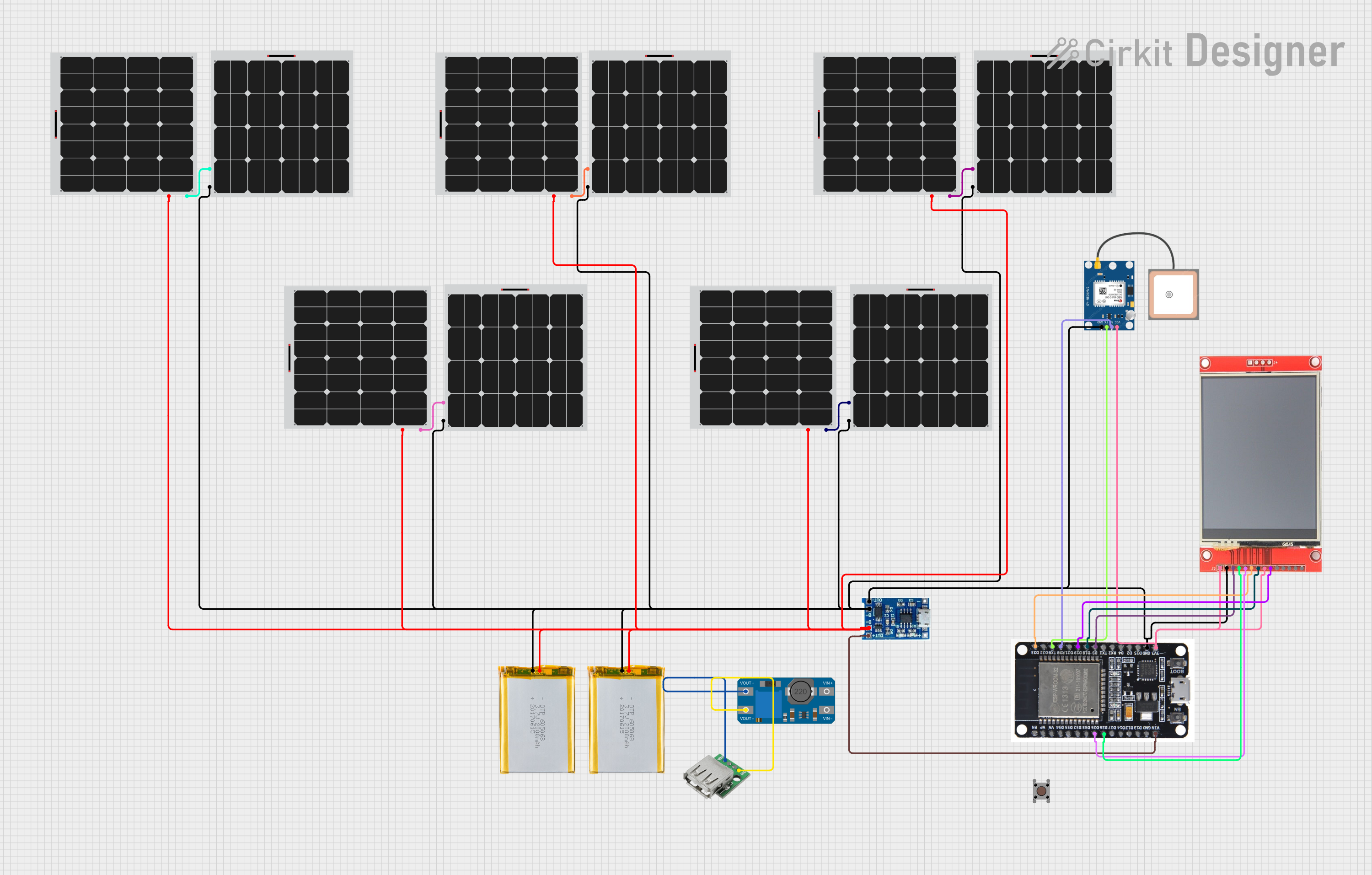 Open Project in Cirkit Designer
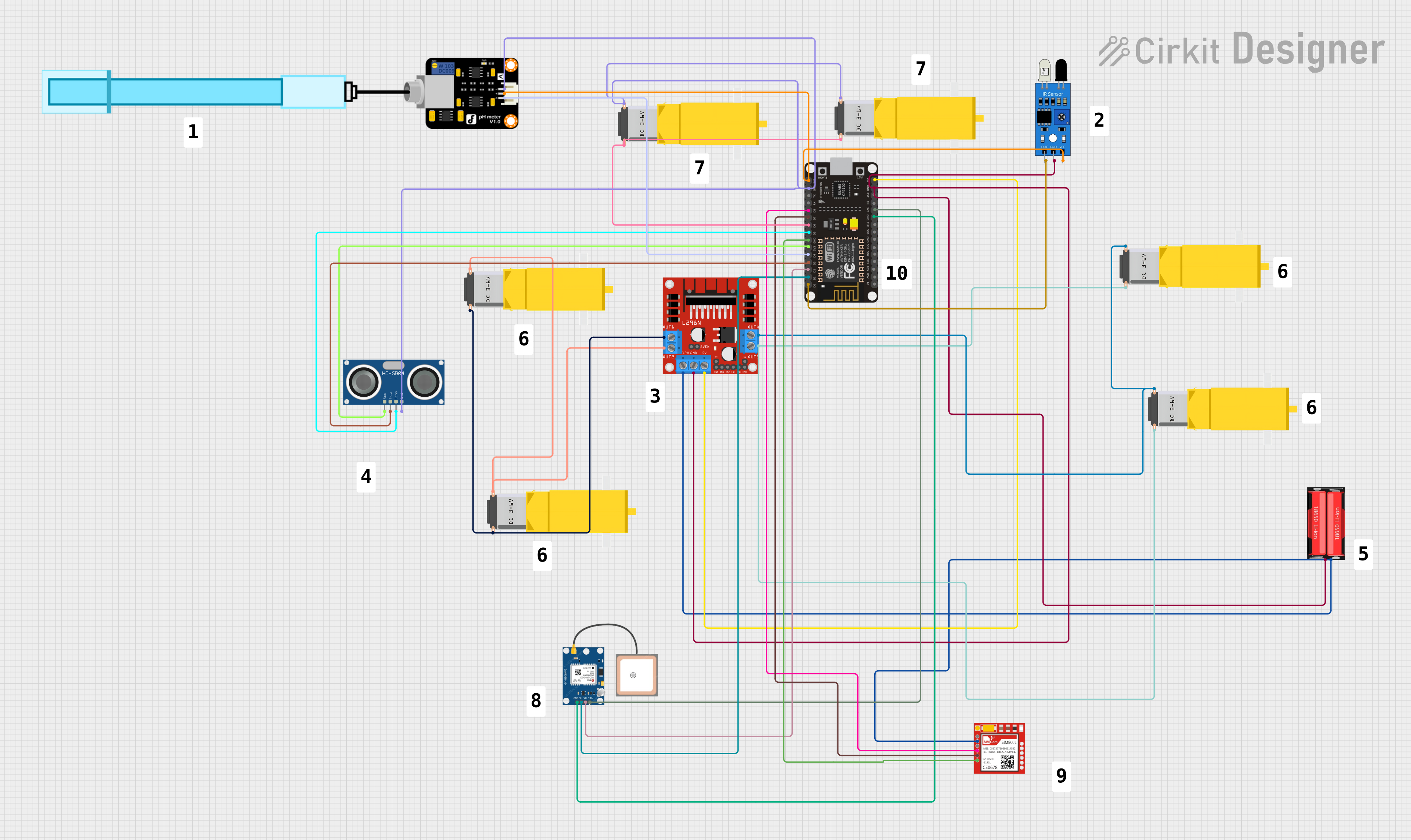 Open Project in Cirkit Designer
 Open Project in Cirkit Designer
Explore Projects Built with GPS Matek M10-5883
Open Project in Cirkit DesignerOpen Project in Cirkit DesignerOpen Project in Cirkit DesignerOpen Project in Cirkit DesignerCommon Applications and Use Cases
- Autonomous drones and UAVs for navigation and waypoint tracking
- Robotics for precise localization and mapping
- Outdoor navigation systems
- Geocaching and surveying
- IoT devices requiring real-time location tracking
Technical Specifications
The GPS Matek M10-5883 module is designed to deliver high accuracy and reliability. Below are its key technical specifications:
| Parameter | Specification |
|---|---|
| GNSS Support | GPS, GLONASS, Galileo, BeiDou |
| Update Rate | 10Hz |
| Position Accuracy | < 1.5m CEP |
| Sensitivity | -167 dBm (tracking), -160 dBm (cold start) |
| Operating Voltage | 3.3V - 5.5V |
| Current Consumption | ~50mA |
| Communication Interface | UART (default: 9600 baud rate) |
| Built-in Antenna | Yes |
| Magnetometer | HMC5883L (3-axis digital compass) |
| Dimensions | 25mm x 25mm x 10mm |
| Weight | ~10g |
Pin Configuration and Descriptions
The GPS Matek M10-5883 module has a standard pinout for easy integration into your projects. Below is the pin configuration:
| Pin | Name | Description |
|---|---|---|
| 1 | VCC | Power input (3.3V - 5.5V) |
| 2 | GND | Ground |
| 3 | TX | UART Transmit (data output from GPS module) |
| 4 | RX | UART Receive (data input to GPS module) |
| 5 | SDA | I2C Data line for magnetometer (HMC5883L) |
| 6 | SCL | I2C Clock line for magnetometer (HMC5883L) |
Usage Instructions
How to Use the GPS Matek M10-5883 in a Circuit
- Power the Module: Connect the
VCCpin to a 3.3V or 5V power source and theGNDpin to ground. - Connect UART: Use the
TXandRXpins to interface with a microcontroller or computer. Ensure the baud rate is set to 9600 (default). - Magnetometer Connection: If using the HMC5883L magnetometer, connect the
SDAandSCLpins to the corresponding I2C pins on your microcontroller. - Antenna Placement: Ensure the module's built-in antenna has a clear view of the sky for optimal satellite reception.
Important Considerations and Best Practices
- Power Supply: Use a stable power source to avoid GPS signal disruptions.
- Antenna Orientation: Place the module with the antenna facing upward and away from obstructions or sources of interference (e.g., metal surfaces, motors).
- UART Configuration: If using a different baud rate, configure it via the microcontroller or GPS software.
- Magnetometer Calibration: Calibrate the HMC5883L magnetometer before use to ensure accurate heading data.
Example: Connecting to an Arduino UNO
Below is an example of how to connect and use the GPS Matek M10-5883 with an Arduino UNO:
Wiring
| GPS Pin | Arduino Pin |
|---|---|
| VCC | 5V |
| GND | GND |
| TX | D4 (via SoftwareSerial) |
| RX | D3 (via SoftwareSerial) |
| SDA | A4 |
| SCL | A5 |
Code Example
#include <SoftwareSerial.h>
#include <Wire.h>
#include <Adafruit_HMC5883_U.h>

// Create a SoftwareSerial instance for GPS communication
SoftwareSerial gpsSerial(4, 3); // RX, TX

// Create an instance of the HMC5883L magnetometer
Adafruit_HMC5883_Unified mag = Adafruit_HMC5883_Unified(12345);

void setup() {
  // Initialize serial communication
  Serial.begin(9600);
  gpsSerial.begin(9600); // GPS default baud rate

  // Initialize magnetometer
  if (!mag.begin()) {
    Serial.println("Magnetometer not detected. Check wiring!");
    while (1);
  }
  Serial.println("Magnetometer initialized.");
}

void loop() {
  // Read GPS data
  while (gpsSerial.available()) {
    char c = gpsSerial.read();
    Serial.print(c); // Print GPS data to Serial Monitor
  }

  // Read magnetometer data
  sensors_event_t event;
  mag.getEvent(&event);
  Serial.print("Magnetometer Heading (X, Y, Z): ");
  Serial.print(event.magnetic.x);
  Serial.print(", ");
  Serial.print(event.magnetic.y);
  Serial.print(", ");
  Serial.println(event.magnetic.z);

  delay(1000); // Delay for readability
}
Troubleshooting and FAQs
Common Issues and Solutions
No GPS Fix:
- Ensure the module has a clear view of the sky.
- Wait for a few minutes for the first fix (cold start).
- Check the power supply for stability.
No Data Output:
- Verify the UART connections (TX and RX).
- Ensure the baud rate matches the module's default (9600).
Magnetometer Not Detected:
- Check the I2C connections (SDA and SCL).
- Ensure pull-up resistors are present on the I2C lines if required.
Inaccurate Magnetometer Readings:
- Perform a calibration routine for the HMC5883L.
- Avoid placing the module near magnetic or metallic objects.
FAQs
Q: Can I use the GPS Matek M10-5883 indoors?
A: While the module may work indoors near windows, it is designed for outdoor use where it can receive satellite signals without obstruction.
Q: How do I change the GPS update rate?
A: The update rate can be configured using specific commands sent via UART. Refer to the module's datasheet for details.
Q: Is the module compatible with 3.3V microcontrollers?
A: Yes, the module supports both 3.3V and 5V logic levels.
Q: Can I use the magnetometer without the GPS?
A: Yes, the HMC5883L magnetometer can be used independently via the I2C interface.