
How to Use Deye Battery: Examples, Pinouts, and Specs
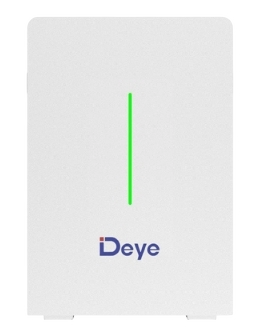
 Design with Deye Battery in Cirkit Designer
Introduction
The Deye Battery is a rechargeable energy storage solution designed specifically for solar power systems. It provides a reliable power supply and ensures efficient energy management, making it an essential component for renewable energy setups. With its robust design and high energy density, the Deye Battery is ideal for residential, commercial, and industrial applications where energy storage and backup power are critical.
Explore Projects Built with Deye Battery
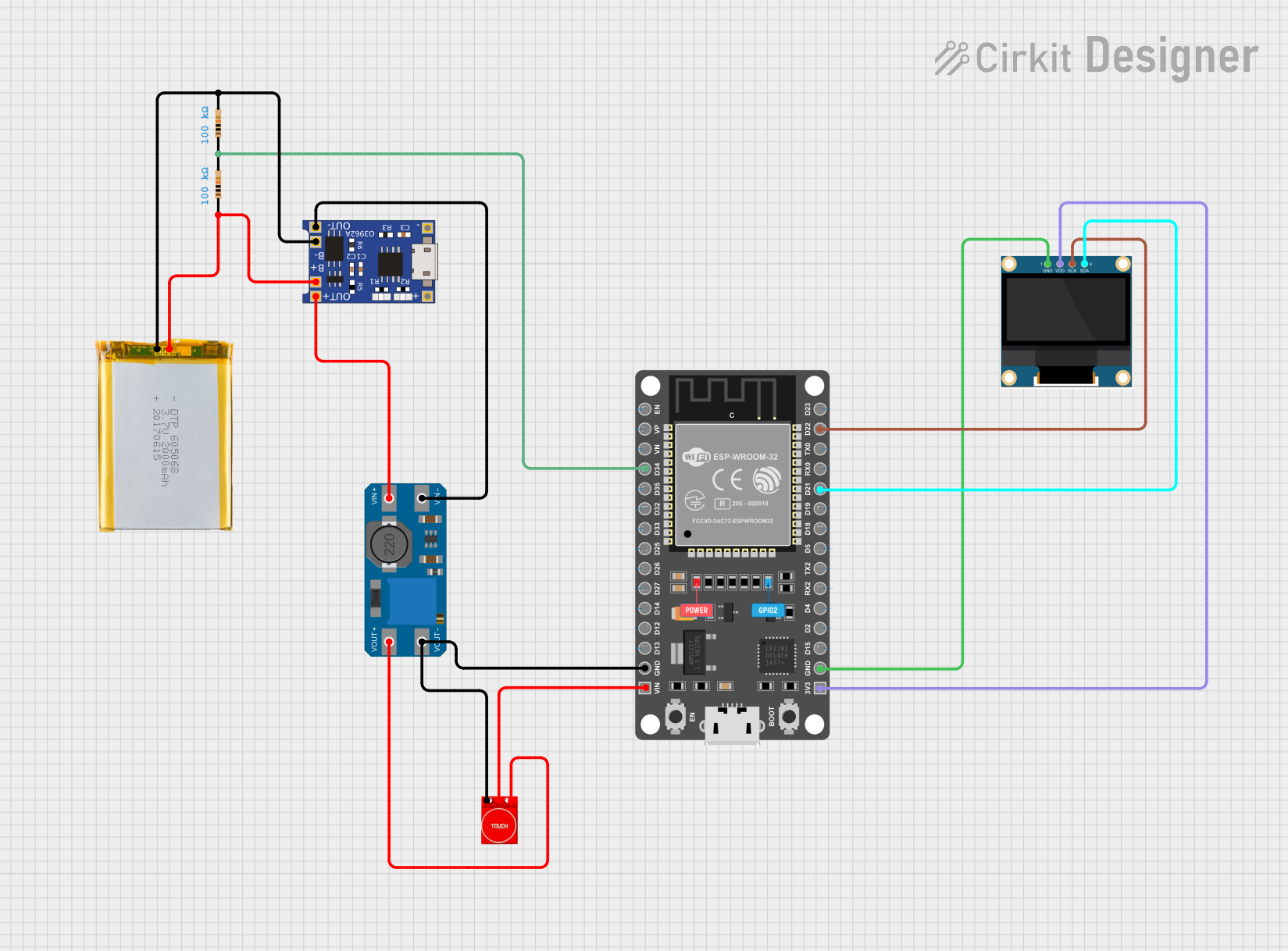 Open Project in Cirkit Designer
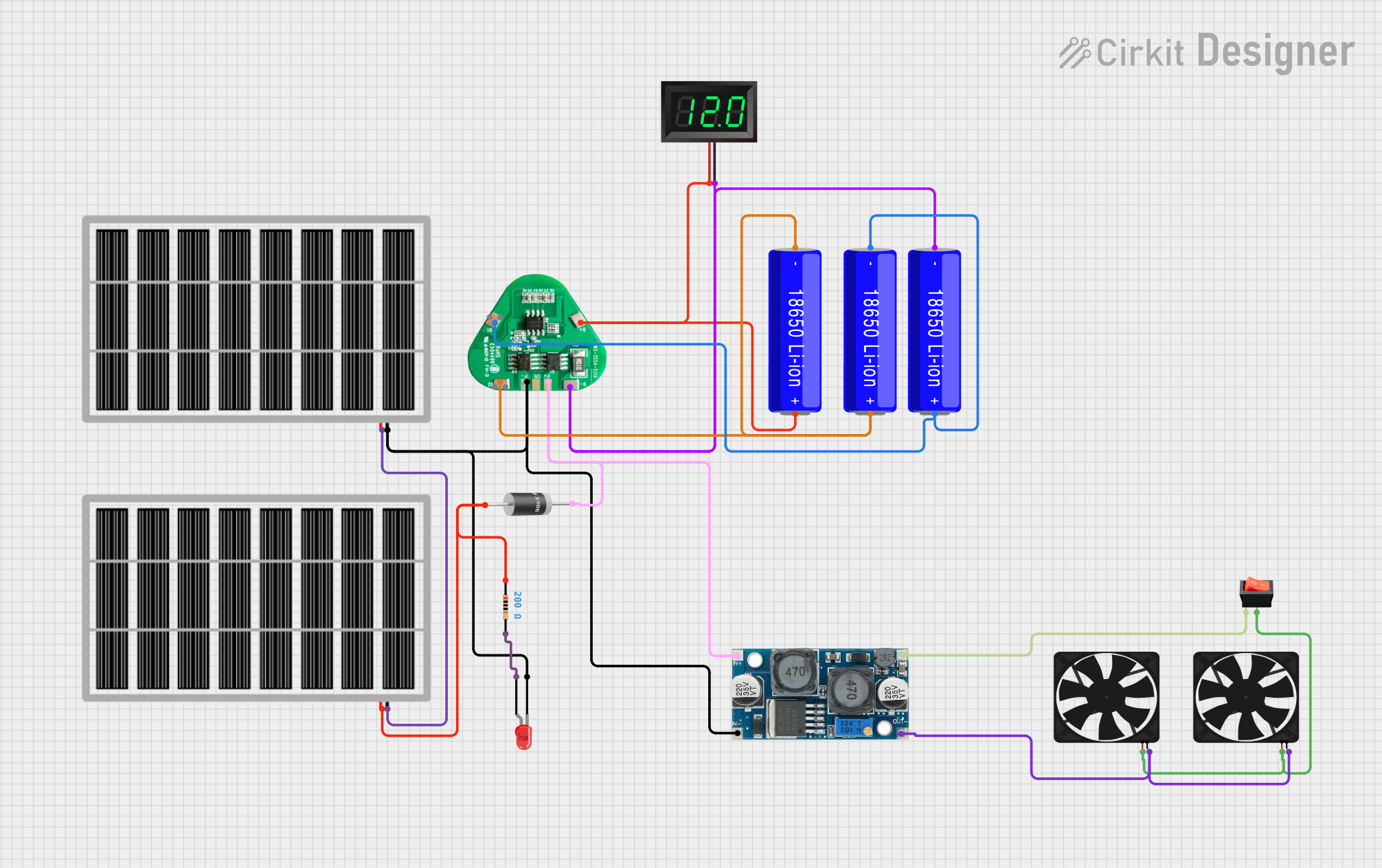 Open Project in Cirkit Designer
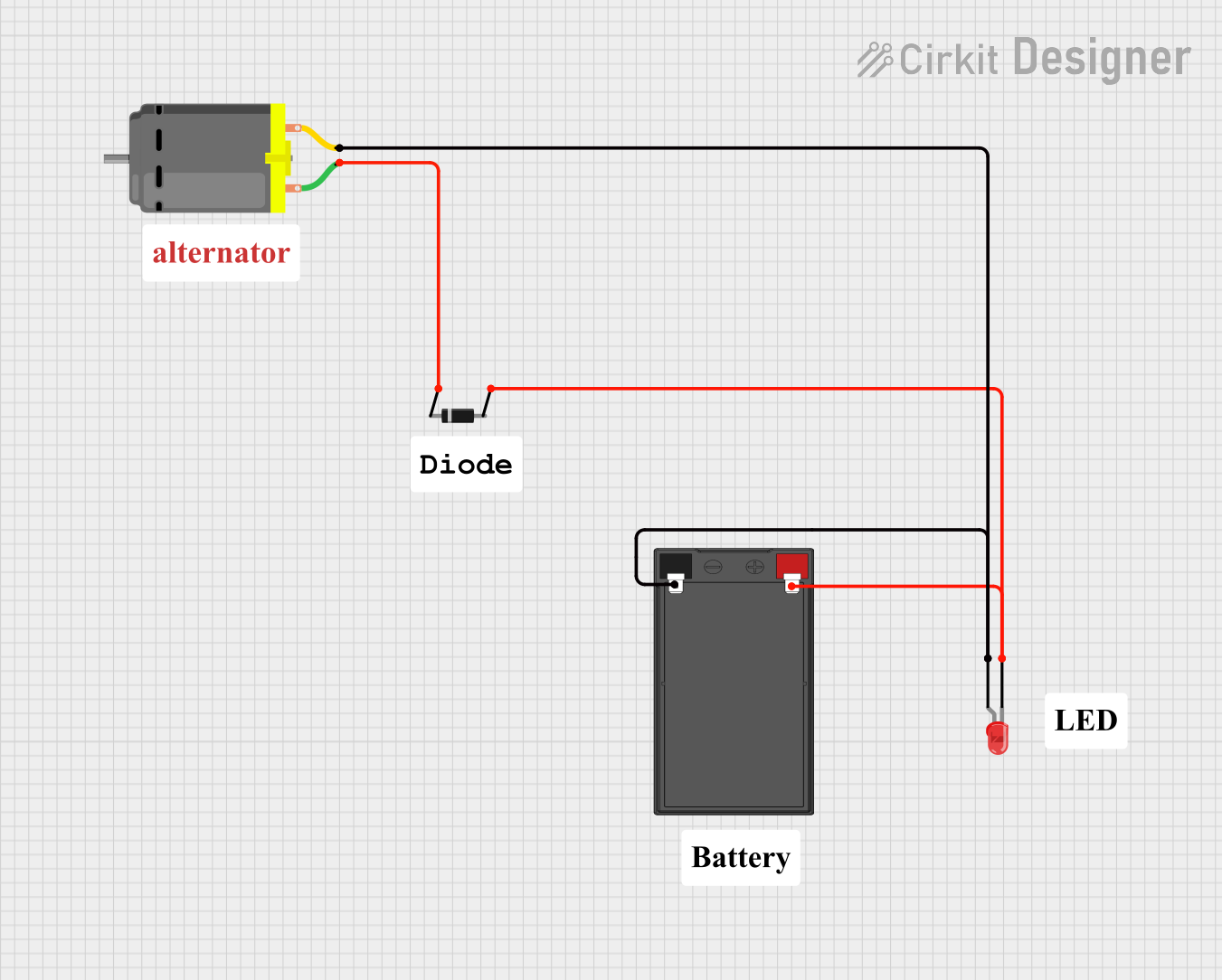 Open Project in Cirkit Designer
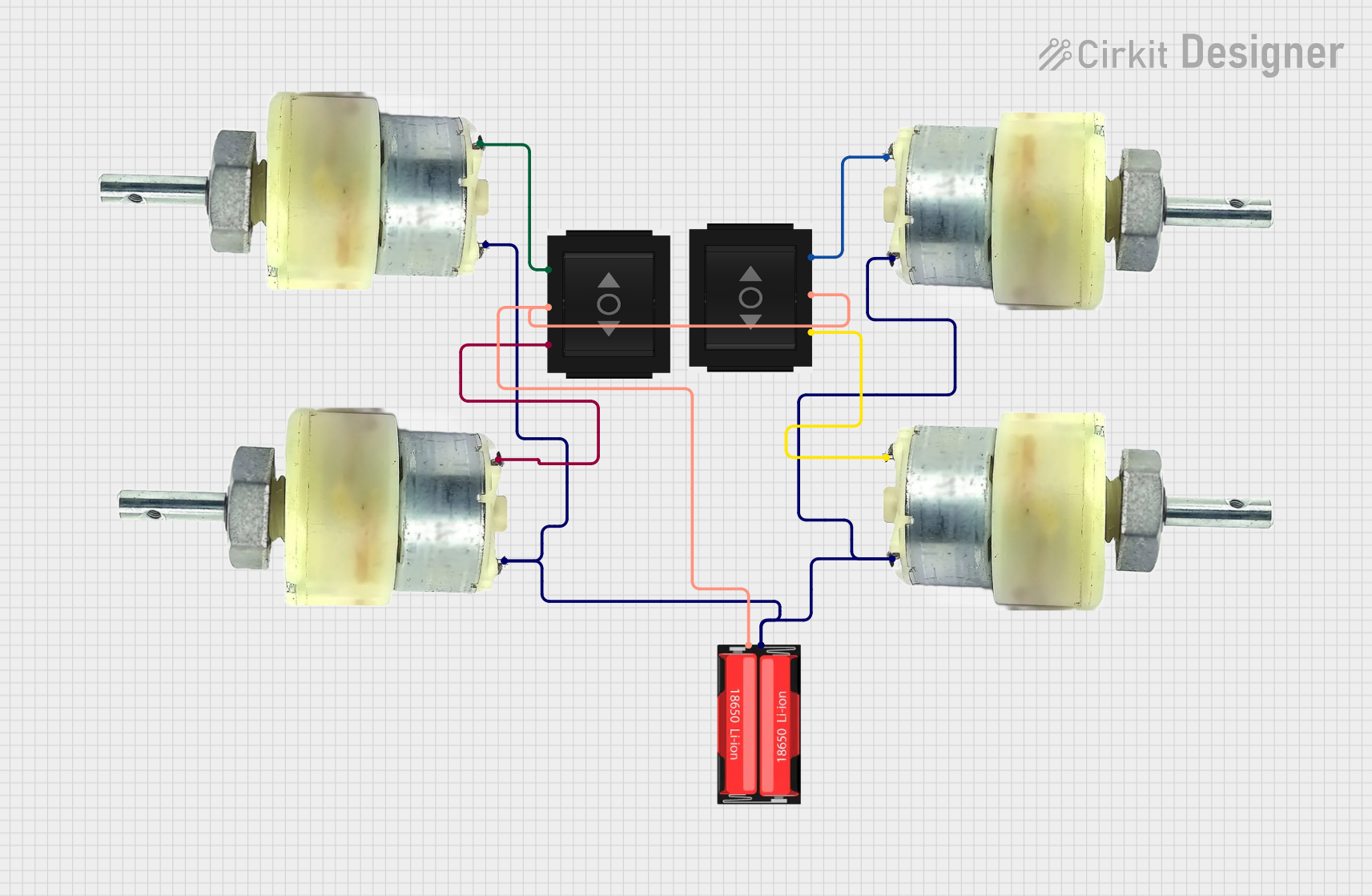 Open Project in Cirkit Designer
Explore Projects Built with Deye Battery
Open Project in Cirkit DesignerOpen Project in Cirkit DesignerOpen Project in Cirkit DesignerOpen Project in Cirkit DesignerCommon Applications and Use Cases
- Solar energy storage for residential and commercial systems
- Backup power supply during grid outages
- Load balancing and peak shaving in energy management systems
- Integration with hybrid inverters for off-grid and grid-tied systems
Technical Specifications
The Deye Battery is engineered to deliver high performance and durability. Below are its key technical specifications:
| Parameter | Specification |
|---|---|
| Battery Type | Lithium Iron Phosphate (LiFePO4) |
| Nominal Voltage | 48V |
| Nominal Capacity | 100Ah |
| Energy Capacity | 4.8 kWh |
| Maximum Charge Voltage | 54.8V |
| Discharge Cut-off Voltage | 42V |
| Maximum Charge Current | 50A |
| Maximum Discharge Current | 100A |
| Cycle Life | >6000 cycles at 80% Depth of Discharge (DoD) |
| Operating Temperature | -10°C to 50°C |
| Communication Interface | RS485, CAN |
| Dimensions (L x W x H) | 482mm x 450mm x 132mm |
| Weight | ~45 kg |
Pin Configuration and Descriptions
The Deye Battery features communication and power terminals for seamless integration with inverters and monitoring systems. Below is the pin configuration:
Power Terminals
| Terminal | Description |
|---|---|
| Positive (+) | Connects to the inverter or load positive terminal |
| Negative (-) | Connects to the inverter or load negative terminal |
Communication Ports
| Port | Protocol | Description |
|---|---|---|
| RS485 | RS485 | For communication with compatible inverters or monitoring systems |
| CAN | CAN Bus | For advanced communication and system integration |
Usage Instructions
How to Use the Deye Battery in a Circuit
Connection to Inverter:
- Connect the positive (+) and negative (-) power terminals of the battery to the corresponding terminals on the inverter.
- Ensure the connections are secure and use appropriately rated cables to handle the current.
Communication Setup:
- Use the RS485 or CAN communication ports to connect the battery to the inverter or monitoring system.
- Configure the communication settings on the inverter to match the battery's protocol.
Charging and Discharging:
- The battery will automatically charge when connected to a solar inverter and solar panels.
- During power outages or high energy demand, the battery will discharge to supply power.
Important Considerations and Best Practices
- Depth of Discharge (DoD): To maximize the lifespan of the battery, avoid discharging below 80% DoD.
- Temperature Range: Operate the battery within the specified temperature range (-10°C to 50°C) to prevent damage.
- Ventilation: Install the battery in a well-ventilated area to avoid overheating.
- Firmware Updates: Regularly check for firmware updates for the inverter to ensure compatibility with the battery.
- Safety: Use a circuit breaker or fuse between the battery and inverter to protect against overcurrent.
Arduino UNO Integration Example
While the Deye Battery is not directly compatible with Arduino UNO for power supply, it can be monitored using the RS485 communication interface. Below is an example of how to read battery data using an RS485 module and Arduino UNO:
#include <SoftwareSerial.h>

// Define RS485 communication pins
#define RX_PIN 10  // Arduino RX pin connected to RS485 module TX
#define TX_PIN 11  // Arduino TX pin connected to RS485 module RX

SoftwareSerial rs485(RX_PIN, TX_PIN); // Initialize RS485 communication

void setup() {
  Serial.begin(9600); // Start serial communication for debugging
  rs485.begin(9600);  // Start RS485 communication at 9600 baud rate

  Serial.println("Deye Battery Monitoring Initialized");
}

void loop() {
  // Send a request to the battery (example command, adjust as needed)
  rs485.write(0x01); // Replace with actual command for battery data

  delay(100); // Wait for the response

  // Check if data is available from the battery
  if (rs485.available()) {
    Serial.print("Battery Data: ");
    while (rs485.available()) {
      byte data = rs485.read(); // Read data byte by byte
      Serial.print(data, HEX);  // Print data in hexadecimal format
      Serial.print(" ");
    }
    Serial.println();
  }

  delay(1000); // Wait before sending the next request
}
Troubleshooting and FAQs
Common Issues and Solutions
Battery Not Charging:
- Cause: Incorrect wiring or loose connections.
- Solution: Verify the power terminal connections and ensure the inverter is configured correctly.
Communication Failure:
- Cause: Incorrect RS485 or CAN settings.
- Solution: Check the communication protocol settings on the inverter and ensure they match the battery's specifications.
Overheating:
- Cause: Poor ventilation or operation outside the recommended temperature range.
- Solution: Install the battery in a well-ventilated area and monitor the ambient temperature.
Reduced Capacity:
- Cause: Excessive depth of discharge or aging.
- Solution: Limit the depth of discharge to 80% and monitor the cycle life.
FAQs
Q: Can the Deye Battery be used off-grid?
- A: Yes, the battery is suitable for both off-grid and grid-tied systems when paired with a compatible inverter.
Q: How do I monitor the battery's performance?
- A: Use the RS485 or CAN communication interface to connect the battery to a monitoring system or compatible inverter.
Q: What is the warranty period for the Deye Battery?
- A: The warranty period varies by region and distributor. Check with your supplier for specific details.
Q: Can I connect multiple Deye Batteries in parallel?
- A: Yes, the battery supports parallel connections for increased capacity. Follow the manufacturer's guidelines for proper configuration.
This documentation provides a comprehensive guide to understanding, using, and troubleshooting the Deye Battery. For further assistance, refer to the manufacturer's user manual or contact technical support.