
How to Use Slip Ring: Examples, Pinouts, and Specs
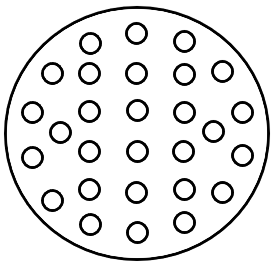
 Design with Slip Ring in Cirkit Designer
Introduction
A slip ring, also known as a rotary electrical joint or collector ring, is an electromechanical device that enables the transmission of power, electrical signals, or data between a stationary and a rotating structure. Manufactured by Billa, the Billa Danger slip ring is designed for reliable performance in demanding applications. It is commonly used in wind turbines, rotating machinery, robotics, medical equipment, and surveillance systems.
Explore Projects Built with Slip Ring
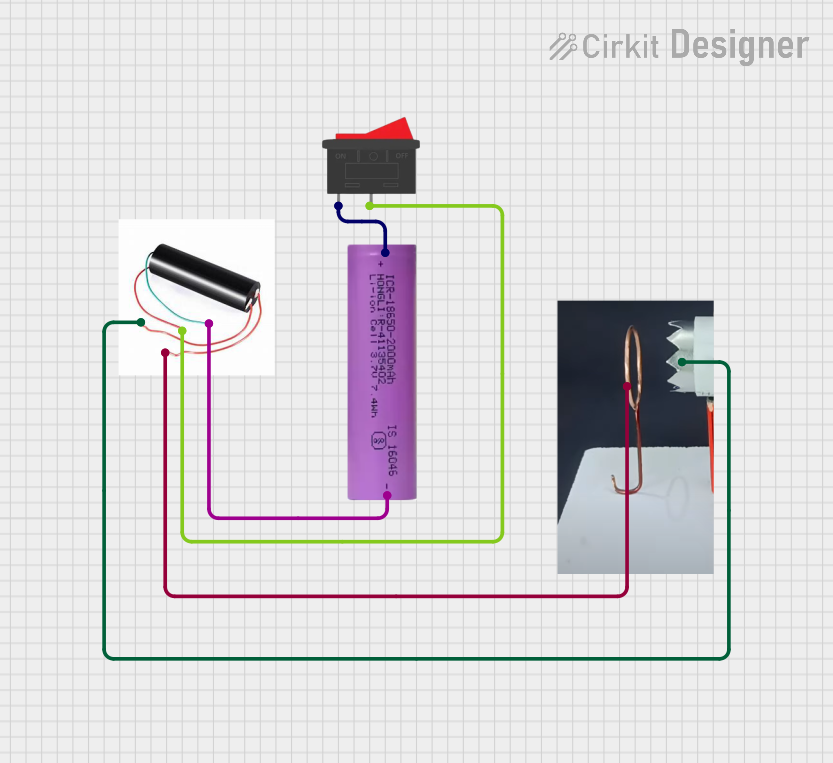 Open Project in Cirkit Designer
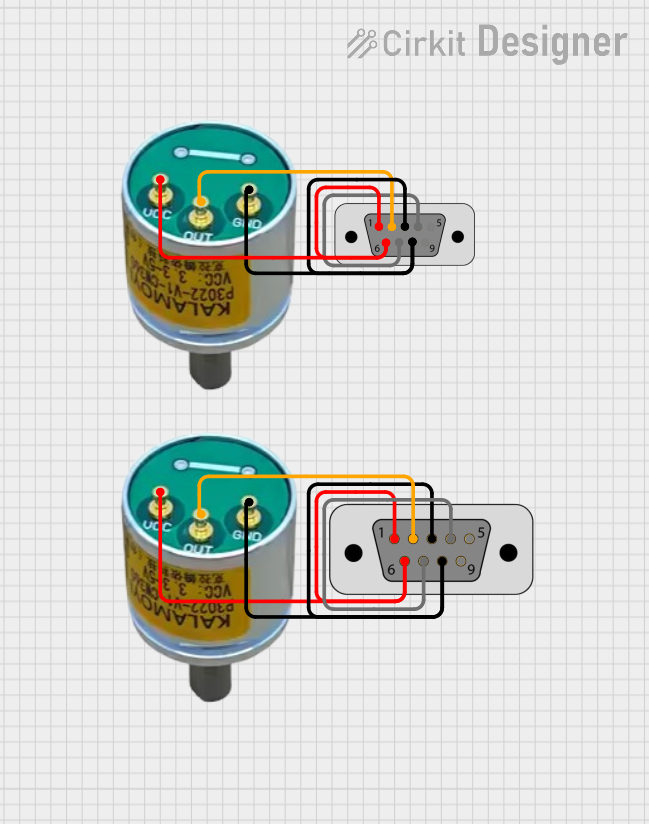 Open Project in Cirkit Designer
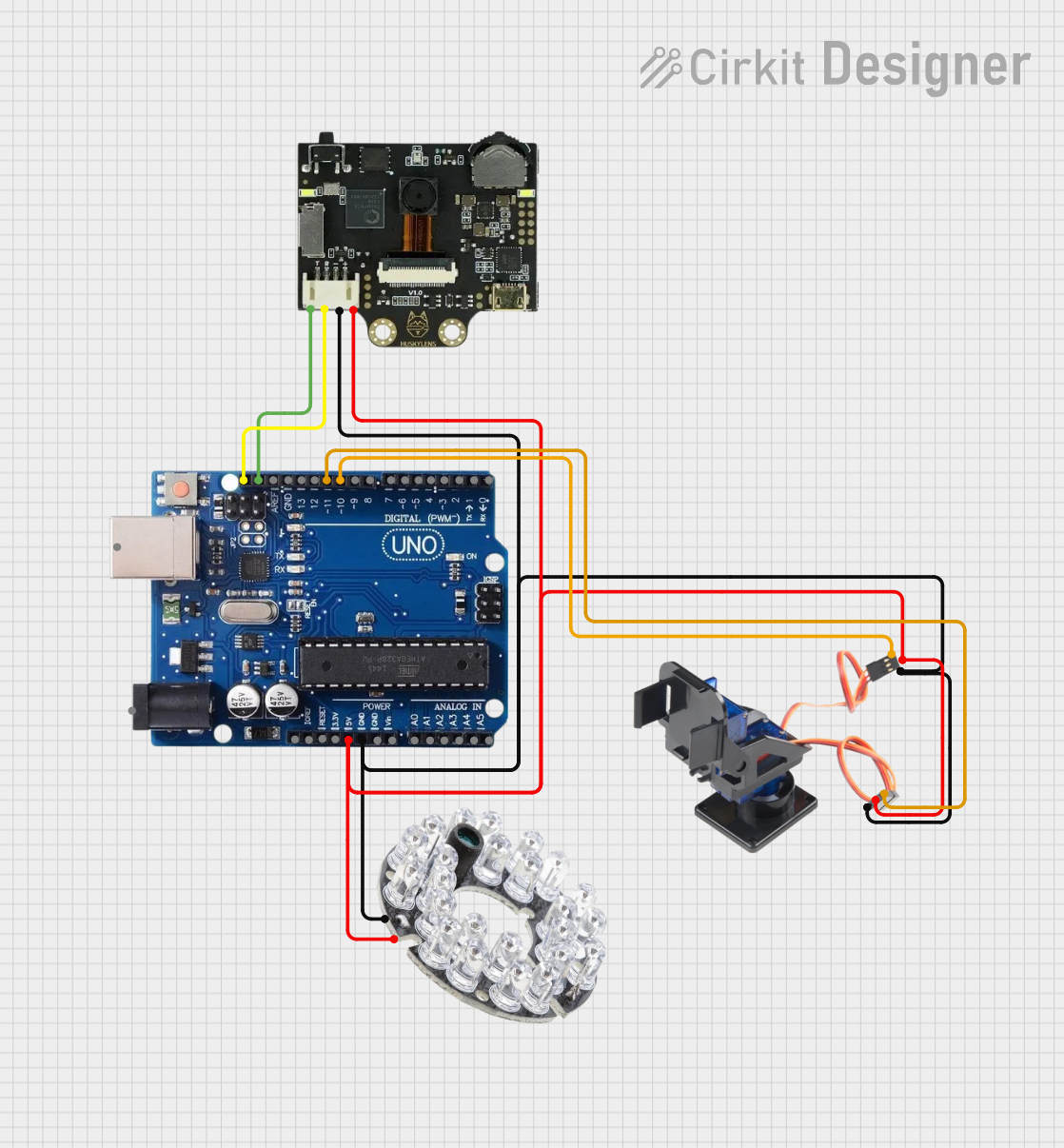 Open Project in Cirkit Designer
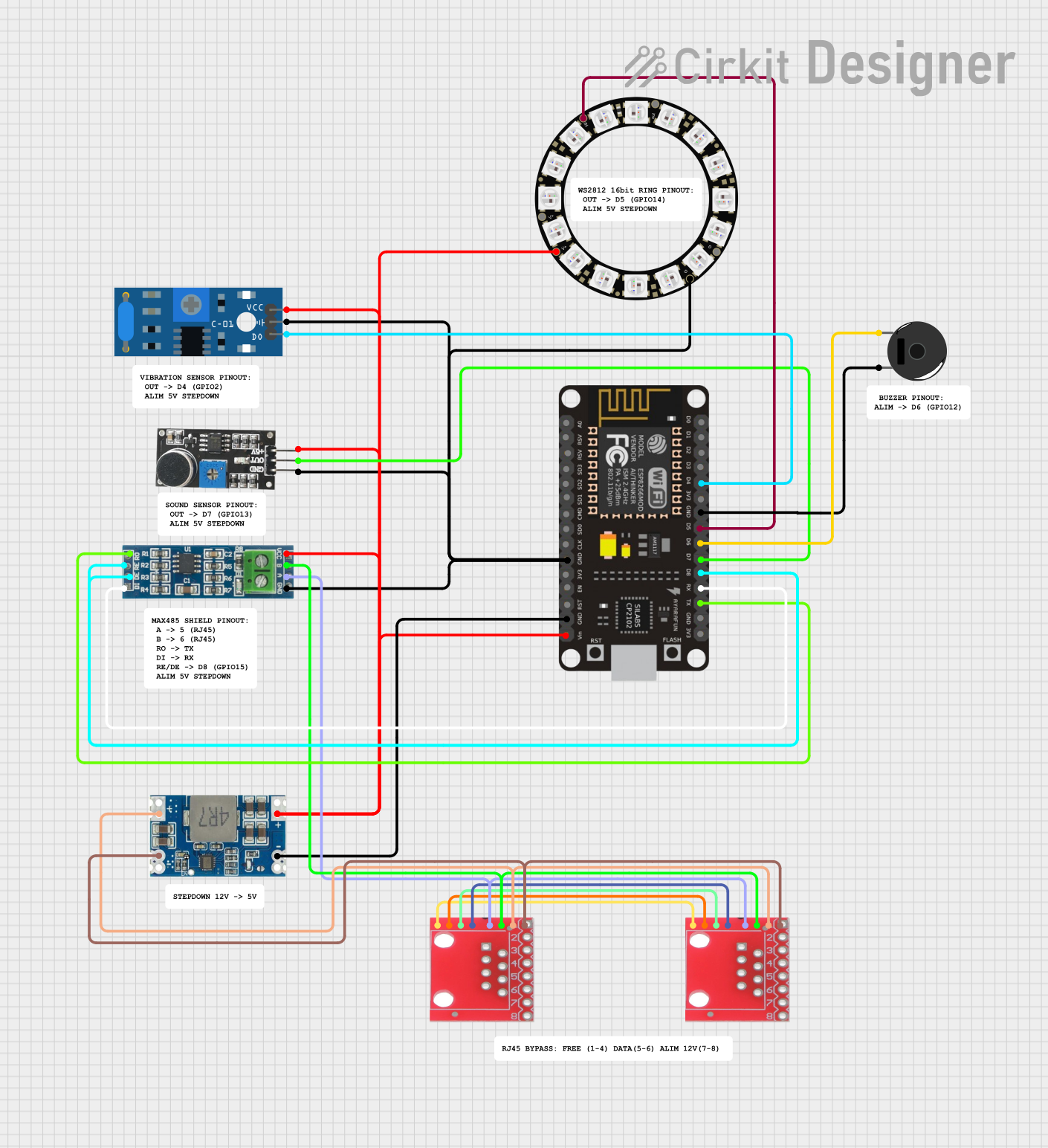 Open Project in Cirkit Designer
Explore Projects Built with Slip Ring
Open Project in Cirkit DesignerOpen Project in Cirkit DesignerOpen Project in Cirkit DesignerOpen Project in Cirkit DesignerCommon Applications
- Wind turbines for transferring power and control signals to the rotating blades.
- Industrial machinery with rotating components.
- Robotics for continuous rotation joints.
- Medical imaging systems like CT scanners.
- Surveillance systems with pan-tilt-zoom (PTZ) cameras.
Technical Specifications
The Billa Danger slip ring is engineered for durability and efficiency. Below are its key technical specifications:
| Parameter | Value |
|---|---|
| Manufacturer | Billa |
| Part ID | Billa Danger |
| Voltage Rating | 240V AC/DC |
| Current Rating | 10A per channel |
| Number of Channels | 6 |
| Rotational Speed | Up to 300 RPM |
| Contact Material | Gold alloy |
| Insulation Resistance | ≥ 500 MΩ @ 500V DC |
| Dielectric Strength | 1000V AC @ 50Hz for 1 minute |
| Operating Temperature | -30°C to +80°C |
| Housing Material | Aluminum alloy |
| Wire Length | 300mm (standard) |
| IP Rating | IP51 |
Pin Configuration and Descriptions
The Billa Danger slip ring features six channels, each with a dedicated wire for connection. Below is the pin configuration:
| Channel | Wire Color | Function |
|---|---|---|
| 1 | Red | Power (Positive) |
| 2 | Black | Power (Negative) |
| 3 | Green | Signal (Data Line 1) |
| 4 | Yellow | Signal (Data Line 2) |
| 5 | Blue | Ground (Signal Reference) |
| 6 | White | Auxiliary (Custom Use) |
Usage Instructions
How to Use the Slip Ring in a Circuit
- Mounting: Secure the slip ring to the rotating structure using the provided mounting holes or brackets. Ensure the stationary and rotating parts are properly aligned.
- Wiring: Connect the wires according to the pin configuration table. Use appropriate connectors or soldering techniques to ensure secure connections.
- Testing: Before full operation, test the slip ring for continuity and proper signal transmission using a multimeter or oscilloscope.
- Integration: Integrate the slip ring into your system, ensuring that the rotational speed does not exceed the specified limit of 300 RPM.
Important Considerations
- Avoid exceeding the voltage and current ratings to prevent damage to the slip ring.
- Ensure the slip ring is not exposed to excessive moisture or dust unless additional protection is provided.
- Use strain relief for the wires to prevent mechanical stress during rotation.
- Regularly inspect the slip ring for wear and tear, especially in high-duty-cycle applications.
Example: Connecting to an Arduino UNO
The Billa Danger slip ring can be used to transmit signals from sensors on a rotating platform to an Arduino UNO. Below is an example of how to connect a slip ring to an Arduino for reading data from a rotating temperature sensor:
Circuit Diagram
- Connect the sensor's output to the Green (Data Line 1) wire.
- Connect the Blue (Ground) wire to the Arduino's GND pin.
- Power the sensor through the Red (Power Positive) and Black (Power Negative) wires.
Arduino Code
// Example code for reading temperature data through a slip ring
const int sensorPin = A0; // Analog pin connected to the sensor via slip ring

void setup() {
  Serial.begin(9600); // Initialize serial communication
  pinMode(sensorPin, INPUT); // Set the sensor pin as input
}

void loop() {
  int sensorValue = analogRead(sensorPin); // Read the sensor value
  float voltage = sensorValue * (5.0 / 1023.0); // Convert to voltage
  float temperature = (voltage - 0.5) * 100.0; // Convert voltage to temperature
  Serial.print("Temperature: ");
  Serial.print(temperature);
  Serial.println(" °C");
  delay(1000); // Wait for 1 second before the next reading
}
Troubleshooting and FAQs
Common Issues and Solutions
Intermittent Signal Loss
- Cause: Poor contact between the slip ring brushes and rings.
- Solution: Inspect the slip ring for wear and clean the contact surfaces with a soft, lint-free cloth.
Excessive Heat Generation
- Cause: Overloading the slip ring beyond its current rating.
- Solution: Ensure the current does not exceed 10A per channel. Use a heat sink if necessary.
Noise in Signal Transmission
- Cause: Electrical interference or poor grounding.
- Solution: Use shielded cables for signal lines and ensure proper grounding.
Physical Damage to Wires
- Cause: Excessive strain or improper handling.
- Solution: Use strain relief mechanisms and avoid sharp bends in the wires.
FAQs
Q1: Can the Billa Danger slip ring be used outdoors?
A1: The slip ring has an IP51 rating, which provides limited protection against dust and dripping water. For outdoor use, additional sealing or an enclosure is recommended.
Q2: What is the lifespan of the slip ring?
A2: The lifespan depends on the operating conditions, but under normal use, it can exceed 10 million revolutions.
Q3: Can I use the slip ring for high-frequency signals?
A3: Yes, but ensure the signal frequency does not exceed the slip ring's bandwidth capabilities. For high-frequency signals, consult the manufacturer for compatibility.
Q4: How do I clean the slip ring?
A4: Use a soft, lint-free cloth to clean the contact surfaces. Avoid using abrasive materials or liquids that could damage the slip ring.
By following this documentation, users can effectively integrate the Billa Danger slip ring into their projects and ensure reliable performance.