
How to Use Capteur tactile TTP223B: Examples, Pinouts, and Specs
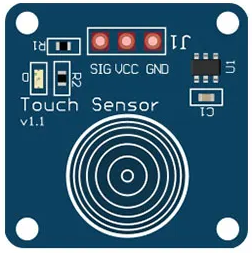
 Design with Capteur tactile TTP223B in Cirkit Designer
Introduction
The TTP223B is a capacitive touch sensor IC designed to detect touch input and output a digital signal. It is widely used in touch-sensitive applications, enabling the creation of touch buttons and interfaces without the need for mechanical switches. This component is compact, reliable, and easy to integrate into various electronic projects.
Explore Projects Built with Capteur tactile TTP223B
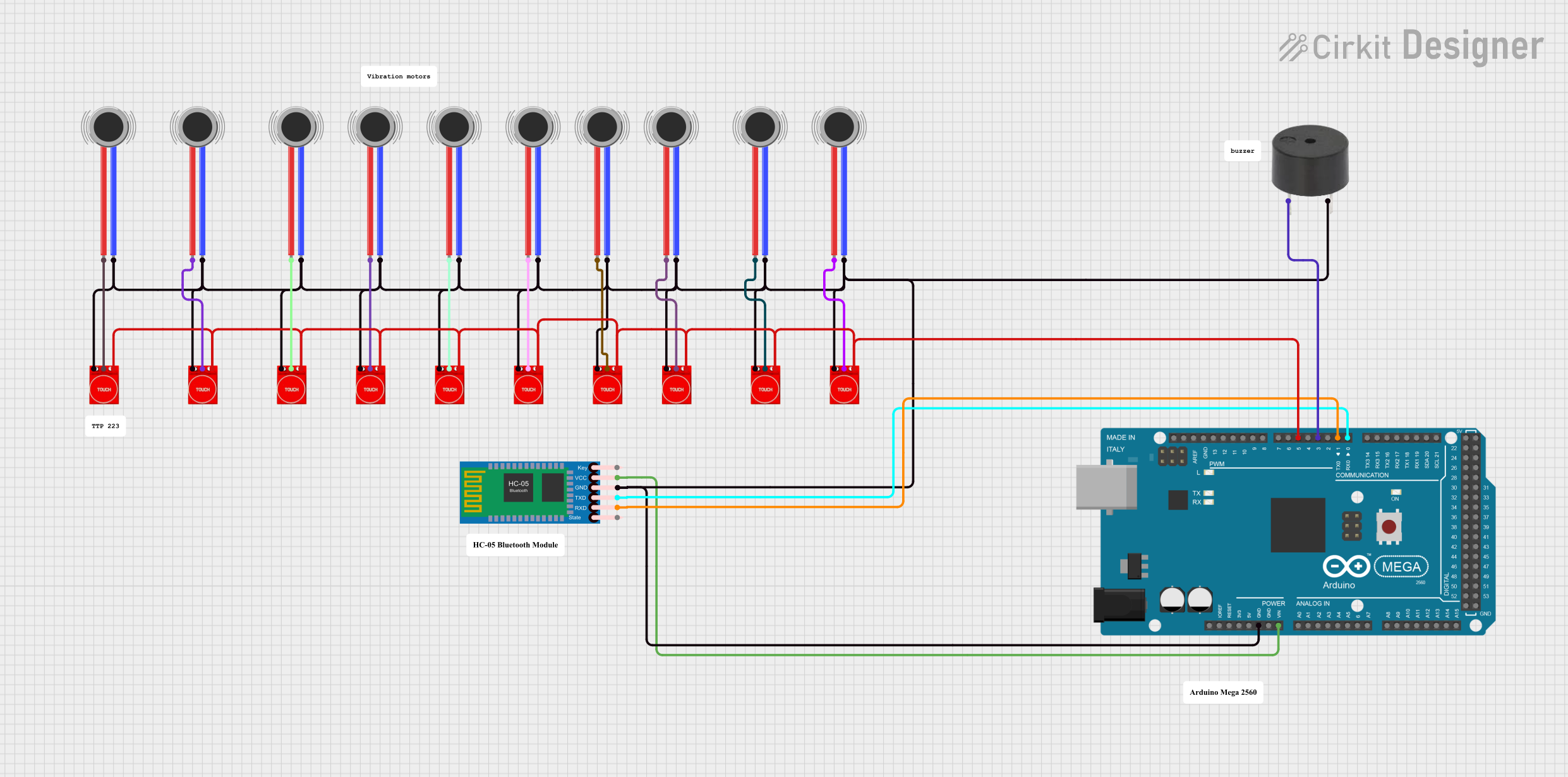 Open Project in Cirkit Designer
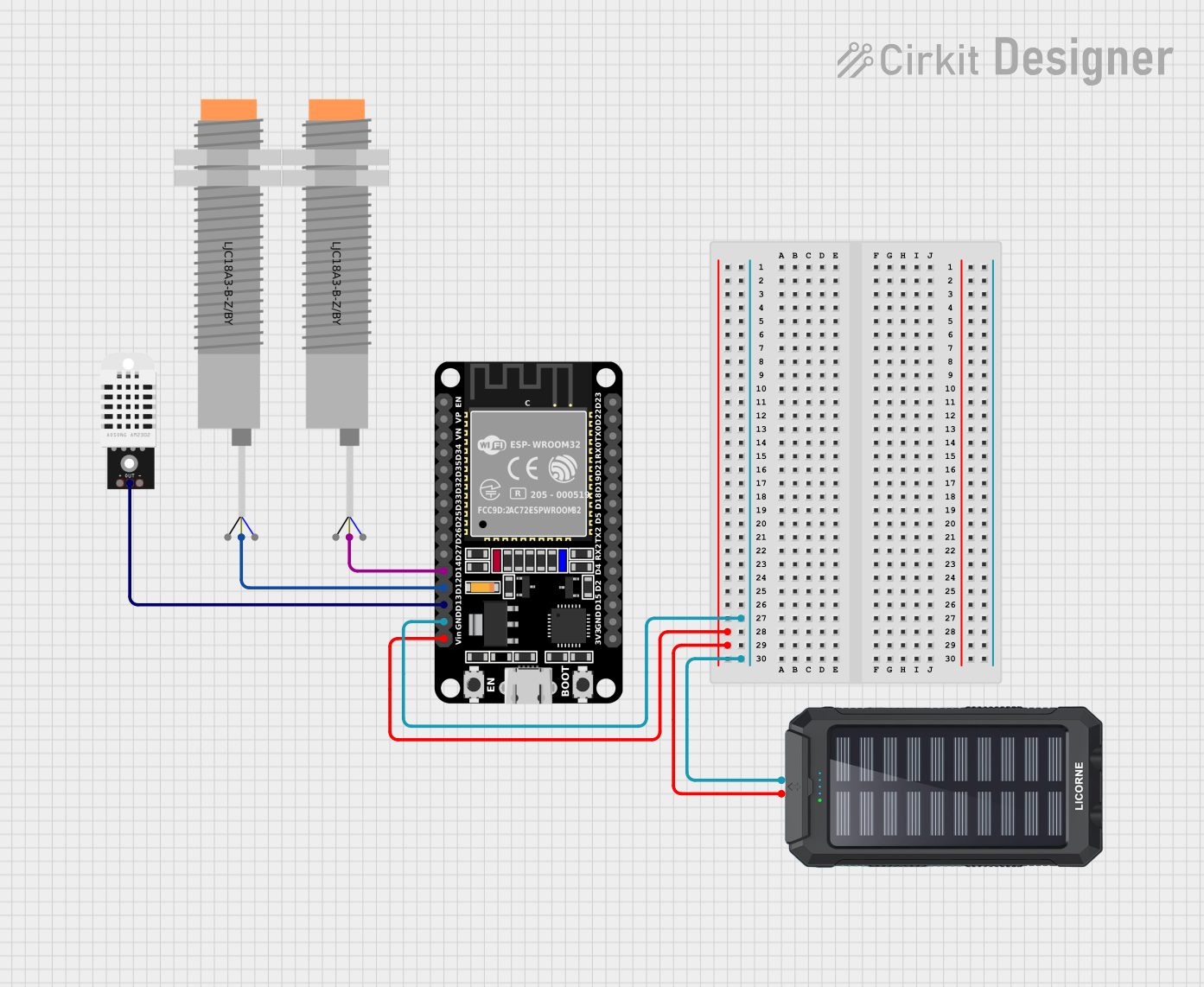 Open Project in Cirkit Designer
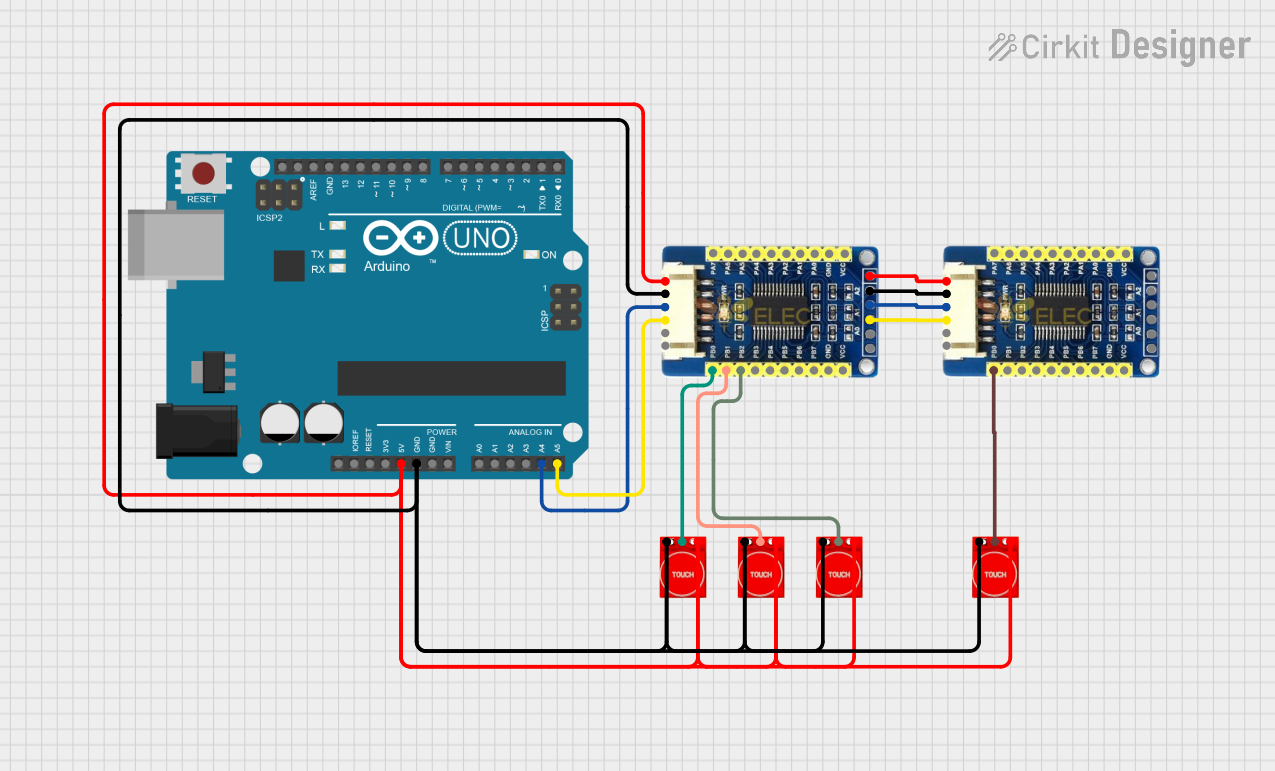 Open Project in Cirkit Designer
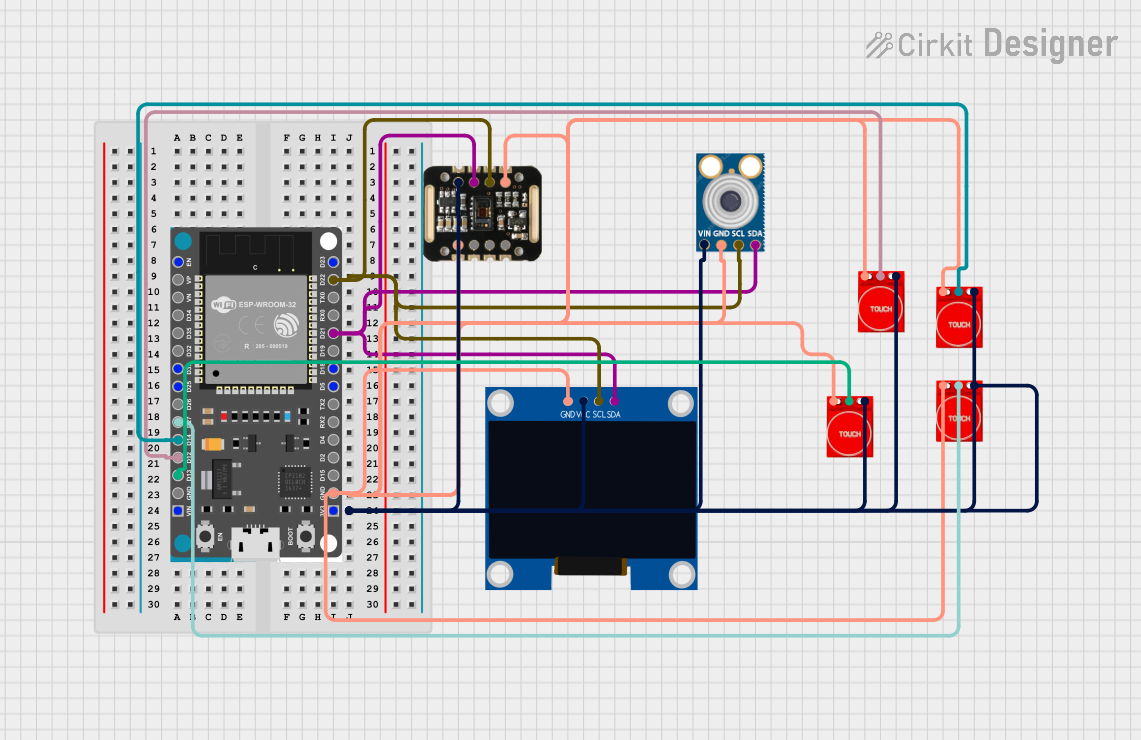 Open Project in Cirkit Designer
Explore Projects Built with Capteur tactile TTP223B
Open Project in Cirkit DesignerOpen Project in Cirkit DesignerOpen Project in Cirkit DesignerOpen Project in Cirkit DesignerCommon Applications
- Touch-sensitive buttons for home appliances
- Interactive displays and control panels
- Wearable devices
- DIY electronics projects
- Replacement for mechanical switches in embedded systems
Technical Specifications
The TTP223B touch sensor module is typically available as a breakout board for easy integration. Below are its key technical details:
Key Specifications
| Parameter | Value |
|---|---|
| Operating Voltage | 2.0V to 5.5V |
| Operating Current | ~1.5µA (low power mode) |
| Response Time | ~60ms (fast mode) |
| Output Type | Digital (Active High) |
| Output Voltage (High) | VCC |
| Output Voltage (Low) | 0V |
| Touch Sensitivity | Adjustable via PCB design |
| Operating Temperature | -30°C to +70°C |
Pin Configuration
The TTP223B module typically has 3 pins. Below is the pinout description:
| Pin Name | Pin Number | Description |
|---|---|---|
| VCC | 1 | Power supply input (2.0V to 5.5V) |
| GND | 2 | Ground connection |
| OUT | 3 | Digital output pin (HIGH when touched, LOW otherwise) |
Usage Instructions
How to Use the TTP223B in a Circuit
- Power the Module: Connect the
VCCpin to a 3.3V or 5V power source and theGNDpin to ground. - Connect the Output: Connect the
OUTpin to the input pin of a microcontroller or other digital logic circuit. - Touch Detection: When the touch-sensitive area of the module is touched, the
OUTpin will output a HIGH signal (equal toVCC). When not touched, theOUTpin will output a LOW signal (0V). - Pull-up Resistor (Optional): If the output signal is unstable, you can add a pull-up resistor (e.g., 10kΩ) to stabilize the signal.
Important Considerations
- Power Supply: Ensure a stable power supply to avoid erratic behavior.
- Sensitivity: The sensitivity of the touch sensor can be affected by the thickness of the overlay material (e.g., plastic or glass) placed over the sensor. Thicker overlays may reduce sensitivity.
- Debouncing: If the touch signal fluctuates, implement software debouncing in your microcontroller code.
- Interference: Avoid placing the sensor near high-frequency components or noisy power lines to prevent false triggers.
Example: Using TTP223B with Arduino UNO
Below is an example of how to connect and use the TTP223B with an Arduino UNO:
Circuit Connections
VCC→ 5V on ArduinoGND→ GND on ArduinoOUT→ Digital Pin 2 on Arduino
Arduino Code
// TTP223B Touch Sensor Example with Arduino UNO
// Connect the OUT pin of the TTP223B to digital pin 2 on the Arduino.

#define TOUCH_PIN 2  // Define the pin connected to the TTP223B OUT pin

void setup() {
  pinMode(TOUCH_PIN, INPUT);  // Set the touch pin as input
  Serial.begin(9600);         // Initialize serial communication
}

void loop() {
  int touchState = digitalRead(TOUCH_PIN);  // Read the state of the touch sensor

  if (touchState == HIGH) {
    // If the sensor is touched, print a message
    Serial.println("Touch detected!");
  } else {
    // If the sensor is not touched, print a different message
    Serial.println("No touch detected.");
  }

  delay(100);  // Add a small delay to avoid spamming the serial monitor
}
Troubleshooting and FAQs
Common Issues
Sensor Not Responding
- Cause: Incorrect wiring or insufficient power supply.
- Solution: Double-check the connections and ensure the power supply voltage is within the specified range (2.0V to 5.5V).
False Triggers
- Cause: Electrical noise or interference from nearby components.
- Solution: Place the sensor away from high-frequency components and use proper grounding.
Low Sensitivity
- Cause: Thick overlay material or improper PCB design.
- Solution: Use a thinner overlay or adjust the PCB design to increase sensitivity.
Unstable Output
- Cause: Floating output pin or unstable power supply.
- Solution: Add a pull-up resistor to the output pin and ensure a stable power source.
FAQs
Q: Can the TTP223B detect multiple touches simultaneously?
A: No, the TTP223B is designed to detect a single touch at a time.
Q: Can I use the TTP223B with a 3.3V microcontroller?
A: Yes, the TTP223B operates within a voltage range of 2.0V to 5.5V, making it compatible with 3.3V systems.
Q: How can I adjust the sensitivity of the TTP223B?
A: The sensitivity is primarily determined by the PCB design and the thickness of the overlay material. For breakout boards, sensitivity adjustments are not typically available.
Q: Is the TTP223B waterproof?
A: No, the TTP223B is not waterproof. If you need waterproof functionality, you must use a waterproof overlay material and ensure proper sealing of the sensor.
This concludes the documentation for the TTP223B touch sensor.