
How to Use Raspberry Pi 4 Model B: Examples, Pinouts, and Specs
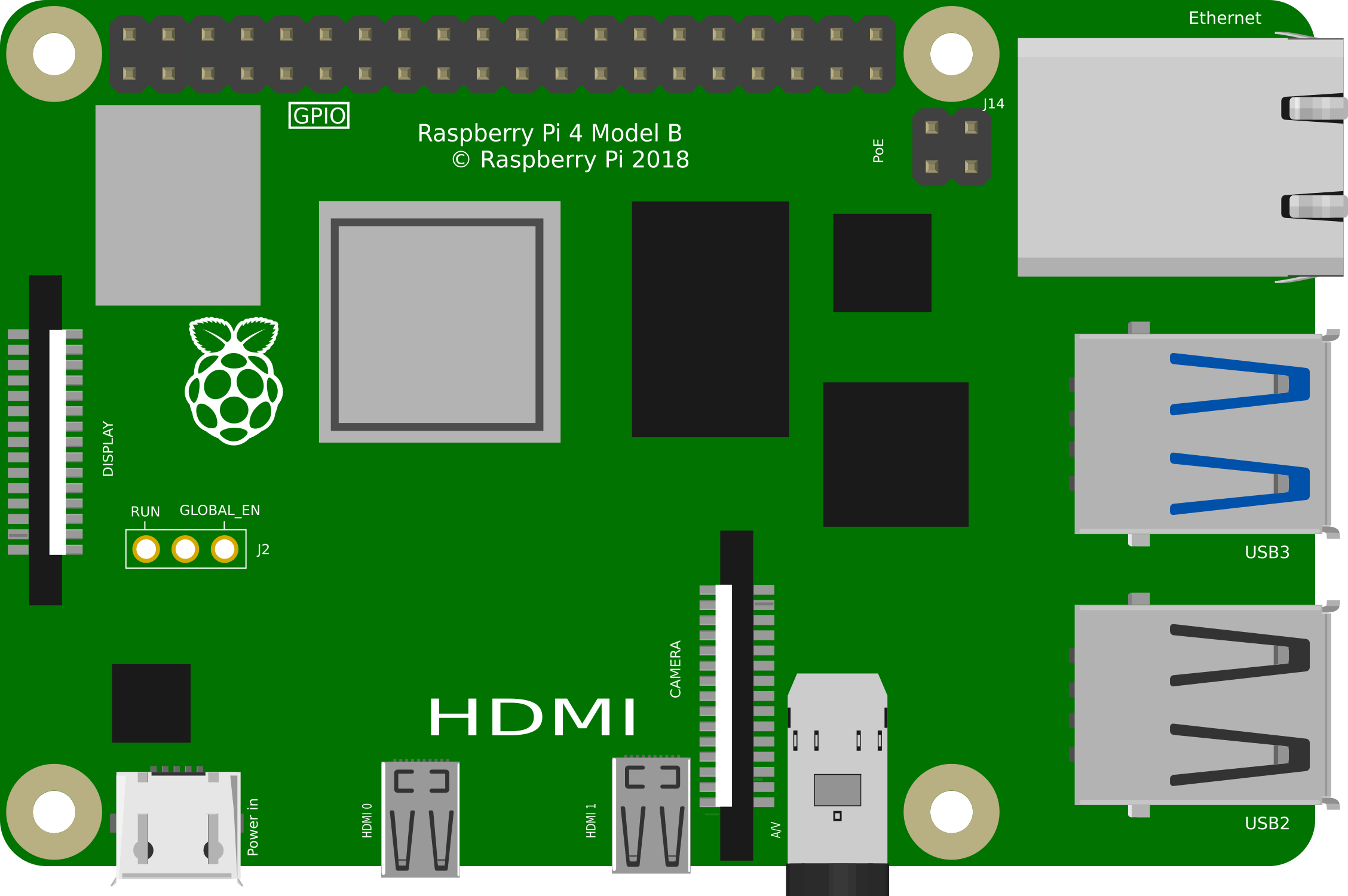
 Design with Raspberry Pi 4 Model B in Cirkit Designer
Introduction
The Raspberry Pi 4 Model B is a compact, affordable single-board computer designed for a wide range of applications. It features a powerful quad-core processor, up to 8GB of RAM, multiple USB ports, dual micro-HDMI outputs, and Ethernet connectivity. This versatile device is ideal for projects such as programming, media centers, IoT applications, robotics, and more. Its small form factor and robust capabilities make it a popular choice for both hobbyists and professionals.
Explore Projects Built with Raspberry Pi 4 Model B
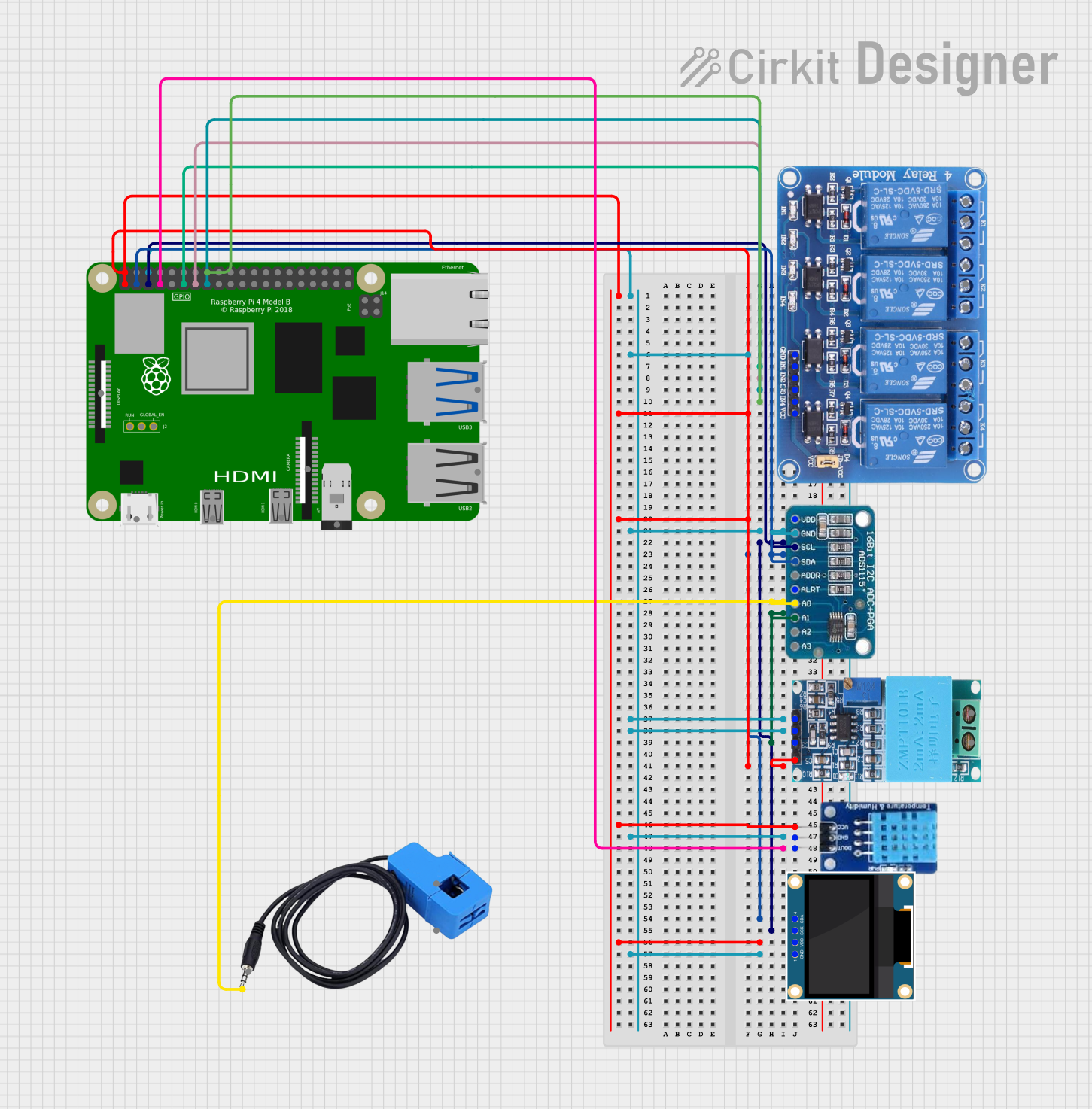 Open Project in Cirkit Designer
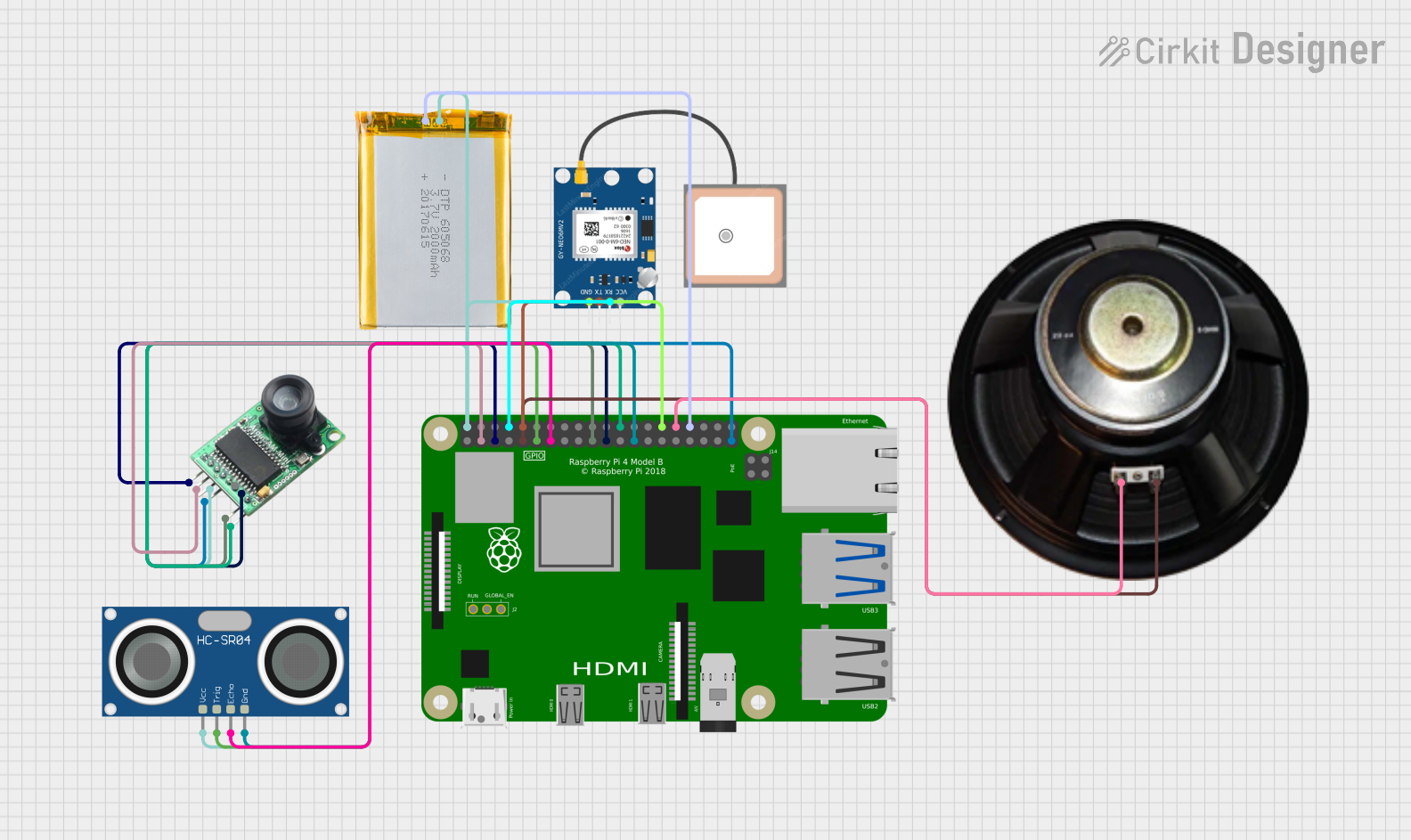 Open Project in Cirkit Designer
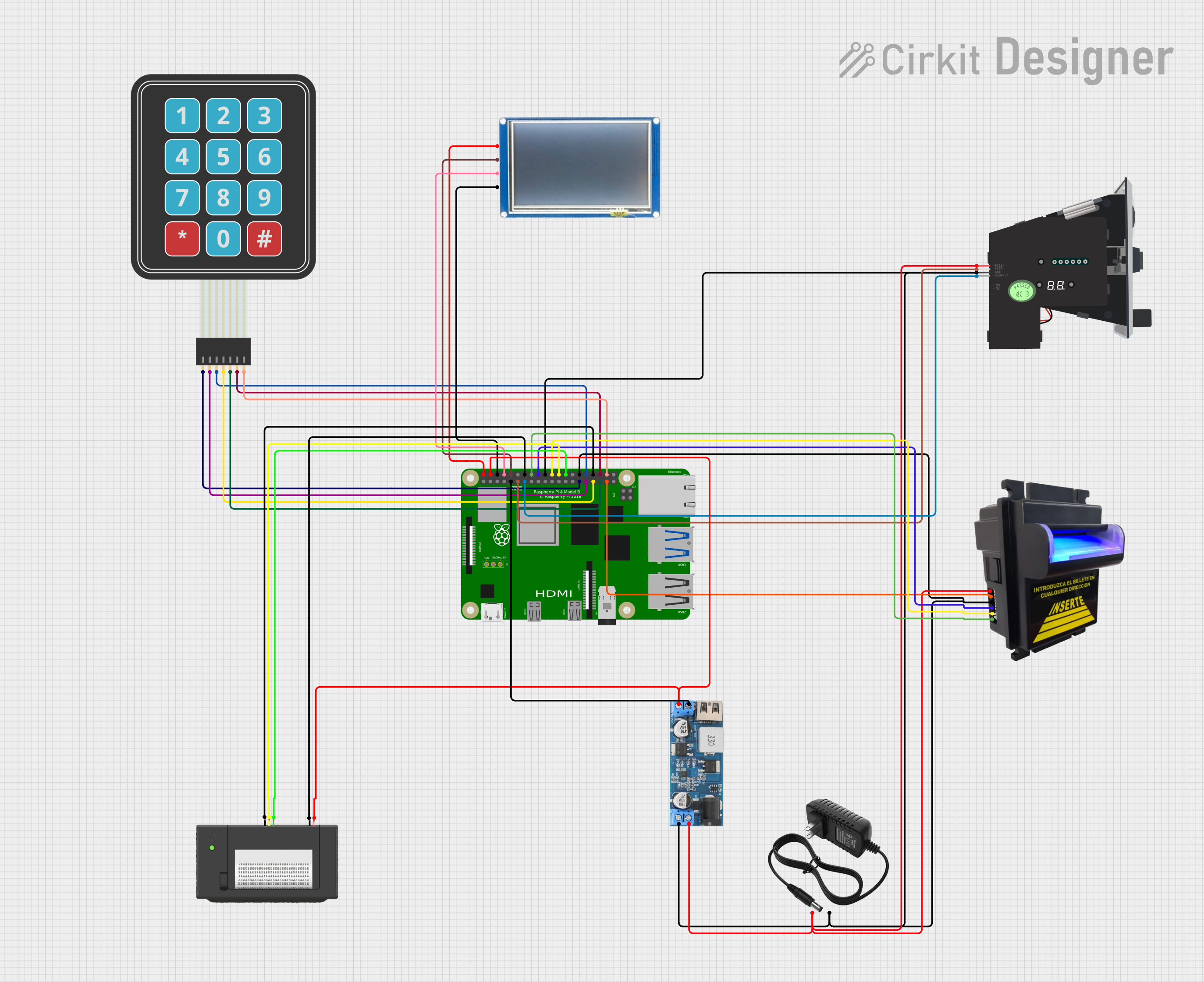 Open Project in Cirkit Designer
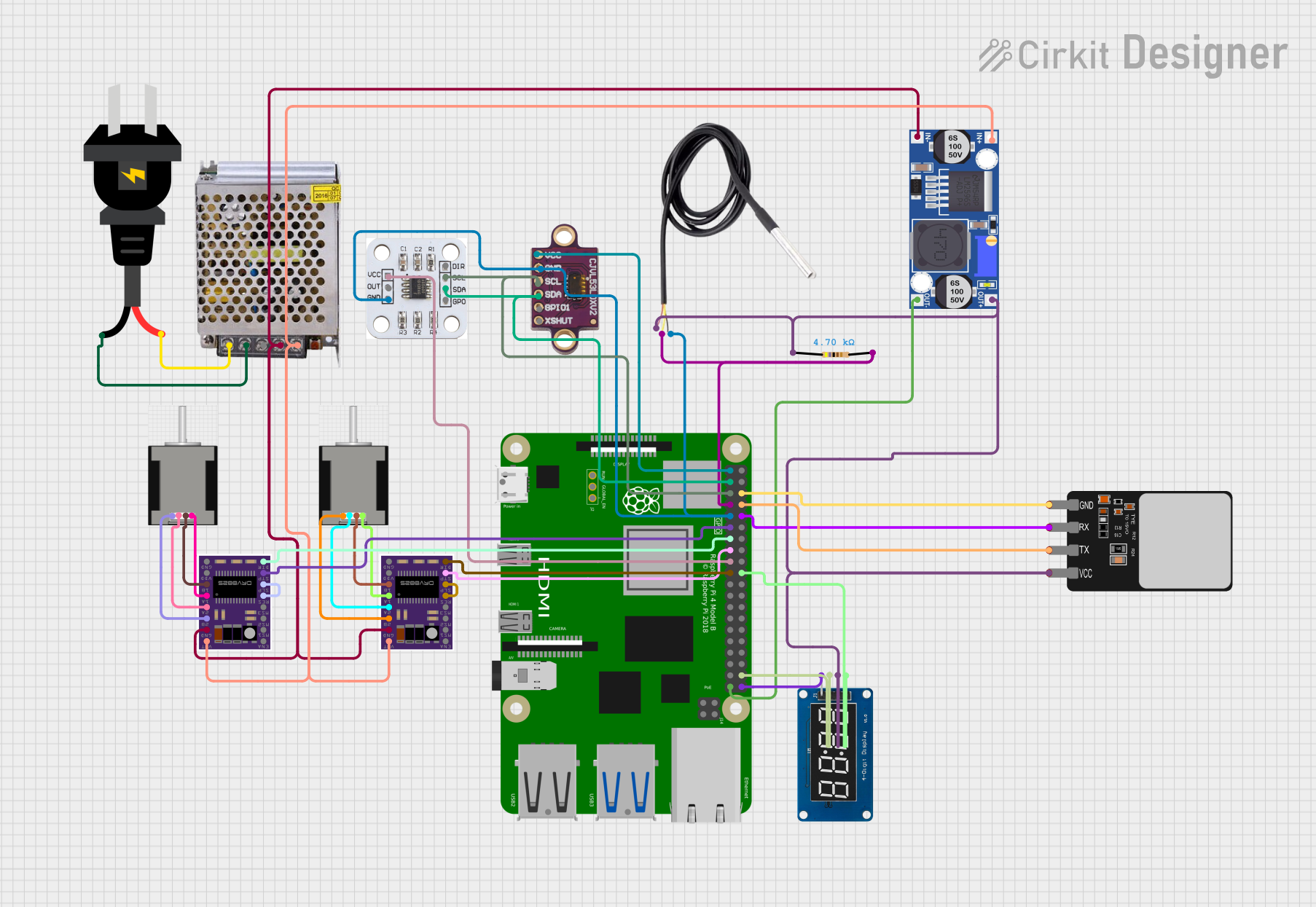 Open Project in Cirkit Designer
Explore Projects Built with Raspberry Pi 4 Model B
Open Project in Cirkit DesignerOpen Project in Cirkit DesignerOpen Project in Cirkit DesignerOpen Project in Cirkit DesignerCommon Applications and Use Cases
- Programming and Education: Ideal for learning programming languages like Python, C++, and Java.
- Media Centers: Can be used to build a home theater system with software like Kodi.
- IoT Projects: Acts as a hub for Internet of Things devices and sensors.
- Robotics: Powers robots and automation systems with GPIO pins for hardware interfacing.
- Web Servers: Functions as a lightweight web server for hosting websites or applications.
- AI and Machine Learning: Supports AI/ML projects with frameworks like TensorFlow Lite.
Technical Specifications
Key Technical Details
| Specification | Details |
|---|---|
| Processor | Quad-core Cortex-A72 (ARM v8) 64-bit SoC @ 1.5GHz |
| RAM Options | 2GB, 4GB, or 8GB LPDDR4 |
| USB Ports | 2 × USB 3.0, 2 × USB 2.0 |
| Video Output | 2 × micro-HDMI ports (up to 4K resolution at 60fps) |
| Networking | Gigabit Ethernet, 802.11ac Wi-Fi, Bluetooth 5.0 |
| GPIO Pins | 40-pin GPIO header (3.3V logic) |
| Storage | MicroSD card slot, USB boot support |
| Power Supply | 5V/3A via USB-C |
| Dimensions | 85.6mm × 56.5mm × 17mm |
| Operating System Support | Raspberry Pi OS (formerly Raspbian), Ubuntu, and other Linux distros |
Pin Configuration and Descriptions
The Raspberry Pi 4 Model B features a 40-pin GPIO header for hardware interfacing. Below is a summary of the pin configuration:
| Pin Number | Pin Name | Function | Voltage Level |
|---|---|---|---|
| 1 | 3.3V Power | Power Supply | 3.3V |
| 2 | 5V Power | Power Supply | 5V |
| 3 | GPIO2 (SDA1) | I2C Data | 3.3V |
| 4 | 5V Power | Power Supply | 5V |
| 5 | GPIO3 (SCL1) | I2C Clock | 3.3V |
| 6 | Ground | Ground | 0V |
| 7 | GPIO4 | General Purpose I/O | 3.3V |
| 8 | GPIO14 (TXD0) | UART Transmit | 3.3V |
| 9 | Ground | Ground | 0V |
| 10 | GPIO15 (RXD0) | UART Receive | 3.3V |
| ... | ... | ... | ... |
For the full GPIO pinout, refer to the official Raspberry Pi documentation.
Usage Instructions
How to Use the Raspberry Pi 4 Model B in a Circuit
Powering the Raspberry Pi:
- Use a 5V/3A USB-C power supply to power the board.
- Ensure the power supply is reliable to avoid voltage drops.
Connecting Peripherals:
- Attach a micro-HDMI cable to a monitor for video output.
- Connect a USB keyboard and mouse to the USB ports.
- Insert a microSD card with a compatible operating system (e.g., Raspberry Pi OS).
Using GPIO Pins:
- Use the GPIO pins to interface with external hardware like LEDs, sensors, and motors.
- Be cautious of voltage levels; the GPIO pins operate at 3.3V logic.
Networking:
- Connect to the internet via Ethernet or Wi-Fi for software updates and remote access.
Important Considerations and Best Practices
- Cooling: The Raspberry Pi 4 can get hot under heavy loads. Use a heatsink or fan for cooling.
- Static Protection: Handle the board with care to avoid static discharge damage.
- Power Supply: Use a high-quality power supply to prevent instability.
- Software Updates: Regularly update the operating system and software for security and performance improvements.
Example: Blinking an LED with GPIO and Python
Below is an example of how to blink an LED connected to GPIO pin 17 using Python:
Import the necessary library for GPIO control
import RPi.GPIO as GPIO import time
Set up GPIO mode and pin
GPIO.setmode(GPIO.BCM) # Use Broadcom pin numbering GPIO.setup(17, GPIO.OUT) # Set GPIO pin 17 as an output
try: while True: GPIO.output(17, GPIO.HIGH) # Turn on the LED time.sleep(1) # Wait for 1 second GPIO.output(17, GPIO.LOW) # Turn off the LED time.sleep(1) # Wait for 1 second except KeyboardInterrupt: # Clean up GPIO settings when the program is interrupted GPIO.cleanup()
**Note**: Connect the LED's anode (long leg) to GPIO pin 17 and the cathode (short leg) to a resistor (e.g., 330Ω), then to ground.

---
Troubleshooting and FAQs
Common Issues and Solutions
The Raspberry Pi does not boot:
- Ensure the microSD card is properly inserted and contains a valid operating system.
- Check the power supply for sufficient voltage and current.
Overheating:
- Use a heatsink or fan to cool the board.
- Avoid placing the Raspberry Pi in an enclosed space without ventilation.
No display on the monitor:
- Verify the micro-HDMI cable is securely connected.
- Ensure the monitor is set to the correct input source.
- Check the operating system configuration for display settings.
GPIO pins not working:
- Double-check the pin connections and ensure the correct pin numbering is used in the code.
- Verify that the GPIO pins are not damaged or shorted.
FAQs
Can I power the Raspberry Pi 4 via GPIO pins? Yes, you can power the board using the 5V and GND pins, but this bypasses the onboard power management and is not recommended.
What operating systems are compatible with the Raspberry Pi 4? The Raspberry Pi 4 supports Raspberry Pi OS, Ubuntu, and other Linux-based distributions. It can also run lightweight versions of Windows 10 IoT Core.
How do I enable SSH for remote access? Create an empty file named
ssh(no file extension) in the boot partition of the microSD card before booting the Raspberry Pi.Can I use the Raspberry Pi 4 for AI/ML projects? Yes, the Raspberry Pi 4 is capable of running AI/ML frameworks like TensorFlow Lite and OpenCV for lightweight machine learning tasks.
This concludes the documentation for the Raspberry Pi 4 Model B. For further details, refer to the official Raspberry Pi website or community forums.