
How to Use WS2812 RGB LED matrix 5x8: Examples, Pinouts, and Specs
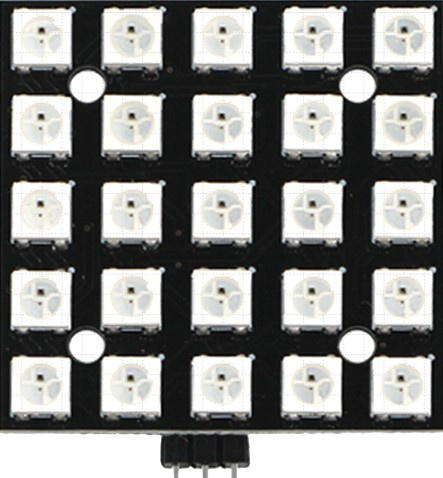
 Design with WS2812 RGB LED matrix 5x8 in Cirkit Designer
Introduction
The WS2812 RGB LED Matrix 5x8 (Manufacturer Part ID: WS2812B-25P) by Adafruit is a compact and versatile LED matrix consisting of 40 individually addressable RGB LEDs arranged in a 5x8 grid. Each LED is capable of producing 24-bit color, allowing for vibrant and dynamic displays. The matrix is controlled via a single data line, making it easy to integrate into microcontroller-based projects.
Explore Projects Built with WS2812 RGB LED matrix 5x8
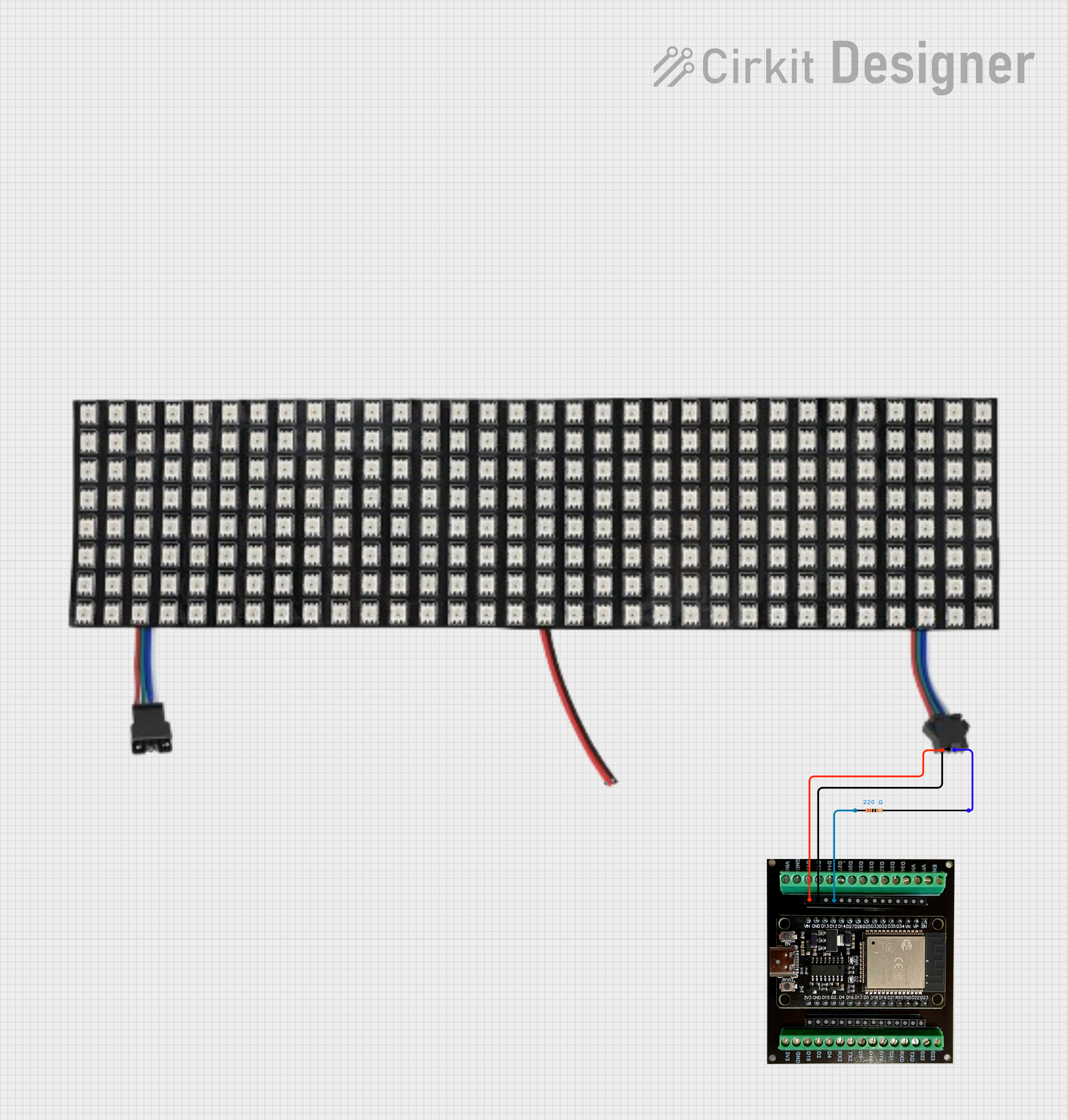 Open Project in Cirkit Designer
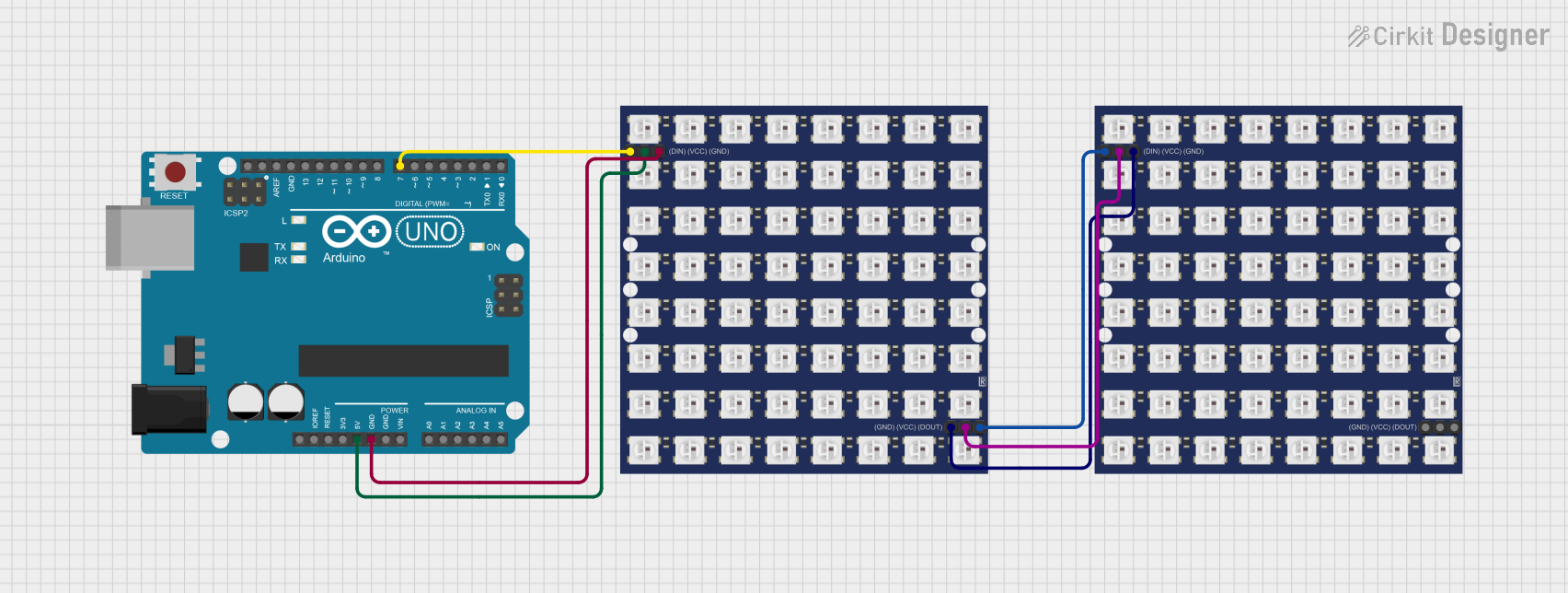 Open Project in Cirkit Designer
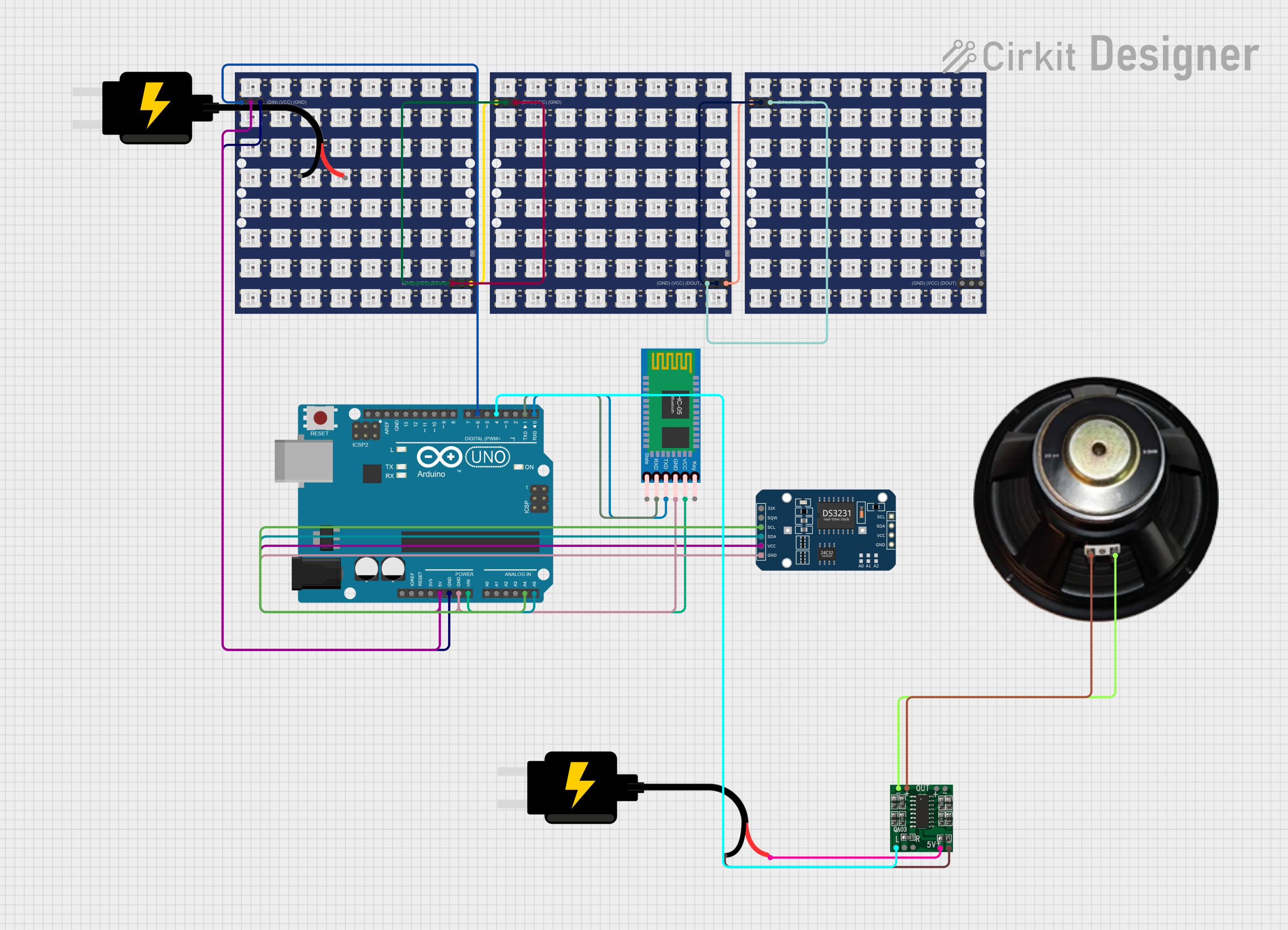 Open Project in Cirkit Designer
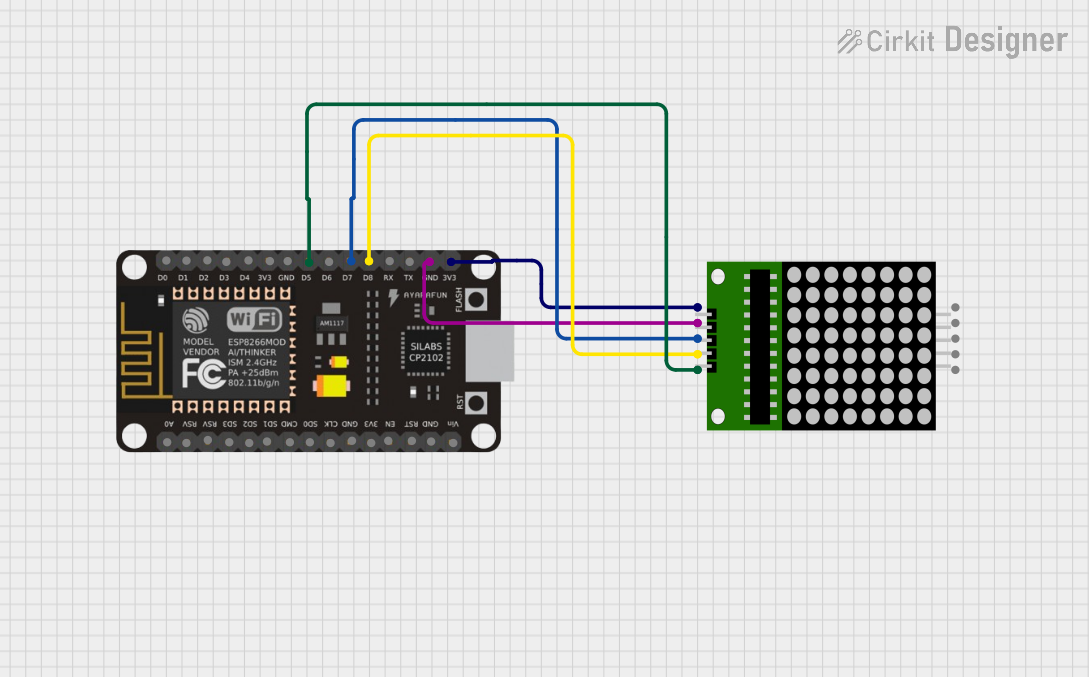 Open Project in Cirkit Designer
Explore Projects Built with WS2812 RGB LED matrix 5x8
Open Project in Cirkit DesignerOpen Project in Cirkit DesignerOpen Project in Cirkit DesignerOpen Project in Cirkit DesignerCommon Applications
- Animated text and graphics displays
- Wearable electronics and costumes
- Mood lighting and decorative installations
- Status indicators and dashboards
- Educational projects and prototyping
Technical Specifications
Key Technical Details
| Parameter | Value |
|---|---|
| Manufacturer | Adafruit |
| Part ID | WS2812B-25P |
| LED Count | 40 LEDs (5x8 grid) |
| LED Type | WS2812B (RGB, individually addressable) |
| Operating Voltage | 5V DC |
| Operating Current | ~60mA per LED at full brightness |
| Communication Protocol | One-wire (single data line) |
| Data Input Voltage | 3.3V or 5V logic compatible |
| Dimensions | ~50mm x 80mm |
| Refresh Rate | ~400Hz |
Pin Configuration
The WS2812 RGB LED Matrix has three main pins for operation:
| Pin Name | Description | Notes |
|---|---|---|
| VCC | Power supply input (5V) | Connect to a 5V power source |
| GND | Ground | Connect to the ground of the circuit |
| DIN | Data input | Connect to the microcontroller's data output pin |
Usage Instructions
How to Use the Component in a Circuit
- Power Supply: Connect the
VCCpin to a stable 5V power source and theGNDpin to the ground. Ensure the power supply can handle the current requirements (up to 2.4A for all LEDs at full brightness). - Data Line: Connect the
DINpin to a digital output pin of your microcontroller. Use a resistor (330-470Ω) in series with the data line to protect the LEDs from voltage spikes. - Capacitor: Place a 1000µF capacitor across the
VCCandGNDpins to stabilize the power supply. - Programming: Use a library like Adafruit's NeoPixel library to control the LEDs.
Important Considerations
- Voltage Levels: Ensure the data signal voltage matches the logic level of the WS2812B (3.3V or 5V).
- Heat Management: Avoid running all LEDs at full brightness for extended periods to prevent overheating.
- Data Line Length: Keep the data line as short as possible to avoid signal degradation. For longer distances, consider using a level shifter.
Example Code for Arduino UNO
Below is an example of how to control the WS2812 RGB LED Matrix using the Adafruit NeoPixel library:
#include <Adafruit_NeoPixel.h>

// Define the number of LEDs in the matrix
#define NUM_LEDS 40

// Define the pin connected to the DIN pin of the matrix
#define DATA_PIN 6

// Create a NeoPixel object
Adafruit_NeoPixel matrix = Adafruit_NeoPixel(NUM_LEDS, DATA_PIN, NEO_GRB + NEO_KHZ800);

void setup() {
  matrix.begin(); // Initialize the NeoPixel library
  matrix.show();  // Turn off all LEDs initially
}

void loop() {
  // Example: Light up all LEDs in red
  for (int i = 0; i < NUM_LEDS; i++) {
    matrix.setPixelColor(i, matrix.Color(255, 0, 0)); // Set LED to red
  }
  matrix.show(); // Update the matrix to display the colors
  delay(1000);   // Wait for 1 second

  // Example: Turn off all LEDs
  for (int i = 0; i < NUM_LEDS; i++) {
    matrix.setPixelColor(i, matrix.Color(0, 0, 0)); // Turn off LED
  }
  matrix.show(); // Update the matrix to turn off LEDs
  delay(1000);   // Wait for 1 second
}
Troubleshooting and FAQs
Common Issues
LEDs Not Lighting Up
- Cause: Incorrect wiring or insufficient power supply.
- Solution: Double-check the connections, ensure the power supply provides 5V, and verify the ground is shared with the microcontroller.
Flickering or Incorrect Colors
- Cause: Signal degradation or noise on the data line.
- Solution: Add a resistor (330-470Ω) in series with the data line and ensure the data line is as short as possible.
Matrix Not Responding to Commands
- Cause: Incorrect data pin or library setup.
- Solution: Verify the data pin in the code matches the physical connection and ensure the Adafruit NeoPixel library is installed and included.
FAQs
Q: Can I power the matrix with a USB port?
A: While possible, it is not recommended to power the matrix via USB if running many LEDs at high brightness, as USB ports typically provide only 500mA. Use a dedicated 5V power supply for best results.
Q: How do I chain multiple matrices together?
A: Connect the DOUT pin of the first matrix to the DIN pin of the next matrix. Update the NUM_LEDS value in your code to reflect the total number of LEDs.
Q: Can I control the matrix with a 3.3V microcontroller?
A: Yes, the WS2812B is compatible with 3.3V logic. However, for long data lines, a level shifter may be required for reliable operation.