
How to Use Arduino MEGA 2560 With WiFi Built-in - ESP8266: Examples, Pinouts, and Specs
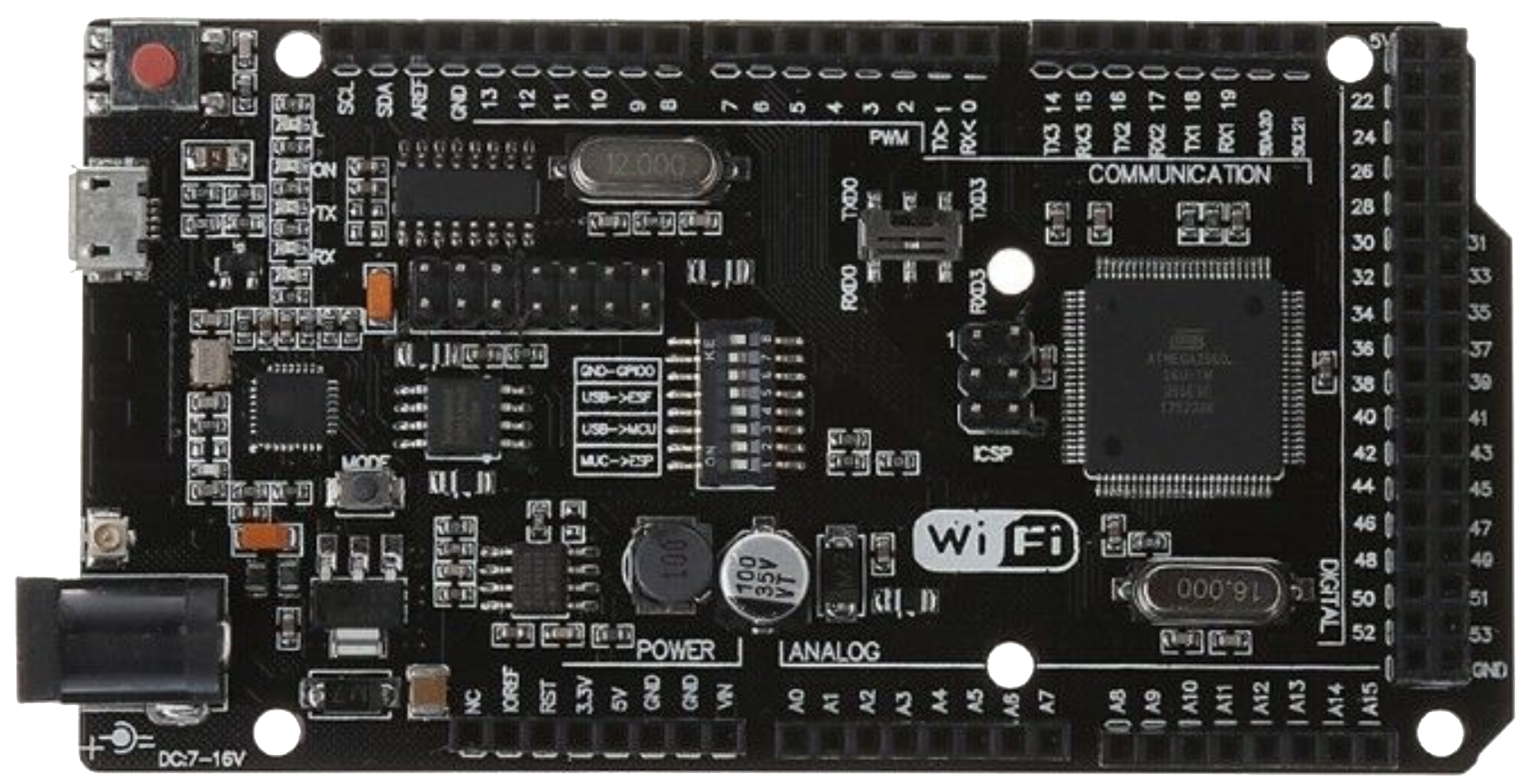
 Design with Arduino MEGA 2560 With WiFi Built-in - ESP8266 in Cirkit Designer
Introduction
The Arduino MEGA 2560 With WiFi Built-in - ESP8266 is a versatile microcontroller board that combines the power of the ATmega2560 microcontroller with the connectivity of the ESP8266 WiFi module. This integration allows users to create advanced IoT (Internet of Things) projects with ease, enabling remote control and monitoring of devices over the internet.
This board is ideal for applications requiring a large number of I/O pins, high processing power, and wireless communication. It is particularly suited for:
- Home automation systems
- IoT-enabled devices
- Robotics and industrial control systems
- Data logging and remote monitoring
Explore Projects Built with Arduino MEGA 2560 With WiFi Built-in - ESP8266
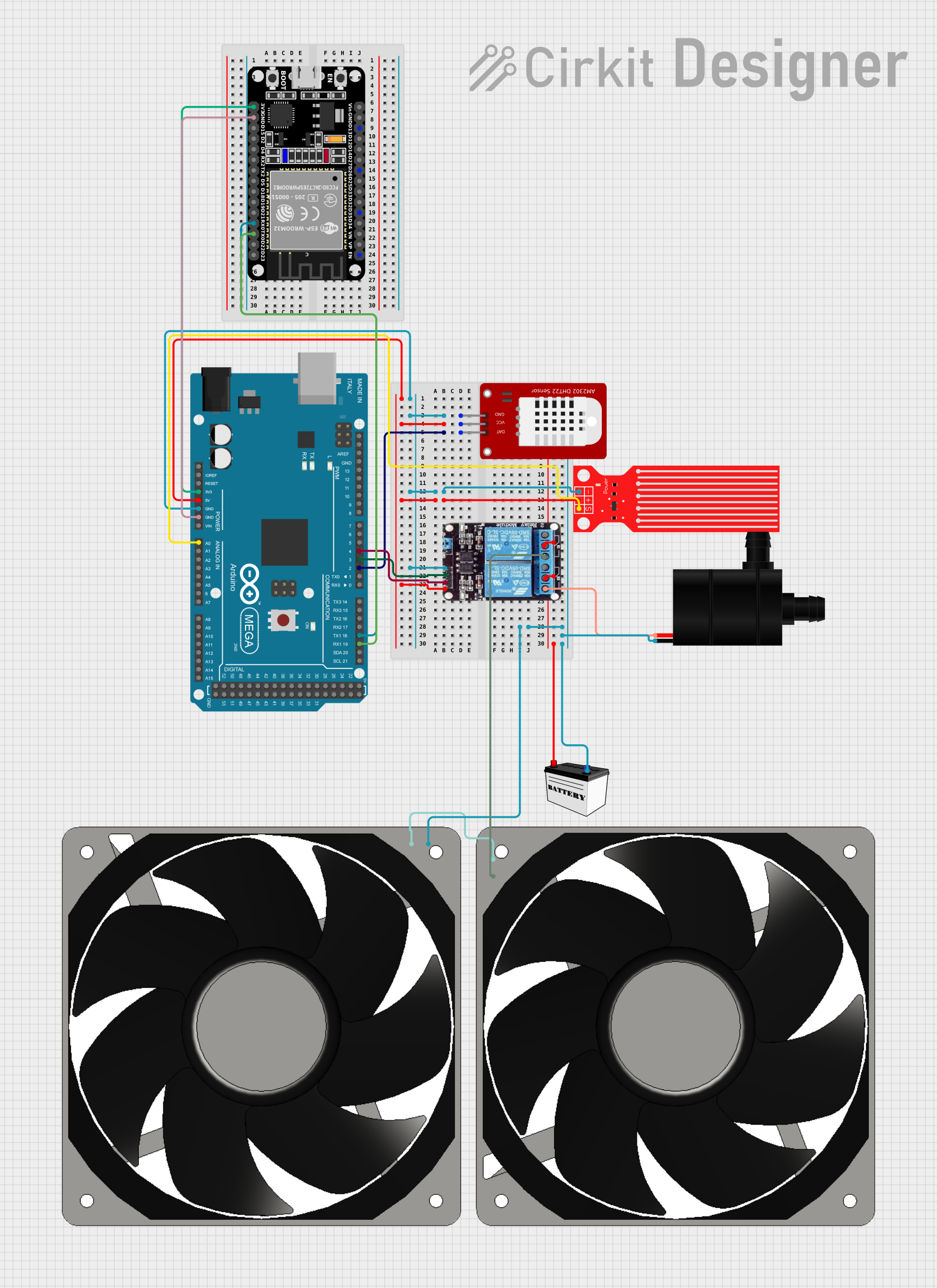 Open Project in Cirkit Designer
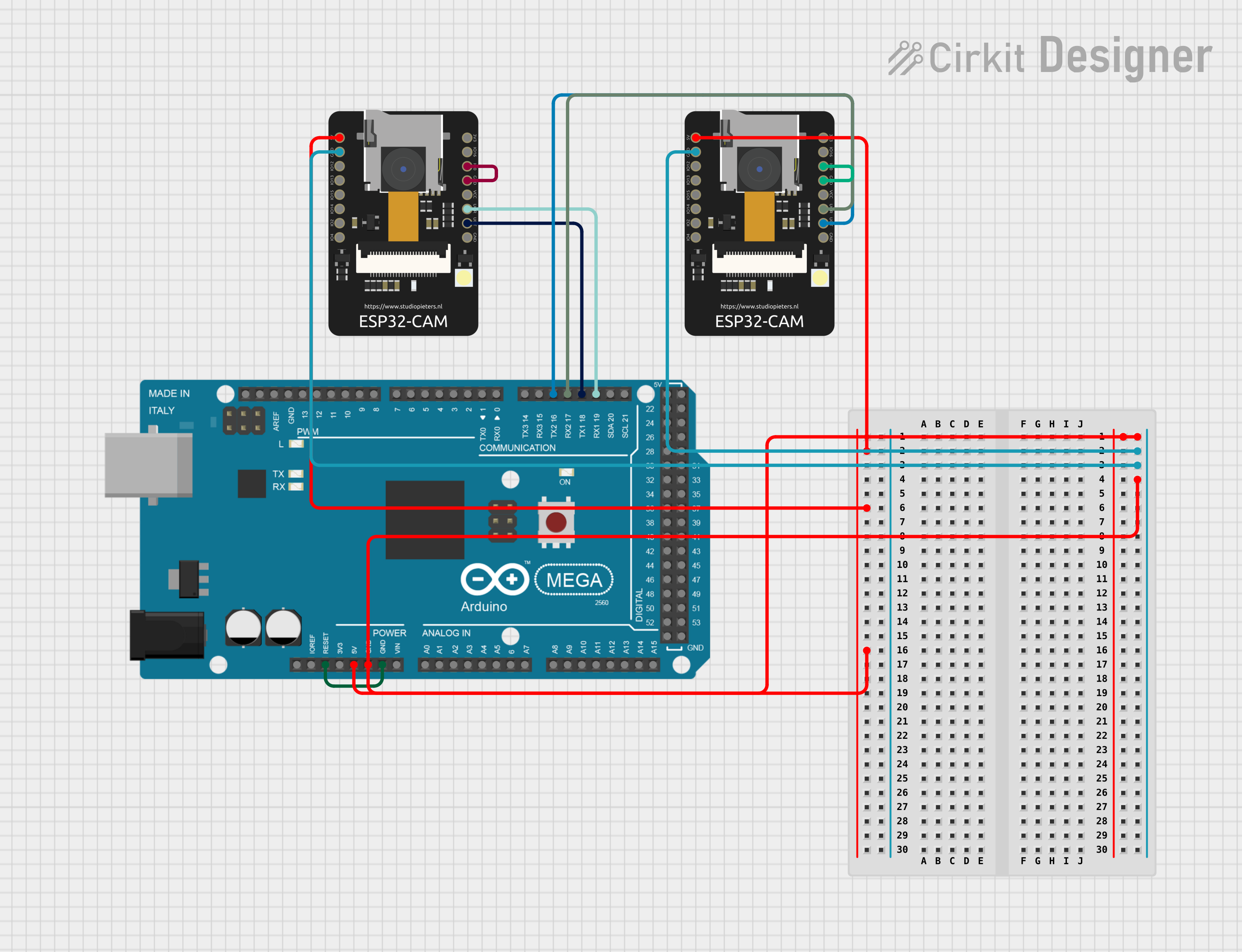 Open Project in Cirkit Designer
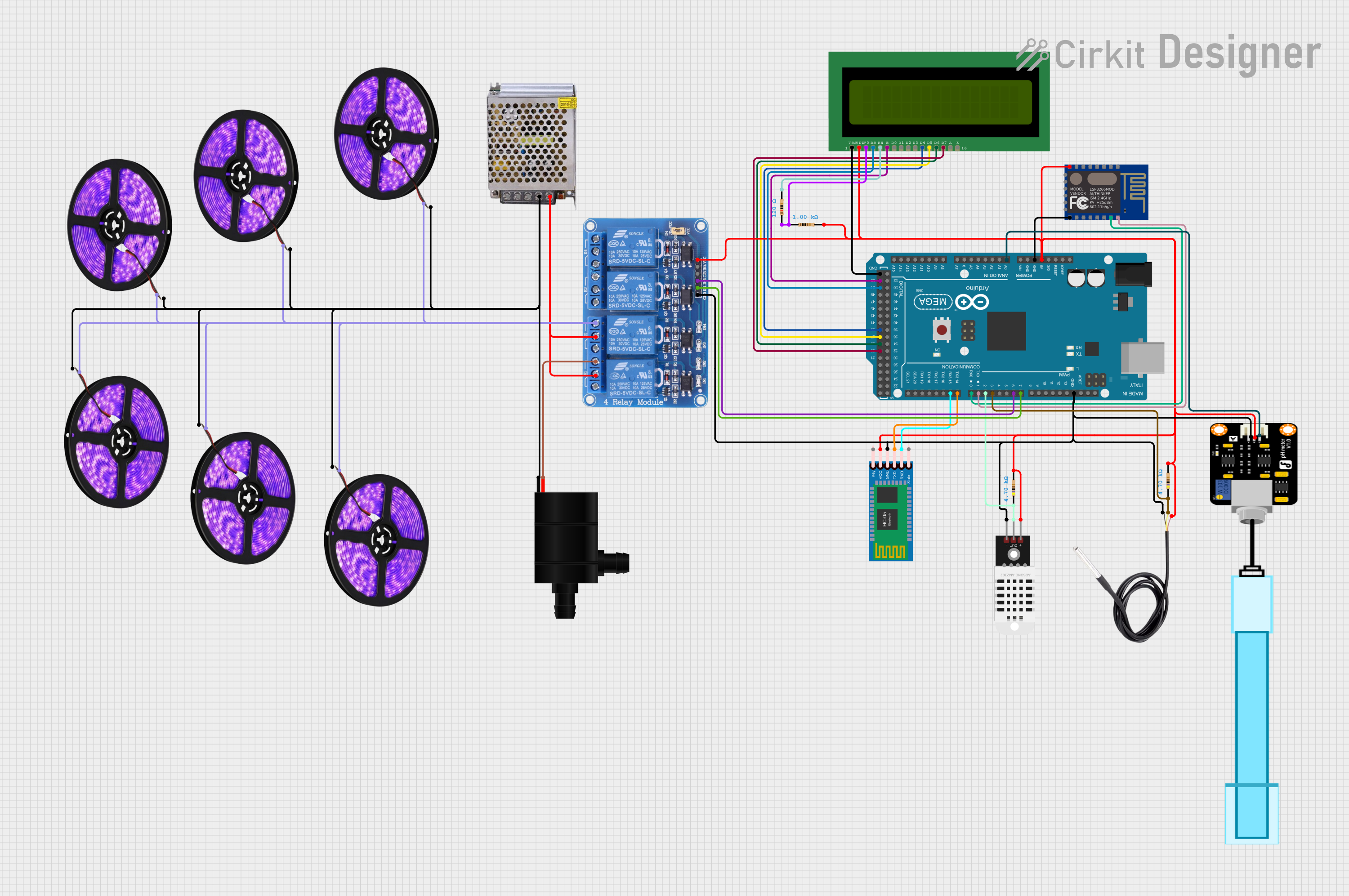 Open Project in Cirkit Designer
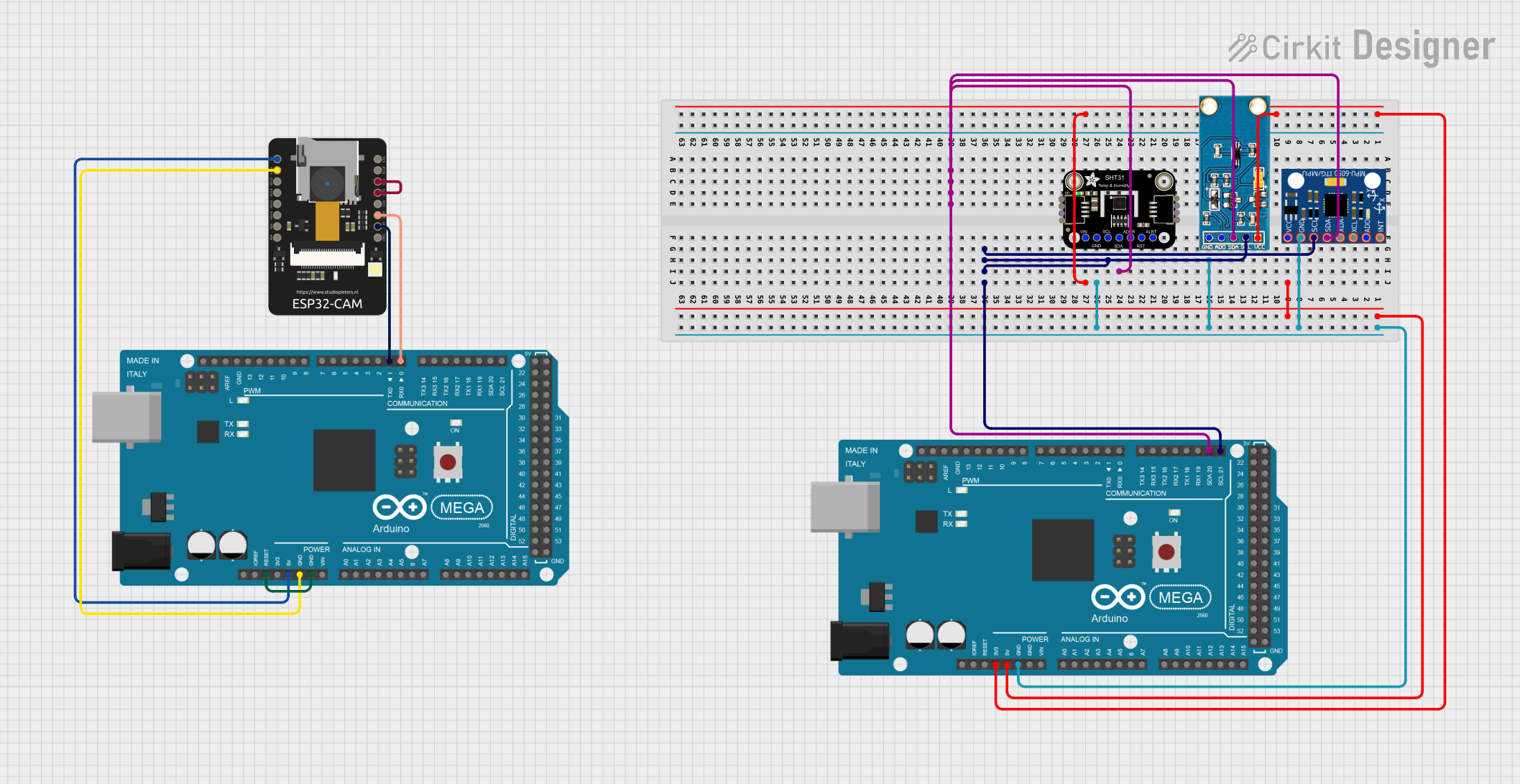 Open Project in Cirkit Designer
Explore Projects Built with Arduino MEGA 2560 With WiFi Built-in - ESP8266
Open Project in Cirkit DesignerOpen Project in Cirkit DesignerOpen Project in Cirkit DesignerOpen Project in Cirkit DesignerTechnical Specifications
Key Technical Details
| Specification | Value |
|---|---|
| Microcontroller | ATmega2560 |
| Operating Voltage | 5V |
| Input Voltage (recommended) | 7-12V |
| Input Voltage (limit) | 6-20V |
| Digital I/O Pins | 54 (15 PWM outputs) |
| Analog Input Pins | 16 |
| Flash Memory (ATmega2560) | 256 KB (8 KB used by bootloader) |
| SRAM | 8 KB |
| EEPROM | 4 KB |
| Clock Speed | 16 MHz |
| WiFi Module | ESP8266 |
| Communication Interfaces | UART, SPI, I2C, WiFi |
Pin Configuration and Descriptions
ATmega2560 Pinout
| Pin Number | Pin Name | Description |
|---|---|---|
| 0-53 | Digital I/O | General-purpose digital input/output pins |
| 0-15 | PWM Pins | Digital pins with PWM output capability |
| A0-A15 | Analog Inputs | Analog input pins (10-bit resolution) |
| 20-21 | I2C (SDA, SCL) | I2C communication pins |
| 0-3, 14-19 | UART (TX, RX) | Serial communication pins |
| 50-53 | SPI (MISO, MOSI, SCK, SS) | SPI communication pins |
| GND | Ground | Ground connection |
| 5V, 3.3V | Power Output | Regulated power output pins |
ESP8266 WiFi Module Pinout
| Pin Name | Description |
|---|---|
| TX | Transmit data (UART communication) |
| RX | Receive data (UART communication) |
| EN | Enable pin (active high) |
| GPIO0, GPIO2 | General-purpose I/O pins |
| GND | Ground connection |
| VCC | Power input (3.3V) |
Usage Instructions
How to Use the Component in a Circuit
Powering the Board:
- Supply the board with 7-12V via the DC barrel jack or VIN pin. Alternatively, use the USB connection for power and programming.
- Ensure the ESP8266 module is powered with 3.3V (internally regulated by the board).
Programming the ATmega2560:
- Connect the board to your computer via USB.
- Open the Arduino IDE, select
Arduino Mega 2560as the board, and choose the correct COM port. - Write and upload your sketch to the ATmega2560.
Programming the ESP8266:
- Switch the board to "ESP8266 mode" using the onboard DIP switches (refer to the board's manual for the correct configuration).
- Use the Arduino IDE or a dedicated ESP8266 flashing tool to upload firmware or sketches to the ESP8266.
Establishing WiFi Connectivity:
- Use the ESP8266 to connect to a WiFi network. The ATmega2560 can communicate with the ESP8266 via UART to send/receive data over the internet.
Important Considerations and Best Practices
- Voltage Levels: The ESP8266 operates at 3.3V. Avoid applying 5V directly to its pins to prevent damage.
- DIP Switch Configuration: Ensure the DIP switches are set correctly for programming or communication modes.
- Serial Communication: Use
Serial1,Serial2, orSerial3for communication with the ESP8266 to avoid conflicts with the USB serial interface (Serial).
Example Code: Connecting to WiFi and Sending Data
The following example demonstrates how to connect the ESP8266 to a WiFi network and send data to a server.
#include <SoftwareSerial.h>

// Define RX and TX pins for ESP8266 communication
SoftwareSerial espSerial(18, 19); // RX = pin 18, TX = pin 19

void setup() {
  // Initialize serial communication
  Serial.begin(9600); // For debugging
  espSerial.begin(115200); // ESP8266 baud rate

  // Connect to WiFi
  sendCommand("AT+RST", 2000); // Reset the ESP8266
  sendCommand("AT+CWMODE=1", 1000); // Set WiFi mode to Station
  sendCommand("AT+CWJAP=\"YourSSID\",\"YourPassword\"", 5000); // Connect to WiFi

  // Start TCP connection
  sendCommand("AT+CIPSTART=\"TCP\",\"example.com\",80", 5000);

  // Send HTTP GET request
  sendCommand("AT+CIPSEND=18", 2000); // Specify data length
  espSerial.println("GET / HTTP/1.1\r\n\r\n");
}

void loop() {
  // Continuously check for ESP8266 responses
  while (espSerial.available()) {
    Serial.write(espSerial.read());
  }
}

// Function to send AT commands to ESP8266
void sendCommand(String command, int delayTime) {
  espSerial.println(command);
  delay(delayTime);
  while (espSerial.available()) {
    Serial.write(espSerial.read());
  }
}
Note: Replace "YourSSID" and "YourPassword" with your WiFi credentials. Ensure the ESP8266 baud rate matches the one set in the code.
Troubleshooting and FAQs
Common Issues and Solutions
ESP8266 Not Responding:
- Ensure the DIP switches are configured correctly for ESP8266 communication.
- Verify the ESP8266 is powered with 3.3V and not 5V.
WiFi Connection Fails:
- Double-check the SSID and password in your code.
- Ensure the WiFi network is within range and operational.
Serial Communication Conflicts:
- Avoid using
Serialfor both debugging and ESP8266 communication. UseSerial1,Serial2, orSerial3instead.
- Avoid using
Code Upload Fails:
- Ensure the correct board and COM port are selected in the Arduino IDE.
- Disconnect any external devices connected to the RX/TX pins during programming.
FAQs
Q: Can I use the ESP8266 and ATmega2560 simultaneously?
A: Yes, the ATmega2560 can communicate with the ESP8266 via UART while running its own program. Ensure proper DIP switch settings.
Q: How do I update the ESP8266 firmware?
A: Switch the board to "ESP8266 mode" using the DIP switches, then use a flashing tool to upload the firmware.
Q: What is the maximum WiFi range?
A: The ESP8266 typically has a range of 30-50 meters indoors and up to 100 meters outdoors, depending on environmental factors.
By following this documentation, you can effectively utilize the Arduino MEGA 2560 With WiFi Built-in - ESP8266 for your IoT and automation projects.