
How to Use Pilot Lamp Yellon: Examples, Pinouts, and Specs
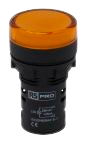
 Design with Pilot Lamp Yellon in Cirkit Designer
Introduction
- A Pilot Lamp Yellow is an indicator light used to display the operational status of a device. It typically glows yellow to indicate that the device is powered on, in standby mode, or functioning as intended.
- Common applications include industrial control panels, household appliances, automotive dashboards, and power distribution systems. It is widely used in scenarios where a visual indication of device status is required.
Explore Projects Built with Pilot Lamp Yellon
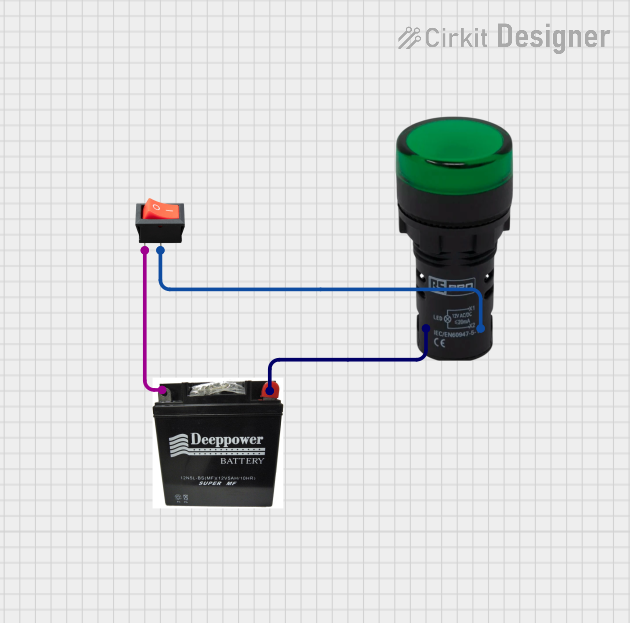 Open Project in Cirkit Designer
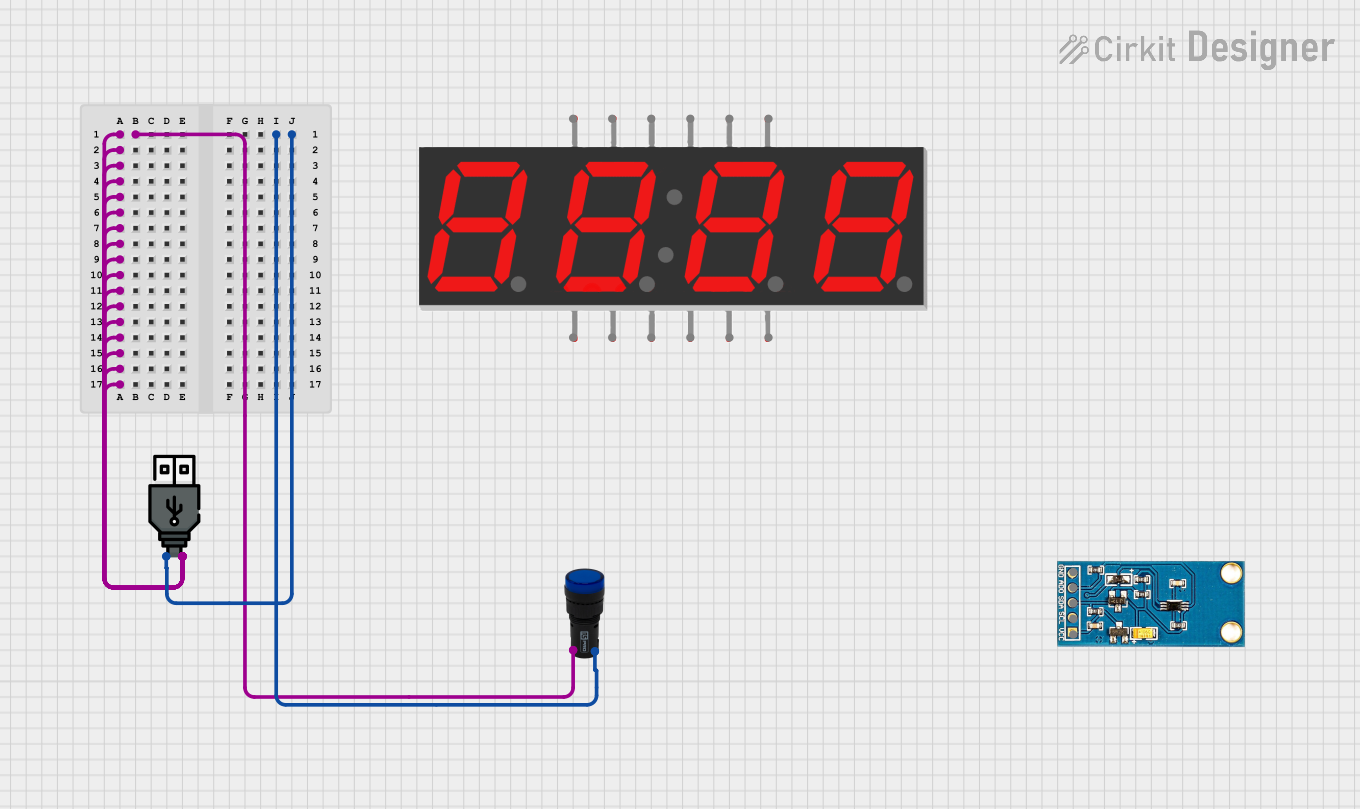 Open Project in Cirkit Designer
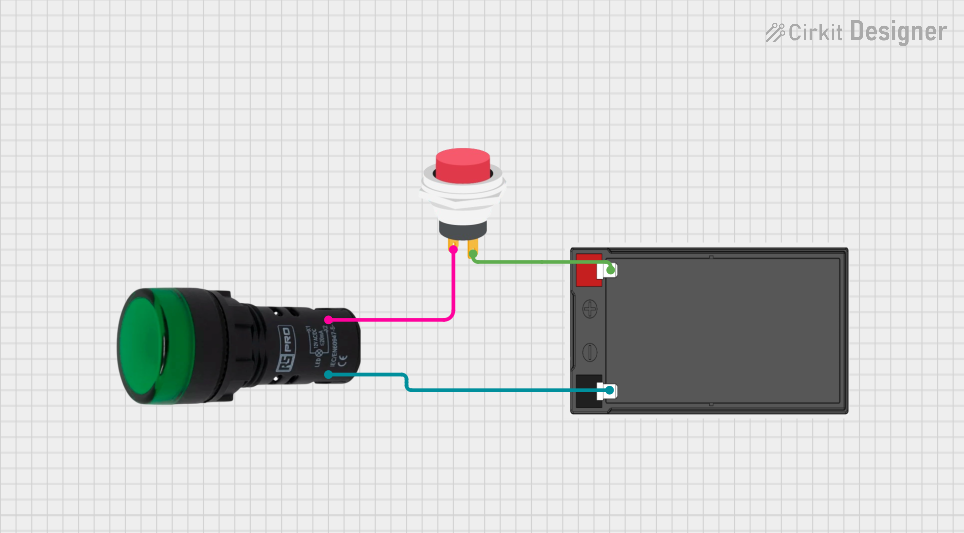 Open Project in Cirkit Designer
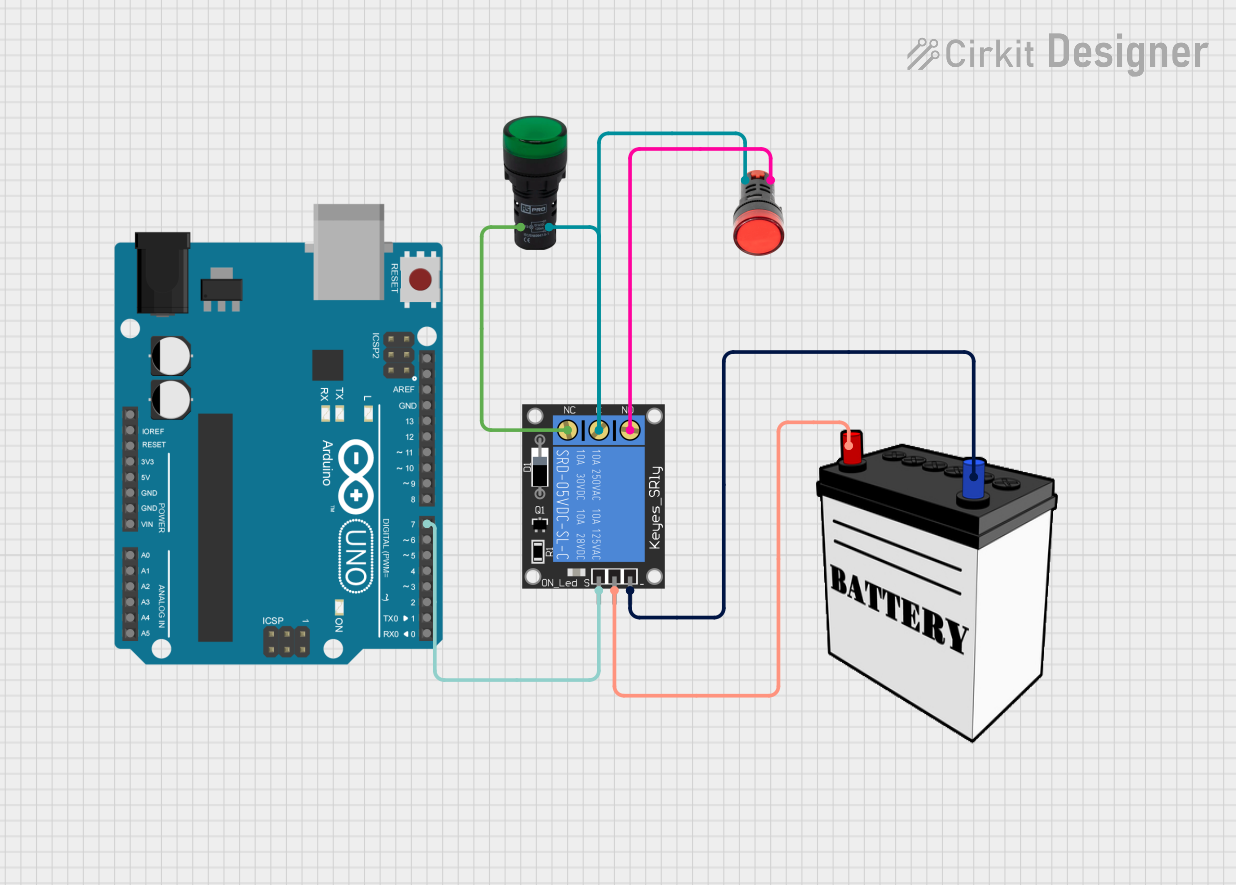 Open Project in Cirkit Designer
Explore Projects Built with Pilot Lamp Yellon
Open Project in Cirkit DesignerOpen Project in Cirkit DesignerOpen Project in Cirkit DesignerOpen Project in Cirkit DesignerTechnical Specifications
- Type: LED-based or incandescent pilot lamp
- Color: Yellow
- Voltage Range: 6V, 12V, 24V, or 220V (depending on the model)
- Current Consumption: Typically 10-20mA for LED models
- Power Rating: 0.1W to 1W
- Mounting Style: Panel mount with screw or snap-in design
- Lifespan: Up to 50,000 hours for LED models
- Operating Temperature: -20°C to 70°C
- Ingress Protection (IP) Rating: IP40 to IP67 (varies by model)
Pin Configuration and Descriptions
The Pilot Lamp Yellow typically has two terminals for connection:
| Pin | Description | Notes |
|---|---|---|
| Pin 1 | Positive Terminal (+) | Connect to the positive voltage supply. |
| Pin 2 | Negative Terminal (-) | Connect to the ground or negative terminal. |
Usage Instructions
How to Use the Pilot Lamp Yellow in a Circuit
- Determine Voltage Rating: Verify the voltage rating of the pilot lamp (e.g., 12V or 220V) to ensure compatibility with your circuit.
- Connect Terminals:
- Connect the positive terminal (Pin 1) to the positive voltage supply.
- Connect the negative terminal (Pin 2) to the ground or negative terminal of the power source.
- Use a Resistor (if required):
- For LED-based pilot lamps, use a current-limiting resistor if the lamp does not have an internal resistor. Calculate the resistor value using Ohm's Law:
[ R = \frac{V_{supply} - V_{lamp}}{I_{lamp}} ] where ( V_{supply} ) is the supply voltage, ( V_{lamp} ) is the lamp's forward voltage, and ( I_{lamp} ) is the desired current.
- For LED-based pilot lamps, use a current-limiting resistor if the lamp does not have an internal resistor. Calculate the resistor value using Ohm's Law:
- Mount the Lamp: Secure the pilot lamp into the panel or enclosure using the provided mounting mechanism (e.g., screw or snap-in).
Important Considerations and Best Practices
- Voltage Compatibility: Always match the pilot lamp's voltage rating with the circuit's supply voltage to avoid damage.
- Polarity: For LED-based pilot lamps, ensure correct polarity when connecting the terminals.
- Environmental Conditions: Choose a model with an appropriate IP rating if the lamp will be exposed to dust, moisture, or harsh environments.
- Testing: Test the lamp in a controlled environment before installation to ensure proper functionality.
Example: Connecting a Pilot Lamp Yellow to an Arduino UNO
Below is an example of how to connect and control a 12V LED-based Pilot Lamp Yellow using an Arduino UNO and a transistor as a switch.
Circuit Components:
- Arduino UNO
- Pilot Lamp Yellow (12V)
- NPN Transistor (e.g., 2N2222)
- 1kΩ Resistor (for the transistor base)
- 12V Power Supply
Circuit Diagram:
- Connect the positive terminal of the pilot lamp to the 12V power supply.
- Connect the negative terminal of the pilot lamp to the collector of the NPN transistor.
- Connect the emitter of the transistor to the ground.
- Connect the base of the transistor to a digital pin of the Arduino (e.g., Pin 9) through a 1kΩ resistor.
Arduino Code:
// Define the pin connected to the transistor base
const int pilotLampPin = 9;

void setup() {
  // Set the pilot lamp pin as an output
  pinMode(pilotLampPin, OUTPUT);
}

void loop() {
  // Turn the pilot lamp ON
  digitalWrite(pilotLampPin, HIGH);
  delay(1000); // Keep the lamp ON for 1 second

  // Turn the pilot lamp OFF
  digitalWrite(pilotLampPin, LOW);
  delay(1000); // Keep the lamp OFF for 1 second
}
Troubleshooting and FAQs
Common Issues and Solutions
| Issue | Possible Cause | Solution |
|---|---|---|
| Lamp does not light up | Incorrect voltage or polarity | Verify voltage rating and polarity. |
| Lamp flickers | Unstable power supply | Use a regulated power supply. |
| Lamp burns out quickly | Overvoltage or no current-limiting resistor | Check voltage and add a resistor if needed. |
| Lamp is dim | Insufficient current | Ensure the power supply provides enough current. |
FAQs
Can I use a Pilot Lamp Yellow with an AC power source?
Yes, but ensure the lamp is rated for AC operation. Some models are designed for DC only.What resistor value should I use for a 12V LED-based pilot lamp?
Calculate the resistor value using Ohm's Law. For example, if the lamp's forward voltage is 2V and desired current is 20mA:
[ R = \frac{12V - 2V}{0.02A} = 500\ \Omega ]How do I know if the lamp is LED-based or incandescent?
Check the product datasheet or specifications. LED-based lamps typically have a longer lifespan and lower current consumption.Can I dim the Pilot Lamp Yellow?
Yes, for LED-based models, you can use a PWM (Pulse Width Modulation) signal to control brightness.
By following this documentation, you can effectively integrate and troubleshoot the Pilot Lamp Yellow in your projects.