
How to Use Contactor Chint 20A: Examples, Pinouts, and Specs
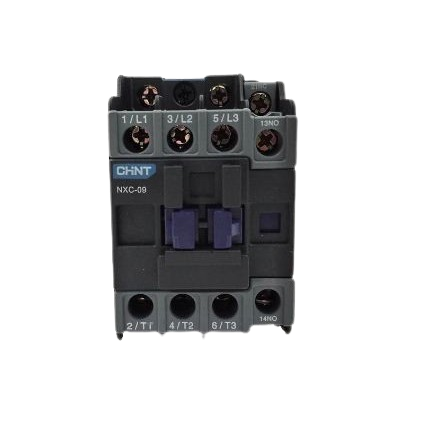
 Design with Contactor Chint 20A in Cirkit Designer
Introduction
The CHINT NXC-09A Contactor is an electrically controlled switch designed for industrial and commercial applications. It is primarily used to control and switch power circuits, enabling the automation of high-power devices such as motors, heaters, and lighting systems. With a current rating of 20A, this contactor is ideal for medium-load applications, ensuring reliable performance and durability.
Explore Projects Built with Contactor Chint 20A
 Open Project in Cirkit Designer
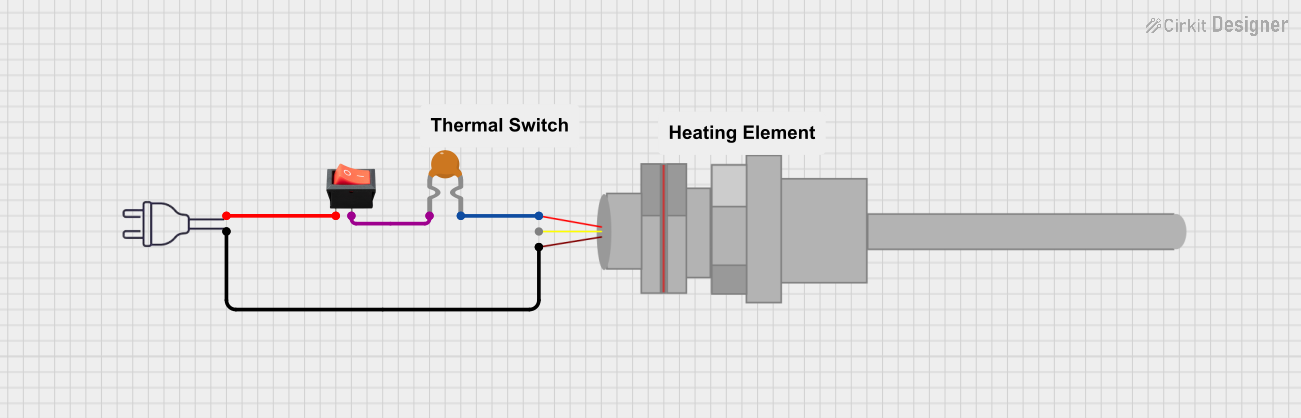 Open Project in Cirkit Designer
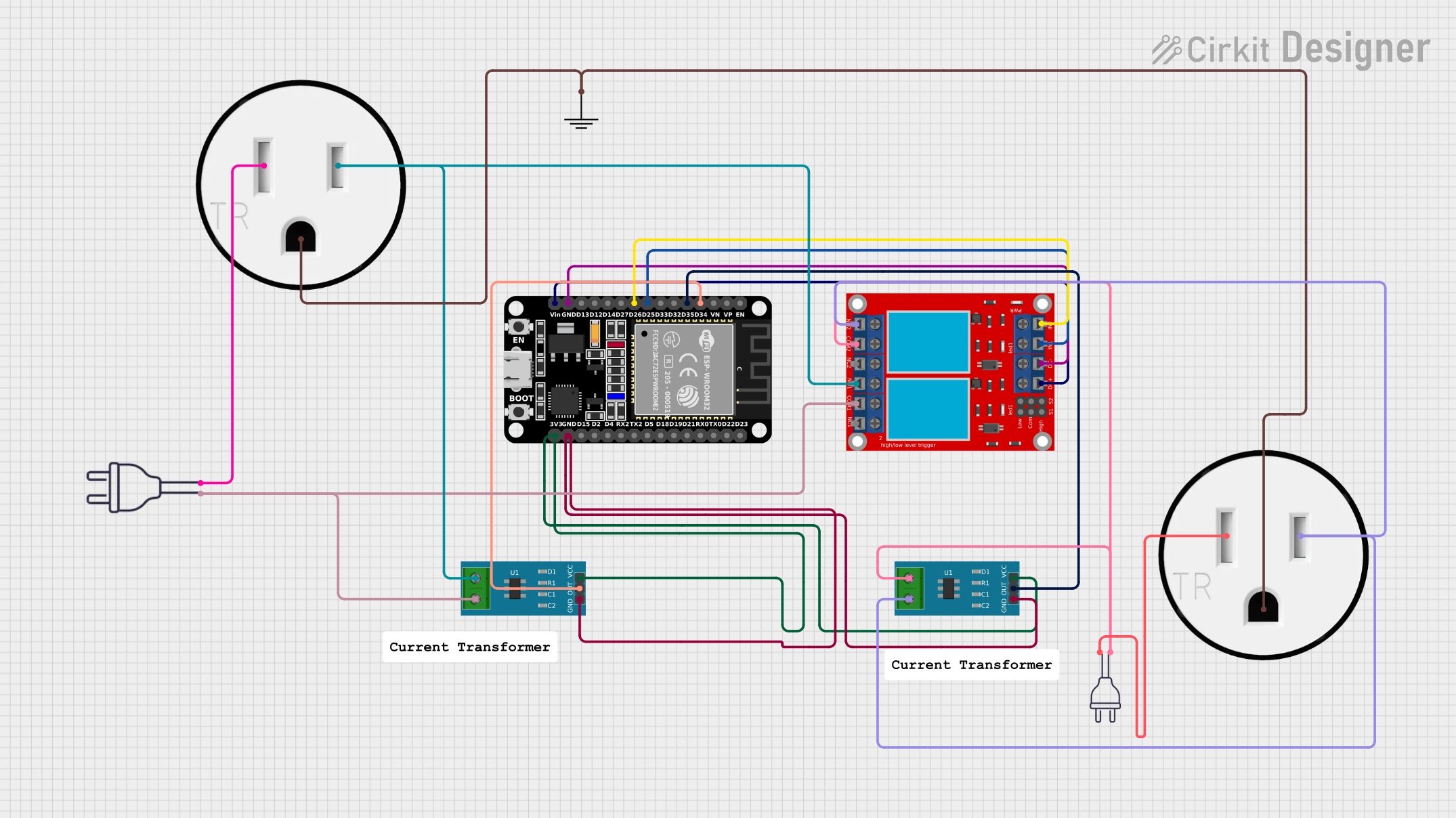 Open Project in Cirkit Designer
 Open Project in Cirkit Designer
Explore Projects Built with Contactor Chint 20A
Open Project in Cirkit DesignerOpen Project in Cirkit DesignerOpen Project in Cirkit DesignerOpen Project in Cirkit DesignerCommon Applications
- Motor control in industrial machinery
- HVAC systems
- Lighting control in commercial buildings
- Power distribution systems
- Automation systems in factories
Technical Specifications
Key Technical Details
| Parameter | Value |
|---|---|
| Manufacturer | CHINT |
| Model Number | NXC-09A |
| Rated Current (AC-3) | 20A |
| Rated Voltage | 690V AC |
| Coil Voltage Options | 24V AC/DC, 110V AC, 220V AC |
| Number of Poles | 3 |
| Mechanical Durability | 10 million operations |
| Electrical Durability | 1 million operations |
| Operating Temperature | -5°C to +40°C |
| Mounting Type | DIN Rail or Screw Mount |
| Standards Compliance | IEC 60947-4-1, CE, CCC |
Pin Configuration and Descriptions
The NXC-09A contactor has a straightforward terminal layout for power and control connections. Below is the pin configuration:
Power Terminals
| Terminal Label | Description |
|---|---|
| L1, L2, L3 | Input terminals for three-phase power |
| T1, T2, T3 | Output terminals for load connection |
Control Terminals
| Terminal Label | Description |
|---|---|
| A1, A2 | Coil terminals for control voltage |
| NO (Normally Open) | Auxiliary contact for control circuits |
| NC (Normally Closed) | Auxiliary contact for control circuits |
Usage Instructions
How to Use the Contactor in a Circuit
Power Connections:
- Connect the three-phase power supply to the input terminals (L1, L2, L3).
- Connect the load (e.g., motor) to the output terminals (T1, T2, T3).
Control Circuit:
- Connect the control voltage to the coil terminals (A1 and A2). Ensure the voltage matches the coil rating (e.g., 24V AC/DC, 110V AC, or 220V AC).
- Use the auxiliary contacts (NO/NC) for additional control logic, such as interlocking or feedback.
Mounting:
- Secure the contactor to a DIN rail or use screws for panel mounting.
Testing:
- After wiring, test the circuit by energizing the coil. The contactor should click into position, connecting the power circuit.
Important Considerations and Best Practices
- Voltage Matching: Ensure the control voltage matches the coil rating to avoid damage.
- Overload Protection: Use an appropriate overload relay in series with the contactor to protect the load.
- Wiring: Use wires with appropriate gauge to handle the rated current (20A).
- Environment: Install the contactor in a clean, dry environment within the specified temperature range (-5°C to +40°C).
- Maintenance: Periodically inspect the contactor for wear and clean the contacts to ensure reliable operation.
Example: Using the Contactor with an Arduino UNO
The CHINT NXC-09A can be controlled using an Arduino UNO by energizing its coil with a relay module. Below is an example circuit and code:
Circuit Description
- Use a 5V relay module to interface the Arduino with the contactor's coil.
- The Arduino controls the relay, which in turn energizes the contactor's coil.
Arduino Code
// Define the pin connected to the relay module
const int relayPin = 7;

void setup() {
  // Set the relay pin as an output
  pinMode(relayPin, OUTPUT);
  // Ensure the relay is off at startup
  digitalWrite(relayPin, LOW);
}

void loop() {
  // Turn on the relay to energize the contactor
  digitalWrite(relayPin, HIGH);
  delay(5000); // Keep the contactor on for 5 seconds

  // Turn off the relay to de-energize the contactor
  digitalWrite(relayPin, LOW);
  delay(5000); // Wait for 5 seconds before repeating
}
Troubleshooting and FAQs
Common Issues and Solutions
| Issue | Possible Cause | Solution |
|---|---|---|
| Contactor does not energize | Incorrect control voltage | Verify the coil voltage and wiring. |
| Excessive noise during operation | Worn or dirty contacts | Inspect and clean the contacts. |
| Overheating | Overcurrent or poor ventilation | Check the load current and ensure proper ventilation. |
| Frequent tripping | Incorrect overload relay settings | Adjust the overload relay to match the load. |
FAQs
Can the NXC-09A be used for single-phase loads?
- Yes, connect the single-phase load to one of the poles and leave the other poles unused.
What is the maximum wire size for the terminals?
- The terminals can accommodate wires up to 10mm².
Can the contactor be mounted horizontally?
- Yes, the NXC-09A supports both vertical and horizontal mounting orientations.
How do I know if the contactor is faulty?
- If the coil is energized but the contacts do not close, the contactor may be faulty and should be replaced.
By following this documentation, users can effectively integrate the CHINT NXC-09A contactor into their systems for reliable and efficient operation.