
How to Use XC4492: Examples, Pinouts, and Specs
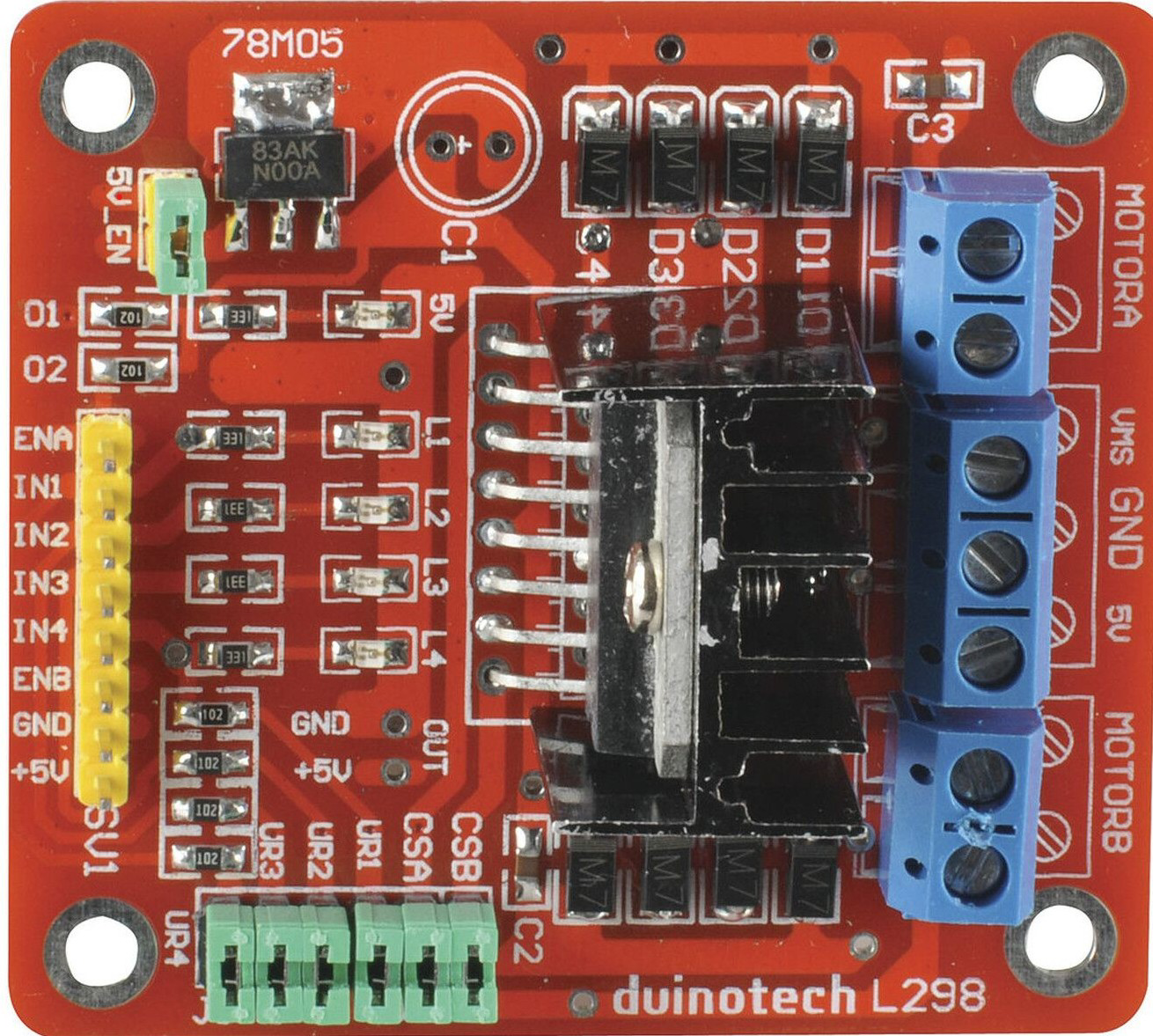
 Design with XC4492 in Cirkit Designer
Introduction
The XC4492, manufactured by DuninoTech, is a high-performance FPGA (Field-Programmable Gate Array) designed for complex digital logic applications. This versatile component allows users to implement custom hardware designs and reprogram the device for various tasks, making it ideal for applications requiring flexibility and scalability. The XC4492 is widely used in industries such as telecommunications, aerospace, automotive, and embedded systems.
Explore Projects Built with XC4492
 Open Project in Cirkit Designer
 Open Project in Cirkit Designer
 Open Project in Cirkit Designer
 Open Project in Cirkit Designer
Explore Projects Built with XC4492
Open Project in Cirkit DesignerOpen Project in Cirkit DesignerOpen Project in Cirkit DesignerOpen Project in Cirkit DesignerCommon Applications and Use Cases
- Digital signal processing (DSP)
- Prototyping custom hardware designs
- High-speed data acquisition and processing
- Hardware acceleration for machine learning and AI
- Communication protocol implementation
- Embedded system design and development
Technical Specifications
Key Technical Details
- Manufacturer: DuninoTech
- Part ID: XC4492
- Logic Cells: 50,000
- Block RAM: 2 MB
- Clock Speed: Up to 400 MHz
- I/O Pins: 120
- Operating Voltage: 1.2V core, 3.3V I/O
- Power Consumption: 5W (typical)
- Package Type: BGA (Ball Grid Array)
- Temperature Range: -40°C to +85°C
Pin Configuration and Descriptions
The XC4492 features 120 I/O pins, organized into functional groups. Below is a summary of the pin configuration:
| Pin Group | Pin Count | Description |
|---|---|---|
| General I/O | 80 | Configurable input/output pins for interfacing with external devices. |
| Power Supply | 10 | Pins for core (1.2V) and I/O (3.3V) power supply. |
| Ground | 10 | Ground pins for stable operation. |
| Clock Inputs | 4 | Dedicated pins for external clock signals. |
| Configuration Pins | 6 | Pins for programming and configuring the FPGA. |
| JTAG Interface | 5 | Pins for debugging and boundary scan testing. |
| Reserved | 5 | Reserved for future use or manufacturer-specific functions. |
Usage Instructions
How to Use the XC4492 in a Circuit
- Power Supply: Ensure the FPGA is powered with a 1.2V core voltage and 3.3V for I/O. Use decoupling capacitors near the power pins to minimize noise.
- Clock Signal: Provide a stable clock signal to one of the dedicated clock input pins. The clock frequency should not exceed 400 MHz.
- Programming: Use a JTAG programmer or a configuration memory device to load the desired bitstream into the FPGA.
- I/O Configuration: Configure the I/O pins as input, output, or bidirectional based on your design requirements. This is done during the design phase using FPGA development tools.
- Cooling: For high-performance applications, consider using a heat sink or active cooling to manage heat dissipation.
Important Considerations and Best Practices
- Design Tools: Use DuninoTech's official FPGA development suite or compatible third-party tools to design and simulate your logic circuits.
- Signal Integrity: Keep traces short and use proper termination techniques to maintain signal integrity, especially for high-speed signals.
- Power Management: Monitor power consumption and ensure your power supply can handle the typical 5W load.
- Reprogramming: The XC4492 can be reprogrammed multiple times, but ensure the bitstream is verified to avoid configuration errors.
Example: Connecting XC4492 to an Arduino UNO
While the XC4492 is a high-performance FPGA, it can interface with microcontrollers like the Arduino UNO for control or data exchange. Below is an example of how to send data from the Arduino to the FPGA:
// Arduino UNO to XC4492 Communication Example
// This example sends a byte of data to the FPGA via digital pins.

const int fpgaDataPin = 7;  // Pin connected to FPGA data input
const int fpgaClockPin = 8; // Pin connected to FPGA clock input

void setup() {
  pinMode(fpgaDataPin, OUTPUT);  // Set data pin as output
  pinMode(fpgaClockPin, OUTPUT); // Set clock pin as output
}

void loop() {
  byte dataToSend = 0xA5; // Example data to send (10100101 in binary)

  for (int i = 7; i >= 0; i--) {
    // Send each bit of the data, starting with the MSB
    digitalWrite(fpgaDataPin, (dataToSend >> i) & 0x01);
    digitalWrite(fpgaClockPin, HIGH); // Generate clock pulse
    delayMicroseconds(10);            // Short delay for clock pulse
    digitalWrite(fpgaClockPin, LOW);
  }

  delay(1000); // Wait 1 second before sending the next byte
}
Troubleshooting and FAQs
Common Issues and Solutions
FPGA Not Powering On
- Cause: Incorrect power supply voltage or insufficient current.
- Solution: Verify the power supply provides 1.2V for the core and 3.3V for I/O. Check the current rating of the power supply.
Configuration Fails
- Cause: Faulty bitstream or incorrect configuration pins setup.
- Solution: Recheck the bitstream file and ensure the configuration pins are connected properly.
Overheating
- Cause: High power consumption or inadequate cooling.
- Solution: Use a heat sink or active cooling. Ensure the FPGA is not overloaded.
Signal Integrity Issues
- Cause: Long traces or improper termination.
- Solution: Shorten trace lengths and use proper termination resistors.
FAQs
Q: Can the XC4492 be used for AI applications?
A: Yes, the XC4492 is suitable for AI and machine learning tasks, especially for hardware acceleration.Q: How many times can the FPGA be reprogrammed?
A: The XC4492 supports virtually unlimited reprogramming cycles, as it uses SRAM-based configuration.Q: What is the maximum clock frequency?
A: The maximum clock frequency is 400 MHz.Q: Does the XC4492 support external memory?
A: Yes, the FPGA can interface with external memory modules such as DDR3 or DDR4.
This concludes the documentation for the XC4492 FPGA. For further assistance, refer to DuninoTech's official resources or contact technical support.