
How to Use Temperature Sensor (LM35): Examples, Pinouts, and Specs
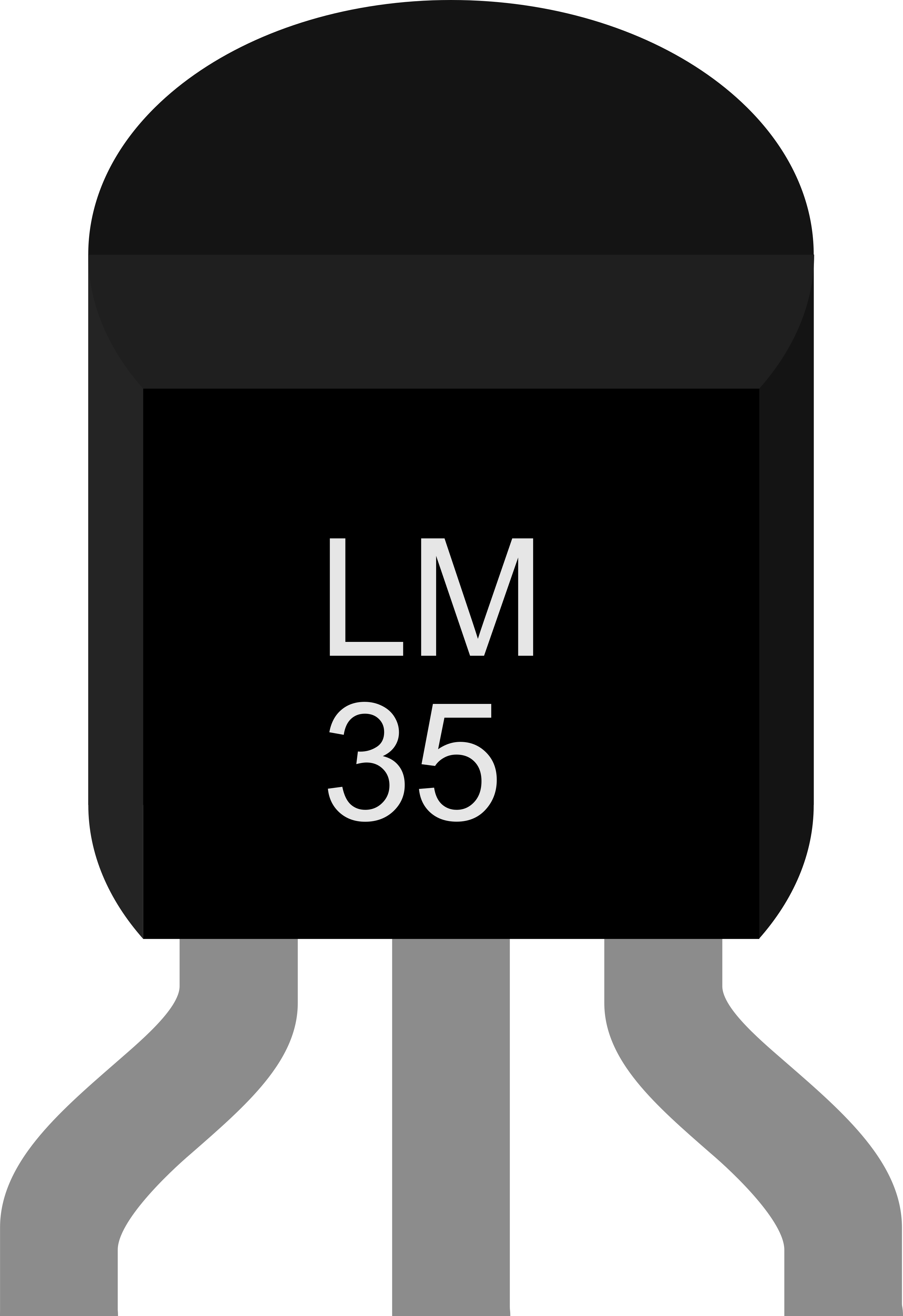
 Design with Temperature Sensor (LM35) in Cirkit Designer
Introduction
The LM35 is a precision temperature sensor that provides an output voltage proportional to the temperature in Celsius. Unlike thermistors, the LM35 does not require any external calibration or trimming, making it highly accurate and easy to use. It operates linearly, with an output of 10 mV per degree Celsius, and is designed to measure temperatures ranging from -55°C to +150°C.
Explore Projects Built with Temperature Sensor (LM35)
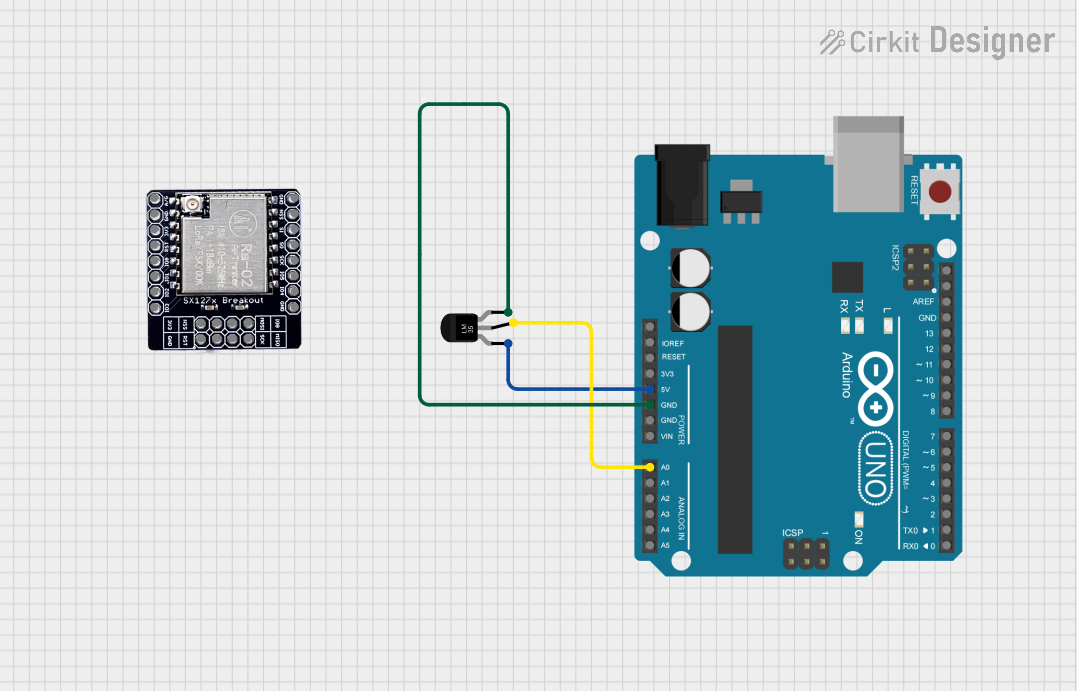 Open Project in Cirkit Designer
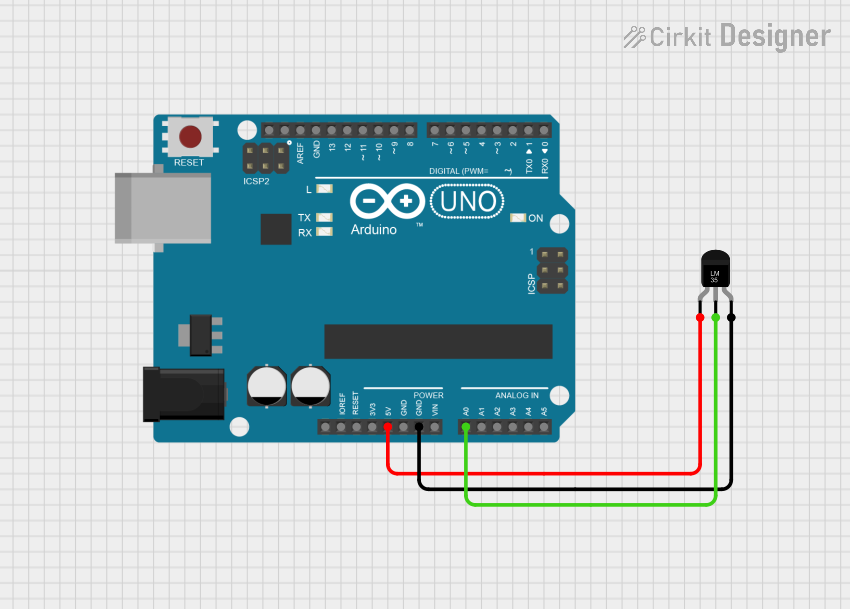 Open Project in Cirkit Designer
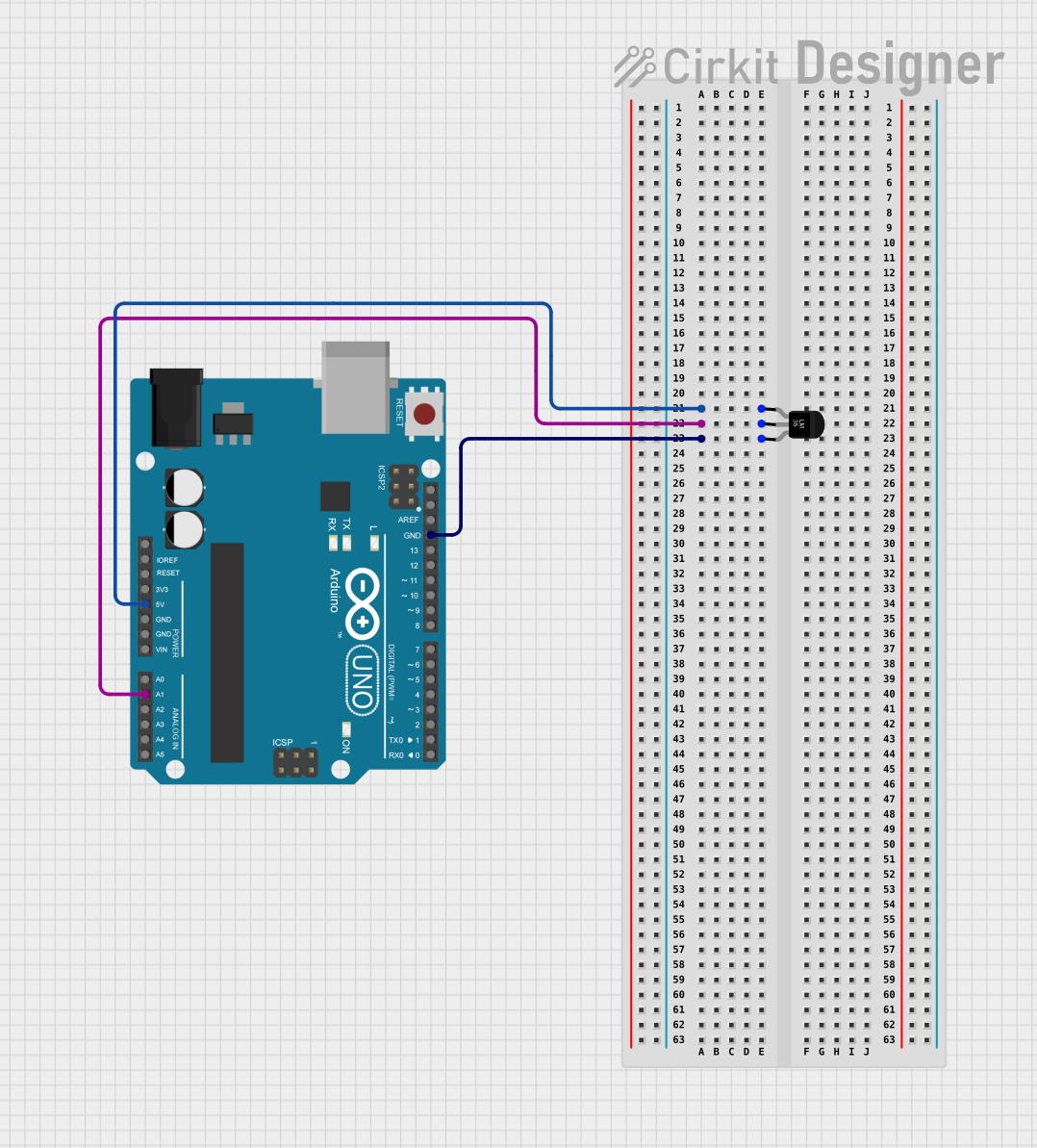 Open Project in Cirkit Designer
 Open Project in Cirkit Designer
Explore Projects Built with Temperature Sensor (LM35)
Open Project in Cirkit DesignerOpen Project in Cirkit DesignerOpen Project in Cirkit DesignerOpen Project in Cirkit DesignerCommon Applications
- HVAC systems for temperature monitoring and control
- Industrial process control
- Consumer electronics, such as thermostats
- Battery management systems
- Weather monitoring stations
Technical Specifications
The LM35 is a versatile and reliable temperature sensor. Below are its key technical details:
| Parameter | Value |
|---|---|
| Supply Voltage (Vcc) | 4V to 30V |
| Output Voltage Range | 0V to 1.5V (for -55°C to +150°C) |
| Temperature Range | -55°C to +150°C |
| Accuracy | ±0.5°C (at 25°C) |
| Output Sensitivity | 10 mV/°C |
| Current Consumption | 60 µA (typical) |
| Response Time | 1 second (typical) |
Pin Configuration
The LM35 has three pins, as shown in the table below:
| Pin Number | Pin Name | Description |
|---|---|---|
| 1 | Vcc | Power supply (4V to 30V) |
| 2 | Vout | Analog output voltage proportional to temperature |
| 3 | GND | Ground (0V reference) |
Usage Instructions
How to Use the LM35 in a Circuit
- Power the Sensor: Connect the Vcc pin to a power supply (4V to 30V) and the GND pin to ground.
- Read the Output: The Vout pin provides an analog voltage proportional to the temperature. For example, at 25°C, the output voltage will be 250 mV (10 mV/°C × 25°C).
- Connect to a Microcontroller: The LM35 can be connected to an analog input pin of a microcontroller (e.g., Arduino UNO) to read and process the temperature data.
Circuit Diagram
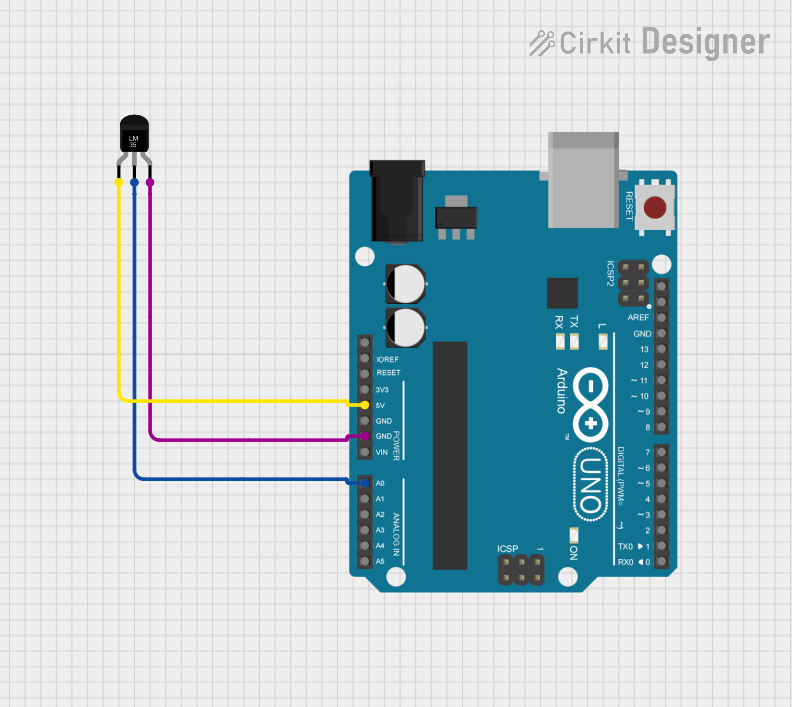
Below is a simple connection diagram for the LM35 with an Arduino UNO:
LM35 Pin 1 (Vcc)  -> Arduino 5V
LM35 Pin 2 (Vout) -> Arduino A0
LM35 Pin 3 (GND)  -> Arduino GND
Sample Arduino Code
Here is an example of how to read temperature data from the LM35 using an Arduino UNO:
// Define the analog pin connected to the LM35 sensor
const int sensorPin = A0;

void setup() {
  Serial.begin(9600); // Initialize serial communication at 9600 baud
}

void loop() {
  int sensorValue = analogRead(sensorPin); // Read the analog value from LM35
  float voltage = sensorValue * (5.0 / 1023.0); // Convert ADC value to voltage
  float temperature = voltage * 100.0; // Convert voltage to temperature in Celsius

  // Print the temperature to the Serial Monitor
  Serial.print("Temperature: ");
  Serial.print(temperature);
  Serial.println(" °C");

  delay(1000); // Wait for 1 second before the next reading
}
Important Considerations
- Power Supply: Ensure the LM35 is powered within its specified voltage range (4V to 30V).
- Noise Filtering: Use a decoupling capacitor (e.g., 0.1 µF) between Vcc and GND to reduce noise.
- Placement: Place the sensor away from heat sources or airflow that could affect its accuracy.
- Calibration: While the LM35 is factory-calibrated, you may need to account for minor offsets in your application.
Troubleshooting and FAQs
Common Issues and Solutions
No Output Voltage:
- Check the power supply connections to ensure the LM35 is receiving the correct voltage.
- Verify that the GND pin is properly connected to the circuit ground.
Inaccurate Temperature Readings:
- Ensure the sensor is not exposed to rapid temperature changes or airflow.
- Add a decoupling capacitor to stabilize the output voltage.
- Verify the ADC reference voltage on your microcontroller matches the expected value.
Fluctuating Output:
- Use shielded cables for long connections to reduce noise.
- Add a low-pass filter to smooth the output signal.
FAQs
Q: Can the LM35 measure negative temperatures?
A: Yes, the LM35 can measure temperatures as low as -55°C. However, for negative temperatures, the output voltage will be below 0V, so additional circuitry (e.g., an op-amp) may be required to read the values.
Q: Can I use the LM35 with a 3.3V microcontroller?
A: Yes, but the output voltage range will be limited. Ensure the microcontroller's ADC can accurately read the reduced voltage range.
Q: How do I improve the accuracy of the LM35?
A: Use a stable power supply, minimize noise in the circuit, and ensure proper thermal contact between the sensor and the measured surface.
By following this documentation, you can effectively integrate the LM35 temperature sensor into your projects for accurate and reliable temperature measurements.