
How to Use DFRobot SEN0161 pH Meter V1.0: Examples, Pinouts, and Specs
 Design with DFRobot SEN0161 pH Meter V1.0 in Cirkit Designer
Introduction
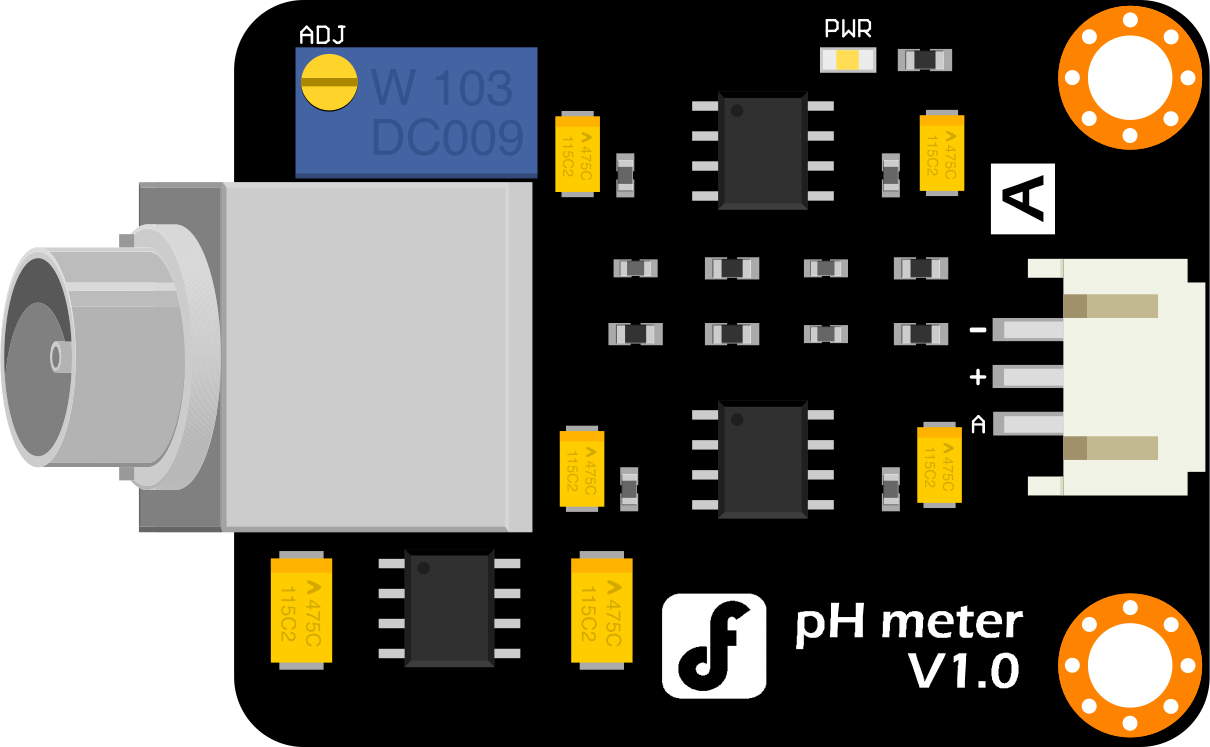
The DFRobot SEN0161 pH Meter V1.0 is a high-precision pH sensor module designed for measuring the acidity or alkalinity of liquids. It is widely used in applications such as aquaculture, hydroponics, environmental monitoring, and laboratory experiments. This module provides accurate pH readings and is easy to integrate into microcontroller-based systems, making it ideal for both beginners and professionals.
The SEN0161 features a simple interface and comes with a pH probe, signal conditioning circuit, and calibration potentiometer. It is compatible with popular development boards like Arduino, enabling seamless integration into DIY and professional projects.
Explore Projects Built with DFRobot SEN0161 pH Meter V1.0
 Open Project in Cirkit Designer
 Open Project in Cirkit Designer
 Open Project in Cirkit Designer
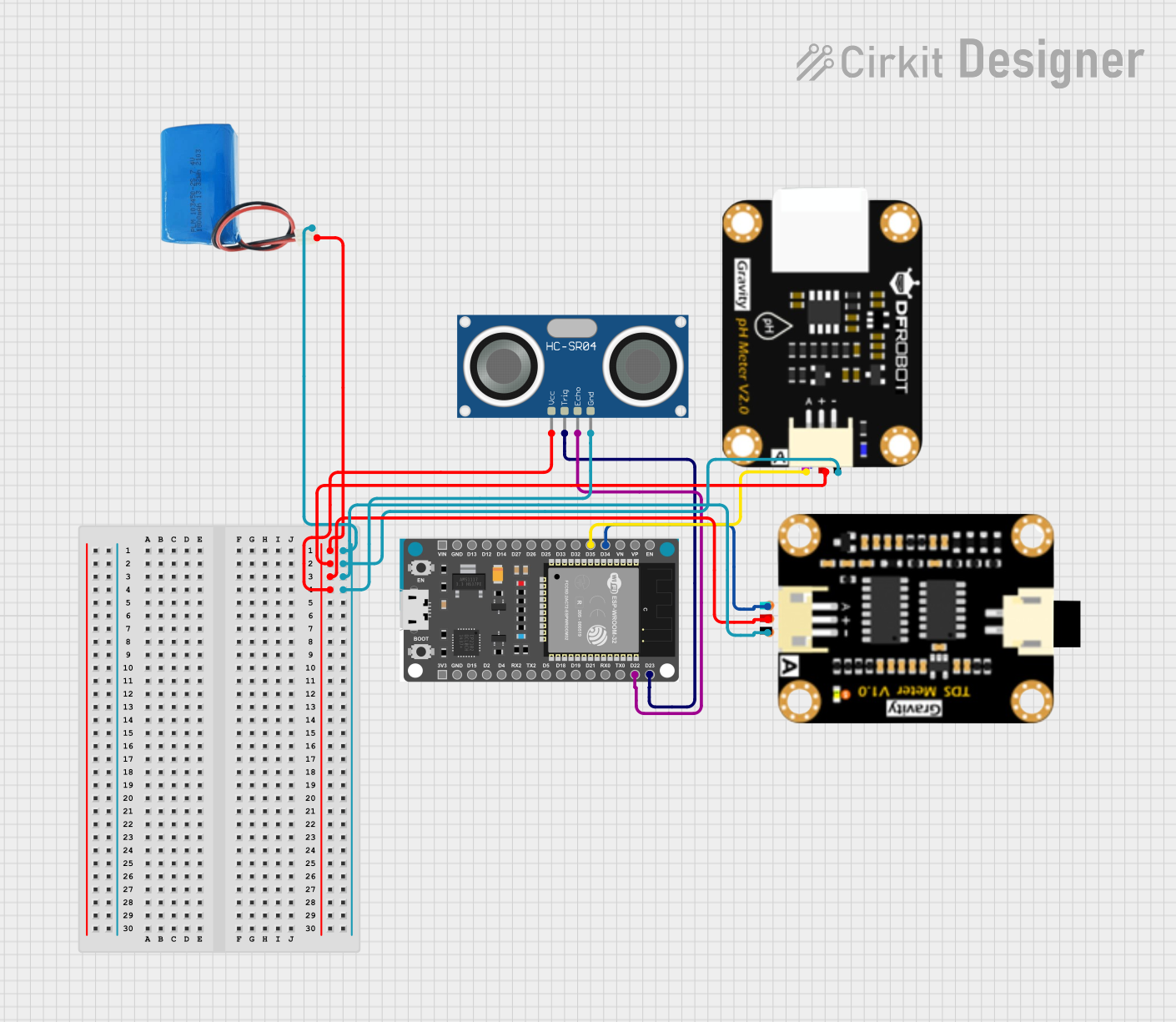 Open Project in Cirkit Designer
Explore Projects Built with DFRobot SEN0161 pH Meter V1.0
Open Project in Cirkit DesignerOpen Project in Cirkit DesignerOpen Project in Cirkit DesignerOpen Project in Cirkit DesignerTechnical Specifications
Below are the key technical details of the DFRobot SEN0161 pH Meter V1.0:
| Parameter | Specification |
|---|---|
| Manufacturer | DFRobot |
| Part ID | SEN0161 |
| Operating Voltage | 5.0V DC |
| Operating Current | 5-10mA |
| Measurement Range | 0-14 pH |
| Accuracy | ±0.1 pH (at 25°C) |
| Response Time | ≤1 minute |
| Operating Temperature | 0°C to 60°C |
| Storage Temperature | -10°C to 50°C |
| Output Signal | Analog voltage (0-3.0V) |
| Probe Connector Type | BNC |
| Dimensions (PCB) | 42mm x 32mm |
Pin Configuration and Descriptions
The SEN0161 module has a 3-pin interface for connecting to a microcontroller. The pin configuration is as follows:
| Pin | Name | Description |
|---|---|---|
| 1 | VCC | Power supply input (5V DC) |
| 2 | GND | Ground |
| 3 | AOUT | Analog output signal (pH value as voltage) |
Usage Instructions
Connecting the SEN0161 to an Arduino UNO
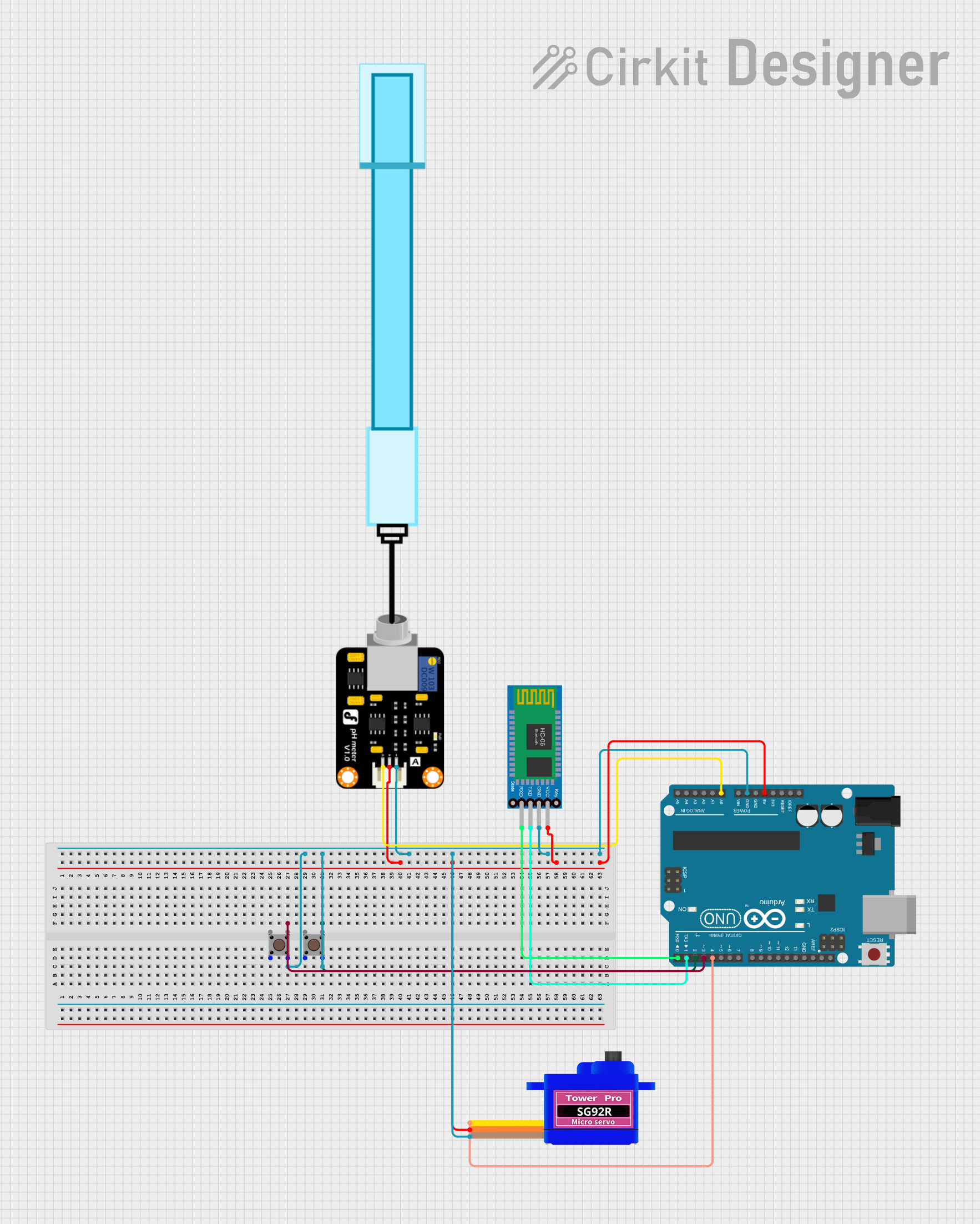
To use the SEN0161 pH Meter V1.0 with an Arduino UNO, follow these steps:
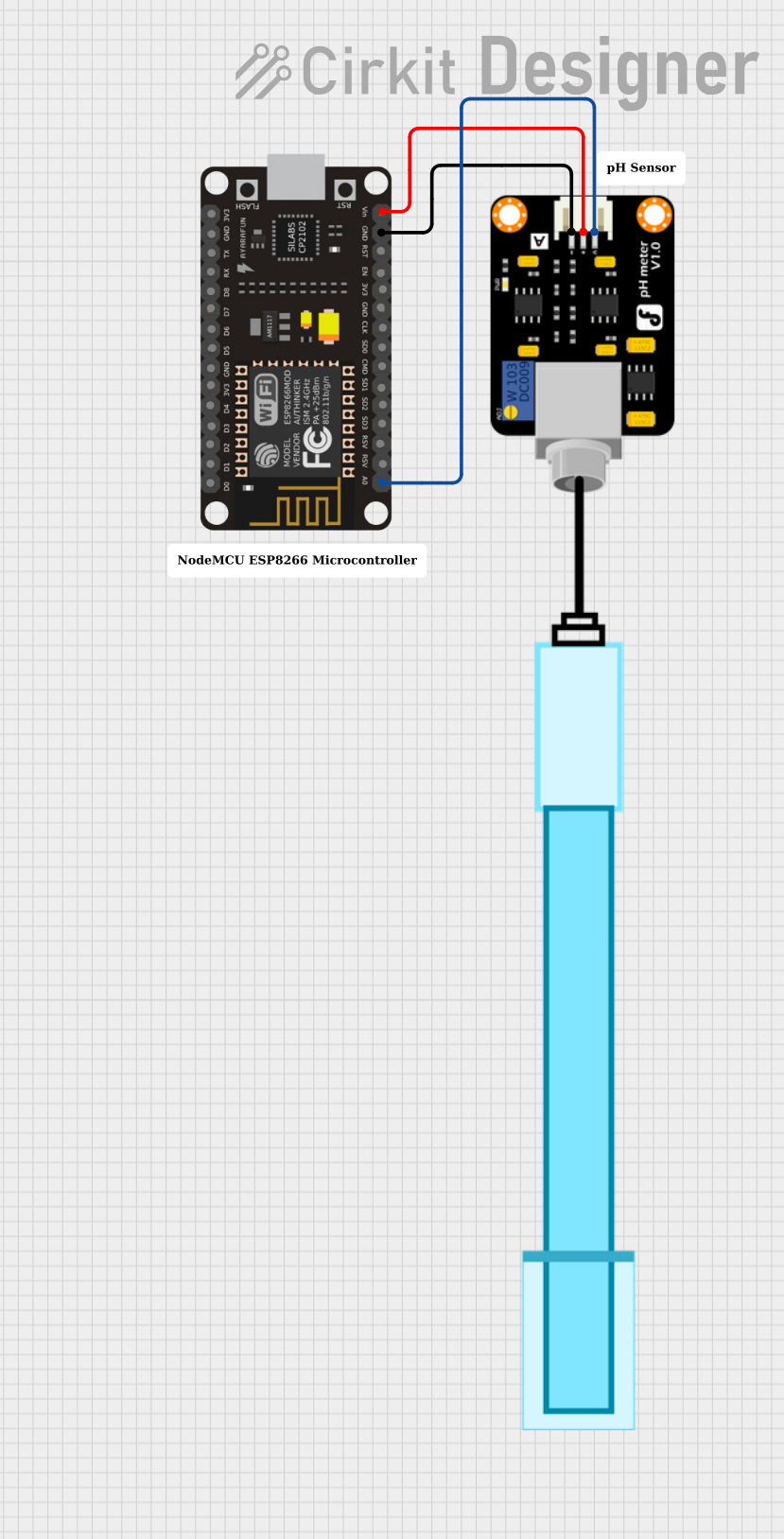
- Connect the VCC pin of the SEN0161 module to the 5V pin on the Arduino.
- Connect the GND pin of the SEN0161 module to the GND pin on the Arduino.
- Connect the AOUT pin of the SEN0161 module to an analog input pin on the Arduino (e.g., A0).
- Attach the pH probe to the BNC connector on the module.
- Calibrate the sensor using the onboard potentiometer and standard pH buffer solutions (e.g., pH 4.0, 7.0, and 10.0).
Sample Arduino Code
Below is an example Arduino sketch for reading pH values from the SEN0161 module:
// DFRobot SEN0161 pH Meter V1.0 Example Code
// Connect AOUT to Arduino analog pin A0
// Ensure the pH probe is properly calibrated before use

#define PH_PIN A0  // Analog pin connected to AOUT
#define OFFSET 0.00 // Calibration offset (adjust after calibration)
#define SAMPLING_INTERVAL 1000 // Sampling interval in milliseconds

float voltage, pHValue;

void setup() {
  Serial.begin(9600); // Initialize serial communication
  pinMode(PH_PIN, INPUT); // Set PH_PIN as input
}

void loop() {
  // Read the analog voltage from the pH sensor
  int sensorValue = analogRead(PH_PIN);

  // Convert the analog value to voltage (assuming 5V reference)
  voltage = sensorValue * (5.0 / 1023.0);

  // Convert voltage to pH value using the sensor's characteristics
  pHValue = 3.5 * voltage + OFFSET; // Adjust OFFSET after calibration

  // Print the pH value to the Serial Monitor
  Serial.print("pH Value: ");
  Serial.println(pHValue);

  delay(SAMPLING_INTERVAL); // Wait before the next reading
}
Important Considerations and Best Practices
- Calibration: Always calibrate the sensor using standard pH buffer solutions before use. Adjust the potentiometer on the module to match the expected pH value.
- Probe Maintenance: Keep the pH probe clean and store it in a pH probe storage solution when not in use. Avoid letting the probe dry out.
- Temperature Compensation: The SEN0161 does not include automatic temperature compensation. For accurate readings, ensure the liquid is at room temperature or use an external temperature compensation method.
- Avoid Damage: Do not immerse the entire module in liquid. Only the pH probe is designed for submersion.
Troubleshooting and FAQs
Common Issues and Solutions
Inaccurate pH Readings
- Cause: The sensor is not calibrated.
- Solution: Calibrate the sensor using standard pH buffer solutions and adjust the potentiometer.
No Output or Unstable Readings
- Cause: Loose or incorrect connections.
- Solution: Check all connections between the module and the microcontroller. Ensure the probe is securely attached to the BNC connector.
pH Probe Drying Out
- Cause: The probe was not stored in a storage solution.
- Solution: Soak the probe in a pH 4.0 buffer solution for several hours to rehydrate it.
Output Voltage Exceeds Expected Range
- Cause: Incorrect power supply voltage.
- Solution: Ensure the module is powered with a stable 5V DC supply.
FAQs
Q: Can the SEN0161 be used with liquids at high temperatures?
A: The operating temperature range of the SEN0161 is 0°C to 60°C. Avoid using it with liquids outside this range to prevent damage to the probe.
Q: How often should I calibrate the sensor?
A: For best results, calibrate the sensor before each use or at least once a week during regular operation.
Q: Can I extend the cable of the pH probe?
A: Yes, but ensure the extension cable is shielded to minimize noise and signal degradation.
Q: Is the SEN0161 compatible with Raspberry Pi?
A: Yes, but you will need an ADC (Analog-to-Digital Converter) module since Raspberry Pi does not have built-in analog input pins.