
How to Use TCRT-5000 IR sensor: Examples, Pinouts, and Specs
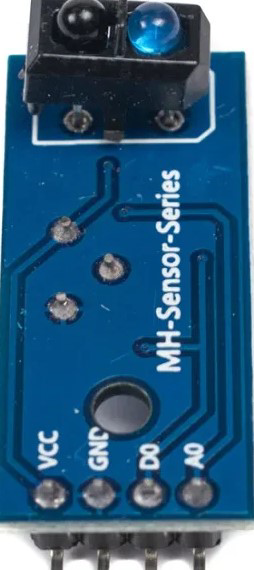
 Design with TCRT-5000 IR sensor in Cirkit Designer
Introduction
The TCRT-5000 is an infrared sensor module that integrates an IR LED and a phototransistor in a single package. It is designed for detecting objects and measuring proximity by emitting infrared light and sensing the reflected light from nearby objects. The sensor is highly sensitive to reflective surfaces and is commonly used in applications such as line-following robots, object detection, and optical encoders.
Explore Projects Built with TCRT-5000 IR sensor
 Open Project in Cirkit Designer
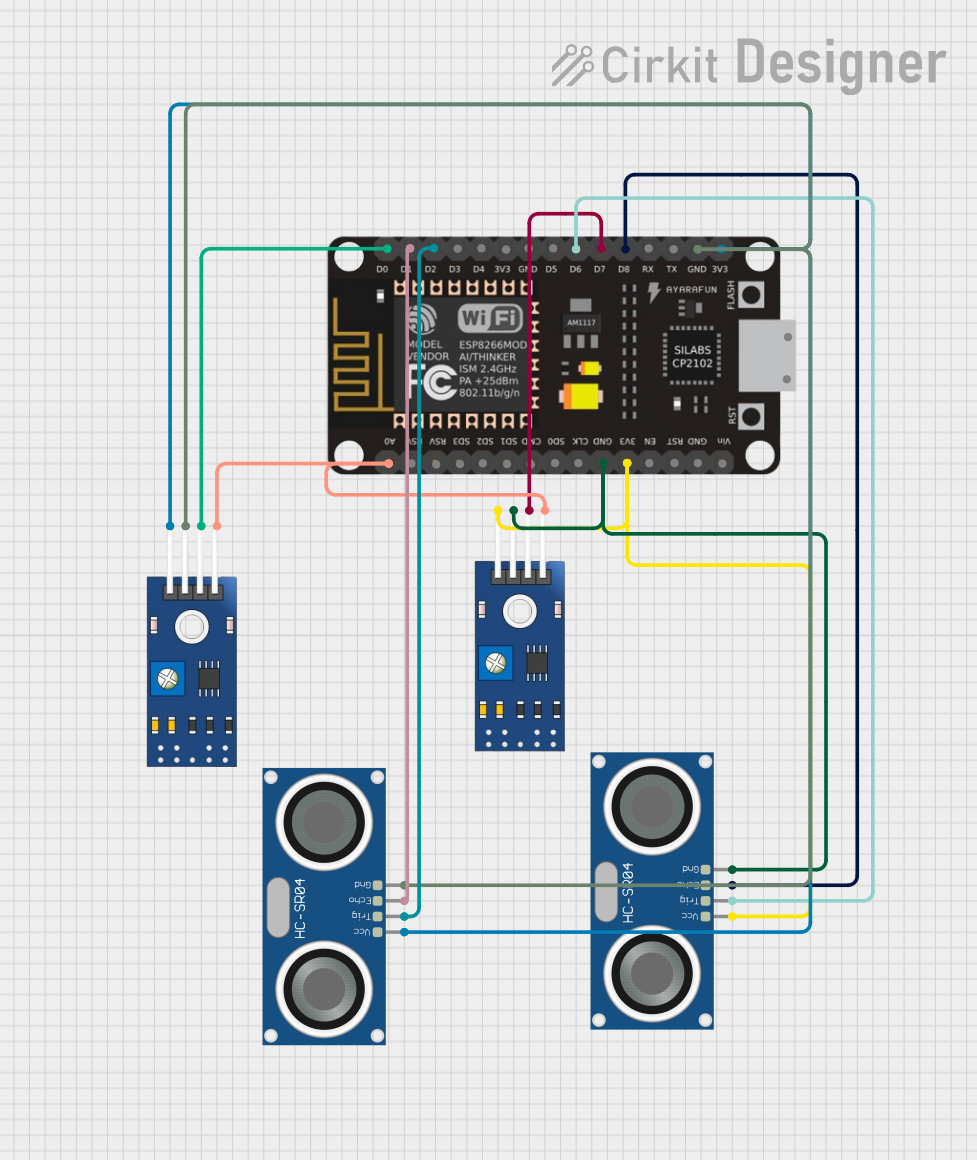 Open Project in Cirkit Designer
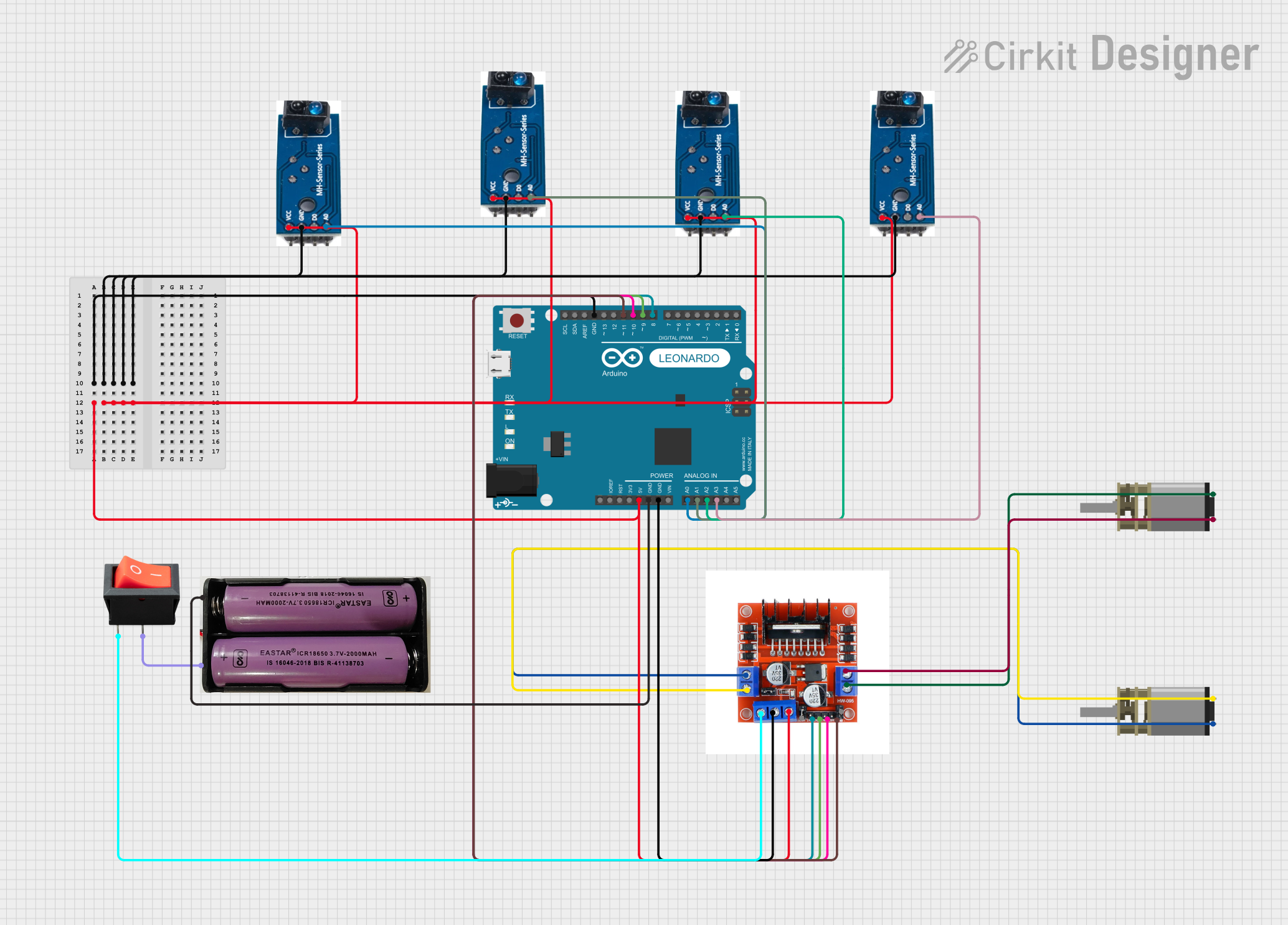 Open Project in Cirkit Designer
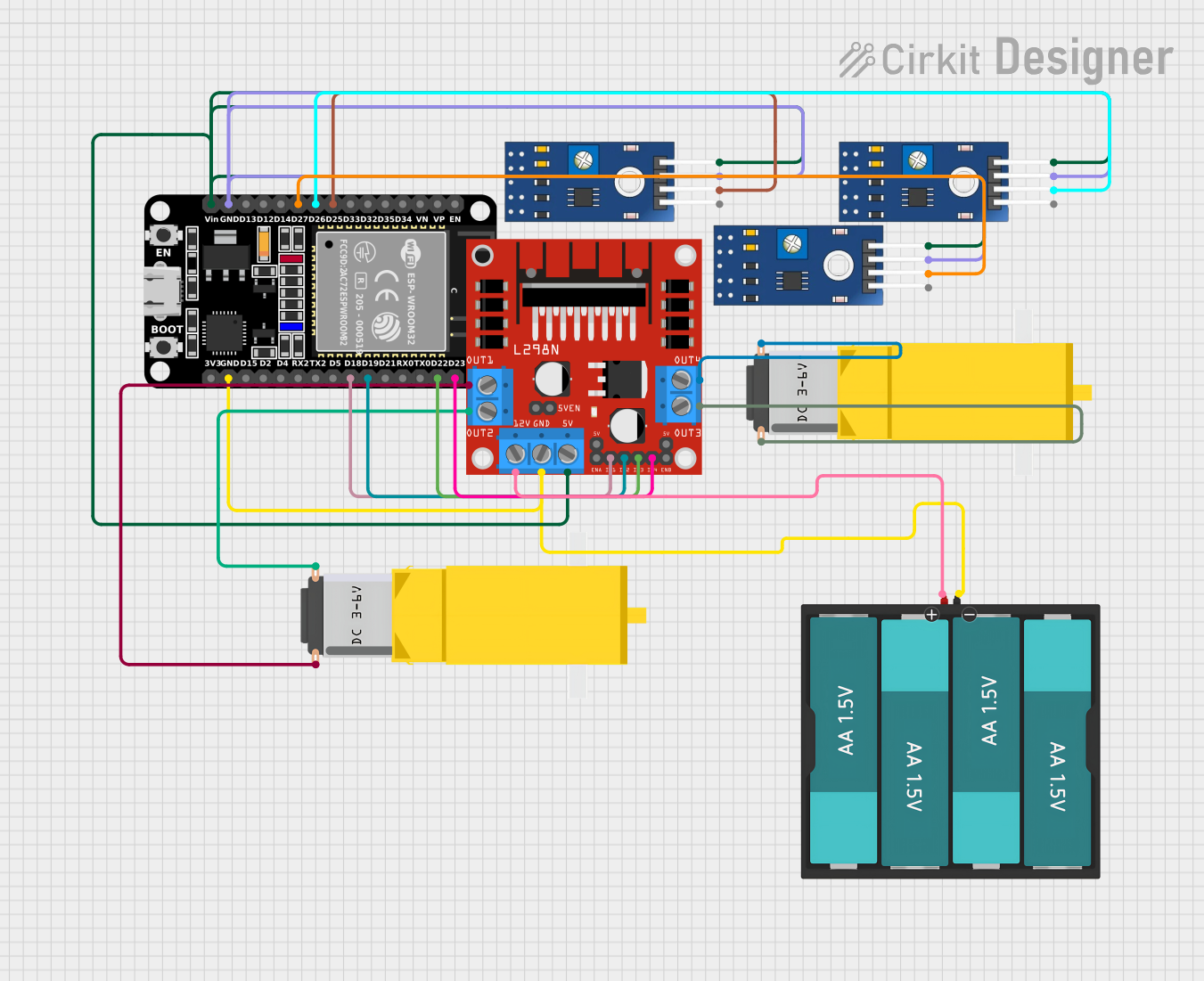 Open Project in Cirkit Designer
Explore Projects Built with TCRT-5000 IR sensor
Open Project in Cirkit DesignerOpen Project in Cirkit DesignerOpen Project in Cirkit DesignerOpen Project in Cirkit DesignerCommon Applications:
- Line-following robots
- Proximity sensing
- Object detection
- Optical encoders for motor speed measurement
- Position detection in automation systems
Technical Specifications
The TCRT-5000 IR sensor has the following key technical details:
| Parameter | Value |
|---|---|
| Operating Voltage | 3.3V to 5V |
| Operating Current | 10 mA (typical) |
| Detection Range | 2 mm to 15 mm (depending on object reflectivity) |
| IR Wavelength | 950 nm |
| Output Type | Analog or Digital (depending on circuit) |
| Dimensions | 10.2 mm x 5.8 mm x 7 mm |
Pin Configuration and Descriptions
The TCRT-5000 typically has 4 pins. Below is the pinout and description:
| Pin | Name | Description |
|---|---|---|
| 1 | VCC | Power supply pin (3.3V to 5V) |
| 2 | GND | Ground pin |
| 3 | OUT | Output pin (Analog or Digital, depending on circuit) |
| 4 | LED Cathode | Cathode of the IR LED (connected internally to GND) |
Note: Some TCRT-5000 modules may have additional components like resistors or comparators, which can affect the output type (analog or digital).
Usage Instructions
How to Use the TCRT-5000 in a Circuit
Power the Sensor:
- Connect the
VCCpin to a 3.3V or 5V power supply. - Connect the
GNDpin to the ground of your circuit.
- Connect the
Connect the Output:
- For analog output, connect the
OUTpin to an analog input pin of your microcontroller. - For digital output (if the module includes a comparator), connect the
OUTpin to a digital input pin.
- For analog output, connect the
Position the Sensor:
- Place the sensor facing the object or surface to be detected.
- Ensure the detection range (2 mm to 15 mm) is maintained for optimal performance.
Adjust Sensitivity (if applicable):
- Some TCRT-5000 modules include a potentiometer to adjust the sensitivity. Turn the potentiometer to fine-tune the detection threshold.
Important Considerations and Best Practices
- Reflective Surfaces: The sensor works best with reflective surfaces like white or light-colored objects. Dark or matte surfaces may reduce detection accuracy.
- Ambient Light: Avoid exposing the sensor to direct sunlight or strong ambient light, as it may interfere with the IR signal.
- Mounting: Ensure the sensor is securely mounted to prevent misalignment during operation.
- Pull-up Resistor: If using the sensor in analog mode, consider adding a pull-up resistor to stabilize the output signal.
Example: Using the TCRT-5000 with Arduino UNO
Below is an example of how to use the TCRT-5000 with an Arduino UNO to detect objects:
// TCRT-5000 IR Sensor Example with Arduino UNO
// Connect the sensor's VCC to 5V, GND to GND, and OUT to A0 (analog pin)

const int sensorPin = A0;  // Analog pin connected to the sensor's OUT pin
int sensorValue = 0;       // Variable to store the sensor reading

void setup() {
  Serial.begin(9600);  // Initialize serial communication for debugging
}

void loop() {
  sensorValue = analogRead(sensorPin);  // Read the analog value from the sensor
  Serial.print("Sensor Value: ");
  Serial.println(sensorValue);         // Print the sensor value to the Serial Monitor

  // Add a small delay to avoid flooding the Serial Monitor
  delay(100);
}
Tip: The sensor value will be higher when an object is detected (depending on reflectivity). You can use this value to trigger specific actions in your project.
Troubleshooting and FAQs
Common Issues and Solutions
No Output or Incorrect Readings:
- Cause: Incorrect wiring or loose connections.
- Solution: Double-check the wiring and ensure all connections are secure.
Sensor Not Detecting Objects:
- Cause: Object is outside the detection range or has low reflectivity.
- Solution: Ensure the object is within 2 mm to 15 mm of the sensor and has a reflective surface.
Fluctuating Output Values:
- Cause: Electrical noise or unstable power supply.
- Solution: Add a decoupling capacitor (e.g., 0.1 µF) across the power supply pins.
Interference from Ambient Light:
- Cause: Strong ambient light affecting the IR signal.
- Solution: Shield the sensor from direct sunlight or use it in a controlled lighting environment.
FAQs
Q: Can the TCRT-5000 detect black or dark-colored objects?
A: The sensor's performance is reduced with dark or matte surfaces due to low reflectivity. For better results, use reflective or light-colored objects.
Q: How do I convert the analog output to a digital signal?
A: You can use a comparator circuit or a microcontroller's ADC (Analog-to-Digital Converter) to process the analog signal and set a threshold for digital output.
Q: What is the maximum detection range of the TCRT-5000?
A: The sensor can detect objects within a range of 2 mm to 15 mm, depending on the object's reflectivity.
Q: Can I use the TCRT-5000 with a 3.3V system?
A: Yes, the sensor operates within a voltage range of 3.3V to 5V, making it compatible with both 3.3V and 5V systems.
By following this documentation, you can effectively integrate the TCRT-5000 IR sensor into your projects for reliable object detection and proximity sensing.