
How to Use DIN Rail Mounted Power Socket: Examples, Pinouts, and Specs
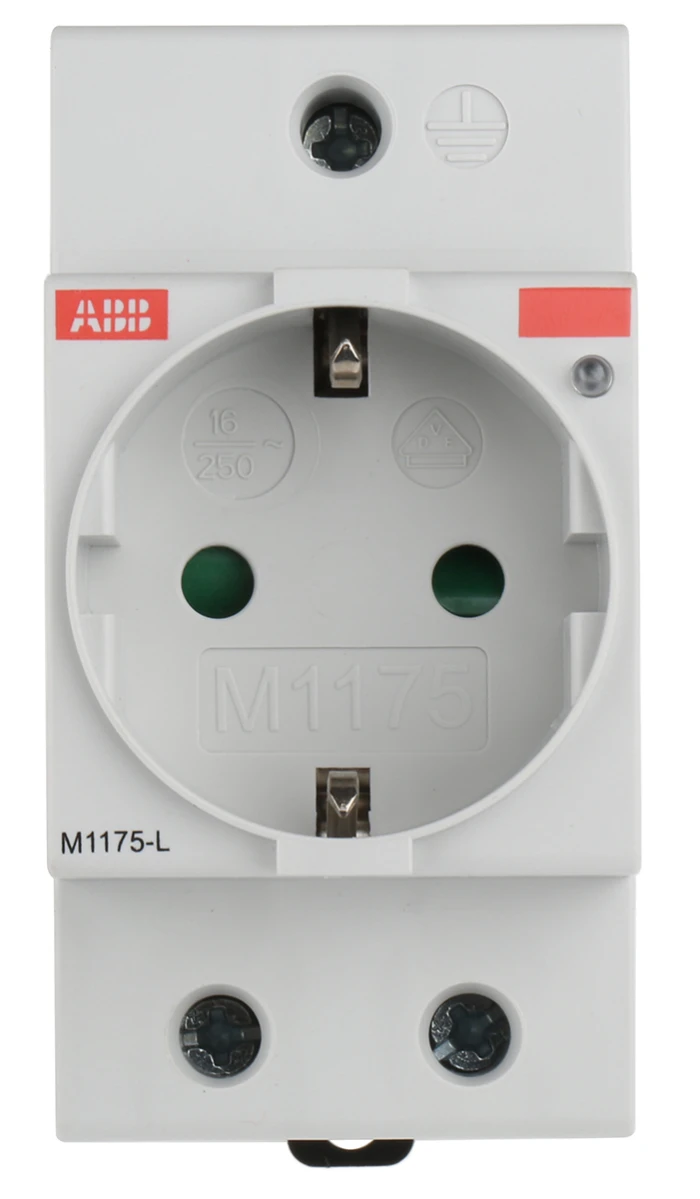
 Design with DIN Rail Mounted Power Socket in Cirkit Designer
Introduction
The DIN Rail Mounted Power Socket is a specialized electrical component designed to be installed on standard DIN rails, commonly used in industrial and commercial environments. This socket provides a convenient and standardized way to connect electrical devices to the power supply, ensuring a secure and organized power distribution system. Its compact design and ease of installation make it an essential component in control panels, automation systems, and other electrical enclosures.
Explore Projects Built with DIN Rail Mounted Power Socket
 Open Project in Cirkit Designer
 Open Project in Cirkit Designer
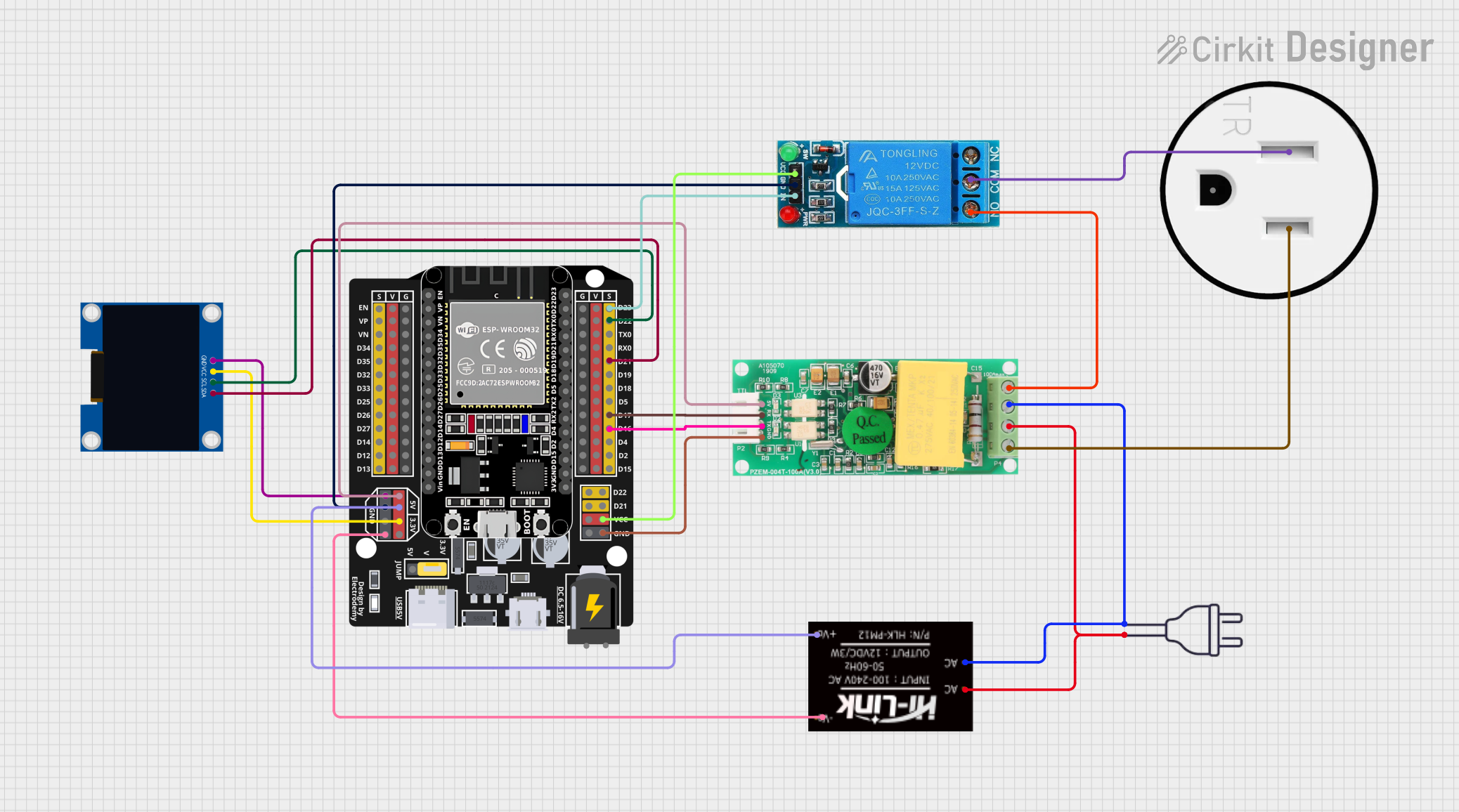 Open Project in Cirkit Designer
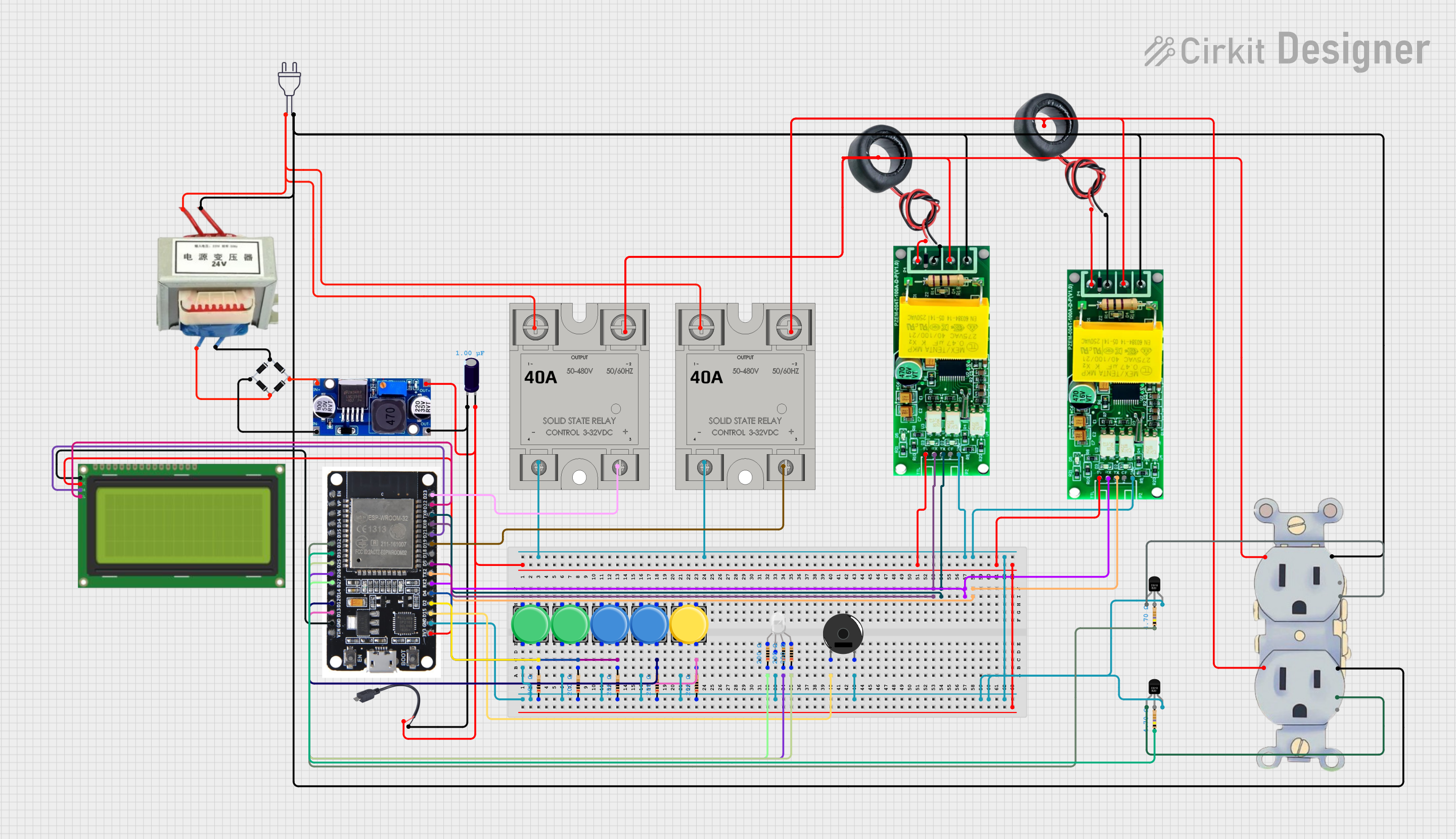 Open Project in Cirkit Designer
Explore Projects Built with DIN Rail Mounted Power Socket
Open Project in Cirkit DesignerOpen Project in Cirkit DesignerOpen Project in Cirkit DesignerOpen Project in Cirkit DesignerCommon Applications and Use Cases
- Industrial control panels for powering auxiliary devices.
- Automation systems requiring modular and organized power distribution.
- Commercial electrical enclosures for powering diagnostic tools or small devices.
- Temporary or permanent power connections in machinery setups.
Technical Specifications
Key Technical Details
| Parameter | Specification |
|---|---|
| Input Voltage Range | 100-250V AC |
| Maximum Current Rating | 16A |
| Frequency Range | 50/60 Hz |
| Mounting Type | DIN Rail (35mm standard) |
| Socket Type | Varies (e.g., Type E, Type F, or universal) |
| Material | Flame-retardant thermoplastic |
| Operating Temperature | -20°C to 70°C |
| Dimensions | Typically 45mm width (1 module size) |
| Certifications | CE, RoHS, and other regional standards |
Pin Configuration and Descriptions
The DIN Rail Mounted Power Socket typically has three connection terminals for wiring:
| Terminal Label | Description |
|---|---|
| L | Live wire connection (input power) |
| N | Neutral wire connection (input power) |
| PE | Protective Earth (ground) connection |
Usage Instructions
How to Use the Component in a Circuit
Mounting the Socket:
- Secure the DIN rail in the desired location within the electrical enclosure.
- Align the socket's mounting clip with the DIN rail and snap it into place. Ensure it is firmly attached.
Wiring the Socket:
- Turn off the main power supply before wiring.
- Connect the live wire (L) to the terminal labeled "L."
- Connect the neutral wire (N) to the terminal labeled "N."
- Connect the protective earth wire (PE) to the terminal labeled "PE."
- Tighten all terminal screws securely to ensure proper electrical contact.
Testing:
- After wiring, turn on the power supply and use a multimeter to verify the voltage at the socket.
- Plug in a test device to confirm proper operation.
Important Considerations and Best Practices
- Always ensure the power supply is turned off before installation or maintenance.
- Use appropriately rated wires for the current and voltage requirements.
- Verify that the socket type matches the plug type of the devices you intend to connect.
- Avoid overloading the socket beyond its maximum current rating (16A).
- Ensure proper grounding to prevent electrical hazards.
- Regularly inspect the socket for signs of wear or damage, especially in high-vibration environments.
Example: Connecting to an Arduino UNO
While the DIN Rail Mounted Power Socket itself does not directly interface with an Arduino UNO, it can be used to power devices like a 5V DC power supply, which in turn powers the Arduino. Below is an example of how to use the socket in such a setup:
- Connect the DIN Rail Mounted Power Socket to the AC mains as described above.
- Plug a 5V DC power adapter into the socket.
- Use the adapter's output to power the Arduino UNO via its barrel jack or VIN pin.
// Example Arduino code to blink an LED
// Ensure the Arduino is powered via the 5V adapter connected to the DIN socket

const int ledPin = 13; // Pin connected to the onboard LED

void setup() {
  pinMode(ledPin, OUTPUT); // Set the LED pin as an output
}

void loop() {
  digitalWrite(ledPin, HIGH); // Turn the LED on
  delay(1000);               // Wait for 1 second
  digitalWrite(ledPin, LOW);  // Turn the LED off
  delay(1000);               // Wait for 1 second
}
Troubleshooting and FAQs
Common Issues and Solutions
| Issue | Possible Cause | Solution |
|---|---|---|
| Socket does not provide power | Loose or incorrect wiring | Verify wiring connections and tighten screws. |
| Device plugged into the socket does not work | Overloaded socket or faulty device | Check the device and ensure the load does not exceed 16A. |
| Socket feels warm during operation | High current draw or poor connections | Ensure proper wiring and avoid overloading. |
| Difficulty mounting on the DIN rail | Misalignment or incompatible rail size | Verify the DIN rail size (35mm standard) and align the socket properly. |
FAQs
Can this socket be used outdoors?
- Most DIN Rail Mounted Power Sockets are designed for indoor use. If outdoor use is required, ensure the enclosure is weatherproof and rated for outdoor environments.
What wire gauge should I use?
- Use wires rated for at least 16A, such as 1.5mm² or 2.5mm² cross-sectional area, depending on local electrical codes.
Can I use this socket for DC power?
- No, this socket is designed for AC power. For DC applications, use a DC-rated socket or connector.
How do I ensure proper grounding?
- Connect the protective earth (PE) terminal to the ground wire in your electrical system. Verify continuity with a multimeter.
By following this documentation, you can safely and effectively use the DIN Rail Mounted Power Socket in your electrical projects.