
How to Use ASR PRO 2.0: Examples, Pinouts, and Specs
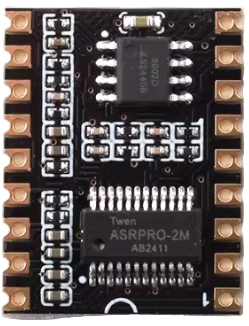
 Design with ASR PRO 2.0 in Cirkit Designer
Introduction
The ASR PRO 2.0 is an advanced automatic speech recognition (ASR) system designed to deliver high accuracy in transcribing spoken language into text. Leveraging cutting-edge machine learning algorithms, the ASR PRO 2.0 adapts to various accents, speech patterns, and environmental conditions, making it a versatile solution for speech-to-text applications.
Explore Projects Built with ASR PRO 2.0
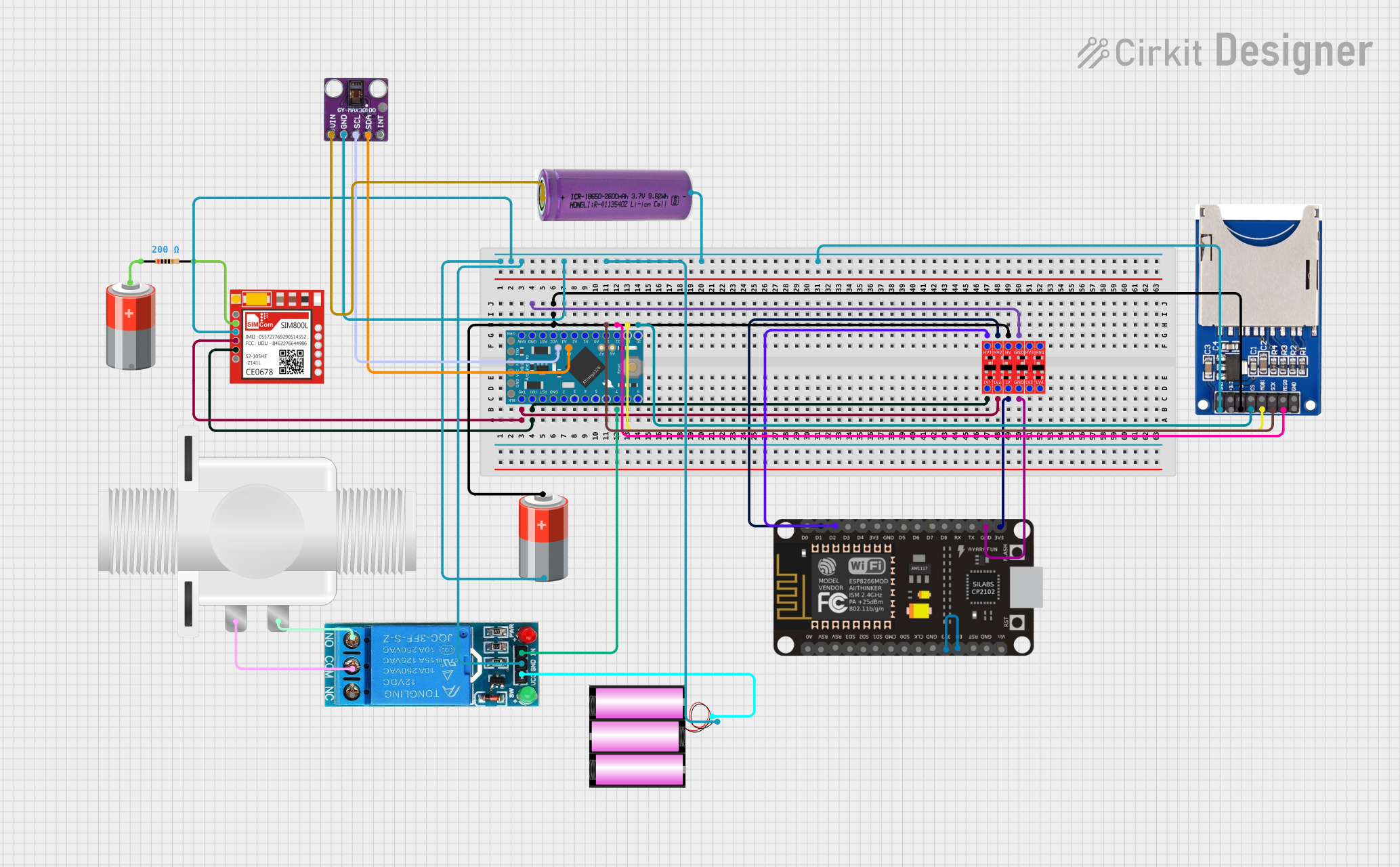 Open Project in Cirkit Designer
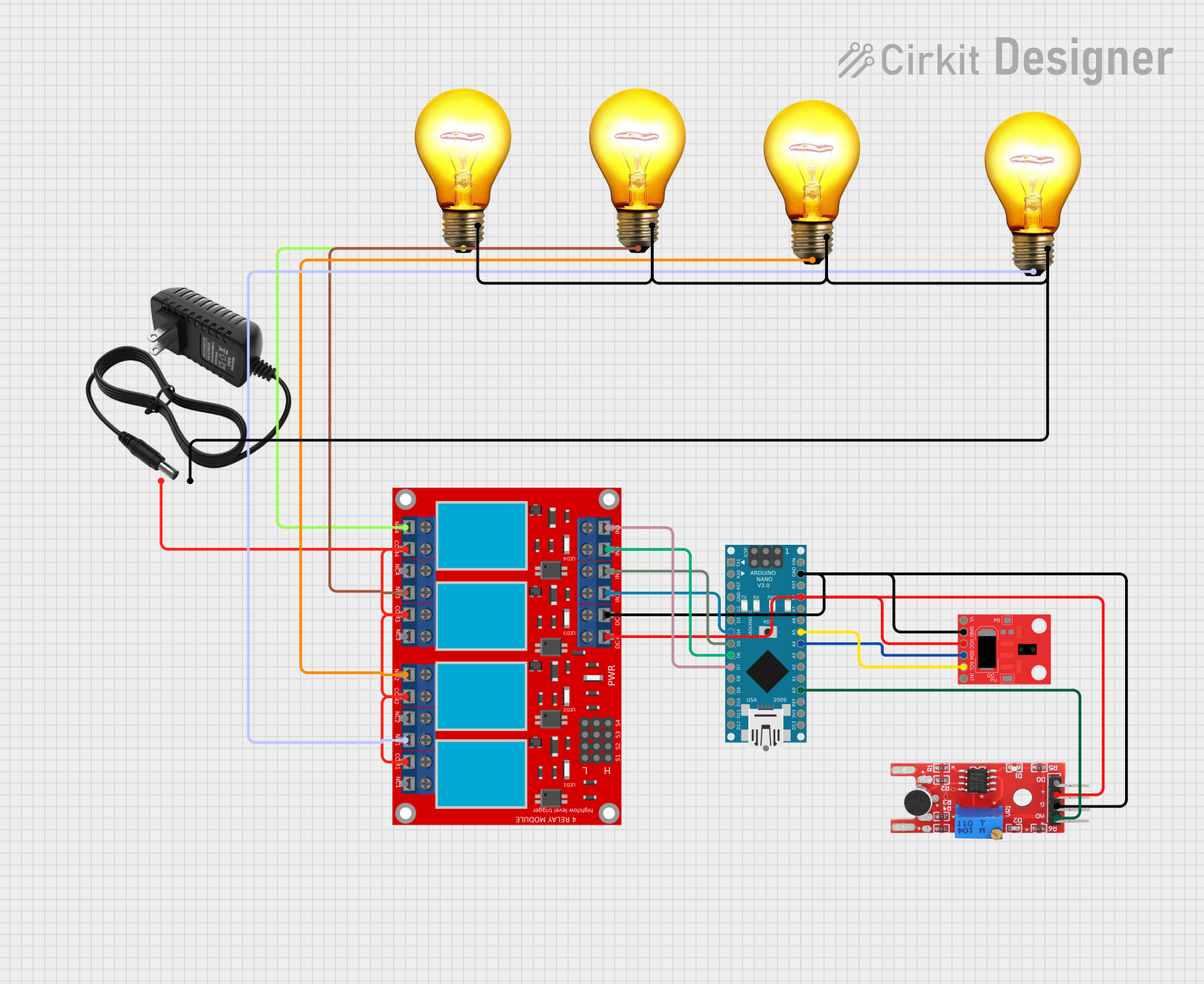 Open Project in Cirkit Designer
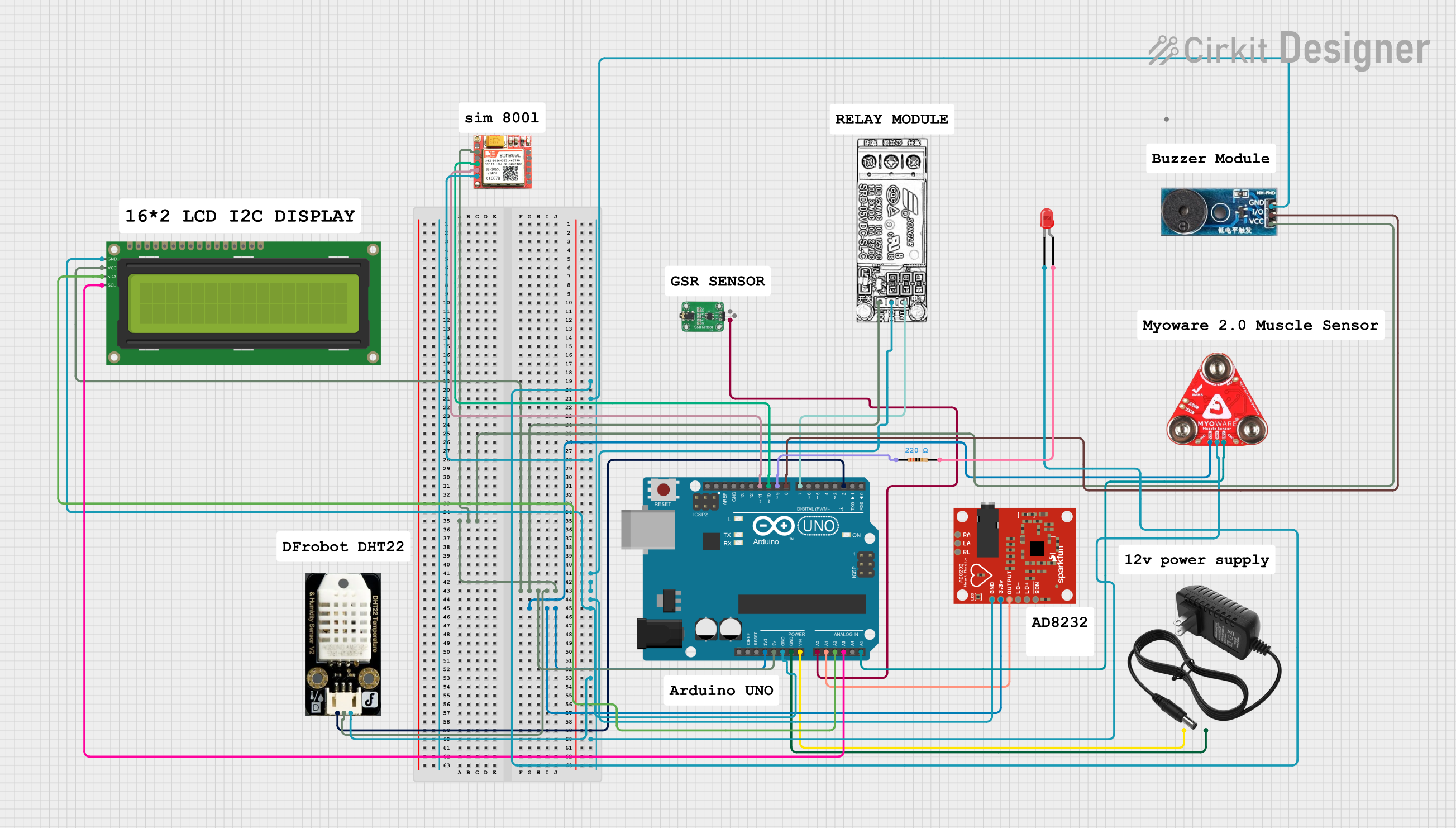 Open Project in Cirkit Designer
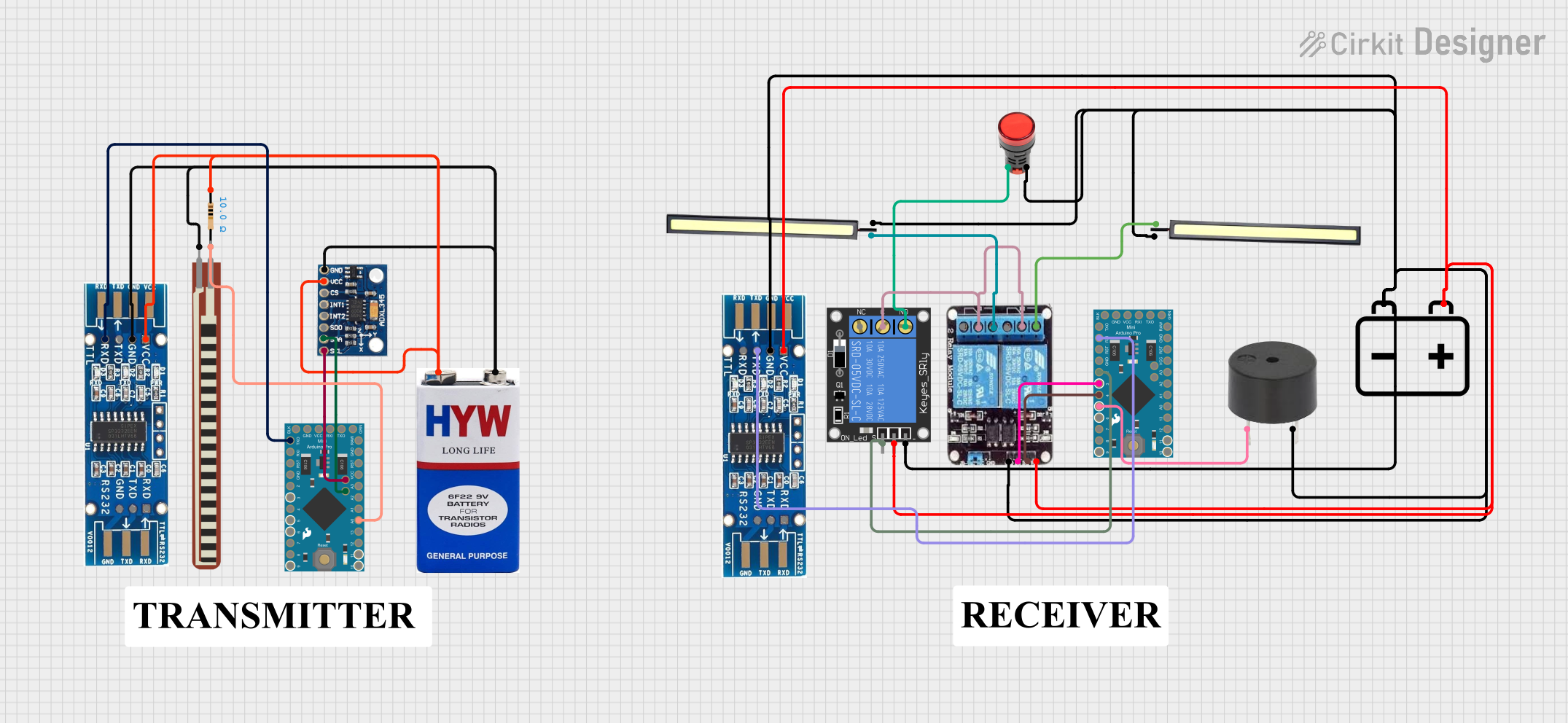 Open Project in Cirkit Designer
Explore Projects Built with ASR PRO 2.0
Open Project in Cirkit DesignerOpen Project in Cirkit DesignerOpen Project in Cirkit DesignerOpen Project in Cirkit DesignerCommon Applications and Use Cases
- Voice-controlled devices and smart assistants
- Real-time transcription for meetings and conferences
- Call center automation and customer service
- Accessibility tools for individuals with hearing impairments
- Language learning and pronunciation analysis
Technical Specifications
The ASR PRO 2.0 is a compact module that integrates seamlessly into various systems. Below are its key technical details:
Key Technical Details
| Parameter | Specification |
|---|---|
| Input Voltage | 3.3V to 5V DC |
| Power Consumption | 150 mW (typical) |
| Audio Input | Mono, 16-bit PCM, 8 kHz to 48 kHz |
| Output Format | Text (UTF-8 encoding) |
| Communication Protocol | UART, I2C, or SPI |
| Recognition Accuracy | Up to 95% (depending on environment) |
| Supported Languages | 20+ (including English, Spanish, etc.) |
| Operating Temperature | -10°C to 60°C |
| Dimensions | 25mm x 20mm x 5mm |
Pin Configuration and Descriptions
| Pin Number | Pin Name | Description |
|---|---|---|
| 1 | VCC | Power supply input (3.3V to 5V DC) |
| 2 | GND | Ground connection |
| 3 | RX | UART Receive pin for data communication |
| 4 | TX | UART Transmit pin for data communication |
| 5 | SCL | I2C Clock Line (optional, for I2C communication) |
| 6 | SDA | I2C Data Line (optional, for I2C communication) |
| 7 | CS | Chip Select for SPI communication (optional) |
| 8 | MISO | Master In Slave Out for SPI communication (optional) |
| 9 | MOSI | Master Out Slave In for SPI communication (optional) |
| 10 | CLK | Clock Line for SPI communication (optional) |
| 11 | AUDIO_IN | Audio input pin for connecting a microphone or audio source |
| 12 | RESET | Reset pin to restart the module |
Usage Instructions
How to Use the ASR PRO 2.0 in a Circuit
- Power the Module: Connect the VCC pin to a 3.3V or 5V DC power source and the GND pin to ground.
- Connect Audio Input: Attach a microphone or audio source to the AUDIO_IN pin. Ensure the audio signal is mono and within the supported sampling rate (8 kHz to 48 kHz).
- Establish Communication:
- For UART: Connect the RX and TX pins to the corresponding UART pins on your microcontroller.
- For I2C: Connect the SCL and SDA pins to the I2C bus.
- For SPI: Use the CS, MISO, MOSI, and CLK pins for SPI communication.
- Initialize the Module: Send initialization commands via the selected communication protocol to configure the module for your application.
- Start Recognition: Stream audio data to the module and retrieve the transcribed text via the communication interface.
Important Considerations and Best Practices
- Noise Reduction: Use a high-quality microphone and minimize background noise for better recognition accuracy.
- Power Supply: Ensure a stable power supply to avoid performance issues.
- Language Selection: Configure the module to the desired language before starting recognition.
- Data Rate: Match the baud rate of the UART interface with your microcontroller for seamless communication.
- Reset: Use the RESET pin to restart the module if it becomes unresponsive.
Example: Connecting ASR PRO 2.0 to an Arduino UNO
Below is an example of how to connect and use the ASR PRO 2.0 with an Arduino UNO via UART:
Circuit Connections
- Connect the VCC pin of the ASR PRO 2.0 to the 5V pin on the Arduino.
- Connect the GND pin of the ASR PRO 2.0 to the GND pin on the Arduino.
- Connect the RX pin of the ASR PRO 2.0 to pin 10 on the Arduino (software serial TX).
- Connect the TX pin of the ASR PRO 2.0 to pin 11 on the Arduino (software serial RX).
Arduino Code
#include <SoftwareSerial.h>

// Define software serial pins for ASR PRO 2.0
SoftwareSerial asrSerial(10, 11); // RX, TX

void setup() {
  // Initialize serial communication
  Serial.begin(9600); // For debugging
  asrSerial.begin(9600); // Communication with ASR PRO 2.0

  Serial.println("Initializing ASR PRO 2.0...");
  delay(1000);

  // Example command to configure the module (adjust as needed)
  asrSerial.println("SET_LANGUAGE EN"); // Set language to English
  delay(500);
}

void loop() {
  // Check if data is available from ASR PRO 2.0
  if (asrSerial.available()) {
    String transcription = asrSerial.readStringUntil('\n'); // Read transcribed text
    Serial.println("Transcription: " + transcription); // Print to serial monitor
  }

  // Add a small delay to avoid overwhelming the module
  delay(100);
}
Troubleshooting and FAQs
Common Issues and Solutions
No Output from the Module
- Ensure the module is powered correctly (check VCC and GND connections).
- Verify that the communication protocol (UART, I2C, or SPI) is configured properly.
- Check the baud rate settings on both the module and the microcontroller.
Low Recognition Accuracy
- Use a high-quality microphone and ensure the audio input is clear.
- Minimize background noise and echo in the environment.
- Verify that the correct language is selected for recognition.
Module Becomes Unresponsive
- Use the RESET pin to restart the module.
- Check for power supply fluctuations and ensure a stable voltage.
Incorrect Transcriptions
- Ensure the audio input matches the supported sampling rate and format.
- Train the module (if supported) to adapt to specific accents or speech patterns.
FAQs
Q: Can the ASR PRO 2.0 recognize multiple languages simultaneously?
A: No, the module can only recognize one language at a time. You must configure the desired language before starting recognition.
Q: What is the maximum distance for the microphone?
A: The recommended distance is 1-2 meters for optimal accuracy. Beyond this range, recognition accuracy may decrease.
Q: Can the module process audio in real-time?
A: Yes, the ASR PRO 2.0 is designed for real-time speech-to-text processing, provided the audio input and communication interface are configured correctly.