
How to Use T500 Thruster: Examples, Pinouts, and Specs
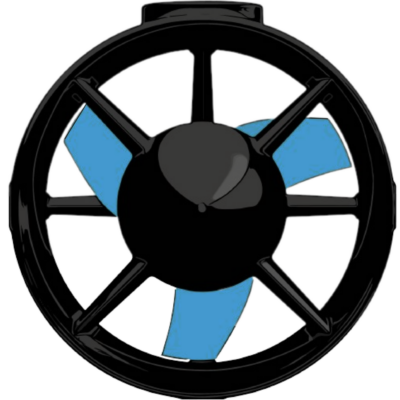
 Design with T500 Thruster in Cirkit Designer
Introduction
The T500 Thruster, manufactured by BlueRobotics, is a high-performance propulsion device specifically designed for spacecraft applications. It operates by expelling gas at high velocity, generating thrust to enable precise maneuverability and navigation in space. This component is engineered for reliability and efficiency, making it an essential tool for space exploration and satellite operations.
Explore Projects Built with T500 Thruster
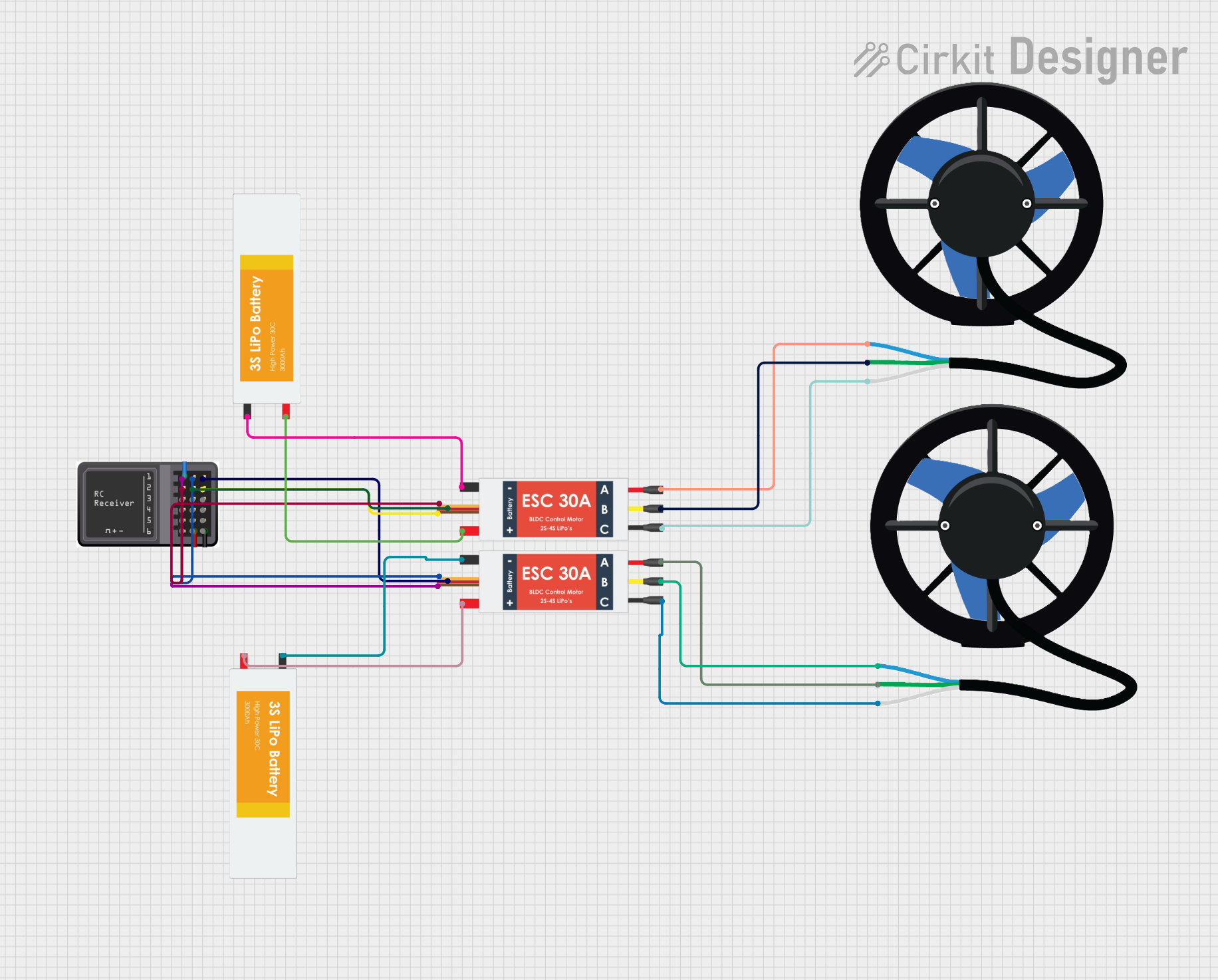 Open Project in Cirkit Designer
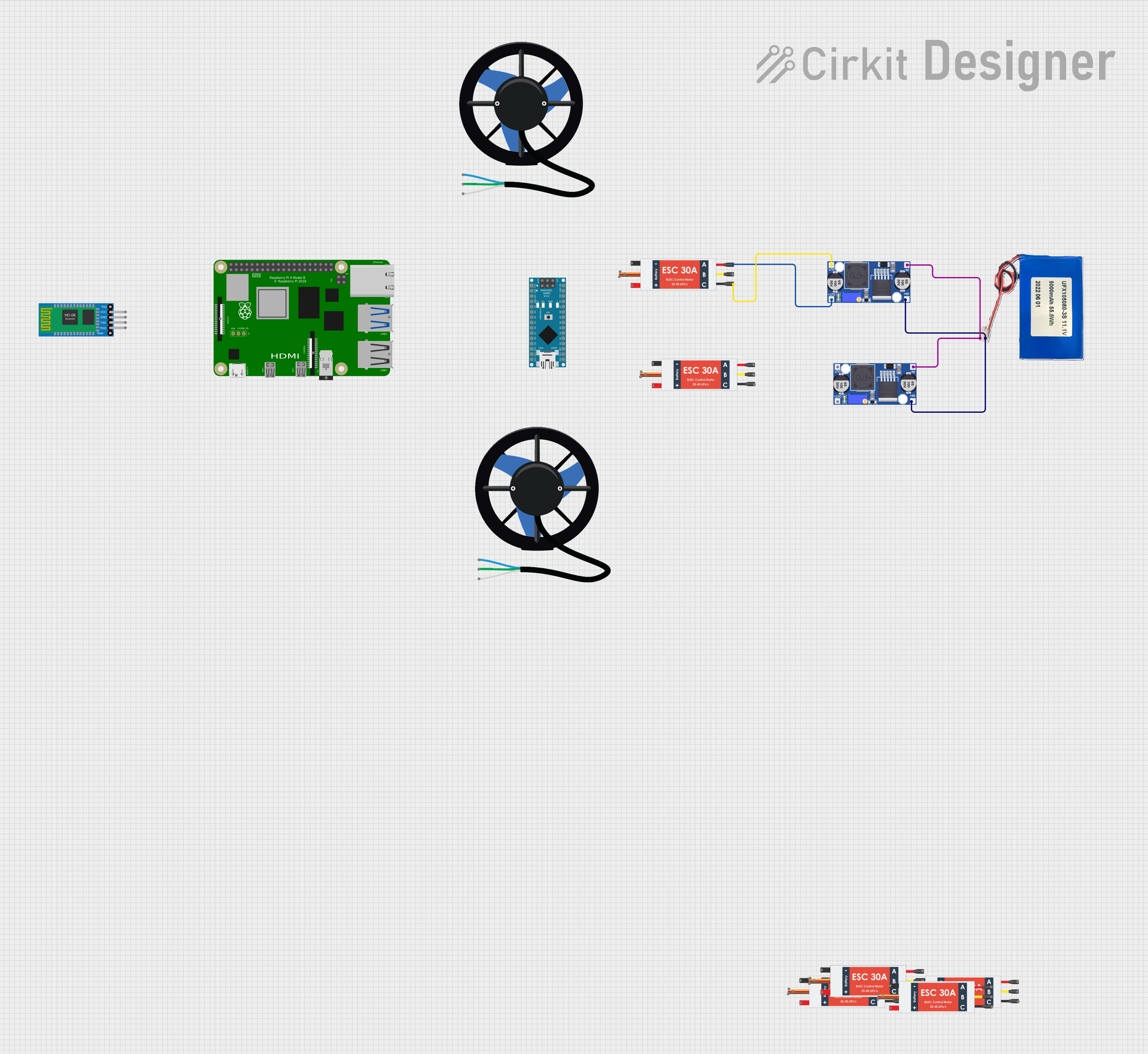 Open Project in Cirkit Designer
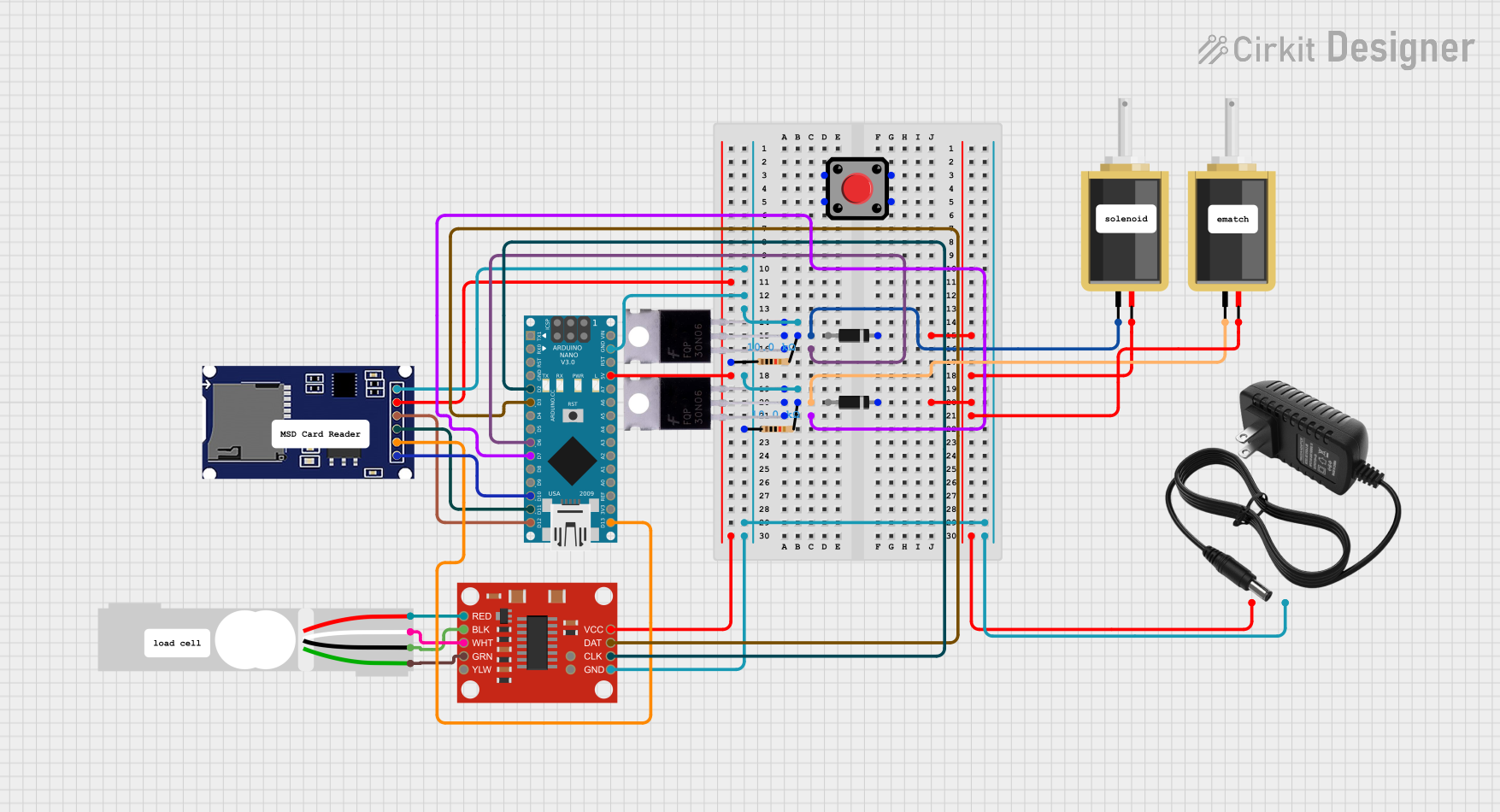 Open Project in Cirkit Designer
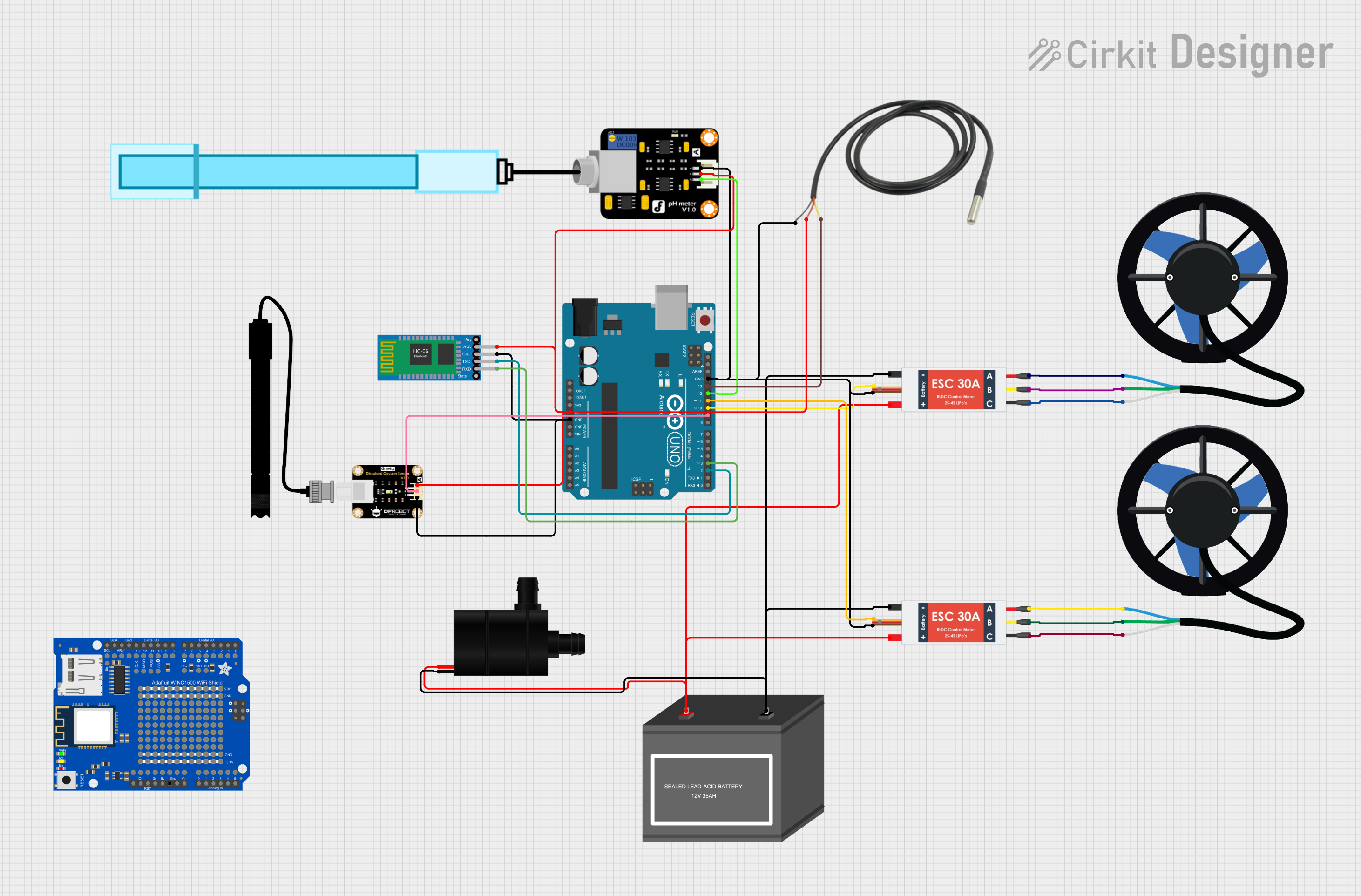 Open Project in Cirkit Designer
Explore Projects Built with T500 Thruster
Open Project in Cirkit DesignerOpen Project in Cirkit DesignerOpen Project in Cirkit DesignerOpen Project in Cirkit DesignerCommon Applications and Use Cases
- Satellite attitude control and orbital adjustments
- Spacecraft maneuvering and docking
- Deep-space exploration missions
- CubeSats and small satellite propulsion systems
- Research and development in space propulsion technologies
Technical Specifications
Key Technical Details
| Parameter | Value |
|---|---|
| Manufacturer | BlueRobotics |
| Thrust Output | Up to 500 mN |
| Operating Voltage | 12V to 48V DC |
| Power Consumption | 10W to 200W (depending on load) |
| Propellant | Compressed gas (e.g., Xenon) |
| Nozzle Efficiency | 85% |
| Operating Temperature | -20°C to 60°C |
| Weight | 1.2 kg |
| Dimensions | 150 mm x 80 mm x 80 mm |
Pin Configuration and Descriptions
The T500 Thruster features a 6-pin connector for power and control signals. The pinout is as follows:
| Pin Number | Name | Description |
|---|---|---|
| 1 | V+ | Positive power supply (12V to 48V DC) |
| 2 | GND | Ground connection |
| 3 | Thrust Ctrl | Analog input for thrust control (0-5V) |
| 4 | Status Out | Digital output indicating operational status |
| 5 | Temp Sensor | Analog output for temperature monitoring |
| 6 | NC | Not connected |
Usage Instructions
How to Use the T500 Thruster in a Circuit
- Power Supply: Connect a stable DC power source (12V to 48V) to the
V+andGNDpins. Ensure the power supply can handle the maximum power consumption of 200W. - Thrust Control: Use a microcontroller or analog signal generator to provide a 0-5V signal to the
Thrust Ctrlpin. A higher voltage corresponds to greater thrust output. - Status Monitoring: Connect the
Status Outpin to a digital input on your microcontroller to monitor the operational status of the thruster. - Temperature Monitoring: Use the
Temp Sensorpin to read the thruster's temperature. This can be connected to an analog input on a microcontroller for real-time monitoring.
Important Considerations and Best Practices
- Cooling: Ensure adequate thermal management, as the thruster can generate significant heat during operation.
- Propellant Supply: Verify that the propellant supply is sufficient and properly regulated for consistent performance.
- Signal Integrity: Use shielded cables for control signals to minimize noise and interference.
- Safety: Always test the thruster in a controlled environment before deploying it in a spacecraft.
Example Code for Arduino UNO
Below is an example of how to control the T500 Thruster using an Arduino UNO:
// T500 Thruster Control Example
// This code demonstrates how to control the thrust level and monitor status
// using an Arduino UNO. Ensure proper connections as per the pinout table.

const int thrustCtrlPin = 9;  // PWM pin connected to Thrust Ctrl
const int statusOutPin = 2;  // Digital pin connected to Status Out
const int tempSensorPin = A0; // Analog pin connected to Temp Sensor

void setup() {
  pinMode(thrustCtrlPin, OUTPUT);  // Set thrust control pin as output
  pinMode(statusOutPin, INPUT);   // Set status output pin as input
  Serial.begin(9600);            // Initialize serial communication
}

void loop() {
  // Set thrust level (0-255 corresponds to 0-5V)
  int thrustLevel = 128;  // Example: 50% thrust
  analogWrite(thrustCtrlPin, thrustLevel);

  // Read operational status
  int status = digitalRead(statusOutPin);
  if (status == HIGH) {
    Serial.println("Thruster is operational.");
  } else {
    Serial.println("Thruster is not operational.");
  }

  // Read temperature sensor value
  int tempValue = analogRead(tempSensorPin);
  float temperature = (tempValue / 1023.0) * 5.0 * 100.0; // Convert to °C
  Serial.print("Thruster Temperature: ");
  Serial.print(temperature);
  Serial.println(" °C");

  delay(1000);  // Wait for 1 second
}
Troubleshooting and FAQs
Common Issues and Solutions
Thruster Not Operating
- Cause: Insufficient power supply or incorrect wiring.
- Solution: Verify the power supply voltage and current ratings. Check all connections.
Inconsistent Thrust Output
- Cause: Noisy control signal or unstable power supply.
- Solution: Use a stable power source and shielded cables for control signals.
Overheating
- Cause: Prolonged operation at maximum thrust without proper cooling.
- Solution: Implement active cooling or reduce the duty cycle of operation.
Temperature Sensor Reading Incorrect
- Cause: Faulty connection or damaged sensor.
- Solution: Check the wiring and replace the sensor if necessary.
FAQs
Q: Can the T500 Thruster be used in terrestrial applications?
A: No, the T500 Thruster is specifically designed for use in the vacuum of space and is not suitable for operation in atmospheric conditions.
Q: What type of propellant is recommended?
A: The T500 Thruster is compatible with compressed gases such as Xenon, which is commonly used in space propulsion systems.
Q: How do I calibrate the thrust control signal?
A: Use a signal generator or microcontroller to provide a 0-5V input to the Thrust Ctrl pin. Measure the thrust output and adjust the signal as needed.
Q: Is the T500 Thruster compatible with other microcontrollers?
A: Yes, the T500 Thruster can be controlled by any microcontroller capable of generating a 0-5V analog or PWM signal.