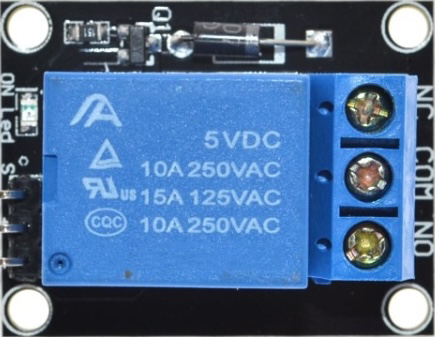
The HW-482 is a versatile electronic component designed for signal processing and control applications. Its compact design makes it ideal for integration into a wide range of devices, from consumer electronics to industrial systems. The HW-482 is known for its reliability, ease of use, and compatibility with various microcontrollers and circuits.
Explore Projects Built with HW-482
Use Cirkit Designer to design, explore, and prototype these projects online. Some projects support real-time simulation. Click "Open Project" to start designing instantly!
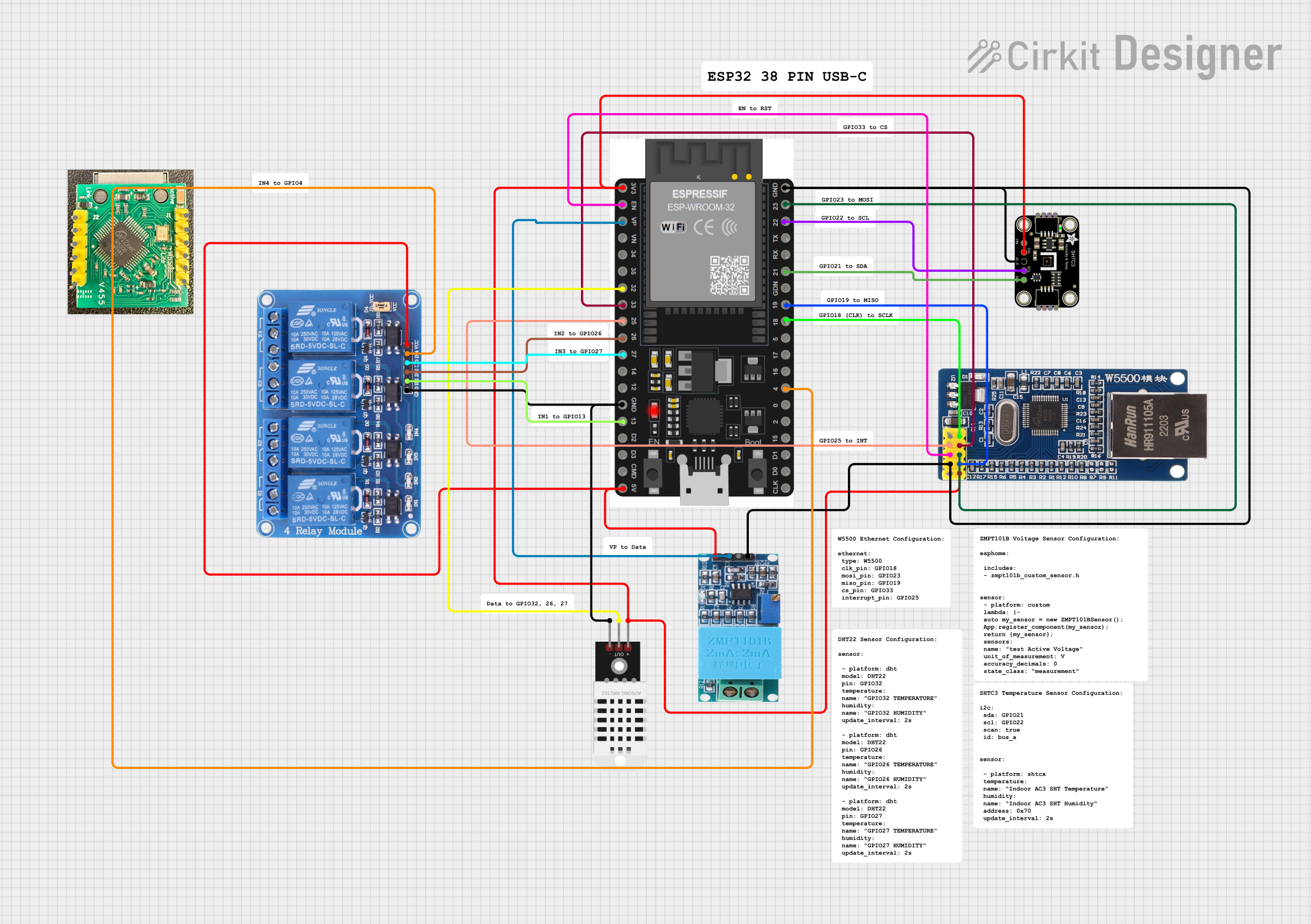
This circuit is designed for environmental monitoring and home automation, featuring an ESP32 microcontroller connected to a W5500 Ethernet module, DHT22 and Adafruit SHTC3 sensors for temperature and humidity readings, a ZMPT101B module for voltage sensing, and a 4-channel relay for controlling external devices. Network connectivity enables remote data access and control functions.
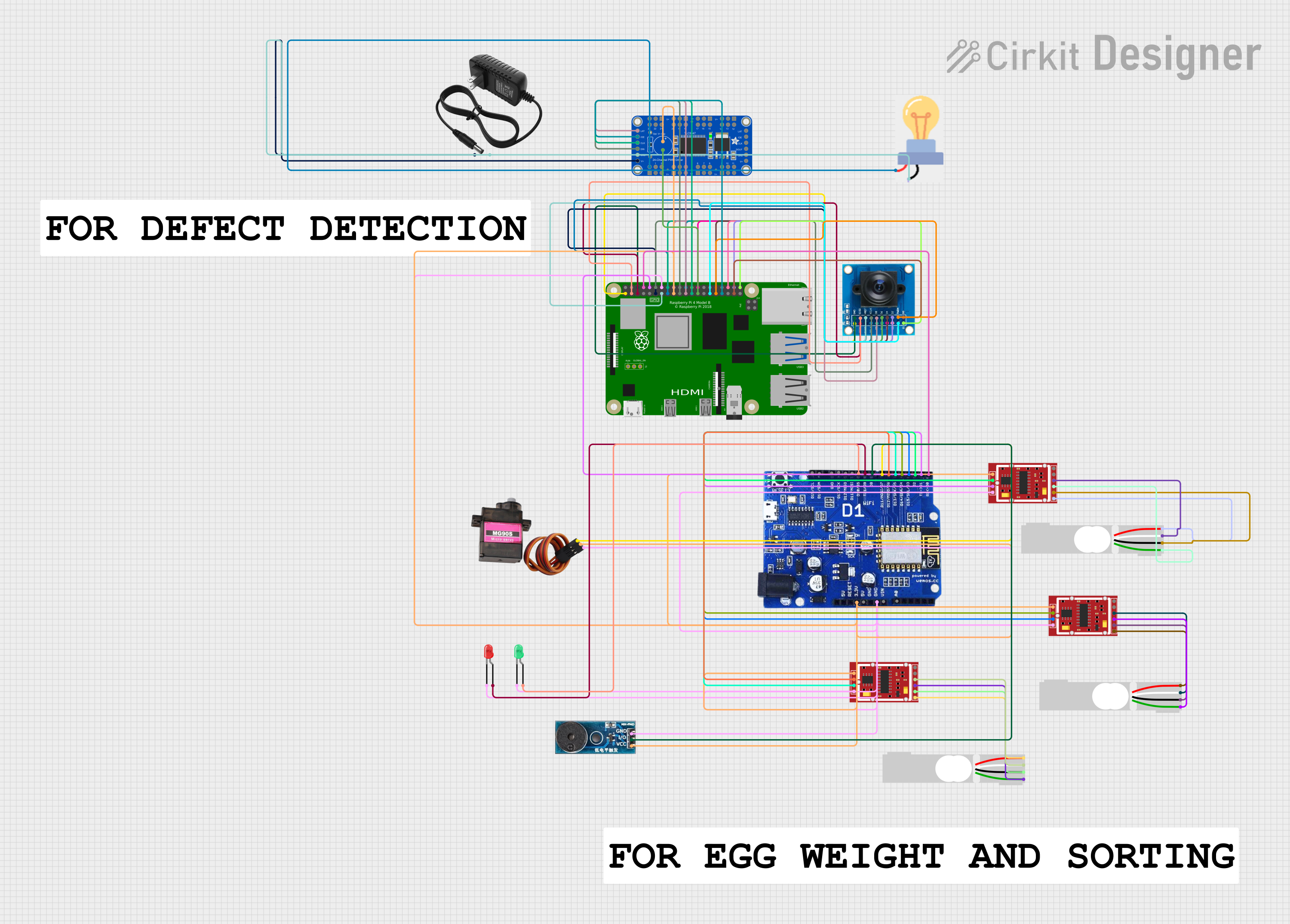
This circuit integrates multiple HX711 weighing sensor modules connected to load cells for weight measurement, an OV7725 camera module interfaced with a Raspberry Pi 4B for image capture, and a WeMOS ESP8266 for wireless communication. Additionally, it includes an Adafruit 24-Channel PWM LED driver for controlling LEDs and a buzzer module for audio alerts.
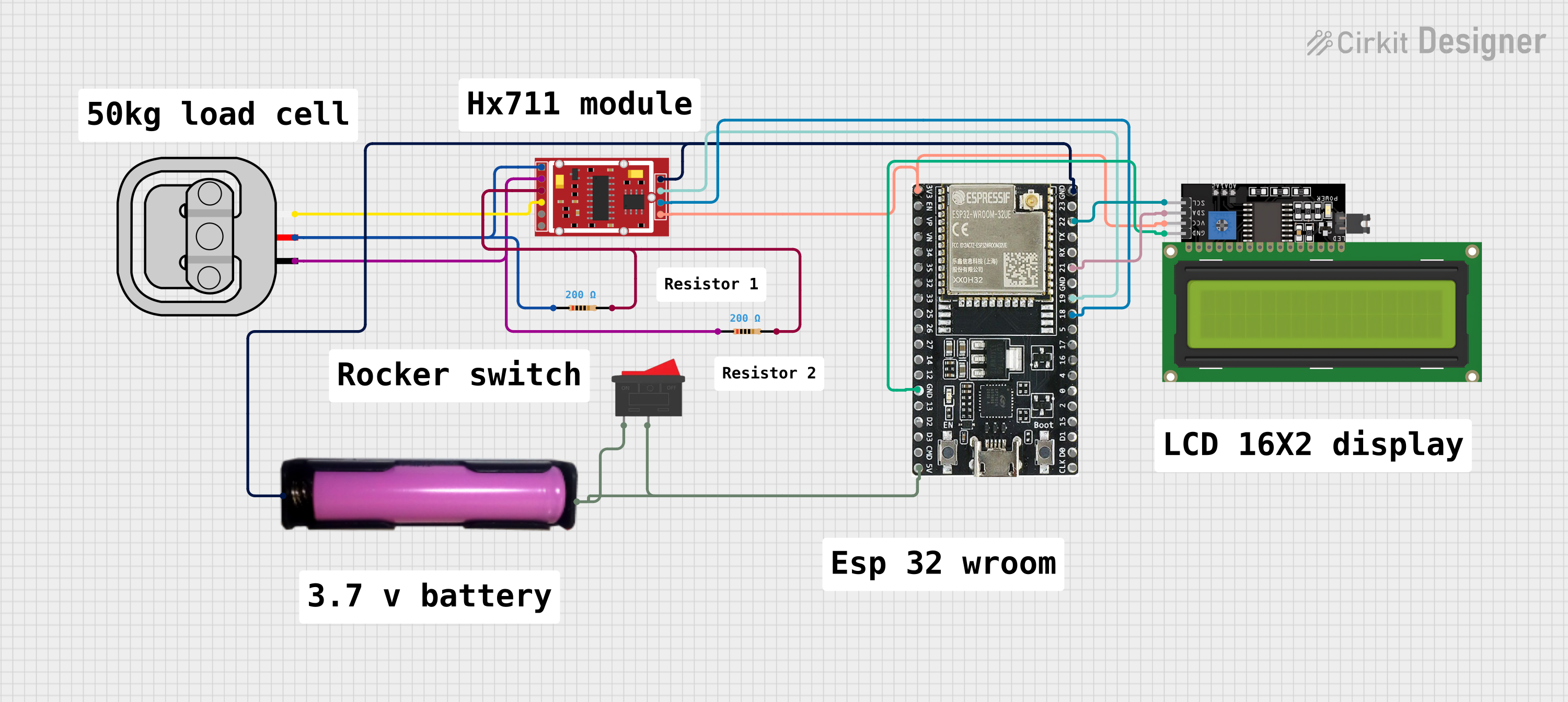
This circuit is designed to measure weight using a 50kg load sensor interfaced with an HX711 weighing sensor module. The ESP32 microcontroller reads the measurements from the HX711 and displays the weight on an I2C-connected 16x4 LCD display. Power management is handled by a 18650 battery connected through a rocker switch, and two resistors are used for the load sensor's excitation and signal adjustment.
This circuit is a microcontroller-based control and monitoring system. It uses an Arduino UNO to read from a DHT22 temperature and humidity sensor and an HC-SR501 motion sensor, display data on an LCD, and control a water pump and an LED through a relay. The HC-05 Bluetooth module allows for wireless communication.
The HW-482 is designed to operate efficiently in a variety of environments. Below are its key technical specifications:
General Specifications
Parameter
Value
Operating Voltage
3.3V to 5V
Maximum Current
50mA
Signal Frequency Range
20Hz to 20kHz
Operating Temperature
-20°C to 85°C
Dimensions
25mm x 15mm x 5mm
Pin Configuration and Descriptions
The HW-482 has a 6-pin configuration, as detailed in the table below:
Pin Number
Pin Name
Description
1
VCC
Power supply input (3.3V to 5V)
2
GND
Ground connection
3
IN
Signal input pin
4
OUT
Signal output pin
5
ENABLE
Enable/disable control pin (active HIGH)
6
NC
Not connected (reserved for future use)
Usage Instructions
The HW-482 is straightforward to use in a variety of circuits. Below are the steps and considerations for integrating it into your project:
How to Use the HW-482 in a Circuit
Power Supply: Connect the VCC pin to a 3.3V or 5V power source and the GND pin to the ground of your circuit.
Signal Input: Feed the input signal to the IN pin. Ensure the signal voltage does not exceed the operating voltage range.
Signal Output: The processed signal will be available at the OUT pin. Connect this pin to the next stage of your circuit.
Enable Pin: To activate the HW-482, set the ENABLE pin HIGH. If this pin is LOW, the component will be disabled.
Unused Pins: Leave the NC pin unconnected.
Important Considerations and Best Practices
Voltage Levels: Ensure the input signal voltage is within the specified range to avoid damage to the component.
Decoupling Capacitor: Place a 0.1µF decoupling capacitor between VCC and GND to reduce noise and improve stability.
Heat Management: Although the HW-482 is efficient, ensure proper ventilation if used in high-temperature environments.
Signal Integrity: Use shielded cables for the input and output signals in noisy environments to maintain signal quality.
Example: Connecting HW-482 to an Arduino UNO
The HW-482 can be easily interfaced with an Arduino UNO for signal processing tasks. Below is an example of how to connect and use it:
Circuit Connections
Connect the HW-482's VCC pin to the Arduino's 5V pin.
Connect the GND pin to the Arduino's GND.
Connect the IN pin to an analog signal source (e.g., a sensor).
Connect the OUT pin to an analog input pin on the Arduino (e.g., A0).
Connect the ENABLE pin to a digital output pin on the Arduino (e.g., D7).
Arduino Code Example
// Example code to use HW-482 with Arduino UNO
const int enablePin = 7;  // Pin connected to HW-482 ENABLE pin
const int inputPin = A0;  // Pin connected to HW-482 OUT pin

void setup() {
  pinMode(enablePin, OUTPUT);  // Set ENABLE pin as output
  digitalWrite(enablePin, HIGH);  // Enable the HW-482
  Serial.begin(9600);  // Initialize serial communication
}

void loop() {
  int signalValue = analogRead(inputPin);  // Read signal from HW-482
  Serial.println(signalValue);  // Print the signal value to the Serial Monitor
  delay(100);  // Delay for stability
}
Troubleshooting and FAQs
Common Issues and Solutions
No Output Signal
Cause: The ENABLE pin is not set HIGH.
Solution: Ensure the ENABLE pin is connected to a HIGH signal (3.3V or 5V).
Distorted Output Signal
Cause: Input signal voltage exceeds the operating range.
Solution: Verify the input signal voltage and ensure it is within the specified range.
Component Overheating
Cause: Excessive current draw or poor ventilation.
Solution: Check the circuit for short circuits and ensure proper ventilation.
Noise in Output Signal
Cause: Power supply noise or interference.
Solution: Add a decoupling capacitor between VCC and GND and use shielded cables.
FAQs
Q1: Can the HW-482 operate at 12V?
A1: No, the HW-482 is designed to operate within a voltage range of 3.3V to 5V. Using a higher voltage may damage the component.
Q2: Is the HW-482 compatible with 3.3V microcontrollers?
A2: Yes, the HW-482 is fully compatible with 3.3V systems.
Q3: What is the purpose of the NC pin?
A3: The NC (Not Connected) pin is reserved for future use and should be left unconnected in your circuit.
Q4: Can the HW-482 process digital signals?
A4: The HW-482 is primarily designed for analog signal processing. For digital signals, additional circuitry may be required.
This concludes the documentation for the HW-482. For further assistance, refer to the manufacturer's datasheet or contact technical support.

 Open Project in Cirkit Designer