
How to Use PH Meter: Examples, Pinouts, and Specs

 Design with PH Meter in Cirkit Designer
Introduction
A pH meter is an electronic device used to measure the acidity or alkalinity of a solution, providing a numerical value that indicates the pH level. It is widely used in various fields such as chemistry, biology, agriculture, water treatment, and food processing. The pH meter typically consists of a probe that senses the hydrogen ion activity in the solution and a digital or analog display that shows the pH value.
Explore Projects Built with PH Meter
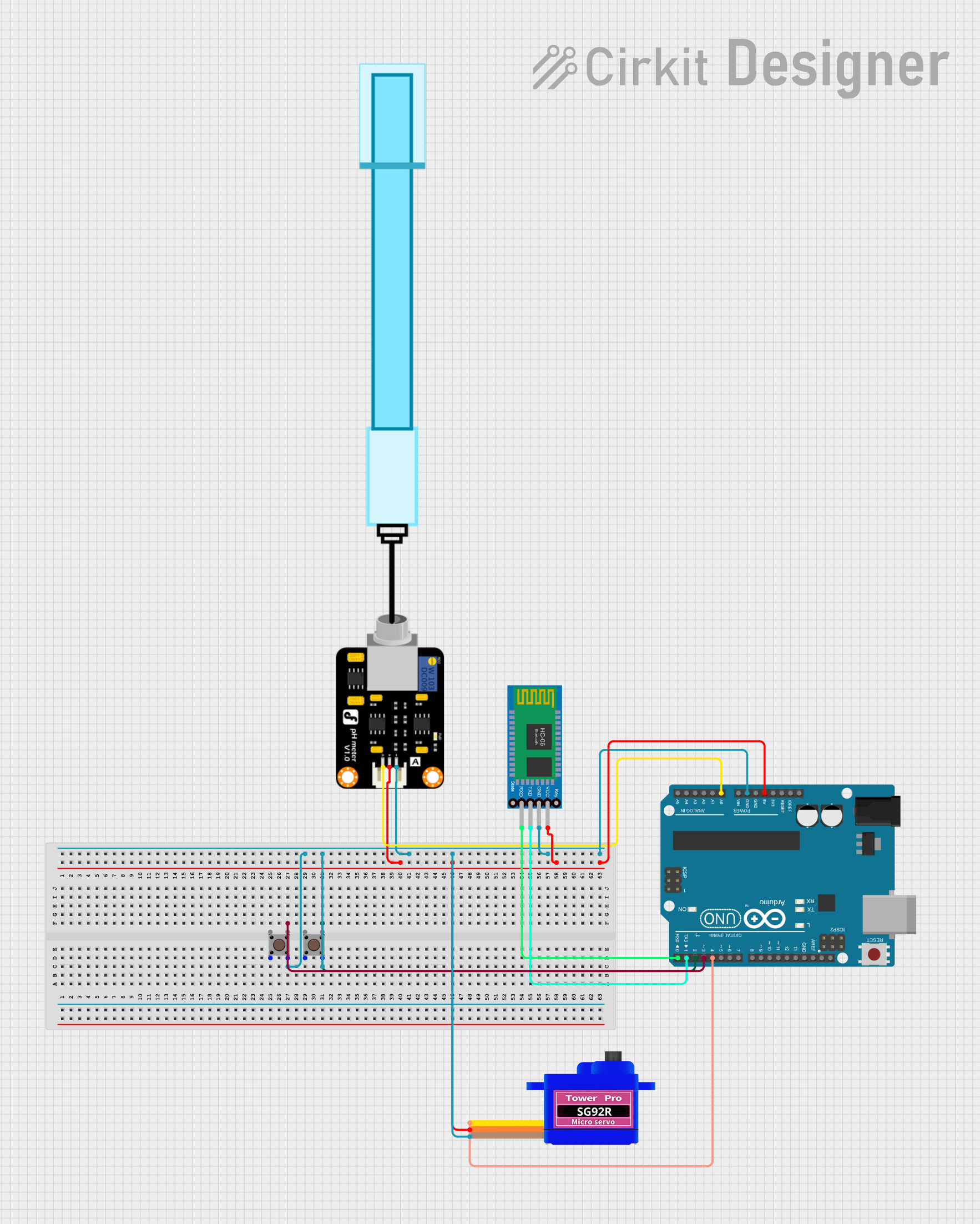 Open Project in Cirkit Designer
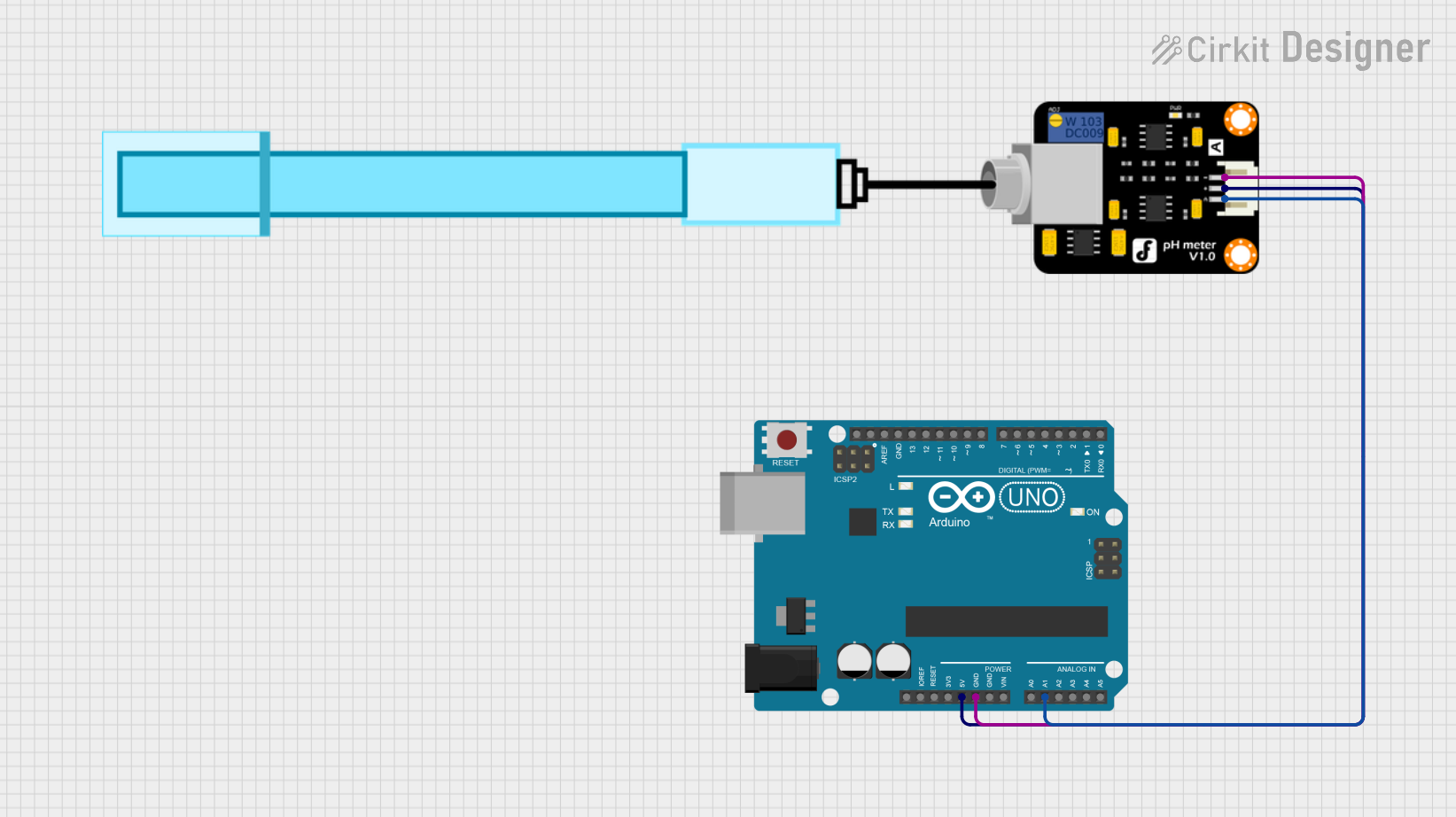 Open Project in Cirkit Designer
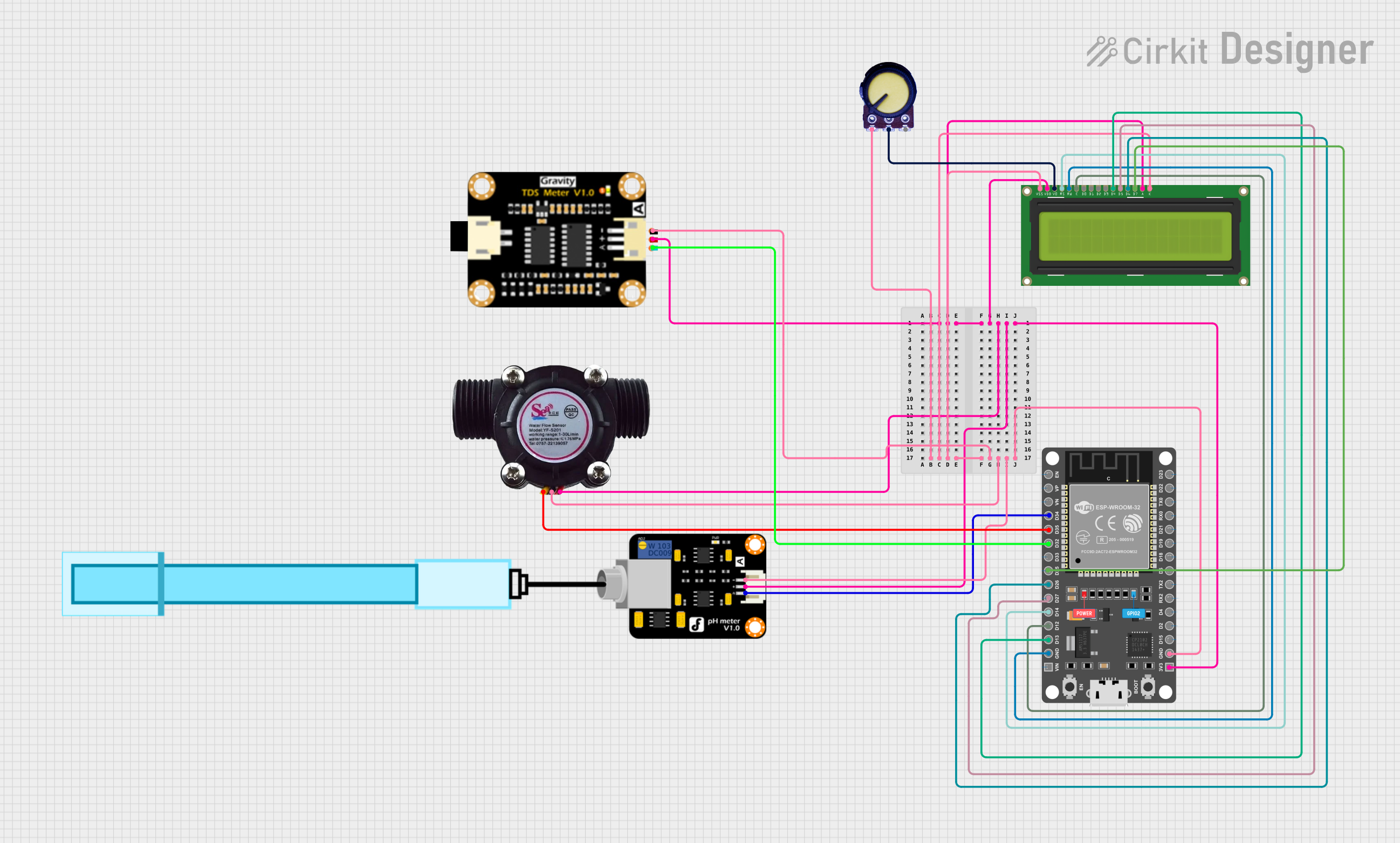 Open Project in Cirkit Designer
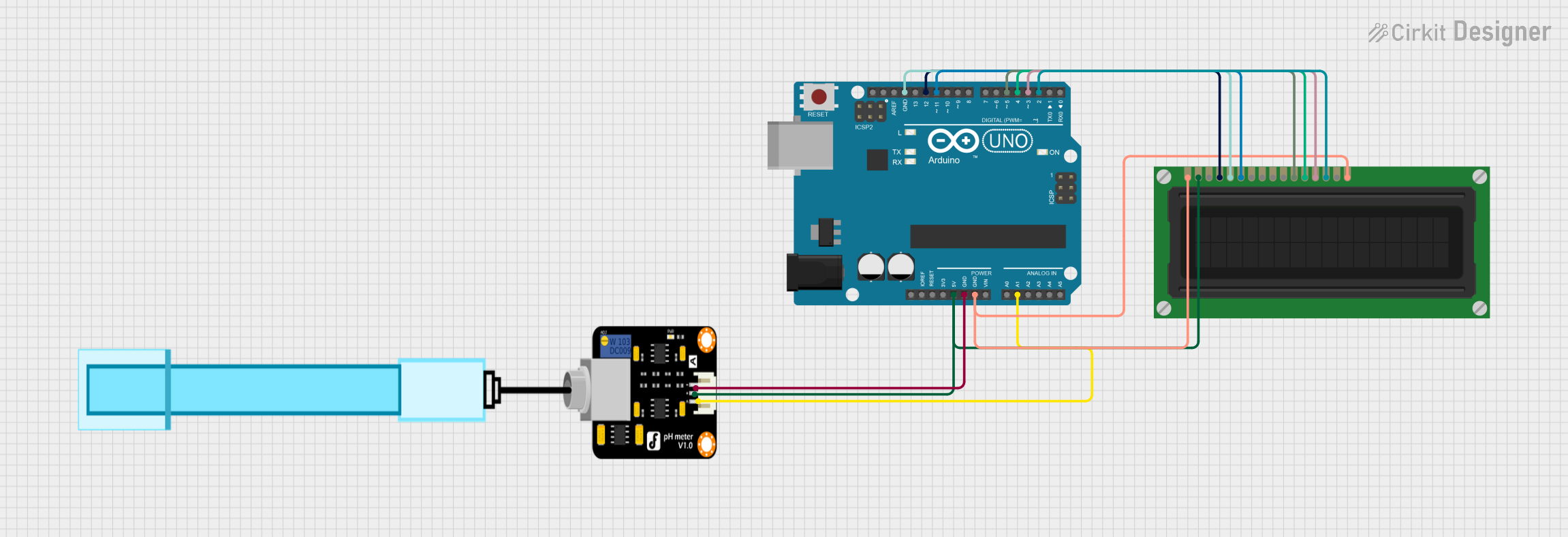 Open Project in Cirkit Designer
Explore Projects Built with PH Meter
Open Project in Cirkit DesignerOpen Project in Cirkit DesignerOpen Project in Cirkit DesignerOpen Project in Cirkit DesignerCommon Applications and Use Cases
- Monitoring water quality in aquariums, pools, and wastewater treatment plants
- Soil pH testing for agriculture and gardening
- Quality control in food and beverage production
- Laboratory experiments in chemistry and biology
- Environmental monitoring of natural water bodies
Technical Specifications
Below are the general technical specifications for a typical pH meter module used in electronics projects:
| Parameter | Value |
|---|---|
| Operating Voltage | 3.3V - 5V DC |
| Operating Current | ≤ 10mA |
| pH Measurement Range | 0 - 14 pH |
| Accuracy | ±0.1 pH (at 25°C) |
| Temperature Compensation | Manual or Automatic (depending on model) |
| Output Signal | Analog voltage (0 - 3V, depending on pH) |
| Probe Type | Glass electrode with BNC connector |
| Calibration | Two-point or three-point calibration |
Pin Configuration and Descriptions
The pH meter module typically has the following pin configuration:
| Pin | Name | Description |
|---|---|---|
| 1 | VCC | Power supply input (3.3V - 5V DC) |
| 2 | GND | Ground connection |
| 3 | AO | Analog output signal, proportional to the pH value |
| 4 | DO (Optional) | Digital output signal (used in some modules for threshold-based pH detection) |
Usage Instructions
How to Use the pH Meter in a Circuit
Connect the Module:
- Connect the
VCCpin to a 3.3V or 5V power source. - Connect the
GNDpin to the ground of your circuit. - Connect the
AOpin to an analog input pin of your microcontroller (e.g., Arduino UNO).
- Connect the
Attach the Probe:
- Securely connect the pH probe to the module using the BNC connector.
- Ensure the probe is clean and properly calibrated before use.
Calibrate the pH Meter:
- Use standard buffer solutions (e.g., pH 4.0, pH 7.0, and pH 10.0) for calibration.
- Adjust the calibration potentiometer on the module to match the expected pH value of the buffer solution.
Measure pH:
- Immerse the probe in the solution to be tested.
- Wait for the reading to stabilize before recording the pH value.
Important Considerations and Best Practices
- Always rinse the pH probe with distilled water before and after each use to prevent contamination.
- Store the probe in a pH storage solution when not in use to maintain its sensitivity.
- Avoid exposing the probe to extreme temperatures or harsh chemicals, as this can damage the glass electrode.
- Perform regular calibration to ensure accurate readings, especially if the probe is used frequently.
Example Code for Arduino UNO
Below is an example of how to interface a pH meter module with an Arduino UNO:
// Include necessary libraries (if any)

// Define the analog pin connected to the pH meter module
const int pH_pin = A0;

// Variable to store the analog reading
int analog_value = 0;

// Variable to store the calculated pH value
float pH_value = 0.0;

void setup() {
  // Initialize serial communication for debugging
  Serial.begin(9600);
}

void loop() {
  // Read the analog value from the pH meter module
  analog_value = analogRead(pH_pin);

  // Convert the analog value to a pH value
  // Assuming a linear relationship between voltage and pH
  // Adjust the formula based on your module's datasheet
  pH_value = (analog_value * 5.0 / 1023.0) * 3.5;

  // Print the pH value to the Serial Monitor
  Serial.print("pH Value: ");
  Serial.println(pH_value);

  // Wait for a short delay before the next reading
  delay(1000);
}
Troubleshooting and FAQs
Common Issues and Solutions
Inaccurate Readings:
- Cause: The probe is not calibrated or is dirty.
- Solution: Calibrate the probe using standard buffer solutions and clean it with distilled water.
No Output Signal:
- Cause: Loose connections or insufficient power supply.
- Solution: Check all connections and ensure the module is powered with the correct voltage.
Fluctuating Readings:
- Cause: Electrical noise or unstable probe placement.
- Solution: Use shielded cables and ensure the probe is securely immersed in the solution.
Probe Not Responding:
- Cause: The probe is damaged or dried out.
- Solution: Replace the probe or rehydrate it in a pH storage solution.
FAQs
Q1: How often should I calibrate the pH meter?
A1: It is recommended to calibrate the pH meter before each use or at least once a week if used frequently.
Q2: Can I use the pH meter for high-temperature solutions?
A2: Most pH probes are designed for use at room temperature. Check the probe's specifications for its temperature range.
Q3: What is the lifespan of a pH probe?
A3: A typical pH probe lasts 1-2 years with proper care and maintenance.
Q4: Can I use the pH meter to measure the pH of solids?
A4: No, pH meters are designed for liquid solutions. For solids, you may need to create a liquid suspension.