
How to Use xkc y26: Examples, Pinouts, and Specs
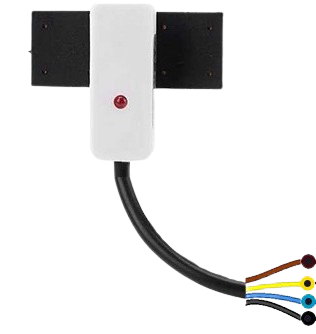
 Design with xkc y26 in Cirkit Designer
Introduction
The XKC Y26 is a capacitive touch sensor module manufactured by Arduino. It is designed to detect touch input through capacitive sensing technology. This module is highly versatile and can be used in a wide range of applications, including touch switches, user interfaces, and interactive projects. Its compact design and ease of integration make it a popular choice for hobbyists and professionals alike.
Explore Projects Built with xkc y26
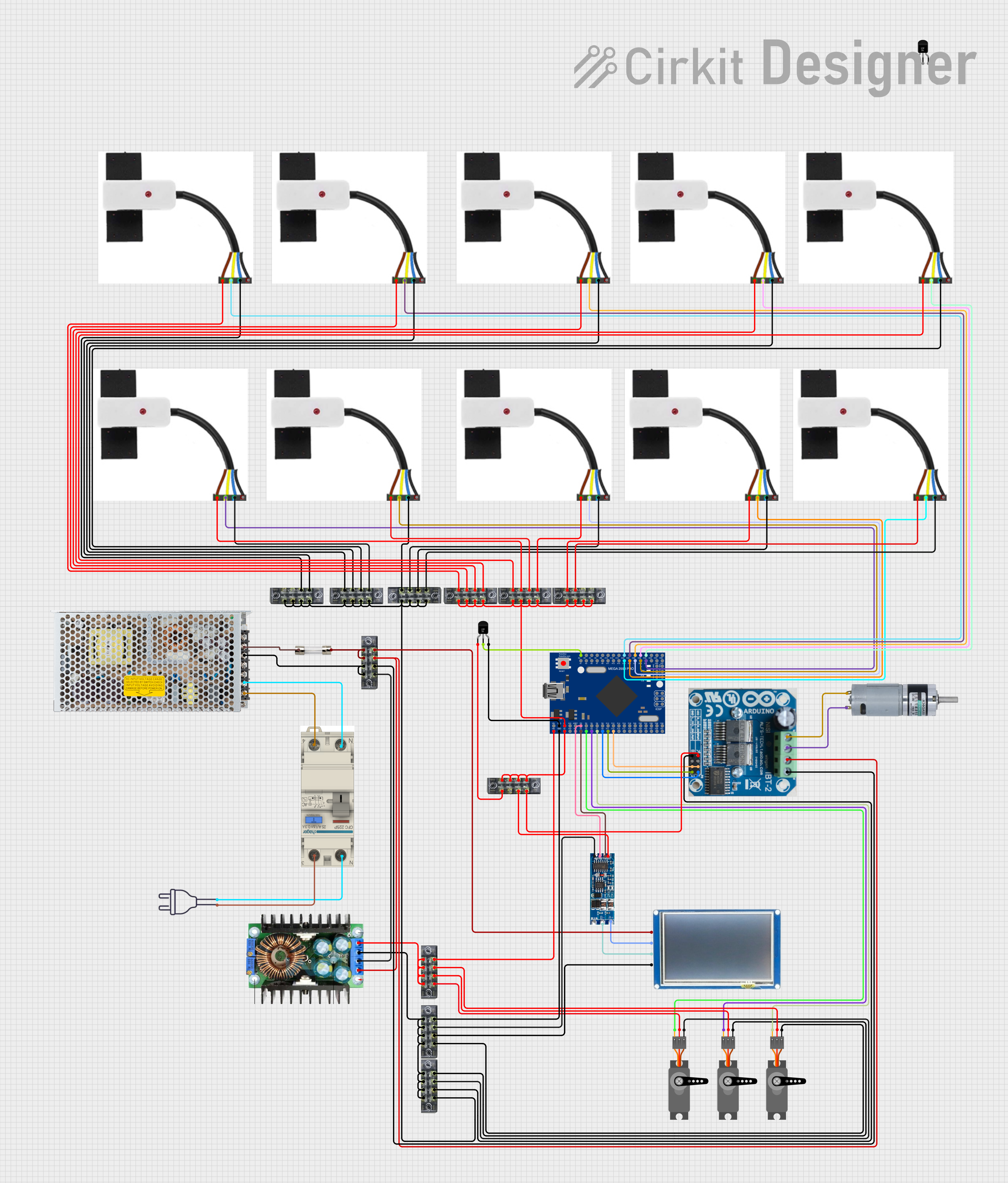 Open Project in Cirkit Designer
 Open Project in Cirkit Designer
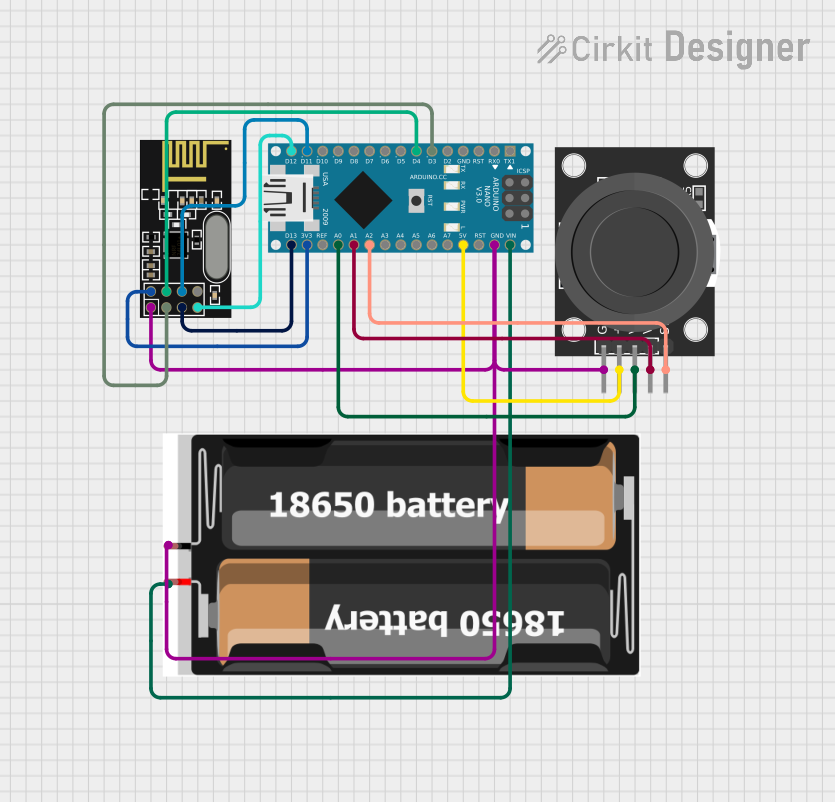 Open Project in Cirkit Designer
 Open Project in Cirkit Designer
Explore Projects Built with xkc y26
Open Project in Cirkit DesignerOpen Project in Cirkit DesignerOpen Project in Cirkit DesignerOpen Project in Cirkit DesignerCommon Applications
- Touch-sensitive switches for home automation
- Interactive user interfaces for electronic devices
- Proximity detection in embedded systems
- Capacitive touch panels for DIY projects
Technical Specifications
The XKC Y26 module is designed to operate efficiently in low-power environments while providing reliable touch detection. Below are its key technical specifications:
| Parameter | Value |
|---|---|
| Operating Voltage | 2.7V to 6V |
| Operating Current | < 10 µA (standby mode) |
| Response Time | < 60 ms |
| Output Type | Digital (High/Low) |
| Touch Sensitivity | Adjustable via onboard potentiometer |
| Operating Temperature | -20°C to 70°C |
| Dimensions | 25mm x 20mm x 5mm |
Pin Configuration and Descriptions
The XKC Y26 module has a simple pinout, making it easy to integrate into various circuits. Below is the pin configuration:
| Pin | Name | Description |
|---|---|---|
| 1 | VCC | Power supply input (2.7V to 6V) |
| 2 | GND | Ground connection |
| 3 | OUT | Digital output pin (High when touch is detected) |
Usage Instructions
The XKC Y26 is straightforward to use in a circuit. Follow the steps below to integrate it into your project:
Connecting the XKC Y26
- Power Supply: Connect the
VCCpin to a 3.3V or 5V power source, depending on your system's voltage. - Ground: Connect the
GNDpin to the ground of your circuit. - Output: Connect the
OUTpin to a digital input pin of your microcontroller or directly to an LED for testing purposes.
Important Considerations
- Sensitivity Adjustment: Use the onboard potentiometer to adjust the touch sensitivity. Turn clockwise to increase sensitivity and counterclockwise to decrease it.
- Avoid Noise: Ensure proper grounding and avoid placing the module near high-frequency noise sources to maintain accurate touch detection.
- Touch Surface: The module can detect touch through non-conductive materials like glass or plastic. Ensure the material is thin enough for reliable detection.
Example Code for Arduino UNO
Below is an example of how to use the XKC Y26 with an Arduino UNO to detect touch input and control an LED:
// Define the pin connected to the XKC Y26 output
const int touchPin = 2;  // Digital pin 2
const int ledPin = 13;   // Built-in LED pin

void setup() {
  pinMode(touchPin, INPUT);  // Set touchPin as input
  pinMode(ledPin, OUTPUT);   // Set ledPin as output
  Serial.begin(9600);        // Initialize serial communication
}

void loop() {
  int touchState = digitalRead(touchPin);  // Read the touch sensor state

  if (touchState == HIGH) {
    // If touch is detected, turn on the LED
    digitalWrite(ledPin, HIGH);
    Serial.println("Touch detected!");
  } else {
    // If no touch is detected, turn off the LED
    digitalWrite(ledPin, LOW);
    Serial.println("No touch detected.");
  }

  delay(100);  // Small delay for stability
}
Best Practices
- Use a decoupling capacitor (e.g., 0.1 µF) between
VCCandGNDto reduce power supply noise. - Test the module's sensitivity in your specific application environment and adjust as needed.
- Avoid exposing the module to extreme temperatures or humidity to ensure long-term reliability.
Troubleshooting and FAQs
Common Issues and Solutions
No Output Detected:
- Ensure the module is powered correctly (check
VCCandGNDconnections). - Verify that the sensitivity is adjusted appropriately using the potentiometer.
- Check for loose or faulty wiring.
- Ensure the module is powered correctly (check
False Touch Detection:
- Reduce sensitivity using the potentiometer.
- Ensure the module is not placed near high-frequency noise sources or strong electromagnetic fields.
Intermittent Operation:
- Check the power supply for stability. Use a decoupling capacitor if necessary.
- Verify that the touch surface is clean and free of debris.
Frequently Asked Questions
Q: Can the XKC Y26 detect touch through thick materials?
A: The module can detect touch through non-conductive materials like glass or plastic, but the thickness should not exceed 3-5mm for reliable detection. Adjust the sensitivity as needed.
Q: Is the XKC Y26 compatible with 3.3V systems?
A: Yes, the module operates within a voltage range of 2.7V to 6V, making it compatible with both 3.3V and 5V systems.
Q: Can I use multiple XKC Y26 modules in the same project?
A: Yes, you can use multiple modules, but ensure proper grounding and avoid placing them too close to each other to prevent interference.
Q: How do I clean the module if it gets dirty?
A: Use a soft, dry cloth to clean the module. Avoid using liquids or abrasive materials.
By following this documentation, you can effectively integrate and troubleshoot the XKC Y26 capacitive touch sensor module in your projects.