
How to Use DfRobot Gravity: GNSS GPS: Examples, Pinouts, and Specs
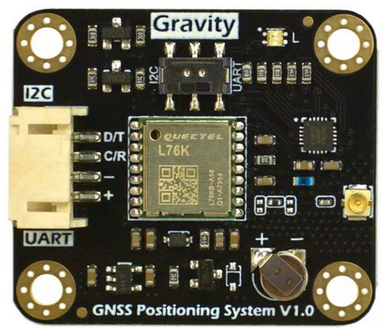
 Design with DfRobot Gravity: GNSS GPS in Cirkit Designer
Introduction
The DfRobot Gravity: GNSS GPS is a high-precision Global Navigation Satellite System (GNSS) module designed to provide accurate positioning and timing information. This module supports multiple satellite navigation systems, including GPS, GLONASS, Galileo, and BeiDou, ensuring reliable and precise location data. Its compact design and compatibility with the DfRobot Gravity series make it an excellent choice for robotics, IoT projects, drones, and other applications requiring real-time geolocation.
Explore Projects Built with DfRobot Gravity: GNSS GPS
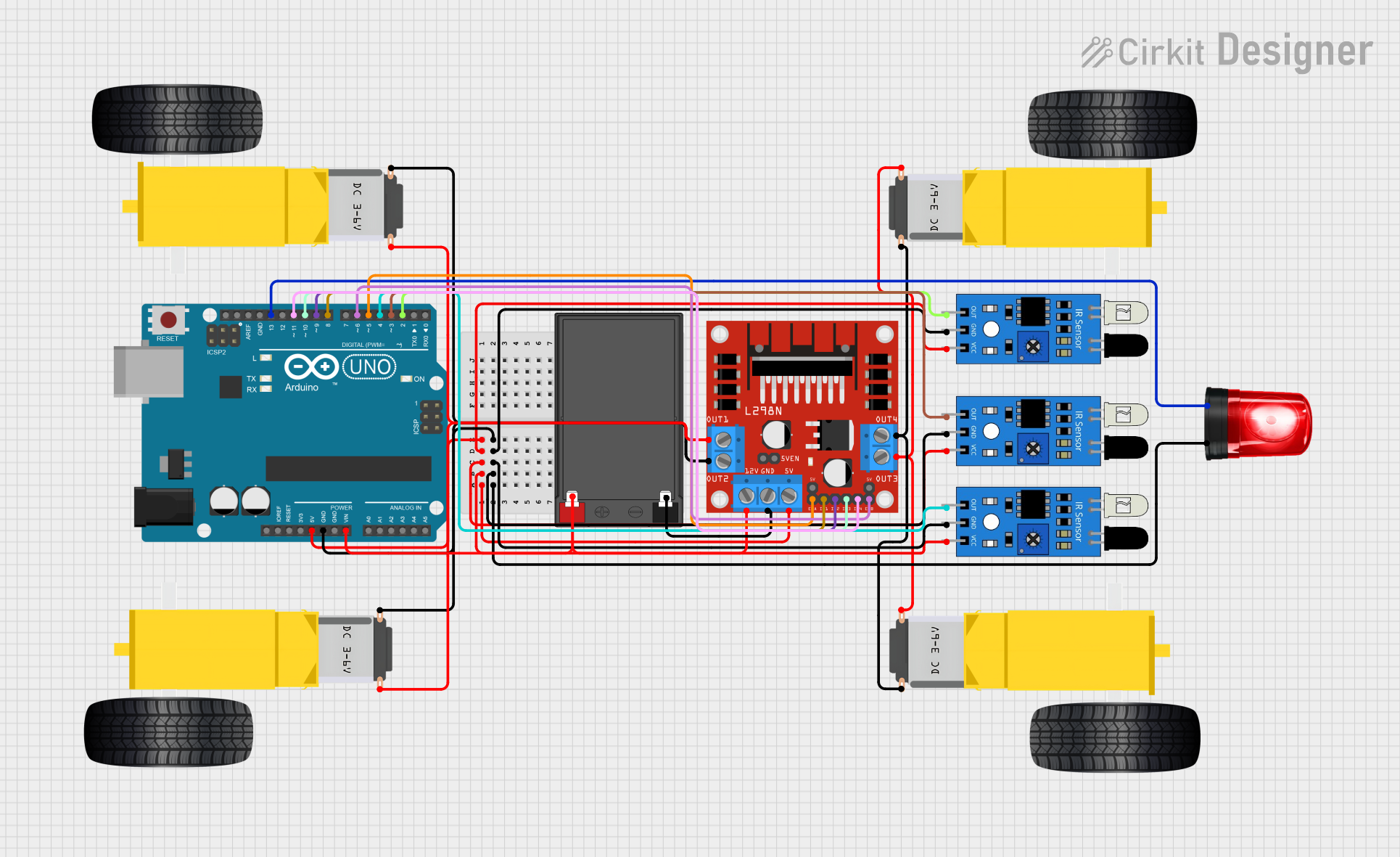 Open Project in Cirkit Designer
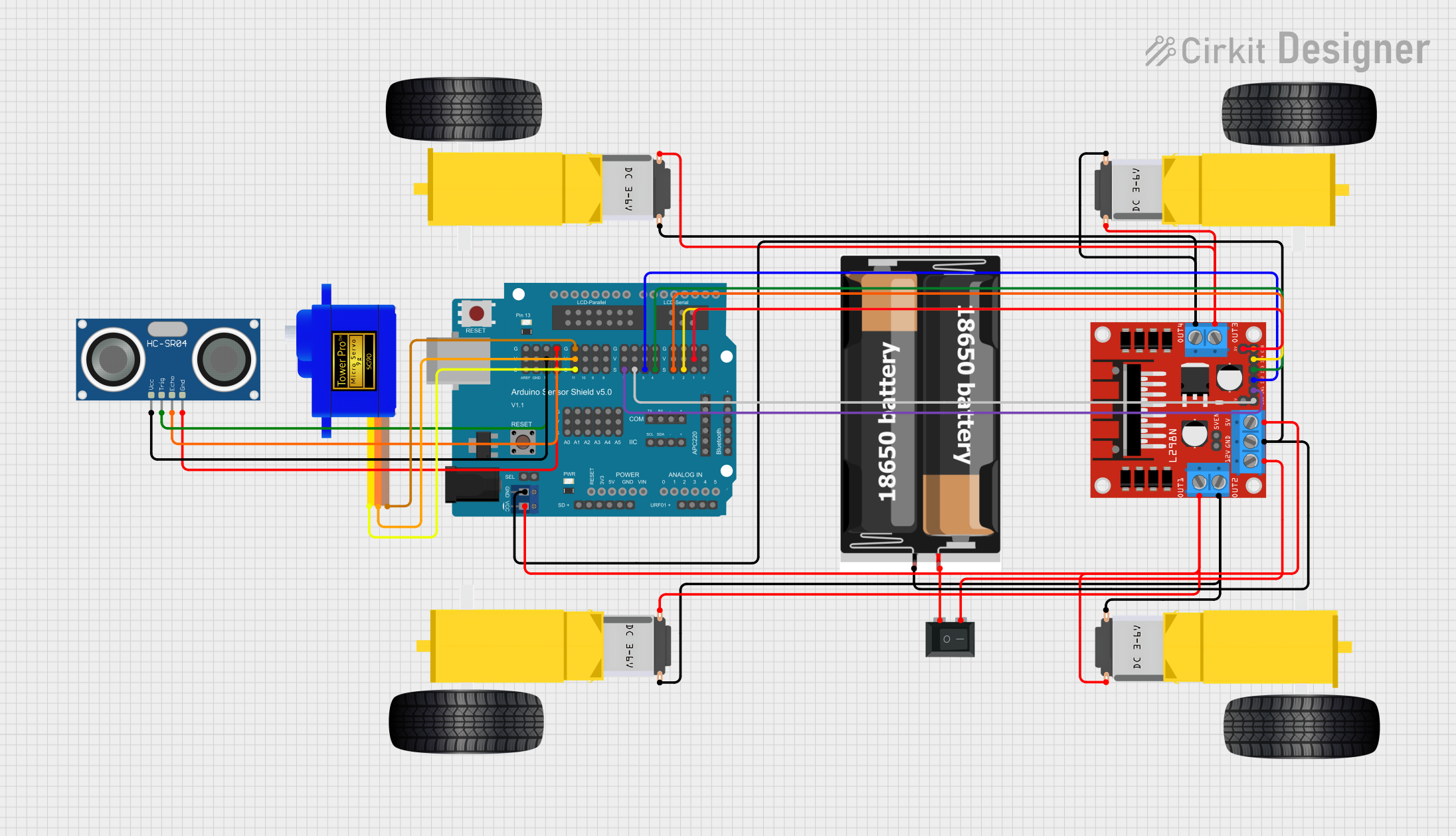 Open Project in Cirkit Designer
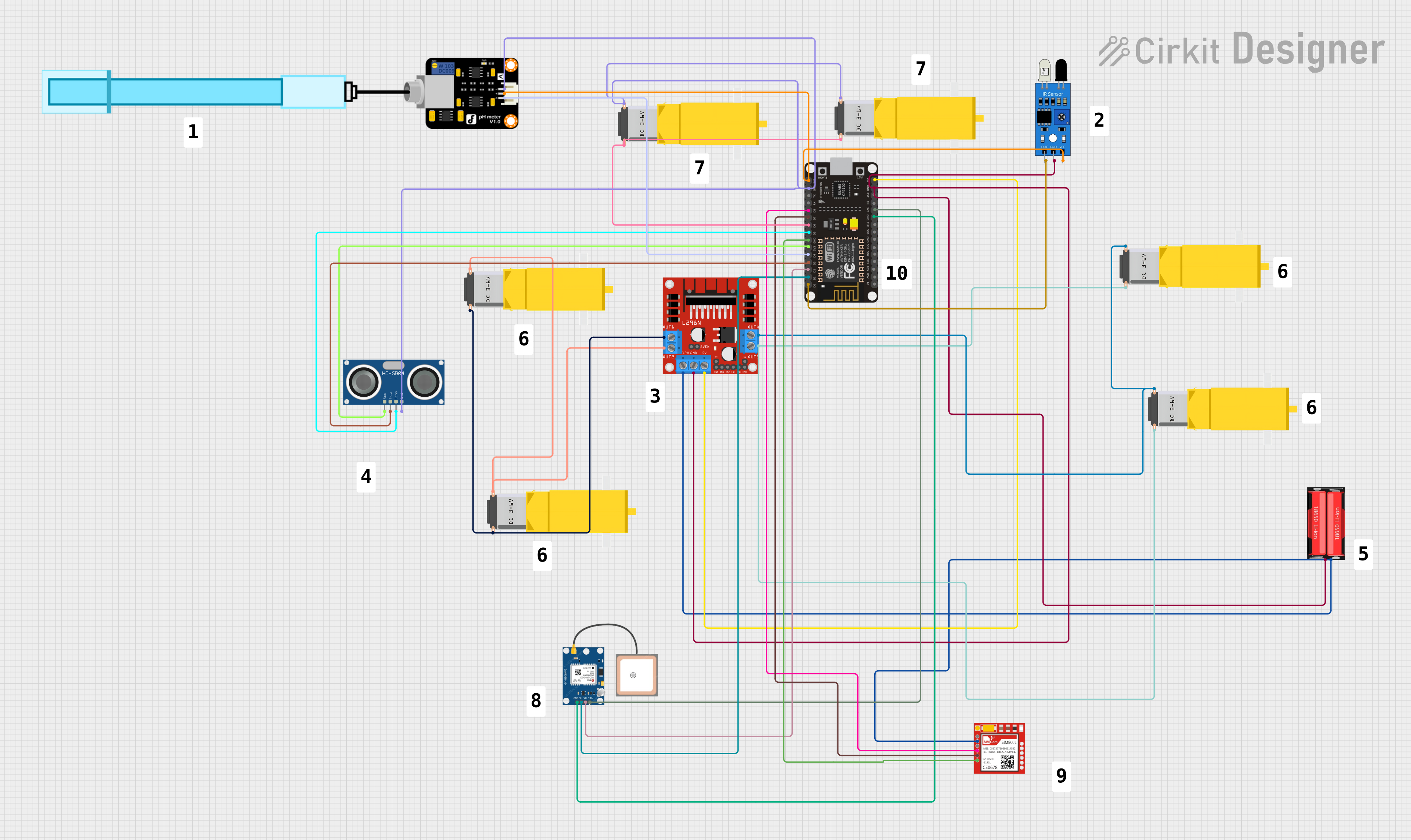 Open Project in Cirkit Designer
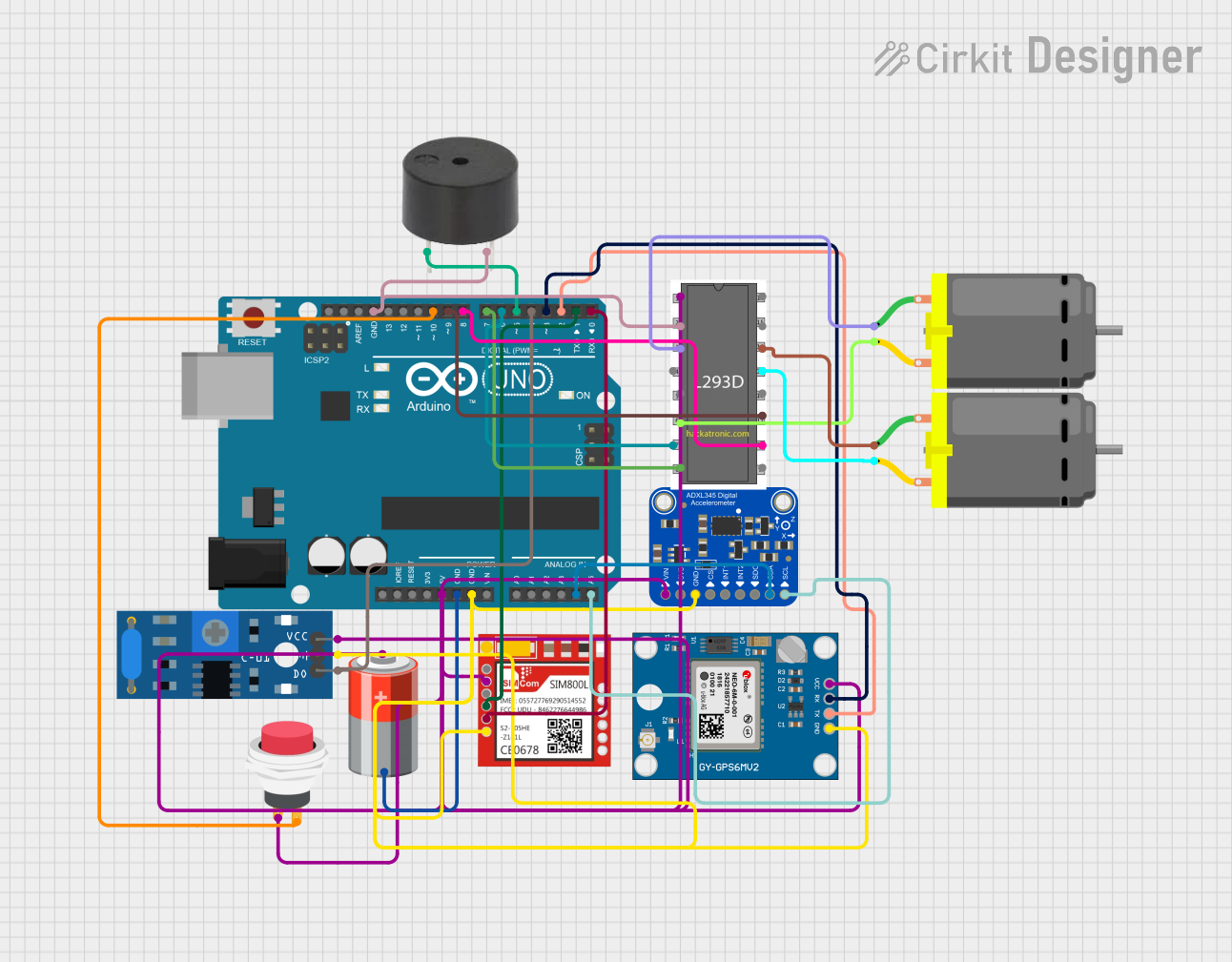 Open Project in Cirkit Designer
Explore Projects Built with DfRobot Gravity: GNSS GPS
Open Project in Cirkit DesignerOpen Project in Cirkit DesignerOpen Project in Cirkit DesignerOpen Project in Cirkit DesignerCommon Applications and Use Cases
- Robotics navigation and localization
- IoT devices requiring geolocation
- Drone flight control systems
- Vehicle tracking and fleet management
- Outdoor environmental monitoring systems
- Timing synchronization for distributed systems
Technical Specifications
The following table outlines the key technical details of the DfRobot Gravity: GNSS GPS module:
| Parameter | Specification |
|---|---|
| Operating Voltage | 3.3V - 5.0V |
| Operating Current | 30mA (typical) |
| Positioning Accuracy | 2.5m CEP (Circular Error Probable) |
| Satellite Systems | GPS, GLONASS, Galileo, BeiDou |
| Communication Interface | UART (default baud rate: 9600 bps) |
| Update Rate | 1Hz (default), configurable up to 10Hz |
| Operating Temperature | -40°C to +85°C |
| Dimensions | 30mm x 20mm |
| Weight | 5g |
Pin Configuration and Descriptions
The DfRobot Gravity: GNSS GPS module features a 4-pin interface for easy connection. The pinout is as follows:
| Pin | Name | Description |
|---|---|---|
| 1 | VCC | Power supply input (3.3V - 5.0V) |
| 2 | GND | Ground |
| 3 | TX | UART Transmit pin (sends data to the microcontroller) |
| 4 | RX | UART Receive pin (receives data from the microcontroller) |
Usage Instructions
How to Use the Component in a Circuit
- Power the Module: Connect the
VCCpin to a 3.3V or 5.0V power source and theGNDpin to ground. - Connect UART Pins:
- Connect the
TXpin of the module to theRXpin of your microcontroller. - Connect the
RXpin of the module to theTXpin of your microcontroller.
- Connect the
- Antenna Placement: Ensure the GNSS antenna is placed in an open area with a clear view of the sky for optimal satellite reception.
- Configure Baud Rate: The default baud rate is 9600 bps. If needed, configure your microcontroller to match this baud rate.
Important Considerations and Best Practices
- Antenna Orientation: Place the antenna facing upward and away from obstructions to maximize signal strength.
- Power Supply: Use a stable power source to avoid fluctuations that may affect performance.
- UART Communication: Ensure the microcontroller's UART pins are properly configured to avoid data transmission errors.
- Environmental Factors: Performance may degrade in areas with dense foliage, tall buildings, or indoors.
Example Code for Arduino UNO
Below is an example code snippet to interface the DfRobot Gravity: GNSS GPS module with an Arduino UNO:
#include <SoftwareSerial.h>

// Define RX and TX pins for SoftwareSerial
SoftwareSerial gpsSerial(4, 3); // RX = Pin 4, TX = Pin 3

void setup() {
  Serial.begin(9600); // Initialize Serial Monitor at 9600 bps
  gpsSerial.begin(9600); // Initialize GPS module at 9600 bps

  Serial.println("Initializing GNSS GPS module...");
}

void loop() {
  // Check if data is available from the GPS module
  while (gpsSerial.available()) {
    char gpsData = gpsSerial.read(); // Read one character from GPS module
    Serial.print(gpsData); // Print the character to Serial Monitor
  }
}
Notes:
- Replace
4and3inSoftwareSerial gpsSerial(4, 3)with the desired pins on your Arduino UNO. - Open the Serial Monitor (set to 9600 baud) to view the raw NMEA data output from the GNSS GPS module.
Troubleshooting and FAQs
Common Issues and Solutions
No Data Output on Serial Monitor
- Cause: Incorrect UART connection or mismatched baud rate.
- Solution: Verify the
TXandRXconnections and ensure the baud rate is set to 9600 bps.
Poor Satellite Signal
- Cause: Antenna placement or environmental obstructions.
- Solution: Place the antenna in an open area with a clear view of the sky.
Module Not Powering On
- Cause: Insufficient or unstable power supply.
- Solution: Ensure the power source provides 3.3V - 5.0V and is stable.
Data Corruption in Serial Output
- Cause: Noise or interference in UART communication.
- Solution: Use shorter wires for UART connections and ensure proper grounding.
FAQs
Q1: Can the update rate be increased beyond 1Hz?
Yes, the update rate can be configured up to 10Hz using specific commands sent to the module. Refer to the manufacturer's advanced configuration guide for details.
Q2: Does the module support indoor positioning?
The module is primarily designed for outdoor use. Indoor performance may be limited due to weak satellite signals.
Q3: Can I use this module with a Raspberry Pi?
Yes, the module can be connected to a Raspberry Pi via its UART interface. Ensure the Raspberry Pi's UART pins are properly configured.
Q4: What type of antenna is required?
The module typically comes with a ceramic patch antenna. For best results, use the included antenna or a compatible GNSS antenna with a clear view of the sky.