
How to Use lcd 14 pins: Examples, Pinouts, and Specs
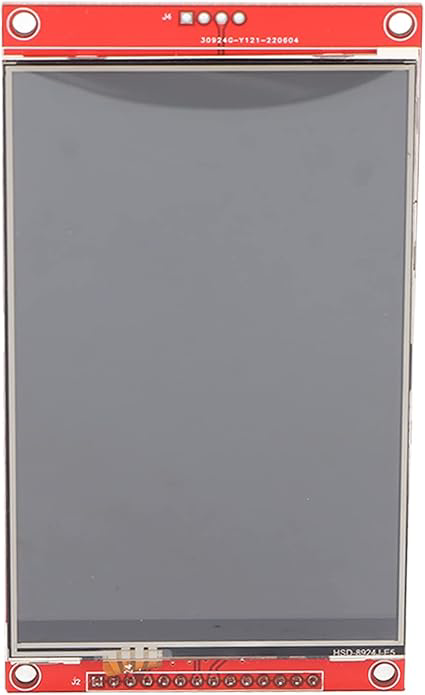
 Design with lcd 14 pins in Cirkit Designer
Introduction
The LCD 14-Pin Module (Manufacturer: Si Rasel, Part ID: LCD NGANI) is a versatile Liquid Crystal Display designed for displaying alphanumeric characters and simple graphics. It is widely used in embedded systems, microcontroller-based projects, and other electronic applications requiring a user interface. This module is compact, energy-efficient, and easy to interface with most microcontrollers, making it a popular choice for hobbyists and professionals alike.
Explore Projects Built with lcd 14 pins
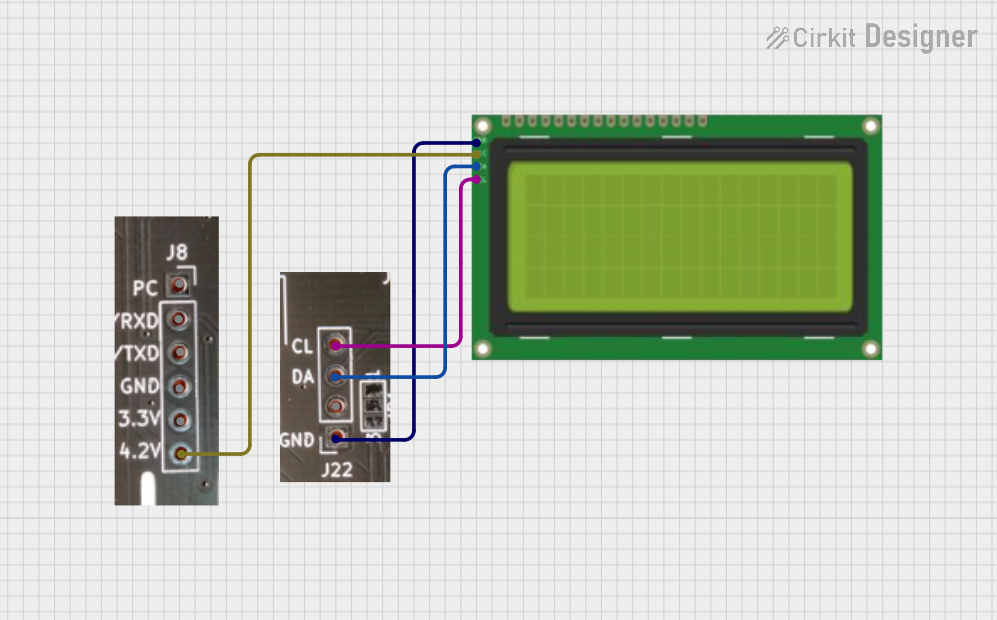 Open Project in Cirkit Designer
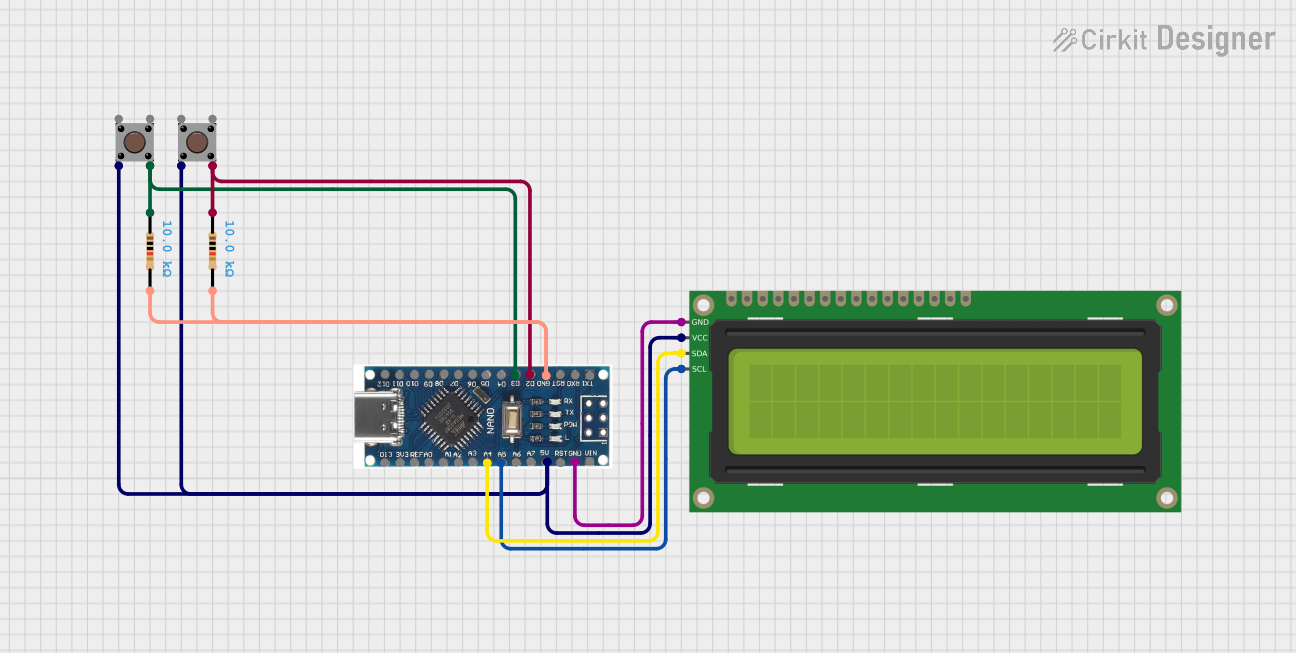 Open Project in Cirkit Designer
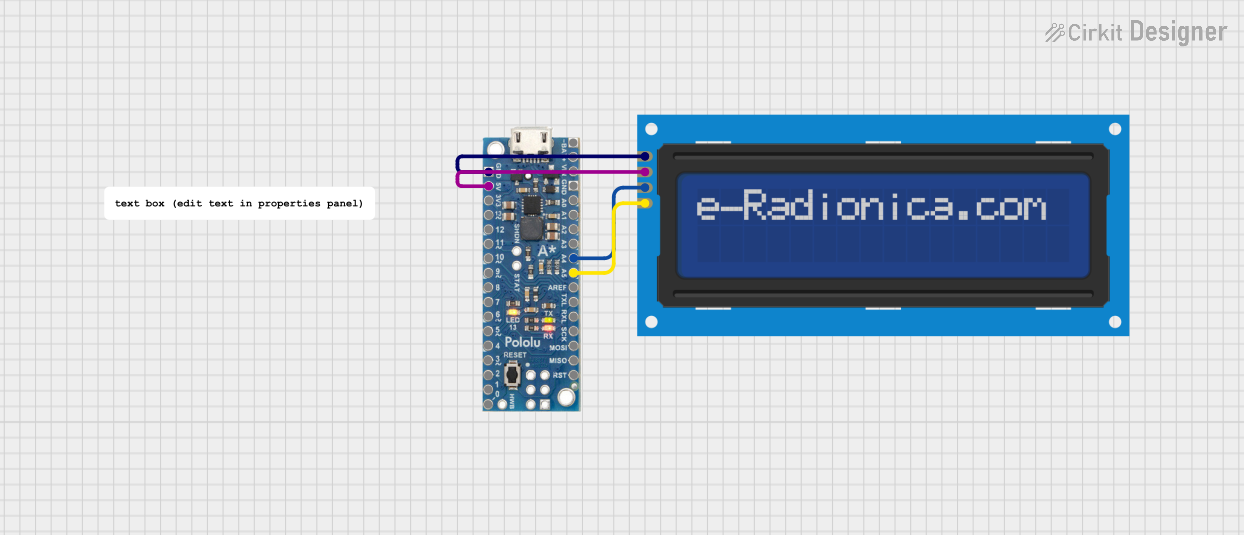 Open Project in Cirkit Designer
 Open Project in Cirkit Designer
Explore Projects Built with lcd 14 pins
Open Project in Cirkit DesignerOpen Project in Cirkit DesignerOpen Project in Cirkit DesignerOpen Project in Cirkit DesignerCommon Applications
- Digital clocks and timers
- Home automation systems
- Industrial control panels
- Educational and DIY electronics projects
- Data loggers and measurement devices
Technical Specifications
Below are the key technical details for the LCD 14-Pin Module:
| Parameter | Specification |
|---|---|
| Operating Voltage | 4.7V to 5.3V |
| Operating Current | 1.5mA (typical) |
| Display Type | Alphanumeric (16x2 or 20x4 variants) |
| Backlight Voltage | 4.2V to 4.6V |
| Backlight Current | 120mA (typical) |
| Character Size | 5x8 dot matrix |
| Interface Type | Parallel (4-bit or 8-bit mode) |
| Operating Temperature | -20°C to +70°C |
Pin Configuration and Descriptions
The LCD 14-Pin Module has the following pinout:
| Pin Number | Pin Name | Description |
|---|---|---|
| 1 | VSS | Ground (0V) connection |
| 2 | VDD | Power supply (4.7V to 5.3V) |
| 3 | V0 | Contrast adjustment (connect to a potentiometer for contrast control) |
| 4 | RS | Register Select: 0 = Command Register, 1 = Data Register |
| 5 | RW | Read/Write: 0 = Write, 1 = Read |
| 6 | E | Enable: Triggers data read/write when transitioning from HIGH to LOW |
| 7 | D0 | Data Bit 0 (used in 8-bit mode only) |
| 8 | D1 | Data Bit 1 (used in 8-bit mode only) |
| 9 | D2 | Data Bit 2 (used in 8-bit mode only) |
| 10 | D3 | Data Bit 3 (used in 8-bit mode only) |
| 11 | D4 | Data Bit 4 (used in both 4-bit and 8-bit modes) |
| 12 | D5 | Data Bit 5 (used in both 4-bit and 8-bit modes) |
| 13 | D6 | Data Bit 6 (used in both 4-bit and 8-bit modes) |
| 14 | D7 | Data Bit 7 (used in both 4-bit and 8-bit modes) |
Usage Instructions
How to Use the LCD 14-Pin Module in a Circuit
- Power Supply: Connect Pin 1 (VSS) to ground and Pin 2 (VDD) to a 5V power source.
- Contrast Adjustment: Connect Pin 3 (V0) to the wiper of a 10kΩ potentiometer. Connect the other two terminals of the potentiometer to VDD and GND.
- Control Pins:
- Connect Pin 4 (RS) to a microcontroller GPIO pin.
- Connect Pin 5 (RW) to GND for write-only mode.
- Connect Pin 6 (E) to another GPIO pin for enabling data transfer.
- Data Pins:
- For 4-bit mode, connect Pins 11-14 (D4-D7) to GPIO pins on the microcontroller.
- For 8-bit mode, connect Pins 7-14 (D0-D7) to GPIO pins on the microcontroller.
- Backlight: If the module has a backlight, connect it to a suitable power source (typically 5V) with a current-limiting resistor.
Important Considerations
- Ensure the power supply voltage is within the specified range to avoid damage.
- Use a decoupling capacitor (e.g., 0.1µF) across the power supply pins to reduce noise.
- For 4-bit mode, data is sent in two nibbles (high nibble first, then low nibble).
- Always initialize the LCD with the correct command sequence before use.
Example Code for Arduino UNO
Below is an example of interfacing the LCD 14-Pin Module with an Arduino UNO in 4-bit mode:
#include <LiquidCrystal.h>

// Initialize the library with the pins connected to the LCD
// RS, E, D4, D5, D6, D7
LiquidCrystal lcd(7, 8, 9, 10, 11, 12);

void setup() {
  lcd.begin(16, 2); // Set up the LCD's number of columns and rows
  lcd.print("Hello, World!"); // Print a message to the LCD
}

void loop() {
  lcd.setCursor(0, 1); // Move the cursor to the second row
  lcd.print(millis() / 1000); // Display the elapsed time in seconds
}
Notes:
- Connect the LCD pins to the Arduino as follows:
- RS to Pin 7
- E to Pin 8
- D4 to Pin 9
- D5 to Pin 10
- D6 to Pin 11
- D7 to Pin 12
- Adjust the contrast using the potentiometer for optimal display clarity.
Troubleshooting and FAQs
Common Issues
No Display on the LCD:
- Check the power supply connections (VSS and VDD).
- Ensure the contrast pin (V0) is properly connected to a potentiometer.
- Verify the initialization sequence in the code.
Garbled or Incorrect Characters:
- Ensure the data pins (D4-D7 or D0-D7) are correctly connected.
- Check for loose or faulty connections.
- Verify the microcontroller code for proper command sequences.
Backlight Not Working:
- Confirm the backlight pins are connected to the correct voltage and current-limiting resistor.
- Check for any damage to the backlight circuit.
FAQs
Q: Can I use the LCD 14-Pin Module with a 3.3V microcontroller?
A: Yes, but you will need a level shifter or voltage divider for the control and data pins to avoid damage.
Q: How do I switch between 4-bit and 8-bit modes?
A: The mode is determined by the initialization commands sent to the LCD. Refer to the module's datasheet for the specific command sequence.
Q: Can I use this LCD without a microcontroller?
A: Yes, but you will need additional circuitry (e.g., shift registers) to control the LCD manually.
Q: What is the maximum cable length for connecting the LCD?
A: Keep the cable length as short as possible (typically less than 30cm) to avoid signal degradation. Use shielded cables if longer distances are required.