
How to Use DC motor: Examples, Pinouts, and Specs
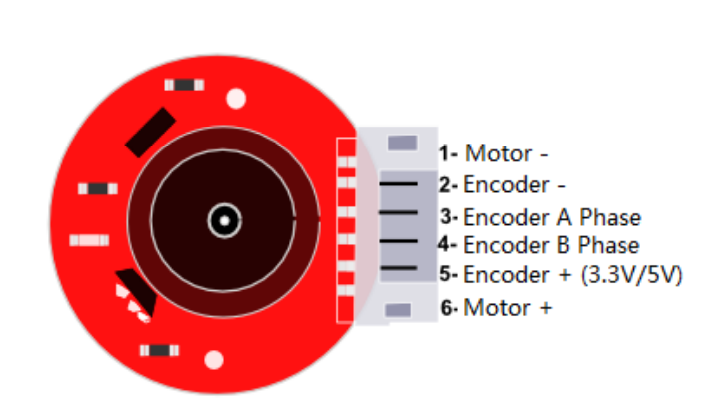
 Design with DC motor in Cirkit Designer
Introduction
A DC motor is an electromechanical device that converts direct current (DC) electrical energy into mechanical energy, enabling rotational motion. It operates on the principle of electromagnetism, where a magnetic field is generated by current flowing through a coil, causing the motor's rotor to spin. DC motors are widely used due to their simplicity, reliability, and ease of control.
Explore Projects Built with DC motor
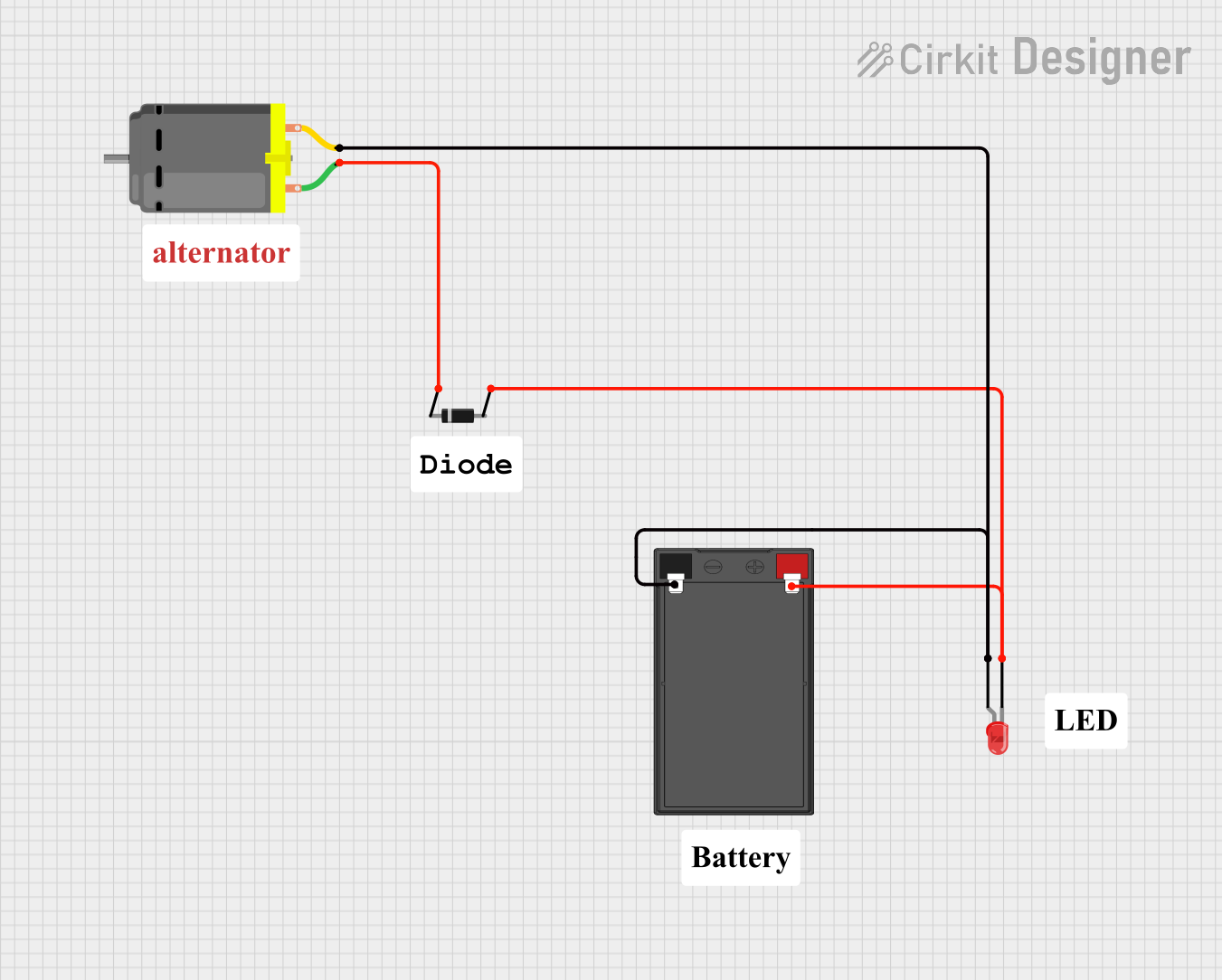 Open Project in Cirkit Designer
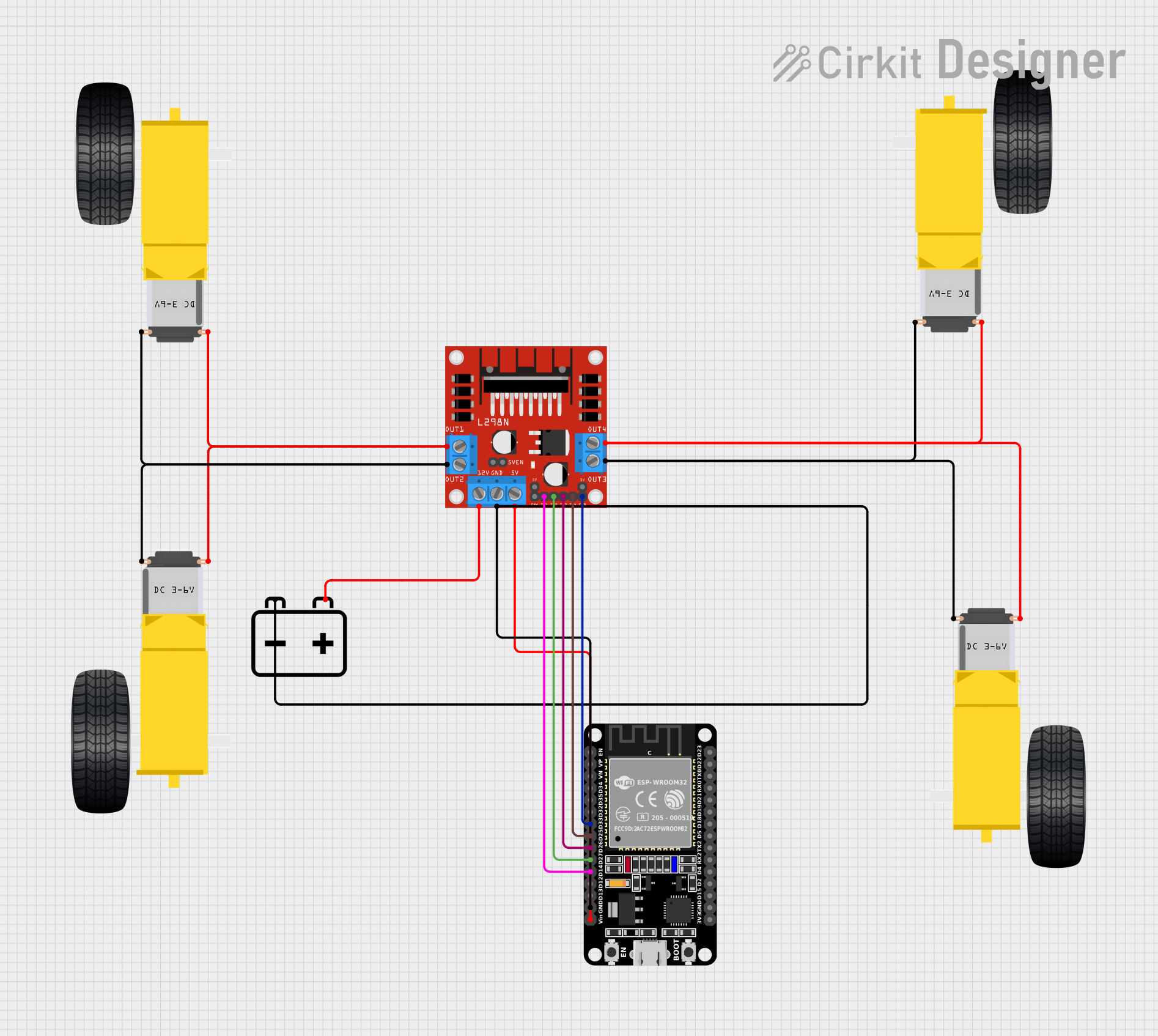 Open Project in Cirkit Designer
 Open Project in Cirkit Designer
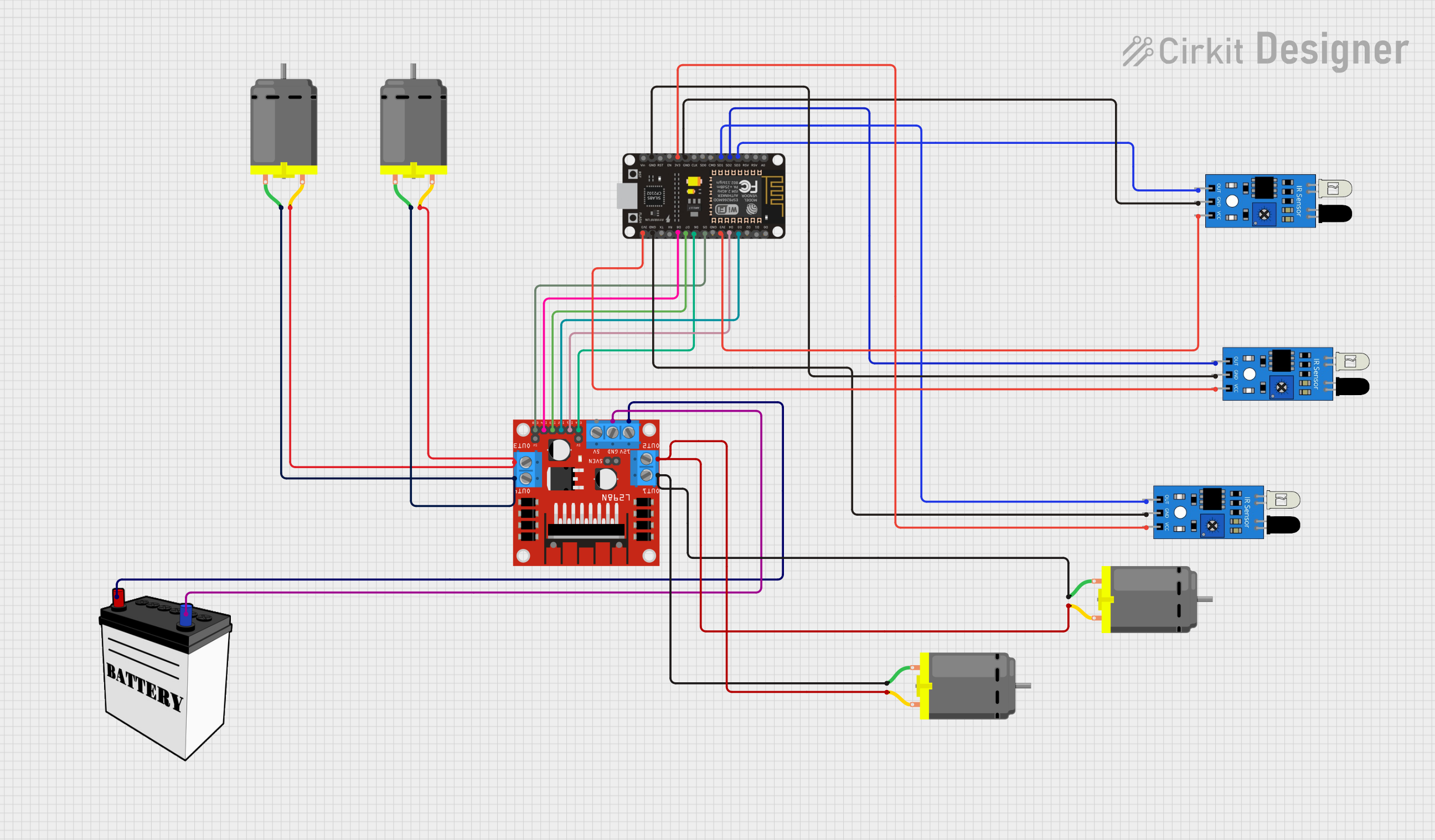 Open Project in Cirkit Designer
Explore Projects Built with DC motor
Open Project in Cirkit DesignerOpen Project in Cirkit DesignerOpen Project in Cirkit DesignerOpen Project in Cirkit DesignerCommon Applications and Use Cases
- Robotics: For driving wheels, arms, or other moving parts.
- Fans and Blowers: To create airflow in cooling systems or ventilation.
- Electric Vehicles: For propulsion systems in cars, bikes, and scooters.
- Industrial Automation: In conveyor belts, pumps, and actuators.
- Toys: To power small moving parts in remote-controlled cars and other devices.
Technical Specifications
Below are the general technical specifications for a typical DC motor. Note that actual values may vary depending on the specific model and manufacturer.
| Parameter | Specification |
|---|---|
| Operating Voltage | 3V to 24V DC (varies by model) |
| Rated Current | 100mA to 2A (depending on load) |
| Stall Current | Up to 10A (varies by motor size) |
| Speed | 1000 to 10,000 RPM (no load) |
| Torque | 0.1 to 10 Nm (varies by model) |
| Power Output | 0.1W to 100W |
| Motor Type | Brushed or Brushless DC |
| Shaft Diameter | 2mm to 6mm |
| Dimensions | Varies (e.g., 25mm x 20mm for small motors) |
Pin Configuration and Descriptions
DC motors typically have two terminals for electrical connections. These terminals are used to control the motor's direction and speed.
| Pin | Description |
|---|---|
| + | Positive terminal: Connect to the positive voltage supply. |
| - | Negative terminal: Connect to ground or negative voltage. |
For motors with additional features (e.g., encoders or speed sensors), there may be extra pins. Refer to the motor's datasheet for details.
Usage Instructions
How to Use the Component in a Circuit
- Power Supply: Ensure the motor is powered within its specified voltage range. Use a DC power source or a battery.
- Motor Driver: Use a motor driver IC (e.g., L298N, L293D) or an H-bridge circuit to control the motor. Directly connecting the motor to a microcontroller is not recommended due to high current draw.
- Direction Control: Reverse the polarity of the voltage applied to the motor terminals to change the direction of rotation.
- Speed Control: Use Pulse Width Modulation (PWM) to control the motor's speed. This can be achieved using a microcontroller like an Arduino.
Important Considerations and Best Practices
- Current Handling: Ensure the power supply and motor driver can handle the motor's stall current to avoid damage.
- Heat Dissipation: Motors can heat up during operation. Provide adequate ventilation or heat sinks if necessary.
- Noise Suppression: Add capacitors (e.g., 0.1µF) across the motor terminals to reduce electrical noise.
- Load Matching: Avoid overloading the motor beyond its rated torque to prevent stalling or damage.
- Power Isolation: Use separate power supplies for the motor and control circuitry to prevent noise interference.
Example: Connecting a DC Motor to an Arduino UNO
Below is an example of controlling a DC motor using an Arduino UNO and an L298N motor driver.
Circuit Diagram
- Connect the motor terminals to the L298N motor driver outputs (OUT1 and OUT2).
- Connect the L298N's input pins (IN1 and IN2) to Arduino digital pins 9 and 10.
- Connect the L298N's enable pin (EN1) to Arduino digital pin 3 for PWM control.
Arduino Code
// Define motor control pins
const int IN1 = 9;  // Motor direction pin 1
const int IN2 = 10; // Motor direction pin 2
const int ENA = 3;  // Motor speed control (PWM pin)

void setup() {
  // Set motor control pins as outputs
  pinMode(IN1, OUTPUT);
  pinMode(IN2, OUTPUT);
  pinMode(ENA, OUTPUT);
}

void loop() {
  // Rotate motor clockwise at 50% speed
  digitalWrite(IN1, HIGH);  // Set direction
  digitalWrite(IN2, LOW);
  analogWrite(ENA, 128);    // Set speed (0-255)

  delay(2000); // Run for 2 seconds

  // Rotate motor counterclockwise at full speed
  digitalWrite(IN1, LOW);   // Reverse direction
  digitalWrite(IN2, HIGH);
  analogWrite(ENA, 255);    // Set speed to maximum

  delay(2000); // Run for 2 seconds

  // Stop the motor
  digitalWrite(IN1, LOW);
  digitalWrite(IN2, LOW);
  analogWrite(ENA, 0);      // Set speed to 0

  delay(2000); // Wait for 2 seconds before repeating
}
Troubleshooting and FAQs
Common Issues and Solutions
Motor Does Not Spin:
- Check the power supply voltage and current ratings.
- Verify connections to the motor driver and ensure the driver is functioning.
- Ensure the motor is not overloaded or stalled.
Motor Spins in the Wrong Direction:
- Reverse the polarity of the motor terminals or adjust the control signals (e.g., IN1 and IN2).
Motor Overheats:
- Reduce the load on the motor.
- Check for proper ventilation or add a heat sink.
Excessive Noise or Vibration:
- Add capacitors across the motor terminals to suppress electrical noise.
- Ensure the motor is securely mounted to reduce mechanical vibration.
Arduino Resets When Motor Starts:
- Use a separate power supply for the motor to prevent voltage drops affecting the Arduino.
FAQs
Q: Can I connect a DC motor directly to an Arduino?
A: No, the Arduino cannot supply the high current required by a DC motor. Use a motor driver or an H-bridge circuit.
Q: How do I control the speed of a DC motor?
A: Use PWM (Pulse Width Modulation) to vary the voltage applied to the motor, which controls its speed.
Q: What is stall current, and why is it important?
A: Stall current is the maximum current the motor draws when it is not rotating. Ensure your power supply and driver can handle this current to avoid damage.
Q: Can I use a DC motor for precise positioning?
A: DC motors are not ideal for precise positioning. Use a stepper motor or a DC motor with an encoder for such applications.