
How to Use Adafruit BNO055 and BMP280 BFF: Examples, Pinouts, and Specs
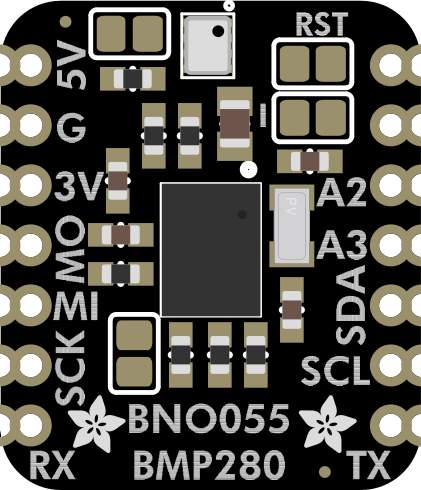
 Design with Adafruit BNO055 and BMP280 BFF in Cirkit Designer
Introduction
The Adafruit BNO055 and BMP280 BFF (Manufacturer Part ID: 5937) is a compact breakout board that integrates two powerful sensors:
- BNO055: A 9-DOF (Degrees of Freedom) sensor that combines an accelerometer, gyroscope, and magnetometer with an onboard microcontroller for sensor fusion, providing orientation and motion tracking data.
- BMP280: A barometric pressure sensor capable of measuring atmospheric pressure and temperature, ideal for altitude calculations and environmental monitoring.
This combination makes the board an excellent choice for applications such as robotics, drones, wearable devices, and weather stations.
Explore Projects Built with Adafruit BNO055 and BMP280 BFF
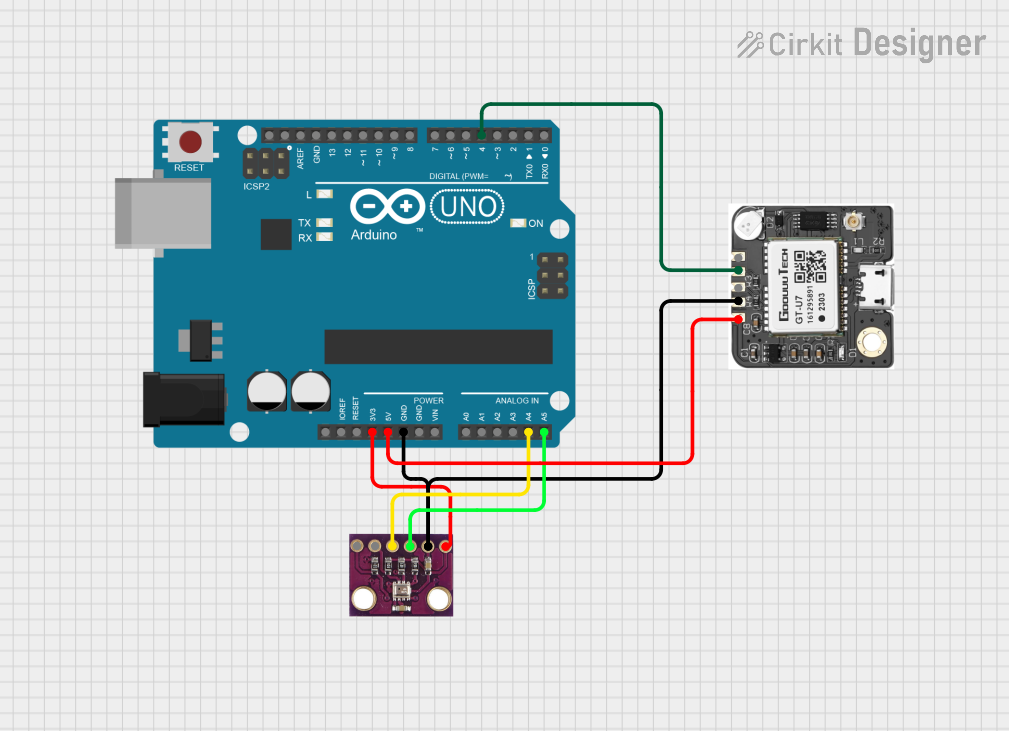 Open Project in Cirkit Designer
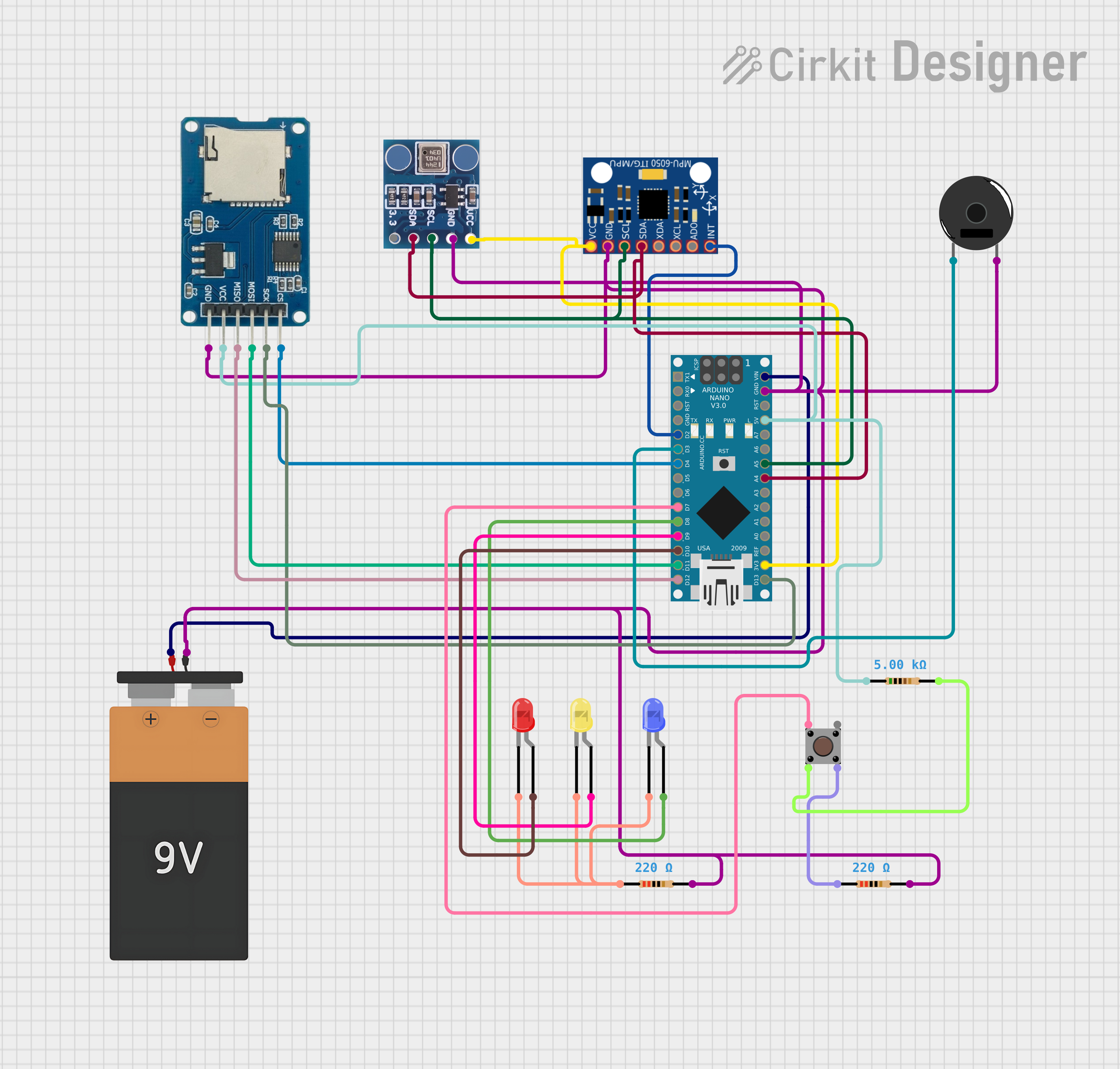 Open Project in Cirkit Designer
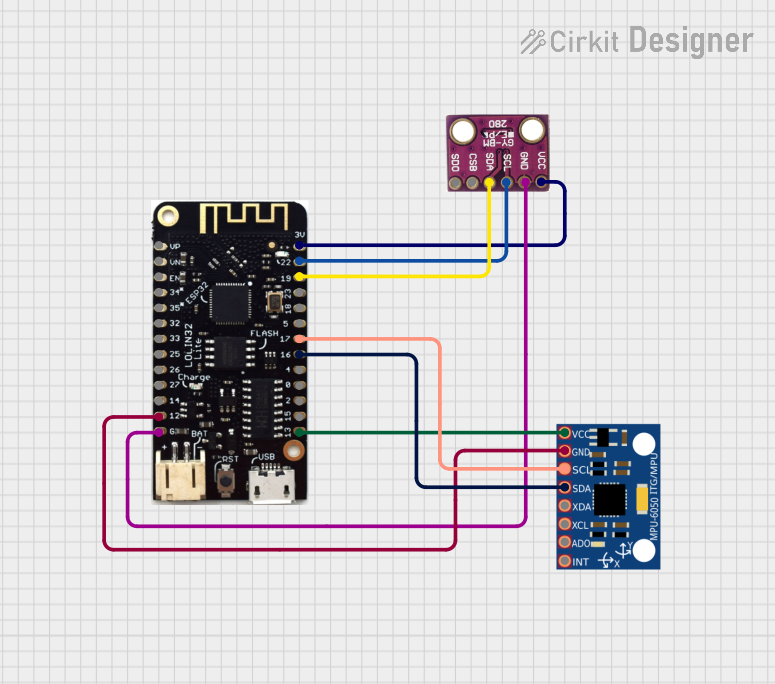 Open Project in Cirkit Designer
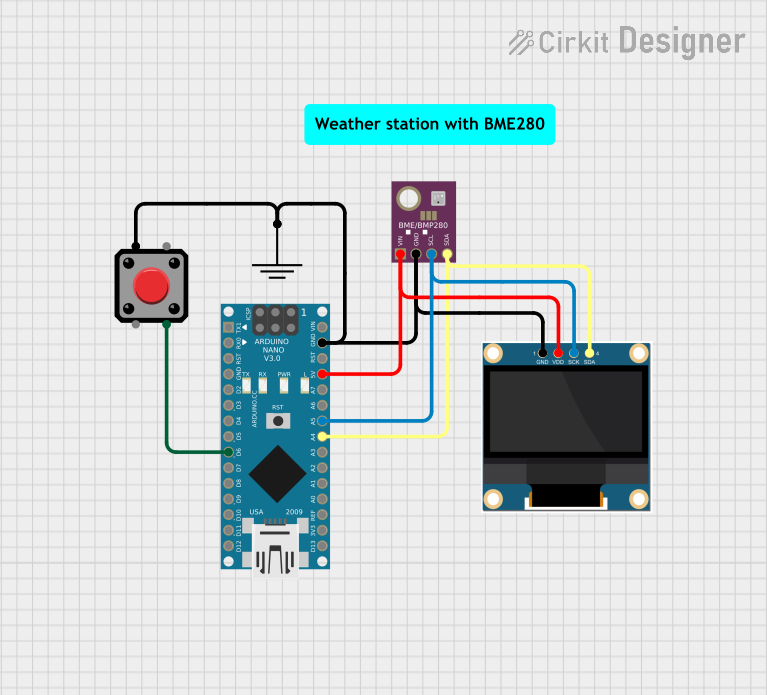 Open Project in Cirkit Designer
Explore Projects Built with Adafruit BNO055 and BMP280 BFF
Open Project in Cirkit DesignerOpen Project in Cirkit DesignerOpen Project in Cirkit DesignerOpen Project in Cirkit DesignerCommon Applications
- Robotics for motion tracking and orientation sensing
- Drones for altitude and orientation control
- Environmental monitoring systems
- Wearable devices for activity tracking
- IoT projects requiring precise motion and environmental data
Technical Specifications
Key Technical Details
| Parameter | BNO055 | BMP280 |
|---|---|---|
| Sensor Type | 9-DOF IMU (Accelerometer, Gyroscope, Magnetometer) | Barometric Pressure and Temperature Sensor |
| Operating Voltage | 3.3V or 5V | 3.3V or 5V |
| Communication Interface | I²C or UART | I²C |
| Pressure Measurement Range | N/A | 300 hPa to 1100 hPa |
| Temperature Measurement Range | N/A | -40°C to +85°C |
| Orientation Accuracy | ±2.5° | N/A |
| Pressure Accuracy | N/A | ±1 hPa |
| Temperature Accuracy | N/A | ±1°C |
| Dimensions | 25mm x 25mm | Integrated on the same board |
Pin Configuration and Descriptions
| Pin | Name | Description |
|---|---|---|
| 1 | VIN | Power input (3.3V or 5V). Powers both the BNO055 and BMP280 sensors. |
| 2 | GND | Ground connection. |
| 3 | SDA | I²C data line. Used for communication with both sensors. |
| 4 | SCL | I²C clock line. Used for communication with both sensors. |
| 5 | INT | Interrupt pin for the BNO055 sensor. Can be used for event-driven applications. |
| 6 | RST | Reset pin for the BNO055 sensor. |
Usage Instructions
How to Use the Component in a Circuit
Powering the Board:
- Connect the VIN pin to a 3.3V or 5V power source.
- Connect the GND pin to the ground of your circuit.
I²C Communication:
- Connect the SDA pin to the SDA pin of your microcontroller.
- Connect the SCL pin to the SCL pin of your microcontroller.
Optional Connections:
- Use the INT pin if you need interrupt-driven functionality from the BNO055.
- Use the RST pin to reset the BNO055 sensor programmatically.
Pull-Up Resistors:
- Ensure that your I²C lines (SDA and SCL) have appropriate pull-up resistors (typically 4.7kΩ).
Important Considerations and Best Practices
- Voltage Compatibility: The board is designed to work with both 3.3V and 5V systems. Ensure your microcontroller matches the voltage level.
- I²C Address: The default I²C address for the BNO055 is
0x28, and for the BMP280, it is0x76. Ensure there are no address conflicts in your I²C bus. - Calibration: The BNO055 requires calibration for accurate orientation data. Follow the calibration procedure provided in the Adafruit library documentation.
- Environmental Factors: Avoid exposing the BMP280 sensor to water or high humidity, as it may affect its accuracy.
Example Code for Arduino UNO
Below is an example code snippet to read data from both the BNO055 and BMP280 sensors using the Adafruit libraries.
#include <Wire.h>
#include <Adafruit_Sensor.h>
#include <Adafruit_BNO055.h>
#include <Adafruit_BMP280.h>

// Create sensor objects
Adafruit_BNO055 bno = Adafruit_BNO055(55, 0x28); // BNO055 with I2C address 0x28
Adafruit_BMP280 bmp; // BMP280 with default I2C address 0x76

void setup() {
  Serial.begin(9600);
  while (!Serial); // Wait for Serial Monitor to open

  // Initialize BNO055
  if (!bno.begin()) {
    Serial.println("Error: BNO055 not detected. Check wiring!");
    while (1);
  }
  Serial.println("BNO055 initialized!");

  // Initialize BMP280
  if (!bmp.begin(0x76)) {
    Serial.println("Error: BMP280 not detected. Check wiring!");
    while (1);
  }
  Serial.println("BMP280 initialized!");
}

void loop() {
  // Read orientation data from BNO055
  sensors_event_t event;
  bno.getEvent(&event);
  Serial.print("Orientation: ");
  Serial.print("X: "); Serial.print(event.orientation.x);
  Serial.print(" Y: "); Serial.print(event.orientation.y);
  Serial.print(" Z: "); Serial.println(event.orientation.z);

  // Read pressure and temperature from BMP280
  Serial.print("Pressure: ");
  Serial.print(bmp.readPressure());
  Serial.println(" Pa");
  Serial.print("Temperature: ");
  Serial.print(bmp.readTemperature());
  Serial.println(" °C");

  delay(1000); // Wait 1 second before next reading
}
Troubleshooting and FAQs
Common Issues and Solutions
Sensors Not Detected:
- Issue: The BNO055 or BMP280 is not detected on the I²C bus.
- Solution:
- Check the wiring and ensure SDA and SCL are connected correctly.
- Verify that the I²C addresses (
0x28for BNO055,0x76for BMP280) are correct. - Ensure pull-up resistors are present on the I²C lines.
Incorrect Orientation Data:
- Issue: The BNO055 outputs inaccurate orientation readings.
- Solution:
- Perform the calibration procedure as described in the Adafruit library documentation.
- Ensure the sensor is mounted securely and is not subject to vibrations.
Inconsistent Pressure or Temperature Readings:
- Issue: The BMP280 outputs fluctuating or incorrect data.
- Solution:
- Avoid exposing the sensor to rapid temperature changes or high humidity.
- Verify the power supply voltage is stable.
FAQs
Can I use this board with a 5V microcontroller?
Yes, the board is compatible with both 3.3V and 5V systems.Do I need separate libraries for the BNO055 and BMP280?
Yes, you will need the Adafruit BNO055 and Adafruit BMP280 libraries, both available in the Arduino Library Manager.How do I reset the BNO055 sensor?
You can reset the sensor by toggling the RST pin or using thebno.begin()function in your code.What is the maximum I²C bus speed supported?
The sensors support standard (100 kHz) and fast (400 kHz) I²C speeds.
This documentation provides a comprehensive guide to using the Adafruit BNO055 and BMP280 BFF breakout board. For further assistance, refer to the official Adafruit documentation and forums.