
How to Use delta dvp40es200r: Examples, Pinouts, and Specs
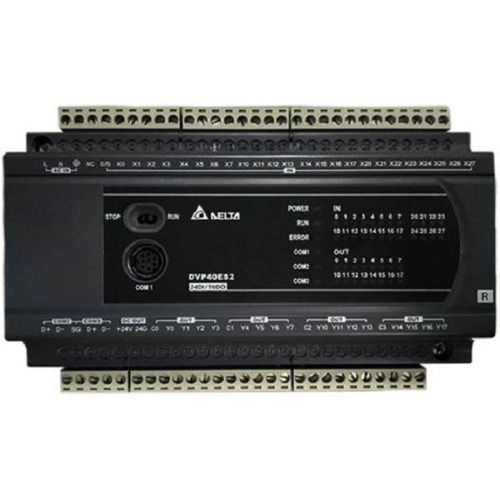
 Design with delta dvp40es200r in Cirkit Designer
Introduction
The Delta DVP40ES200R is a programmable logic controller (PLC) designed for industrial automation applications. Manufactured by Delta, this PLC is part of the ES2 series and is known for its compact design, high-speed processing capabilities, and versatile input/output (I/O) options. It is widely used in industries for controlling machinery, automating processes, and improving operational efficiency.
Explore Projects Built with delta dvp40es200r
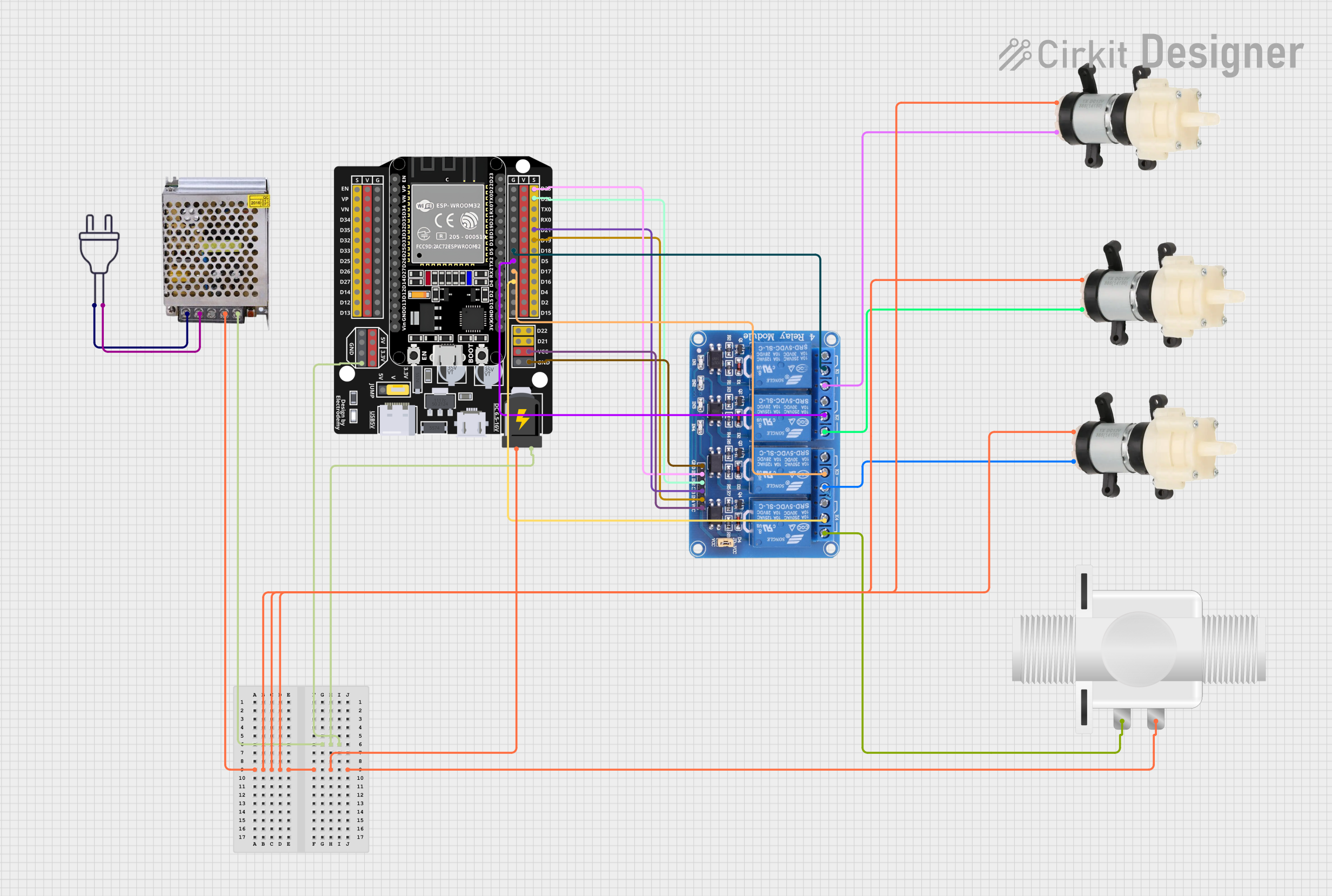 Open Project in Cirkit Designer
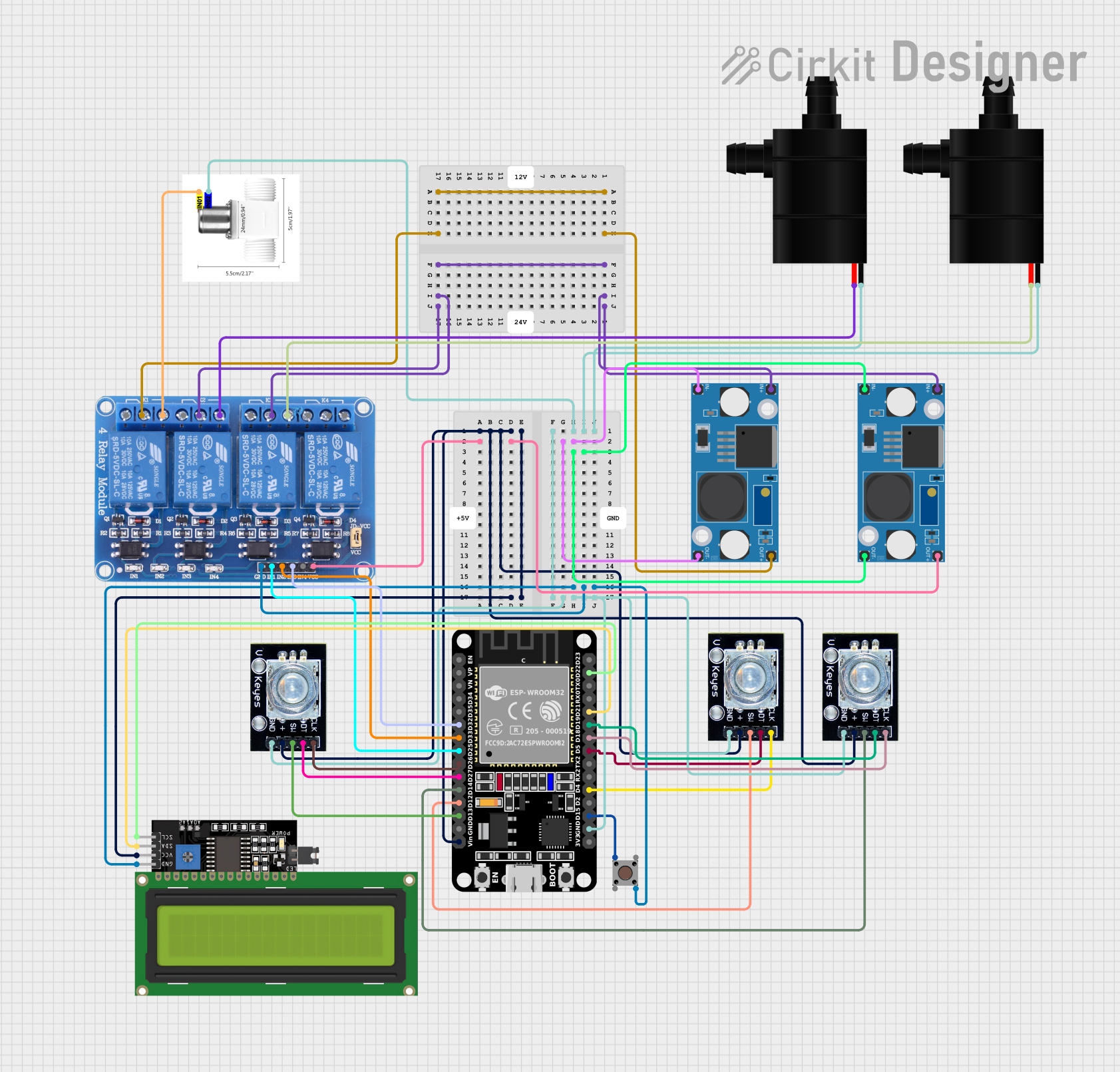 Open Project in Cirkit Designer
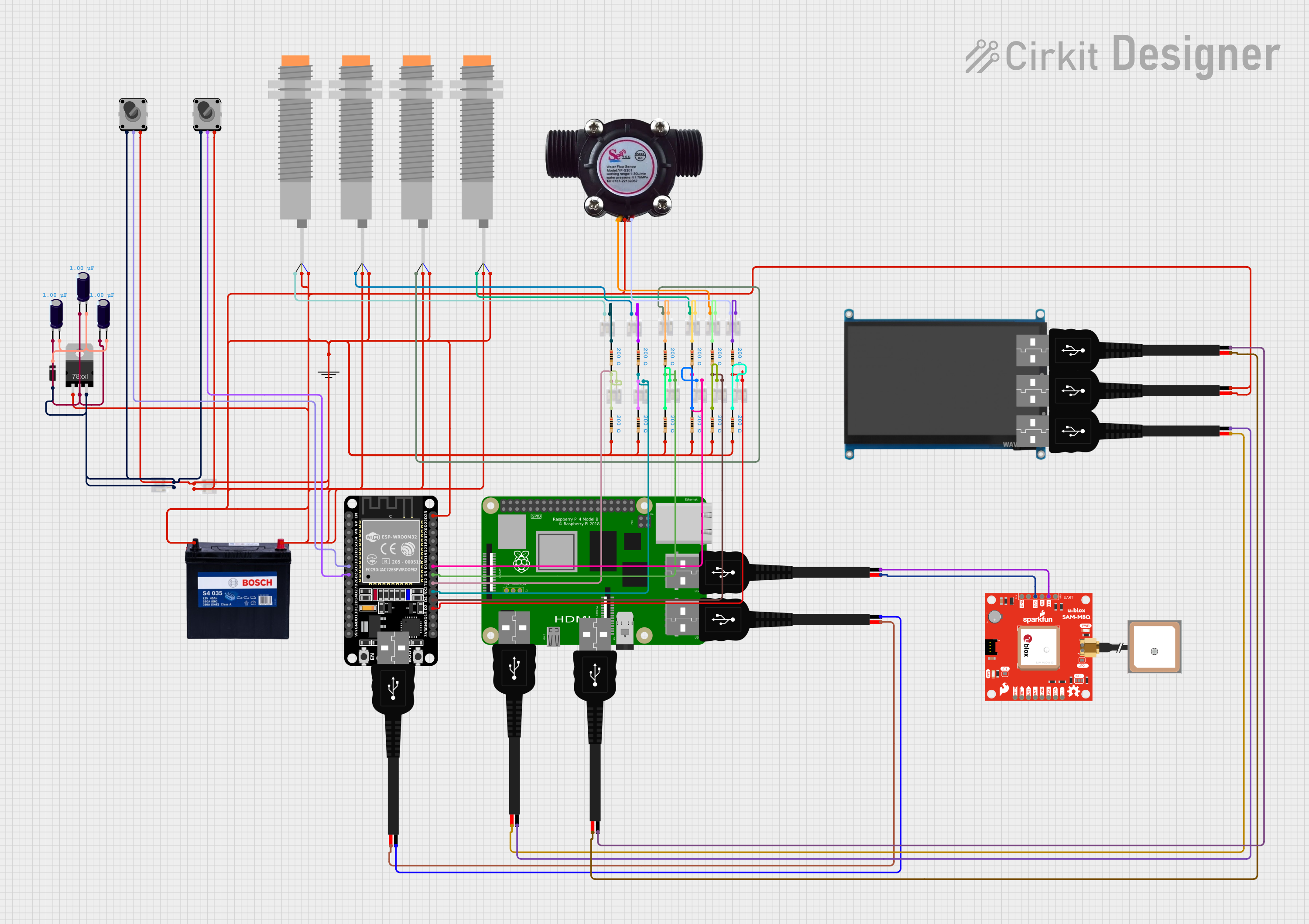 Open Project in Cirkit Designer
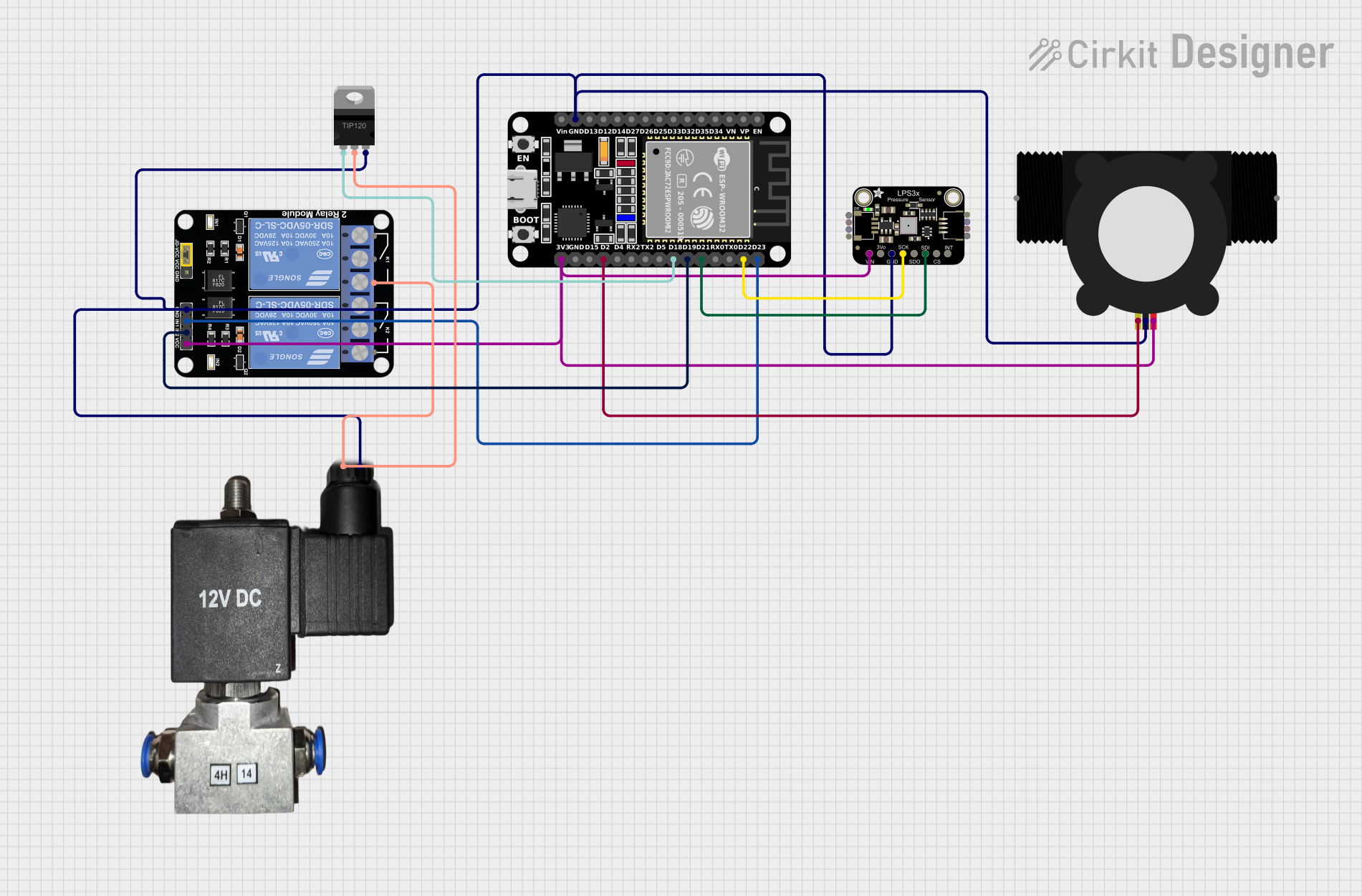 Open Project in Cirkit Designer
Explore Projects Built with delta dvp40es200r
Open Project in Cirkit DesignerOpen Project in Cirkit DesignerOpen Project in Cirkit DesignerOpen Project in Cirkit DesignerCommon Applications and Use Cases
- Industrial automation and process control
- Conveyor belt systems
- Packaging machinery
- HVAC (Heating, Ventilation, and Air Conditioning) systems
- Factory automation and robotics
- Water treatment plants
- Energy management systems
Technical Specifications
Key Technical Details
| Specification | Value |
|---|---|
| Manufacturer | Delta |
| Model | DVP40ES200R |
| Series | ES2 |
| Type | Programmable Logic Controller (PLC) |
| Power Supply Voltage | 24 VDC |
| Digital Inputs | 24 channels |
| Digital Outputs | 16 channels |
| Output Type | Relay |
| Program Capacity | 16,000 steps |
| Data Registers | 10,000 words |
| Communication Ports | RS-232, RS-485 |
| Processing Speed | 0.24 µs per basic instruction |
| Dimensions | 125 x 90 x 60 mm |
| Weight | Approximately 0.5 kg |
| Operating Temperature Range | 0°C to 55°C |
Pin Configuration and Descriptions
The DVP40ES200R features a combination of digital input and output terminals. Below is the pin configuration for the I/O terminals:
Digital Input Terminals
| Pin Number | Description | Voltage Range |
|---|---|---|
| X0 - X23 | Digital Inputs (24) | 24 VDC (Sink/Source) |
Digital Output Terminals
| Pin Number | Description | Output Type |
|---|---|---|
| Y0 - Y15 | Digital Outputs (16) | Relay |
Communication Ports
| Port | Description | Protocols Supported |
|---|---|---|
| RS-232 | Serial Communication | ASCII, Modbus |
| RS-485 | Serial Communication | ASCII, Modbus |
Usage Instructions
How to Use the Component in a Circuit
- Power Supply Connection: Connect a 24 VDC power supply to the PLC's power input terminals. Ensure proper polarity to avoid damage.
- Input Connections: Connect sensors, switches, or other input devices to the digital input terminals (X0 - X23). Use 24 VDC signals for input activation.
- Output Connections: Connect actuators, relays, or other output devices to the digital output terminals (Y0 - Y15). Ensure the connected devices are compatible with the relay output type.
- Programming: Use Delta's WPLSoft software to write and upload ladder logic programs to the PLC. The program can control the inputs and outputs based on the desired automation logic.
- Communication: Use the RS-232 or RS-485 ports for communication with other devices, such as HMIs (Human-Machine Interfaces) or SCADA systems. Configure the communication settings (baud rate, parity, etc.) as required.
Important Considerations and Best Practices
- Power Supply: Use a regulated 24 VDC power supply to ensure stable operation.
- Wiring: Keep input and output wiring separate to minimize electrical noise. Use shielded cables for communication lines.
- Grounding: Properly ground the PLC to prevent electrical interference.
- Program Backup: Always back up your ladder logic programs to avoid data loss.
- Environment: Install the PLC in a clean, dry, and vibration-free environment. Avoid exposure to extreme temperatures or humidity.
Example Code for Arduino UNO Communication
The Delta DVP40ES200R can communicate with an Arduino UNO via the RS-232 or RS-485 port. Below is an example of how to send a Modbus command from the Arduino to the PLC:
#include <ModbusMaster.h>

// Create an instance of the ModbusMaster library
ModbusMaster node;

void setup() {
  // Initialize serial communication for debugging
  Serial.begin(9600);

  // Initialize Modbus communication (RS-485 or RS-232)
  node.begin(1, Serial); // 1 is the Modbus slave ID of the PLC

  // Wait for the serial port to initialize
  delay(1000);
}

void loop() {
  uint8_t result;
  uint16_t data;

  // Example: Read a holding register (address 0x0001) from the PLC
  result = node.readHoldingRegisters(0x0001, 1);

  if (result == node.ku8MBSuccess) {
    // If successful, retrieve the data
    data = node.getResponseBuffer(0);
    Serial.print("Register Value: ");
    Serial.println(data);
  } else {
    // If failed, print an error message
    Serial.print("Error Code: ");
    Serial.println(result);
  }

  // Wait before the next request
  delay(1000);
}
Notes:
- Use an RS-232-to-TTL or RS-485-to-TTL converter to connect the Arduino UNO to the PLC.
- Configure the PLC's communication settings (e.g., Modbus ID, baud rate) to match the Arduino's settings.
Troubleshooting and FAQs
Common Issues and Solutions
PLC Not Powering On
- Cause: Incorrect power supply voltage or polarity.
- Solution: Verify the power supply voltage is 24 VDC and check the polarity.
Inputs Not Responding
- Cause: Faulty wiring or incorrect input signal voltage.
- Solution: Check the wiring and ensure the input devices provide a 24 VDC signal.
Outputs Not Activating
- Cause: Overloaded output or incompatible device.
- Solution: Ensure the connected device is within the relay's current and voltage ratings.
Communication Failure
- Cause: Incorrect communication settings or wiring issues.
- Solution: Verify the baud rate, parity, and other settings. Check the communication cable connections.
Program Upload Fails
- Cause: Faulty USB-to-RS232 adapter or incorrect COM port selection.
- Solution: Use a reliable adapter and ensure the correct COM port is selected in the WPLSoft software.
FAQs
Can the DVP40ES200R be expanded with additional modules?
- Yes, the PLC supports expansion modules for additional I/O or communication capabilities.
What software is used to program the PLC?
- Delta's WPLSoft software is used for programming the DVP40ES200R.
Is the PLC compatible with Modbus communication?
- Yes, the PLC supports Modbus ASCII and RTU protocols via RS-232 and RS-485 ports.
What is the maximum cable length for RS-485 communication?
- The maximum recommended cable length for RS-485 is 1,200 meters, depending on the baud rate and cable quality.
Can the PLC operate in extreme temperatures?
- The operating temperature range is 0°C to 55°C. For extreme conditions, consider additional cooling or heating solutions.