
How to Use GND: Examples, Pinouts, and Specs

 Design with GND in Cirkit Designer
Introduction
GND, or ground, is a fundamental component in electrical and electronic circuits. It serves as a reference point for measuring voltages and provides a common return path for electric current. Ground connections are essential for ensuring circuit stability, safety, and proper operation.
This documentation focuses on the GND component manufactured by SEAN, with the part ID 09925676019. It is widely used in various applications, including power supplies, microcontroller circuits, and signal processing systems.
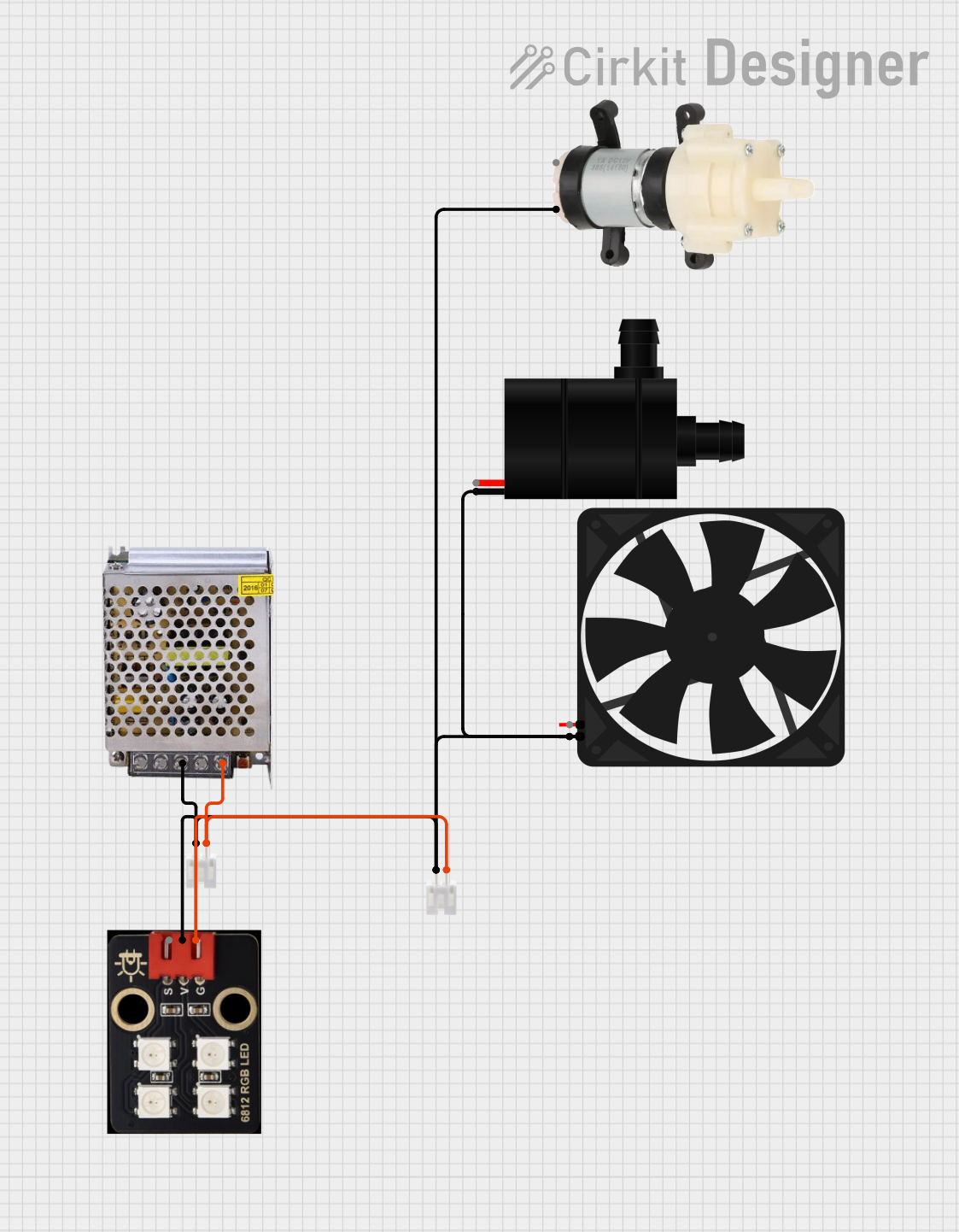
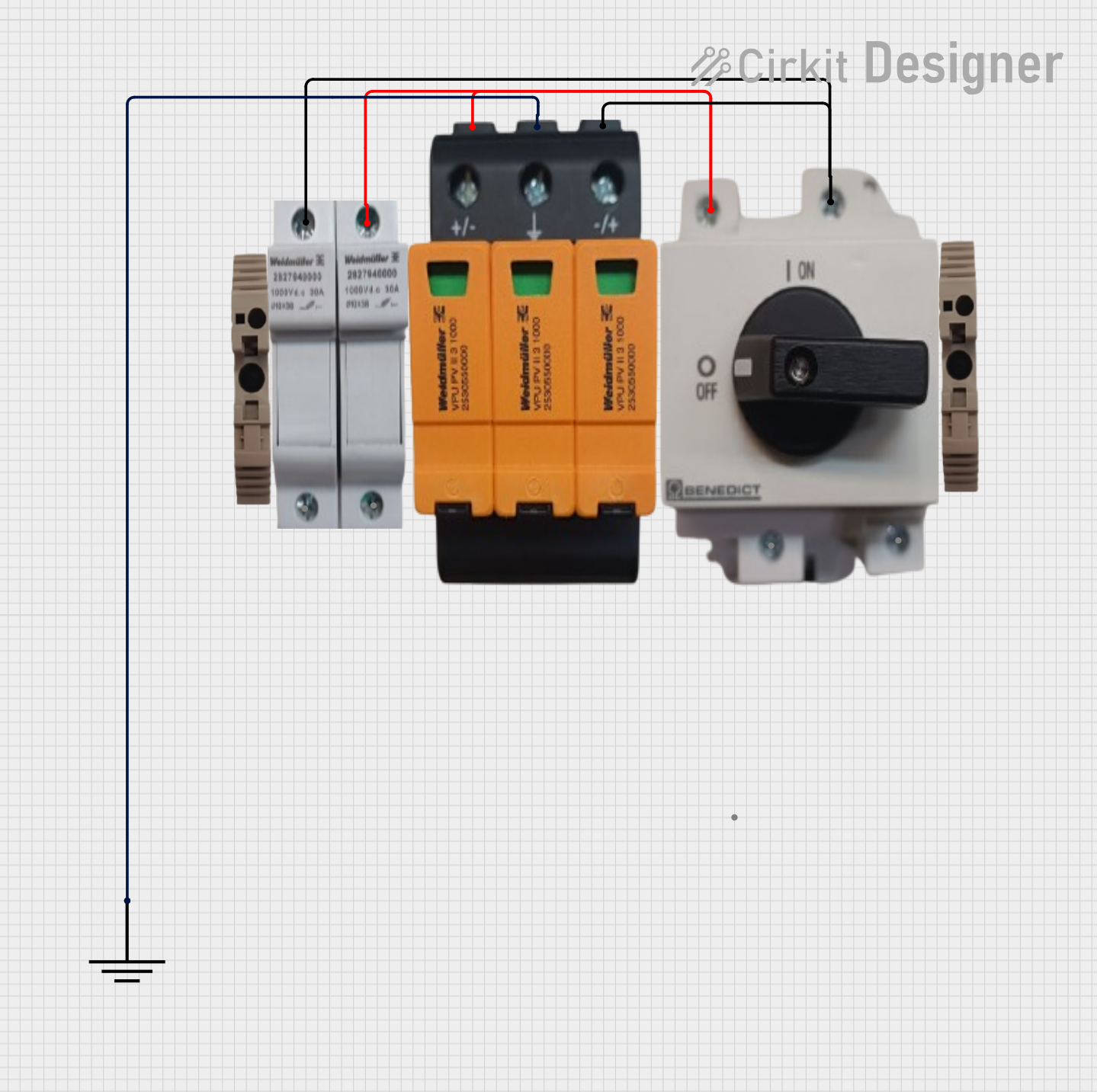
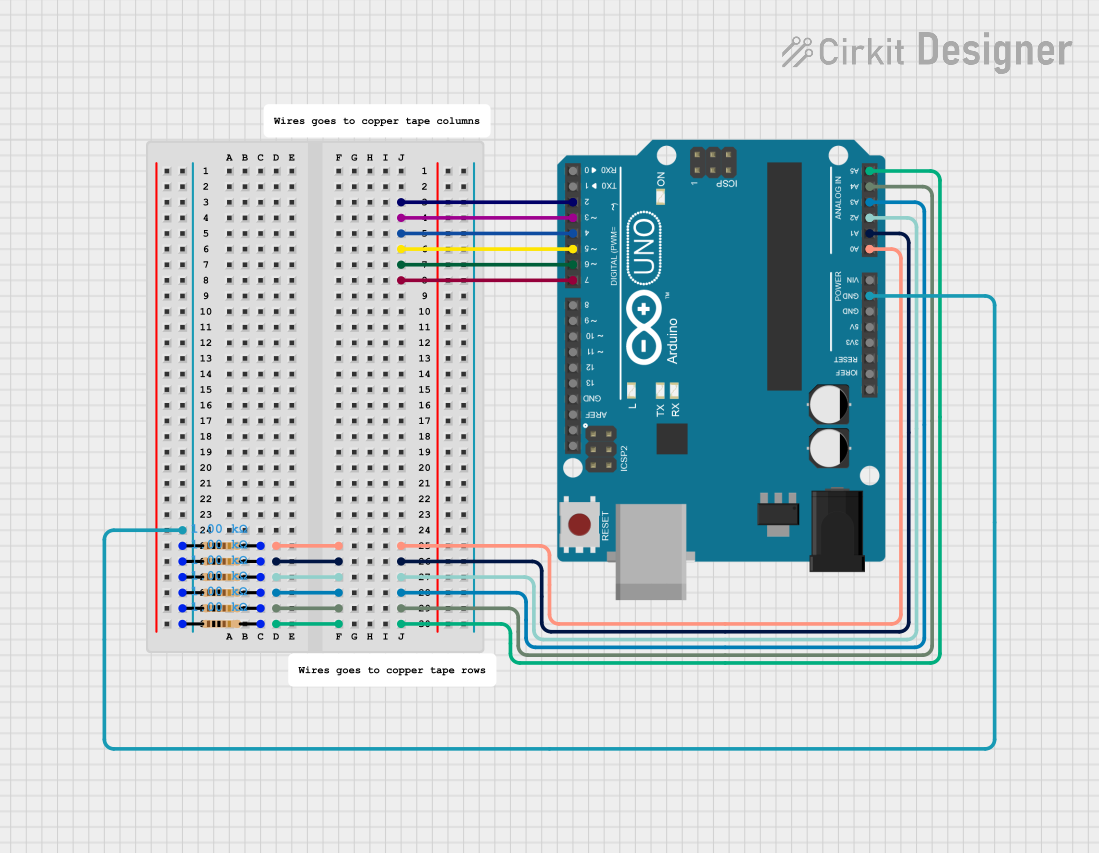
Explore Projects Built with GND
 Open Project in Cirkit Designer
 Open Project in Cirkit Designer
 Open Project in Cirkit Designer
 Open Project in Cirkit Designer
Explore Projects Built with GND
Open Project in Cirkit DesignerOpen Project in Cirkit DesignerOpen Project in Cirkit DesignerOpen Project in Cirkit DesignerCommon Applications and Use Cases
- Power Supplies: Acts as the return path for current in DC and AC circuits.
- Microcontroller Circuits: Provides a stable reference point for digital and analog signals.
- Signal Processing: Ensures proper signal integrity by minimizing noise and interference.
- Safety Grounding: Protects users and equipment by directing fault currents to the earth.
Technical Specifications
The GND component by SEAN (Part ID: 09925676019) is a passive connection point designed for use in a wide range of electronic circuits. Below are its key specifications:
Key Technical Details
| Parameter | Specification |
|---|---|
| Manufacturer | SEAN |
| Part ID | 09925676019 |
| Voltage Reference | 0V (Ground Potential) |
| Current Capacity | Dependent on circuit design |
| Material | Copper (plated or bare) |
| Mounting Type | PCB solder pad or terminal block |
| Operating Temperature | -40°C to +125°C |
Pin Configuration and Descriptions
The GND component does not have a specific pin configuration, as it is typically represented as a connection point or pad in a circuit. However, in PCB designs, it is often implemented as a large copper plane or a dedicated pin on connectors. Below is an example of how GND is used in a typical connector:
| Pin Number | Pin Name | Description |
|---|---|---|
| 1 | GND | Ground connection for the circuit |
Usage Instructions
How to Use the Component in a Circuit
- Identify the Ground Point: In your circuit design, determine the point that will serve as the ground reference (0V).
- Connect All Grounded Components: Ensure that all components requiring a ground connection are linked to the GND point. This includes power supplies, microcontrollers, and sensors.
- Use a Ground Plane: For PCB designs, create a dedicated ground plane to minimize noise and improve signal integrity.
- Avoid Ground Loops: Ensure that there is only one ground reference in your circuit to prevent ground loops, which can cause interference and instability.
Important Considerations and Best Practices
- Current Handling: Ensure that the ground traces or planes can handle the maximum current in the circuit without excessive voltage drop.
- Star Grounding: For complex circuits, use a star grounding topology to minimize interference between different sections of the circuit.
- Shielding: In high-frequency circuits, connect the shield of cables to the ground to reduce electromagnetic interference (EMI).
- Arduino UNO Example: When using an Arduino UNO, connect the GND pin of the Arduino to the ground of your circuit to ensure proper operation.
Example Arduino Code
// Example: Blinking an LED with proper GND connection
// Ensure the LED's cathode is connected to GND for proper operation.

int ledPin = 13; // Pin connected to the LED

void setup() {
  pinMode(ledPin, OUTPUT); // Set the LED pin as an output
}

void loop() {
  digitalWrite(ledPin, HIGH); // Turn the LED on
  delay(1000);                // Wait for 1 second
  digitalWrite(ledPin, LOW);  // Turn the LED off
  delay(1000);                // Wait for 1 second
}
Troubleshooting and FAQs
Common Issues Users Might Face
Voltage Fluctuations: If the ground connection is not stable, you may observe voltage fluctuations or noise in the circuit.
- Solution: Use a dedicated ground plane and ensure all components are properly connected to GND.
Ground Loops: Multiple ground references can create loops, leading to interference and instability.
- Solution: Use a single ground reference point and avoid connecting multiple grounds in different locations.
Overheating: If the ground trace is too thin, it may overheat due to excessive current.
- Solution: Use wider traces or a ground plane to handle higher currents.
Improper Shielding: High-frequency circuits may experience EMI if the ground is not properly connected to shielding.
- Solution: Connect cable shields to the ground and ensure proper grounding of enclosures.
FAQs
Q: Can I use the chassis of a device as a ground?
A: Yes, in some cases, the chassis can serve as a ground, but ensure it is properly connected to the circuit's ground point to avoid potential issues.
Q: What happens if I don't connect components to GND?
A: Without a ground connection, components may not function correctly, as they lack a reference point for voltage and current flow.
Q: How do I test if my GND connection is working?
A: Use a multimeter to measure the voltage between the GND point and other parts of the circuit. It should read 0V relative to the ground.
By following these guidelines and best practices, you can ensure that the GND component (SEAN 09925676019) is used effectively in your electronic designs.