
How to Use Adafruit CP2104 Friend: Examples, Pinouts, and Specs
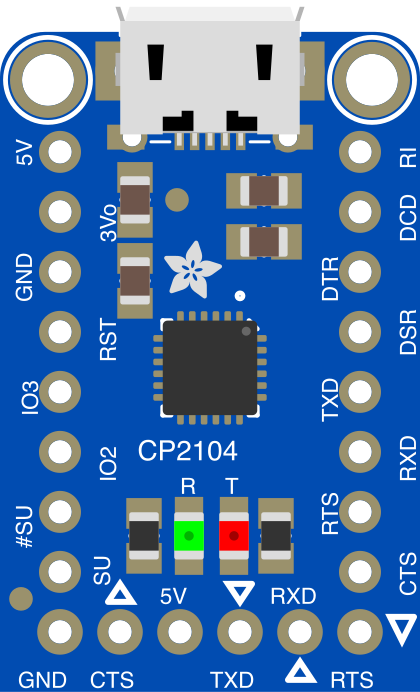
 Design with Adafruit CP2104 Friend in Cirkit Designer
Introduction
The Adafruit CP2104 Friend (Manufacturer Part ID: 3309) is a USB-to-UART bridge designed to facilitate seamless communication between a computer and microcontrollers or other serial devices. It features the Silicon Labs CP2104 chipset, which provides reliable and high-speed data transfer. This module is equipped with a built-in level shifter, making it compatible with both 3.3V and 5V systems, ensuring versatility across a wide range of applications.
Explore Projects Built with Adafruit CP2104 Friend
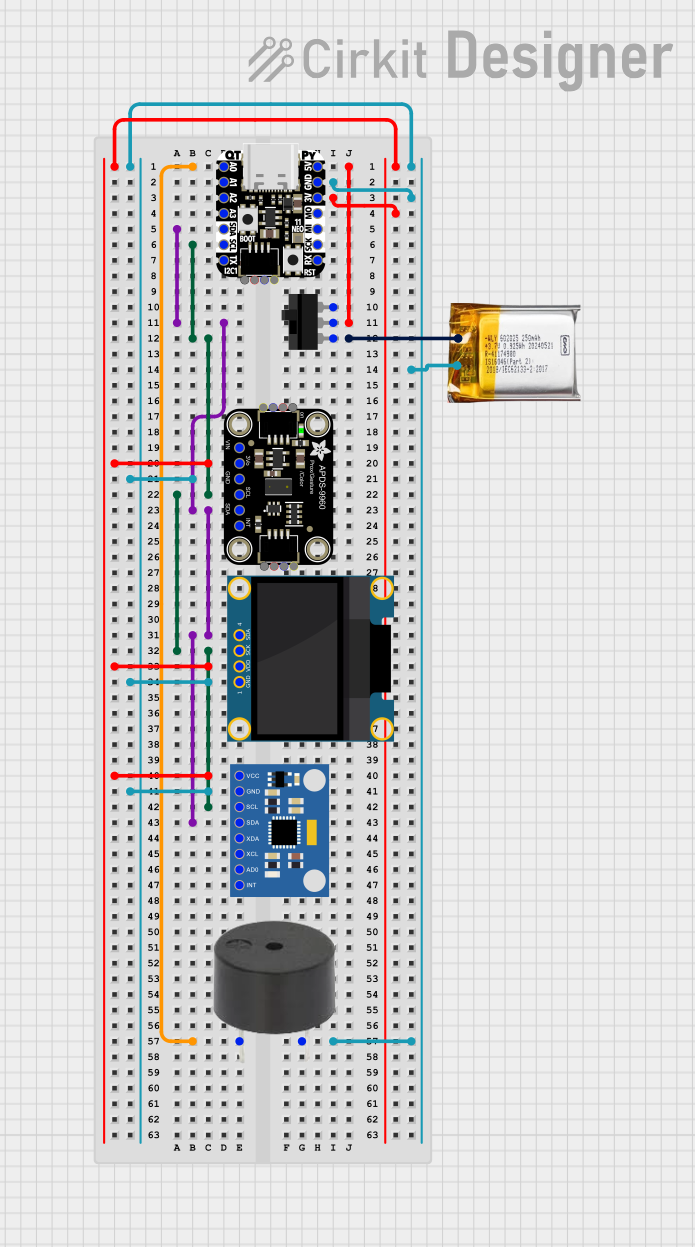 Open Project in Cirkit Designer
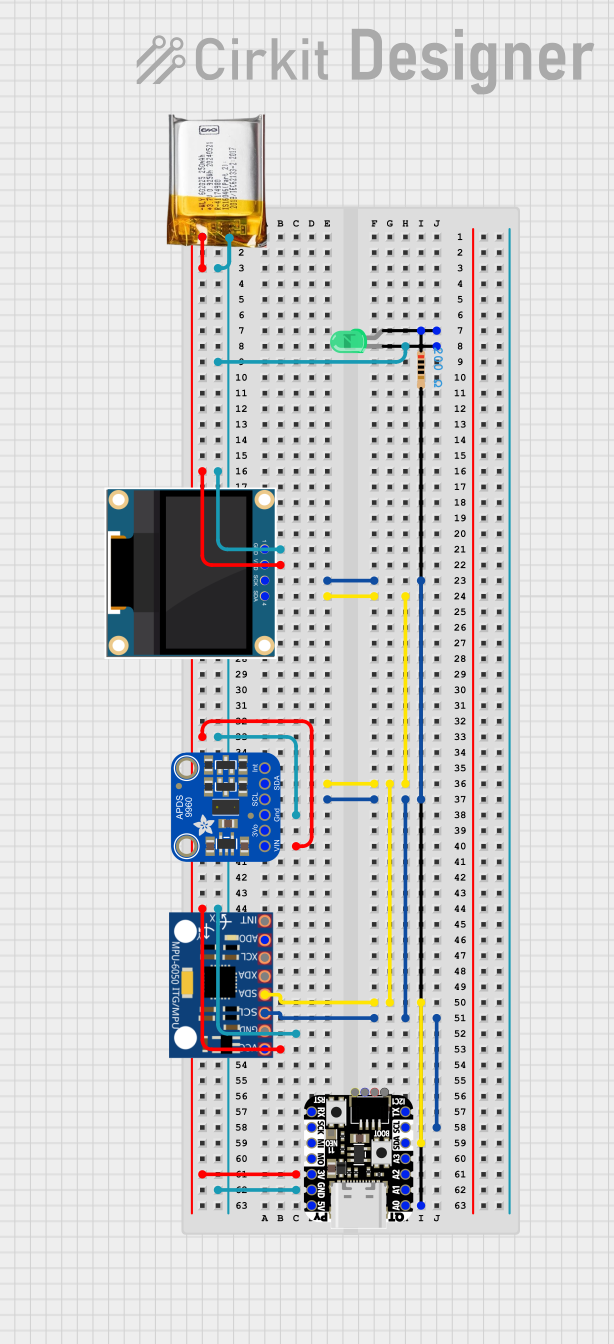 Open Project in Cirkit Designer
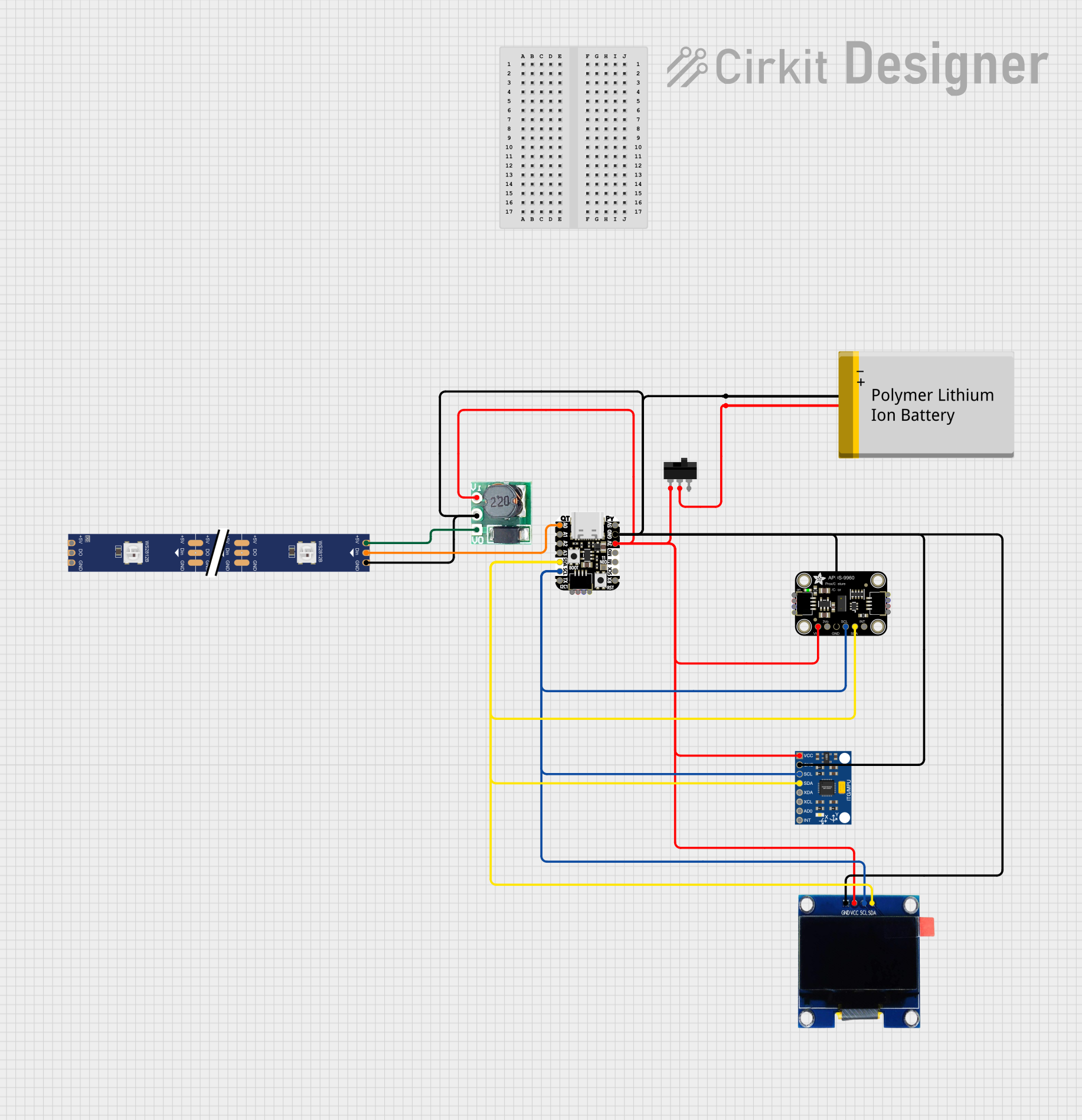 Open Project in Cirkit Designer
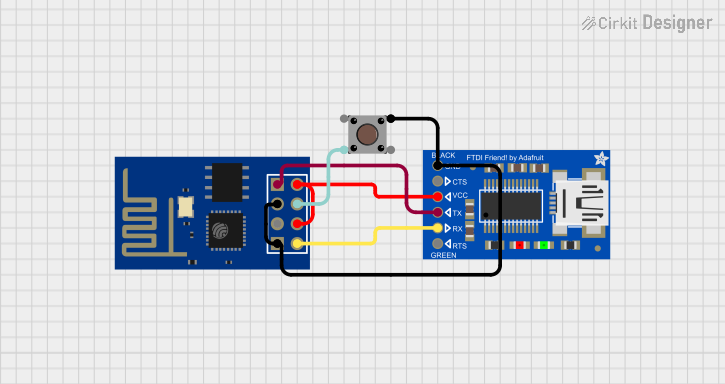 Open Project in Cirkit Designer
Explore Projects Built with Adafruit CP2104 Friend
Open Project in Cirkit DesignerOpen Project in Cirkit DesignerOpen Project in Cirkit DesignerOpen Project in Cirkit DesignerCommon Applications and Use Cases
- Programming and debugging microcontrollers (e.g., Arduino, ESP32, STM32)
- Serial communication with sensors, modules, or other devices
- USB-to-serial conversion for legacy systems
- Prototyping and testing UART-based circuits
Technical Specifications
The Adafruit CP2104 Friend is a compact and powerful USB-to-UART bridge with the following key specifications:
| Parameter | Value |
|---|---|
| Chipset | Silicon Labs CP2104 |
| USB Interface | USB 2.0 Full-Speed |
| UART Baud Rate | Up to 921,600 bps |
| Voltage Levels | 3.3V or 5V (selectable via jumper) |
| Power Supply | USB-powered |
| Operating Temperature | -40°C to +85°C |
| Dimensions | 1.3" x 0.6" (33mm x 15mm) |
Pin Configuration and Descriptions
The CP2104 Friend has a simple pinout for easy integration into your projects. Below is the pin configuration:
| Pin Name | Description |
|---|---|
| GND | Ground connection |
| 5V | 5V output from USB (can power external devices, up to 500mA) |
| 3.3V | 3.3V output from the onboard regulator |
| TX | UART Transmit pin (data sent from CP2104 to the connected device) |
| RX | UART Receive pin (data received by CP2104 from the connected device) |
| DTR | Data Terminal Ready (used for resetting microcontrollers like Arduino) |
| CTS | Clear to Send (optional flow control pin) |
Usage Instructions
How to Use the Adafruit CP2104 Friend in a Circuit
Connect the CP2104 Friend to Your Computer:
- Use a micro-USB cable to connect the CP2104 Friend to your computer. The device will automatically be powered via USB.
- Install the necessary drivers for the CP2104 chipset (available on the Adafruit website or Silicon Labs' official site).
Connect to Your Microcontroller or Device:
- Connect the
TXpin of the CP2104 Friend to theRXpin of your microcontroller. - Connect the
RXpin of the CP2104 Friend to theTXpin of your microcontroller. - If needed, connect the
DTRpin to the reset pin of your microcontroller for automatic reset functionality.
- Connect the
Set Voltage Level:
- Use the onboard jumper to select the appropriate voltage level (3.3V or 5V) based on your device's requirements.
Test Communication:
- Open a serial terminal program (e.g., Arduino IDE Serial Monitor, PuTTY) on your computer.
- Select the correct COM port and baud rate to establish communication.
Important Considerations and Best Practices
- Voltage Compatibility: Ensure the voltage level selected on the CP2104 Friend matches the logic level of your connected device.
- Driver Installation: Install the correct drivers for your operating system to ensure proper functionality.
- Cable Quality: Use a high-quality micro-USB cable to avoid connection issues.
- Flow Control: If your application requires hardware flow control, connect the
CTSpin to your device.
Example: Using CP2104 Friend with Arduino UNO
The CP2104 Friend can be used to program or communicate with an Arduino UNO. Below is an example of how to send data from the Arduino to your computer via the CP2104 Friend.
Arduino Code Example
// Example: Sending data from Arduino to computer via CP2104 Friend
// Ensure the CP2104 Friend's TX pin is connected to Arduino's RX pin,
// and the RX pin is connected to Arduino's TX pin.

void setup() {
  Serial.begin(9600); // Initialize serial communication at 9600 baud
  delay(1000);        // Wait for the serial connection to stabilize
}

void loop() {
  Serial.println("Hello from Arduino!"); // Send a message to the computer
  delay(1000);                           // Wait 1 second before sending again
}
Troubleshooting and FAQs
Common Issues and Solutions
Device Not Recognized by Computer:
- Ensure the CP2104 Friend is properly connected via a working micro-USB cable.
- Verify that the correct drivers are installed for your operating system.
No Data Transmission:
- Double-check the TX and RX connections between the CP2104 Friend and your device.
- Ensure the baud rate in your serial terminal matches the baud rate of your device.
Voltage Level Mismatch:
- Confirm that the voltage level jumper is set correctly (3.3V or 5V) for your device.
Microcontroller Not Resetting:
- Ensure the
DTRpin is connected to the reset pin of your microcontroller. - Verify that your microcontroller supports auto-reset functionality.
- Ensure the
FAQs
Q: Can the CP2104 Friend power my microcontroller?
A: Yes, the CP2104 Friend can provide 5V (up to 500mA) or 3.3V output to power your microcontroller, depending on the selected voltage level.
Q: Is the CP2104 Friend compatible with macOS, Windows, and Linux?
A: Yes, the CP2104 Friend is compatible with all major operating systems. Ensure you install the appropriate drivers for your OS.
Q: What is the maximum baud rate supported by the CP2104 Friend?
A: The CP2104 Friend supports baud rates up to 921,600 bps.
Q: Can I use the CP2104 Friend for hardware flow control?
A: Yes, the CP2104 Friend supports hardware flow control via the CTS pin.
By following this documentation, you can effectively integrate the Adafruit CP2104 Friend into your projects for reliable USB-to-UART communication.