
How to Use Neo 6m Gps Module: Examples, Pinouts, and Specs
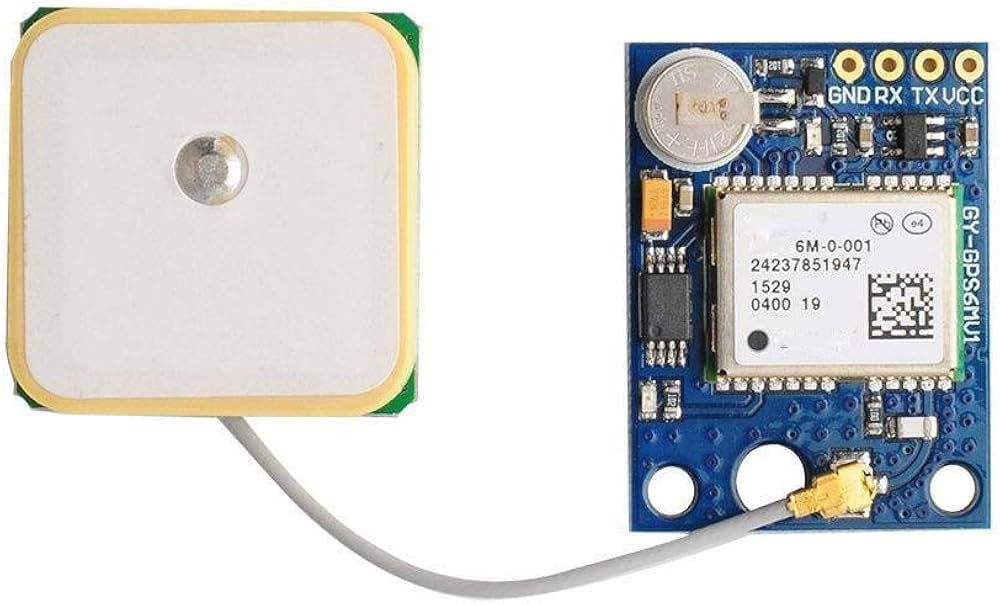
 Design with Neo 6m Gps Module in Cirkit Designer
Introduction
The Neo 6M GPS Module (Manufacturer: u-blox, Part ID: GY-NEO6MV2) is a compact and high-performance GPS receiver designed for accurate positioning and navigation applications. It is widely used in embedded systems due to its high sensitivity, low power consumption, and ease of integration. The module supports communication via UART, making it compatible with microcontrollers like Arduino, Raspberry Pi, and other development platforms.
Explore Projects Built with Neo 6m Gps Module
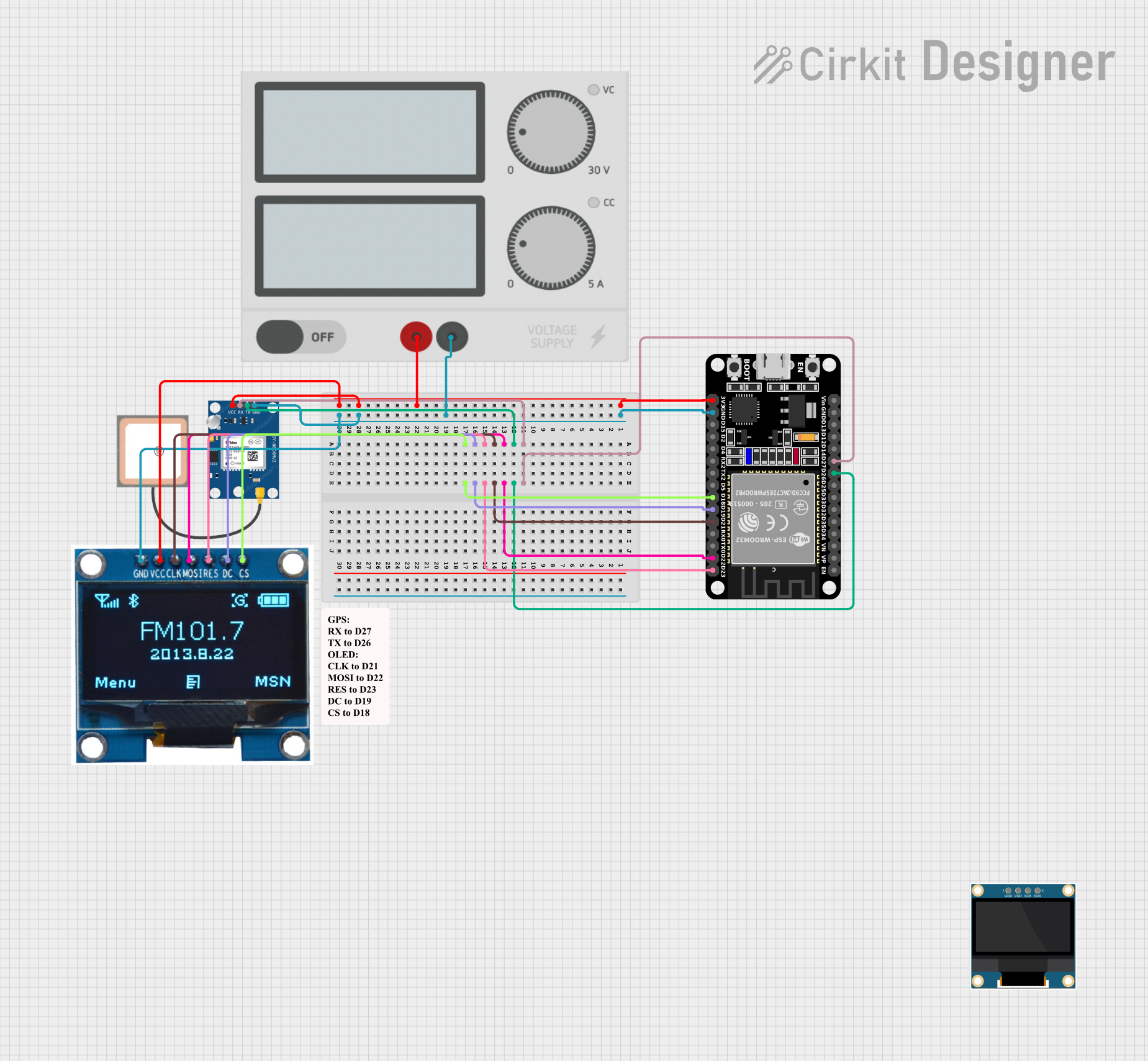 Open Project in Cirkit Designer
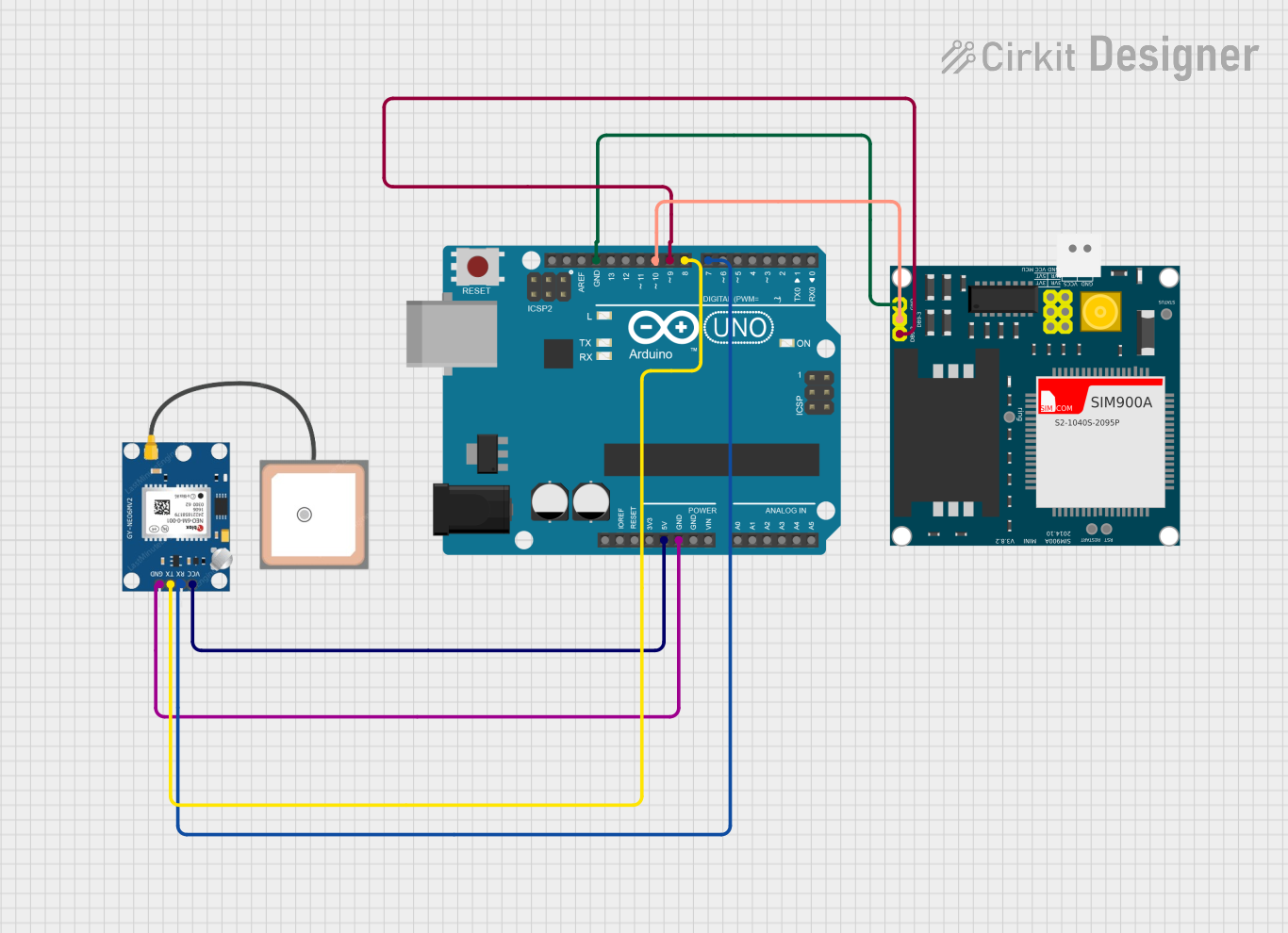 Open Project in Cirkit Designer
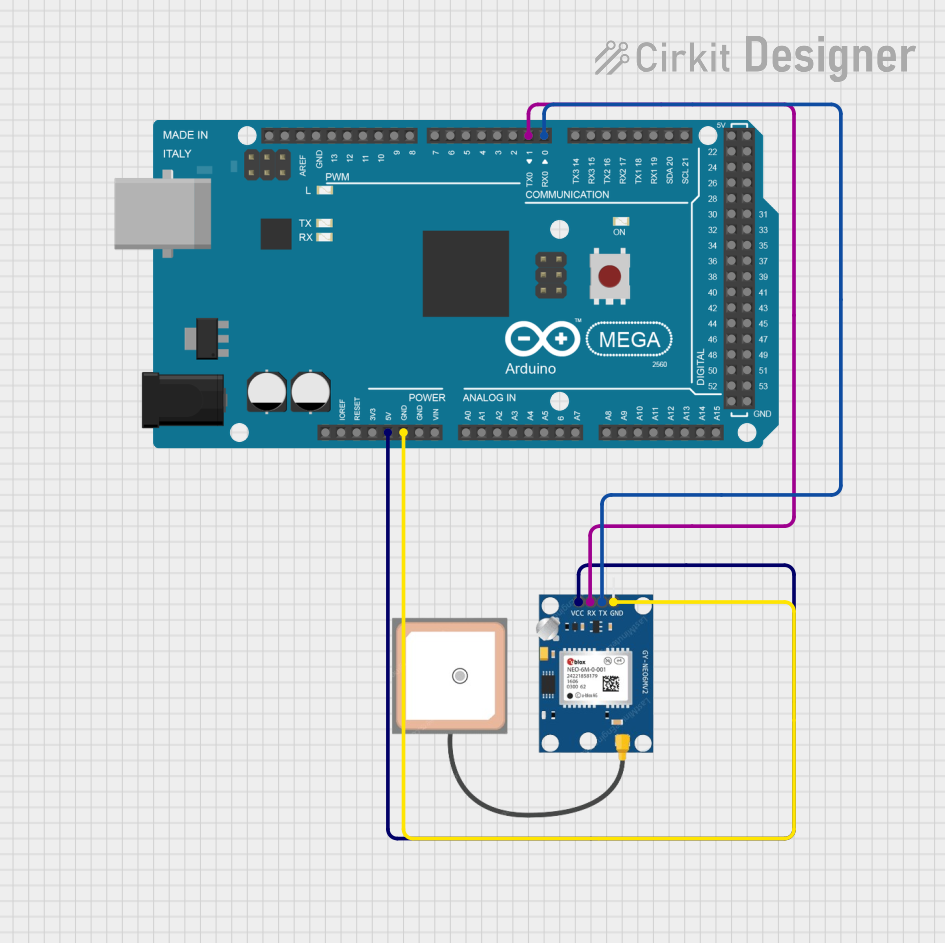 Open Project in Cirkit Designer
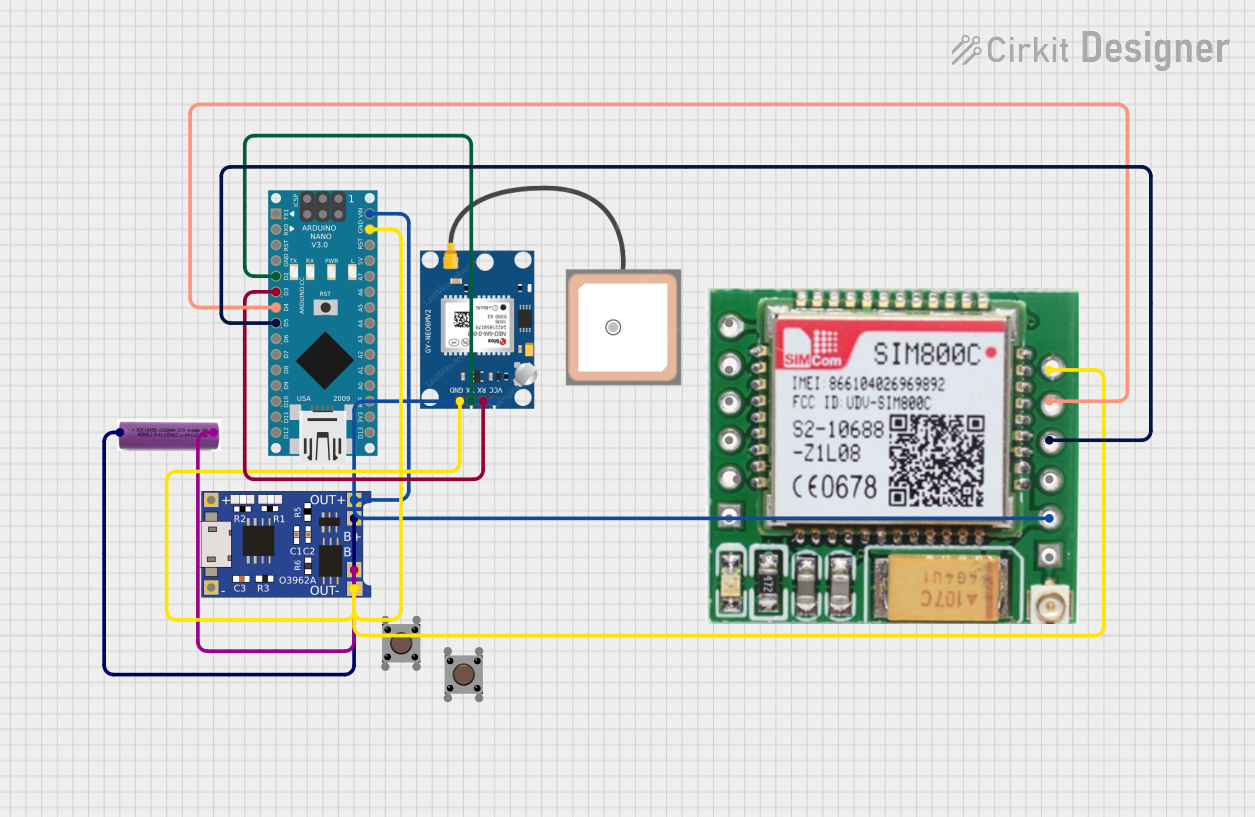 Open Project in Cirkit Designer
Explore Projects Built with Neo 6m Gps Module
Open Project in Cirkit DesignerOpen Project in Cirkit DesignerOpen Project in Cirkit DesignerOpen Project in Cirkit DesignerCommon Applications
- Vehicle tracking and navigation systems
- Drone and UAV positioning
- Geographic data logging
- IoT devices requiring location-based services
- Outdoor robotics and autonomous systems
Technical Specifications
Key Technical Details
| Parameter | Specification |
|---|---|
| Manufacturer | u-blox |
| Model | GY-NEO6MV2 |
| Input Voltage | 3.3V to 5V |
| Operating Current | 45mA (typical) |
| Communication Interface | UART (default baud rate: 9600 bps) |
| Positioning Accuracy | 2.5 meters CEP (Circular Error Probable) |
| Sensitivity | -161 dBm |
| Cold Start Time | 27 seconds (typical) |
| Hot Start Time | 1 second (typical) |
| Antenna | External active antenna (included) |
| Dimensions | 25mm x 35mm |
Pin Configuration
The Neo 6M GPS Module has a 4-pin interface for easy connection to microcontrollers.
| Pin Name | Description |
|---|---|
| VCC | Power supply input (3.3V to 5V) |
| GND | Ground |
| TX | Transmit data (UART output) |
| RX | Receive data (UART input) |
Usage Instructions
Connecting the Neo 6M GPS Module to an Arduino UNO
Wiring: Connect the module to the Arduino UNO as follows:
- VCC: Connect to the Arduino's 5V pin.
- GND: Connect to the Arduino's GND pin.
- TX: Connect to Arduino's digital pin 4 (or any other pin configured for software serial RX).
- RX: Connect to Arduino's digital pin 3 (or any other pin configured for software serial TX).
Install Required Libraries:
- Install the
TinyGPS++library in the Arduino IDE for parsing GPS data. - Go to Sketch > Include Library > Manage Libraries, search for
TinyGPS++, and install it.
- Install the
Sample Code: Below is an example Arduino sketch to read and display GPS data from the Neo 6M module.
#include <TinyGPS++.h>
#include <SoftwareSerial.h>

// Create a TinyGPS++ object to parse GPS data
TinyGPSPlus gps;

// Define software serial pins for GPS communication
SoftwareSerial gpsSerial(4, 3); // RX = pin 4, TX = pin 3

void setup() {
  Serial.begin(9600); // Initialize serial monitor
  gpsSerial.begin(9600); // Initialize GPS module communication

  Serial.println("Neo 6M GPS Module Test");
  Serial.println("Waiting for GPS data...");
}

void loop() {
  // Read data from the GPS module
  while (gpsSerial.available() > 0) {
    char c = gpsSerial.read();
    gps.encode(c); // Parse the GPS data

    // If a valid location is available, print it
    if (gps.location.isUpdated()) {
      Serial.print("Latitude: ");
      Serial.print(gps.location.lat(), 6); // Print latitude
      Serial.print(", Longitude: ");
      Serial.println(gps.location.lng(), 6); // Print longitude
    }
  }
}
Important Considerations
- Antenna Placement: Ensure the external antenna has a clear view of the sky for optimal satellite reception.
- Power Supply: Use a stable power source to avoid communication issues.
- UART Configuration: The default baud rate is 9600 bps. Ensure your microcontroller's UART settings match this.
- Cold Start vs. Hot Start: A cold start may take up to 27 seconds, while a hot start (when the module has recent satellite data) is much faster.
Troubleshooting and FAQs
Common Issues and Solutions
No GPS Data Received:
- Ensure the module is powered correctly (3.3V to 5V).
- Verify the TX and RX connections between the module and the microcontroller.
- Check that the antenna is securely connected and has a clear view of the sky.
Incorrect or No Location Data:
- Wait for the module to acquire satellite signals (cold start may take up to 27 seconds).
- Ensure the module is used outdoors or near a window for better signal reception.
Garbage Data on Serial Monitor:
- Verify that the baud rate in the Arduino code matches the module's default baud rate (9600 bps).
- Check for loose or incorrect wiring.
Module Not Responding:
- Confirm that the RX and TX pins are not swapped.
- Test the module with another microcontroller or UART-to-USB adapter to rule out hardware issues.
FAQs
Q: Can the Neo 6M GPS Module work indoors?
A: The module is designed for outdoor use. While it may work near windows, signal reception is significantly reduced indoors.
Q: How many satellites does the module need for accurate positioning?
A: The module requires at least 4 satellites for a 3D fix (latitude, longitude, and altitude).
Q: Can I change the default baud rate?
A: Yes, the baud rate can be configured using u-blox's u-center software and a UART-to-USB adapter.
Q: Is the module compatible with 3.3V logic?
A: Yes, the module supports both 3.3V and 5V logic levels, making it compatible with a wide range of microcontrollers.
By following this documentation, you can effectively integrate and troubleshoot the Neo 6M GPS Module in your projects.