
How to Use 10' firefly exhaust fan: Examples, Pinouts, and Specs
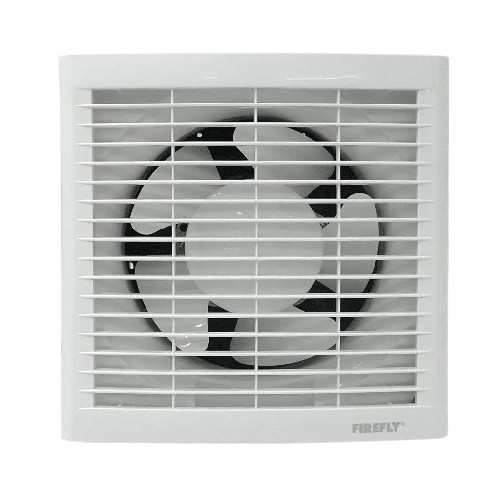
 Design with 10' firefly exhaust fan in Cirkit Designer
Introduction
The 10' Firefly Exhaust Fan (Part ID: EXFAN1) is a high-performance ventilation solution designed for efficient air circulation in residential, commercial, and industrial settings. With a 10-foot diameter, this exhaust fan ensures optimal air movement, making it ideal for cooling large spaces, removing stale air, and maintaining a comfortable environment. Manufactured by Firefly, this fan combines durability, energy efficiency, and ease of installation.
Explore Projects Built with 10' firefly exhaust fan
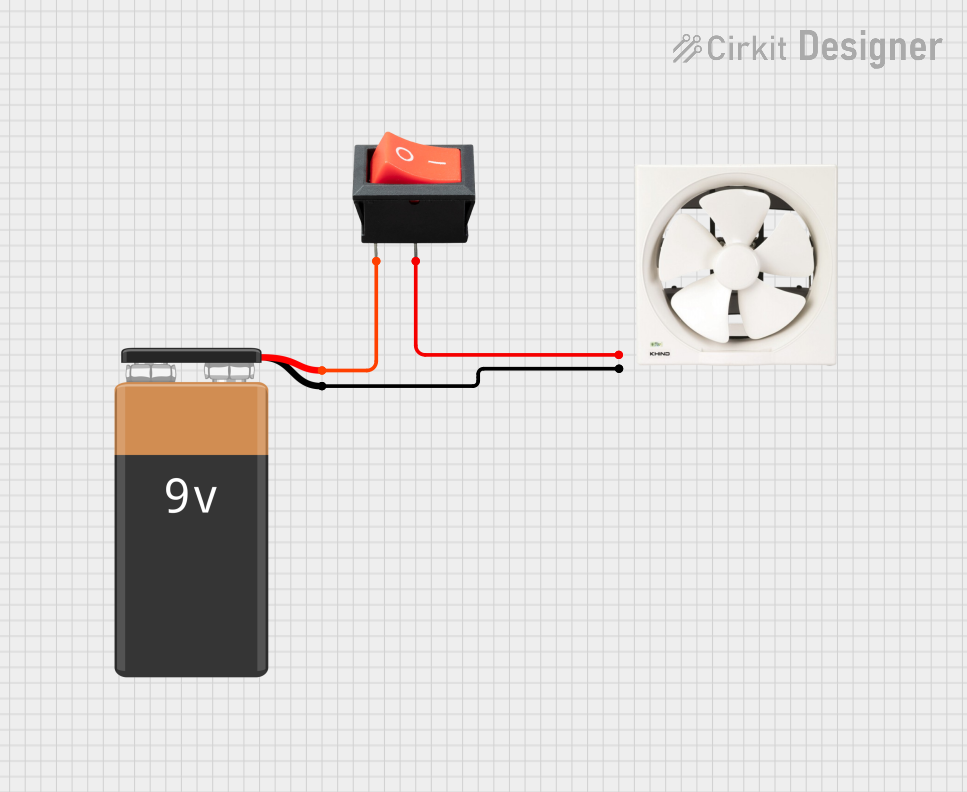 Open Project in Cirkit Designer
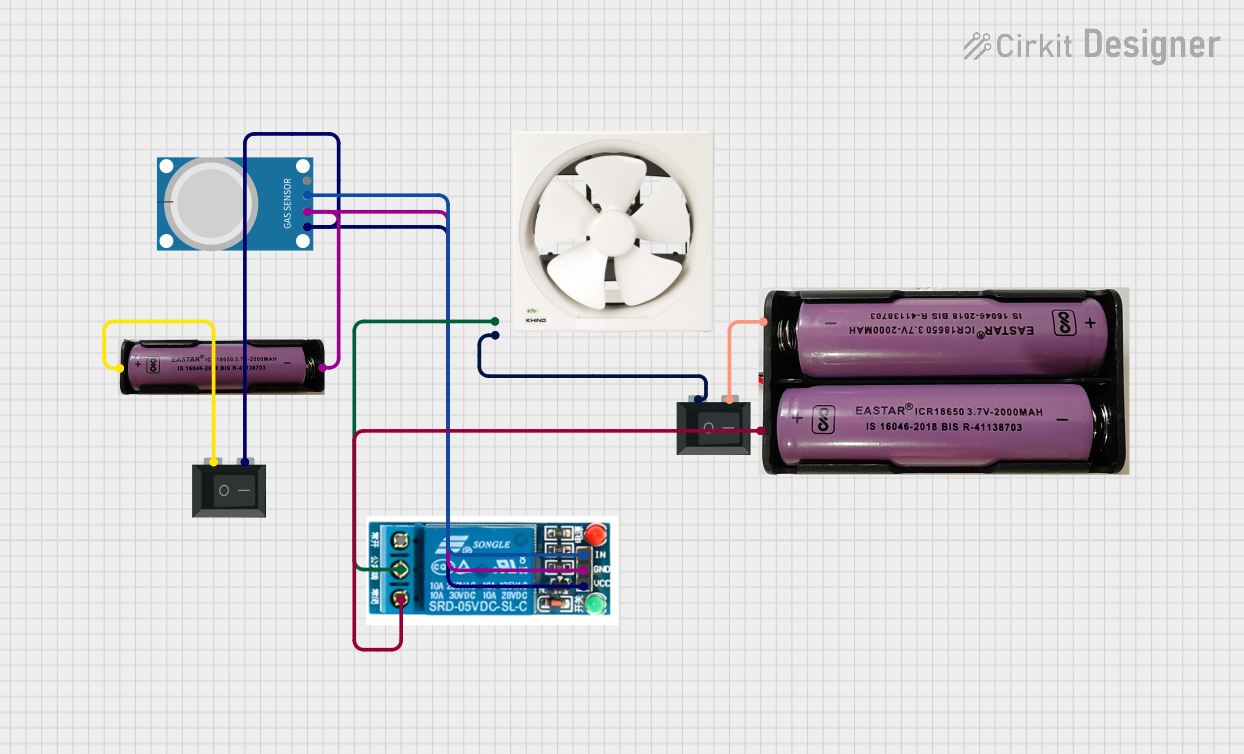 Open Project in Cirkit Designer
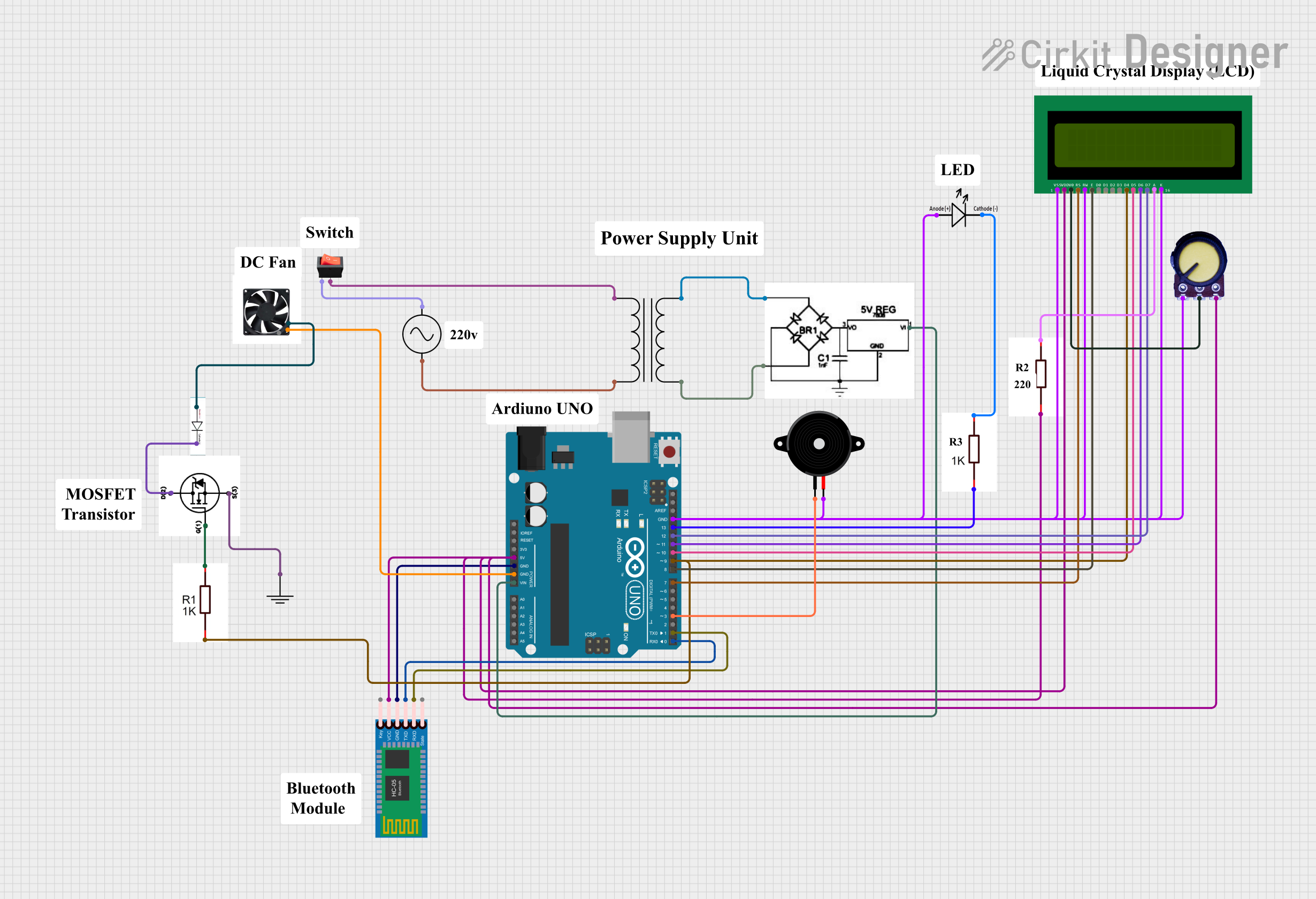 Open Project in Cirkit Designer
 Open Project in Cirkit Designer
Explore Projects Built with 10' firefly exhaust fan
Open Project in Cirkit DesignerOpen Project in Cirkit DesignerOpen Project in Cirkit DesignerOpen Project in Cirkit DesignerCommon Applications and Use Cases
- Industrial Ventilation: Ideal for factories, warehouses, and workshops to maintain air quality.
- Commercial Spaces: Suitable for large retail stores, gyms, and auditoriums.
- Residential Use: Effective for large garages, basements, or attics.
- Agricultural Settings: Helps regulate airflow in barns, greenhouses, and storage facilities.
Technical Specifications
Key Technical Details
| Parameter | Specification |
|---|---|
| Manufacturer | Firefly |
| Part ID | EXFAN1 |
| Fan Diameter | 10 feet (120 inches) |
| Voltage Rating | 220-240V AC |
| Power Consumption | 150W |
| Airflow Capacity | 12,000 CFM (Cubic Feet per Minute) |
| Speed Settings | 3-speed control (Low, Medium, High) |
| Noise Level | ≤ 60 dB |
| Material | Aluminum blades, steel frame |
| Weight | 25 kg |
| Mounting Type | Wall-mounted or ceiling-mounted |
Pin Configuration and Descriptions
The 10' Firefly Exhaust Fan is typically connected to a power supply and a speed controller. Below is the wiring configuration:
| Pin/Connection | Description |
|---|---|
| L (Live) | Connects to the live wire of the AC mains. |
| N (Neutral) | Connects to the neutral wire of the AC mains. |
| G (Ground) | Connects to the ground for safety. |
| Speed Control Input | Optional input for external speed control. |
Usage Instructions
How to Use the Component in a Circuit
Mounting the Fan:
- Choose a suitable location for installation, ensuring proper airflow and clearance.
- Secure the fan to a wall or ceiling using the provided mounting brackets and screws.
Electrical Connections:
- Turn off the main power supply before wiring.
- Connect the fan's L (Live), N (Neutral), and G (Ground) terminals to the corresponding wires in the AC mains.
- If using an external speed controller, connect it to the Speed Control Input terminal.
Testing the Fan:
- Turn on the power supply and test the fan at different speed settings.
- Ensure the fan operates smoothly without unusual noise or vibration.
Important Considerations and Best Practices
- Safety First: Always disconnect the power supply before installation or maintenance.
- Proper Grounding: Ensure the ground connection is secure to prevent electrical hazards.
- Avoid Overloading: Do not connect the fan to a power source exceeding its voltage rating (220-240V AC).
- Regular Maintenance: Clean the fan blades and housing periodically to maintain efficiency and reduce noise.
- Speed Controller Compatibility: Use a compatible speed controller to avoid damage to the motor.
Arduino UNO Integration (Optional)
While the 10' Firefly Exhaust Fan is primarily designed for direct AC operation, it can be controlled via an Arduino UNO using a relay module for on/off control. Below is an example code snippet:
// Arduino code to control the Firefly Exhaust Fan using a relay module
const int relayPin = 7; // Pin connected to the relay module

void setup() {
  pinMode(relayPin, OUTPUT); // Set relay pin as output
  digitalWrite(relayPin, LOW); // Ensure the relay is off initially
}

void loop() {
  // Turn the fan ON
  digitalWrite(relayPin, HIGH); // Activate the relay
  delay(10000); // Keep the fan on for 10 seconds

  // Turn the fan OFF
  digitalWrite(relayPin, LOW); // Deactivate the relay
  delay(10000); // Keep the fan off for 10 seconds
}
Note: Use a relay module rated for 220-240V AC and ensure proper isolation between the Arduino and the fan's power supply.
Troubleshooting and FAQs
Common Issues and Solutions
| Issue | Possible Cause | Solution |
|---|---|---|
| Fan does not turn on | Loose or incorrect wiring | Check and secure all connections. |
| Fan makes unusual noise | Dust accumulation or loose components | Clean the fan and tighten screws. |
| Fan speed cannot be adjusted | Faulty speed controller | Replace or repair the speed controller. |
| Overheating of the motor | Prolonged use or blocked airflow | Ensure proper ventilation and rest periods. |
| Excessive vibration during operation | Improper mounting or unbalanced blades | Re-mount the fan or balance the blades. |
Frequently Asked Questions
Can the fan be used outdoors?
- The fan is designed for indoor use. For outdoor applications, ensure it is installed in a sheltered location.
What is the warranty period for the fan?
- The 10' Firefly Exhaust Fan comes with a 2-year manufacturer warranty.
Can I control the fan speed using a smart home system?
- Yes, with a compatible smart speed controller, the fan can be integrated into a smart home system.
What is the maximum operating temperature for the fan?
- The fan can operate in environments with temperatures up to 50°C.
Is professional installation required?
- While the fan can be installed by experienced users, professional installation is recommended for safety and optimal performance.
This concludes the documentation for the 10' Firefly Exhaust Fan (EXFAN1). For further assistance, please contact Firefly customer support.