
How to Use huskylense: Examples, Pinouts, and Specs
 Design with huskylense in Cirkit Designer
Introduction
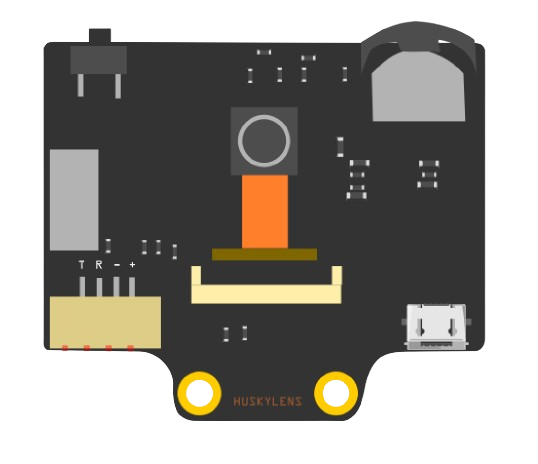
HuskyLens is an AI-powered camera module designed for object recognition, face detection, color recognition, and more. It features a user-friendly interface with a built-in display, making it easy to configure and visualize results in real-time. HuskyLens is powered by advanced machine learning algorithms, enabling it to perform tasks such as object tracking, line following, and tag recognition without requiring external processing.
This versatile module is widely used in robotics, IoT projects, and educational applications. Its compatibility with microcontrollers like Arduino, Raspberry Pi, and other platforms makes it an excellent choice for developers and hobbyists alike.
Explore Projects Built with huskylense
 Open Project in Cirkit Designer
 Open Project in Cirkit Designer
 Open Project in Cirkit Designer
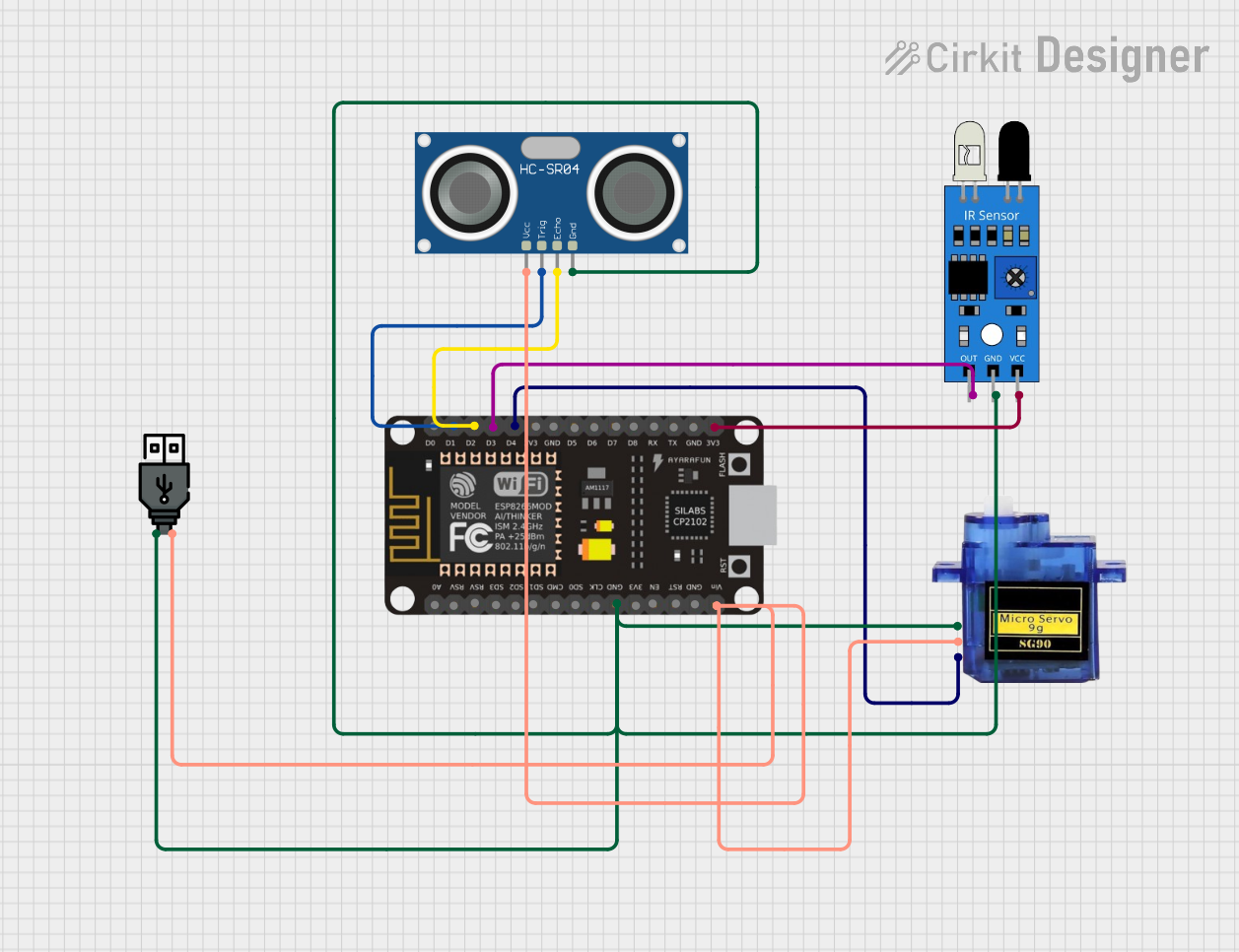 Open Project in Cirkit Designer
Explore Projects Built with huskylense
Open Project in Cirkit DesignerOpen Project in Cirkit DesignerOpen Project in Cirkit DesignerOpen Project in Cirkit DesignerTechnical Specifications
- Processor: Kendryte K210 AI chip
- Display: 2.0-inch IPS screen
- Camera Resolution: 2 MP
- Communication Interfaces: UART, I2C
- Input Voltage: 3.3V to 5V
- Power Consumption: ~200mA at 5V
- Dimensions: 52mm x 44mm x 20mm
- Weight: ~30g
- Supported Algorithms:
- Face recognition
- Object recognition
- Object tracking
- Line tracking
- Color recognition
- Tag (QR code) recognition
Pin Configuration and Descriptions
The HuskyLens module has a 4-pin interface for communication and power. The pinout is as follows:
| Pin | Name | Description |
|---|---|---|
| 1 | VCC | Power input (3.3V to 5V) |
| 2 | GND | Ground |
| 3 | TX (UART) | UART Transmit (data output) |
| 4 | RX (UART) | UART Receive (data input) |
For I2C communication, the TX and RX pins are repurposed as follows:
| Pin | Name | Description |
|---|---|---|
| 3 | SCL | I2C Clock Line |
| 4 | SDA | I2C Data Line |
Usage Instructions
Connecting HuskyLens to an Arduino UNO
To use HuskyLens with an Arduino UNO, follow these steps:
Wiring:
- Connect the VCC pin of HuskyLens to the 5V pin on the Arduino.
- Connect the GND pin of HuskyLens to the GND pin on the Arduino.
- For UART communication:
- Connect the TX pin of HuskyLens to the RX pin (pin 0) on the Arduino.
- Connect the RX pin of HuskyLens to the TX pin (pin 1) on the Arduino.
- For I2C communication:
- Connect the SCL pin of HuskyLens to the A5 pin on the Arduino.
- Connect the SDA pin of HuskyLens to the A4 pin on the Arduino.
Install Libraries:
- Download and install the HuskyLens Arduino library from the official DFRobot GitHub repository or the Arduino Library Manager.
Upload Example Code: Use the following example code to test the connection and retrieve data from HuskyLens:
#include "HUSKYLENS.h" // Include the HuskyLens library

HUSKYLENS huskylens; // Create a HuskyLens object

void setup() {
  Serial.begin(9600); // Initialize serial communication
  while (!Serial);    // Wait for the serial monitor to open

  // Initialize HuskyLens with I2C communication
  if (!huskylens.begin(Wire)) {
    Serial.println("HuskyLens initialization failed!");
    while (1);
  }
  Serial.println("HuskyLens initialized successfully!");
}

void loop() {
  if (huskylens.request()) { // Request data from HuskyLens
    HUSKYLENSResult result = huskylens.read(); // Read the result
    if (result.command == COMMAND_RETURN_BLOCK) {
      // Print object ID and coordinates
      Serial.print("Object ID: ");
      Serial.print(result.ID);
      Serial.print(", X: ");
      Serial.print(result.xCenter);
      Serial.print(", Y: ");
      Serial.println(result.yCenter);
    }
  } else {
    Serial.println("No data received from HuskyLens.");
  }
  delay(100); // Add a short delay between requests
}
Important Considerations
- Ensure the HuskyLens module is powered within the specified voltage range (3.3V to 5V).
- Use level shifters if connecting to a 3.3V microcontroller to avoid damaging the module.
- When using UART communication, avoid conflicts with the Arduino's serial monitor, as both use the same pins.
- For optimal performance, ensure the camera lens is clean and unobstructed.
Troubleshooting and FAQs
Common Issues
HuskyLens not initializing:
- Ensure the wiring is correct and the module is receiving power.
- Verify that the correct communication protocol (UART or I2C) is selected in the code.
No data received from HuskyLens:
- Check the baud rate for UART communication (default is 9600).
- Ensure the HuskyLens is in the correct mode (e.g., object recognition mode).
Unstable or incorrect recognition results:
- Ensure proper lighting conditions for the camera.
- Re-train the HuskyLens for better accuracy.
FAQs
Can HuskyLens work with Raspberry Pi?
- Yes, HuskyLens supports UART and I2C communication, making it compatible with Raspberry Pi.
How many objects can HuskyLens recognize simultaneously?
- HuskyLens can recognize multiple objects simultaneously, depending on the selected algorithm.
Can I update the firmware on HuskyLens?
- Yes, firmware updates can be performed using the official HuskyLens software and a USB connection.
What is the maximum detection range of HuskyLens?
- The detection range depends on the object size and lighting conditions but typically ranges from 0.5m to 2m.
By following this documentation, you can effectively integrate HuskyLens into your projects and troubleshoot common issues.