
How to Use 74HC154: Examples, Pinouts, and Specs
 Design with 74HC154 in Cirkit Designer
Introduction
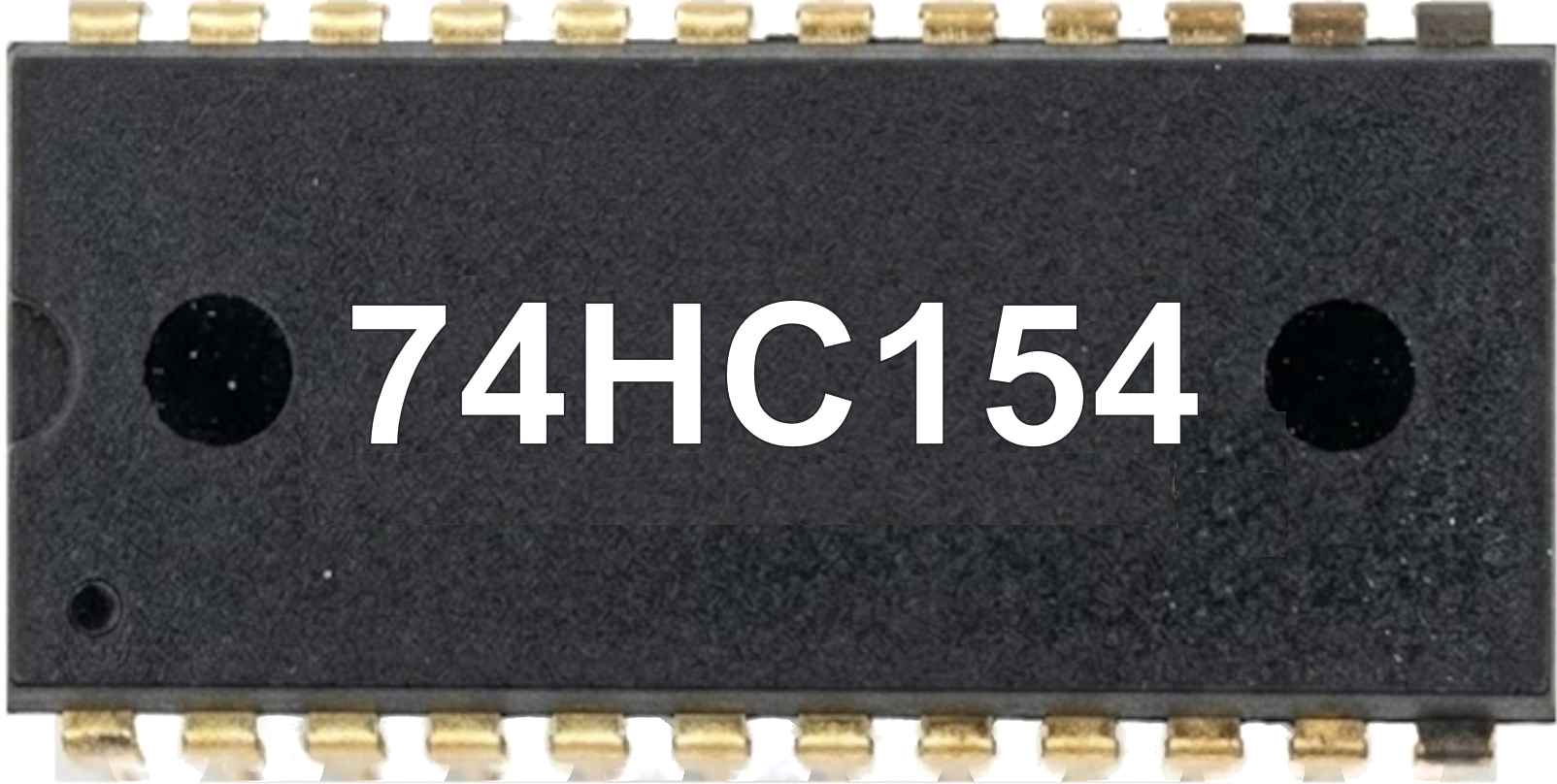
The 74HC154 is a high-speed CMOS 4-to-16 line decoder/demultiplexer. It takes a 4-bit binary input and activates one of the 16 outputs based on the input value, while all other outputs remain low. This component is widely used in digital systems for memory address decoding, data routing, and other applications requiring the selection of one output from multiple lines.
Explore Projects Built with 74HC154
 Open Project in Cirkit Designer
 Open Project in Cirkit Designer
 Open Project in Cirkit Designer
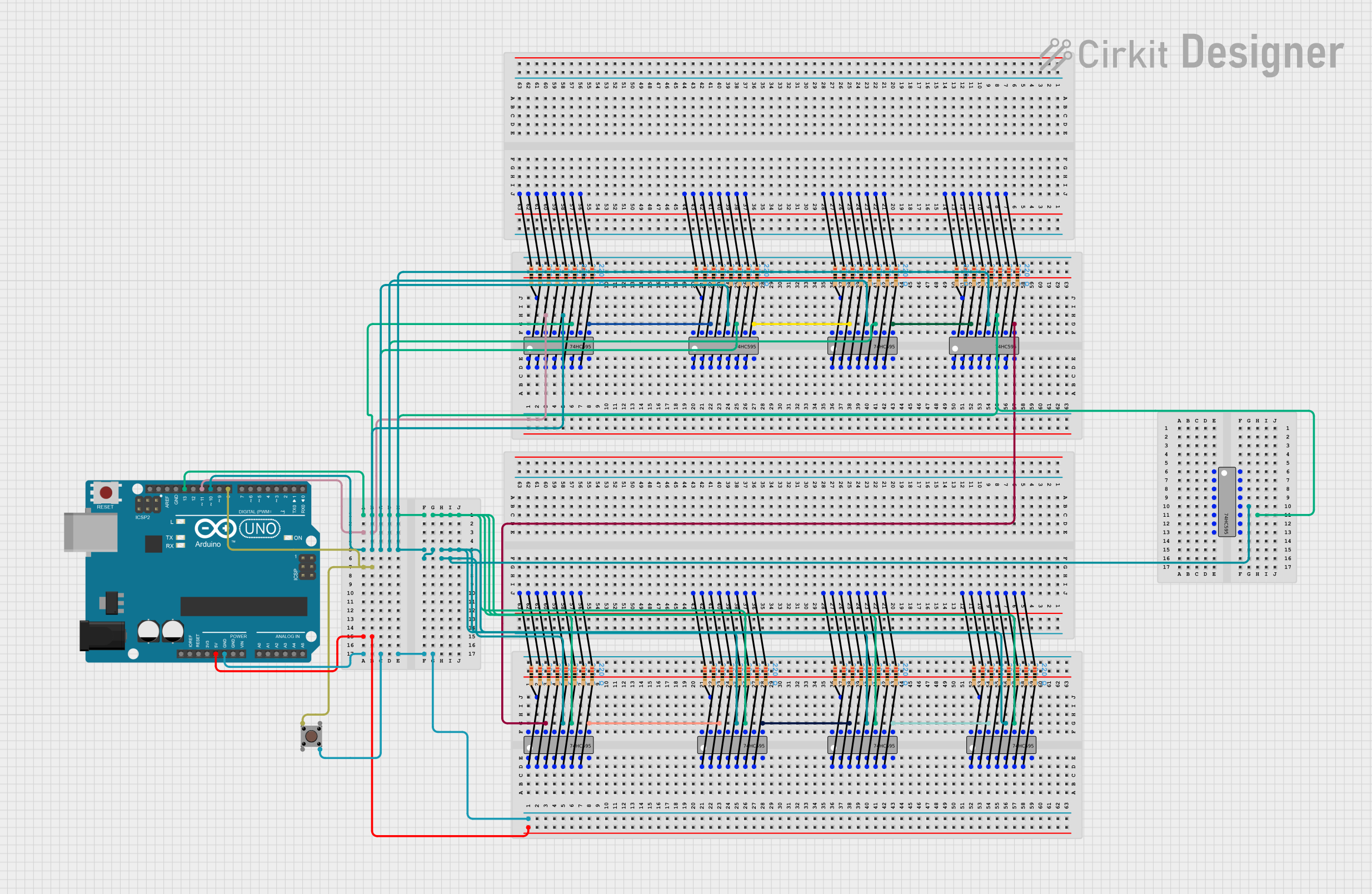 Open Project in Cirkit Designer
Explore Projects Built with 74HC154
Open Project in Cirkit DesignerOpen Project in Cirkit DesignerOpen Project in Cirkit DesignerOpen Project in Cirkit DesignerCommon Applications
- Memory address decoding in microprocessor systems
- Data routing in digital circuits
- Signal multiplexing and demultiplexing
- Control signal generation in embedded systems
Technical Specifications
Key Technical Details
- Manufacturer Part ID: Logic IC 74HC154
- Logic Family: CMOS
- Supply Voltage (Vcc): 2V to 6V
- Input Voltage Range: 0V to Vcc
- Output Current: ±25mA (maximum per output)
- Propagation Delay: ~20ns at Vcc = 5V
- Power Dissipation: 500mW (maximum)
- Operating Temperature Range: -40°C to +125°C
- Package Types: DIP-24, SOIC-24, and others
Pin Configuration and Descriptions
The 74HC154 has 24 pins, with the following configuration:
| Pin Number | Pin Name | Description |
|---|---|---|
| 1 | Y0 | Output 0 (active low) |
| 2 | Y1 | Output 1 (active low) |
| 3 | Y2 | Output 2 (active low) |
| 4 | Y3 | Output 3 (active low) |
| 5 | Y4 | Output 4 (active low) |
| 6 | Y5 | Output 5 (active low) |
| 7 | Y6 | Output 6 (active low) |
| 8 | Y7 | Output 7 (active low) |
| 9 | GND | Ground |
| 10 | Y8 | Output 8 (active low) |
| 11 | Y9 | Output 9 (active low) |
| 12 | Y10 | Output 10 (active low) |
| 13 | Y11 | Output 11 (active low) |
| 14 | Y12 | Output 12 (active low) |
| 15 | Y13 | Output 13 (active low) |
| 16 | Y14 | Output 14 (active low) |
| 17 | Y15 | Output 15 (active low) |
| 18 | G2A | Enable input (active low) |
| 19 | G2B | Enable input (active low) |
| 20 | A3 | Address input bit 3 (MSB) |
| 21 | A2 | Address input bit 2 |
| 22 | A1 | Address input bit 1 |
| 23 | A0 | Address input bit 0 (LSB) |
| 24 | Vcc | Positive supply voltage |
Usage Instructions
How to Use the 74HC154 in a Circuit
- Power Supply: Connect the Vcc pin (pin 24) to a positive voltage source (2V to 6V) and the GND pin (pin 9) to ground.
- Address Inputs: Provide a 4-bit binary input to the address pins (A0 to A3). These inputs determine which output (Y0 to Y15) will be activated.
- Enable Inputs: Both G2A (pin 18) and G2B (pin 19) must be held low (logic 0) to enable the decoder. If either is high, all outputs will remain inactive (high).
- Outputs: The selected output (Y0 to Y15) will go low (active), while all other outputs remain high.
Important Considerations
- Ensure that the input voltage levels are within the specified range to avoid damage to the IC.
- Use pull-up or pull-down resistors on unused inputs to prevent floating states.
- Avoid exceeding the maximum output current of ±25mA per pin to prevent overheating or damage.
- Decouple the power supply with a 0.1µF ceramic capacitor placed close to the IC to reduce noise.
Example: Connecting to an Arduino UNO
The 74HC154 can be easily interfaced with an Arduino UNO for address decoding. Below is an example code snippet:
// Define the address input pins connected to Arduino
const int A0 = 2;  // LSB
const int A1 = 3;
const int A2 = 4;
const int A3 = 5;

// Define the enable pins
const int G2A = 6;
const int G2B = 7;

void setup() {
  // Set address pins as outputs
  pinMode(A0, OUTPUT);
  pinMode(A1, OUTPUT);
  pinMode(A2, OUTPUT);
  pinMode(A3, OUTPUT);

  // Set enable pins as outputs
  pinMode(G2A, OUTPUT);
  pinMode(G2B, OUTPUT);

  // Enable the decoder by setting G2A and G2B low
  digitalWrite(G2A, LOW);
  digitalWrite(G2B, LOW);
}

void loop() {
  // Example: Activate output Y5 (binary address 0101)
  digitalWrite(A0, HIGH);  // LSB
  digitalWrite(A1, LOW);
  digitalWrite(A2, HIGH);
  digitalWrite(A3, LOW);   // MSB

  delay(1000);  // Wait for 1 second
}
Notes:
- Modify the address pins in the code to activate different outputs.
- Ensure that the Arduino's output voltage matches the 74HC154's supply voltage.
Troubleshooting and FAQs
Common Issues and Solutions
No Output Activation:
- Ensure both enable pins (G2A and G2B) are set to logic 0.
- Verify that the address inputs are correctly connected and providing valid logic levels.
Multiple Outputs Active:
- Check for floating inputs. Use pull-up or pull-down resistors on unused address pins.
- Ensure there are no short circuits between output pins.
Overheating:
- Verify that the output current does not exceed ±25mA per pin.
- Check for proper decoupling of the power supply.
Incorrect Output Selection:
- Double-check the binary address provided to the address pins.
- Ensure the Arduino or other controller is correctly configured.
FAQs
Q: Can the 74HC154 be used as a multiplexer?
A: No, the 74HC154 is a decoder/demultiplexer. It activates one output based on the input address but does not combine multiple inputs into one output.
Q: What happens if one enable pin is high and the other is low?
A: The decoder will remain disabled, and all outputs will stay inactive (high).
Q: Can I cascade multiple 74HC154 ICs?
A: Yes, you can cascade multiple ICs for larger decoding applications by using additional address lines and enable pins.
Q: Is the 74HC154 compatible with 3.3V systems?
A: Yes, the 74HC154 operates with supply voltages as low as 2V, making it compatible with 3.3V systems.