
How to Use Raspberry pi 4: Examples, Pinouts, and Specs
 Design with Raspberry pi 4 in Cirkit Designer
Introduction
The Raspberry Pi 4, manufactured by Raspberry Pi, is a compact and affordable single-board computer designed for a wide range of applications. It features a powerful quad-core processor, multiple USB ports, dual micro-HDMI outputs, and a 40-pin GPIO header for interfacing with electronic components. Its versatility makes it ideal for projects in programming, robotics, IoT, media centers, and more.
Explore Projects Built with Raspberry pi 4
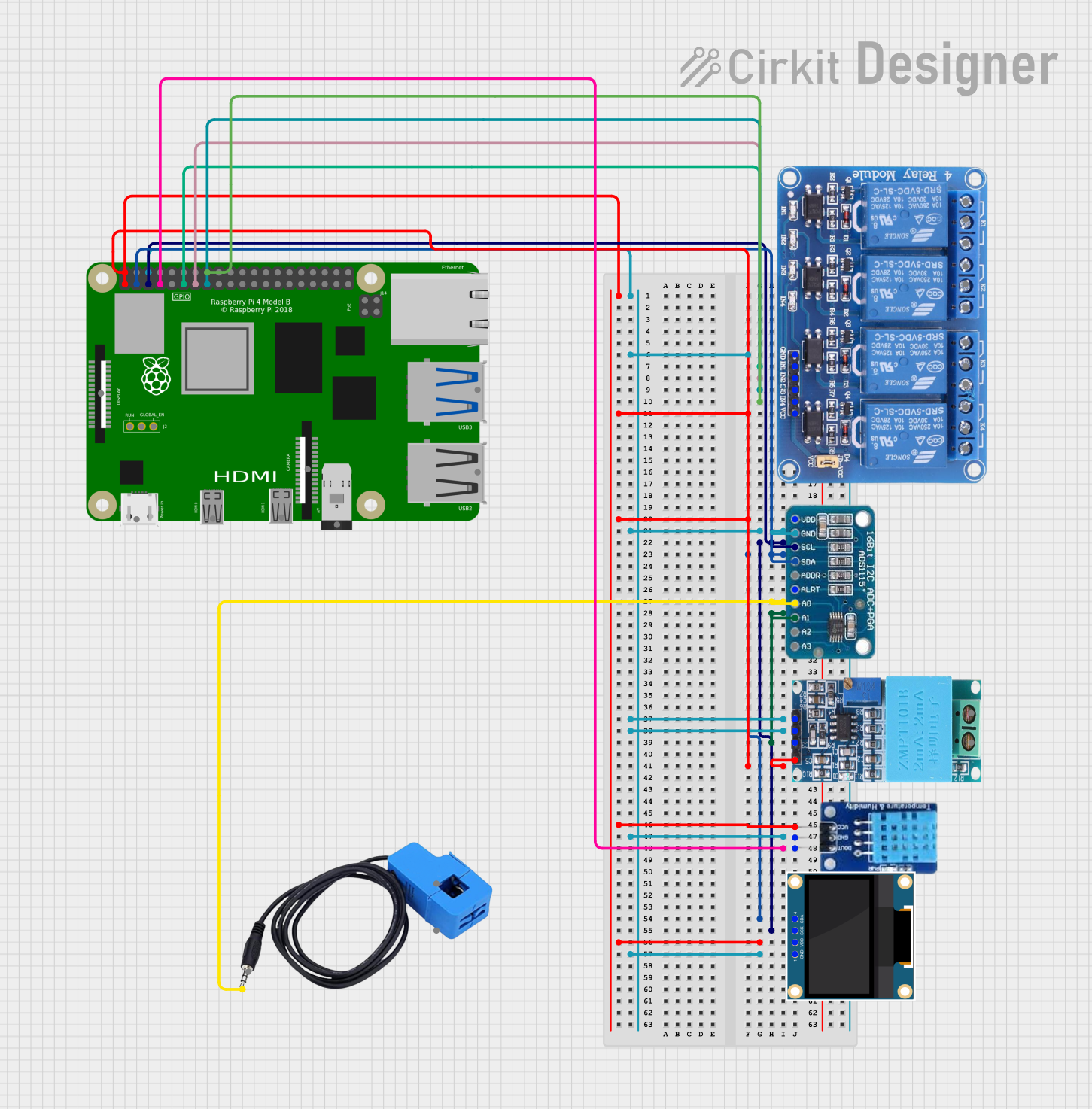 Open Project in Cirkit Designer
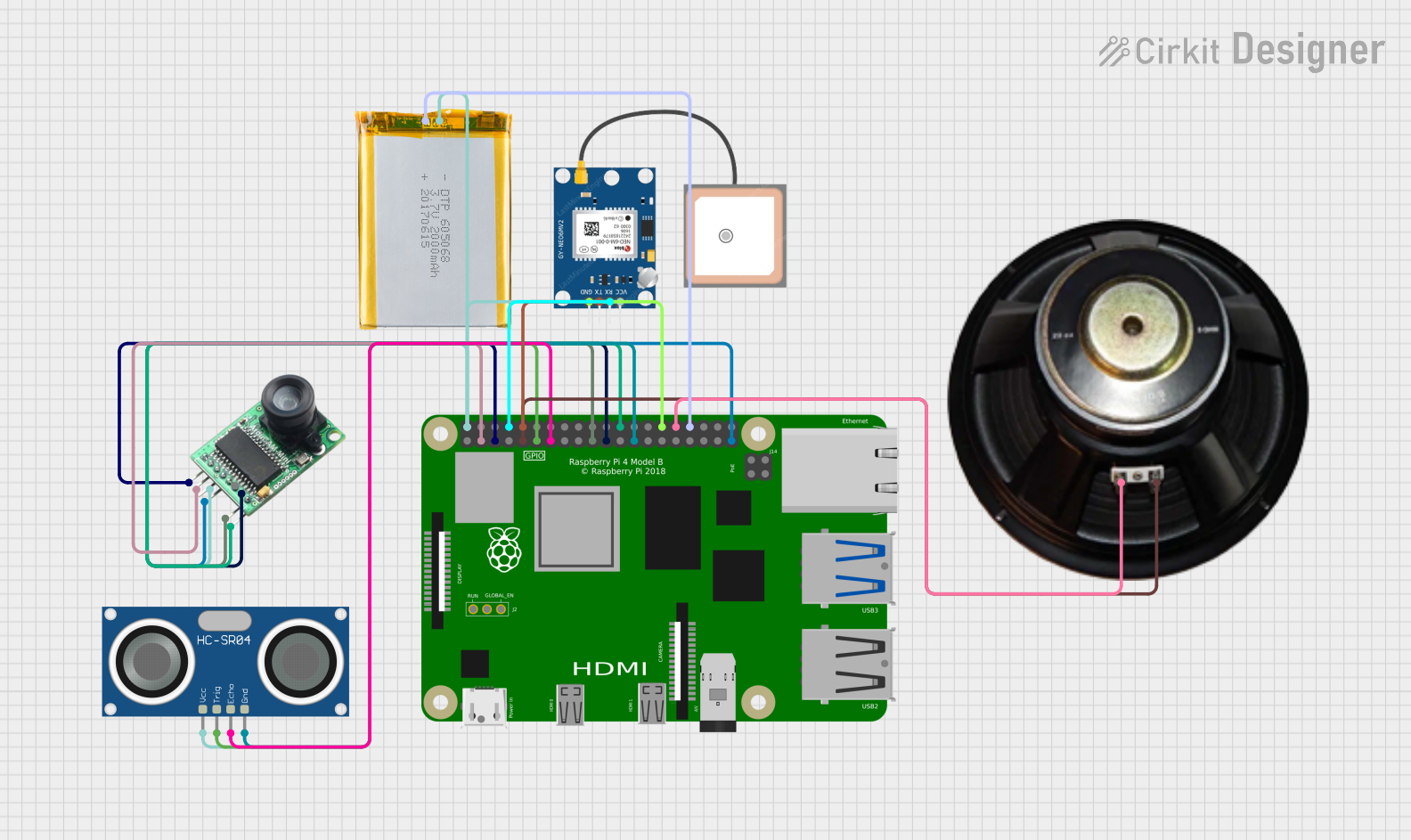 Open Project in Cirkit Designer
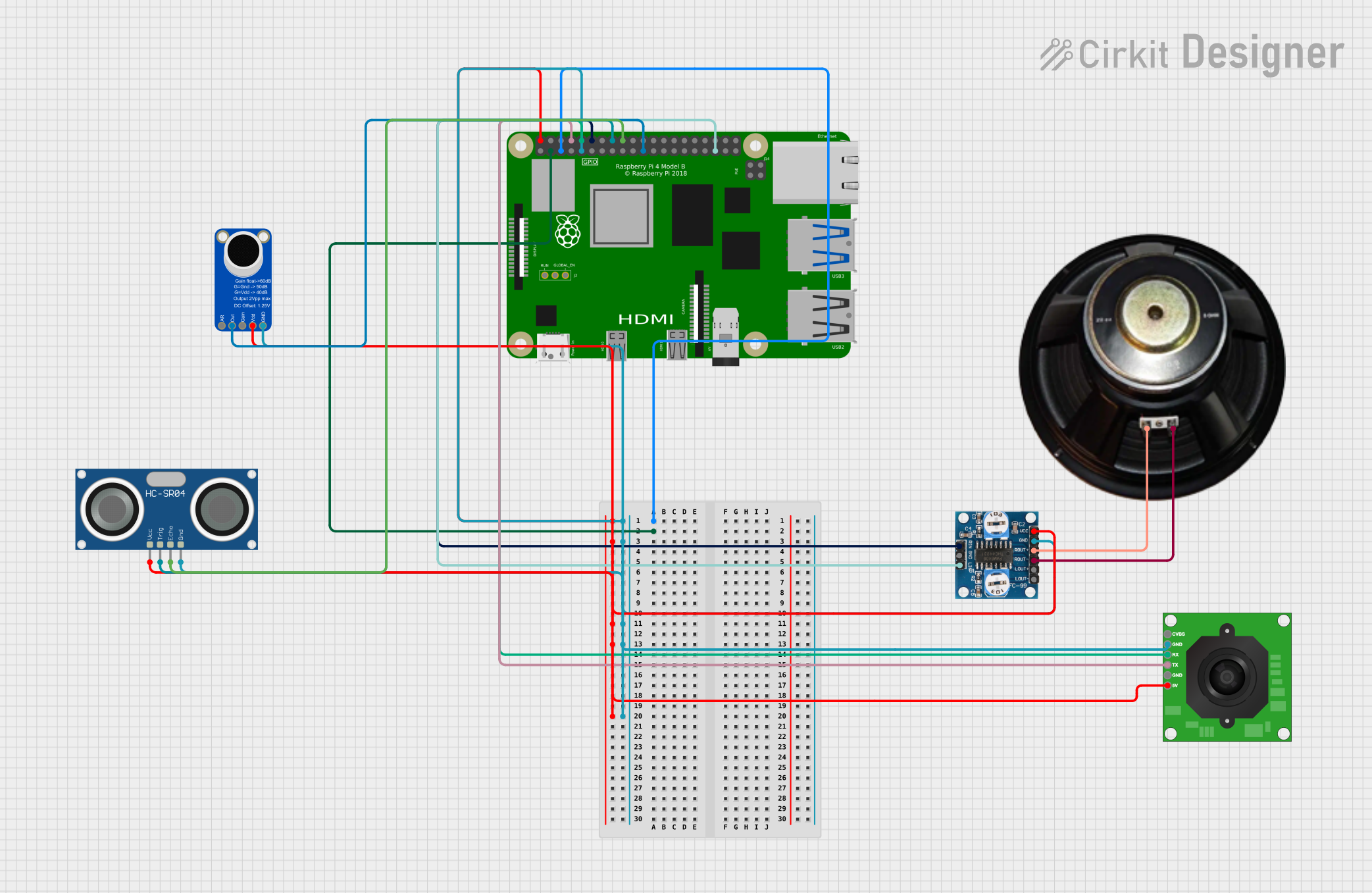 Open Project in Cirkit Designer
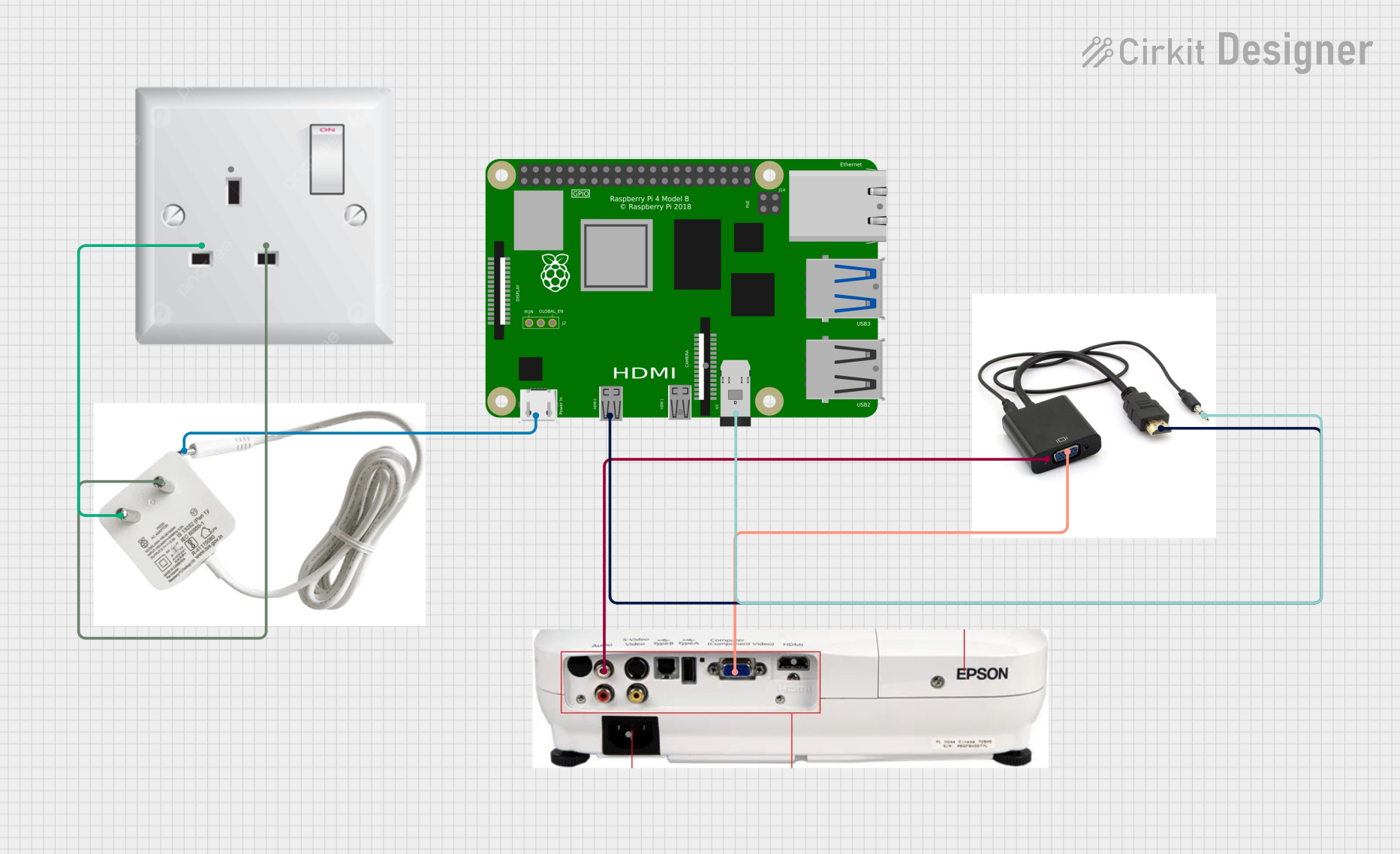 Open Project in Cirkit Designer
Explore Projects Built with Raspberry pi 4
Open Project in Cirkit DesignerOpen Project in Cirkit DesignerOpen Project in Cirkit DesignerOpen Project in Cirkit DesignerCommon Applications and Use Cases
- Programming and Education: A great tool for learning programming languages like Python, C++, and Java.
- IoT Projects: Acts as a hub for smart devices and sensors in Internet of Things applications.
- Media Centers: Can be used to build a home theater system with software like Kodi.
- Robotics: Controls motors, sensors, and other components in robotics projects.
- Web Servers: Functions as a lightweight server for hosting websites or applications.
Technical Specifications
The Raspberry Pi 4 is available in multiple RAM configurations (2GB, 4GB, and 8GB) and offers significant performance improvements over its predecessors.
Key Technical Details
| Specification | Details |
|---|---|
| Processor | Quad-core Cortex-A72 (ARM v8) 64-bit SoC @ 1.5GHz |
| RAM Options | 2GB, 4GB, or 8GB LPDDR4 |
| USB Ports | 2 × USB 3.0, 2 × USB 2.0 |
| Video Output | 2 × micro-HDMI (up to 4K resolution) |
| Networking | Gigabit Ethernet, 802.11ac Wi-Fi, Bluetooth 5.0 |
| GPIO Header | 40-pin GPIO header (compatible with previous Raspberry Pi models) |
| Storage | MicroSD card slot for OS and data storage |
| Power Supply | 5V/3A via USB-C |
| Dimensions | 85.6mm × 56.5mm × 17mm |
GPIO Pin Configuration
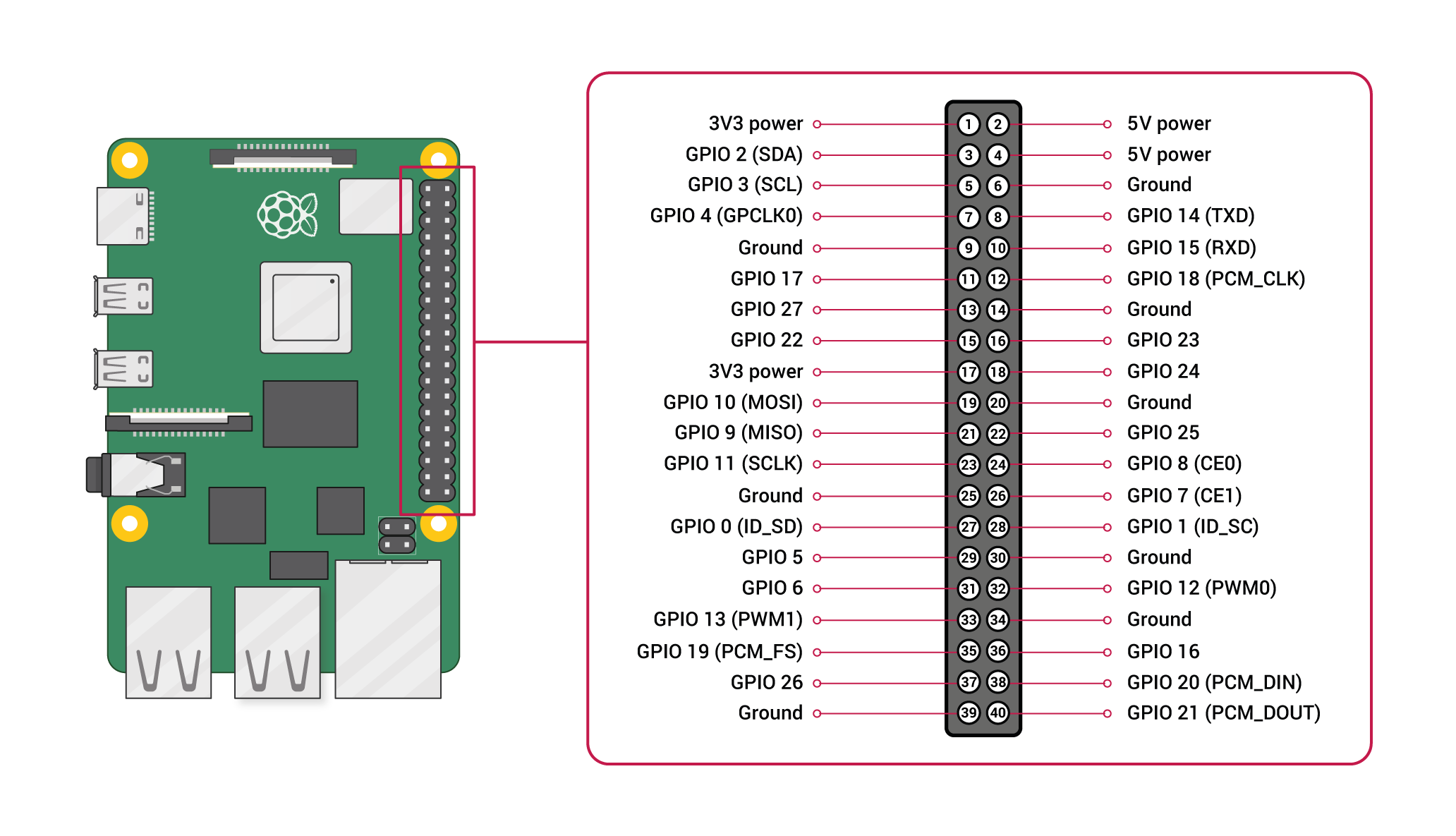
The Raspberry Pi 4 features a 40-pin GPIO header for interfacing with external components. Below is a summary of the pin configuration:
| Pin Number | Pin Name | Description |
|---|---|---|
| 1 | 3.3V Power | 3.3V power supply |
| 2 | 5V Power | 5V power supply |
| 3 | GPIO2 (SDA1) | I2C Data |
| 4 | 5V Power | 5V power supply |
| 5 | GPIO3 (SCL1) | I2C Clock |
| 6 | Ground | Ground |
| 7 | GPIO4 | General-purpose I/O |
| 8 | GPIO14 (TXD) | UART Transmit |
| 9 | Ground | Ground |
| 10 | GPIO15 (RXD) | UART Receive |
| ... | ... | ... (Refer to official documentation for full pinout) |
Usage Instructions
How to Use the Raspberry Pi 4 in a Circuit
Powering the Raspberry Pi 4:
- Use a 5V/3A USB-C power supply to power the board.
- Ensure the power supply is reliable to avoid voltage drops.
Connecting Peripherals:
- Attach a monitor via the micro-HDMI ports.
- Connect a keyboard and mouse to the USB ports.
- Insert a microSD card with a pre-installed operating system (e.g., Raspberry Pi OS).
Using GPIO Pins:
- Use the GPIO pins to connect sensors, LEDs, motors, and other components.
- Be cautious of voltage levels; GPIO pins operate at 3.3V and are not 5V tolerant.
Networking:
- Connect to the internet via Ethernet or Wi-Fi for software updates and remote access.
Important Considerations and Best Practices
- Heat Management: The Raspberry Pi 4 can get warm under heavy loads. Use a heatsink or fan for cooling.
- Static Protection: Handle the board carefully to avoid damage from static electricity.
- Software Updates: Regularly update the operating system and software to ensure security and performance.
- GPIO Safety: Avoid short circuits and overvoltage on GPIO pins to prevent damage.
Example: Blinking an LED with GPIO and Python
The following example demonstrates how to blink an LED connected to GPIO pin 17 using Python.
Circuit Setup
- Connect the positive leg of the LED to GPIO pin 17.
- Connect the negative leg of the LED to a 330-ohm resistor, and then to a ground pin.
Code
Import necessary libraries
import RPi.GPIO as GPIO import time
Set up GPIO mode
GPIO.setmode(GPIO.BCM) # Use Broadcom pin numbering GPIO.setup(17, GPIO.OUT) # Set GPIO pin 17 as an output
try: while True: GPIO.output(17, GPIO.HIGH) # Turn LED on time.sleep(1) # Wait for 1 second GPIO.output(17, GPIO.LOW) # Turn LED off time.sleep(1) # Wait for 1 second except KeyboardInterrupt: # Clean up GPIO settings on exit GPIO.cleanup()
Troubleshooting and FAQs
Common Issues and Solutions
The Raspberry Pi 4 does not boot:
- Ensure the microSD card is properly inserted and contains a valid operating system.
- Check the power supply for sufficient voltage and current.
No display on the monitor:
- Verify the micro-HDMI cable is securely connected.
- Ensure the monitor is set to the correct input source.
Overheating:
- Use a heatsink or fan to improve cooling.
- Avoid placing the Raspberry Pi in an enclosed space without ventilation.
GPIO pins not working:
- Double-check the pin connections and ensure the correct pin numbering is used in the code.
- Verify that the GPIO pins are not damaged or shorted.
FAQs
Can I power the Raspberry Pi 4 via GPIO pins?
- Yes, you can supply 5V to the 5V GPIO pins, but this bypasses the onboard voltage regulation. Use caution.
What operating systems are compatible with the Raspberry Pi 4?
- Raspberry Pi OS, Ubuntu, and other Linux-based distributions are supported. Windows IoT Core is also an option.
Can I use the Raspberry Pi 4 for AI and machine learning?
- Yes, the Raspberry Pi 4 is capable of running lightweight AI and machine learning models, especially with tools like TensorFlow Lite.
This documentation provides a comprehensive guide to using the Raspberry Pi 4 effectively in various projects. For more details, refer to the official Raspberry Pi documentation.