
How to Use 8 Core 16awg Wire: Examples, Pinouts, and Specs

 Design with 8 Core 16awg Wire in Cirkit Designer
Introduction
The 8 Core 16AWG Wire is a multi-stranded cable consisting of 8 individual conductors, each with a gauge size of 16 AWG (American Wire Gauge). This wire is designed for low-voltage applications and is widely used in electronics, automotive, and industrial projects. Its flexibility and durability make it ideal for environments requiring frequent movement or tight spaces.
Explore Projects Built with 8 Core 16awg Wire
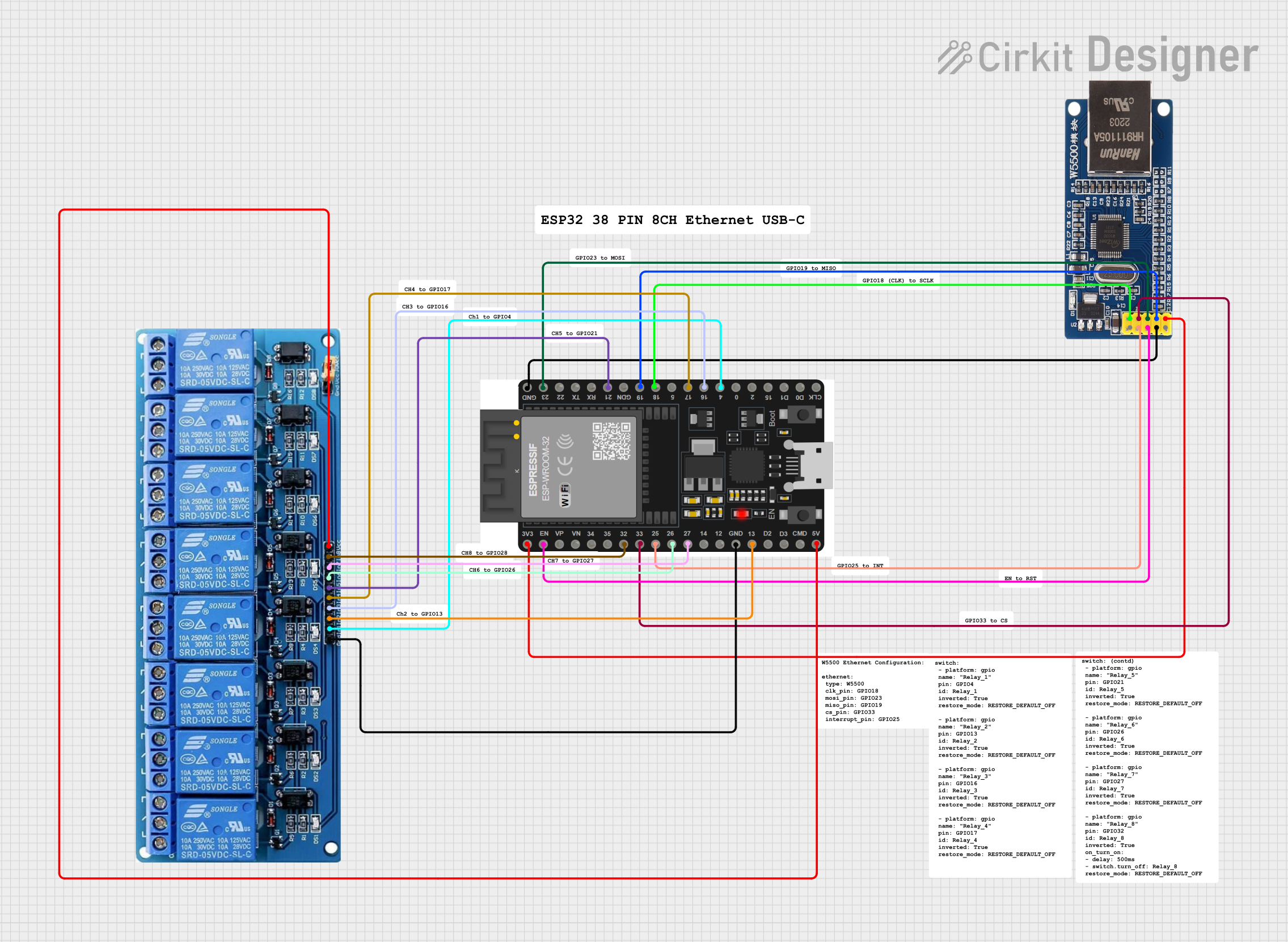 Open Project in Cirkit Designer
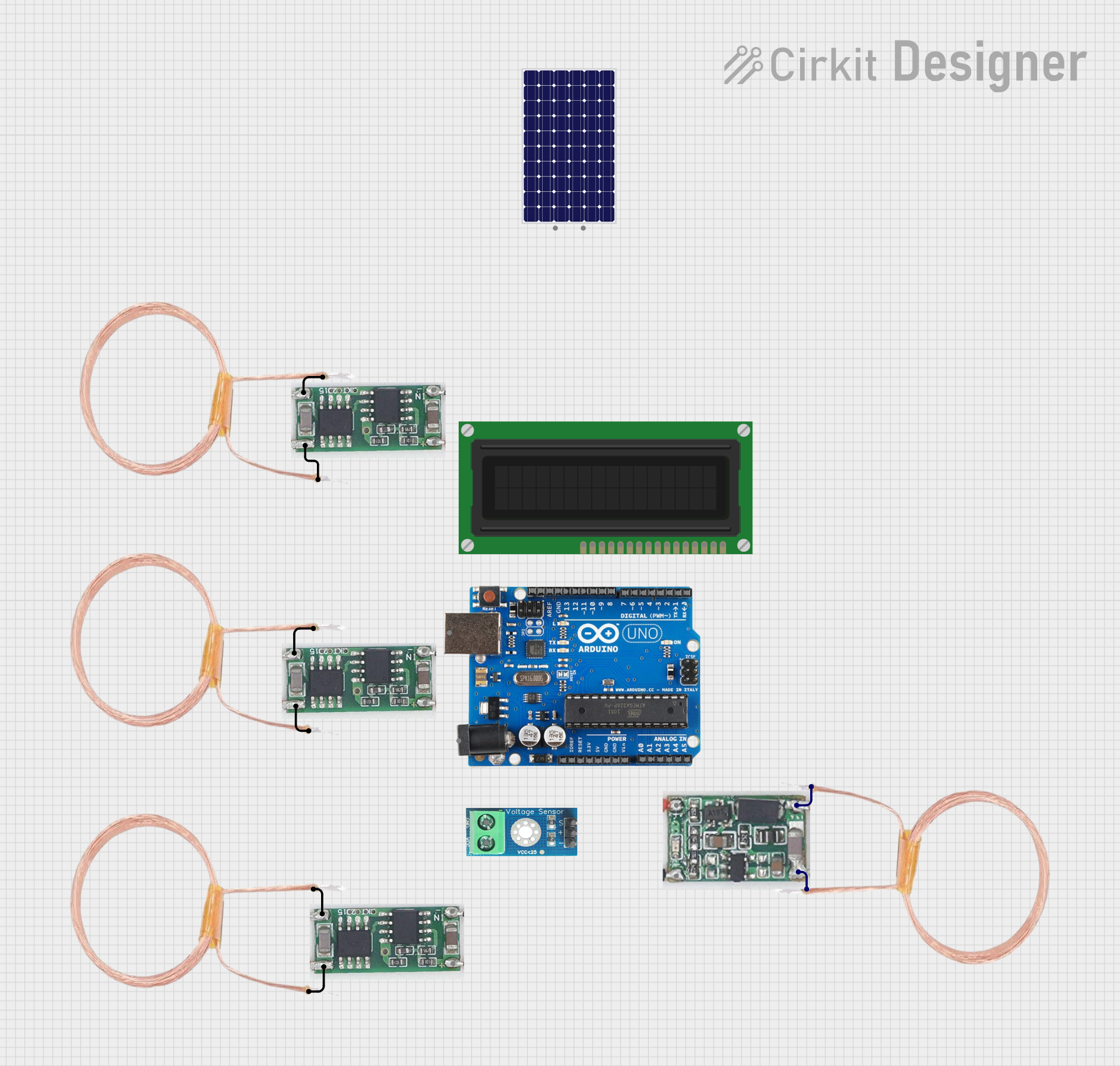 Open Project in Cirkit Designer
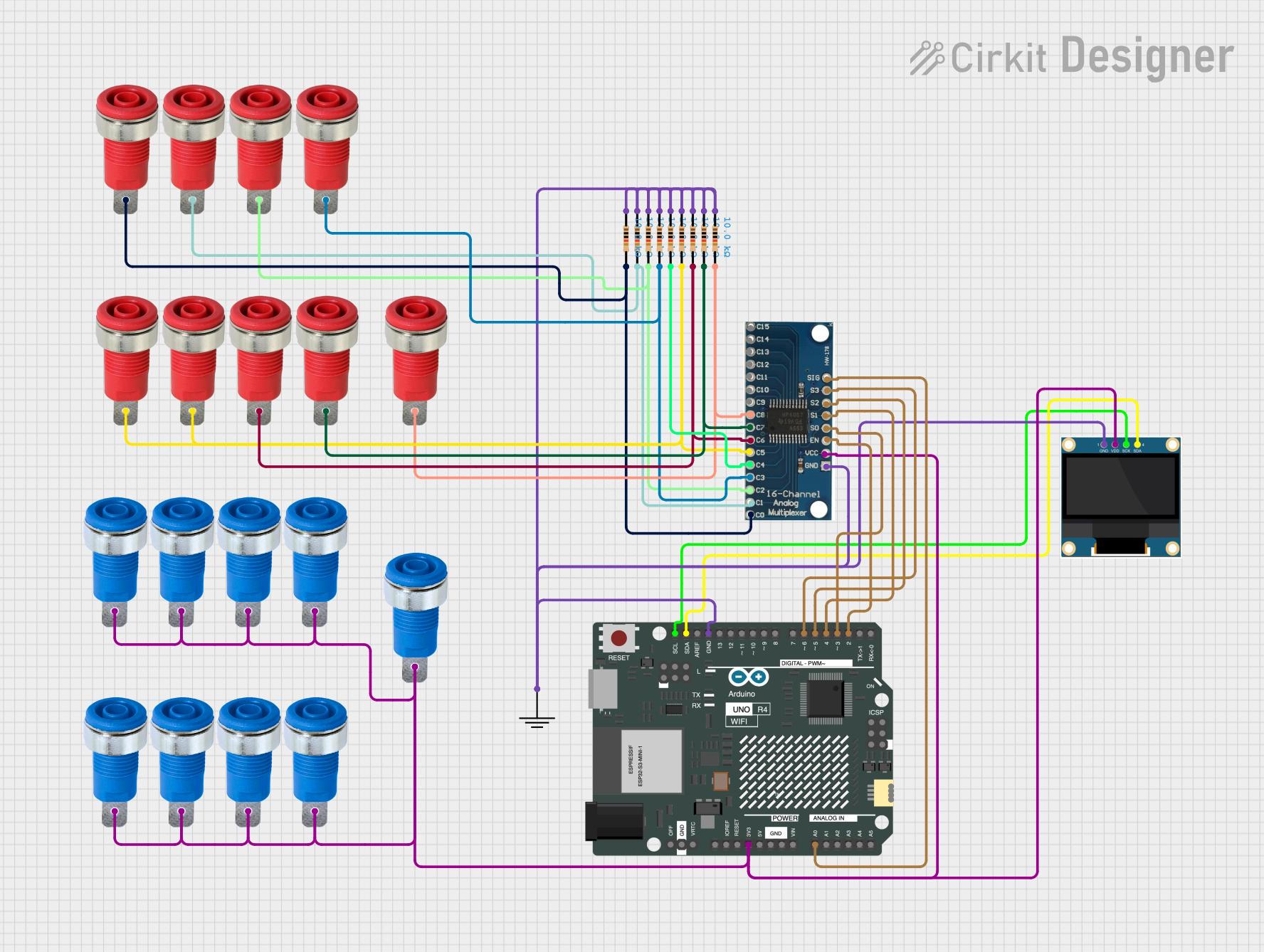 Open Project in Cirkit Designer
 Open Project in Cirkit Designer
Explore Projects Built with 8 Core 16awg Wire
Open Project in Cirkit DesignerOpen Project in Cirkit DesignerOpen Project in Cirkit DesignerOpen Project in Cirkit DesignerCommon Applications and Use Cases
- Electronics Projects: Used for connecting multiple components in circuits.
- Automotive Wiring: Suitable for low-voltage power distribution in vehicles.
- Industrial Control Systems: Ideal for signal transmission and power delivery.
- Home Automation: Used in smart home systems for connecting sensors and actuators.
- Audio Systems: Provides reliable connections for speakers and amplifiers.
Technical Specifications
The following table outlines the key technical details of the 8 Core 16AWG Wire:
| Specification | Details |
|---|---|
| Number of Conductors | 8 |
| Conductor Gauge | 16 AWG |
| Conductor Material | Stranded copper (high conductivity and flexibility) |
| Insulation Material | PVC (Polyvinyl Chloride) or equivalent |
| Voltage Rating | Typically up to 300V (verify with manufacturer for specific applications) |
| Current Rating | Approximately 10-15A per conductor (depends on application and conditions) |
| Temperature Range | -20°C to +80°C |
| Outer Diameter | Varies based on insulation thickness (typically 10-12mm for 8-core cable) |
| Color Coding | Standard color-coded insulation for easy identification of conductors |
Pin Configuration and Descriptions
Although the 8 Core 16AWG Wire does not have "pins," each conductor is color-coded for easy identification. Below is a typical color-coding scheme:
| Conductor | Color | Description |
|---|---|---|
| Core 1 | Black | Common ground or negative terminal |
| Core 2 | Red | Positive power supply |
| Core 3 | Blue | Signal or auxiliary connection |
| Core 4 | Yellow | Signal or auxiliary connection |
| Core 5 | Green | Signal or auxiliary connection |
| Core 6 | White | Signal or auxiliary connection |
| Core 7 | Brown | Signal or auxiliary connection |
| Core 8 | Orange | Signal or auxiliary connection |
Note: The color-coding may vary depending on the manufacturer. Always refer to the datasheet or labeling provided with the wire.
Usage Instructions
How to Use the 8 Core 16AWG Wire in a Circuit
- Strip the Insulation: Use a wire stripper to carefully remove the insulation from the ends of the conductors. Avoid damaging the copper strands.
- Identify Conductors: Refer to the color-coding scheme to identify the purpose of each conductor (e.g., power, ground, signal).
- Connect to Components: Solder or use connectors to attach the conductors to the appropriate terminals of your components.
- Secure the Wire: Use cable ties or clamps to secure the wire and prevent strain on the connections.
- Test the Circuit: Verify all connections with a multimeter before powering the circuit.
Important Considerations and Best Practices
- Current Capacity: Ensure the current through each conductor does not exceed its rated capacity to avoid overheating.
- Voltage Rating: Do not use the wire for applications exceeding its voltage rating.
- Environmental Conditions: Protect the wire from exposure to extreme temperatures, moisture, or chemicals that could degrade the insulation.
- Cable Management: Use proper cable management techniques to avoid tangling or accidental damage.
Example: Connecting to an Arduino UNO
The 8 Core 16AWG Wire can be used to connect multiple sensors or actuators to an Arduino UNO. Below is an example of wiring a simple setup:
Circuit Description
- Core 1 (Black): Ground (GND) connection to Arduino.
- Core 2 (Red): 5V power supply from Arduino.
- Core 3 (Blue): Signal wire for a sensor connected to pin A0.
Sample Code
// Example code for reading a sensor connected via 8 Core 16AWG Wire
// Core 1 (Black) -> GND, Core 2 (Red) -> 5V, Core 3 (Blue) -> A0

const int sensorPin = A0; // Sensor signal connected to analog pin A0

void setup() {
  Serial.begin(9600); // Initialize serial communication at 9600 baud
  pinMode(sensorPin, INPUT); // Set sensor pin as input
}

void loop() {
  int sensorValue = analogRead(sensorPin); // Read the sensor value
  Serial.print("Sensor Value: ");
  Serial.println(sensorValue); // Print the sensor value to the Serial Monitor
  delay(500); // Wait for 500ms before the next reading
}
Troubleshooting and FAQs
Common Issues Users Might Face
Intermittent Connections:
- Cause: Poorly stripped wires or loose connections.
- Solution: Ensure the insulation is stripped cleanly, and connections are secure.
Overheating of Conductors:
- Cause: Exceeding the current rating of the wire.
- Solution: Verify the current requirements of your circuit and ensure they are within the wire's capacity.
Short Circuits:
- Cause: Exposed conductors touching each other.
- Solution: Use heat shrink tubing or electrical tape to insulate exposed sections.
Signal Interference:
- Cause: Crosstalk between conductors in high-frequency applications.
- Solution: Use shielded cable or separate signal and power wires.
FAQs
Q: Can I use this wire for AC applications?
A: Yes, the 8 Core 16AWG Wire can be used for low-voltage AC applications, provided the voltage and current ratings are not exceeded.
Q: Is this wire suitable for outdoor use?
A: The wire is not inherently weatherproof. For outdoor use, ensure it is enclosed in a protective conduit or use a weather-resistant version.
Q: Can I use all 8 cores for power delivery?
A: Yes, but ensure the combined current does not exceed the total capacity of the wire bundle.
Q: How do I extend the length of the wire?
A: Use soldering or crimp connectors to join additional lengths, and insulate the joints with heat shrink tubing or electrical tape.