
How to Use POWER SUPPLY 12v 1000w: Examples, Pinouts, and Specs
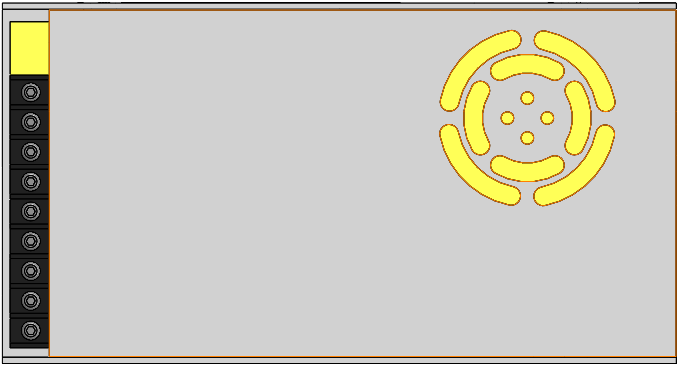
 Design with POWER SUPPLY 12v 1000w in Cirkit Designer
Introduction
The Meanwell POWER SUPPLY 12V 1000W is a high-performance power supply unit designed to convert electrical energy from an input source into a stable 12-volt DC output. With a maximum power output of 1000 watts, this device is ideal for powering high-demand electronic systems and industrial equipment. Its robust design ensures reliable operation in a variety of environments, making it a popular choice for both professional and hobbyist applications.
Explore Projects Built with POWER SUPPLY 12v 1000w
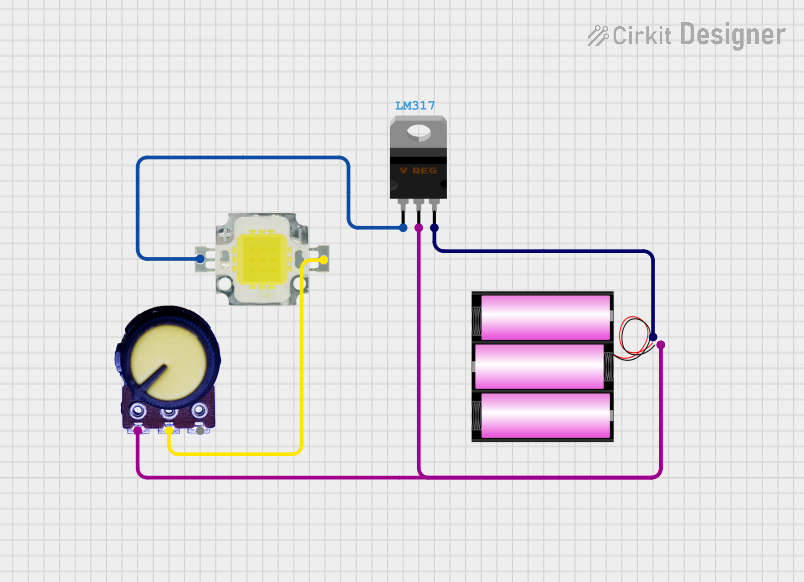 Open Project in Cirkit Designer
 Open Project in Cirkit Designer
 Open Project in Cirkit Designer
 Open Project in Cirkit Designer
Explore Projects Built with POWER SUPPLY 12v 1000w
Open Project in Cirkit DesignerOpen Project in Cirkit DesignerOpen Project in Cirkit DesignerOpen Project in Cirkit DesignerCommon Applications and Use Cases
- Industrial automation systems
- LED lighting installations
- High-power motor drivers
- Battery charging systems
- Audio amplifiers and other high-power electronics
- Robotics and CNC machines
Technical Specifications
The following table outlines the key technical details of the Meanwell POWER SUPPLY 12V 1000W:
| Parameter | Specification |
|---|---|
| Input Voltage Range | 90-264 VAC (Universal Input) |
| Output Voltage | 12 VDC |
| Maximum Output Power | 1000 W |
| Maximum Output Current | 83.3 A |
| Efficiency | Up to 94% |
| Operating Temperature | -30°C to +70°C |
| Cooling Method | Forced air cooling (built-in fan) |
| Dimensions | 295 x 127 x 41 mm |
| Weight | 1.8 kg |
| Safety Standards | UL, CE, FCC, RoHS compliant |
Pin Configuration and Descriptions
The power supply features input and output terminals for easy integration into circuits. Below is the pin configuration:
Input Terminals
| Pin | Label | Description |
|---|---|---|
| 1 | L | Live AC input |
| 2 | N | Neutral AC input |
| 3 | FG | Frame Ground (Earth connection) |
Output Terminals
| Pin | Label | Description |
|---|---|---|
| 1 | V+ | Positive DC output |
| 2 | V- | Negative DC output (Ground) |
Control and Adjustment
| Pin | Label | Description |
|---|---|---|
| 1 | V-ADJ | Voltage adjustment potentiometer |
| 2 | Remote ON/OFF | Remote control for enabling/disabling output |
Usage Instructions
How to Use the Component in a Circuit
Input Connection:
- Connect the AC input terminals (L and N) to a suitable power source within the specified voltage range (90-264 VAC).
- Ensure the FG terminal is connected to the earth ground for safety.
Output Connection:
- Connect the V+ and V- terminals to the load, ensuring correct polarity.
- Use appropriately rated wires to handle the high current output (up to 83.3 A).
Voltage Adjustment:
- Use the V-ADJ potentiometer to fine-tune the output voltage within the allowable range (typically ±10% of 12V).
Remote Control:
- To enable or disable the output remotely, connect a switch or control circuit to the Remote ON/OFF pin.
Important Considerations and Best Practices
- Cooling: Ensure adequate ventilation around the power supply to prevent overheating. Do not block the built-in fan.
- Overload Protection: The power supply includes built-in overload and overvoltage protection. If triggered, reduce the load and reset the power supply.
- Wiring: Use wires with sufficient gauge to handle the high current output, and keep wire lengths as short as possible to minimize voltage drops.
- Safety: Always disconnect the power supply from the mains before making any connections or adjustments.
Example: Connecting to an Arduino UNO
The Meanwell POWER SUPPLY 12V 1000W can be used to power an Arduino UNO and other peripherals. Below is an example circuit and code:
Circuit Setup
- Connect the V+ terminal to the VIN pin of the Arduino UNO.
- Connect the V- terminal to the GND pin of the Arduino UNO.
- Ensure the output voltage is set to 12V using the V-ADJ potentiometer.
Arduino Code Example
// Example code to blink an LED using Arduino UNO powered by the Meanwell
// POWER SUPPLY 12V 1000W. Ensure the power supply output is set to 12V.

const int ledPin = 13; // Pin connected to the onboard LED

void setup() {
  pinMode(ledPin, OUTPUT); // Set the LED pin as an output
}

void loop() {
  digitalWrite(ledPin, HIGH); // Turn the LED on
  delay(1000);               // Wait for 1 second
  digitalWrite(ledPin, LOW);  // Turn the LED off
  delay(1000);               // Wait for 1 second
}
Troubleshooting and FAQs
Common Issues Users Might Face
No Output Voltage:
- Cause: Input power is not connected or is outside the specified range.
- Solution: Verify the input voltage and connections.
Overheating:
- Cause: Insufficient ventilation or excessive load.
- Solution: Ensure proper airflow and reduce the load if necessary.
Output Voltage Fluctuations:
- Cause: Load exceeds the maximum rated power or poor wiring.
- Solution: Reduce the load and check for secure connections with appropriate wire gauge.
Fan Not Working:
- Cause: Fan failure or blocked ventilation.
- Solution: Inspect the fan for obstructions or damage and replace if necessary.
Solutions and Tips for Troubleshooting
- Always check the input and output connections for loose or incorrect wiring.
- Use a multimeter to verify the output voltage and current.
- If the power supply enters protection mode, disconnect the load, power cycle the unit, and reconnect the load gradually.
By following this documentation, users can safely and effectively integrate the Meanwell POWER SUPPLY 12V 1000W into their projects.