
How to Use MCB 20A: Examples, Pinouts, and Specs
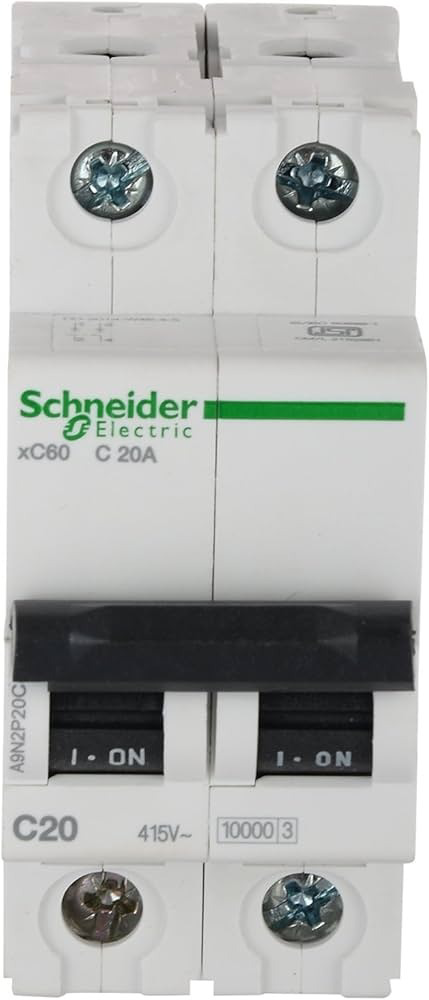
 Design with MCB 20A in Cirkit Designer
Introduction
A Miniature Circuit Breaker (MCB) rated at 20 Amperes is an essential safety device used in electrical systems. It is designed to protect circuits from overload and short circuit conditions by automatically interrupting the flow of current when it exceeds the rated capacity. This ensures the safety of connected devices and prevents potential hazards such as electrical fires or equipment damage.
Explore Projects Built with MCB 20A
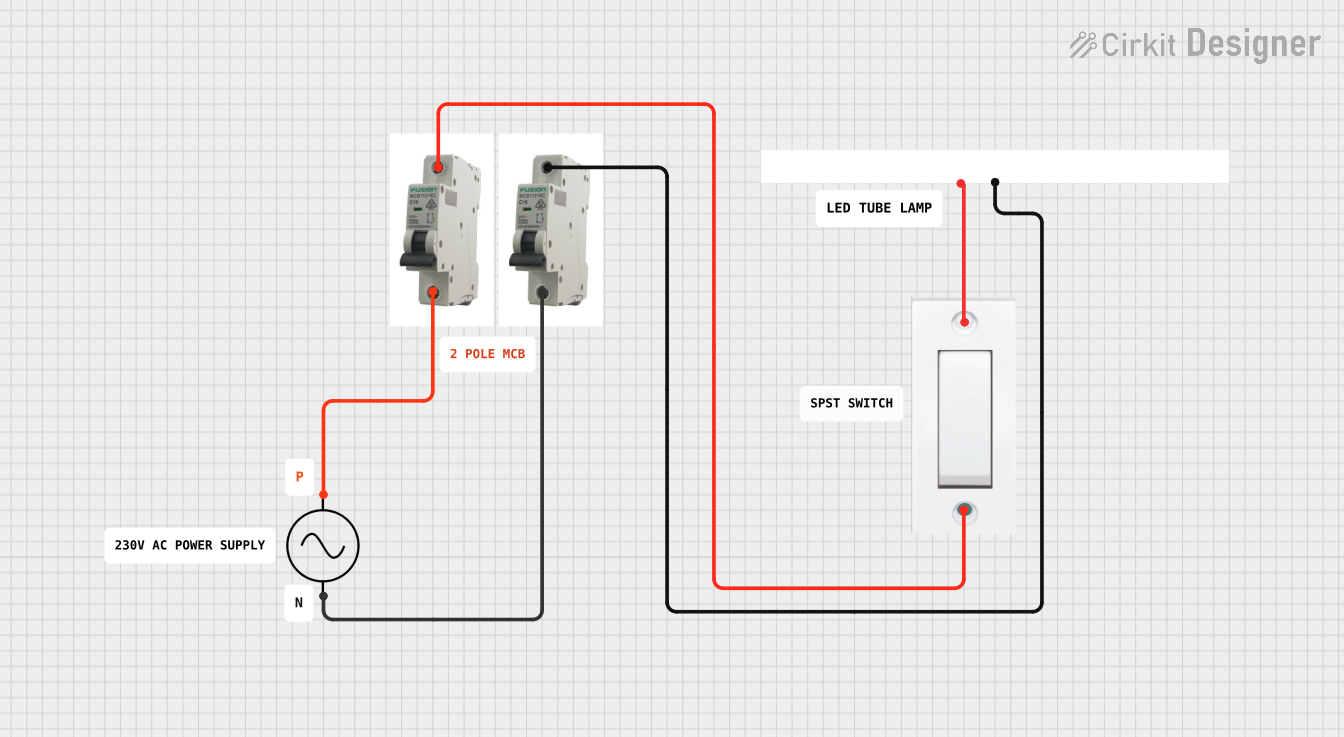 Open Project in Cirkit Designer
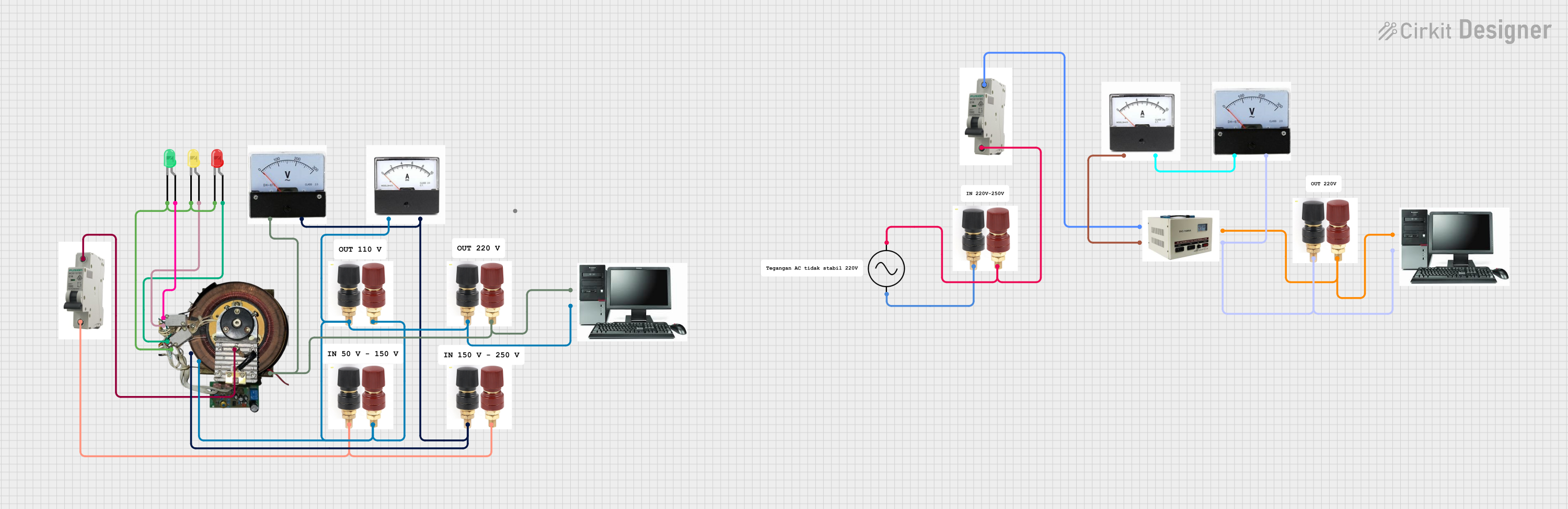 Open Project in Cirkit Designer
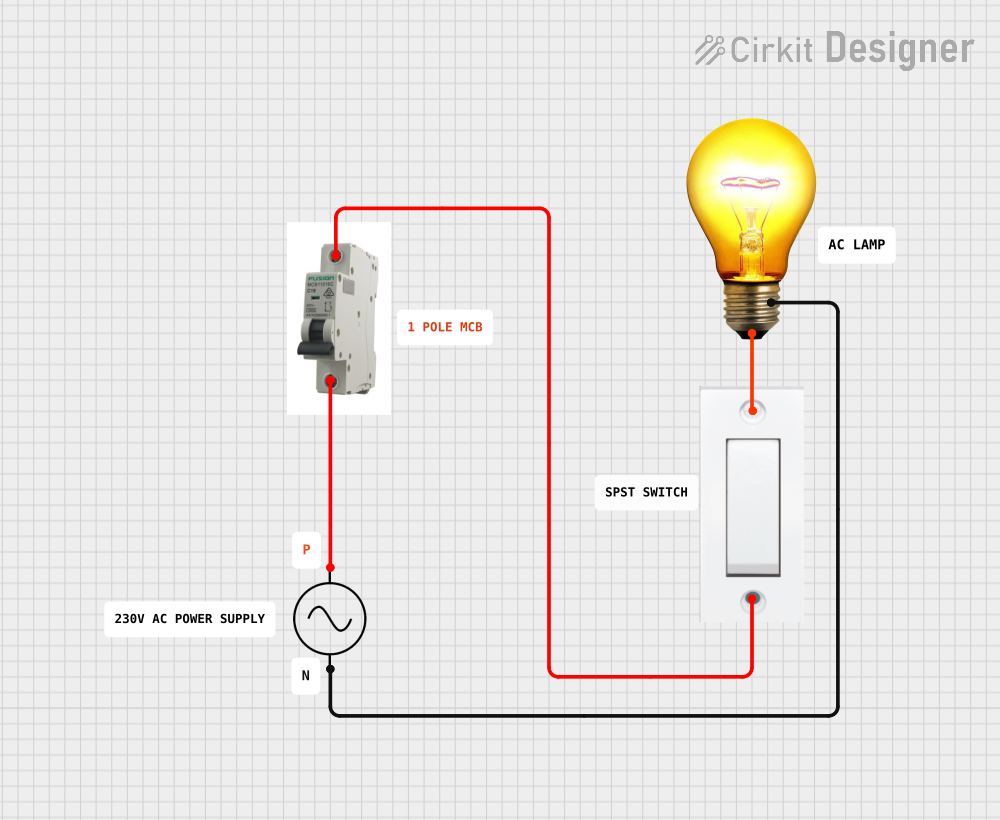 Open Project in Cirkit Designer
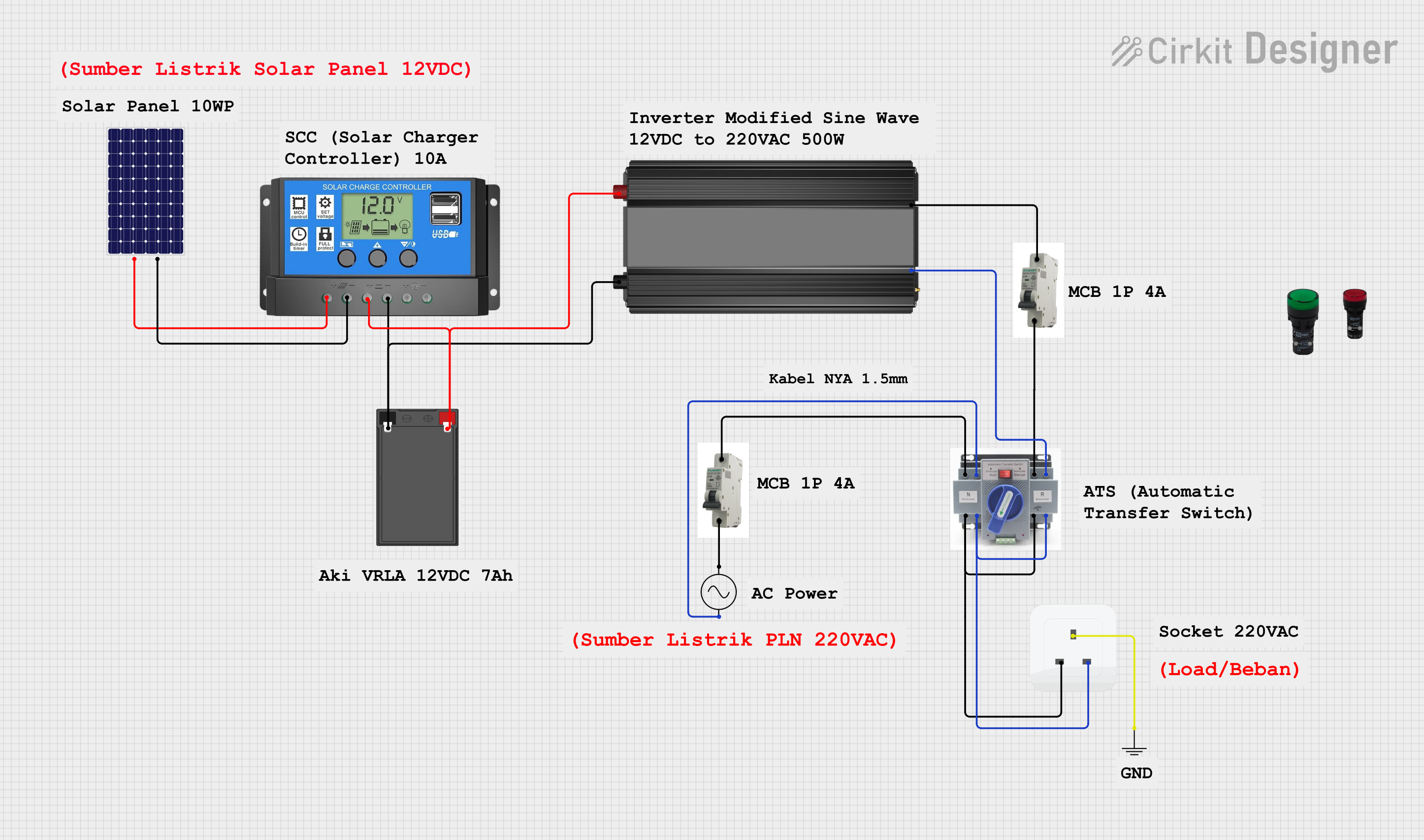 Open Project in Cirkit Designer
Explore Projects Built with MCB 20A
Open Project in Cirkit DesignerOpen Project in Cirkit DesignerOpen Project in Cirkit DesignerOpen Project in Cirkit DesignerCommon Applications and Use Cases
- Residential and commercial electrical distribution systems
- Protection of lighting circuits, power outlets, and small appliances
- Industrial control panels and machinery
- Renewable energy systems, such as solar panel installations
- Motor protection in low-power applications
Technical Specifications
Key Technical Details
| Parameter | Specification |
|---|---|
| Rated Current | 20 Amperes |
| Rated Voltage | 230/400V AC |
| Breaking Capacity | 6 kA (typical) |
| Tripping Curve | Type B, C, or D (varies by model) |
| Frequency | 50/60 Hz |
| Number of Poles | 1P, 2P, 3P, or 4P (varies by model) |
| Operating Temperature | -5°C to +40°C |
| Mounting Type | DIN Rail (35 mm standard) |
| Compliance Standards | IEC 60898-1, IS/IEC 60898 |
Pin Configuration and Descriptions
The MCB does not have traditional pins but instead features terminal connections for input and output wiring. Below is a description of the terminals:
| Terminal Name | Description |
|---|---|
| Line (Input) | Connects to the incoming power supply |
| Load (Output) | Connects to the circuit or device to protect |
Usage Instructions
How to Use the MCB 20A in a Circuit
- Mounting the MCB: Secure the MCB onto a standard 35 mm DIN rail in the distribution box or control panel.
- Wiring:
- Connect the incoming power supply to the Line (Input) terminal.
- Connect the circuit or load to the Load (Output) terminal.
- Ensure all connections are tight and secure to prevent arcing or overheating.
- Power On:
- Switch the MCB to the "ON" position to allow current flow.
- The MCB will automatically trip to the "OFF" position if an overload or short circuit occurs.
- Resetting the MCB:
- After resolving the fault, switch the MCB back to the "ON" position to restore power.
Important Considerations and Best Practices
- Ensure the MCB's rated current (20A) matches the circuit's requirements to avoid nuisance tripping or insufficient protection.
- Use appropriately rated wires for the circuit to handle the current safely.
- Avoid bypassing or tampering with the MCB, as this compromises safety.
- Periodically inspect the MCB for signs of wear, damage, or loose connections.
- For circuits connected to sensitive electronics, consider using surge protection devices alongside the MCB.
Example: Connecting an MCB to an Arduino UNO Circuit
While MCBs are not directly interfaced with microcontrollers like the Arduino UNO, they can be used to protect the power supply feeding the Arduino. Below is an example of how to integrate an MCB into a circuit powering an Arduino UNO:
Power Supply (230V AC) --> MCB 20A --> Step-Down Transformer --> Arduino UNO
In this setup:
- The MCB protects the transformer and Arduino from overload or short circuits.
- Ensure the transformer output matches the Arduino's input voltage (e.g., 5V DC).
Troubleshooting and FAQs
Common Issues and Solutions
| Issue | Possible Cause | Solution |
|---|---|---|
| MCB trips frequently | Overload or short circuit in the circuit | Check the circuit for faults or reduce the load |
| MCB does not trip during a fault | Faulty MCB or incorrect wiring | Replace the MCB or verify wiring |
| MCB feels warm during operation | Loose connections or high ambient temperature | Tighten connections or improve ventilation |
| Difficulty resetting the MCB | Persistent fault in the circuit | Identify and resolve the fault before resetting |
FAQs
Can I use the MCB 20A for DC circuits?
- Some MCBs are rated for DC applications. Check the manufacturer's specifications to confirm compatibility.
What is the difference between Type B, C, and D tripping curves?
- Type B: Trips at 3-5 times the rated current, suitable for residential use.
- Type C: Trips at 5-10 times the rated current, ideal for commercial and industrial applications.
- Type D: Trips at 10-20 times the rated current, used for high inrush current devices like motors.
How do I select the correct MCB for my application?
- Determine the circuit's maximum current and voltage requirements.
- Choose an MCB with a suitable tripping curve based on the type of load.
- Ensure compliance with local electrical standards and regulations.
By following this documentation, users can safely and effectively integrate the MCB 20A into their electrical systems.