
How to Use 12V Mini Solenoid Electromagnetic Electric Control Push-Pull: Examples, Pinouts, and Specs
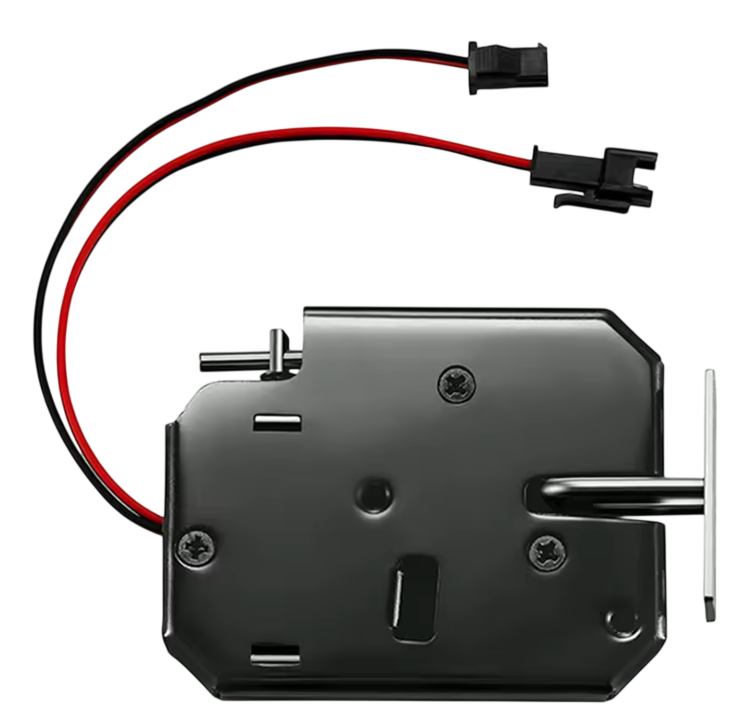
 Design with 12V Mini Solenoid Electromagnetic Electric Control Push-Pull in Cirkit Designer
Introduction
The 12V Mini Solenoid Electromagnetic Electric Control Push-Pull is a compact electromagnetic actuator designed to create linear motion by pushing or pulling an object when energized. It operates on a 12V DC power supply and is widely used in applications requiring precise mechanical movement. This solenoid is ideal for projects involving locking mechanisms, automated systems, robotics, vending machines, and more.
Explore Projects Built with 12V Mini Solenoid Electromagnetic Electric Control Push-Pull
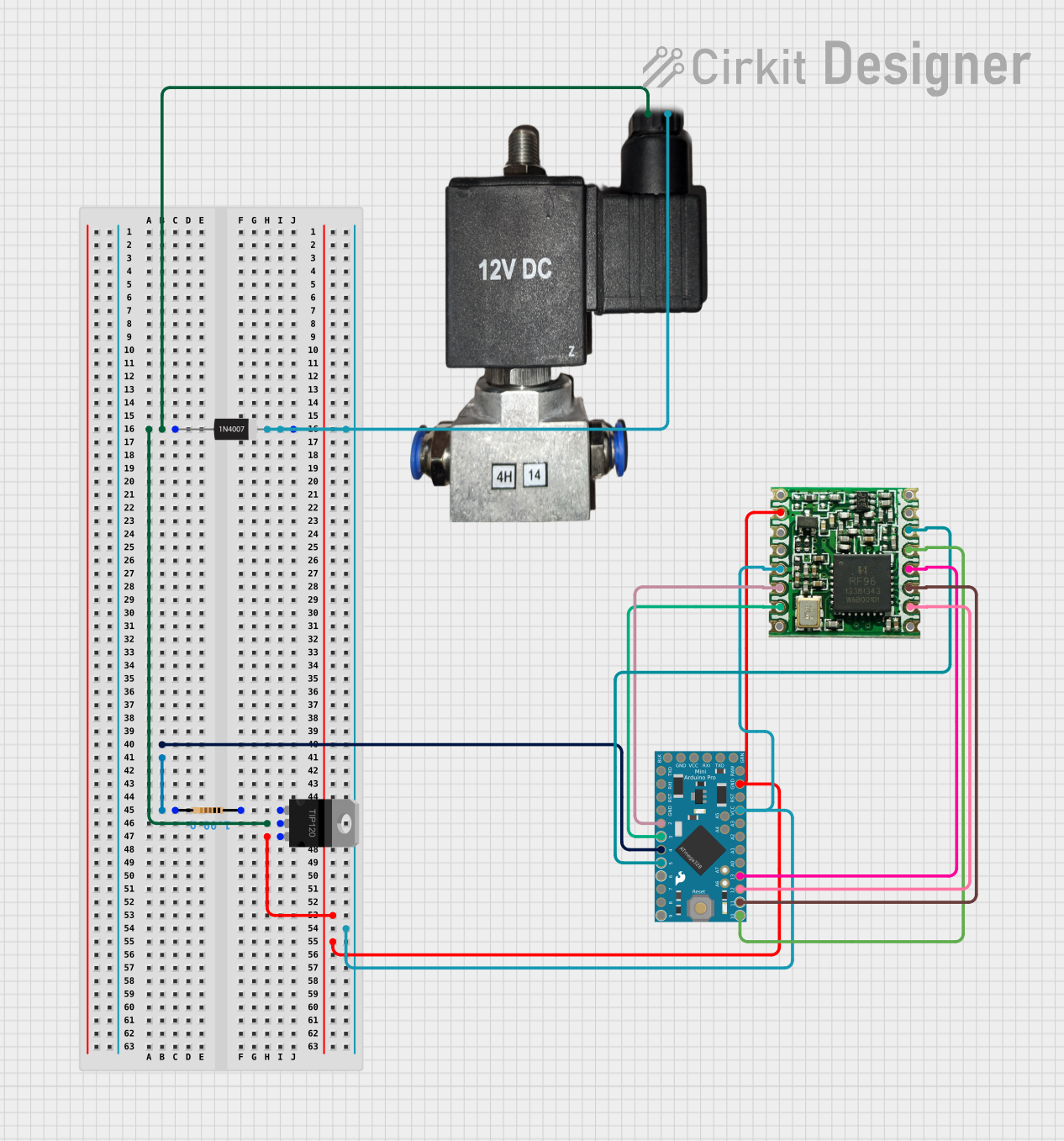 Open Project in Cirkit Designer
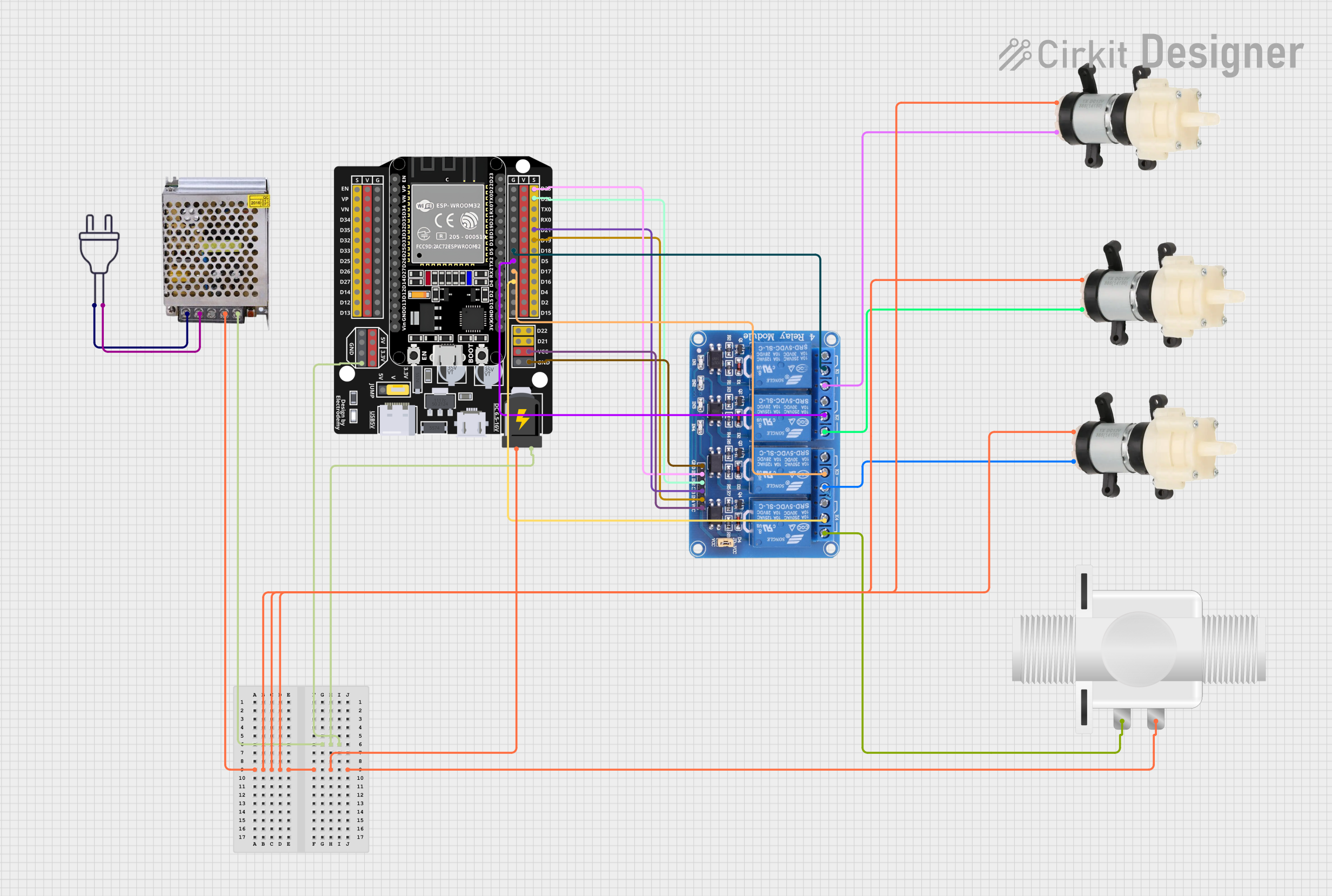 Open Project in Cirkit Designer
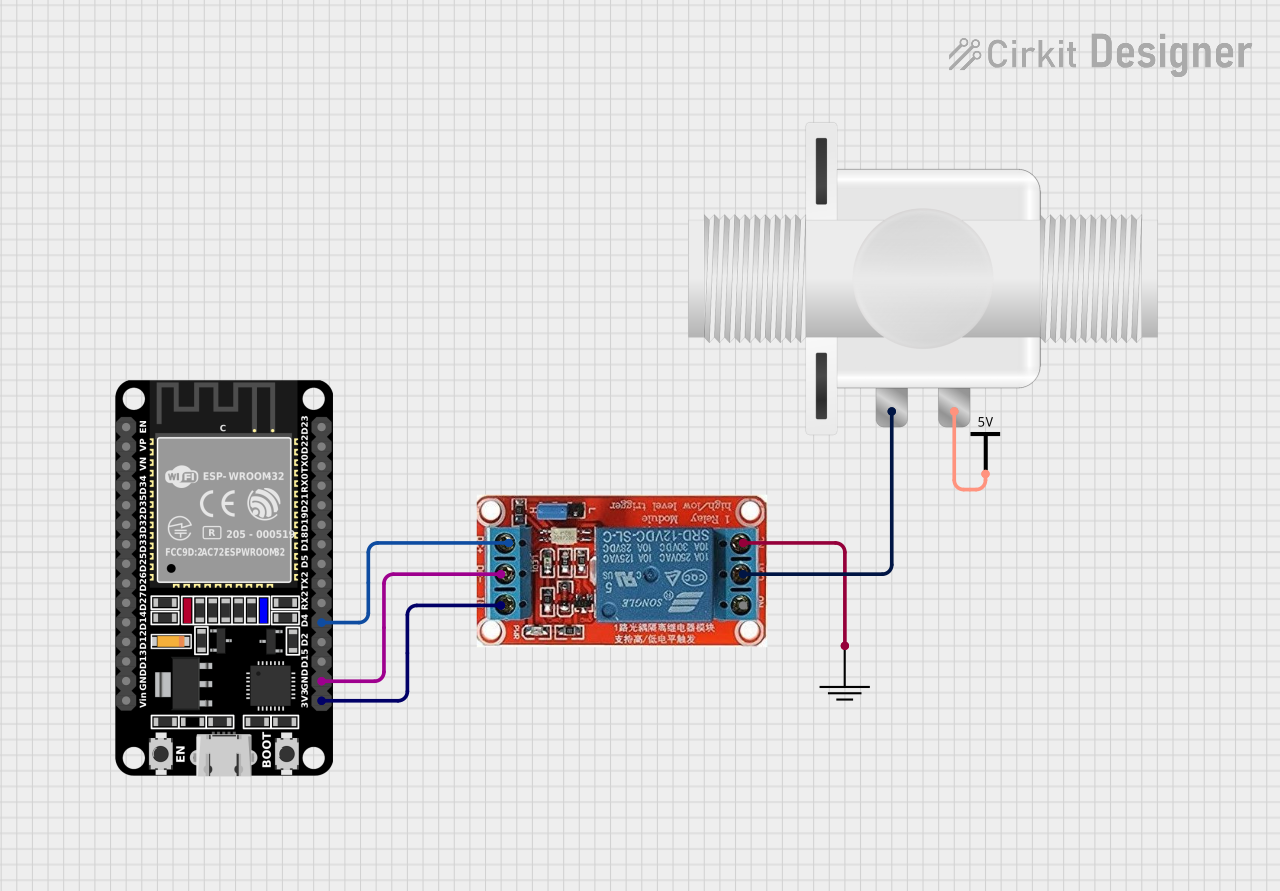 Open Project in Cirkit Designer
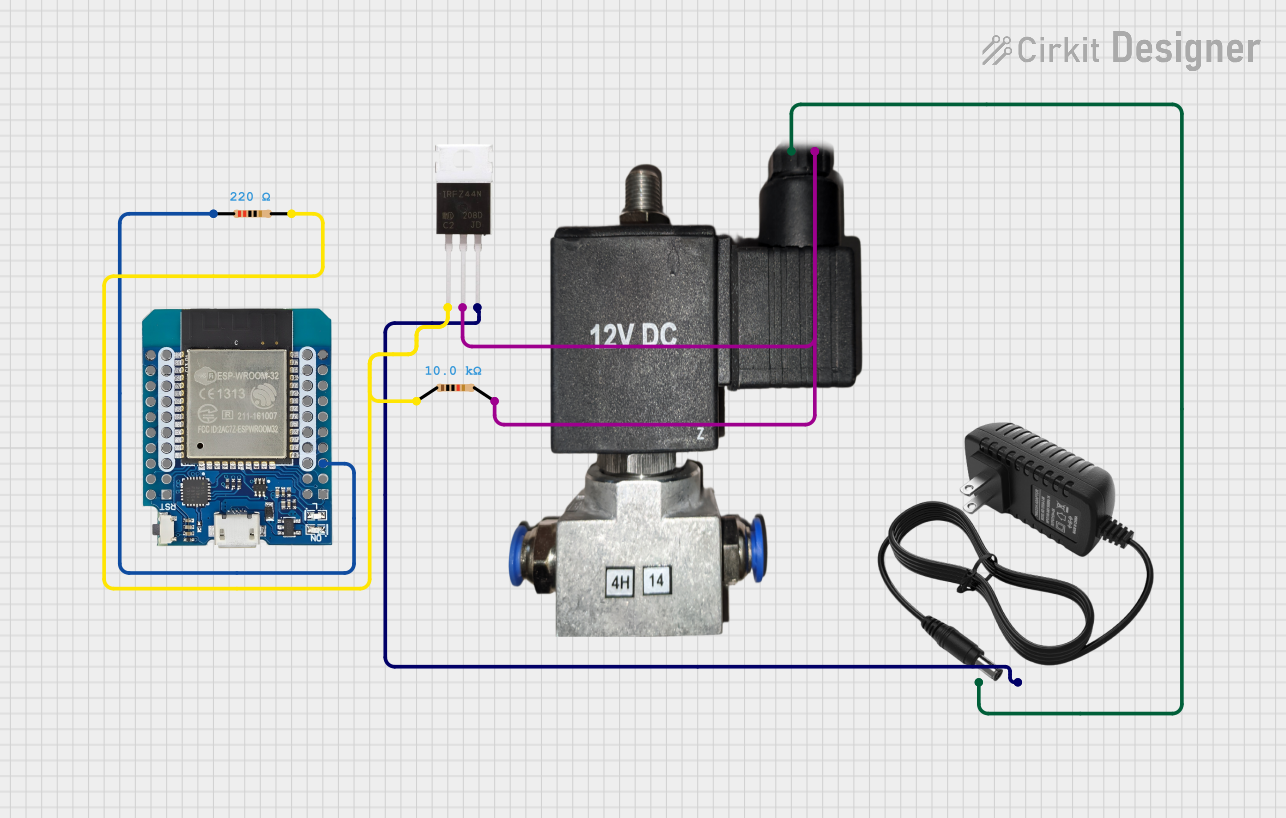 Open Project in Cirkit Designer
Explore Projects Built with 12V Mini Solenoid Electromagnetic Electric Control Push-Pull
Open Project in Cirkit DesignerOpen Project in Cirkit DesignerOpen Project in Cirkit DesignerOpen Project in Cirkit DesignerCommon Applications and Use Cases
- Door locking and unlocking mechanisms
- Automated vending machines
- Robotics and automation systems
- Actuation in small mechanical devices
- DIY electronics projects requiring linear motion
Technical Specifications
Below are the key technical details and pin configuration for the 12V Mini Solenoid:
Key Technical Details
| Parameter | Value |
|---|---|
| Operating Voltage | 12V DC |
| Current Consumption | ~0.5A (500mA) |
| Stroke Length | 10mm |
| Force | ~300g (at 12V) |
| Body Material | Metal |
| Coil Resistance | ~24Ω |
| Duty Cycle | Intermittent (not for continuous use) |
| Dimensions | ~20mm x 15mm x 30mm |
| Weight | ~50g |
Pin Configuration and Descriptions
The solenoid has two wires for connection:
| Wire Color | Description |
|---|---|
| Red | Positive terminal (+12V DC) |
| Black | Negative terminal (Ground) |
Note: Ensure correct polarity when connecting the solenoid to avoid damage.
Usage Instructions
How to Use the Component in a Circuit
- Power Supply: Connect the solenoid to a 12V DC power source. Use a power supply capable of providing at least 500mA of current.
- Control Circuit: To control the solenoid, use a transistor or relay module. This allows you to switch the solenoid on and off using a microcontroller or other control logic.
- Diode Protection: Always connect a flyback diode (e.g., 1N4007) across the solenoid terminals to protect the circuit from voltage spikes caused by the collapsing magnetic field when the solenoid is turned off.
- Microcontroller Integration: If using a microcontroller like an Arduino UNO, connect the solenoid control circuit to a digital output pin via a transistor or relay.
Important Considerations and Best Practices
- Duty Cycle: Operate the solenoid intermittently to prevent overheating. Continuous operation may damage the coil.
- Voltage Regulation: Ensure the power supply provides a stable 12V DC to avoid under- or over-voltage conditions.
- Mounting: Securely mount the solenoid to prevent movement during operation.
- Polarity: Double-check the polarity of the connections to avoid damage to the solenoid.
Example Arduino Code
Below is an example of how to control the solenoid using an Arduino UNO and a transistor:
// Define the pin connected to the transistor's base
const int solenoidPin = 9;

void setup() {
  pinMode(solenoidPin, OUTPUT); // Set the solenoid pin as an output
}

void loop() {
  digitalWrite(solenoidPin, HIGH); // Energize the solenoid
  delay(1000); // Keep the solenoid active for 1 second
  digitalWrite(solenoidPin, LOW);  // De-energize the solenoid
  delay(1000); // Wait for 1 second before repeating
}
Circuit Notes:
- Use an NPN transistor (e.g., 2N2222) to control the solenoid. Connect the emitter to ground, the collector to one terminal of the solenoid, and the base to the Arduino pin through a 1kΩ resistor.
- Connect the other terminal of the solenoid to +12V DC.
- Place a flyback diode (e.g., 1N4007) across the solenoid terminals, with the cathode connected to the positive terminal.
Troubleshooting and FAQs
Common Issues and Solutions
Solenoid Not Activating:
- Cause: Insufficient power supply or incorrect wiring.
- Solution: Verify the power supply provides 12V DC and at least 500mA. Check the wiring for proper connections and polarity.
Overheating:
- Cause: Continuous operation or excessive duty cycle.
- Solution: Operate the solenoid intermittently and allow it to cool between activations.
Voltage Spikes Damaging Circuit:
- Cause: Missing flyback diode.
- Solution: Install a flyback diode across the solenoid terminals to suppress voltage spikes.
Weak or No Linear Motion:
- Cause: Insufficient voltage or mechanical obstruction.
- Solution: Ensure the power supply provides a stable 12V DC. Check for any obstructions in the solenoid's path.
FAQs
Q: Can I use a 9V battery to power the solenoid?
A: No, a 9V battery cannot provide sufficient voltage or current to operate the solenoid effectively. Use a 12V DC power supply.
Q: Can the solenoid be used for continuous operation?
A: No, the solenoid is designed for intermittent use. Continuous operation may cause overheating and damage.
Q: How do I control the solenoid with a microcontroller?
A: Use a transistor or relay module to interface the solenoid with the microcontroller. Refer to the example Arduino code provided above.
Q: What is the purpose of the flyback diode?
A: The flyback diode protects the circuit from voltage spikes generated when the solenoid is turned off, preventing damage to other components.
By following this documentation, you can effectively integrate the 12V Mini Solenoid Electromagnetic Electric Control Push-Pull into your projects and ensure reliable operation.