
How to Use P10: Examples, Pinouts, and Specs

 Design with P10 in Cirkit Designer
Introduction
The P10 potentiometer is a versatile and widely used electronic component that functions as a variable resistor. It allows for the adjustment of voltage or current levels within a circuit, making it an essential tool for fine-tuning and calibration. Potentiometers like the P10 are commonly found in applications such as volume controls in audio equipment, tuning circuits in radios, and as adjustable voltage dividers in various electronic devices.
Explore Projects Built with P10
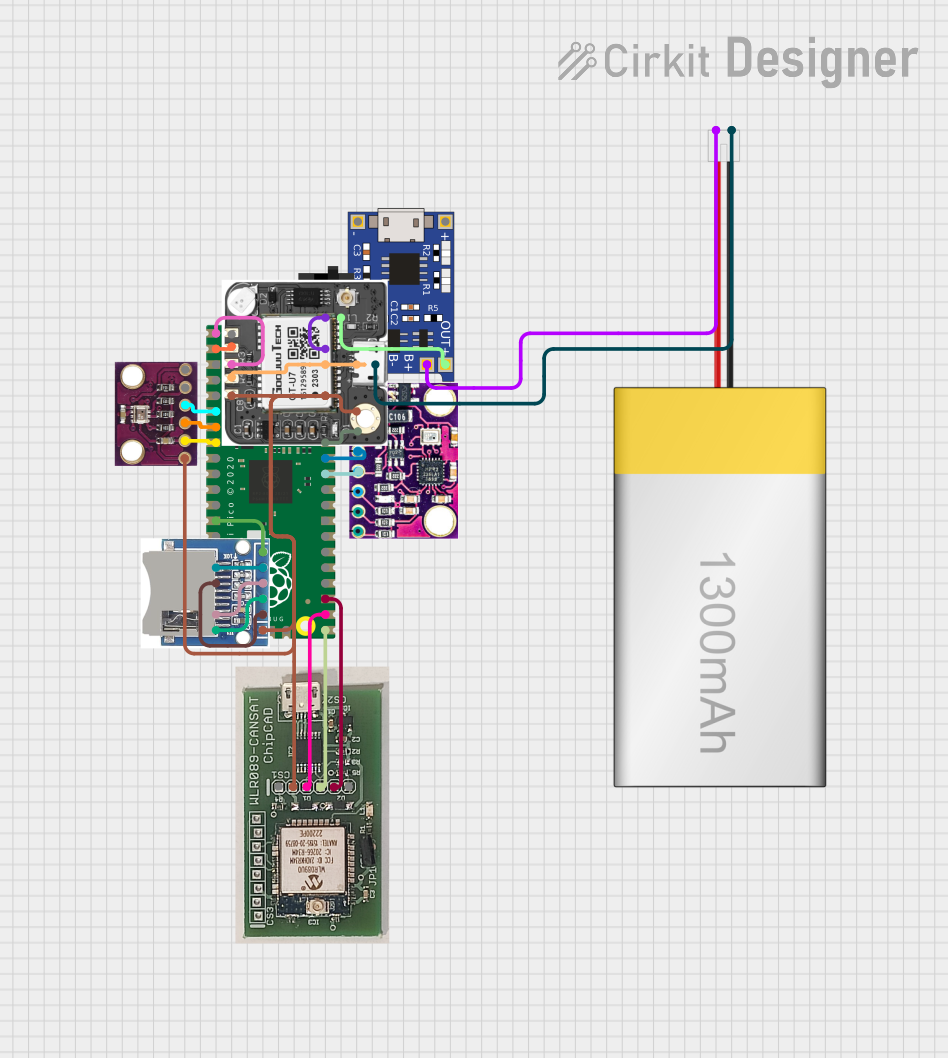 Open Project in Cirkit Designer
 Open Project in Cirkit Designer
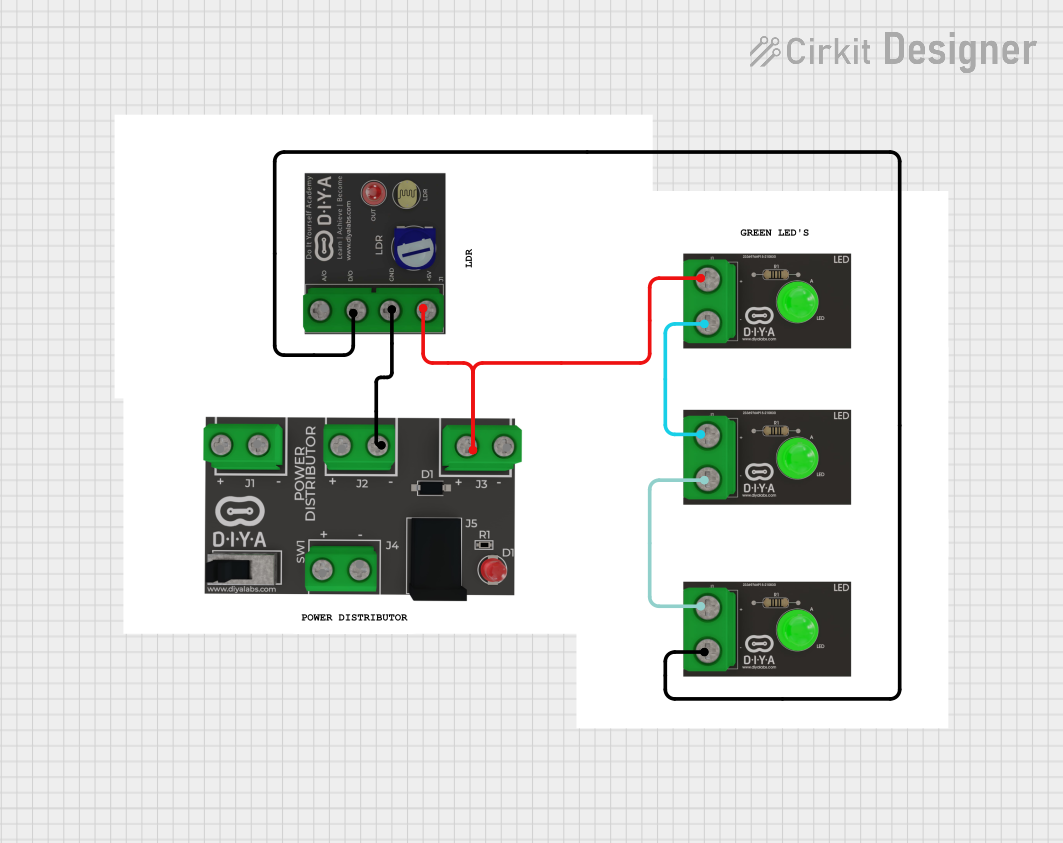 Open Project in Cirkit Designer
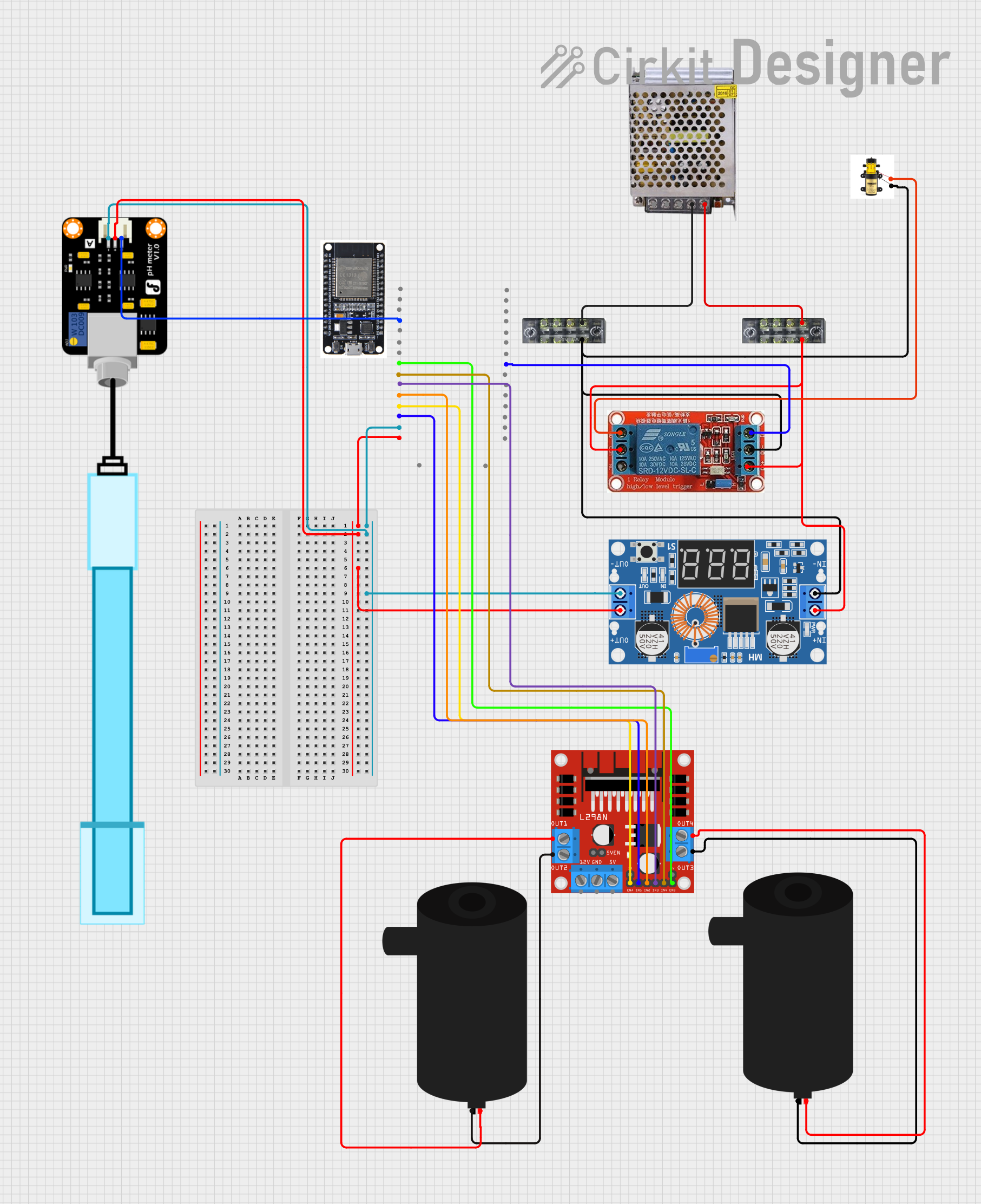 Open Project in Cirkit Designer
Explore Projects Built with P10
Open Project in Cirkit DesignerOpen Project in Cirkit DesignerOpen Project in Cirkit DesignerOpen Project in Cirkit DesignerTechnical Specifications
The following table outlines the key technical specifications for the P10 potentiometer:
| Parameter | Value |
|---|---|
| Manufacturer | P10 |
| Part ID | P10 |
| Resistance Range | 1kΩ to 1MΩ |
| Tolerance | ±10% |
| Power Rating | 0.25W (1/4 Watt) |
| Maximum Voltage | 250V DC |
| Operating Temperature Range | -40°C to +85°C |
| Rotational Life | 10,000 cycles |
Pin Configuration and Descriptions
The P10 potentiometer typically has three pins, as described in the table below:
| Pin Number | Description |
|---|---|
| 1 | Terminal 1 (End of resistive track) |
| 2 | Wiper (Adjustable contact) |
| 3 | Terminal 2 (End of resistive track) |
Usage Instructions
How to Use the P10 Potentiometer in a Circuit
Identify the Pins: Locate the three pins on the potentiometer. Pin 1 and Pin 3 are connected to the ends of the resistive track, while Pin 2 is the wiper that moves along the track.
Connect the Potentiometer:
- Voltage Divider: Connect Pin 1 to the input voltage, Pin 3 to ground, and Pin 2 to the output. This configuration allows you to adjust the output voltage by rotating the potentiometer.
- Variable Resistor: Connect Pin 1 to one end of the circuit and Pin 2 to the other end. Pin 3 can be left unconnected or connected to Pin 1.
Adjust the Potentiometer: Rotate the knob or shaft of the potentiometer to change the resistance and adjust the voltage or current in the circuit.
Important Considerations and Best Practices
- Power Rating: Ensure that the power dissipation across the potentiometer does not exceed its rated power (0.25W) to avoid damage.
- Tolerance: Be aware of the ±10% tolerance, which means the actual resistance value can vary by this percentage.
- Rotational Life: The P10 potentiometer is rated for 10,000 cycles. Excessive use beyond this may lead to wear and reduced performance.
- Temperature Range: Operate the potentiometer within the specified temperature range (-40°C to +85°C) to ensure reliable performance.
Troubleshooting and FAQs
Common Issues and Solutions
Inconsistent Resistance Readings:
- Solution: Ensure that the potentiometer is not damaged and that the connections are secure. Check for any debris or oxidation on the contacts.
Potentiometer Not Adjusting Voltage/Current:
- Solution: Verify the wiring and ensure that the potentiometer is connected correctly in the circuit. Check if the wiper (Pin 2) is making proper contact with the resistive track.
Overheating:
- Solution: Ensure that the power dissipation does not exceed the rated 0.25W. If necessary, use a potentiometer with a higher power rating.
FAQs
Q1: Can I use the P10 potentiometer with an Arduino UNO?
- A1: Yes, the P10 potentiometer can be used with an Arduino UNO for various applications, such as adjusting input values or controlling the brightness of an LED.
Q2: How do I connect the P10 potentiometer to an Arduino UNO?
- A2: Connect Pin 1 to the 5V pin on the Arduino, Pin 3 to the GND pin, and Pin 2 to an analog input pin (e.g., A0). Here is an example code snippet:
// Example code to read the value of a P10 potentiometer connected to an Arduino UNO

const int potPin = A0; // Pin connected to the wiper (Pin 2) of the potentiometer
int potValue = 0;      // Variable to store the potentiometer value

void setup() {
  Serial.begin(9600); // Initialize serial communication at 9600 baud
}

void loop() {
  potValue = analogRead(potPin); // Read the analog value from the potentiometer
  Serial.print("Potentiometer Value: ");
  Serial.println(potValue); // Print the potentiometer value to the Serial Monitor
  delay(500); // Wait for 500 milliseconds before the next reading
}
Q3: What should I do if the potentiometer's resistance range does not meet my requirements?
- A3: Consider using a potentiometer with a different resistance range that better suits your application. Potentiometers are available in various resistance values.
By following this documentation, users can effectively utilize the P10 potentiometer in their electronic projects, ensuring optimal performance and reliability.